

Replacement Chromecast Remote for Google TV 4K
Reviews
Price
Product description
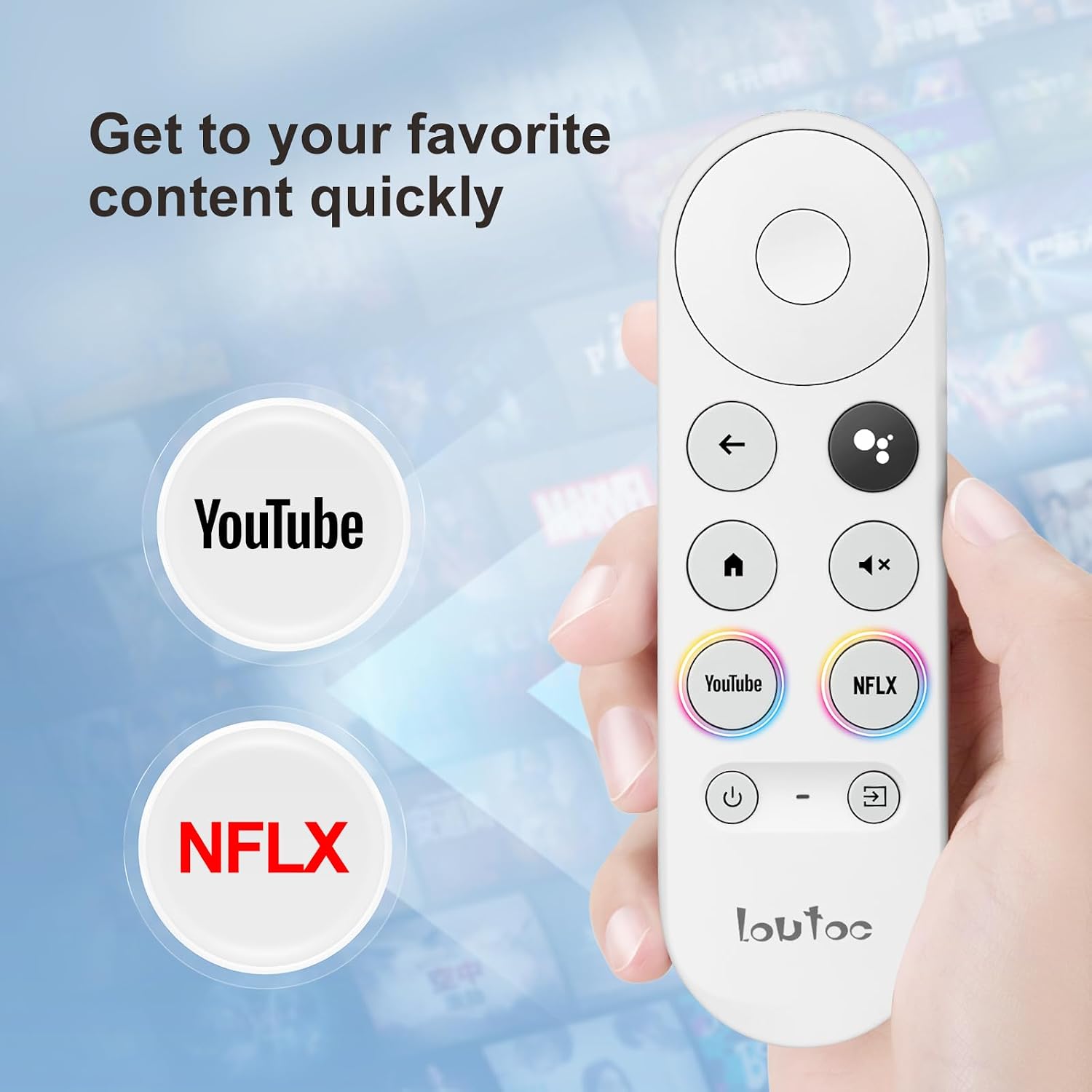
This Loutoc replacement remote for Chromecast with Google TV brings voice search and straightforward navigation to your streaming setup, matching both 4K and HD Chromecast streaming sticks. It simplifies finding shows and controlling playback while fitting the same basic layout as the original remote.
Key Points
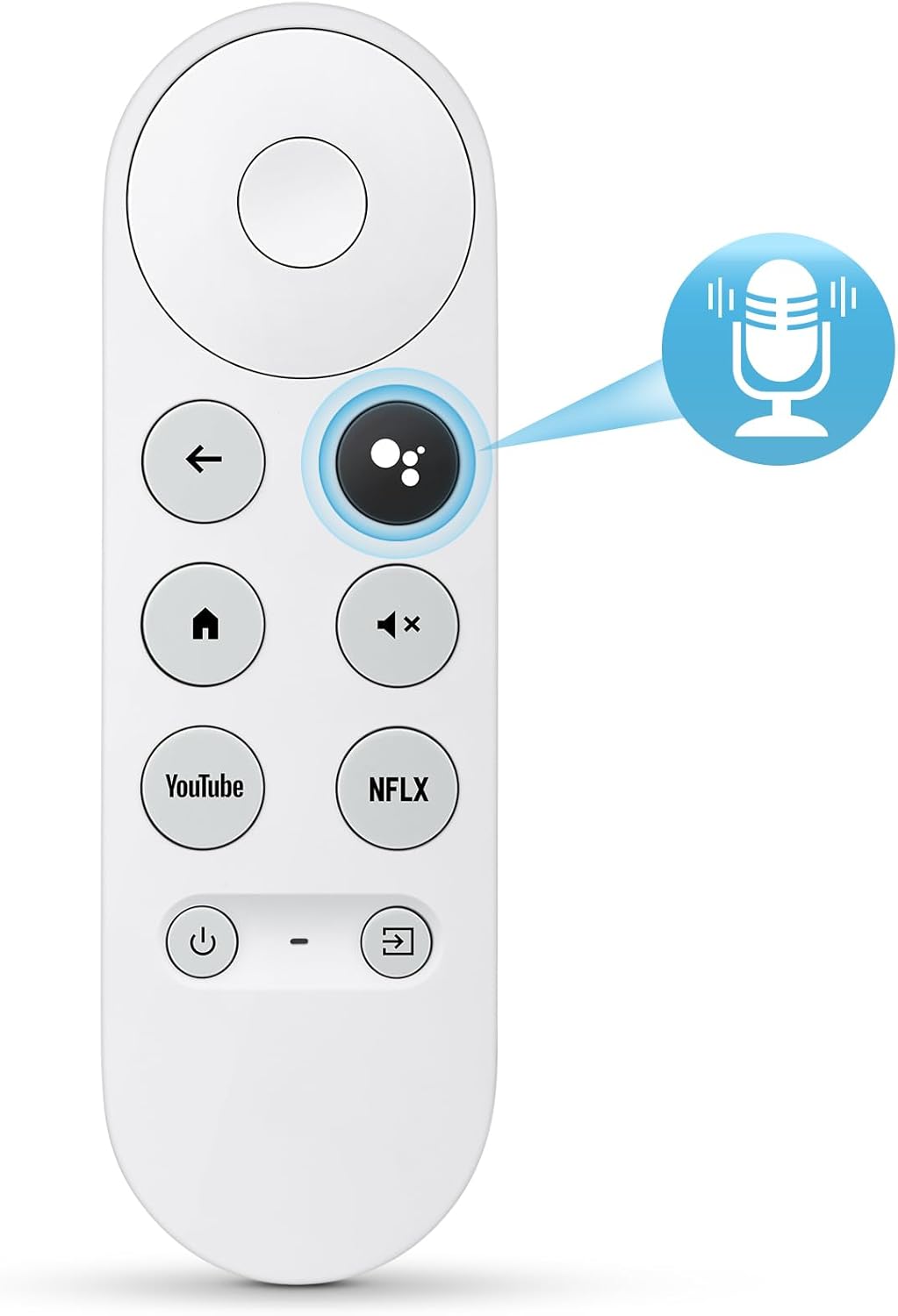
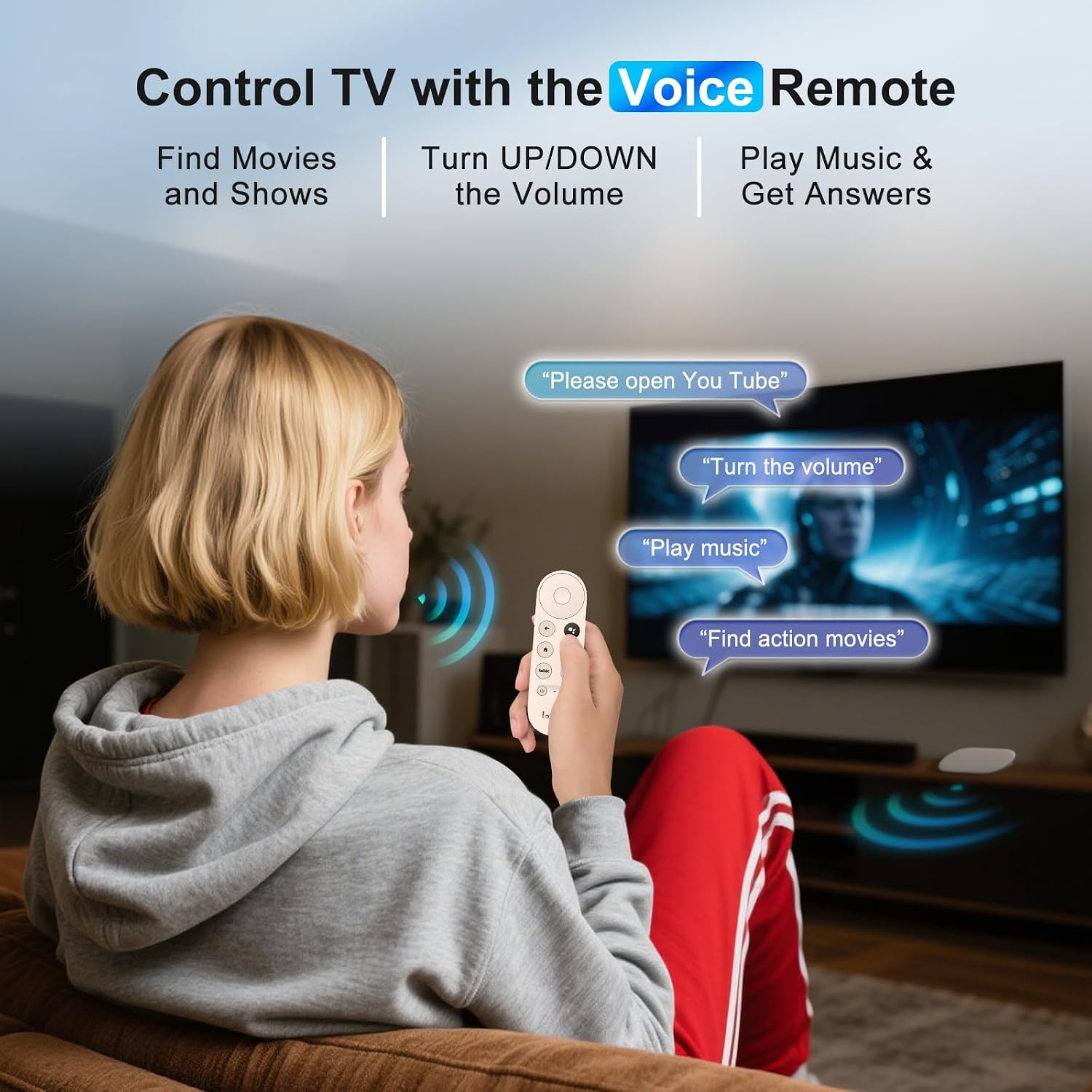
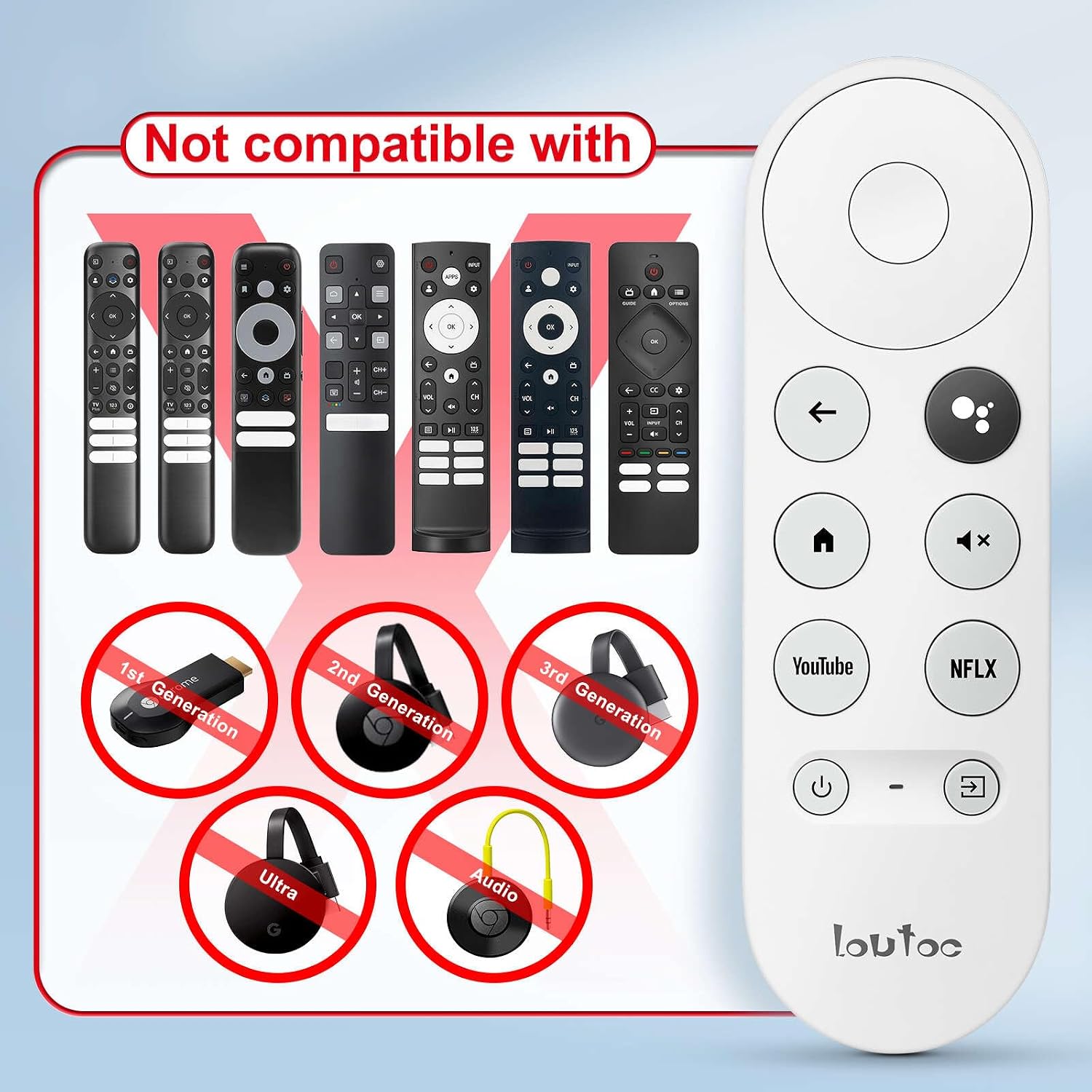
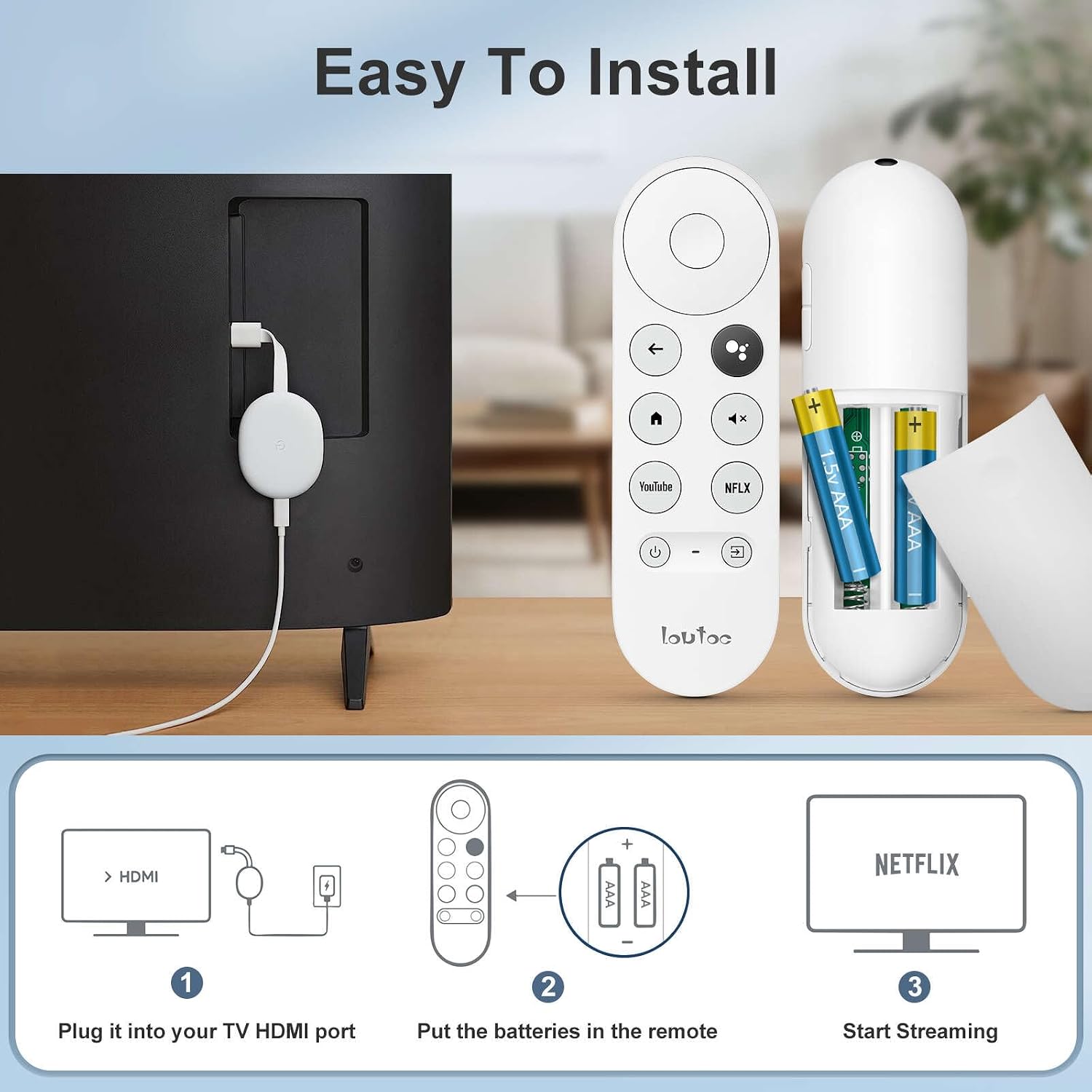
The remote supports voice commands through a dedicated voice button so you can search content, adjust volume, switch inputs, and get on-screen answers using spoken prompts. Pairing is quick and described in two clear steps, and the control takes common batteries for simple maintenance. According to the manufacturer, this model is compatible with Chromecast with Google TV devices in both HD and 4K versions. Consider that batteries and the Chromecast device itself are not included.
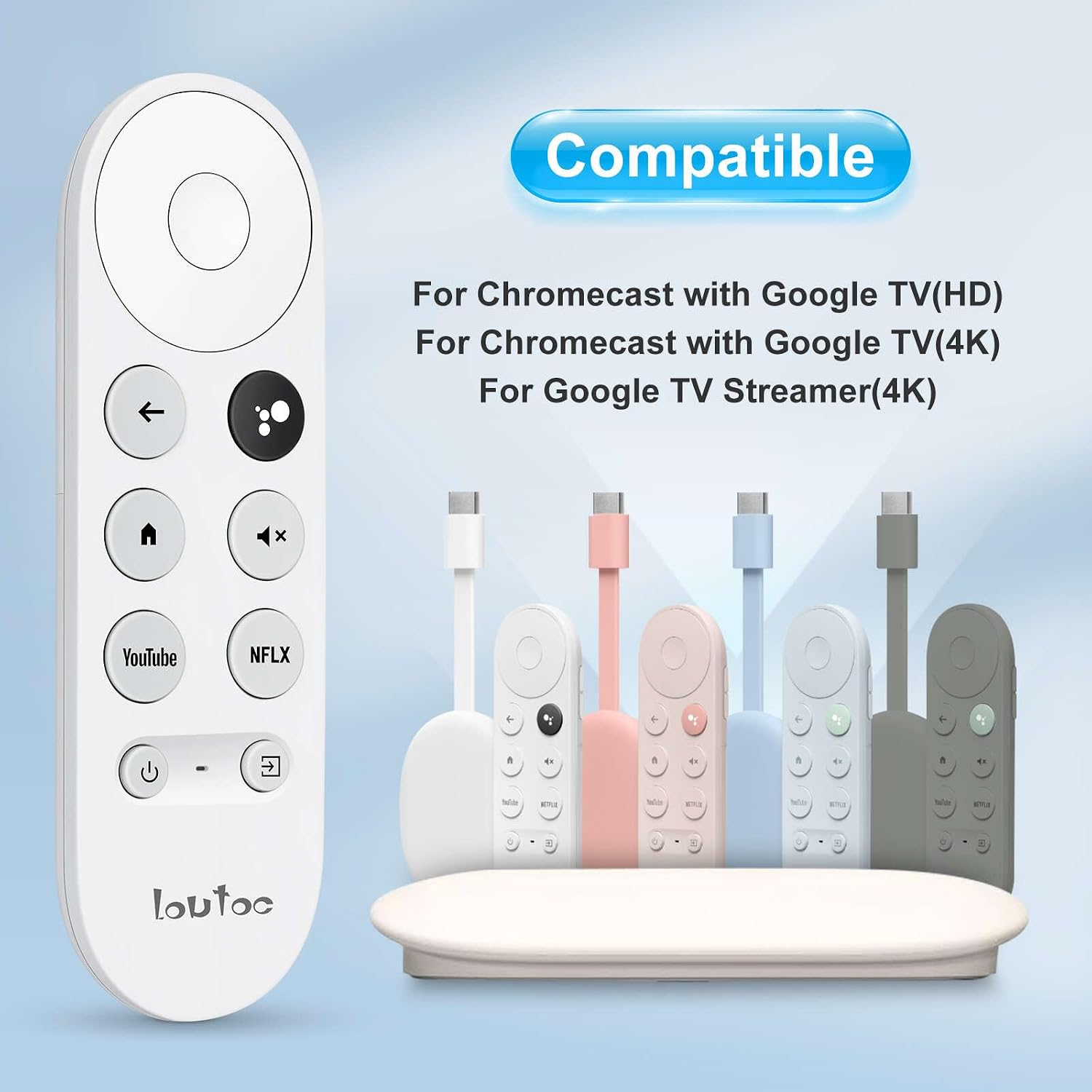
This replacement includes basic navigation buttons for menus, playback controls, and home and back functions. Response from customer service is available, with a 30-day return and refund window and replies within about 12 hours if you need assistance. 🔄📺
Technical Specifications
- Name: Loutoc G9N9N Replacement Remote
- Compatibility: Chromecast with Google TV HD and 4K Streaming Stick
- Voice control: Voice search via dedicated button
- Power: 2 x AAA batteries required (not included)
- Warranty/Support: 30 days return and refund, customer support response within 12 hours
Usage Recommendations
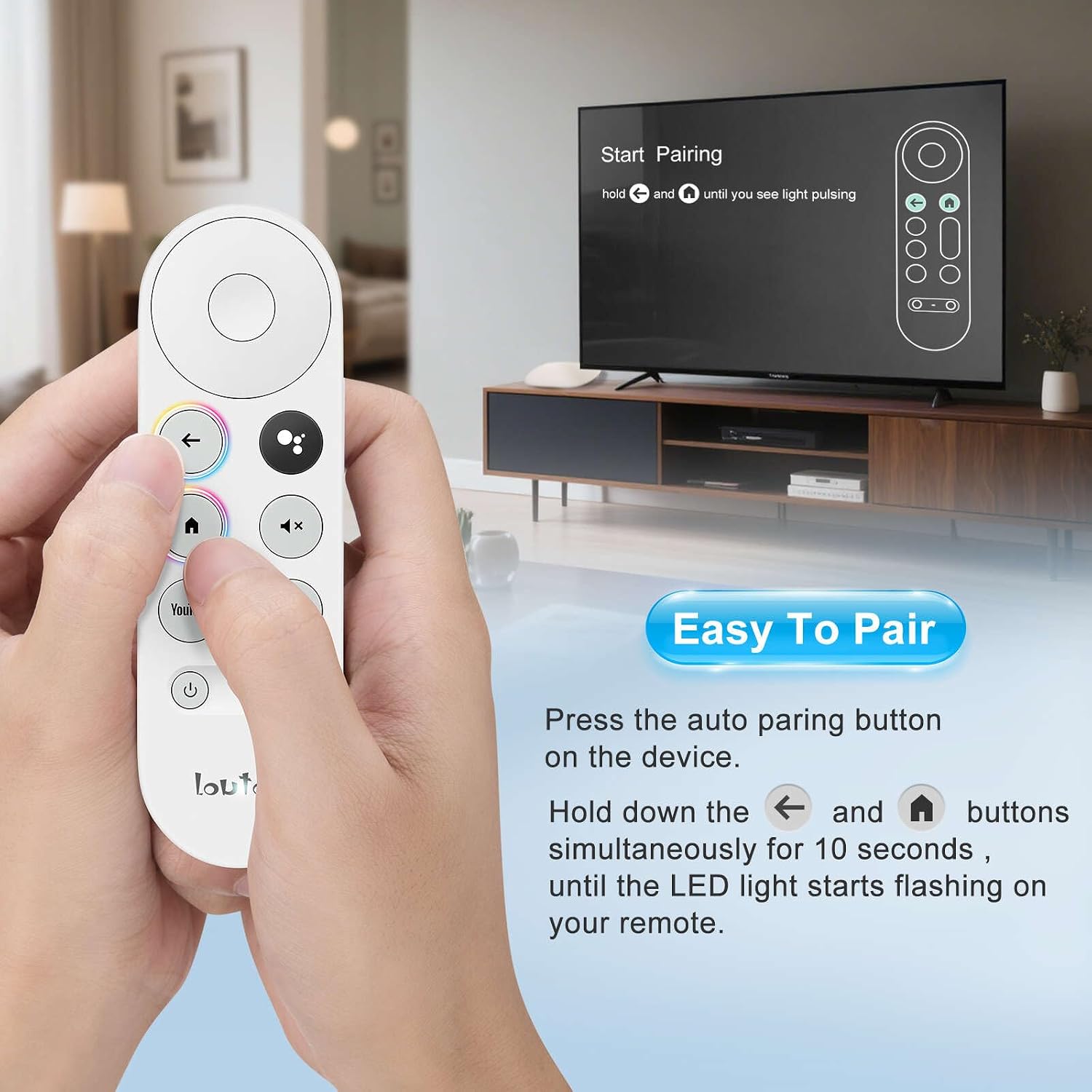
To pair the remote, first press the device pairing button on your Chromecast. Next, press and hold the Back and Home buttons on the replacement remote at the same time for about 10 seconds until the remote LED starts blinking. This two-step pairing keeps setup straightforward and repeatable if you need to reconnect later. For voice features, press the voice button and speak clearly near the remote; network performance and Chromecast software updates can affect recognition accuracy, so consider that results may vary.
When replacing an original remote, keep spare AAA batteries on hand to avoid interruptions. If a specific function does not behave exactly like the OEM remote, try re-pairing or checking for firmware updates on the Chromecast device. The remote is focused on core navigation and voice tasks, and it may lack more advanced OEM features that rely on proprietary integrations.