

TP-Link EAP225-Outdoor Long Range AP 200m 📡
Reviews
Price
Product description
This outdoor access point boosts coverage for patios, yards, and small outdoor venues with reliable long range performance. If you need extended outdoor WiFi, the long range outdoor access point design helps keep connections stable and reaches farther distances, improving guest access and device roaming. 🌤️
Key features

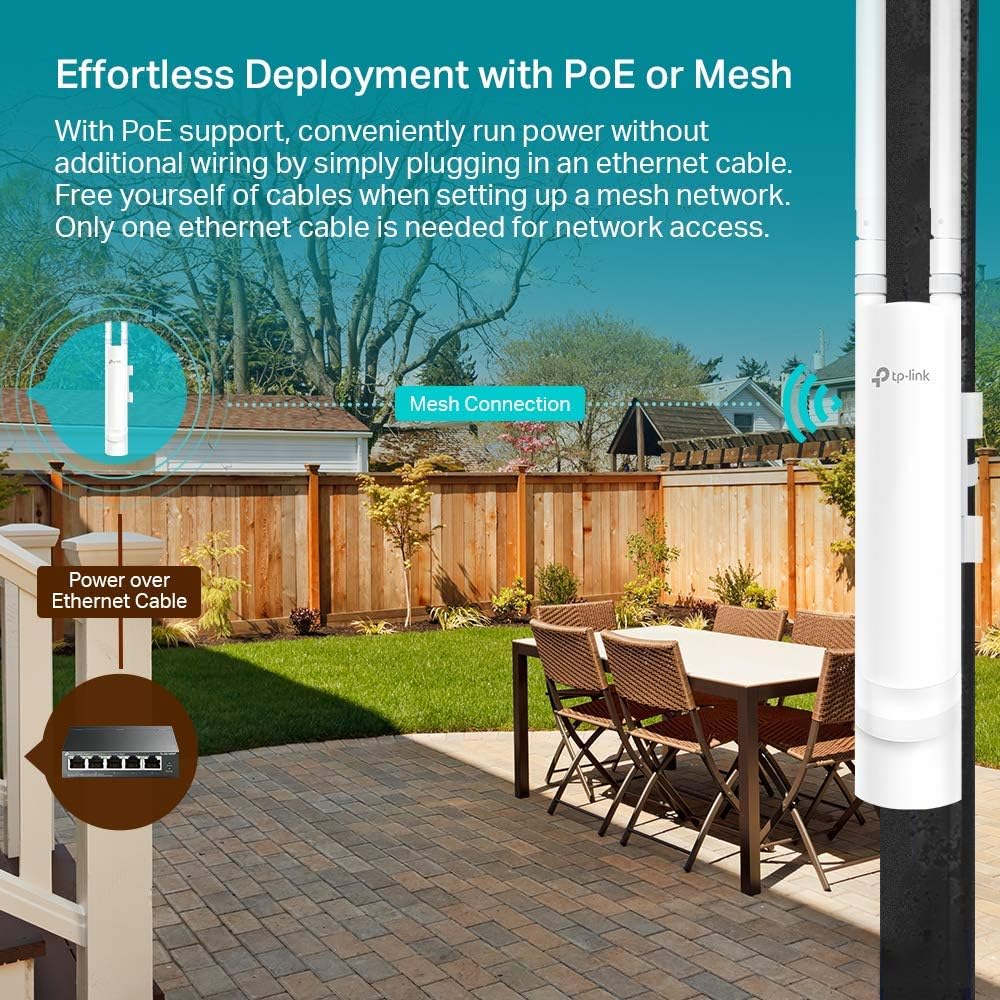
The unit targets outdoor scenarios with a focus on reach and weather resistance. It supports dual-band AC1200 throughput and uses high-gain antennas to extend coverage over outdoor areas, useful for events or multi-building campuses. The captive portal and remote management option simplify guest authentication and network control, while included PoE support streamlines installation. 🔧

Tech summary
- Name: TP-Link EAP225-Outdoor
- Connectivity: Dual-band AC1200, 2x2 MU-MIMO
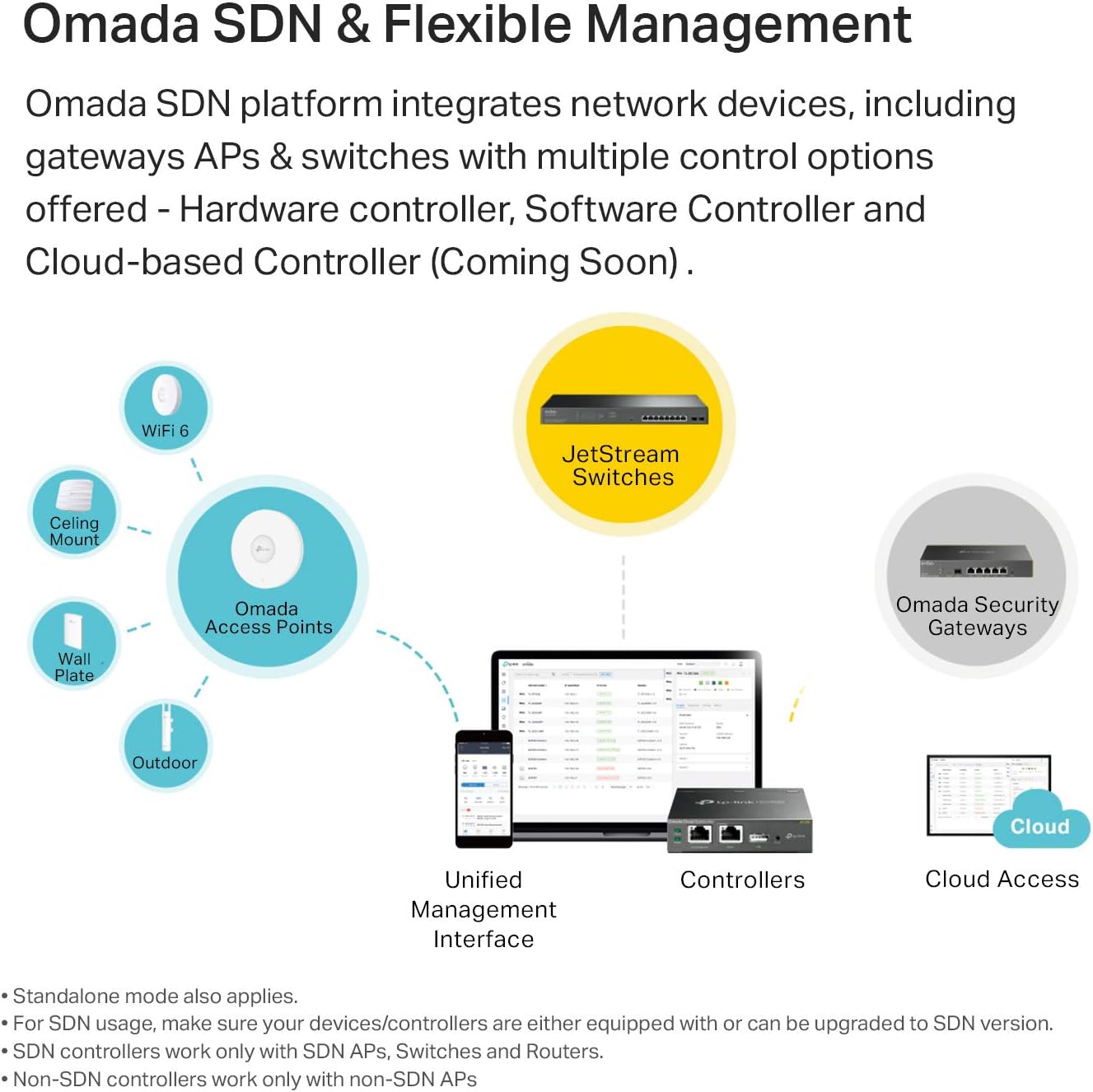
- Compatibility: Omada Controller remote managed, Windows and Linux support
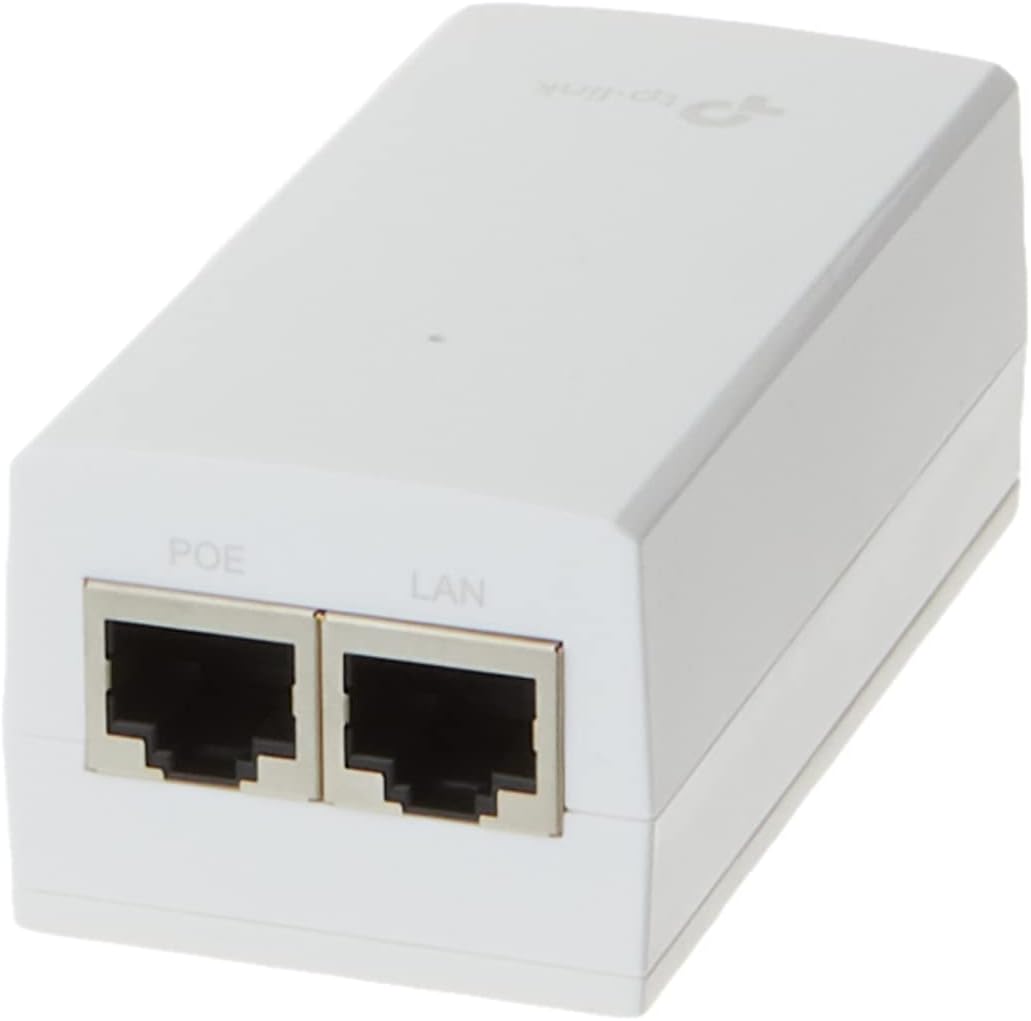
- Power: 802.3af/Passive PoE supported, PoE adapter included
- What’s included: Outdoor AP unit, PoE adapter, mounting hardware
What stands out
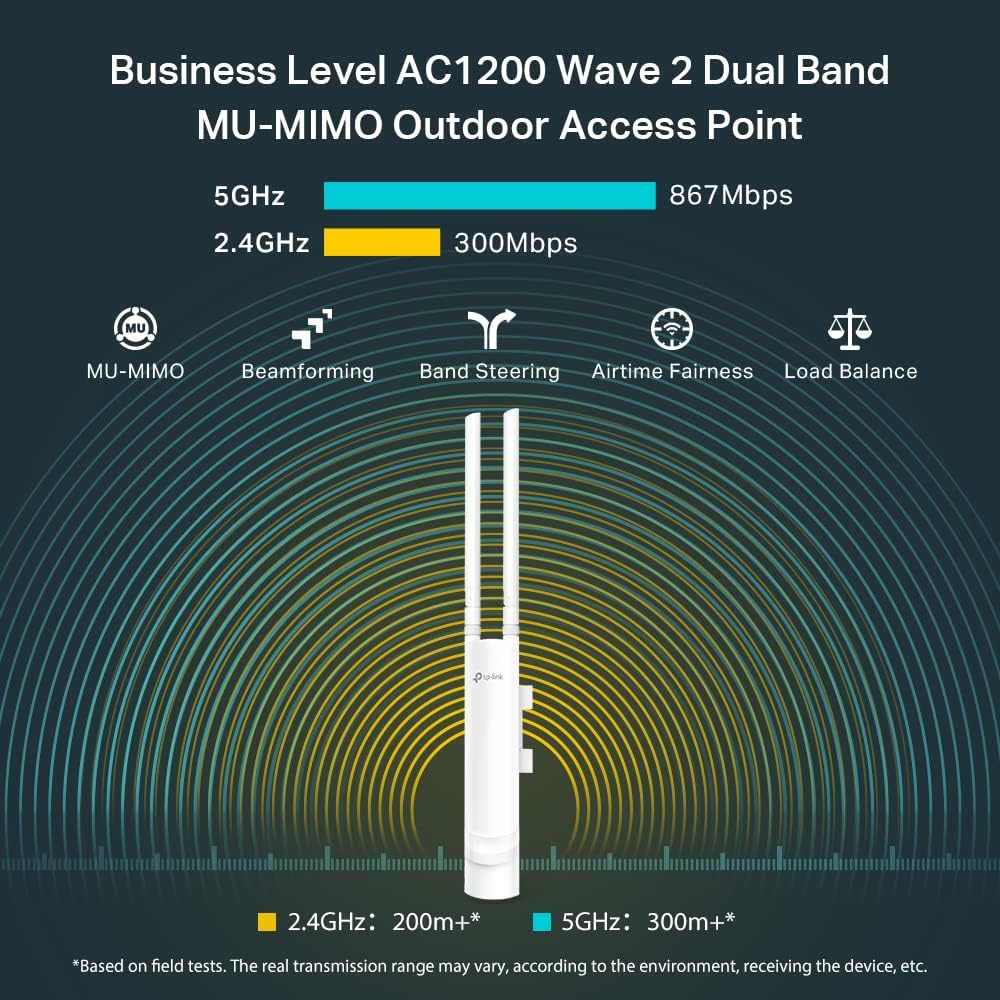
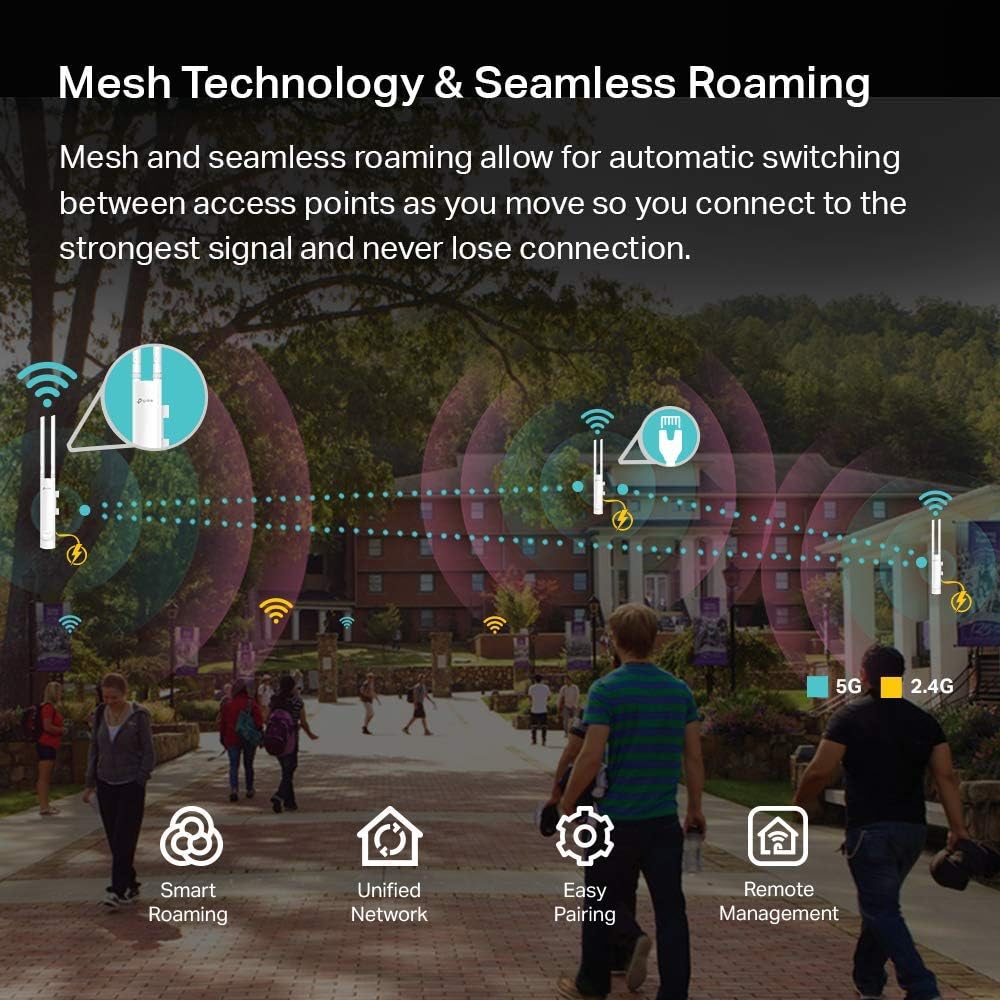
One clear strength is the outdoor range, with manufacturer notes of 200 m plus at 2.4 GHz and 300 m plus at 5 GHz under suitable conditions. That range comes from a high transmit power and directional antenna design, which favors wide area coverage. AC1200 performance and IP65 weatherproofing make it a fit for exposed installations, while the captive portal helps manage visitor access. 📶
Best use cases
If you prioritize maximum outdoor coverage for guest WiFi or surveillance camera backhaul, this AP can reduce dead zones and keep multiple devices online across larger grounds. If you prefer ultra high throughput for dense client loads, consider that AC1200 is a midrange throughput level and may not match indoor enterprise-class radios. 🔁
Getting the most from it
Install the AP at a high point and aim the antennas toward the coverage area for best results. Use Omada Controller for centralized management when you have several units, and enable the captive portal to handle guest logins without extra hardware. Keep firmware updated according to TP-Link guidance for stability and security.