

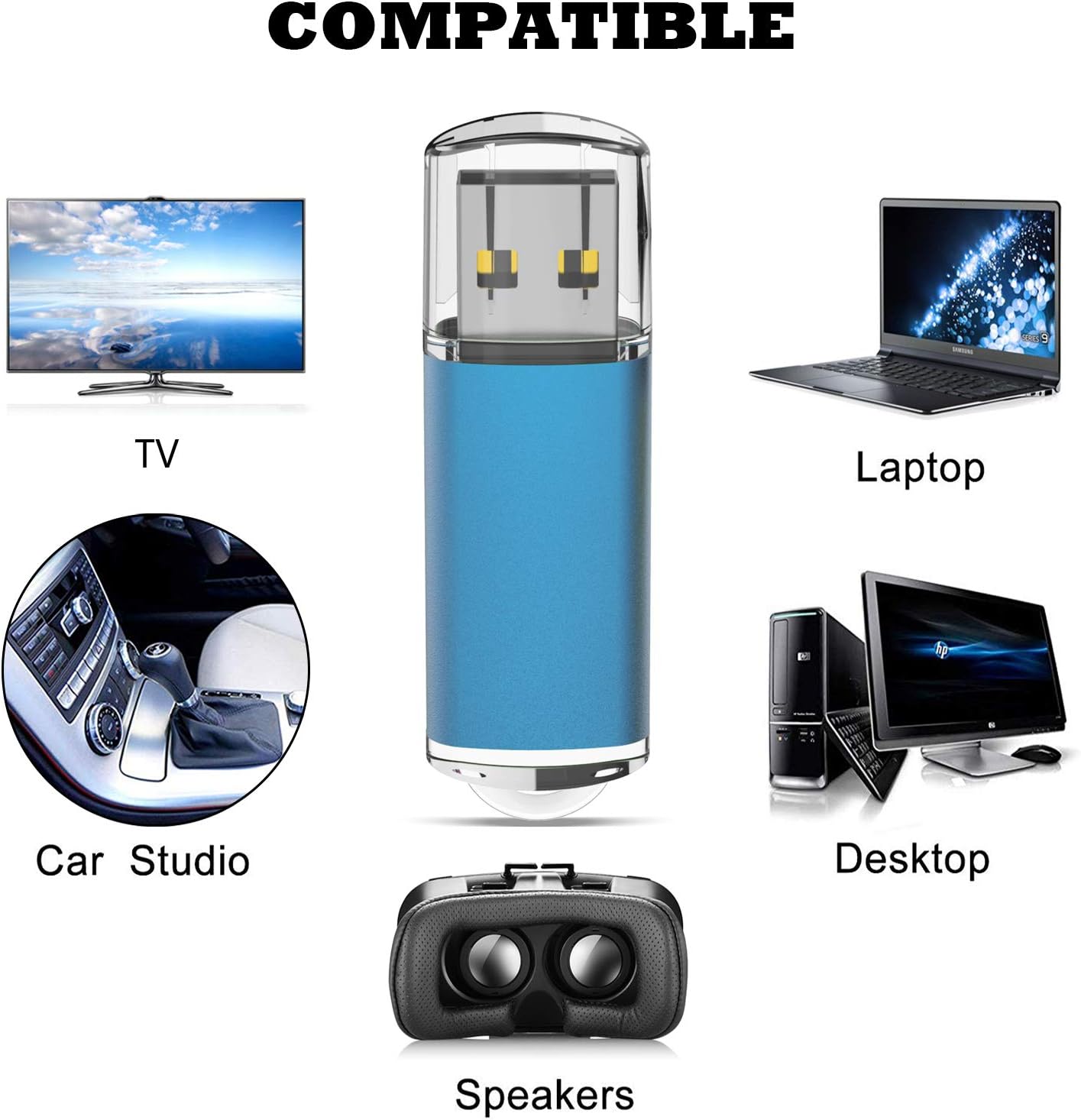
TOPESEL 5 Pack 2GB USB 2.0 Flash Drives
Product description
What it is and who it’s for
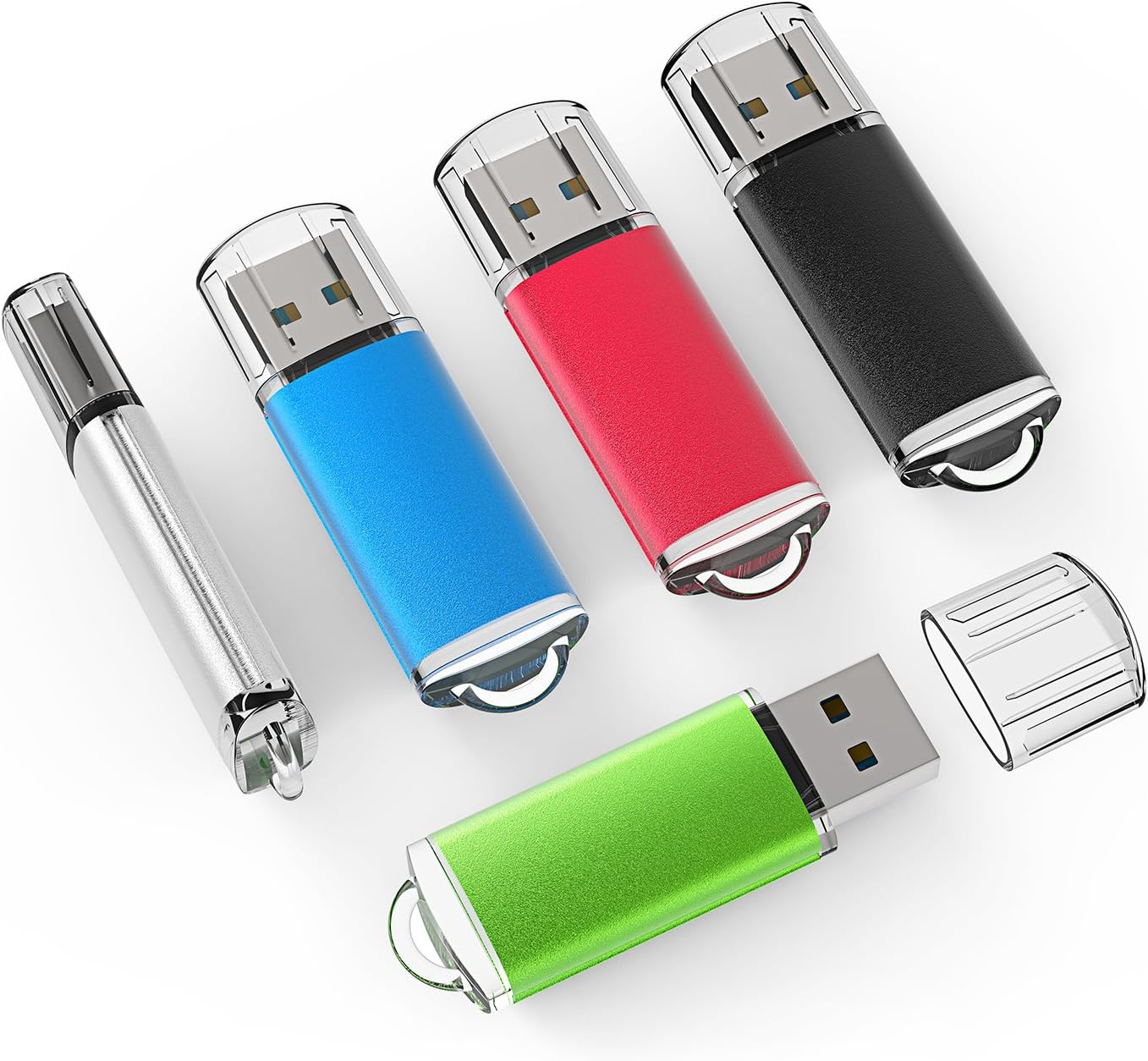
The TOPESEL 5 Pack gives you five 2GB USB 2.0 flash drives in mixed colors. This set is aimed at users who want affordable, lightweight thumb drives for quick file transfers, backups, or as a batch of portable storage for laptops, desktops, tablets, and other devices that accept USB drives. If you frequently move small files or share documents across devices, a compact, plug-and-play solution like this can be a convenient addition to your tech kit.
Key features
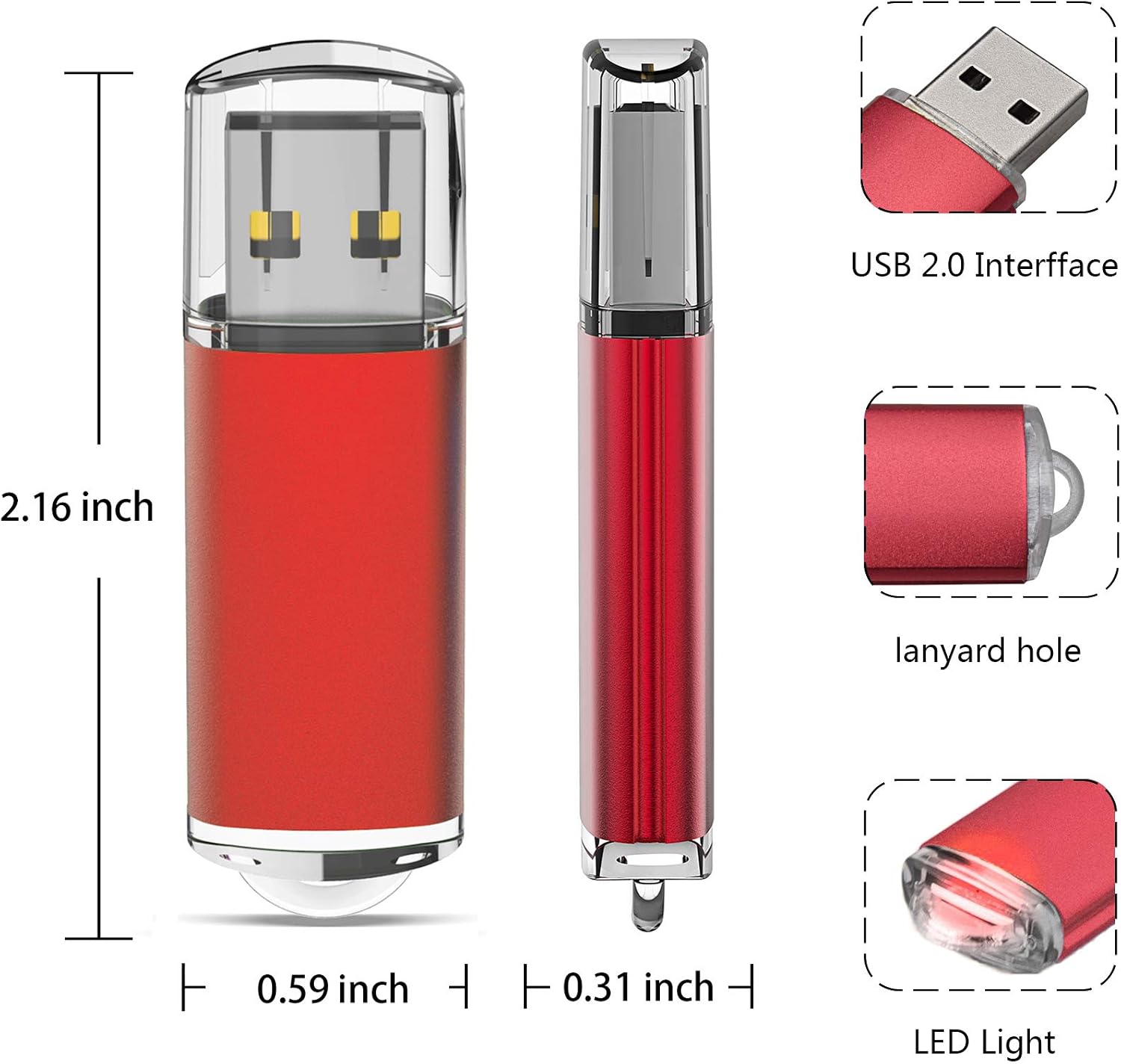
On paper, these drives are designed for simple, no-fuss use: plug in and start transferring files without installing drivers. They advertise readable speeds up to 20 MB/s and write speeds up to 3 MB/s, though real-world performance can vary with capacity, hardware, and software. A visible LED indicator helps you confirm power and activity during a copy. The default format is FAT32, which keeps compatibility broad across devices, but some phones or apps may require reformatting for specific file types.
Tech specs
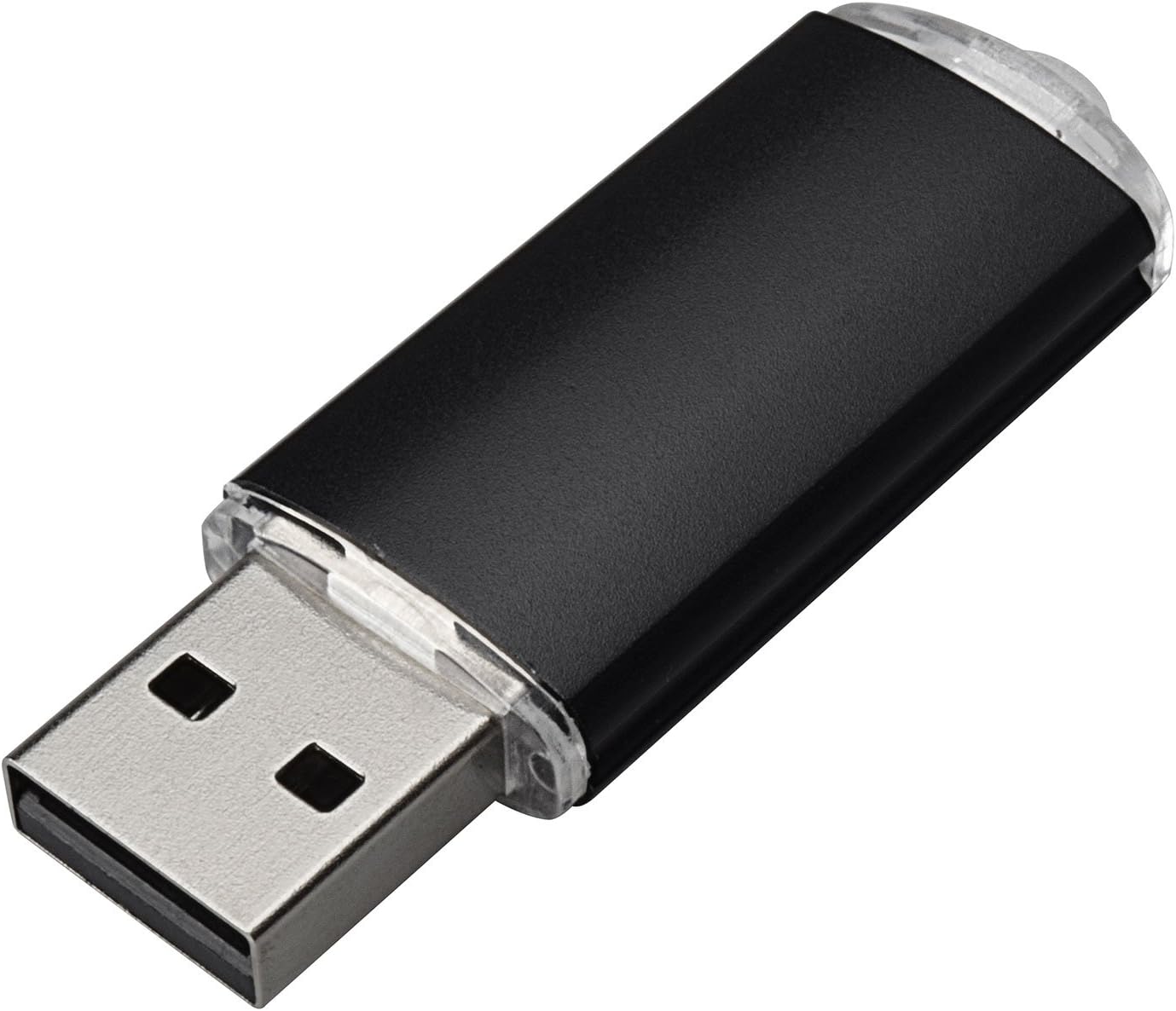
- Name: TOPESEL 5 Pack 2GB USB 2.0 Flash Drive Memory Stick
- Capacity: 2GB per drive (usable space often ~1.87GB, standard industry note)
- Format: FAT32 by default
- Interface: USB 2.0
- Transfer speeds: Read up to 20 MB/s, Write up to 3 MB/s (actual speeds vary)
- Indicator: LED lights up when powered/actively transferring
- Compatibility note: Plug-and-play, no extra driver needed
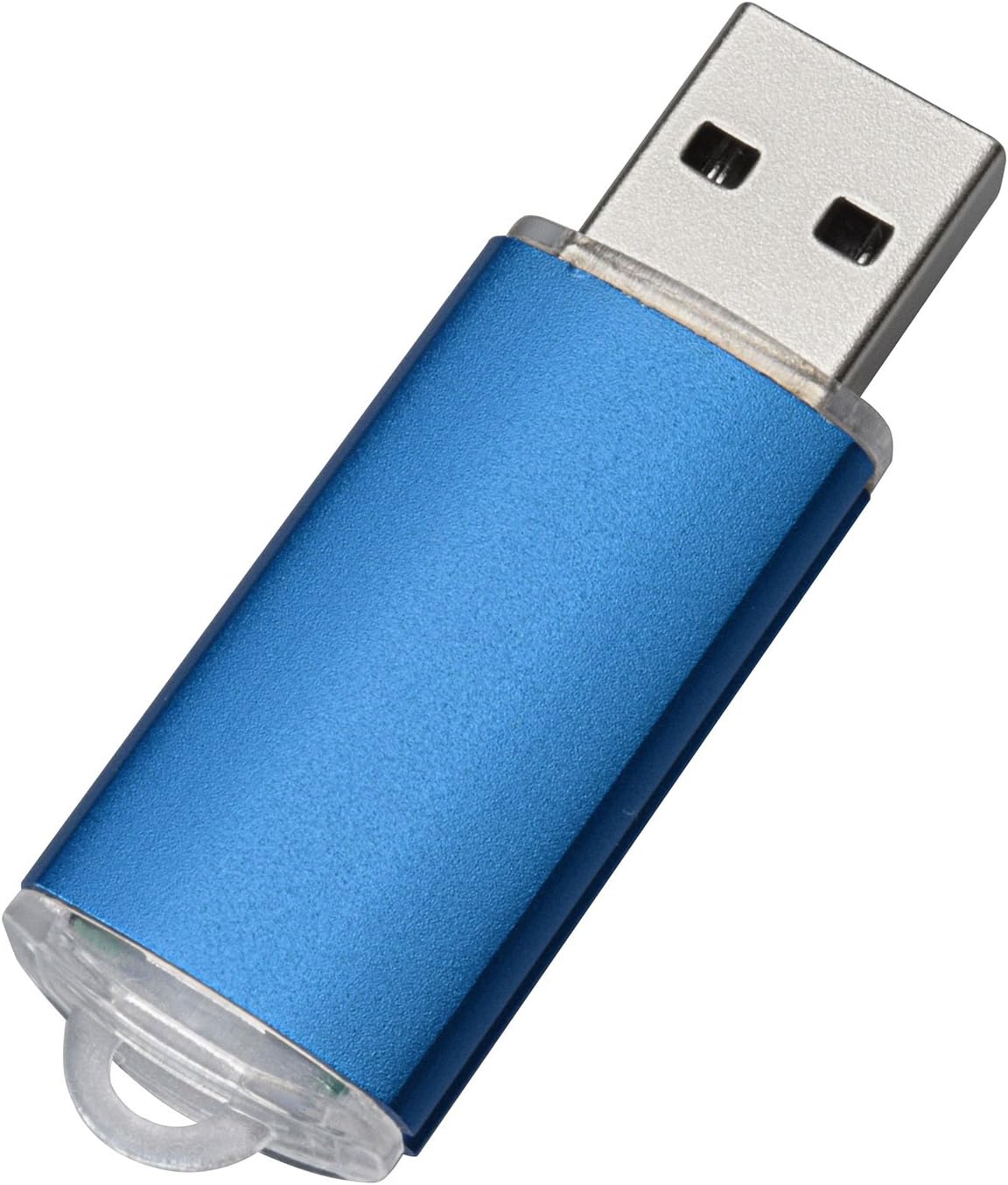
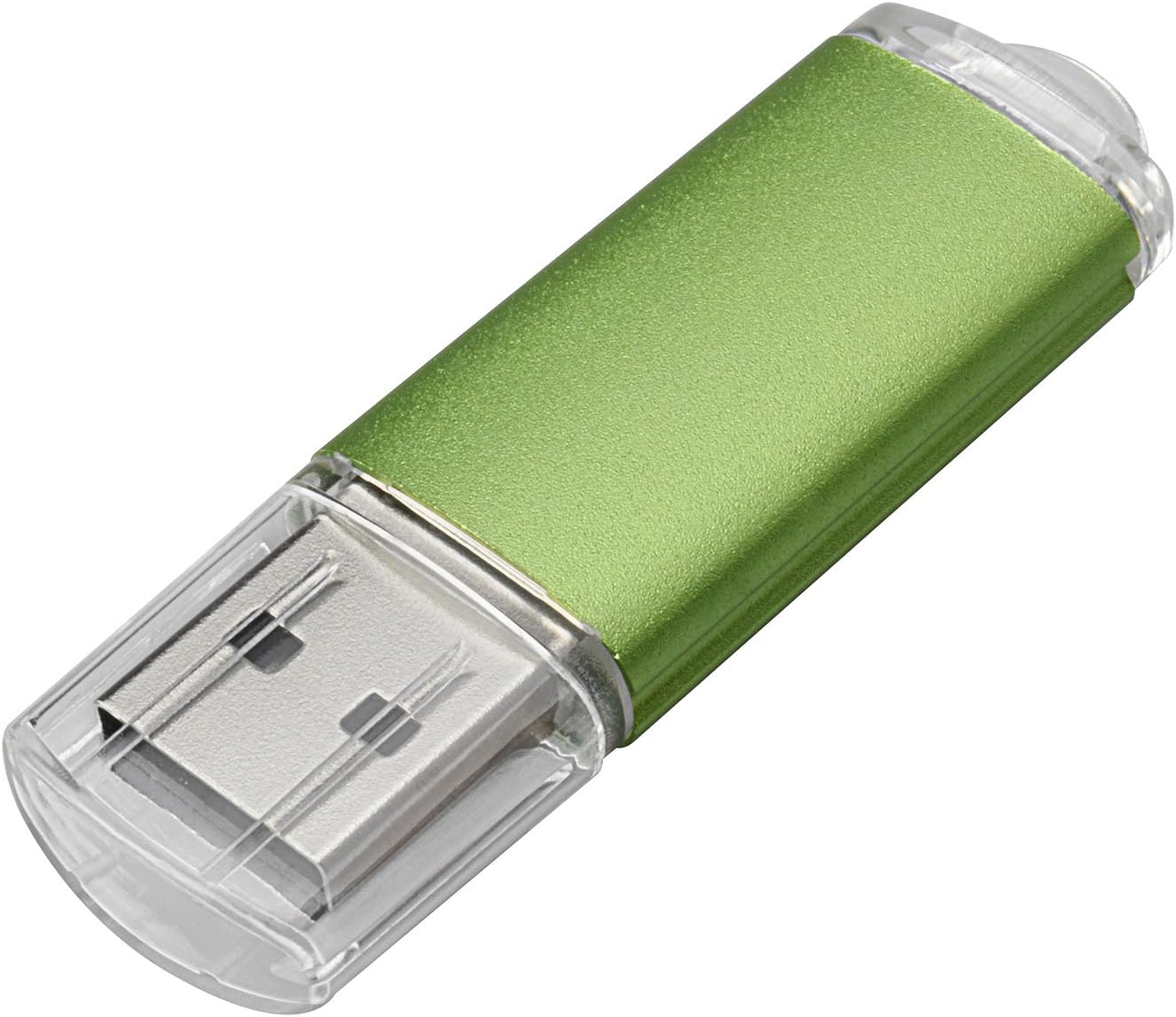
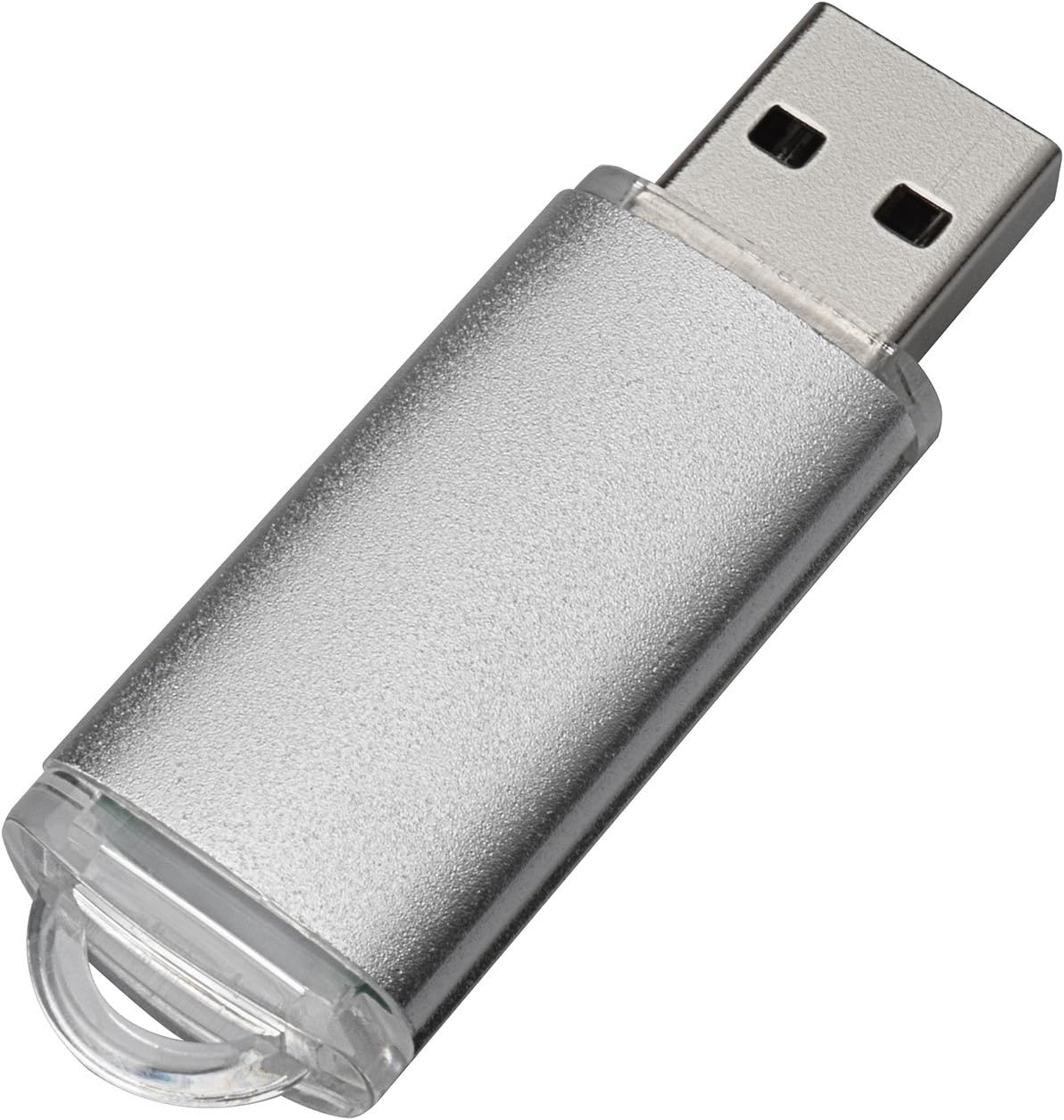
- Color: 5 mixed colors: Black, Blue, Green, Red, Silver
Pros and cons
- Pros: Simple, plug-and-play use, inexpensive way to carry multiple small files, LED indicator helps verify connection, mixed colors help with quick identification.
- Cons: 2GB per drive is modest by today’s standards, and USB 2.0 is slower than USB 3.0/3.1 transfers, actual usable space may be slightly less than listed, formatting considerations may apply for certain devices or file types.
What to know before you buy
If your needs are small-file transfers, basic backups, or distributing a few documents across several devices, this set can be practical. However, if you require larger capacity, faster transfers, or frequent media streaming from the drive, these 2GB USB 2.0 sticks may feel limiting. Also, be mindful that some devices may require reformatting to support particular file systems.
Who it’s for
This pack fits students, casual users, or professionals who want a low-cost, multi-pack option for light, portable storage. It’s especially useful when you want a handful of drives on hand for sharing or for quick, low-stakes transfers.
When it makes sense to buy
Consider this set if you need several drives for short-term data sharing, quick backups of small files, or as temporary storage to carry between devices. It’s a practical choice for entry-level needs or when you want to avoid swapping in and out a single high-capacity drive.
What to check before buying
- Confirm device compatibility with FAT32 and USB 2.0 interface.
- Be aware of the modest 2GB capacity per stick and how that fits your typical file sizes.
- Consider whether you’ll need to reformat for specific apps or devices.
- Check the color mix if you rely on color-coding for organization.
How it compares in practice
If you’re choosing between this mix and a higher-capacity or USB 3.x option, this set trades capacity and speed for cost and convenience. For a user who mainly needs lightweight, occasional transfers across several devices, this can be a sensible choice. If you regularly move large media files or work with large datasets, you’ll likely prefer a newer standard and larger capacity.
Final verdict
Final verdict: Worth considering if you want multiple, inexpensive USB 2.0 drives for light, everyday use and quick sharing. It may not be the best option if you need substantial storage or faster performance for frequent transfers.
Frequently asked questions
- How much usable space do the 2GB drives offer? Typically around 1.87GB per drive due to formatting and system reserves.
- Do I need to install drivers? No, it’s plug-and-play.
- Can I reformat the drives? Yes, FAT32 is the default, but you can format them to other file systems if needed for compatibility.