

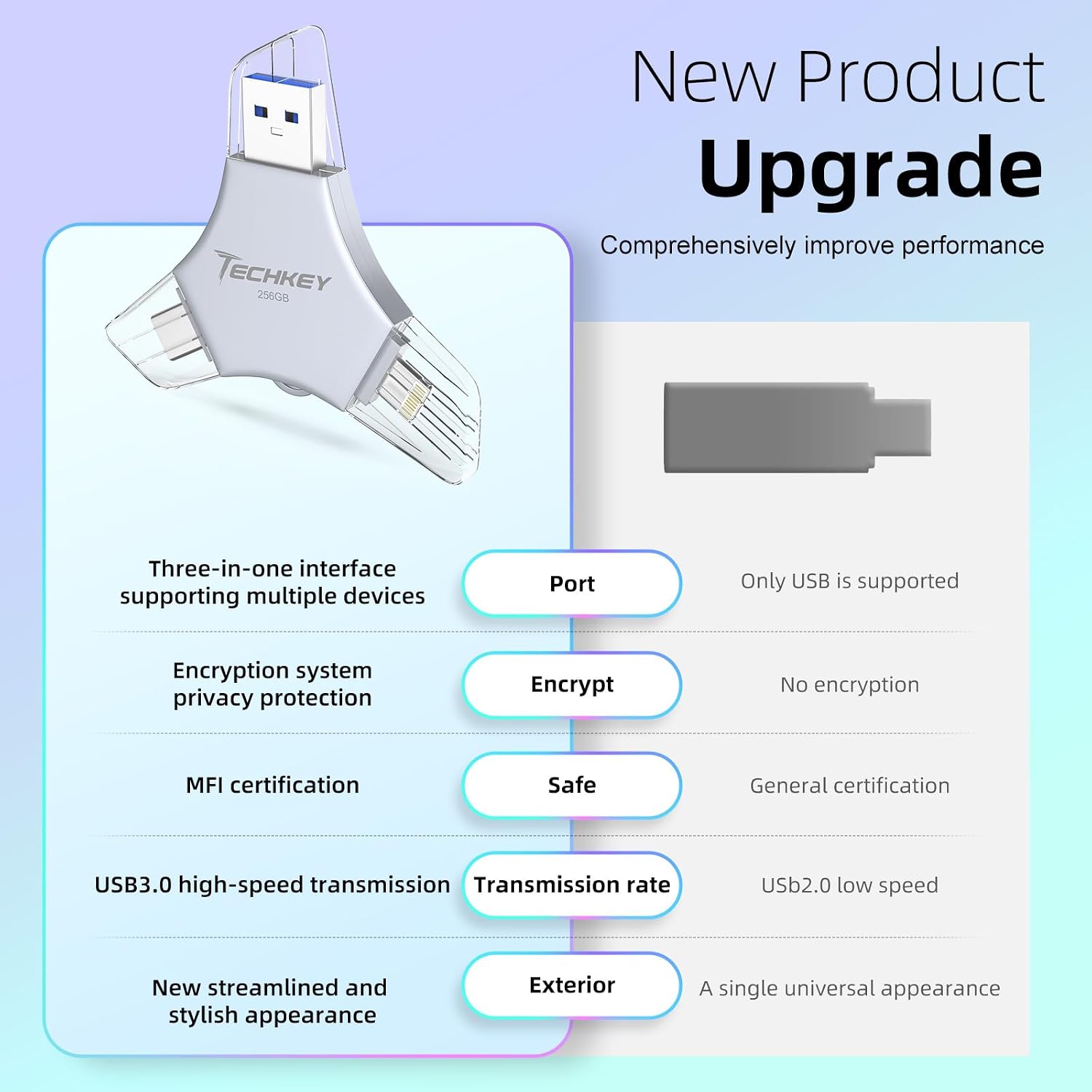
USB Flash Drive 256GB
Product description
Running out of room for photos and videos on an iPhone can make it harder to capture more without deleting something first. This 256GB flash drive is designed to move files between a phone, tablet, and computer using its USB, Lightning, and USB-C connectors. On iOS, backups and file access go through the U-Disk app, Android and computer use does not require that app. It’s a practical way to keep a separate copy of files nearby, though the listing doesn’t provide specific transfer-speed figures.
Key specifications
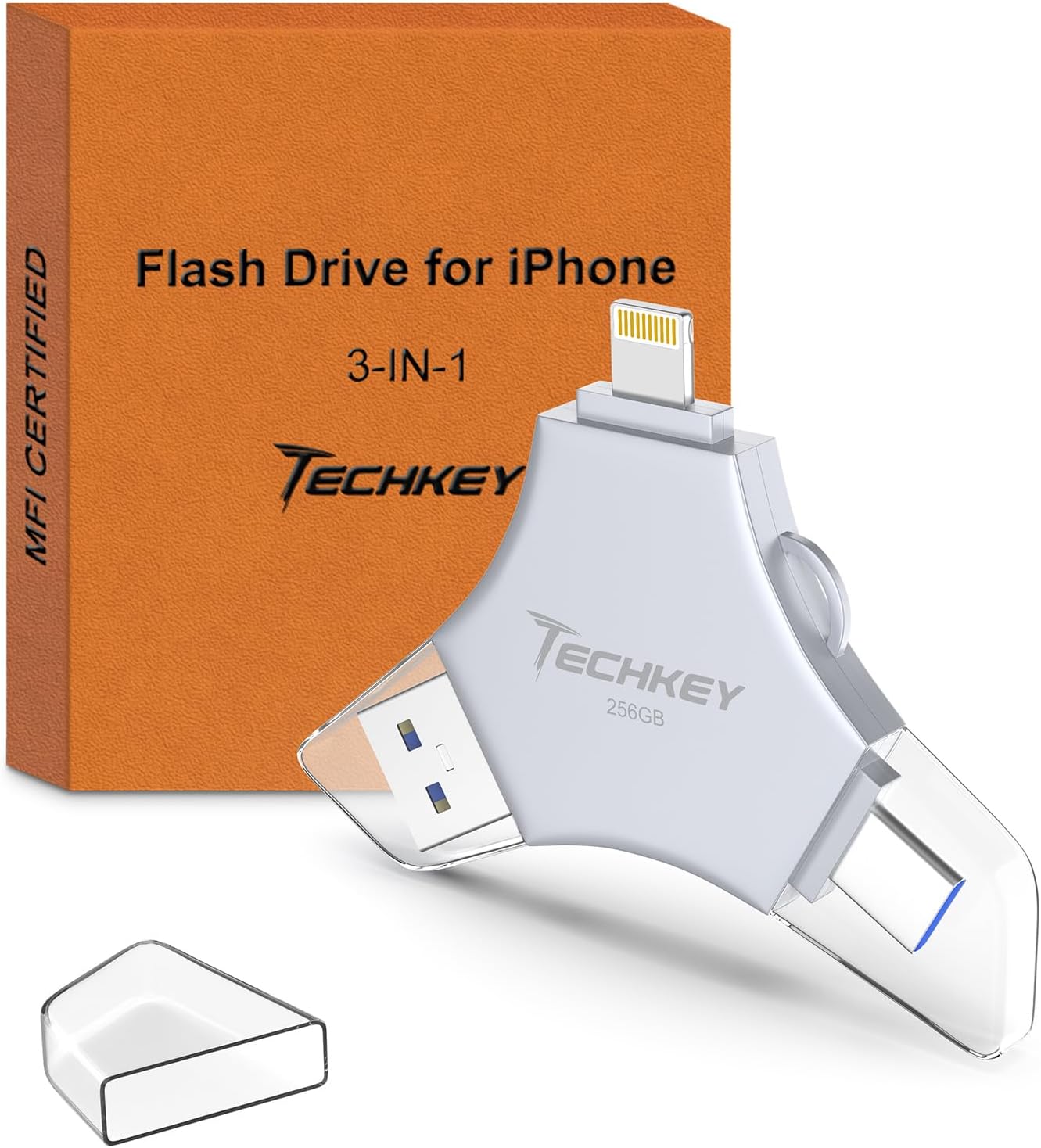
The drive has 256GB of storage and three connector types: USB, Lightning, and Type-C. It is listed as MFi certified and compatible with iOS devices running iOS 12.1 or later, OTG-enabled Android phones, Windows 7 or later, and Mac 10.6 or later. Check the device’s operating system and port before choosing it, particularly if you plan to move the same files among an iPhone, an Android phone, and a computer.
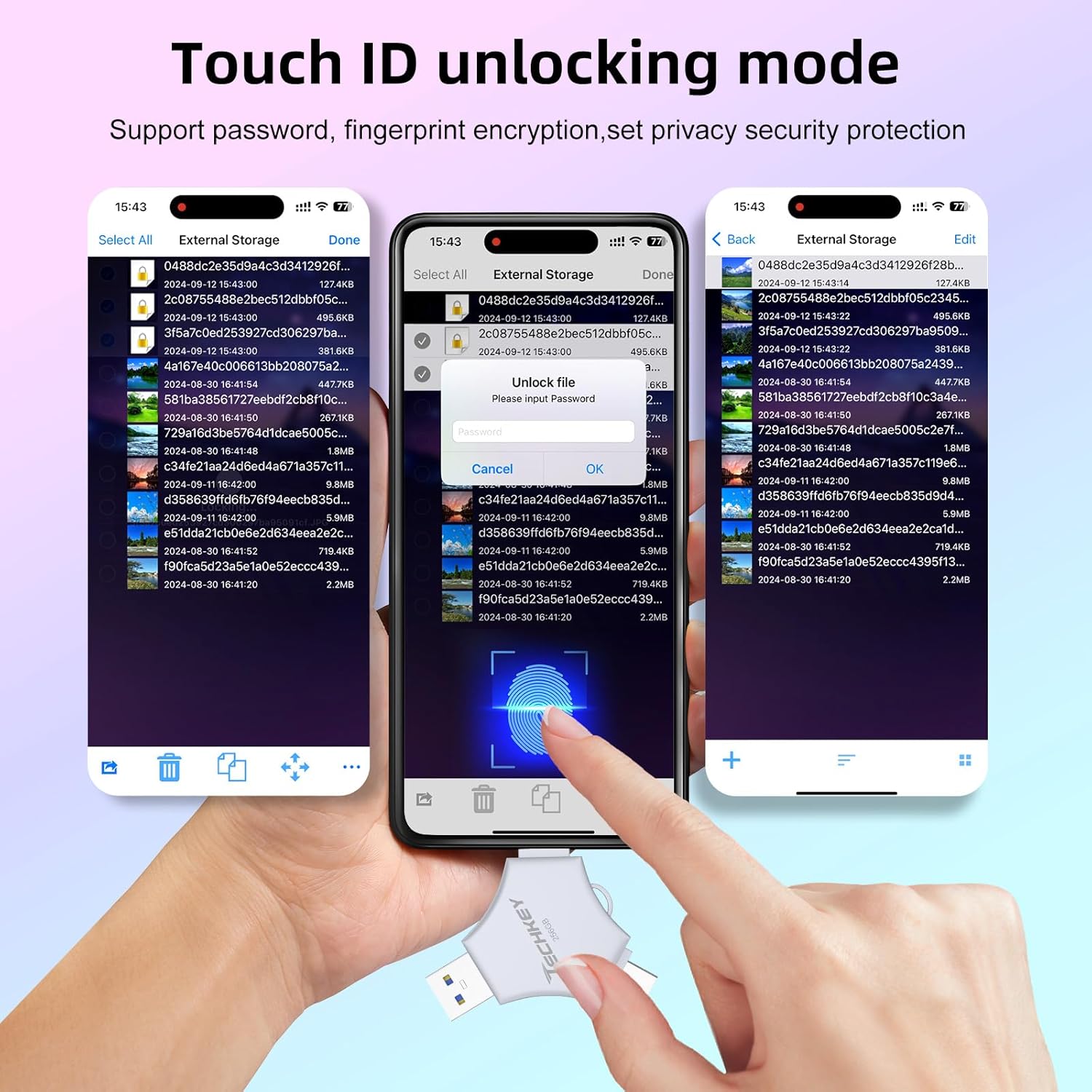
The seller describes the drive as high speed but gives no read or write rates on the spec sheet. That makes it difficult to estimate how long a large video backup will take. Encryption is available through the app: you can protect the whole drive with Touch ID or a passcode, or encrypt selected files. Those options may help with privacy, but they don’t replace keeping another copy of important files.
Who it’s for
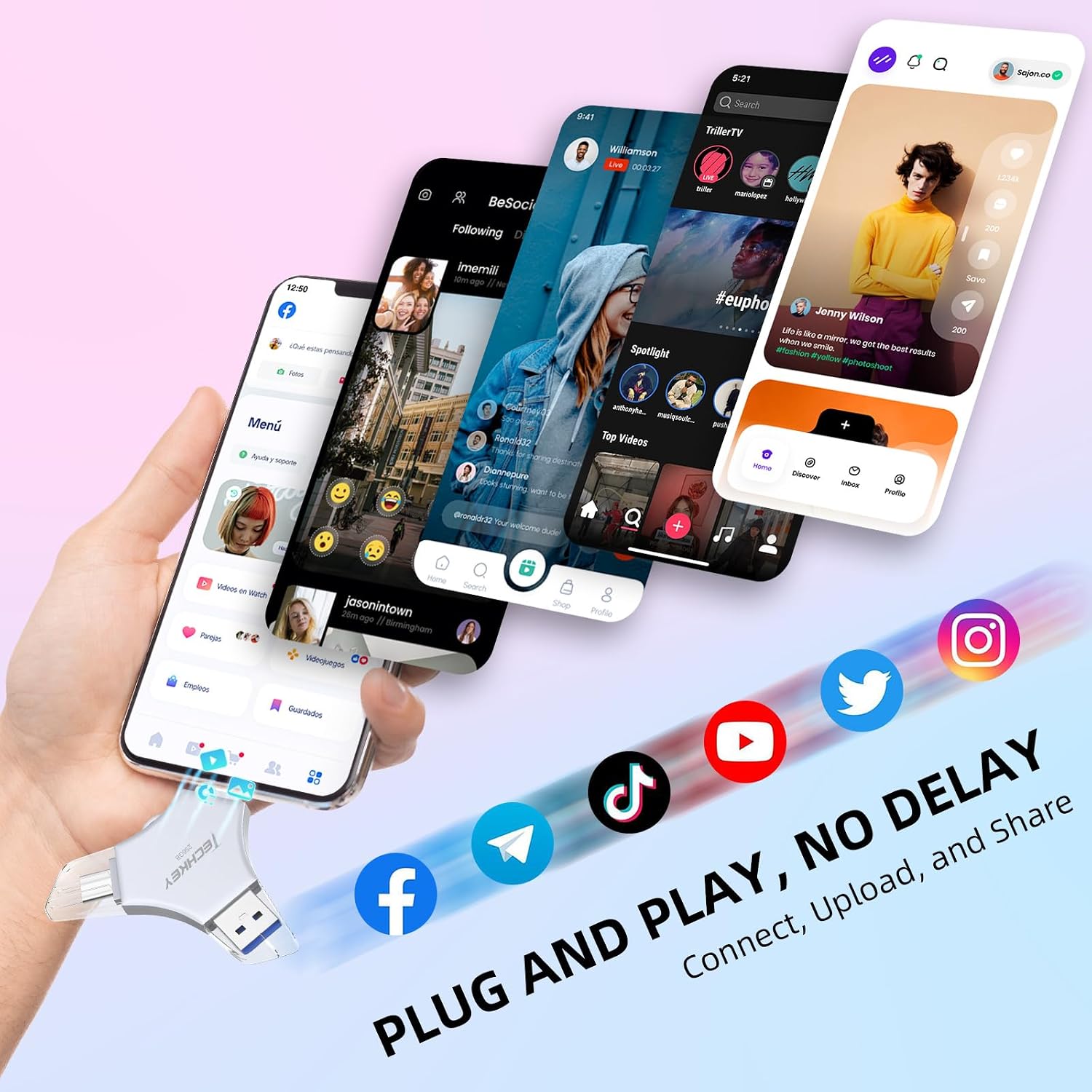
This suits someone who wants to clear phone storage without relying on a data cable or iCloud, and who also needs a removable way to carry photos, videos, or other files between devices. For example, after recording clips during a trip, you could back them up to the drive and later open them on a compatible computer. The app can also save photos and videos taken with its in-app camera directly to a U-Disk album.
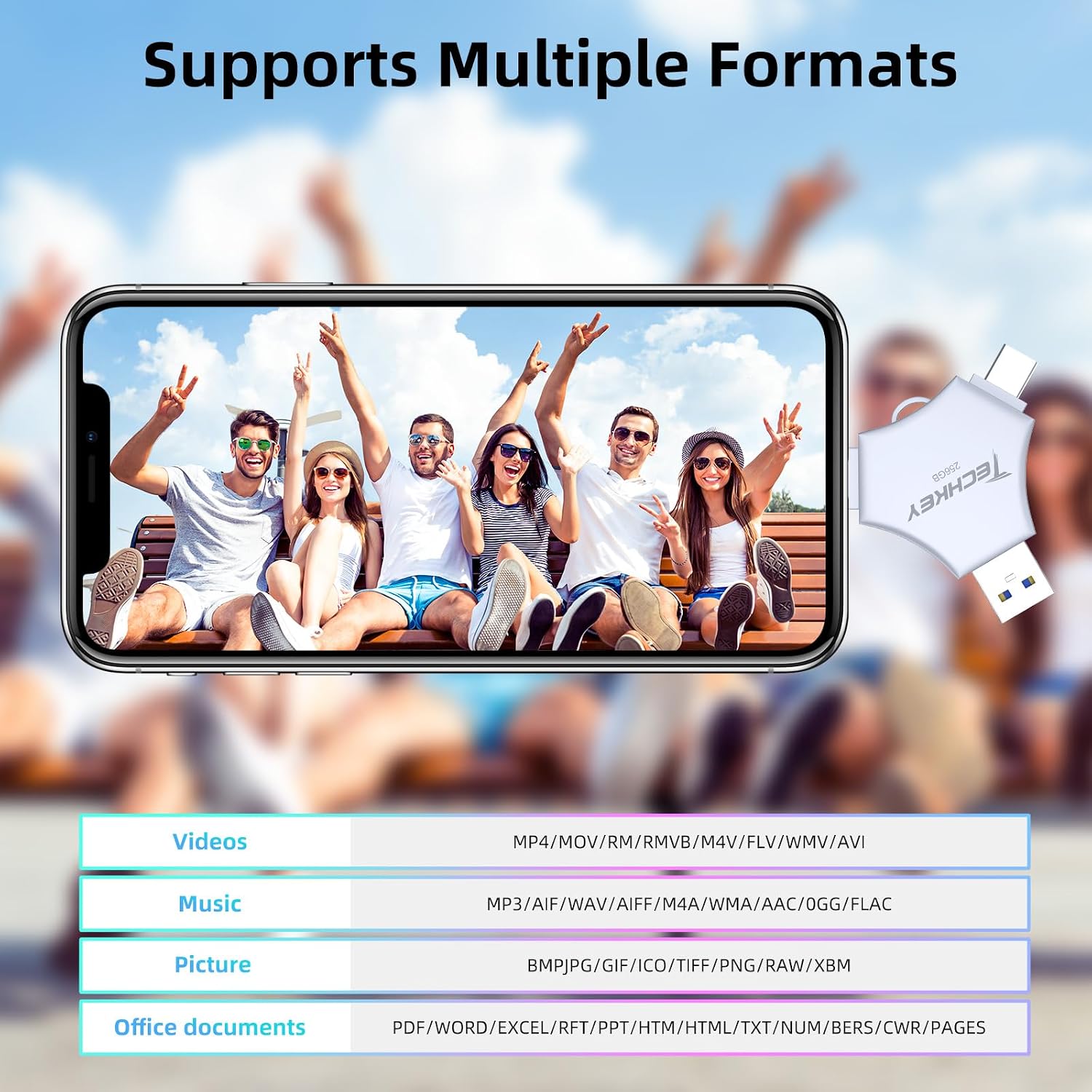
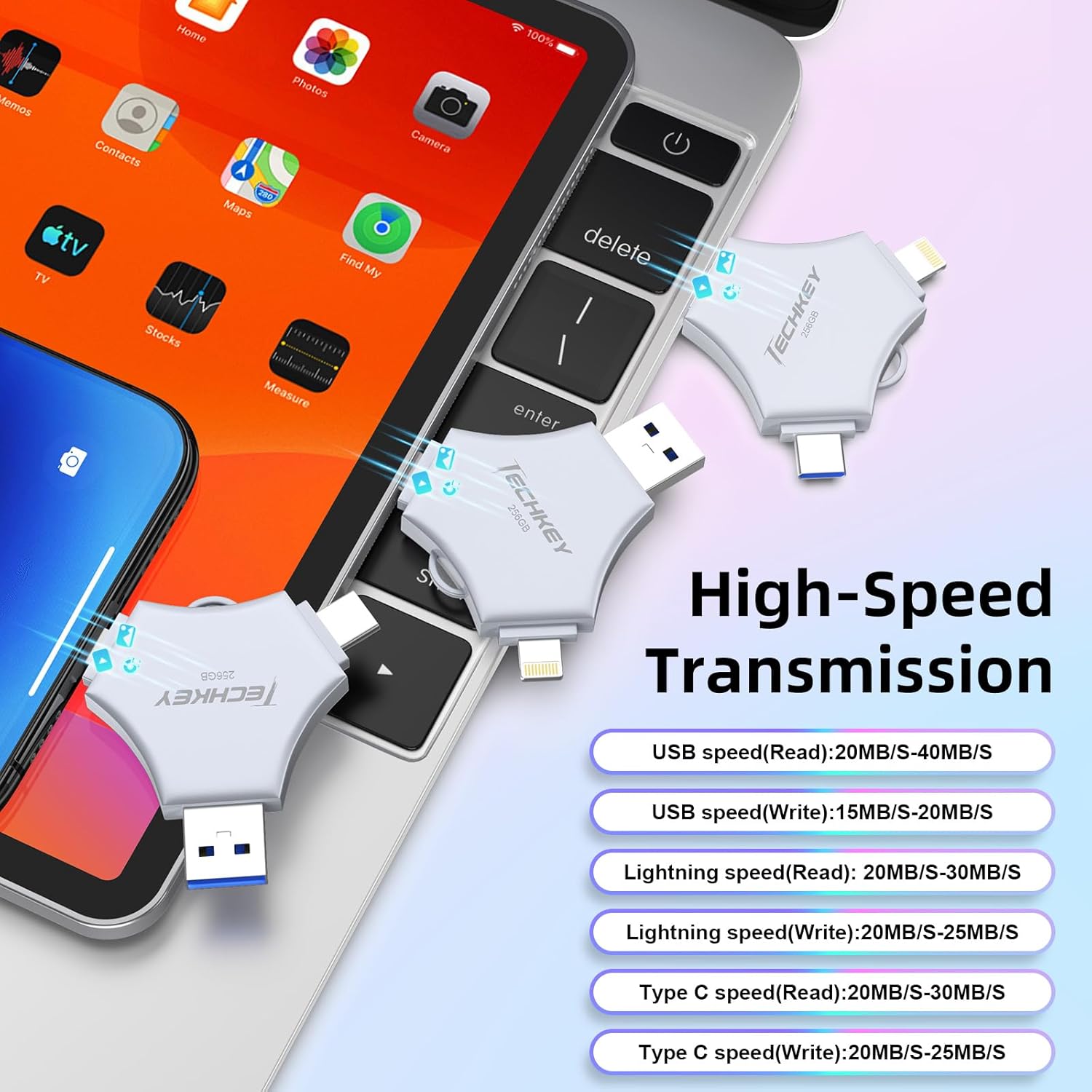
It suits you if you want one compact drive for compatible Apple, Android, and computer connections, plus the option to encrypt files. You may want to skip it if you prefer backups that happen automatically without opening an app, or if you need confirmed transfer speeds before moving frequent, large video files. iOS use requires downloading U-Disk, that extra setup is part of the experience, not an optional detail.
What’s included
The listing describes a flash drive with a keychain for carrying it. It does not specify additional accessories, such as a cable, so don’t count on those being included. The compact format is meant to keep storage close at hand, but a small drive can be easier to misplace than a larger desktop backup device. Keep that tradeoff in mind if the files you’re carrying are difficult to replace.
Before you decide
Does it need an app on iPhone? Yes. The listing says iOS devices need the U-Disk app, Android and computer devices do not.
Can it connect to different types of devices? It has USB, Lightning, and Type-C interfaces, with the operating-system requirements listed above. Android phones also need OTG support.
Can you protect files with a passcode? The app offers whole-drive protection with Touch ID or a passcode, as well as encryption for selected files.
Should you buy it?
Choose this drive if removable 256GB storage and connections for several device types solve a real problem in your routine. It offers a more portable alternative to keeping everything on a computer, while the app-based iPhone workflow is less hands-off than a backup that runs on its own. The missing speed figures and the required iOS app are the main reasons to look elsewhere if quick, app-free transfers matter more than carrying one drive across devices.