

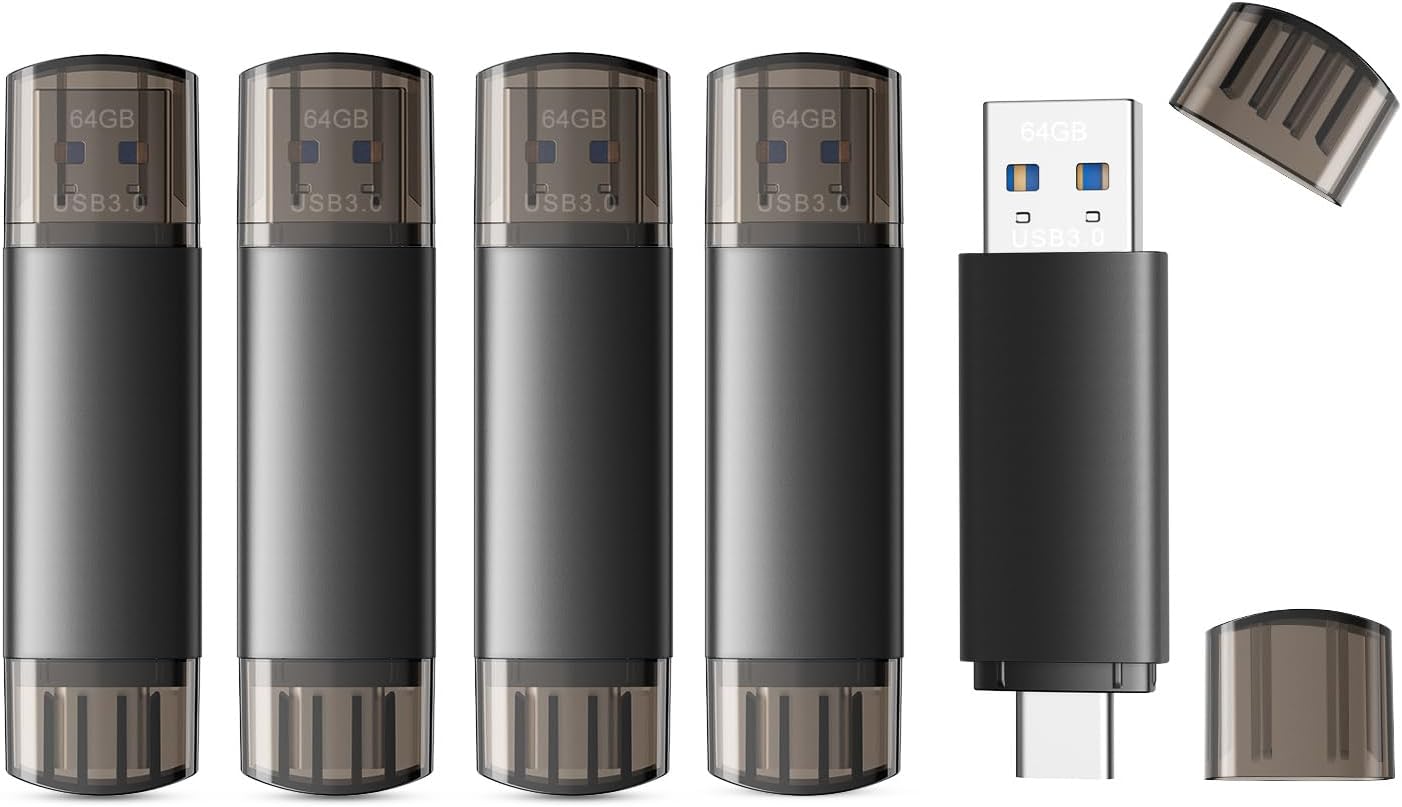
JOIOT 128GB USB C Dual USB 3.0 Flash Drive (USB-C + USB-A) – 2-in-1 Portable Thumb Drive
Product description
What it is and what it helps with
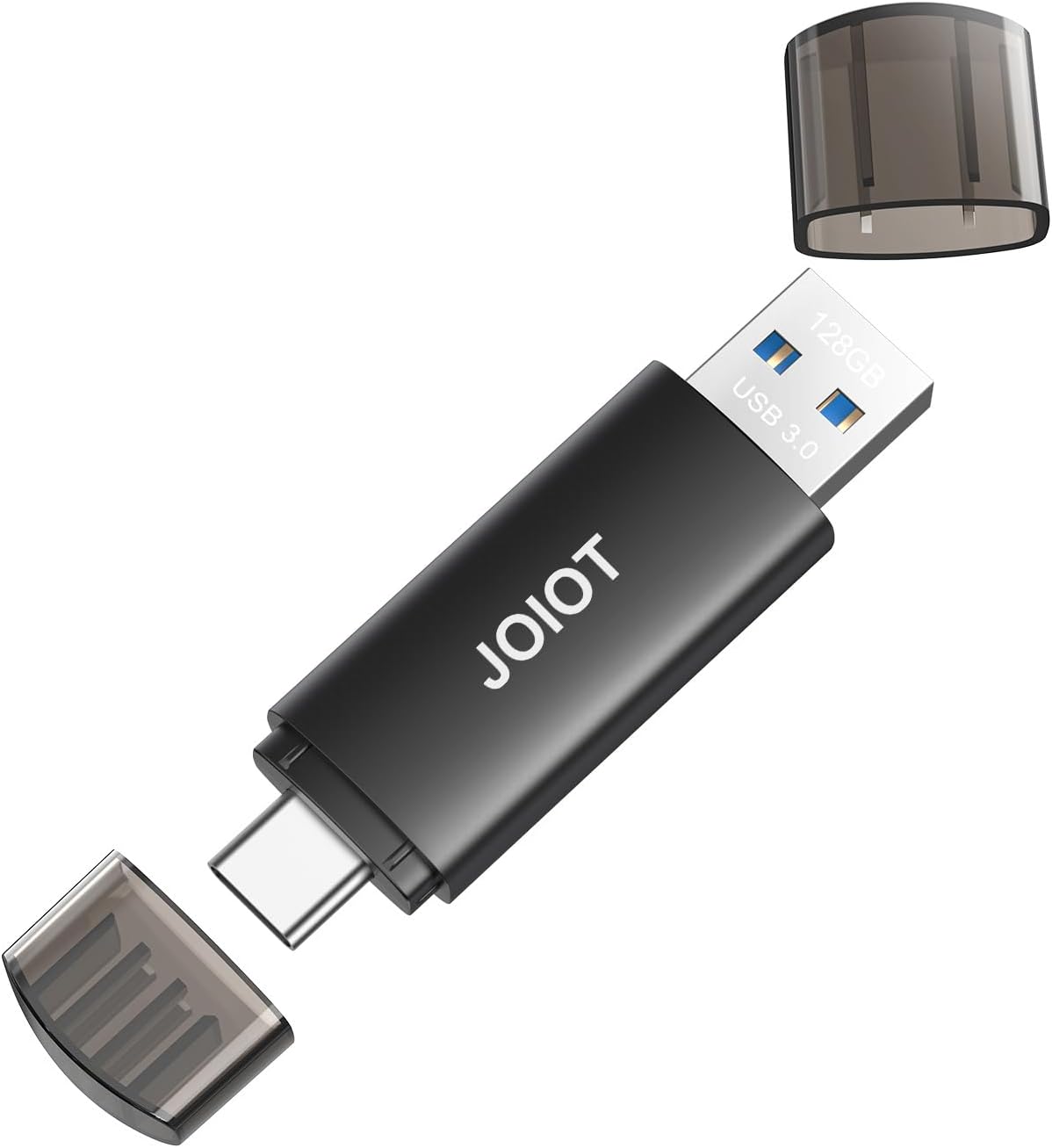
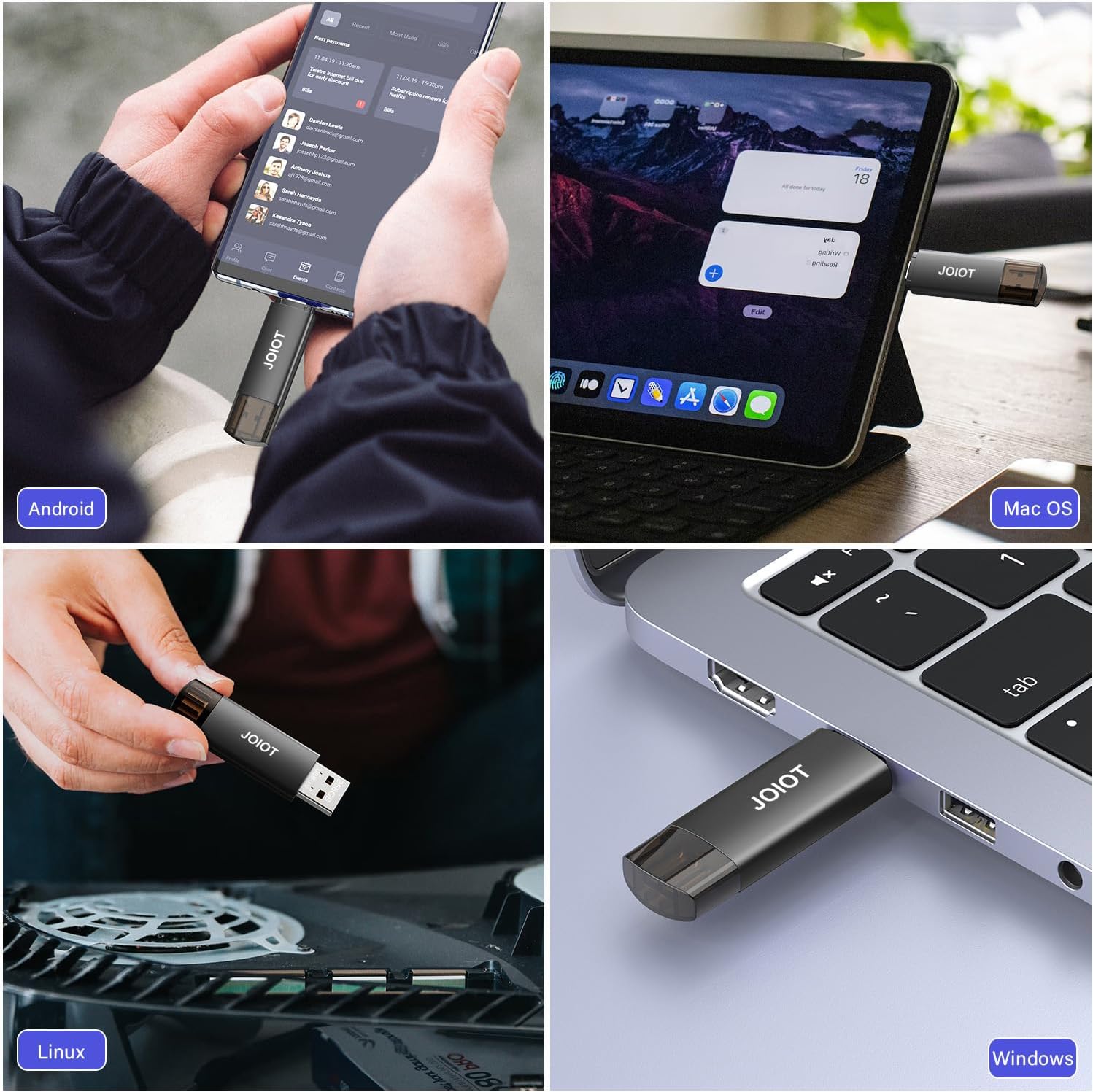
The JOIOT 128GB USB C Dual USB 3.0 Flash Drive is a 2-in-1 memory stick designed with both a USB-C and a USB-A plug. It targets users who want quick, on-the-go transfers between Type-C devices (like Android phones, iPhone 15/16 series, tablets, and Macs) and traditional USB-A computers or peripherals. On paper, this flash drive aims to simplify cross-device file transfers without software installation.
How it performs on paper
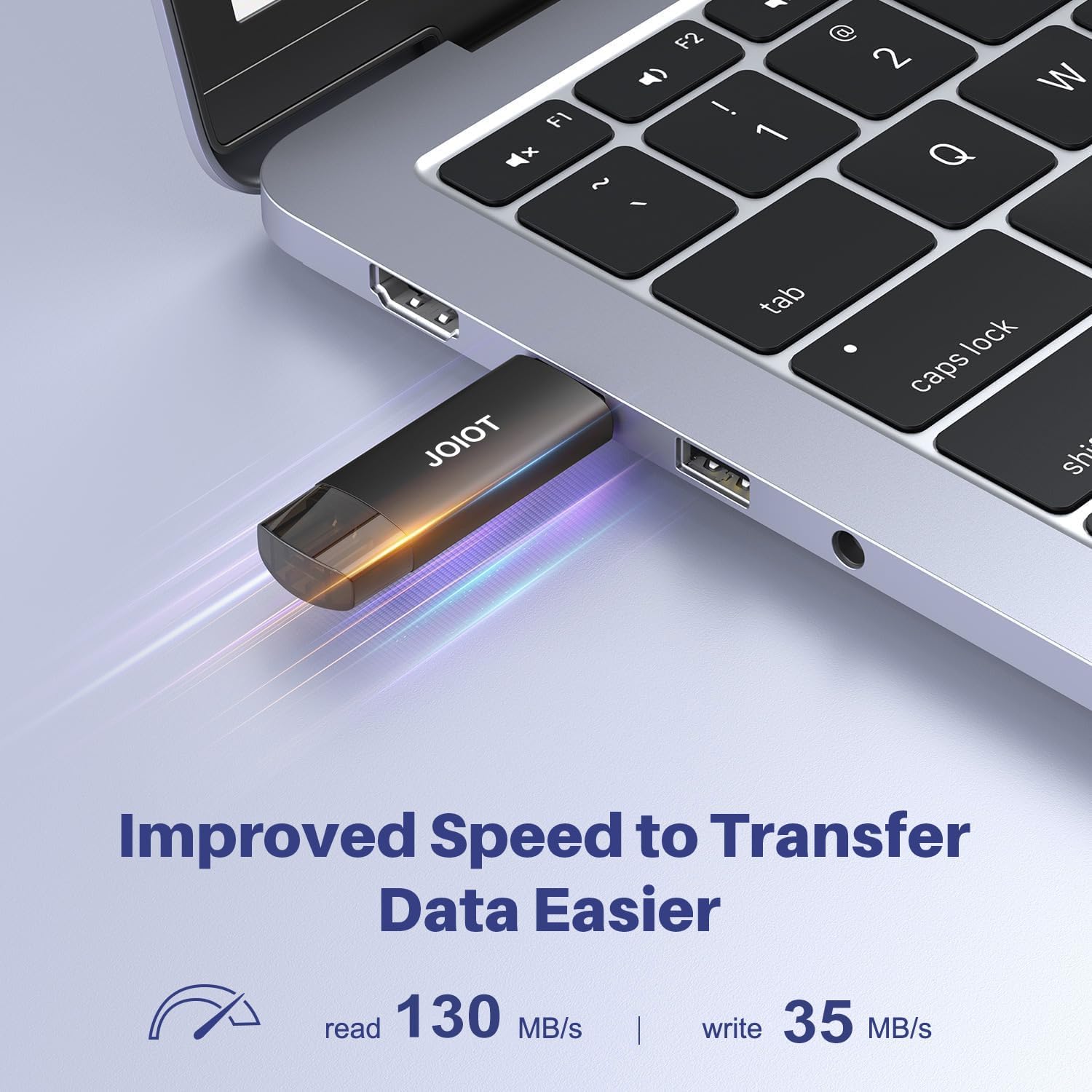
With USB 3.0 technology, it advertises read speeds up to 130MB/s and write speeds up to 35MB/s. In real-world use, you’ll typically see transfers that are plenty fast for photos, videos, music, and typical documents, but the exact speeds can vary by device, file type, and system conditions. The 128GB capacity provides a solid amount of local storage for media and backups, while the dual-end design minimizes the need to carry multiple adapters.
Who it’s for
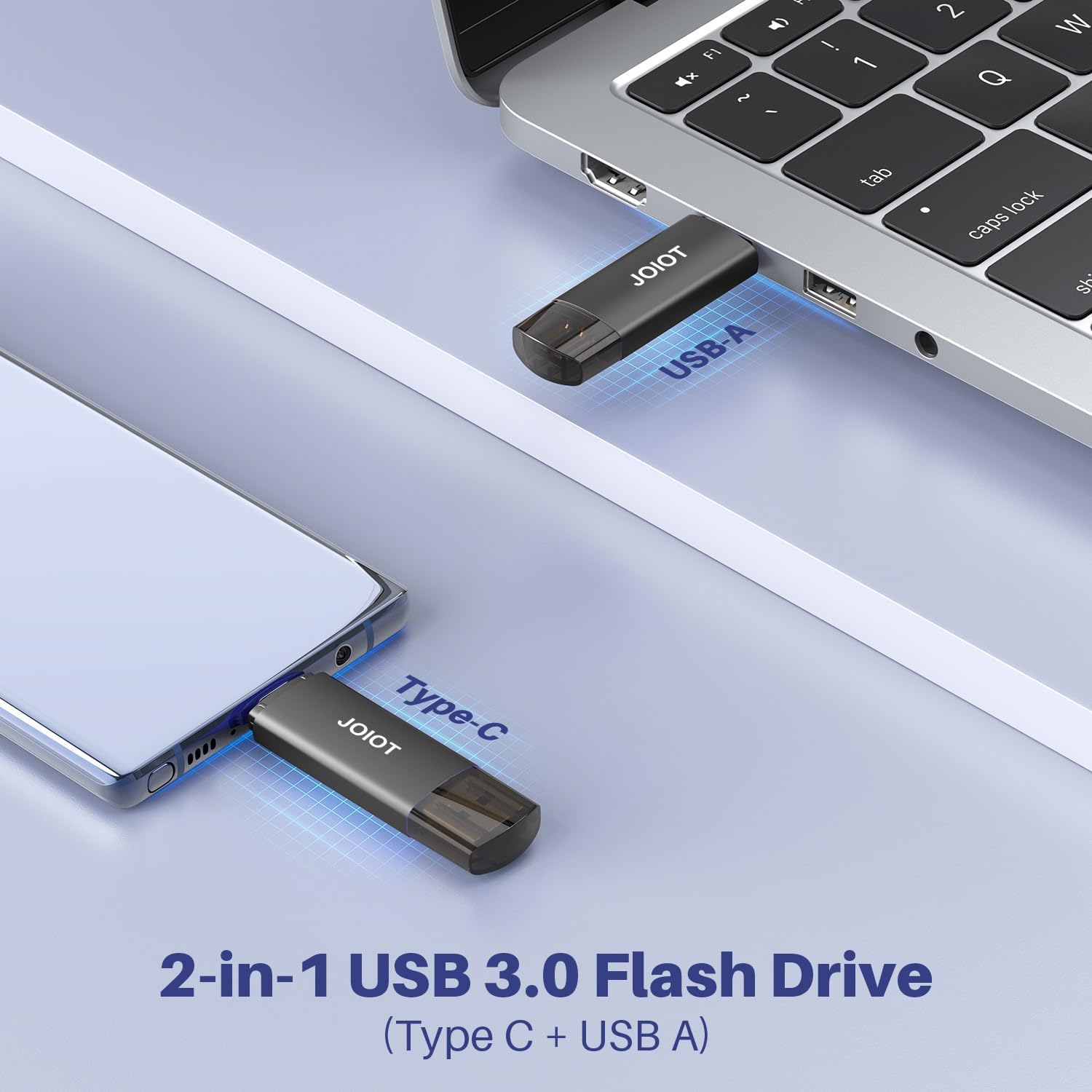
If you frequently move files between Android devices with USB-C, an iPhone 15/16 lineup, iPads, Macs, and USB-A computers or game consoles, this 2-in-1 design can reduce the number of cables and adapters you juggle. It’s particularly convenient for people who value plug-and-play simplicity and want a compact, pocketable solution.
What stands out, and where it might fall short
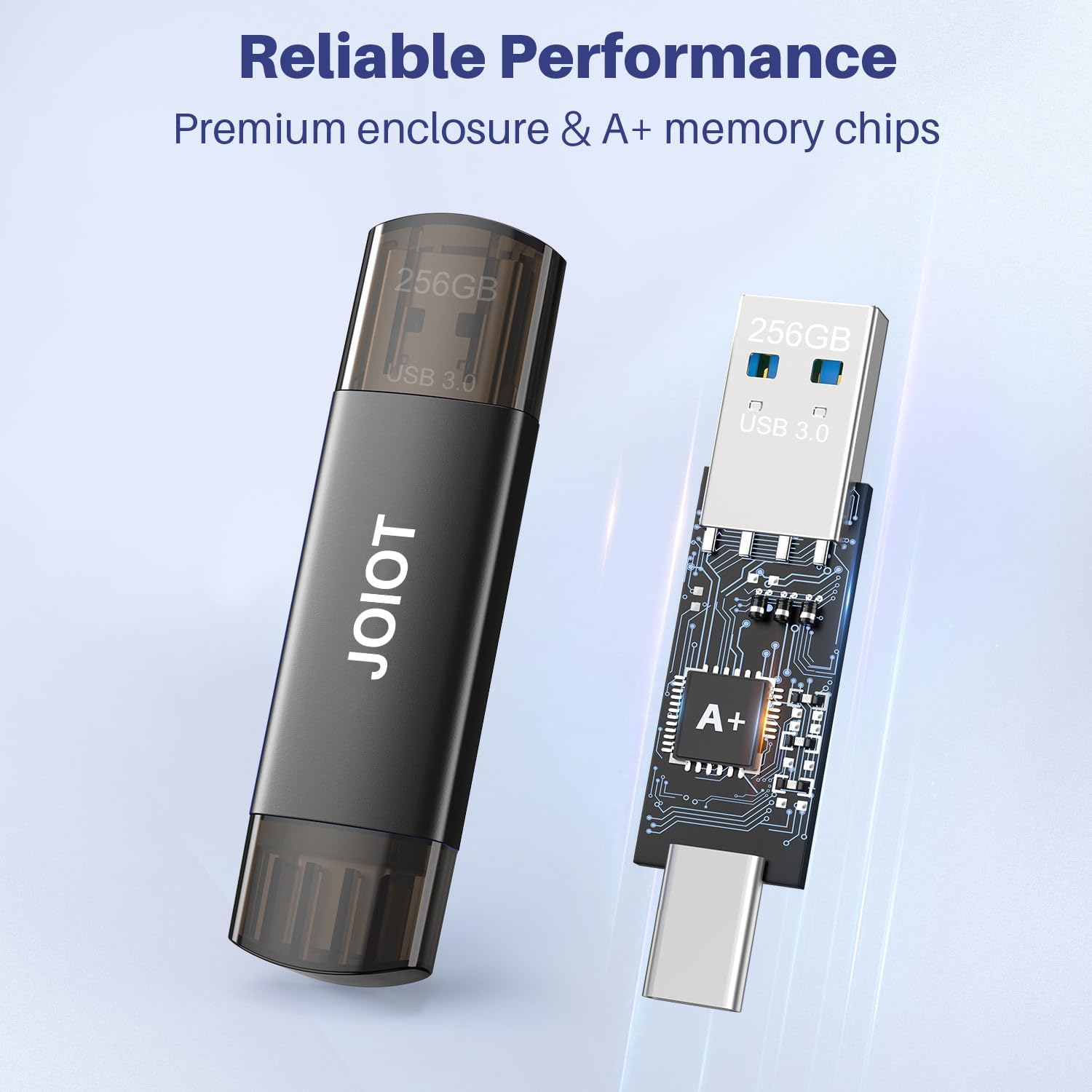
What stands out is the dual-end USB-C and USB-A compatibility in a single, portable unit. The enclosure is described as durable with good heat dissipation, and the cap helps protect the connectors when not in use. A potential limitation to consider: not compatible with Lightning iPhone/iPad, so if your primary devices rely on Apple’s Lightning connector, you’ll need an alternative path for transfers.
Pros and practical notes
- 2-in-1 design reduces clutter: one device works with both USB-C and USB-A ports.
- USB 3.0 speeds offer noticeably quicker transfers than USB 2.0, especially for large media files.
- Compact size fits in a pocket or small bag, making it handy for travel or in-between-work sessions.
- Durable enclosure and connector cap help protect against dust and wear.
Cons or limitations to keep in mind
- Real-world speeds may vary, 130MB/s read and 35MB/s write are maximums on ideal hardware combinations and may not be reached on every device.
- Not compatible with Lightning-based iPhones or iPads, which means you’ll need another method for Apple devices that rely on Lightning.
- Battery-free, non-accelerated performance, if you need rugged, high-end military-grade storage or enterprise features, this entry-level drive might not satisfy those needs.
How to use it day to day
Plug the USB-C end into a modern smartphone, tablet, or Mac with a USB-C port. Use the USB-A end for a laptop or desktop with USB-A. No software installation is required—just plug in and copy files. For a quick backup of high-res photos or videos, you can grab a few gigabytes and move them to the drive during a commute or between meetings.
What to compare it with (in your head)

Think of this as a flexible, everyday solution for mixed-device ecosystems. If you primarily work with USB-C only devices, you might prefer a single USB-C flash drive with similar capacity. If you need Lightning compatibility, you’d likely look for a different model or adapter. If you require enterprise-grade features, you’d explore drives with higher endurance or encryption options.
Practical use case
Imagine you’re traveling and need to offload photos from a trip between an Android phone and a MacBook. You can plug in the USB-C end to your phone for a quick save, then switch to USB-A when you’re back at your laptop to transfer to your computer—without hunting for a cable or installing drivers.
Final verdict
Is it worth it?
Worth considering if you need a compact, dual-port USB drive that works across USB-C and USB-A devices and you value plug-and-play simplicity. It’s a sensible choice for mixed-device households or frequent on-the-go transfers, provided you don’t require Lightning compatibility or advanced enterprise features. It may not be the best option if your workflow relies exclusively on Apple’s Lightning ecosystem or if you need higher sustained write performance for very large data transfers.
Quick FAQ
- Do I need to install software? No—it's plug-and-play.
- Will it work with USB-C smartphones and Macs? Yes, across compatible USB-C ports.
- Is it good for backing up large 4K videos? It can handle them, but speeds depend on the device and file size, consider your transfer needs and potential bottlenecks.