

iPhone Flash Drive, 256GB
Product description
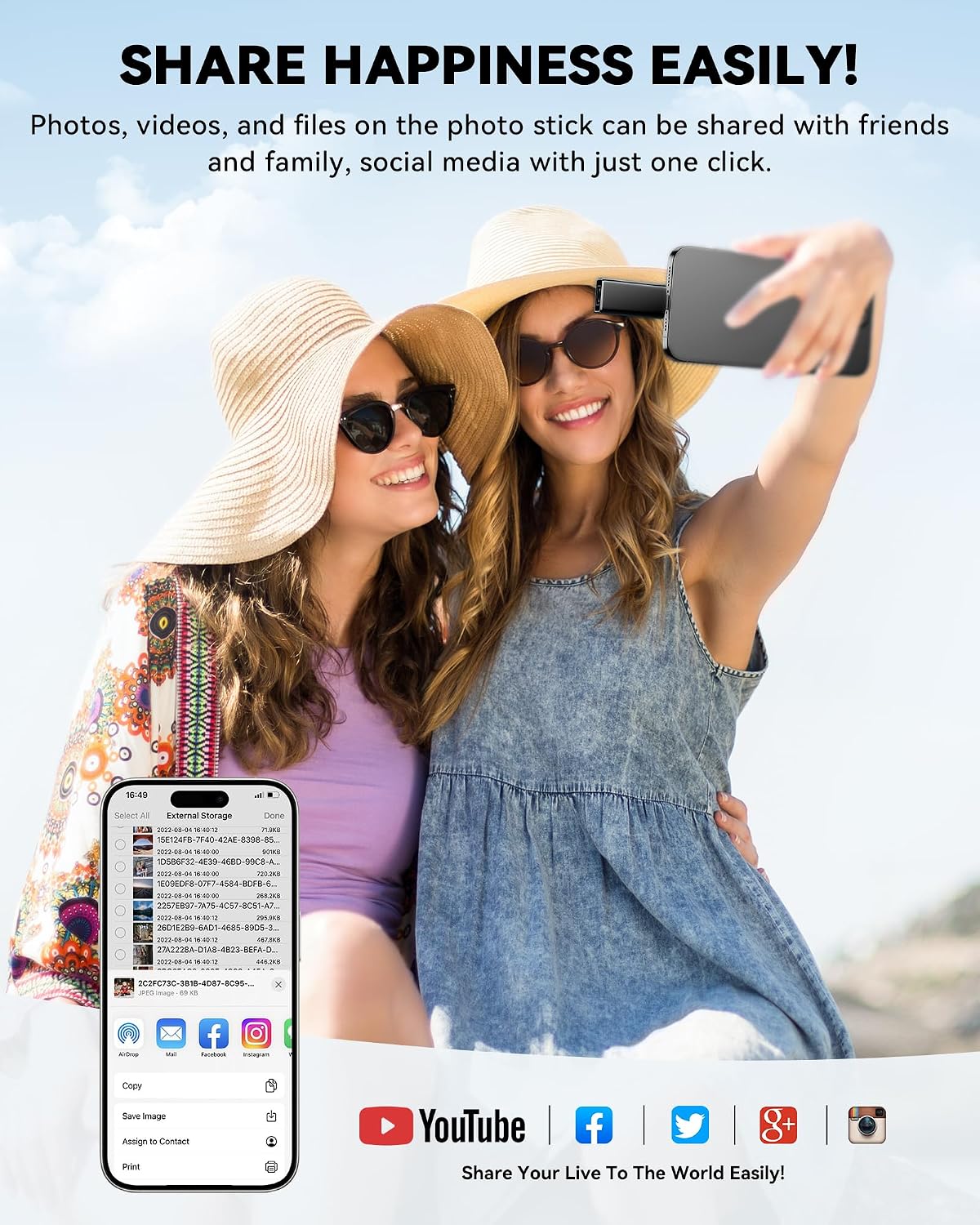
When your phone is running short on room for photos and videos, moving files to a separate drive can be simpler than deciding what to delete. This 256GB flash drive is designed to transfer and back up files across compatible iPhone, iPad, Android, and computer connections, with USB, Lightning, Micro USB, and a separate Type-C adapter. iPhone use requires an app from the App Store, so it is not quite a plug-in-and-go solution on every device. For example, you could move a batch of travel photos off an iPhone, then connect the drive to a computer to access them, the exact steps depend on the device and app.
How to use it
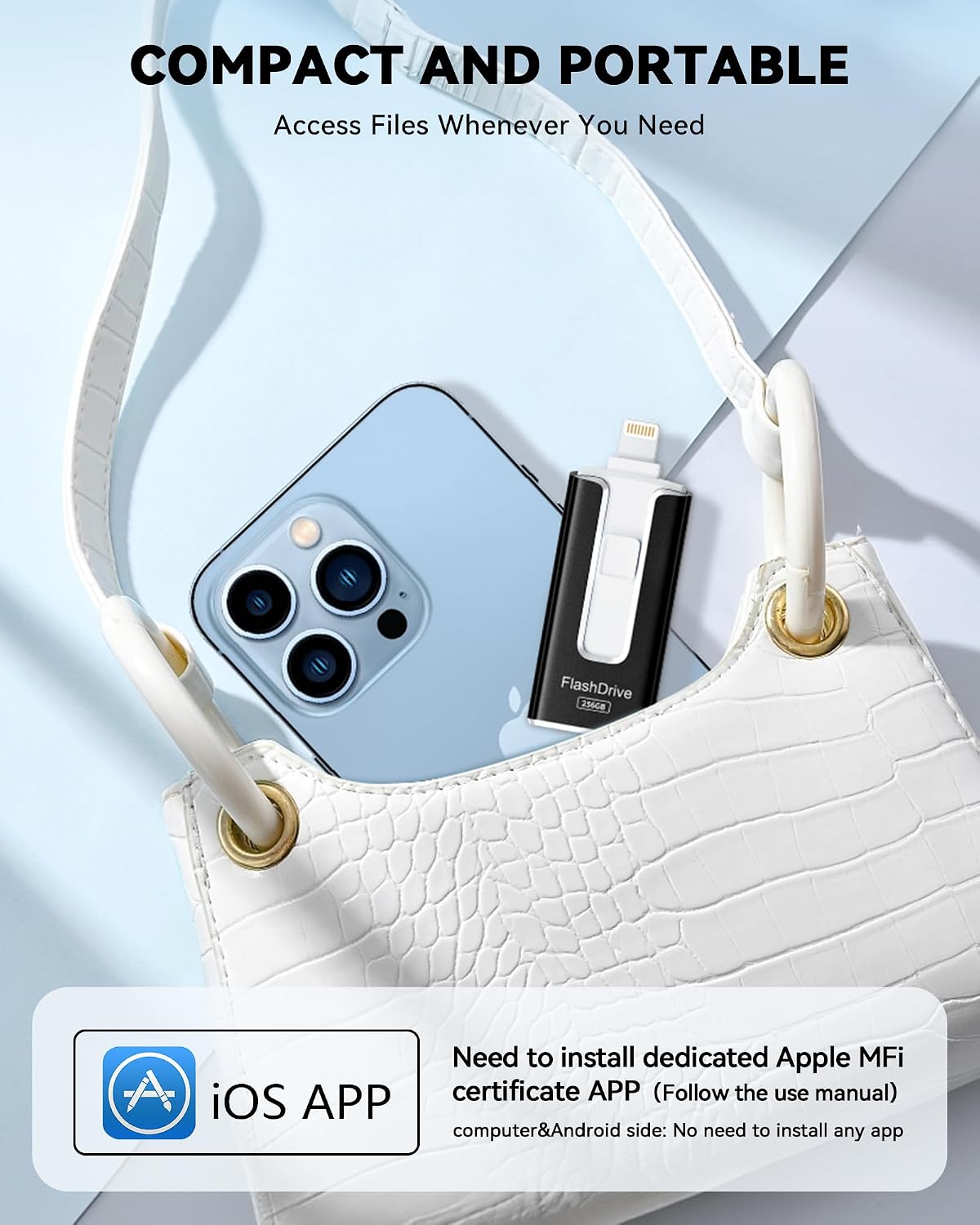
For iPhone and iPad, the listing specifies MFi certification and support for iOS 12.1 and later, plus a required companion app. Android users need to enable OTG, while the drive’s different connectors are intended to bridge supported devices and computers. That makes it useful when you want a physical way to transfer files instead of keeping everything on one phone. Is that more convenient than sorting through your camera roll every time storage gets tight? It could be, especially for occasional backups or moving photos between devices.
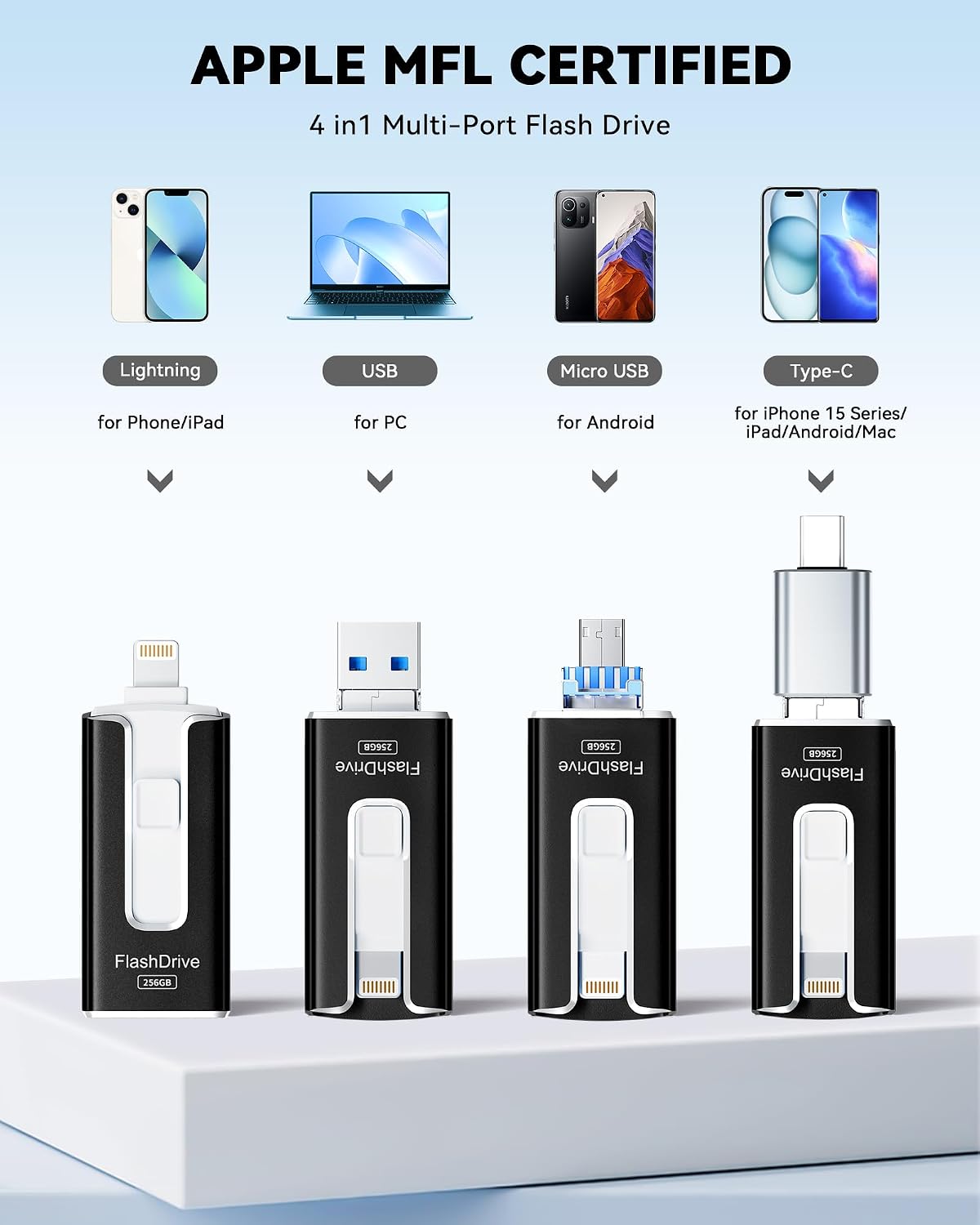
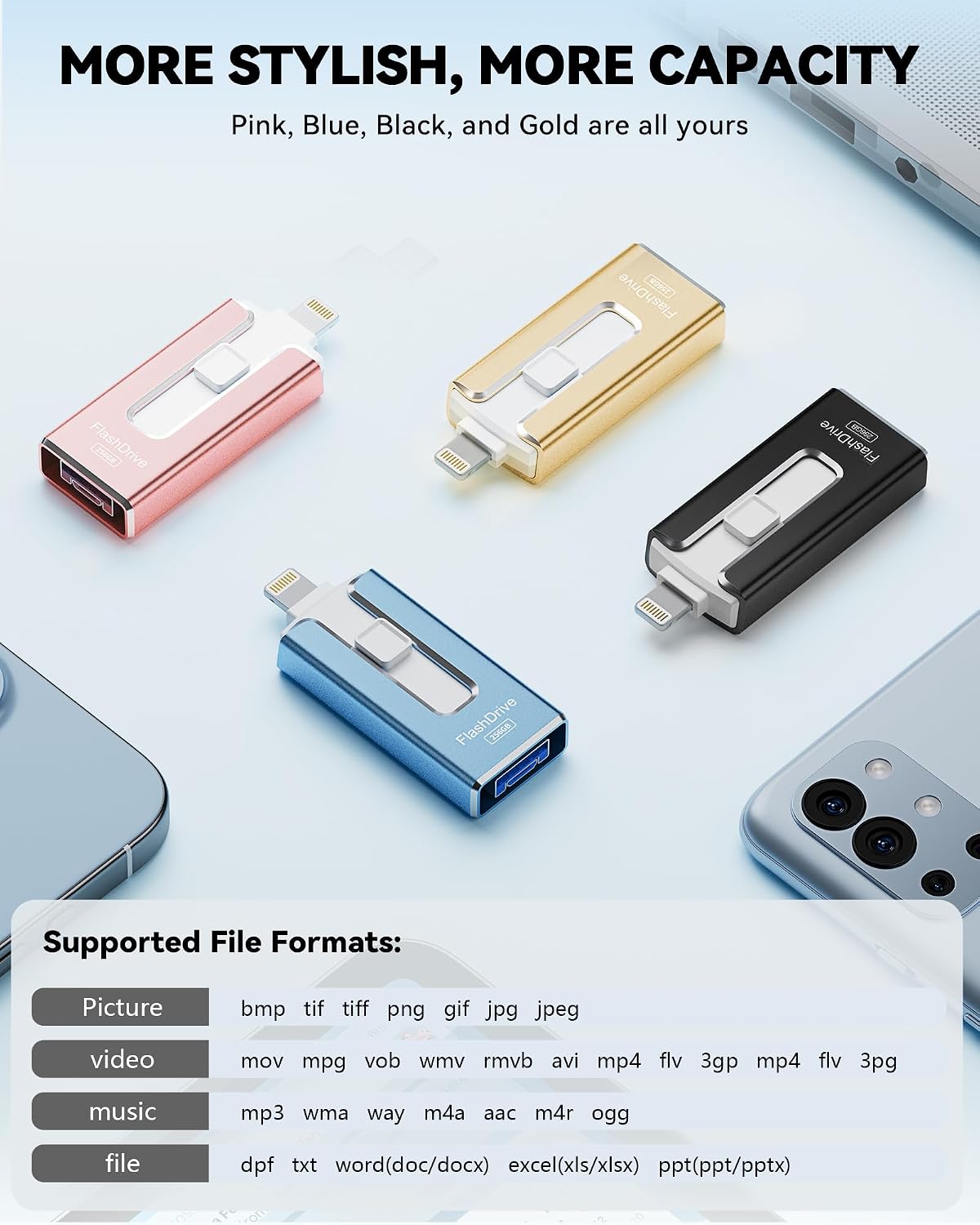
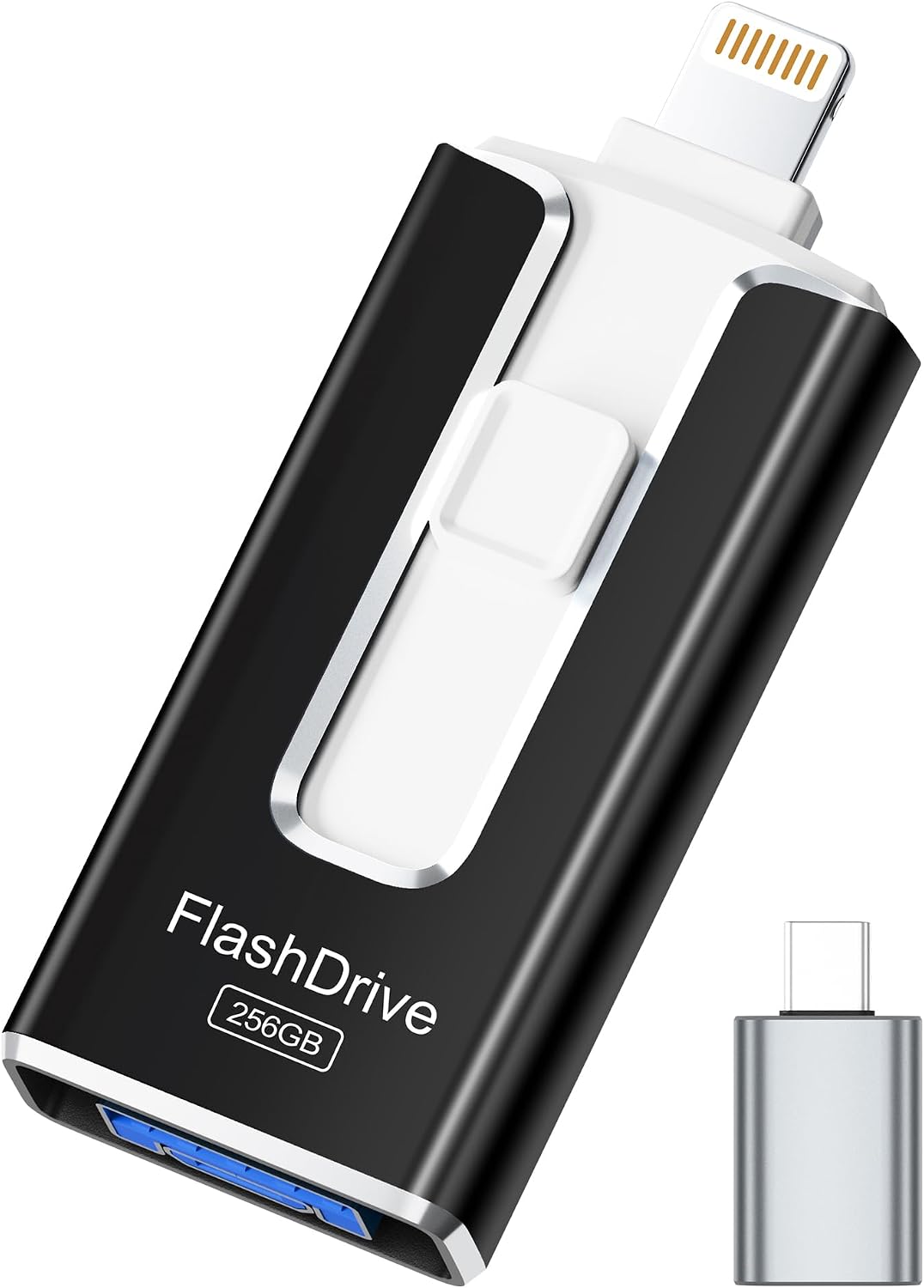
The drive also offers an app-based encryption option, allowing you to set a password for personal files, photos, and videos. That is a useful extra for carrying files around, but the security feature depends on using the app. Type-C comes as an independent adapter, and its color may be black or silver. You’ll appreciate it if you want one compact storage device for several connection types, Better avoided if you need a workflow with no app setup or do not want to manage a separate drive.
Pros
- 256GB of listed storage provides a dedicated place for photos, videos, and other files.
- Multiple connector types make transfers between compatible phones, tablets, and computers more practical.
- The encryption option can add password protection through the app.
- Listed read speeds are up to 40MB/s, with write speeds up to 25MB/s.
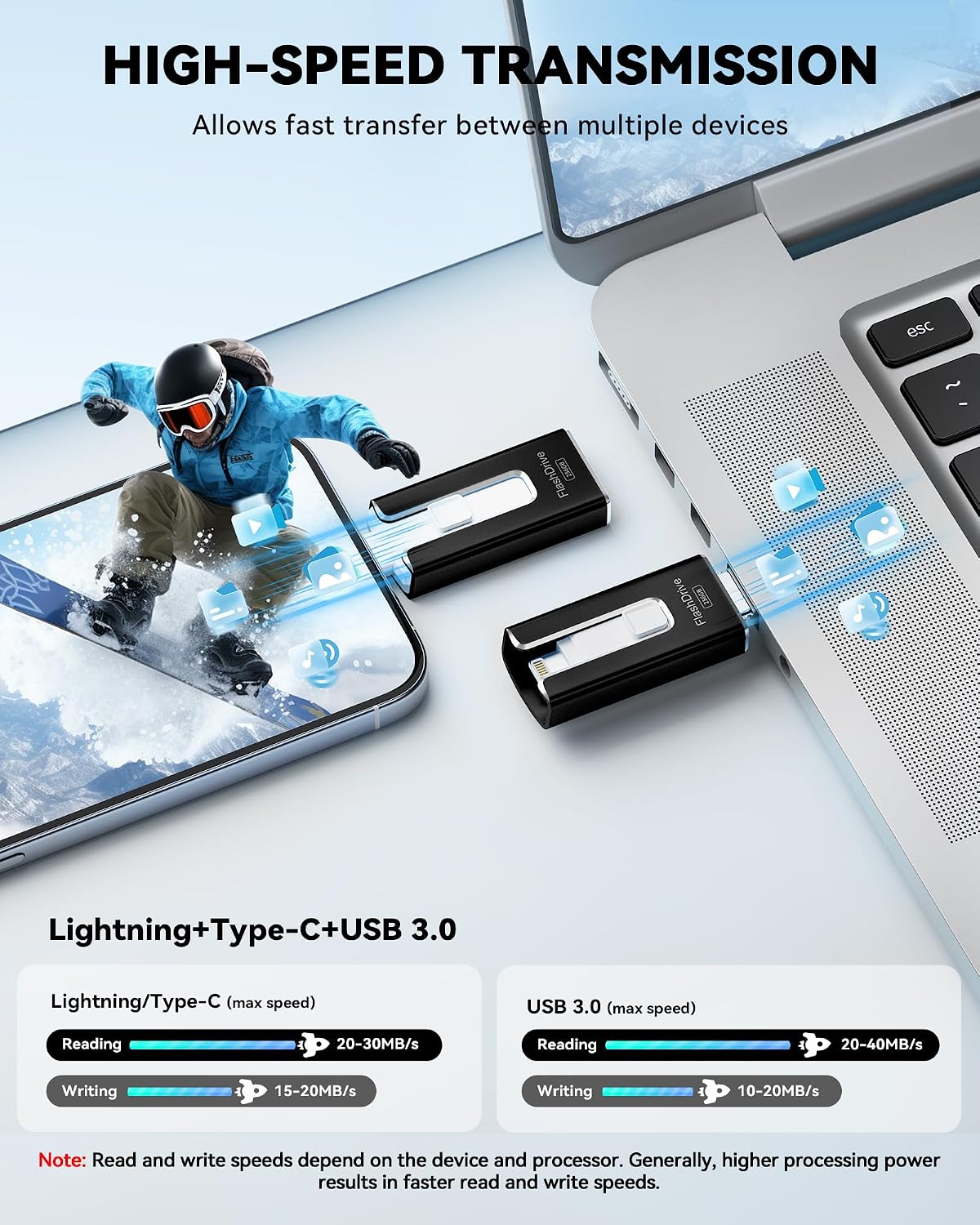
A limitation worth weighing: actual transfer speeds can vary with the device and its processor, so those figures are not a promise of the speed you will see. The stated capacity may also display differently on a computer because storage makers and computers calculate gigabytes differently. I can describe the listed features without having tried it, but the real-world setup and file handling may depend on the companion app and your device.
Spec sheet
- Name: iPhone flash drive
- Capacity: 256GB
- Format: USB flash drive with Lightning, Micro USB, USB, and a separate Type-C adapter
- Compatibility: iOS 12.1 and later, Android with OTG enabled, PC
- Read speed: Up to 40MB/s
- Write speed: Up to 25MB/s
- Color: Black
- Security: App-based password encryption option
Buying verdict
This is a practical fit if your main goal is adding portable storage and moving photos or videos among compatible devices, especially when you want a physical alternative to relying only on your phone’s built-in space. The range of connectors is its clearest convenience, while the required iPhone app and Android OTG setting add setup steps that a basic computer-only thumb drive may not require. Choose it if those connections match the devices you actually use and you are comfortable managing backups through an app. Skip it if you expect a completely app-free iPhone experience or need guaranteed transfer speeds, the listing gives maximum figures, not a fixed rate.