

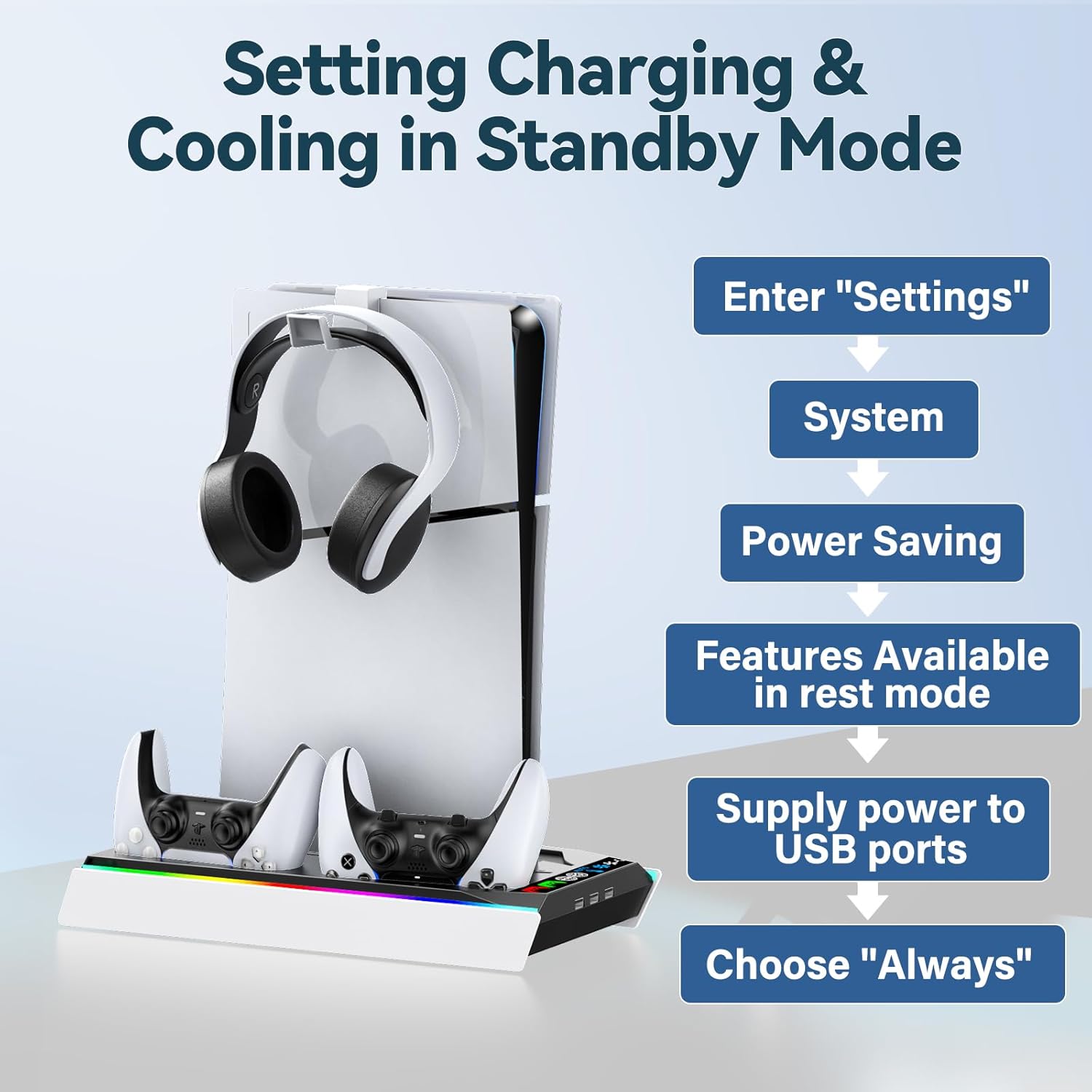
Tokluck PS5 Slim/Pro Cooling Station with Auto Turbofan, 3-Speed Control, and Controller Charging Dock
Product description
What this is (and what it’s for)
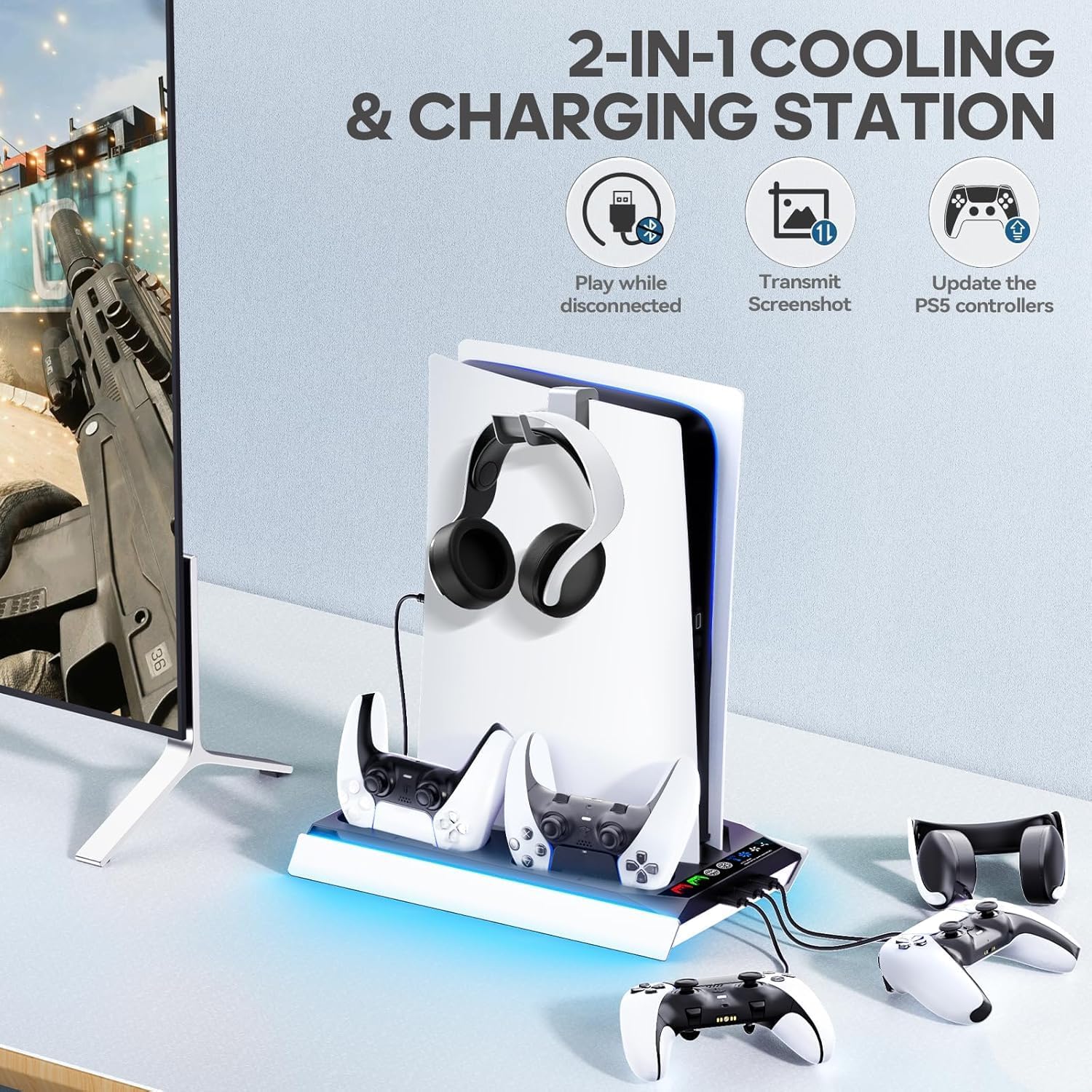
Tokluck’s PS5 cooling station is designed to sit on your setup and do two jobs at once: help manage console heat and charge controllers through a docked stand. On paper, the big appeal is the combination of an integrated fan system (with automatic temperature-based control) plus controller charging, so you’re not juggling separate coolers and a controller charger.
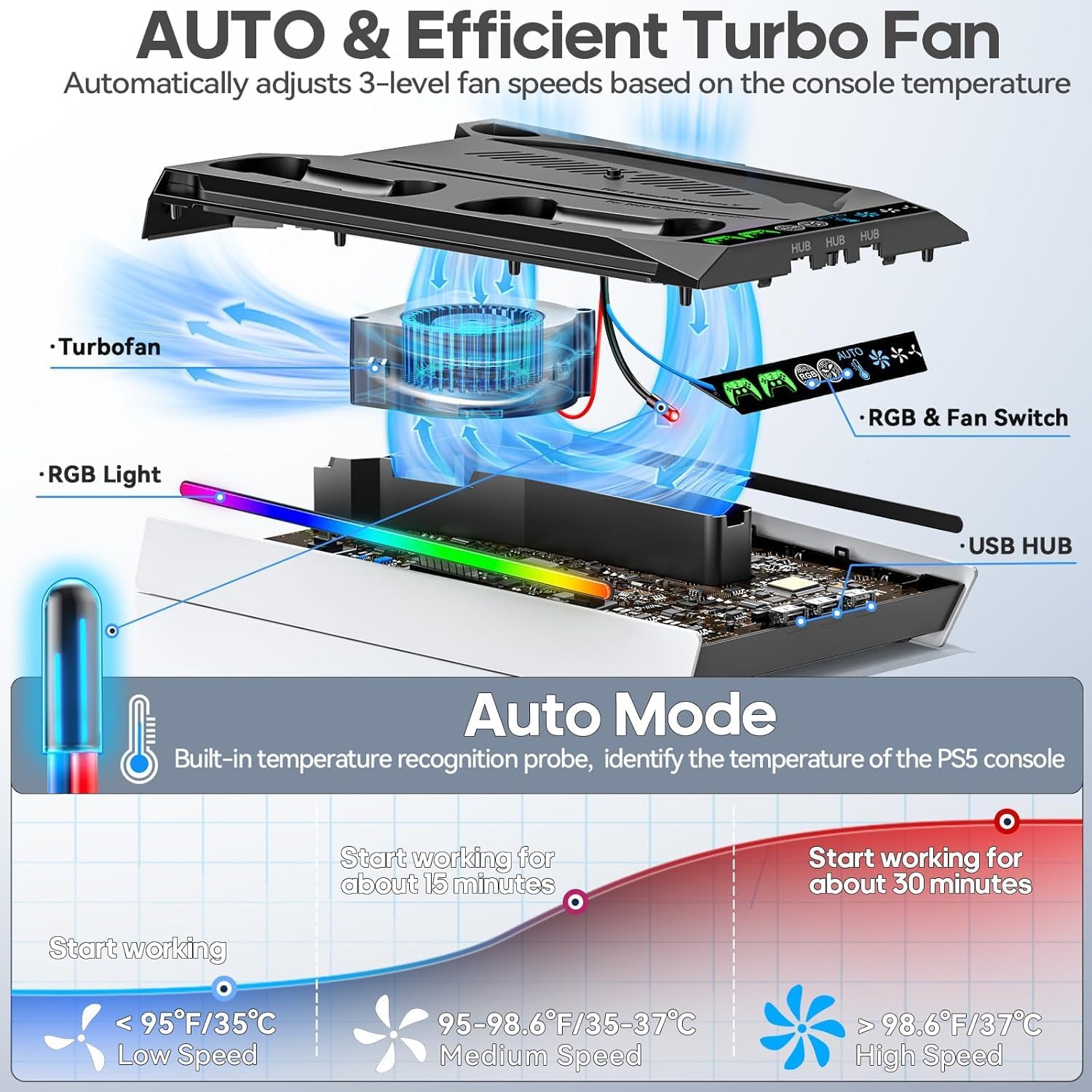
It’s positioned for PS5 owners who want something a bit more “hands-off.” Instead of you constantly adjusting fan settings, the stand includes a built-in temperature probe and an automatic mode that ramps fan speed based on the console’s temperature.
Key takeaways (what you’ll notice day to day)
The experience here is mostly about control and convenience. The stand includes clear LED indicators and a speed display, so it’s easy to see what mode you’re in without guessing. It also supports a memory function for both the fan speed and the lighting mode—meaning the station can pick up from where you left it after power cycles.
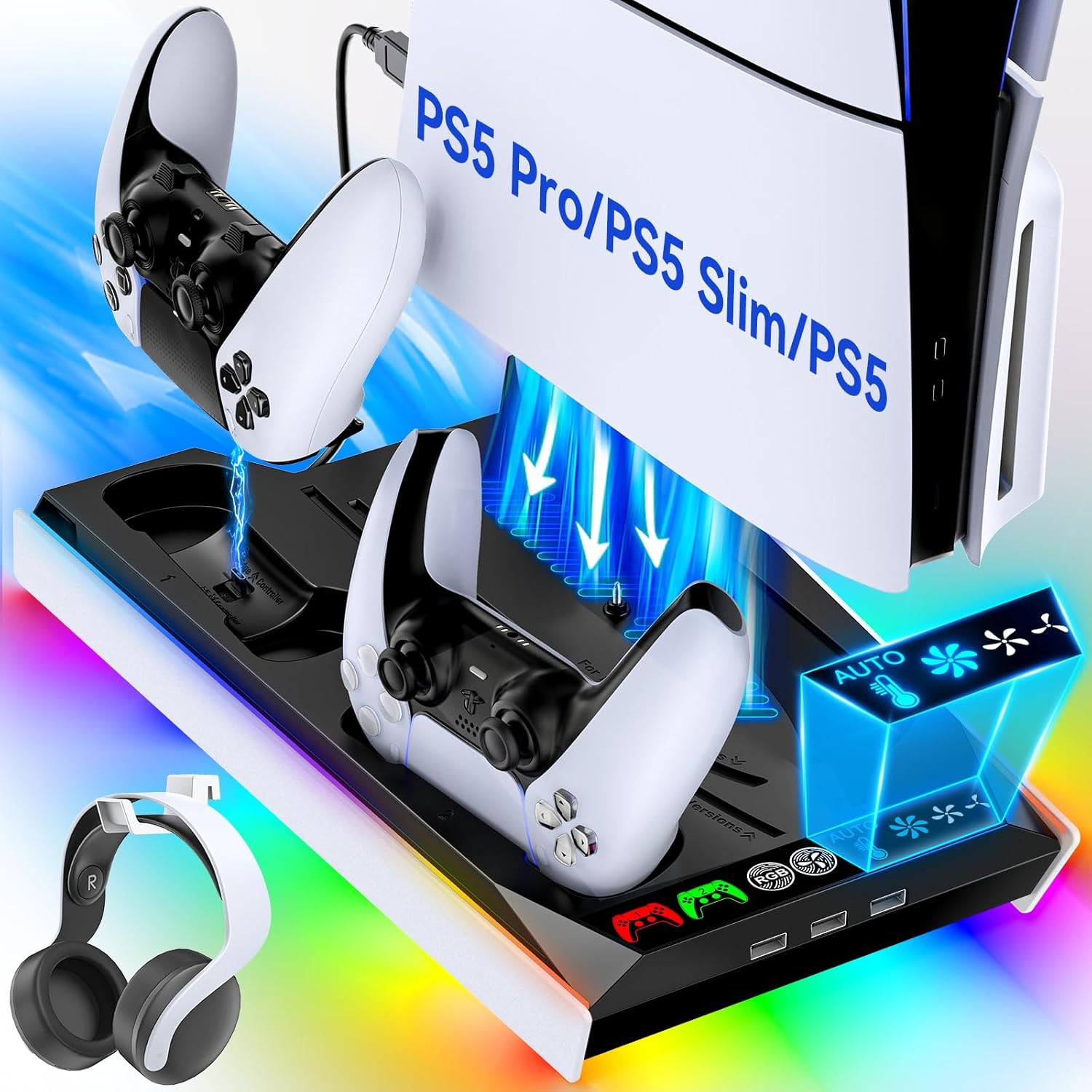
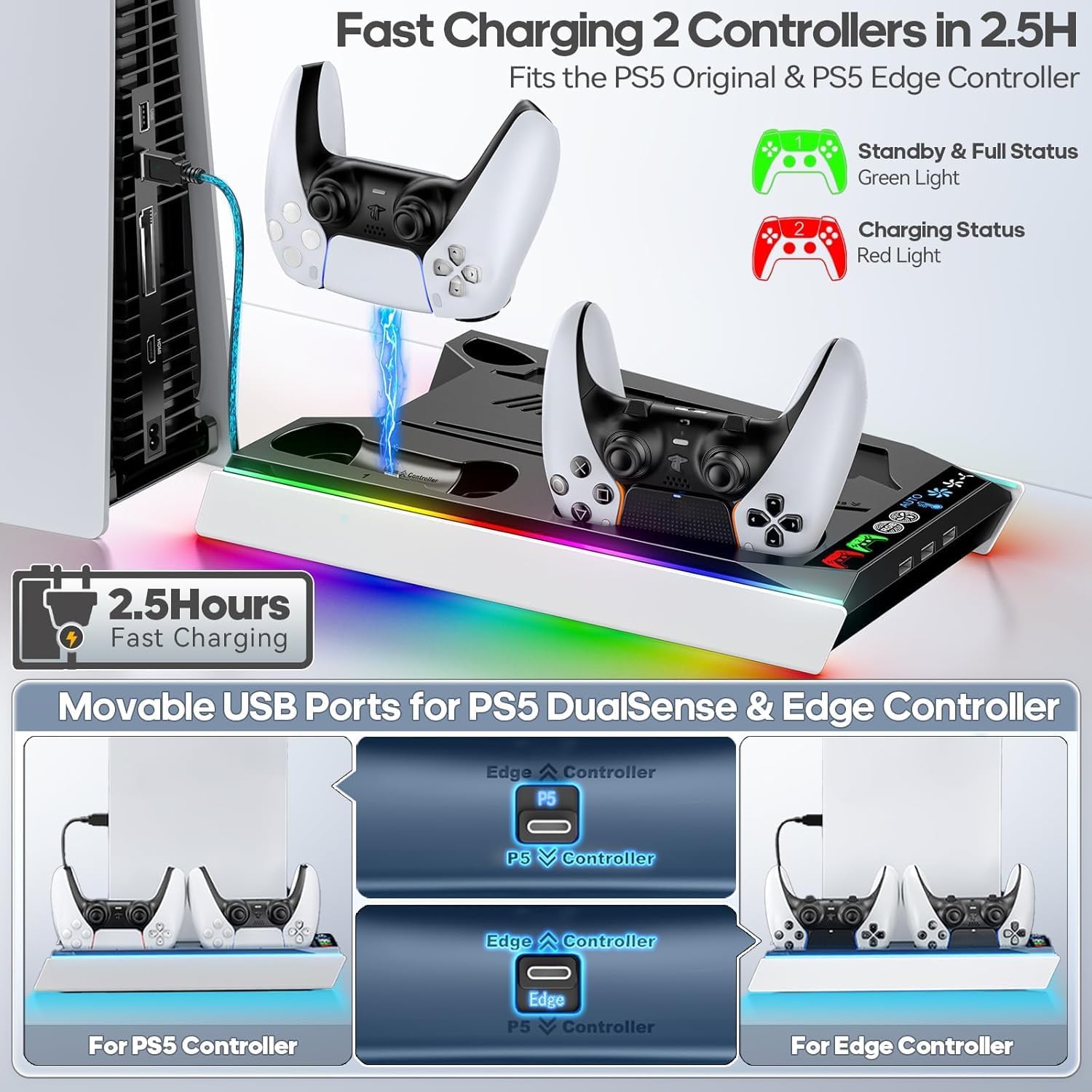
For the charging side, it’s meant to charge dual PS5 Original/Edge controllers and uses a movable USB charging port so you can adjust the charging position. If you’ve ever had a controller charger that only works in one awkward angle, this “movable port” detail is exactly the kind of thing that can reduce frustration.
That said, no device like this is magic. A cooling dock can help with operating temperature, but if your console’s ventilation is blocked by poor placement or clutter, results will vary.
Where it shines: fan control that’s meant to be responsive
The cooling station includes both automatic and manual fan control.
In automatic mode, the fan speed adjusts based on internal console temperature using these bands: - high-speed: >98.6°F / 37°C - medium-speed: 95–98.6°F / 35–37°C - low-speed: <95°F / 35°C
Manual mode is also available. The station’s fan switch button controls multiple fan settings, including a high/medium/low style setup plus an AUTO option and an off mode.
A practical way to think about it: if you’re gaming with longer sessions (or you notice your console running warm), AUTO mode can take the micromanagement out of the equation. If you prefer predictable behavior—like running lower noise for casual play—you can switch to a manual speed.
Controller charging dock + ports for extras
On the controller charging side, the dock is described as supporting dual controller charging (for PS5 Original/Edge controllers). The USB charging port is movable (adjustable up or down), so the dock can align with the controller’s charging contact more reliably.
The station also mentions 3 USB charging ports on the side, which can be used to charge other PS5 accessory devices. That’s a nice “desk management” touch if you keep more than just controllers plugged in.
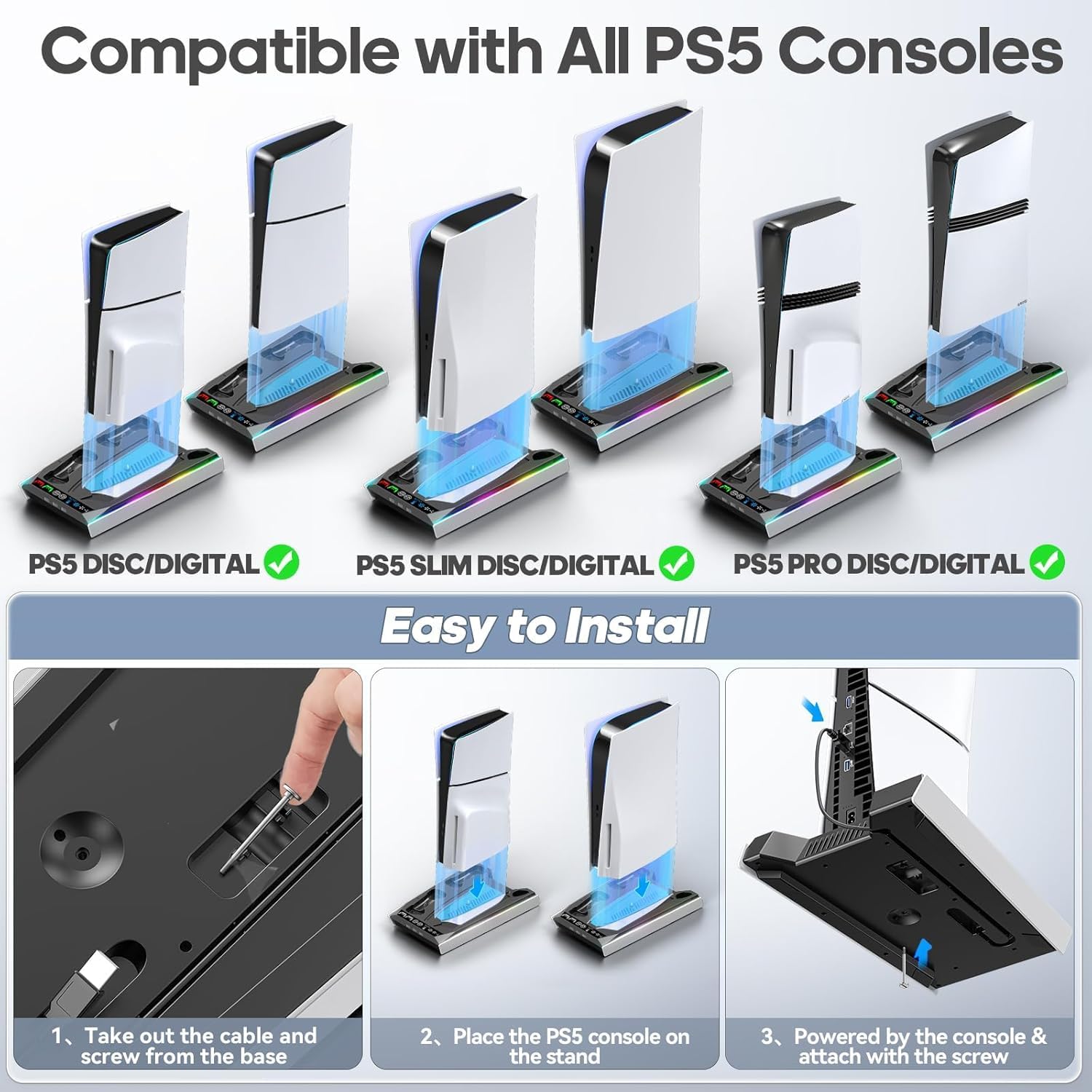
One limitation to keep in mind: the product description includes multiple “for PlayStation 4 adapters” notes, so you’ll want to double-check compatibility specifics for your exact console model and controller type before buying. It’s compatible with PS5 Digital & Disc versions per the description, but always worth verifying the adapter fitment that applies to your setup.
LEDs, RGB effects, and lighting memory
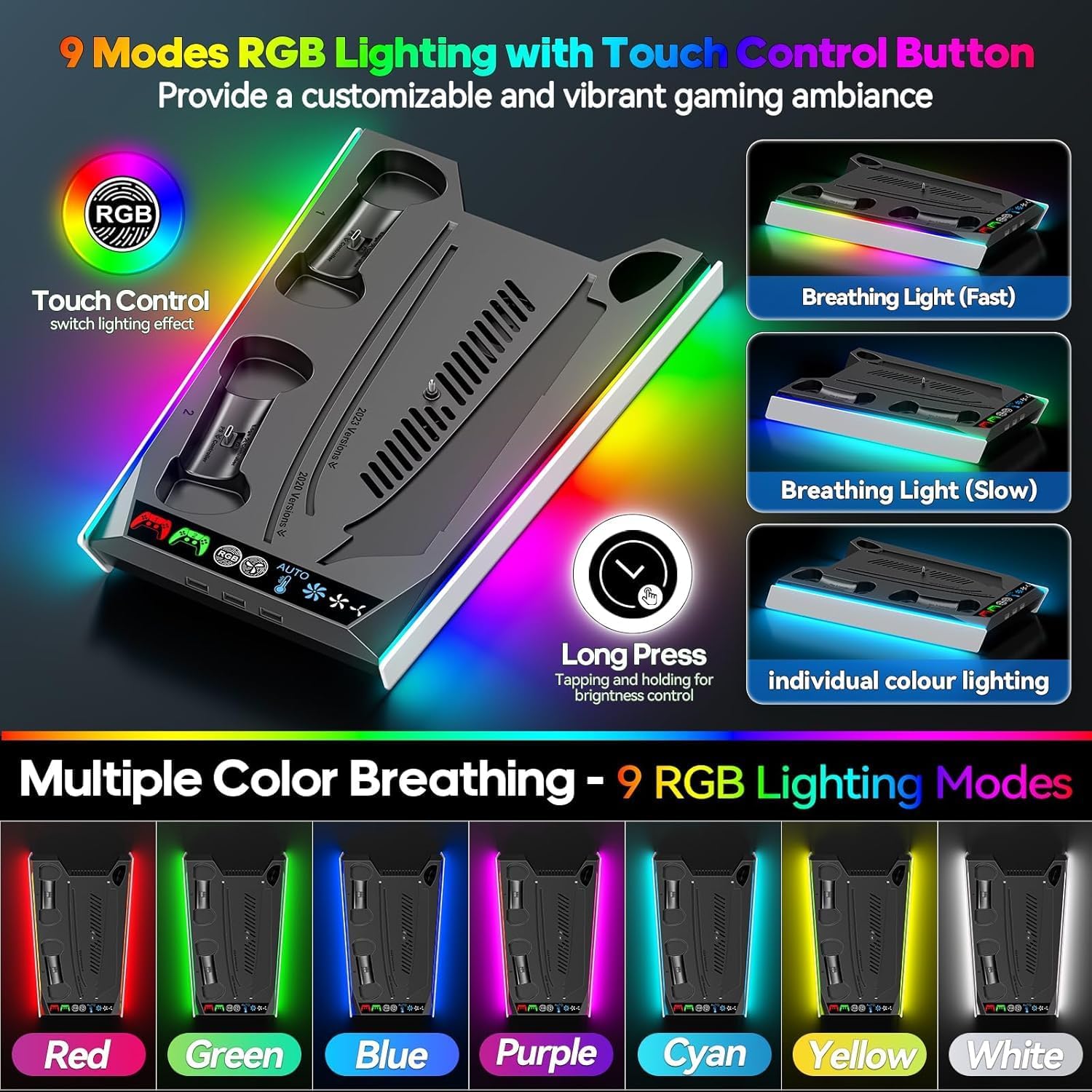
If you care about the look of your entertainment area, this stand includes RGB lighting with 9 lighting effects. Lighting mode and brightness can be adjusted, and it also supports memory for the light mode—so it should remember the last setting when the power comes back.
The LED control supports short press to turn on/off with breathing modes, and long-press actions to decrease brightness and then turn off the lighting effect. For most people, this is the kind of feature that’s either a fun bonus—or just something you’ll want to turn down so it doesn’t distract.
Tech specs
- Name: Tokluck PS5/Slim/Pro Cooling Station with Auto Turbofan & 3-Level Speed
- Type: Cooling stand with controller charging dock and fan speed controller
- Compatibility: Compatible with PS5 Digital and Disc versions (and mentioned support for PS4 adapters in the description)
- Automatic fan speed temperature bands: Low <95°F / 35°C, Medium 95–98.6°F / 35–37°C, High >98.6°F / 37°C
- Fan control modes: Automatic and manual (including high-medium-low style control plus AUTO and off)
- Charging capability: Dual PS5 Original/Edge controller charging (with movable USB charging port)
- Lighting: RGB with 9 effects, adjustable brightness, memory function for the light mode
- Indicators: Clear LED indicators and fan speed indicators
Best use cases (and when you might want to skip it)
Worth considering if you want a single dock that handles both cooling control and controller charging, and you like the idea of AUTO fan behavior driven by a temperature probe. It’s especially appealing if you game in longer sessions and prefer fewer manual adjustments.
You may want to skip it if you’re already happy with your current cooling approach or controller charging setup and don’t really care about RGB/lighting effects. Also, if your goal is maximum cooling performance above all else, this kind of dock can feel more like “helpful everyday thermal support” than a full-on enthusiast-grade cooling solution—so expectations should stay realistic.
Final verdict
Final verdict
It’s a solid buy for PS5 owners who want practicality: AUTO fan speed control, controller charging in the stand, and lighting/indicator feedback that’s easy to understand. The “memory” features (fan speed and lighting mode) are the kind of small details that make day-to-day use feel smoother.
Just do one careful check before purchasing: confirm the exact fit for your PS5 model/console placement and any adapter-related notes mentioned in the listing, since compatibility wording can be a little scattered. If you’re okay with that, the Tokluck docking station looks like a convenience-first option that can genuinely make your setup run a bit cooler with less hassle.
Mini FAQ
Mini FAQ
Does the fan automatically adjust based on console temperature?
Yes. The description says the built-in temperature probe can automatically adjust fan speed in automatic mode using the listed temperature bands.
Can I control the fan speed manually?
Yes. Manual mode is available through the fan switch button, which cycles through multiple settings and includes an AUTO option and off.
Will it charge both controllers at the same time?
The listing describes charging dual PS5 Original/Edge controllers.
Does the lighting keep its last setting?
Yes. The lighting is described as having a memory function, so it should remember the last light mode before it was turned off.
What should I double-check before buying?
Double-check compatibility for your exact PS5 console model and verify the adapter/fitment notes mentioned in the description so the dock seats correctly in your setup.