

Sycelu RF Remote Control Page Turner for Kindle Paperwhite, Oasis, Kobo, and iPad (White)
Reviews
Price
Product description
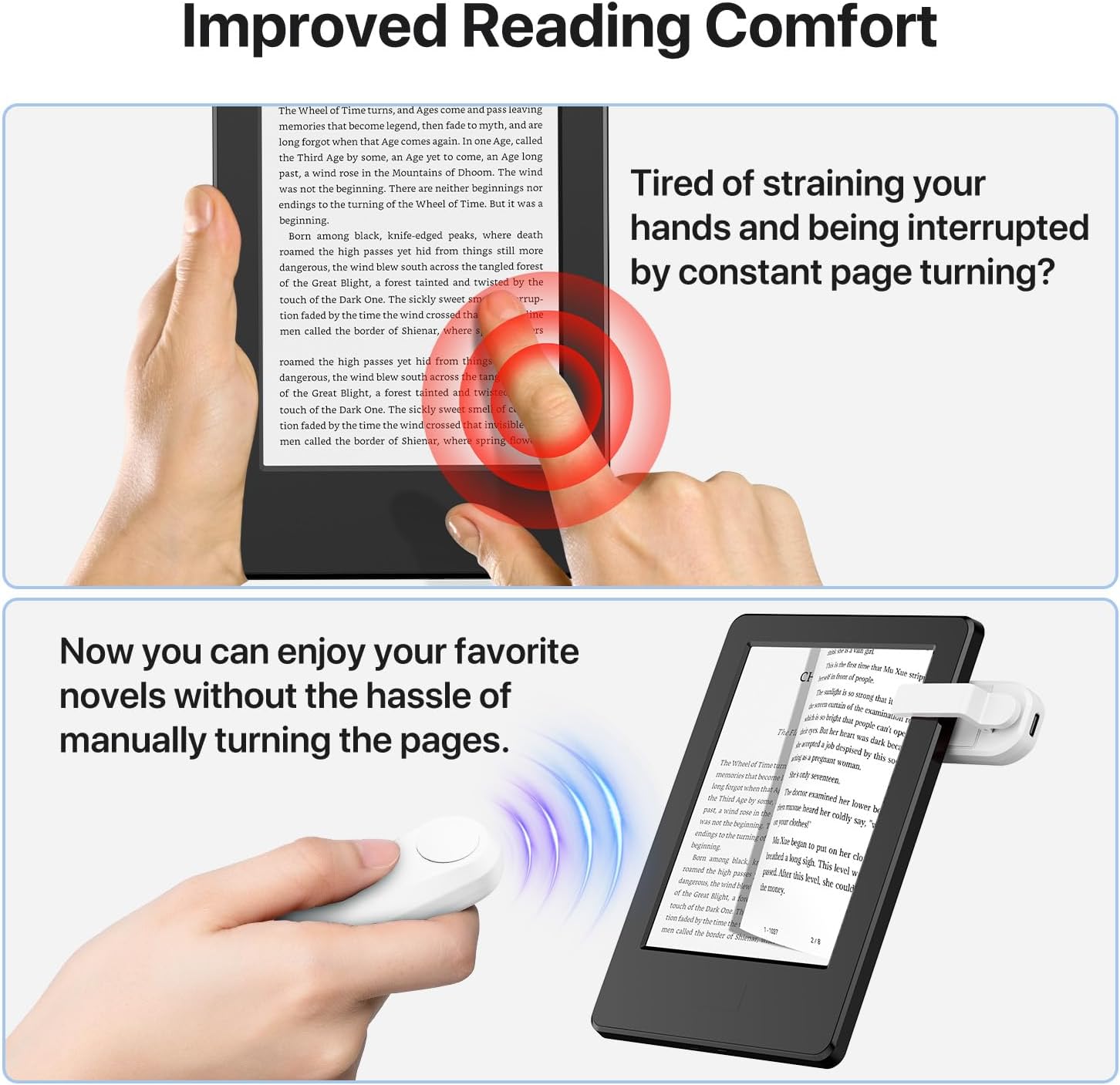
If you’ve ever had to awkwardly reach across a blanket just to turn the page, a page turner remote is one of those small upgrades that actually changes your day. Sycelu’s RF remote page turner is designed to let you flip pages with a button press—without moving your device or your hands.
That said, it’s not magic. Since it’s a remote page control for e-readers and tablets, the fit and real-world performance will depend a bit on where you place your device and how you clip/mount it. If your setup is simple and consistent, this is the kind of accessory that can feel surprisingly practical.
Key points (Worth noting)
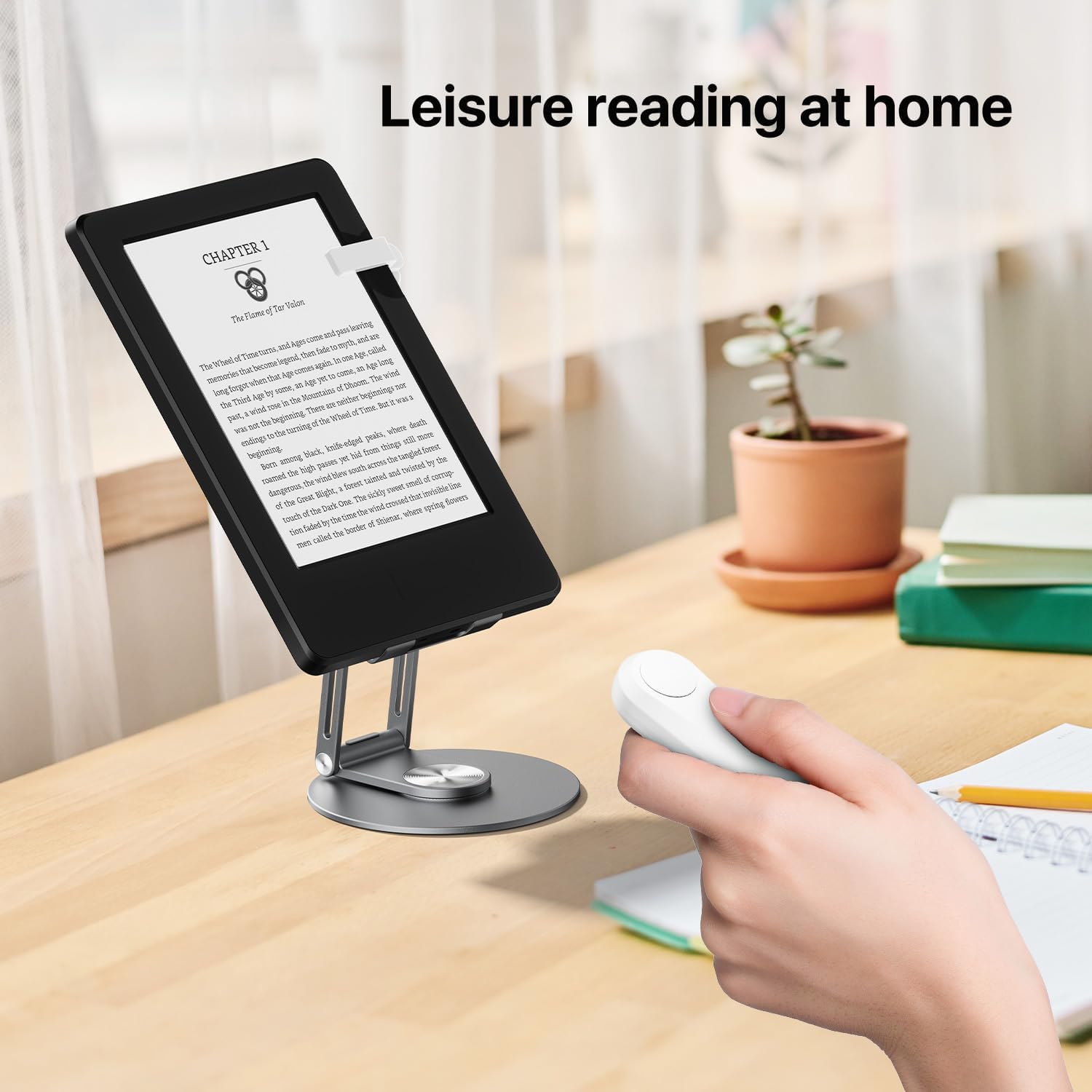
Sycelu’s page turner focuses on convenience: one-button page turns from a distance, plus a silent button so you can read without disturbing others—especially at night. It’s also aimed at people who want less hand movement while reading (think bedtime reading, longer sessions, or anyone managing limited mobility).
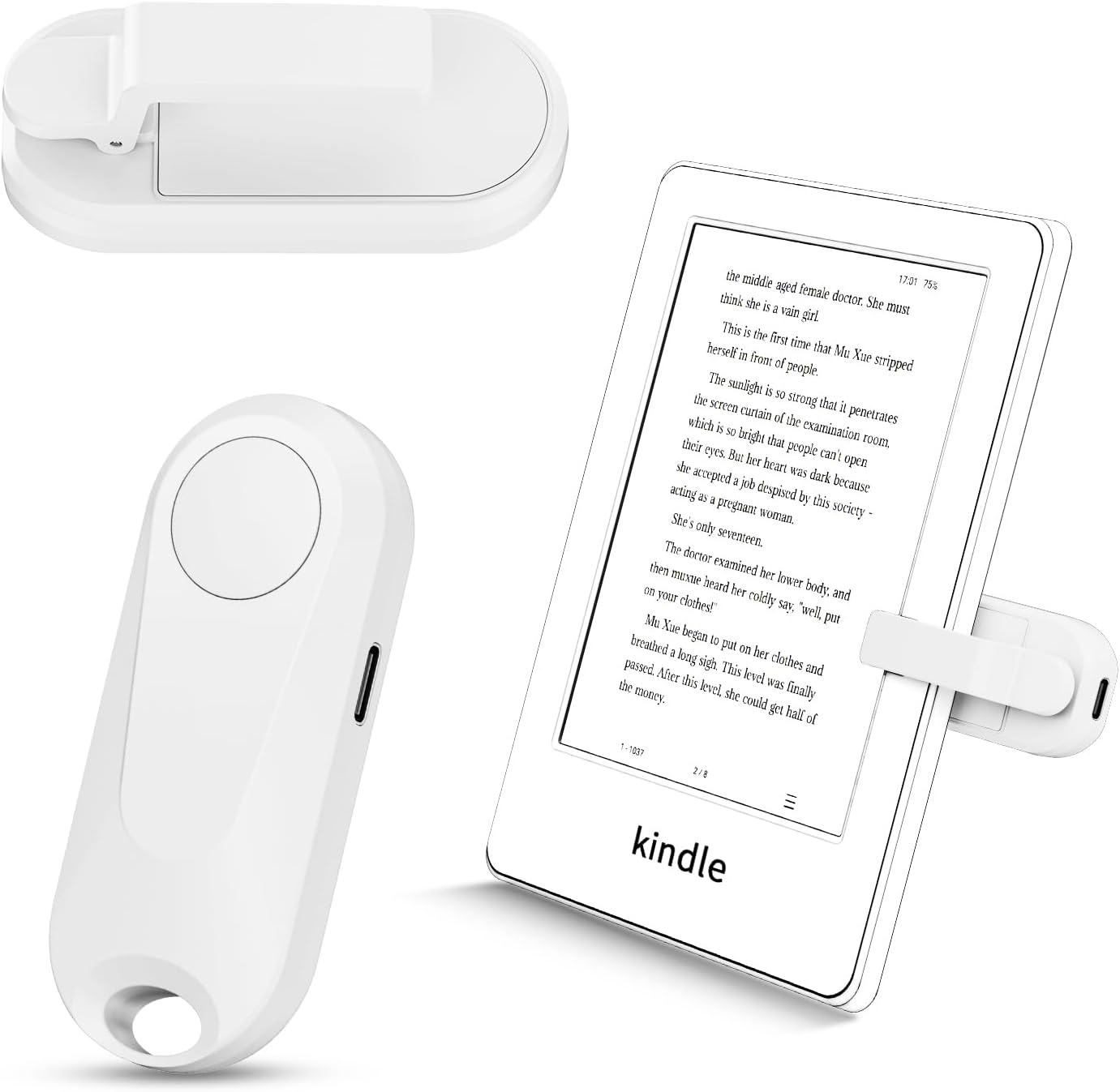
The “worth it” part, on paper, is that it reduces friction. Instead of adjusting your grip or repositioning your device, you click and keep reading. That’s a real quality-of-life feature more than a flashy tech gadget.
What you’ll notice in everyday use
In a typical scenario—reading on a couch or in bed—you mount the page turner to the side of your reader or e-reader/tablet setup. Then, instead of tapping the screen or reaching to turn pages, you use the remote button.
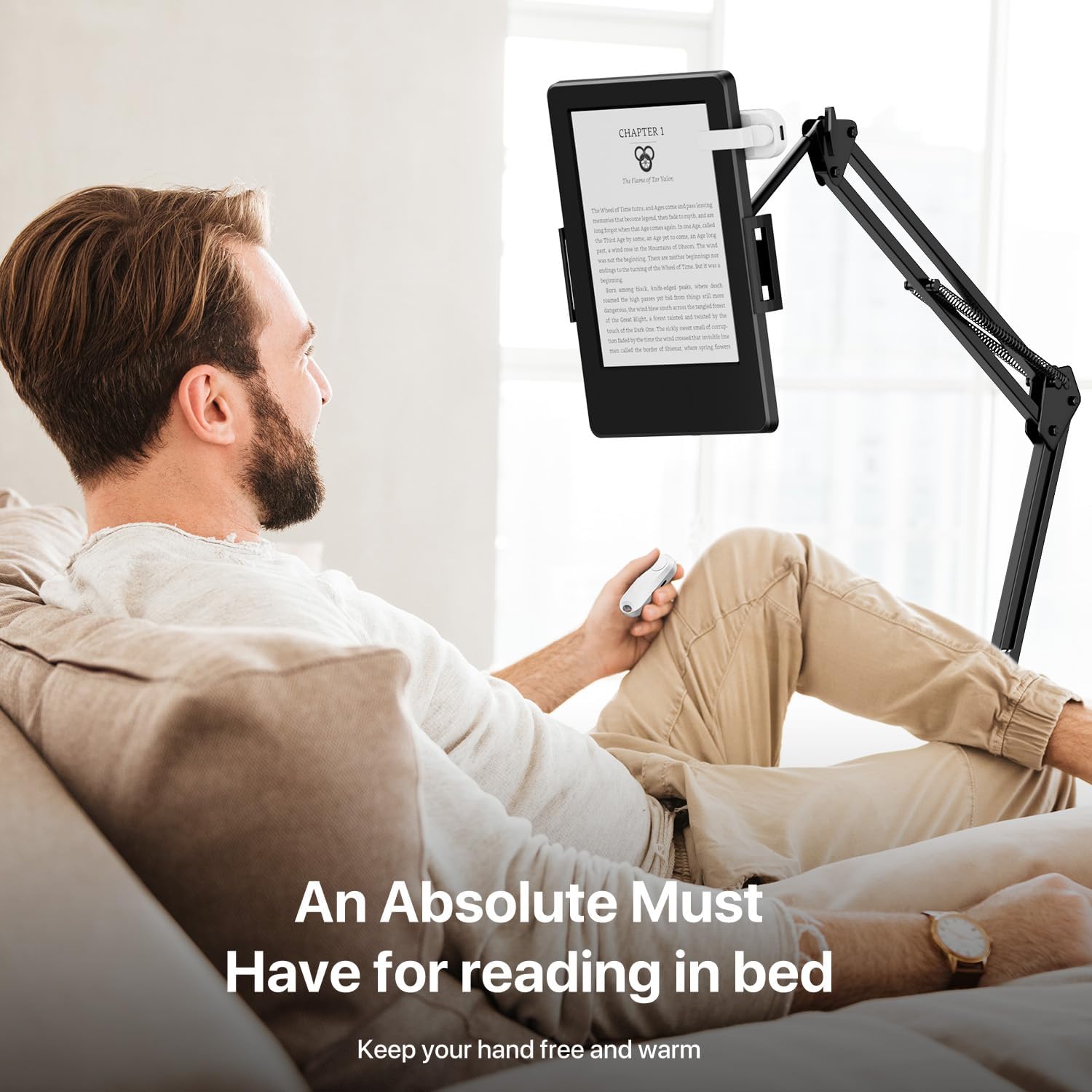
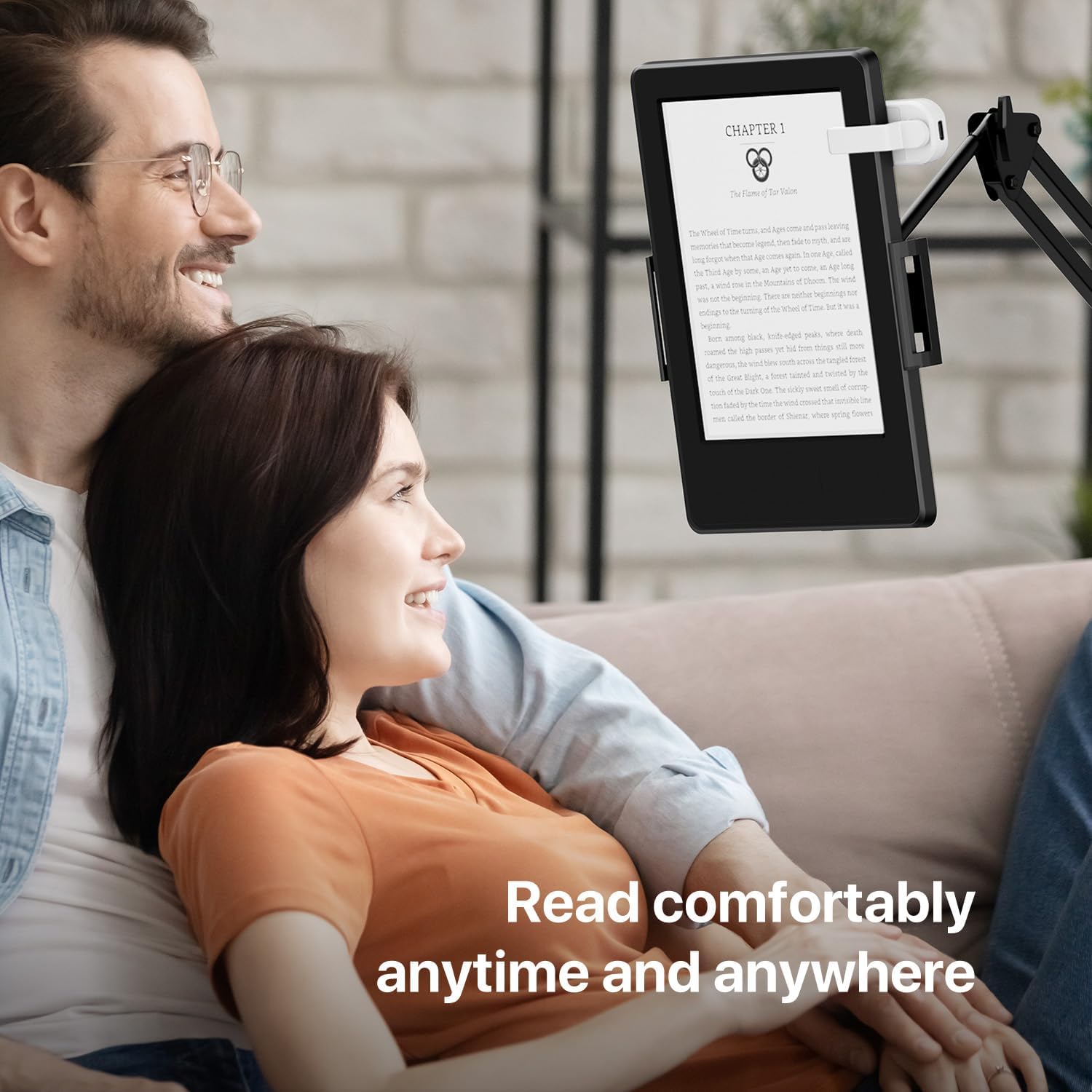
The silent button is specifically meant for quiet environments. If you’ve ever turned a page and worried you’d wake someone nearby, this is one of the smoother touches here. And if your goal is “read with your hands under the blanket,” the page-turn remote approach is exactly built for that.
Compatibility & requirements
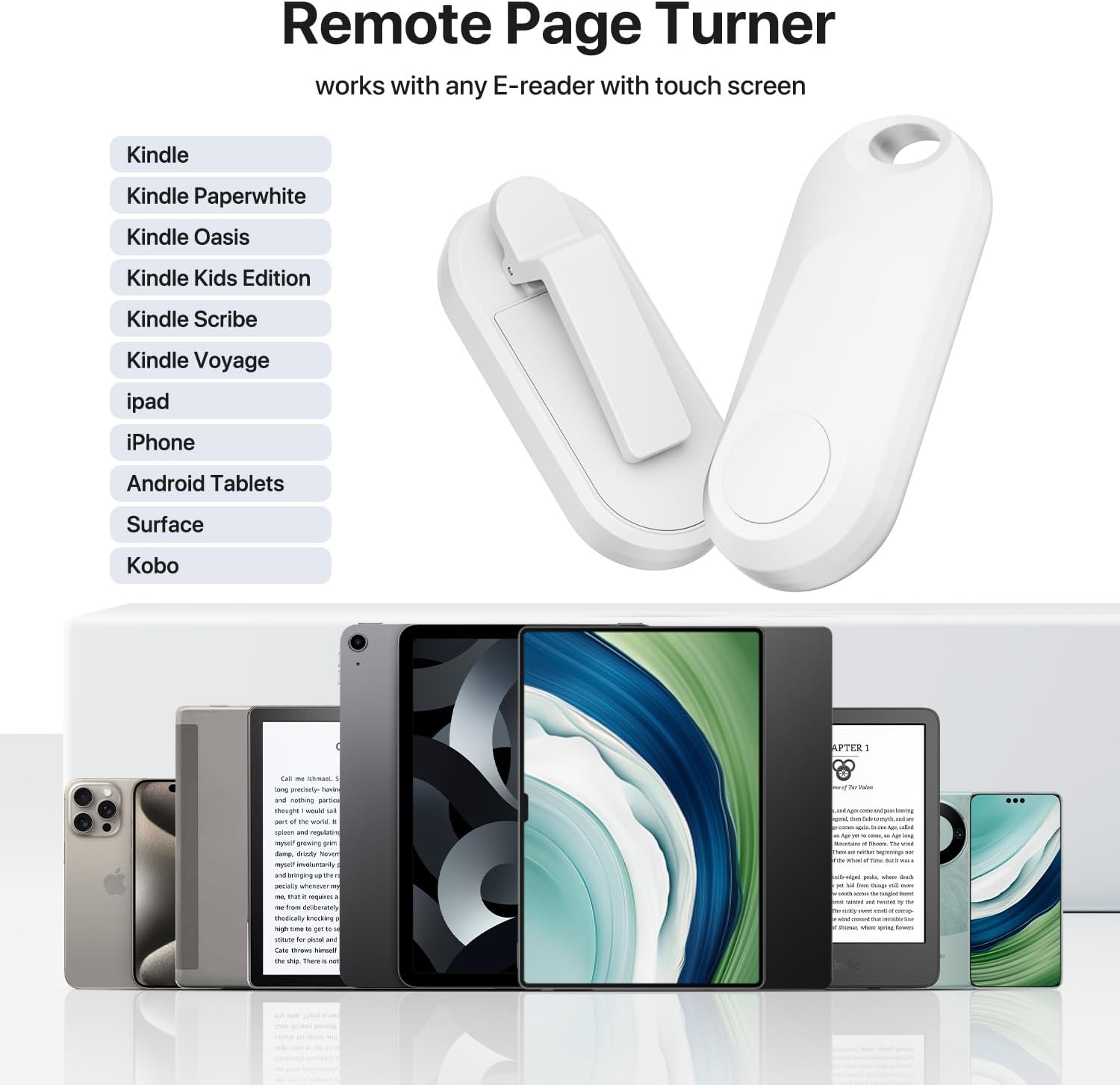
Sycelu positions this as broadly compatible with touchscreen e-readers and reading apps/devices, including multiple Kindle models (such as Kindle Paperwhite and Kindle Oasis lines), Kindle Scribe, Kindle Kids Edition, Kobo eReaders, and also iPad/iPhone, Android tablets, Surface, and the Kindle app.
One limitation to keep in mind: the description references a “clip” mounting approach and RF remote control behavior, so your device placement matters. If you tend to read with the device angled in unusual ways or you reposition it frequently, you may need a little trial-and-error before it feels effortless.
Charging and runtime (What matters most)
This page turner uses USB-C charging. The description states you only need a USB-C cable to charge the remote, rather than dealing with battery replacements.
It also gives some usage guidance: if you read around 3 hours per day and charge the clip once, it can be used for about 50 days (and mentions it can be used for about 3 months). Still, battery behavior can vary depending on your usage pattern, so treat these as practical expectations rather than a strict promise.
Tech specs
- Type: RF remote control page turner
- Color: White
- Charging: USB-C
- Button feel: Silent button design (for quiet reading)
Where it shines (Pros)
- Remote page turning can reduce hand movement, which is especially useful when reading in bed or with limited mobility.
- Silent button helps keep the reading session quieter at night.
- USB-C charging simplifies power management compared with replacing batteries.
- Broad compatibility across several Kindle models, Kobo, and also iPad/tablet reading setups.
When it may not be the best choice (Limitations)
- If your reading setup changes constantly (different device positions, frequent re-mounting), a clip-mounted page turner may take extra effort to get comfortable.
- If you only read occasionally and don’t mind tapping/swiping, the benefits might not feel big enough to justify the accessory.
- Any remote control device can feel “less convenient” when the device placement isn’t consistent—so it’s worth thinking about how you typically hold or mount your reader.
Quick FAQ
Does it really help for bedtime reading?
Based on the design goal and silent button feature, yes—this is meant to make it easier to flip pages without moving much, which is the typical bedtime-use scenario.
Do I need to replace batteries?
The description says USB-C charging is used, so it’s designed to avoid battery replacements.
Will it work with both e-readers and tablets?
It’s described as suitable for touchscreen e-readers and also devices like iPad/iPhone, Android tablets, Surface, and the Kindle app.
Is this compatible with Kindle Paperwhite and Kindle Oasis?
The provided compatibility list explicitly includes Kindle Paperwhite and Kindle Oasis lines.
Is it worth it?
Buy it if you want page turns without touching the screen much—especially for reading in bed, reading at night, or if limited mobility makes swiping/tapping more annoying than it should be. The silent button and remote approach are the core reasons this type of accessory earns its place.
Skip it if you mainly read sporadically and you’re already comfortable tapping/swiping pages, or if your reading setup is constantly changing and you don’t want to spend time adjusting a clip-mounted remote workflow.
For most people who want a smoother, less hands-on reading experience, this Sycelu RF page turner is easy to see where it fits. Just double-check your device type against the listed compatibility and consider how consistently you can mount/position your reader.