

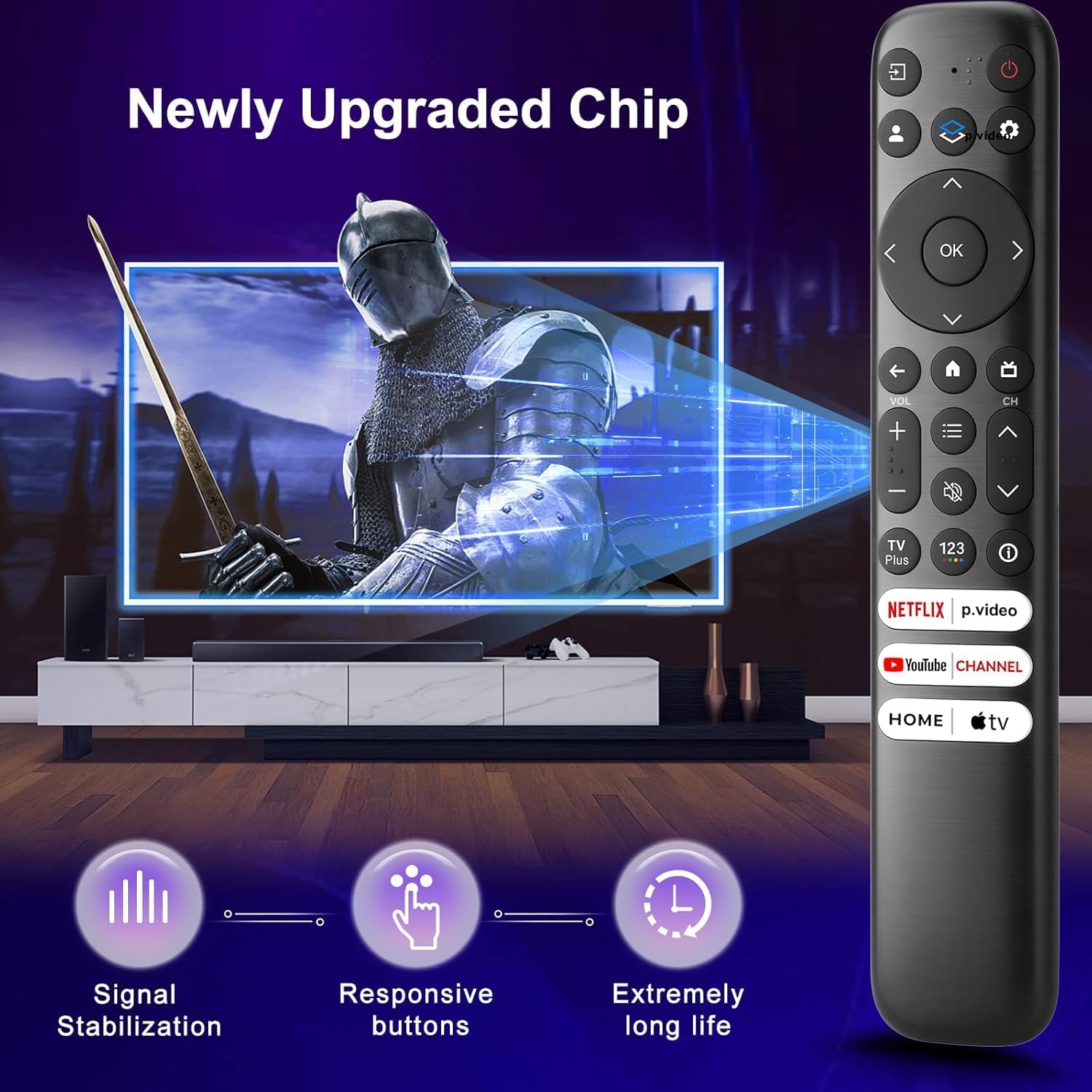
(Pack of 2) Replacement-for-TCL-Google-TV-Remote-Control — Universal Remote for TCL Smart UHD HDR LED Mini QLED 4K Google TVs
Product description
Overview
This is a pack of two replacement remote controls designed for TCL Google TV models. If you’ve ever worried about losing or damaging a TV remote, this double-pack gives you a practical backup option that works with TCL Google TV, including many QM and Q-series sets. It’s not a universal across all brands, but it covers a broad range of TCL UHD HDR LED and QLED 4K Google TVs.
What it is and who it’s for
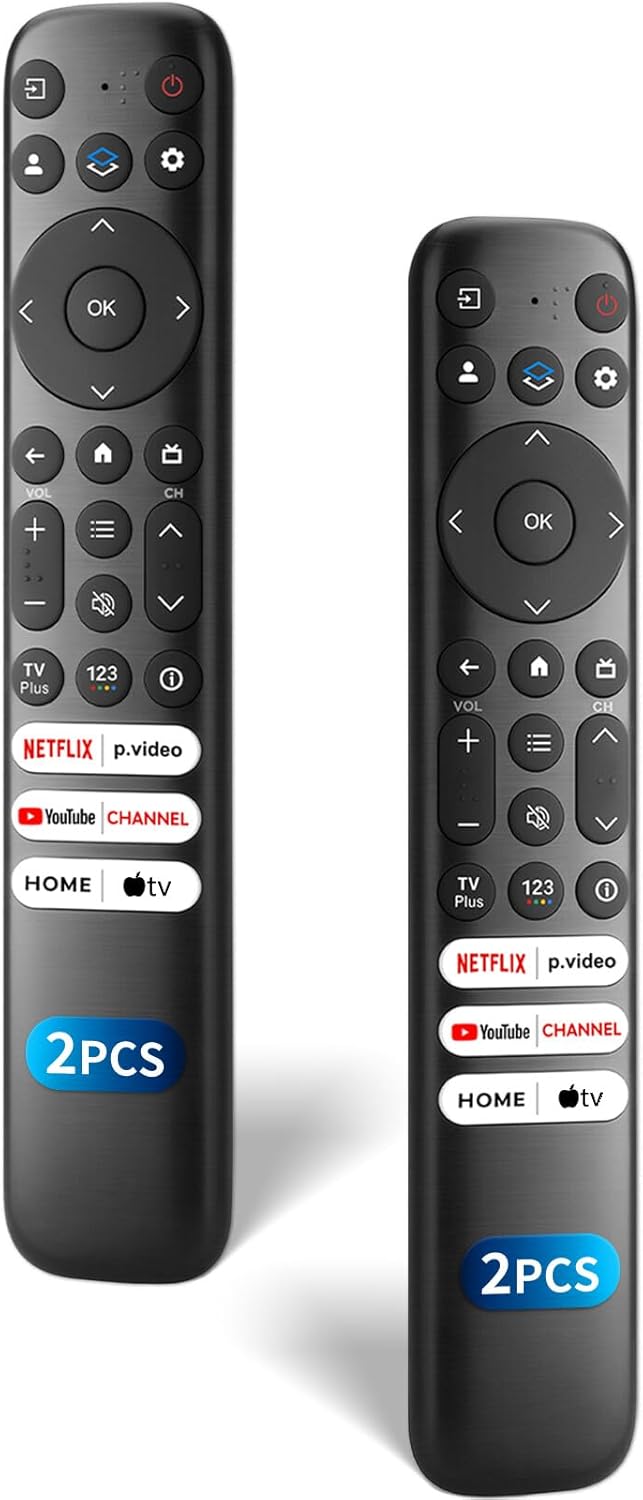
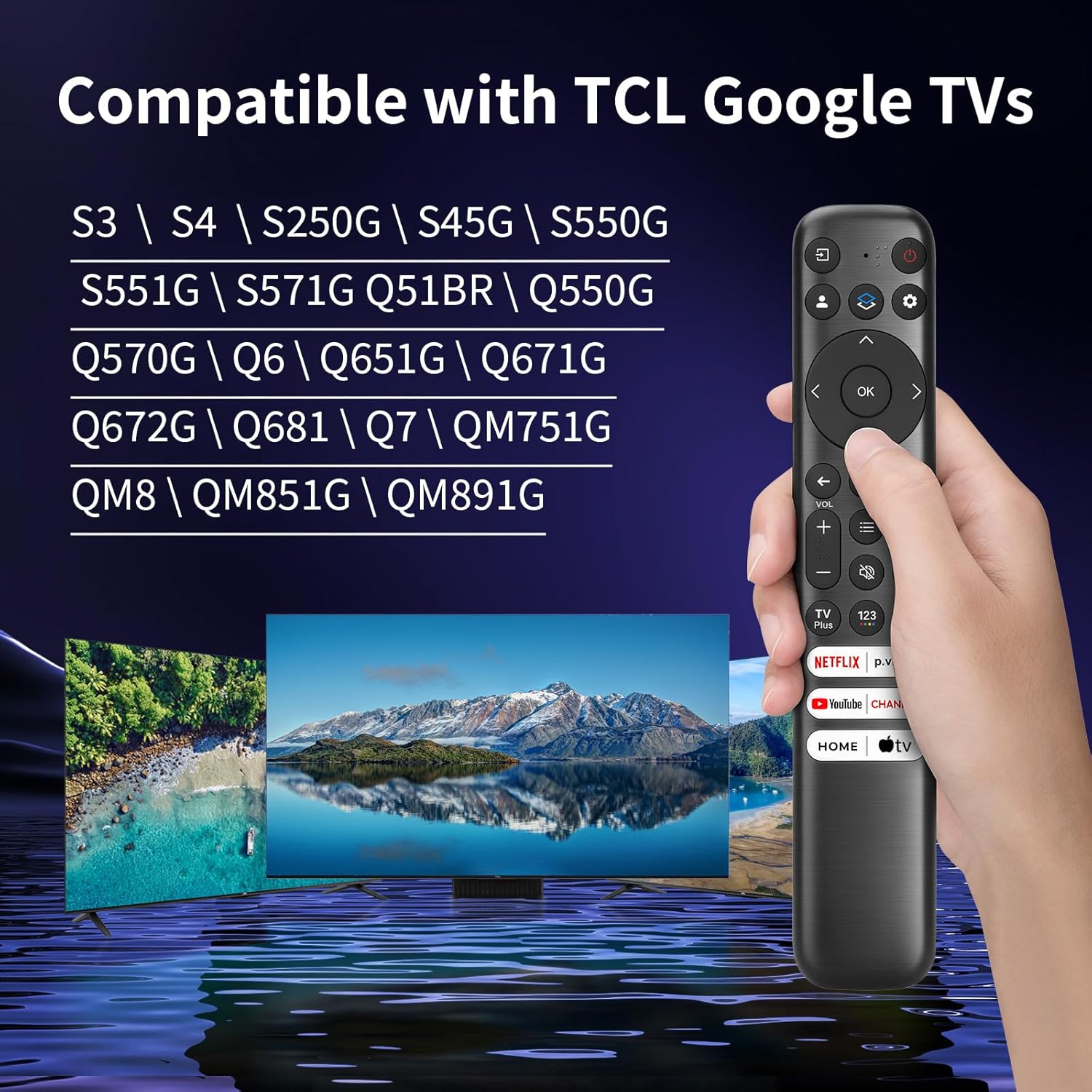
These remotes are intended for TCL Google TV units (not for Fire or Roku TVs). They’re ideal for households with multiple TCL Google TV setups or for users who want a spare on hand. If you’ve got a TCL QM8, QM7, S5, S4, S3, Q7, Q6, Q5 series, or similar, this could be a convenient substitute when the original is misplaced or temporarily out of reach.
How it stacks up in real use
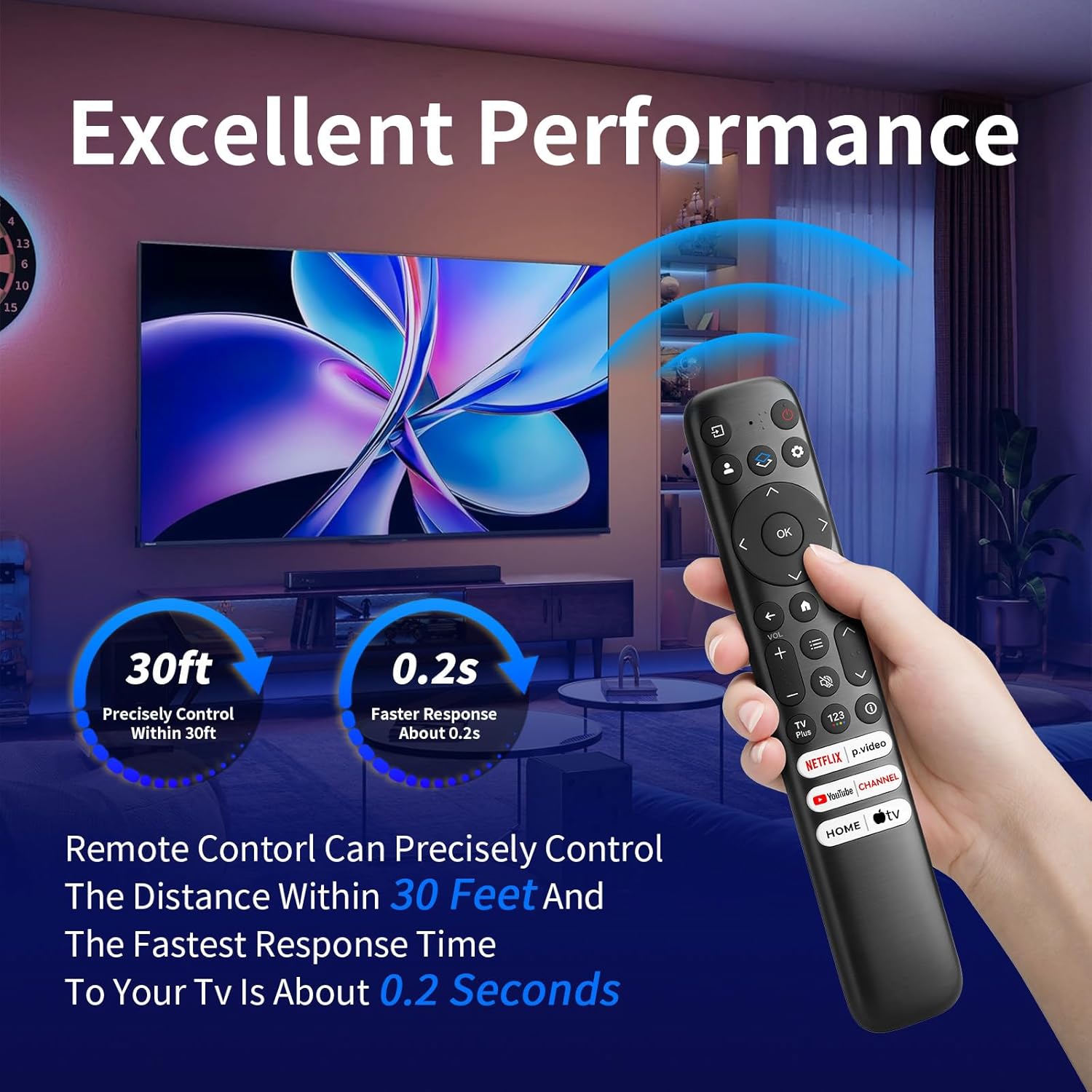
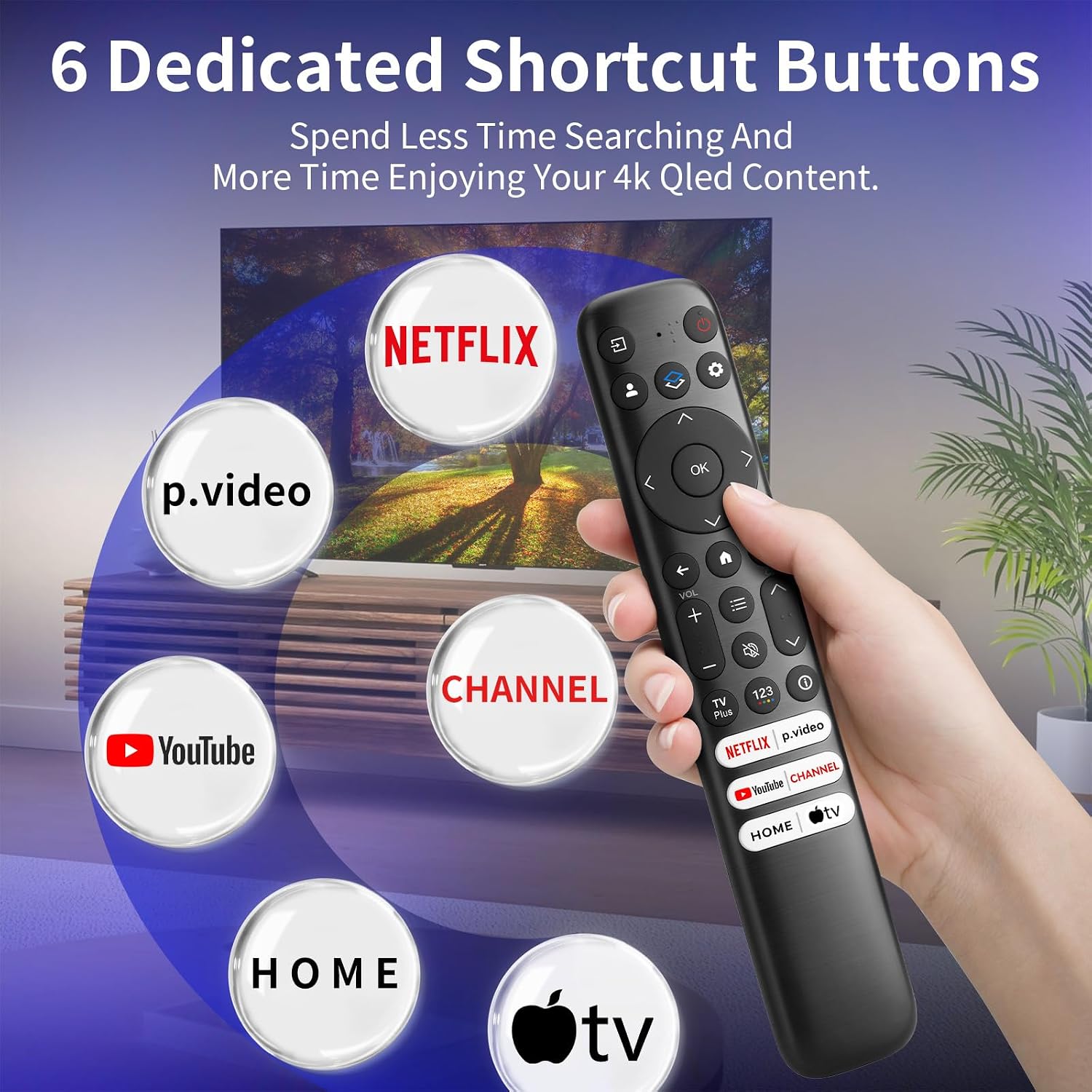
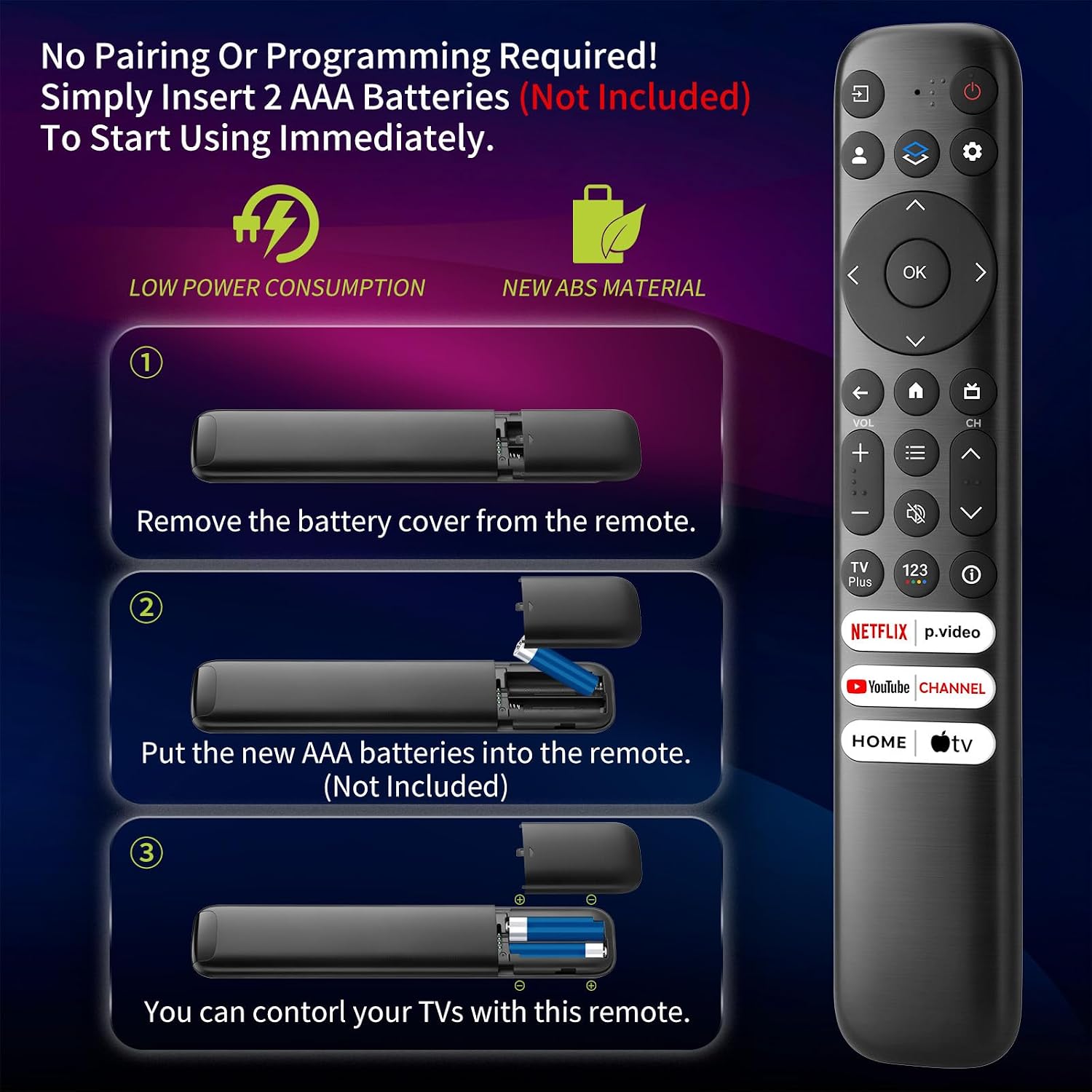
On paper, the remote includes six dedicated shortcut keys for popular streaming channels. It’s designed for quick access without the need for pairing or programming—just insert two AAA batteries and you’re ready to go. The ergonomic shape aims to be comfortable from any seating position in a home theater setup. The durability claim includes extensive button testing and a stated 30 ft (10 m) operating range.
What’s strong here
- Pack of 2 for redundancy and convenience
- Dedicated shortcut keys for fast access to top streaming apps
- Plug-and-play: no pairing or programming required
- Long-range operation and tested durability
- Broad TCL Google TV compatibility across several popular series
What may give you pause
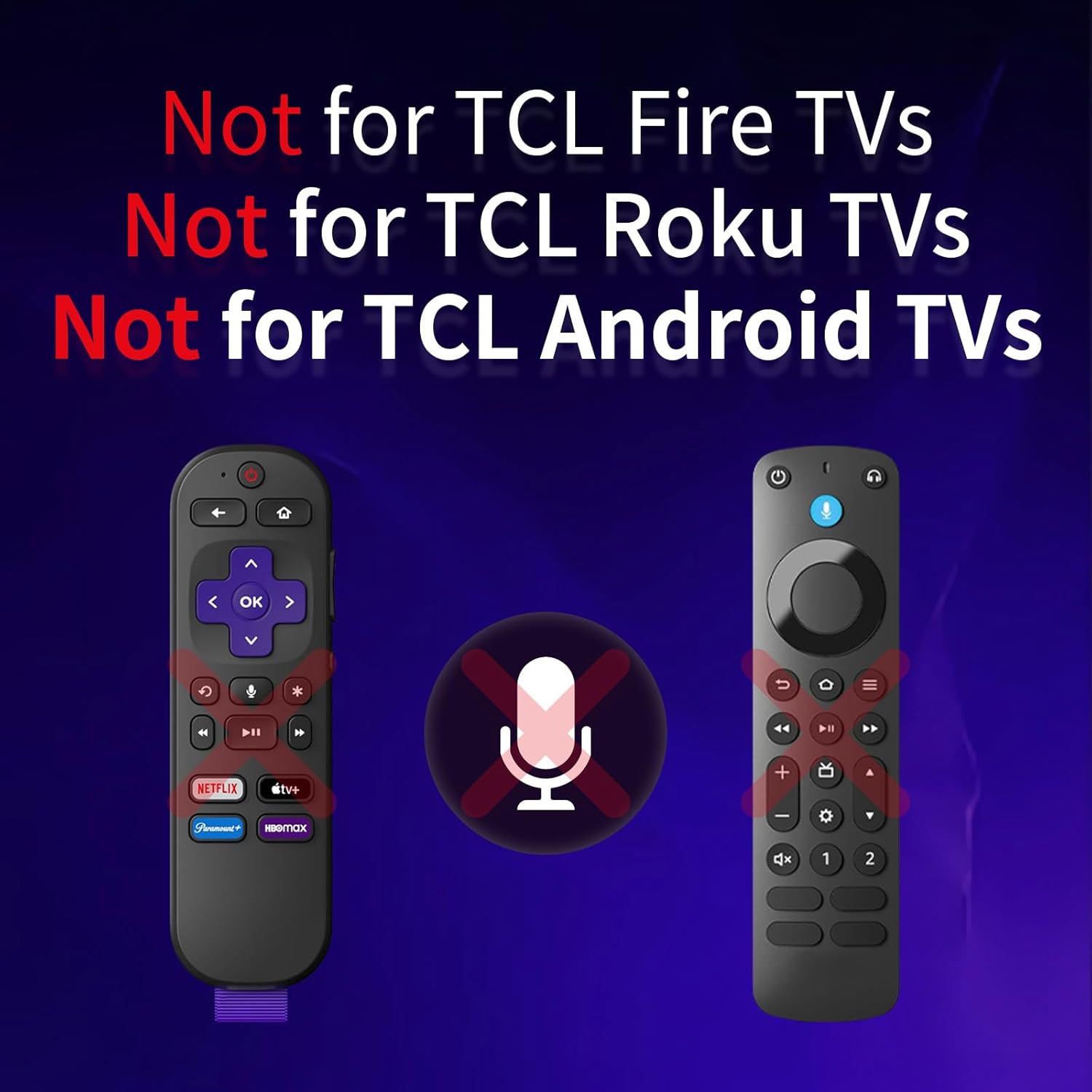
- It’s not compatible with Fire TV or Roku TVs, so verify your model before buying.
- Batteries are not included, and there’s no voice control or included manual, which may matter if you rely on those features.
- For older TCL Google TVs, shortcut programs may not be available if the TV itself doesn’t support them.
Who it’s best for
- Homes with multiple TCL Google TV units or a need for a spare remote.
- Users who want quick access to streaming apps without extra setup.
- Buyers prioritizing a simple, durable remote over smart features like voice control.
Who it isn’t ideal for
- If you require voice commands or advanced smart features integrated into the remote.
- If your TCL TV is not among the listed compatible series or if you own a non-Google TV TCL model.
When it makes sense to buy
- You want a reliable backup remote that doesn’t require complex setup.
- You value immediate access to common streaming apps via dedicated shortcut keys.
- You’re outfitting a living room or media space with a TCL Google TV-focused setup.
What to check before buying
- Confirm your TCL TV model series matches the compatible ranges noted (QM8, QM7, S5, S4, S3, Q7, Q6, Q5, and related Q-series).
- Ensure you’re okay with not having voice control or bundled batteries.
- Consider whether a spare remote is worth it given your household’s usage patterns.
Practical example of use
Imagine movie night: you grab one remote from the couch, hit the dedicated shortcut to your preferred streaming app, and start playback within seconds. If the other remote is in the kitchen drawer or on the coffee table, you can still control basic functions from a distance thanks to the 30 ft range.
The bottom line (decision moment)
Is it worth it?
Yes for households needing a backup that’s quick to deploy and easy to use on TCL Google TV models. It’s more about convenience and reliability than feature breadth. If you value voice control or a broader feature set, you may find this falls short. Ultimately, it suits buyers who want a straightforward replacement option that minimizes setup friction and maximizes uptime.
Quick FAQ
- Do these remotes require pairing? No, they do not require pairing or programming—just insert two AAA batteries.
- Are batteries included? No, batteries are not included.
- Will this work with all TCL TVs? It’s designed for TCL Google TV models listed in the compatibility notes, not for Fire or Roku TVs.
- Do the shortcut keys work if my TV firmware is older? Shortcut keys are described as compatible with TCL Google TV features, if an older TV lacks those features, shortcuts may not function as expected.