

Silkland Mini HDMI to HDMI 2.1 Cable (8K/4K, 48Gbps) 6.6ft — for cameras, monitors, and gaming
Product description
What you’re buying (and why it matters)
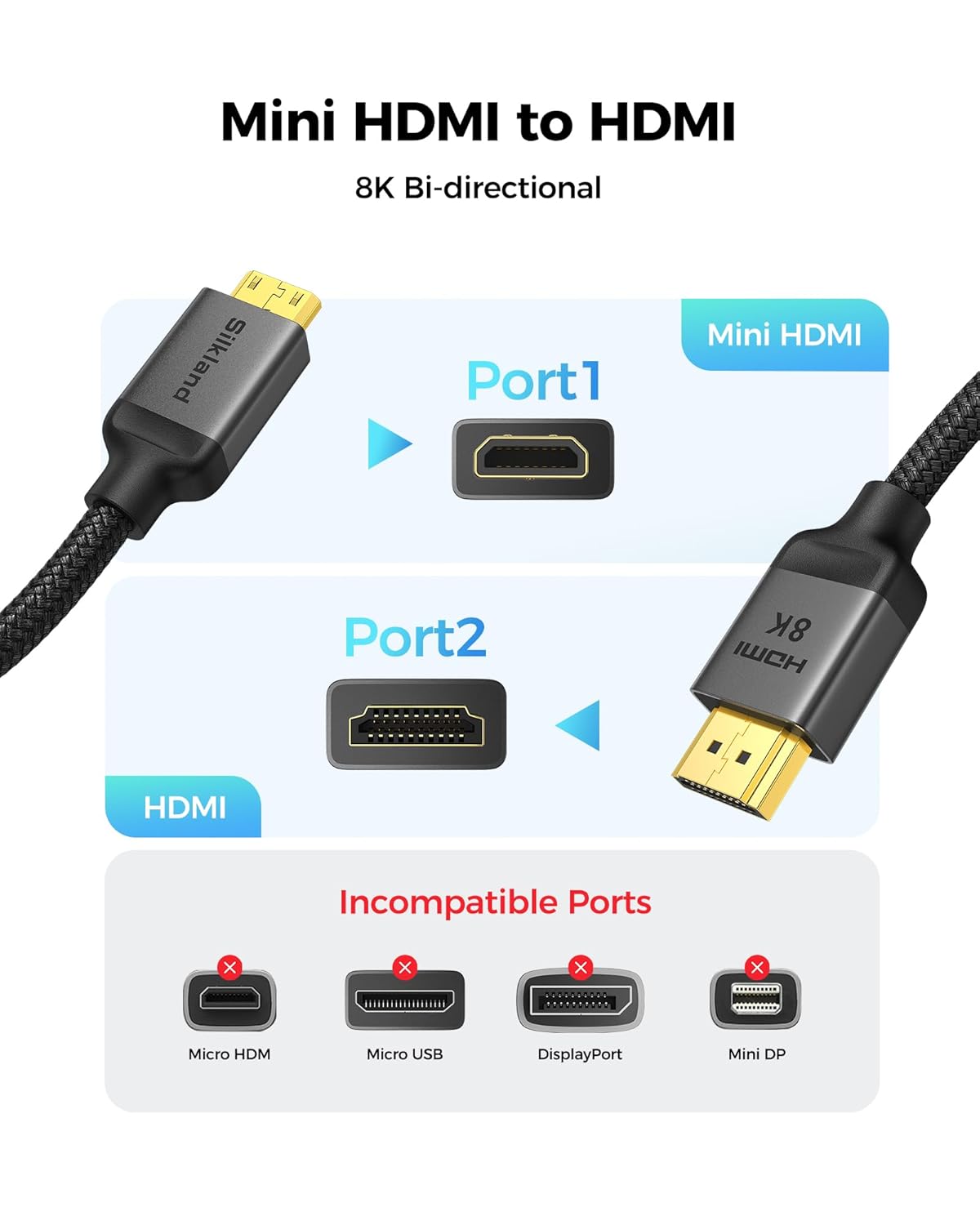
This Silkland Mini HDMI to HDMI cable is built for one specific job: carrying a video signal between a device with a Mini HDMI port and an HDMI display or capture setup. The “Mini HDMI” detail is the whole point here—Mini HDMI is not the same as Micro HDMI, and it’s also not Micro USB. If your camera, mini PC, tablet, or Raspberry Pi board has the wrong port type, the cable won’t solve anything.
When it does fit, the idea is simple: you get a more capable connection path for higher refresh-rate and higher-resolution workflows—whether that’s gaming on a console/PC with compatible output or “creator” use like previewing and transferring footage to a monitor.
Key takeaways
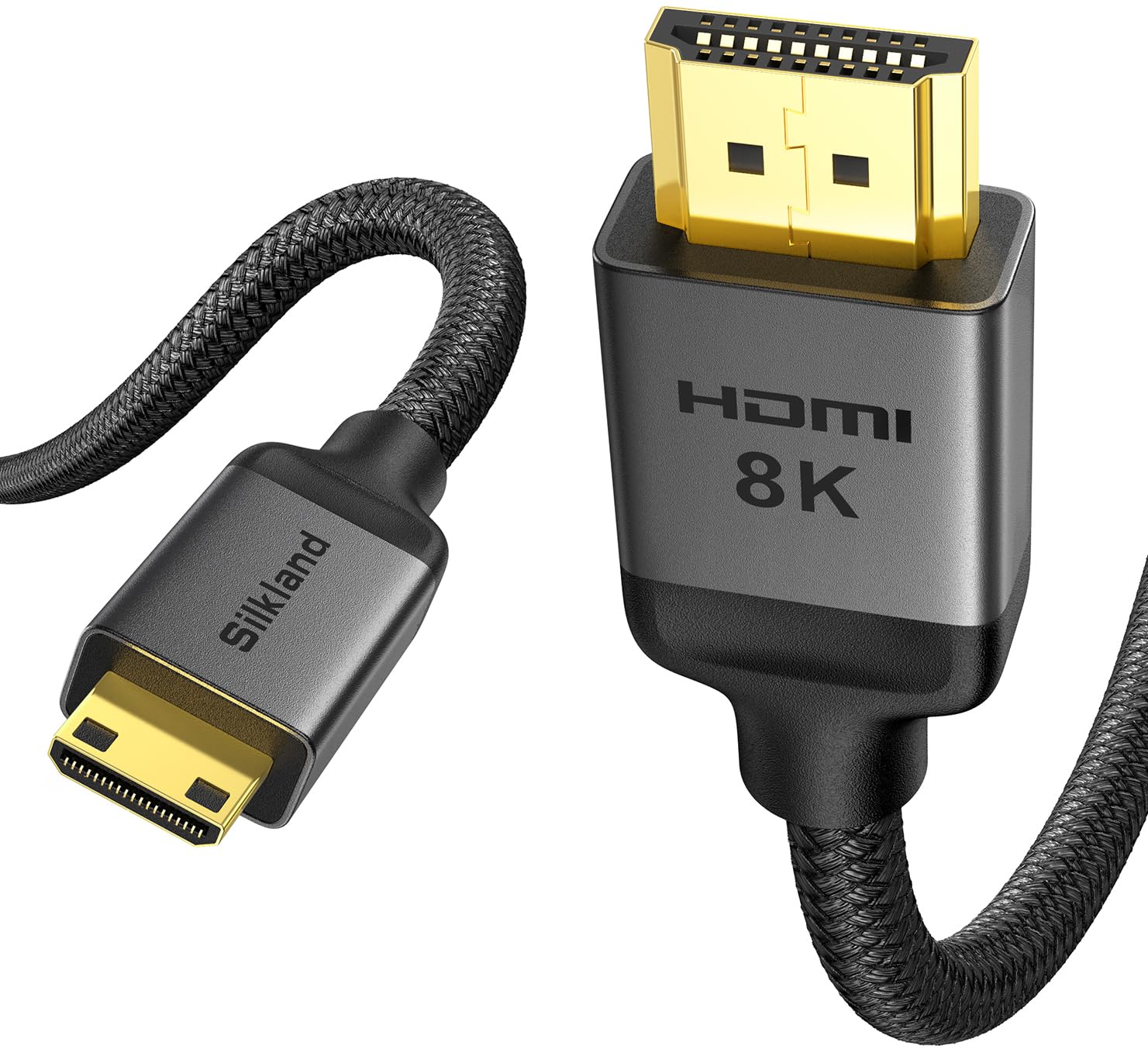
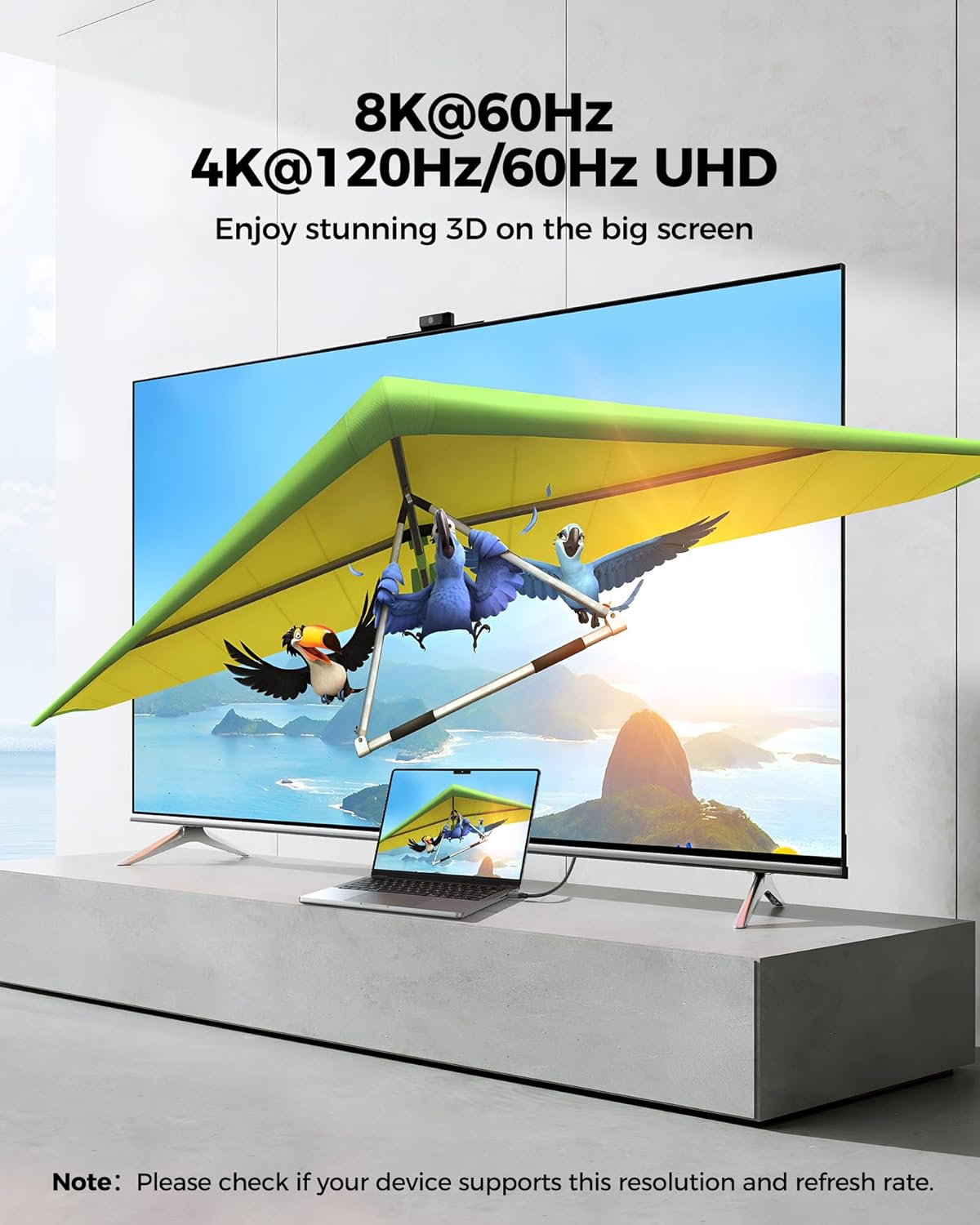
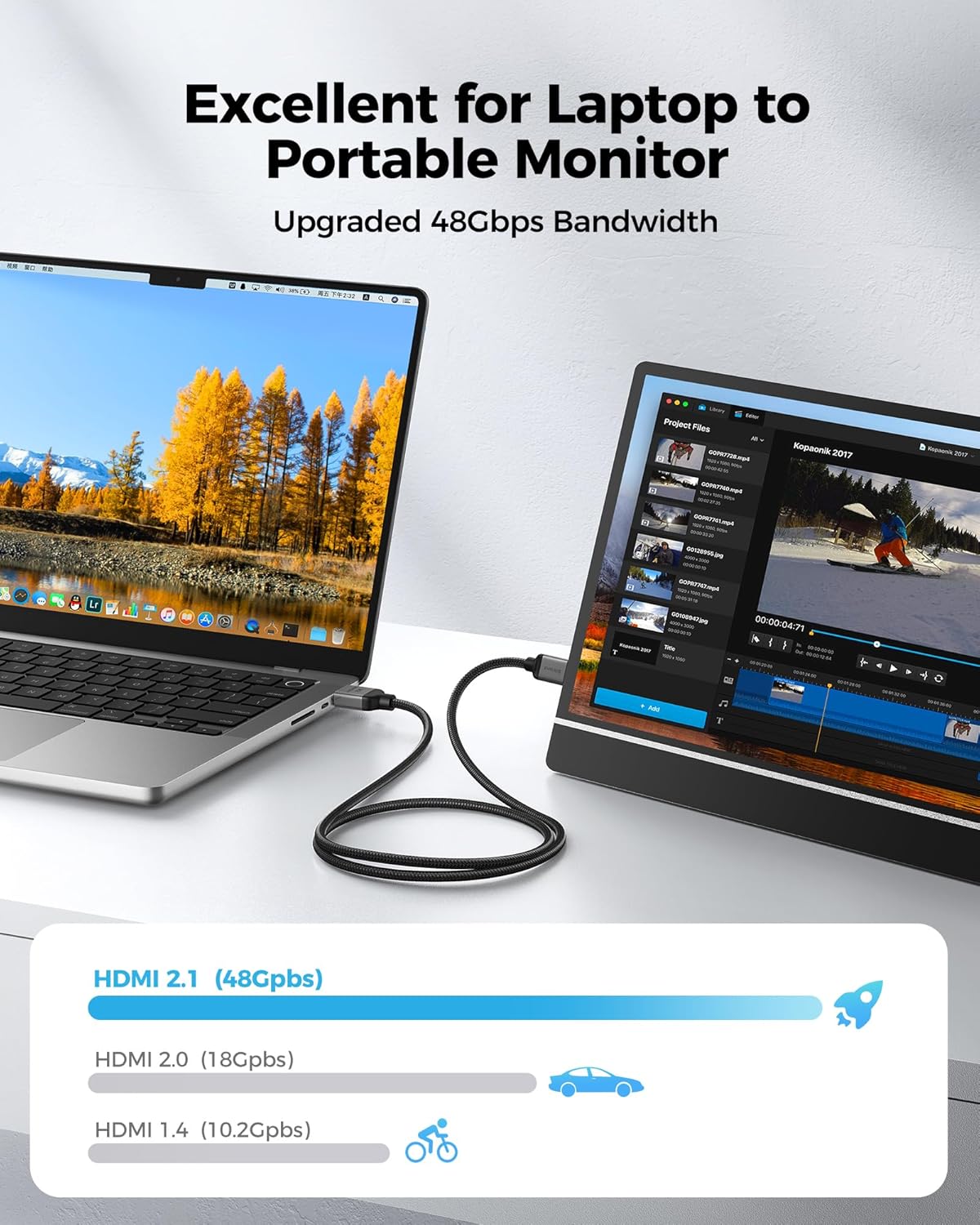
On paper, this cable targets HDMI 2.1 class performance: it lists 48Gbps bandwidth and support for up to 8K@60Hz, plus multiple 4K modes (including 4K@120Hz/144Hz and even 4K@240Hz, as stated). It’s also described as supporting features like Dynamic HDR, VRR, ALLM, and eARC, along with HDCP versions 1.3 to 2.3.
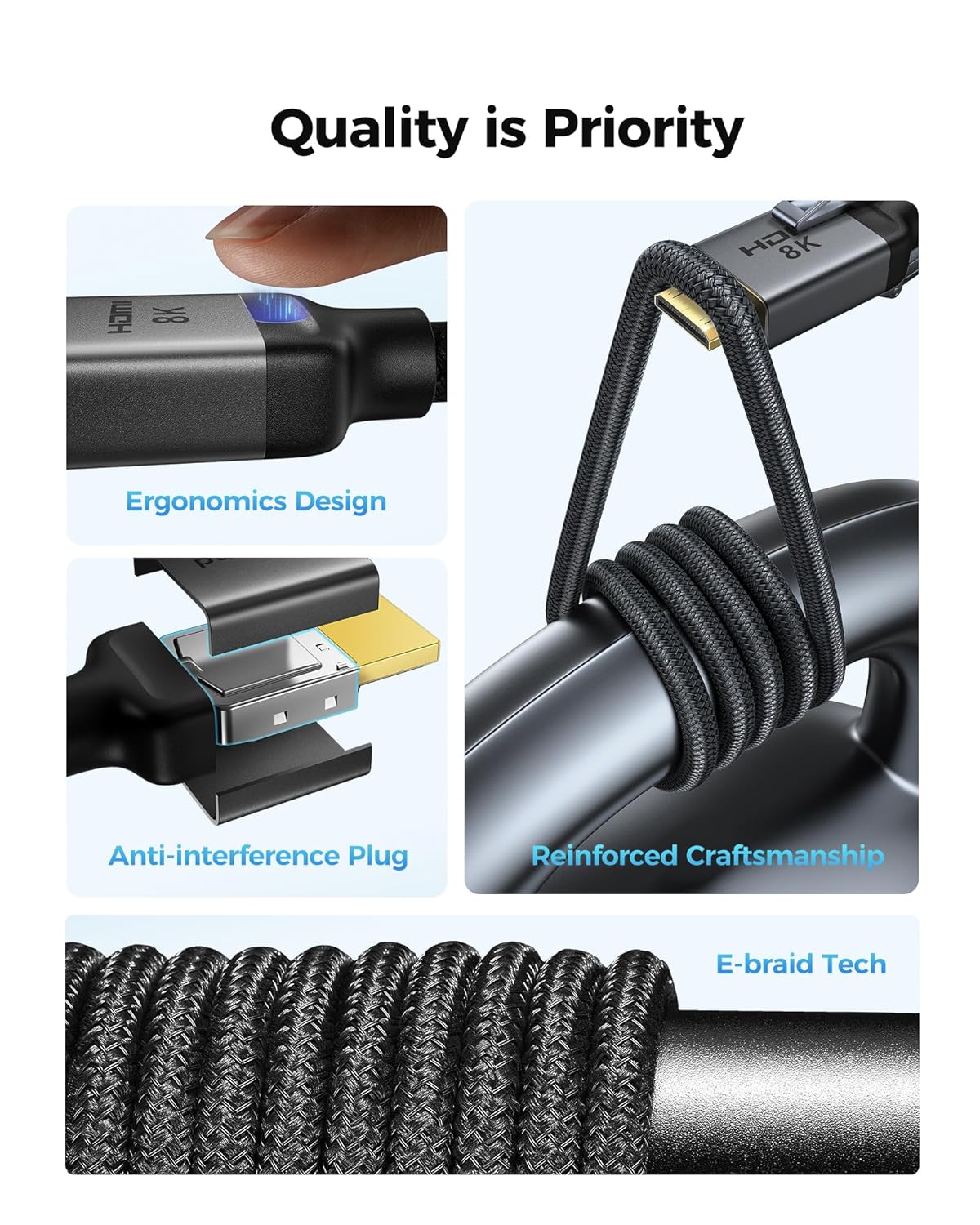
It’s also designed to be practical day-to-day. The cable uses a braided “E-Braid” construction (fishnet winding plus nylon braiding) and includes integrated ferrite beads, which the manufacturer positions as help for signal stability—reducing common annoyances like dropouts or flicker.
That said, don’t let the headline specs fully blind you: your device and display have to support the same refresh/resolution features for you to actually see the benefit.
Where it shines in real use
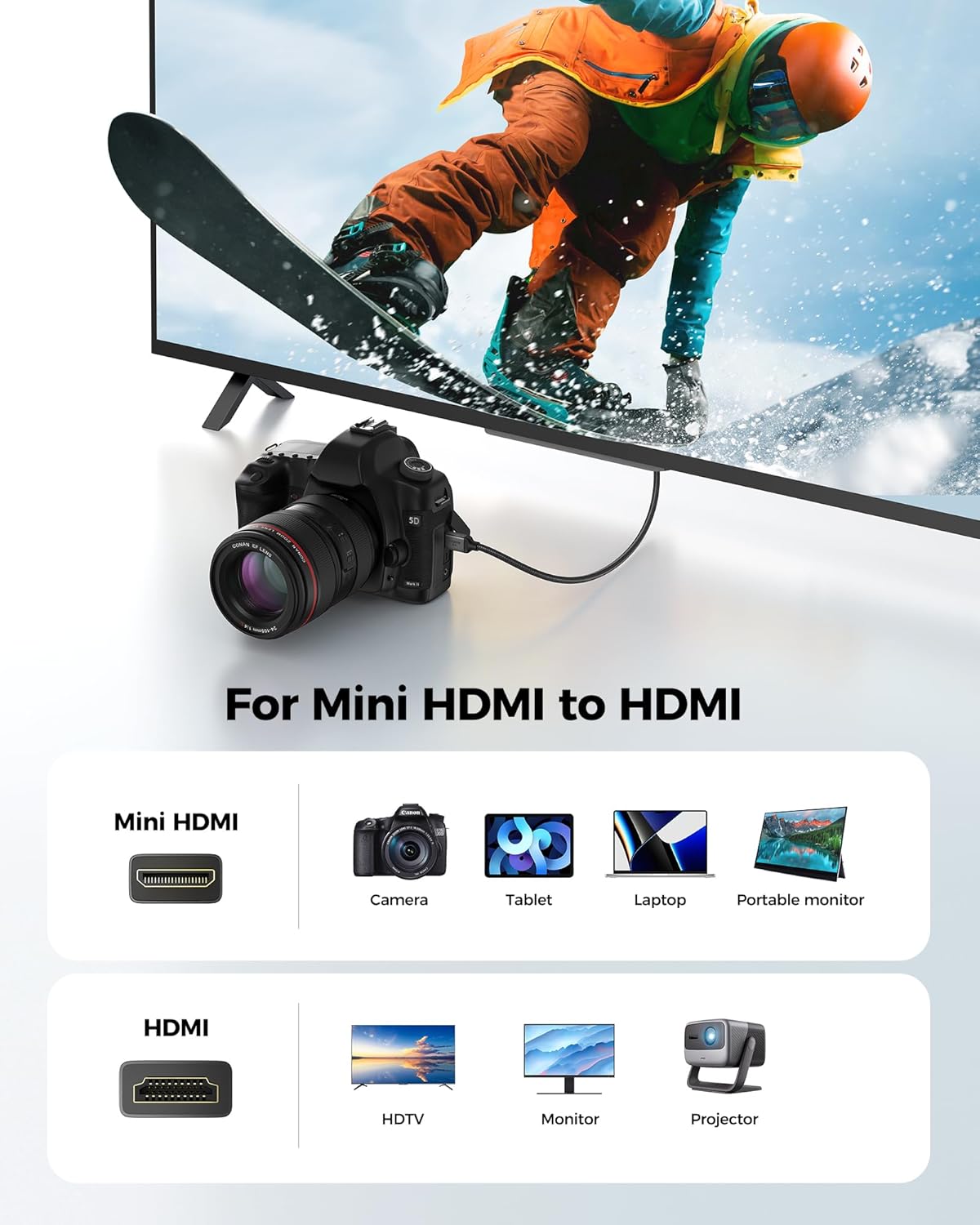
If you’re plugging a camera or camcorder into a monitor, the value is the “clean preview” approach. For instance, with a compatible camera that has Mini HDMI out, you can run the cable to a monitor for critical viewing while you shoot or review. This is especially relevant for editing and presentations where you’d rather judge what’s on the screen than squint at a small camera display.
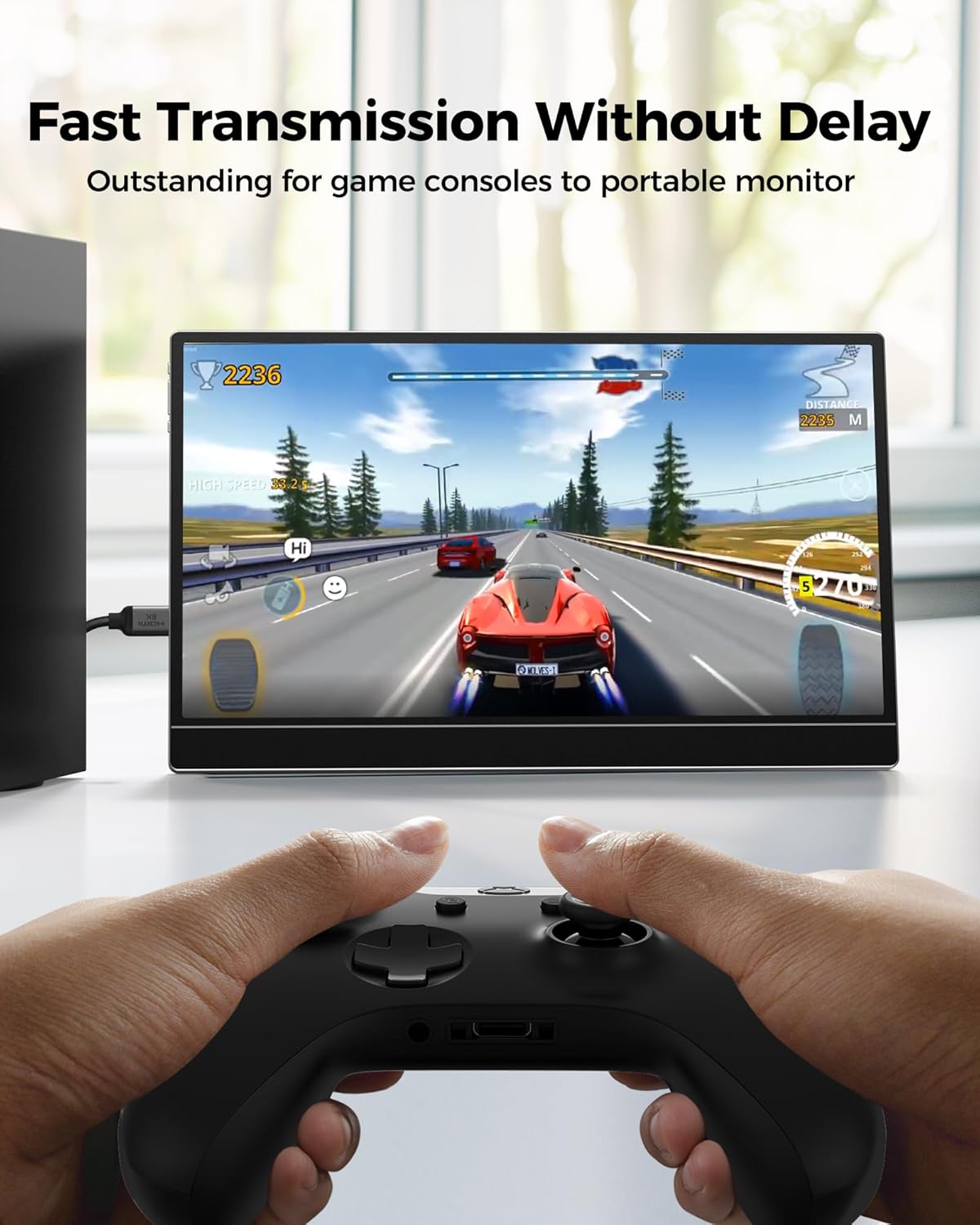
For gaming, the pitch is latency-friendly responsiveness: the listing specifically calls out 4K@120Hz/144Hz support for “ultra-responsive action,” plus 8K@60Hz for clarity on compatible setups. If you’re aiming to feed a portable Mini HDMI monitor from a laptop/game console, or connect a device with Mini HDMI output to an HDMI display, the direction flexibility is also a plus.
And for small computing setups (including Raspberry Pi Zero/Zero W, per the description), it’s a way to connect to a monitor or projector without needing to rethink the entire wiring each time.
What matters most before you buy
The biggest pre-purchase check is compatibility: make sure your source port is Mini HDMI. The listing explicitly warns against confusing Mini HDMI with Micro HDMI or Micro USB.
Second, confirm your target use actually lines up with the claimed capabilities. Higher refresh rates and HDR/HDCP features depend on both ends of the chain. If either your camera/console/device or your display doesn’t support the feature, you may end up at a lower mode than the spec sheet suggests.
One more limitation to keep in mind: the description notes that to record video from a camera to a laptop, you’ll need a separate capture card. This cable alone is for connecting, not for turning analog workflows into recorded files.
Technical details (the specs that drive compatibility)
- Name: Silkland Mini HDMI to HDMI cable (HDMI 2.1)
- Type: Mini HDMI 2.1 cord to HDMI connection
- Format: Supports Mini HDMI to HDMI and HDMI to Mini HDMI (bi-directional)
- Capacity: 48Gbps bandwidth (as stated)
- Resolution/refresh support (as listed): 8K@60Hz, 4K@240Hz/144Hz/120Hz, 1080P@240Hz
- HDR/Audio/Protection (as listed): Dynamic HDR, Dolby Atmos, HDCP versions 1.3 to 2.3, eARC
- Gaming features (as listed): VRR and ALLM
- Durability: Braided “E-Braid” construction, integrated ferrite beads (per description)
Should you buy it?
This is worth considering if you specifically need a Mini HDMI to HDMI cable and you’re trying to reach higher-end viewing or gaming modes on compatible gear—especially setups involving cameras/camcorders, portable monitors, or small computing boards with Mini HDMI out.
It may not be the best match if your device uses Micro HDMI (or another port type entirely). Also, if your goal is video recording from a camera to a laptop, this cable won’t replace a capture card—so you might feel like it’s “not doing enough” unless you plan that part too.
If you prioritize a cable that’s built for the connection between Mini HDMI sources and HDMI displays—and you’re willing to verify both ends support the features you care about—this Silkland cable fits that role fairly directly.
Mini FAQ
Will this work with Micro HDMI or Micro USB?
No. The listing stresses that Mini HDMI is not the same as Micro HDMI or Micro USB, so you should check your device’s port first.
Can I record from a camera to my laptop using only this cable?
For recording to a laptop, the description says you’ll need a separate capture card. This cable can connect, but it’s not the full recording solution by itself.
Does it support gaming features like VRR and ALLM?
Yes, the listing includes VRR and ALLM among its supported features (assuming the connected devices also support them).
Is it truly bi-directional?
According to the description, it supports Mini HDMI to HDMI and HDMI to Mini HDMI modes, meaning you can use it in either direction depending on what port your device has.
What’s included with the cable?
The provided information only describes the cable itself and its length, not additional accessories.