

Capshi 96Gbps HDMI 2.2 Cable (6.6 ft) — 16K@60Hz, 8K@120Hz, 4K@240Hz with HDR, eARC & HDCP 2.2/2.3
Product description
The essentials
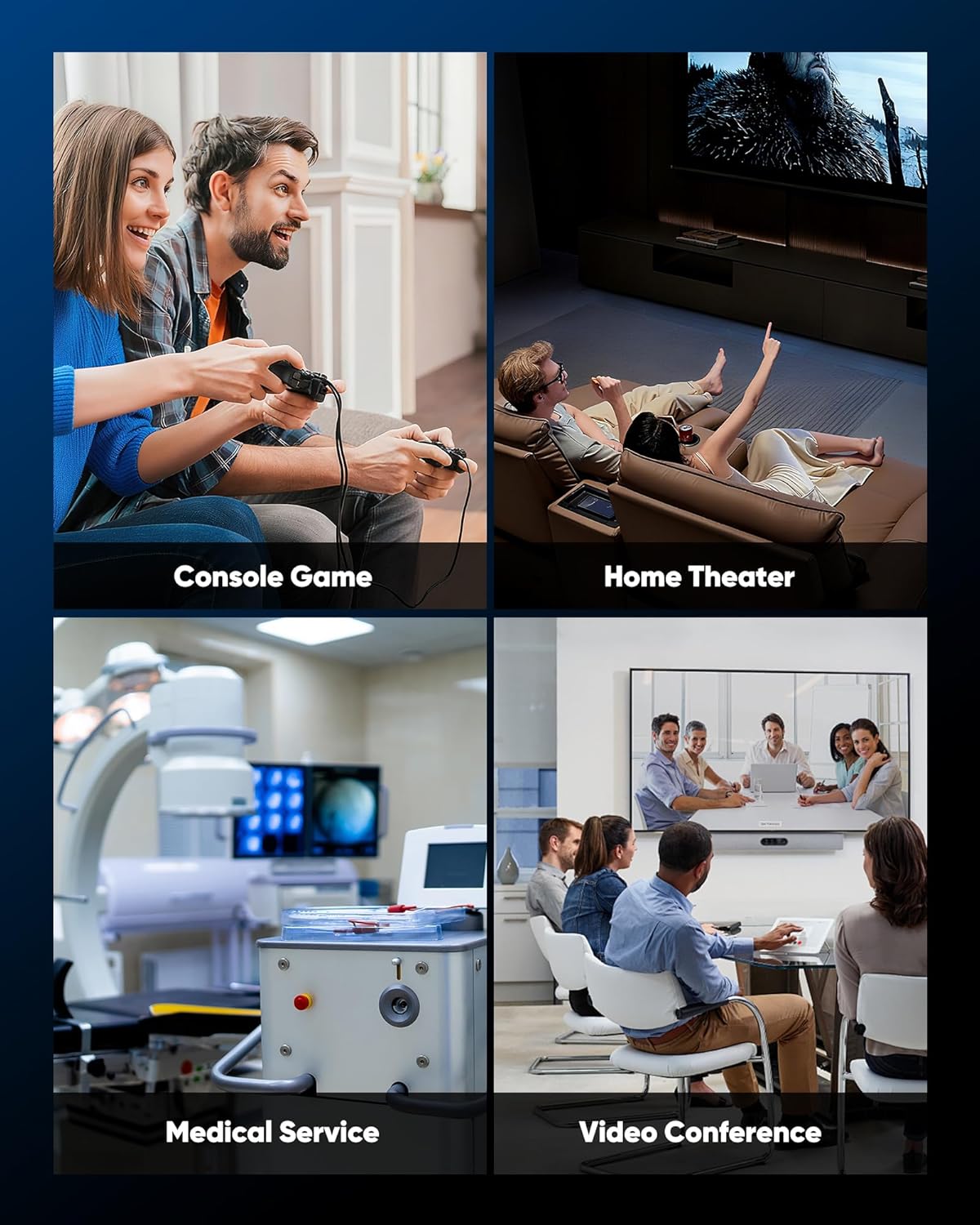
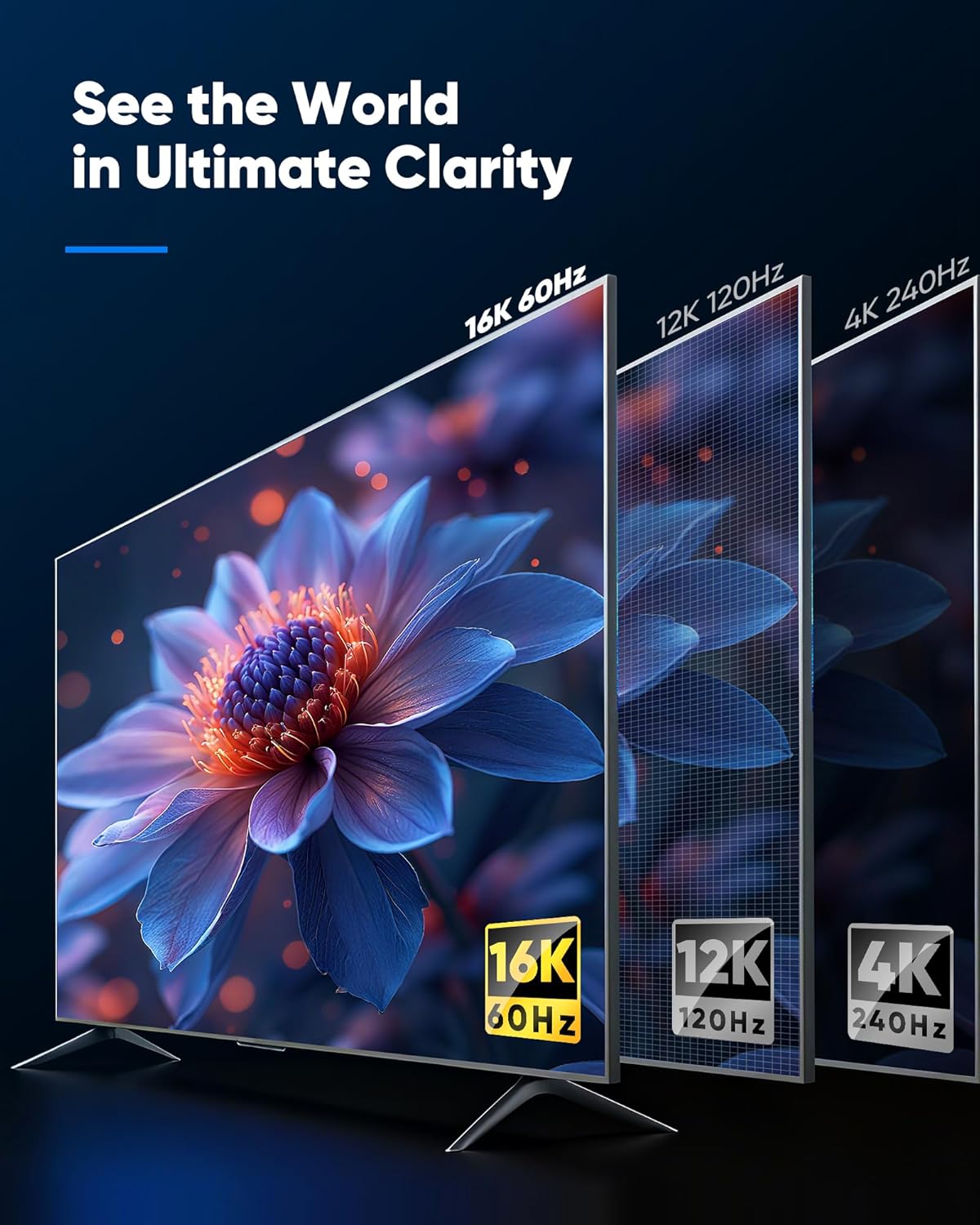
If your setup is pushing high refresh rates and modern HDR formats, an HDMI cable can make the difference between “it works” and “it stays solid.” This Capshi 96Gbps HDMI cable is built around HDMI 2.2 class performance, with support claimed for 16K@60Hz, 8K@120Hz, and 4K@240Hz. On paper, that bandwidth is meant for fast-motion gaming, smooth video playback, and clean signal delivery—especially when you’re also relying on audio/video features like HDR and eARC.
That said, it’s worth tempering expectations: a cable alone can’t guarantee perfect results if your devices, ports, or settings aren’t aligned. Still, if you’re shopping for a high-speed HDMI cord for a PS5/PS4 era console, an Xbox-style gaming console, a TV, monitor, or a home theater component, this one is clearly positioned for modern performance rather than basic 1080p needs.
What it’s for (and what it helps with)
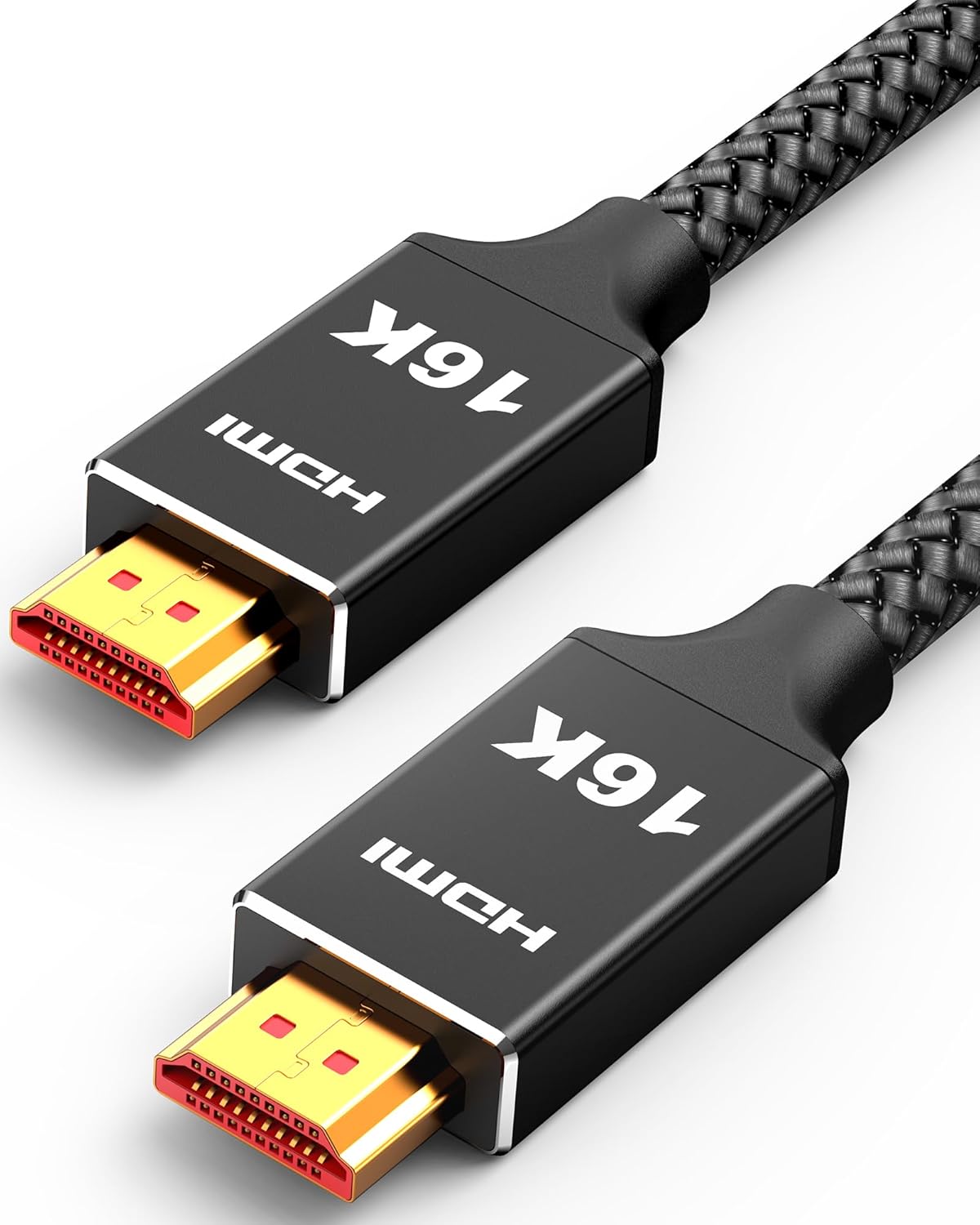
The practical win here is simple: you’re getting an HDMI cable designed to carry high-bandwidth video signals and keep the connection stable as demands increase. The packaging details you provided include support for HDR (including HDR10+ and Dynamic HDR), plus eARC and audio-related features like DTS:X.
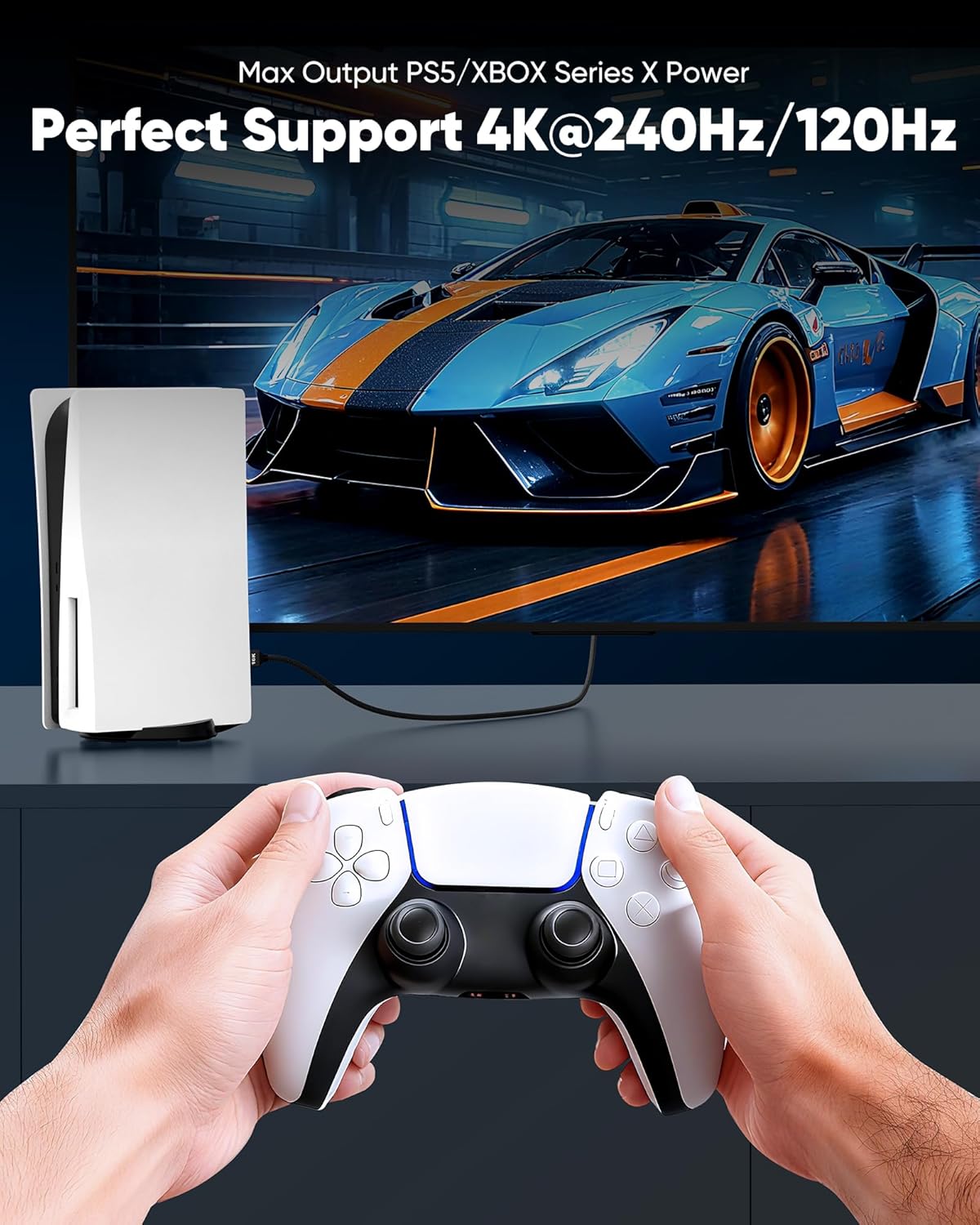
In real day-to-day use, that can look like this: you plug the cable from a game console into a TV or monitor, then switch your display settings to high refresh and HDR. With the right chain, you’re aiming for fewer handshaking hiccups and more consistent playback—things you notice immediately when you’re in a fast game or streaming content that depends on HDR color and contrast.
Where it stands out
A few choices in the cable design jump out in the description you shared.
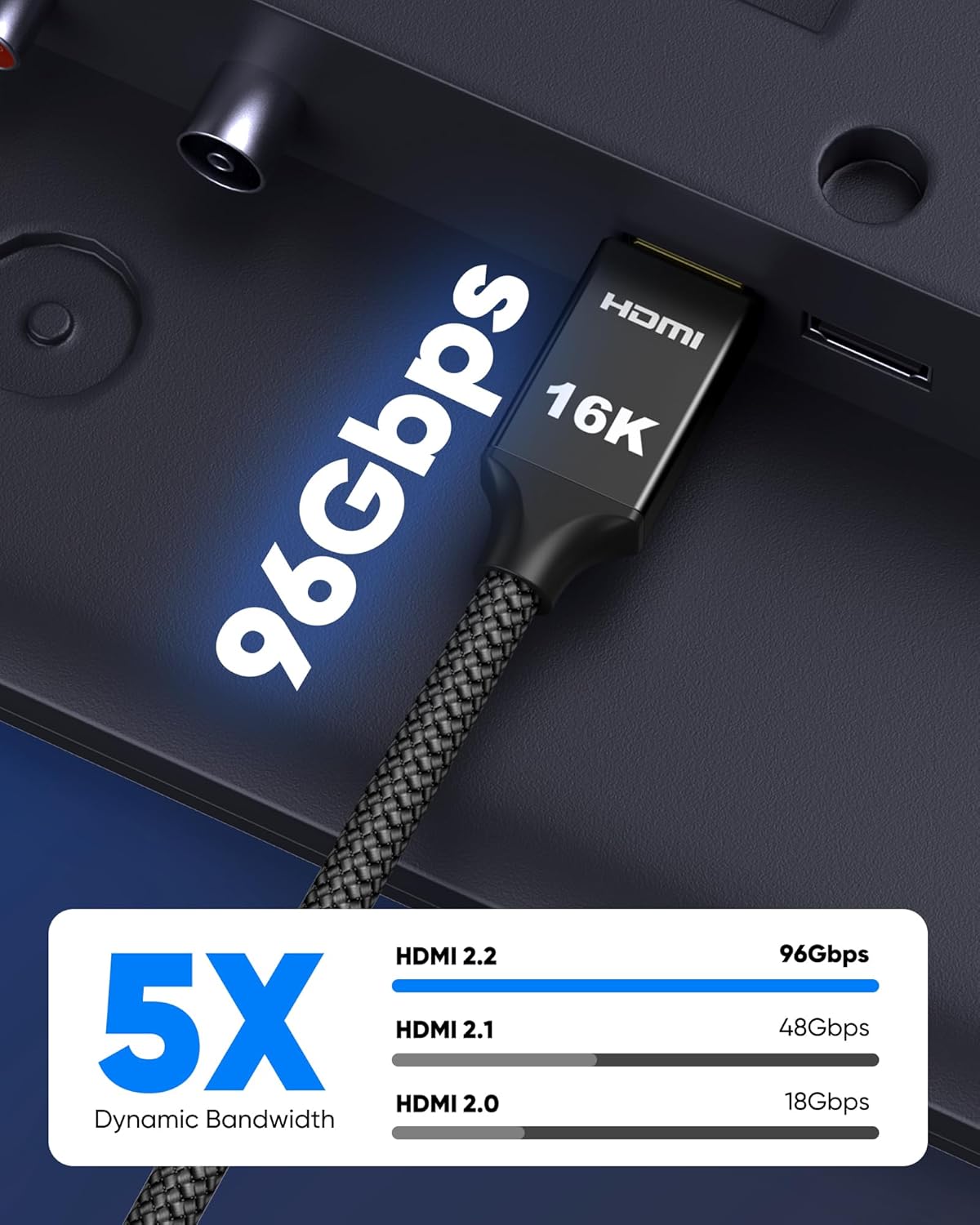
First, it’s marketed as “High Speed” with a stated 96Gbps bandwidth and HDMI 2.2 support, while also being described as backward compatible with HDMI 2.1, 2.0, and 1.4. That matters if you’re mixing newer and older components.
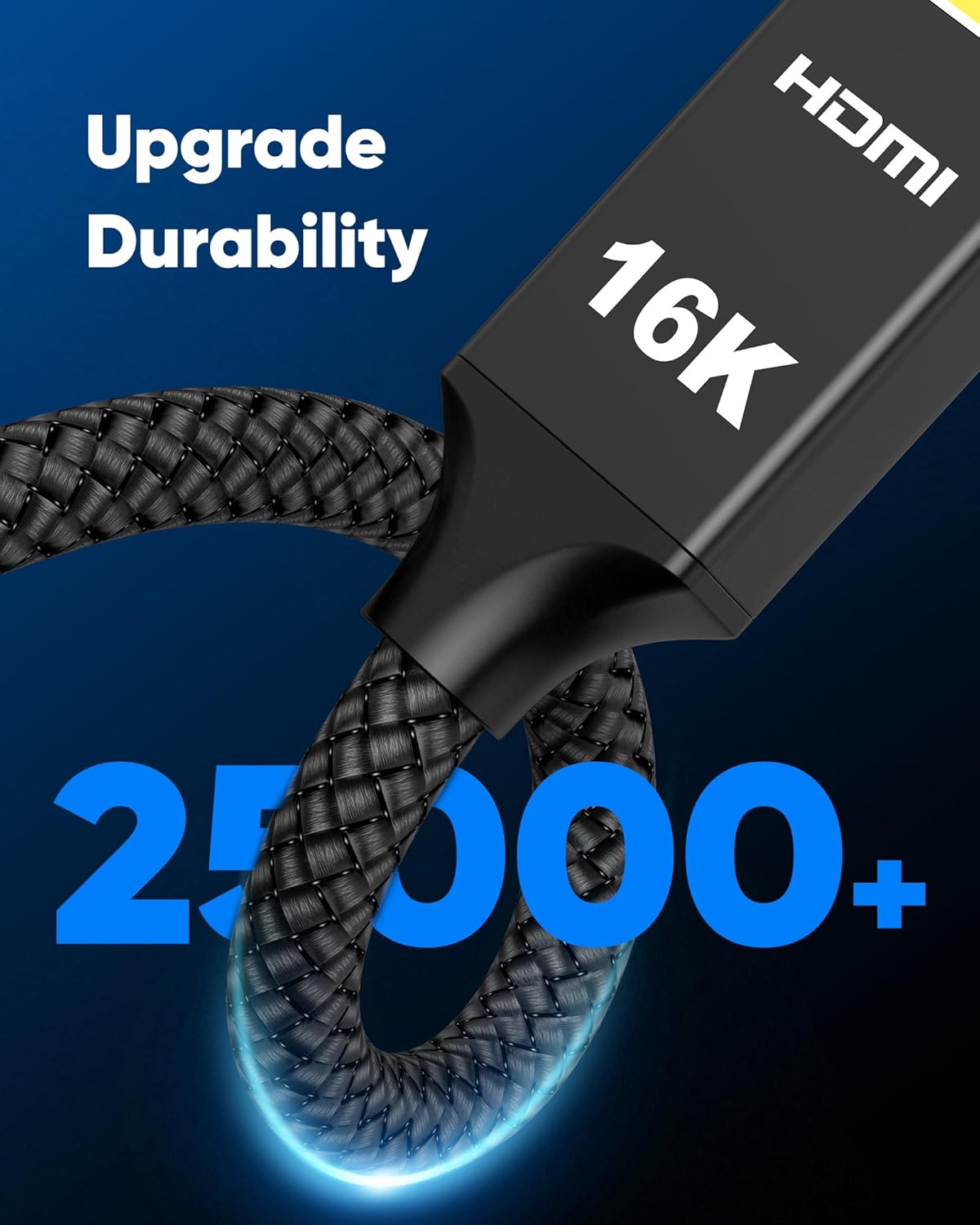
Second, the build is focused on durability and interference resistance. The cable uses a braided design and includes 24K gold-plated connectors, along with triple-layer shielding (as stated). It’s also described as designed to withstand over 25,000 bends. If you route cables behind a TV stand or along a desk setup—where they flex more than people expect—this is the kind of durability claim you’d want to see.
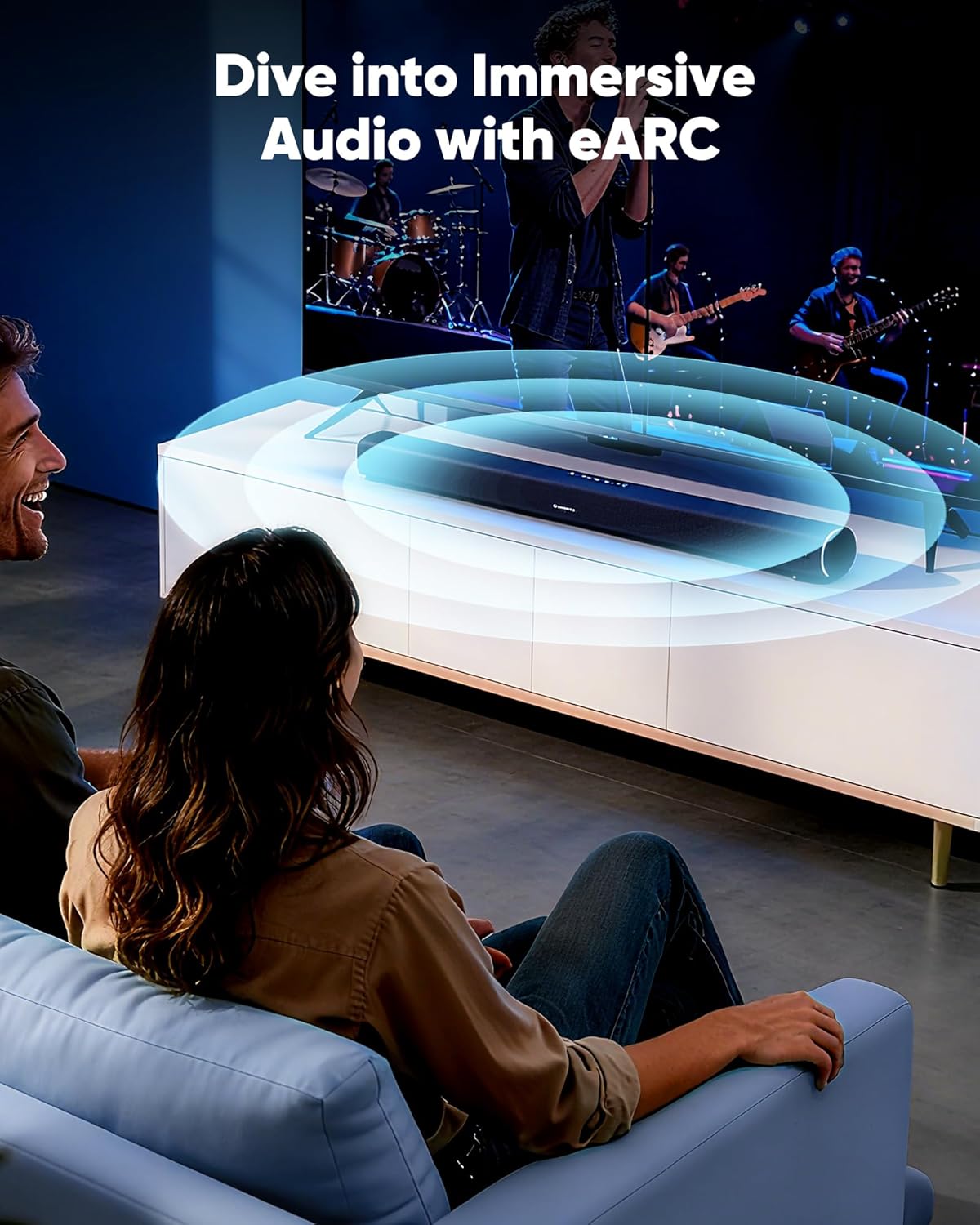
Finally, it’s not just about picture. The description highlights eARC support and mentions immersive audio formats, which is relevant if you’re trying to send audio from your TV to a soundbar/AV receiver while keeping video features intact.
Tech specs
- Name: Capshi 96Gbps HDMI Cable (HDMI 2.2)
- Type: HDMI cable
- Capacity: 96Gbps (as stated)
- Length: 6.6 ft
- Video support (as stated): 16K@60Hz, 8K@120Hz, 4K@240Hz
- HDR support (as stated): HDR10+ and Dynamic HDR
- Audio features mentioned (as stated): eARC, DTS:X
- HDCP support (as stated): HDCP 2.2 and HDCP 2.3
- Connectors/design (as stated): 24K gold-plated connectors, braided, triple-layer shielding
- Compatibility claim (as stated): backward compatible with HDMI 2.1, 2.0, and 1.4
Potential limits to keep in mind
Here’s the part people sometimes skip: even the best high-speed HDMI cable can’t “fix” a mismatched setup. You’ll still need your TV/monitor and source devices to support the refresh rate and HDR behavior you’re targeting, and you may have to confirm the right HDMI port and settings.
Also, a cable length of 6.6 ft is convenient for many living room and desk layouts, but if your routing needs a longer run, you may want to consider whether this distance is enough before committing. Finally, the description references multiple features (HDR formats, audio enhancements, HDCP versions). Those only matter if the rest of your gear actually uses them.
Key takeaways for buying
Worth considering if you’re specifically trying to: - Run a modern console/streaming device into a TV or gaming monitor where you care about high refresh and HDR support. - Upgrade from older cables when you want a more future-facing HDMI connection. - Set up eARC audio to a soundbar or AVR while keeping video performance in mind. - Need a cable designed to survive frequent bending in a real installation.
It might not be the best choice if you’re only sending basic 1080p/standard refresh signals, or if your devices won’t actually support the higher specs you’re paying for. In that scenario, you may be overbuying—useful cable specs don’t automatically translate into better results.
Buying verdict
This Capshi HDMI 2.2 cable looks like a sensible buy if you want a modern, high-bandwidth HDMI connection for gaming and HDR viewing, and you care about durability and stable signal transmission. The stated 96Gbps bandwidth and support for eARC, HDR, and HDCP versions make it a “set up for the future” style purchase rather than a basic replacement.
Should you buy it? Yes, if your display and source can make use of the higher refresh rates and HDR features, and your setup matches the short-to-medium 6.6 ft cable distance. You can save money by skipping this tier only if you’re not chasing those specs.
Mini FAQ
How do I know if this cable will actually deliver those high refresh rates?
You’ll want your source device and display (TV/monitor) to support the refresh rates you’re aiming for, and then select the matching HDMI mode in your settings. The cable supports high bandwidth on paper, but device support controls the outcome.
Does it work with older HDMI devices?
The description says it’s backward compatible with HDMI 2.1, 2.0, and 1.4, so it should connect to older setups. Whether you get the full performance depends on the older device’s capabilities.
Is eARC supported for sending audio to a soundbar or receiver?
The product details you provided include eARC support. If your TV and audio system also support eARC, it’s the right direction to look.
Is the braided design and shielding meant to reduce issues?
That’s the intent behind the braided build and triple-layer shielding mentioned in the description. In practical terms, you’re aiming for more consistent signal performance, especially in setups where cables bend or run close to interference sources.