

Silkland 54Gbps DP 2.1 Cable 6.6ft
Product description
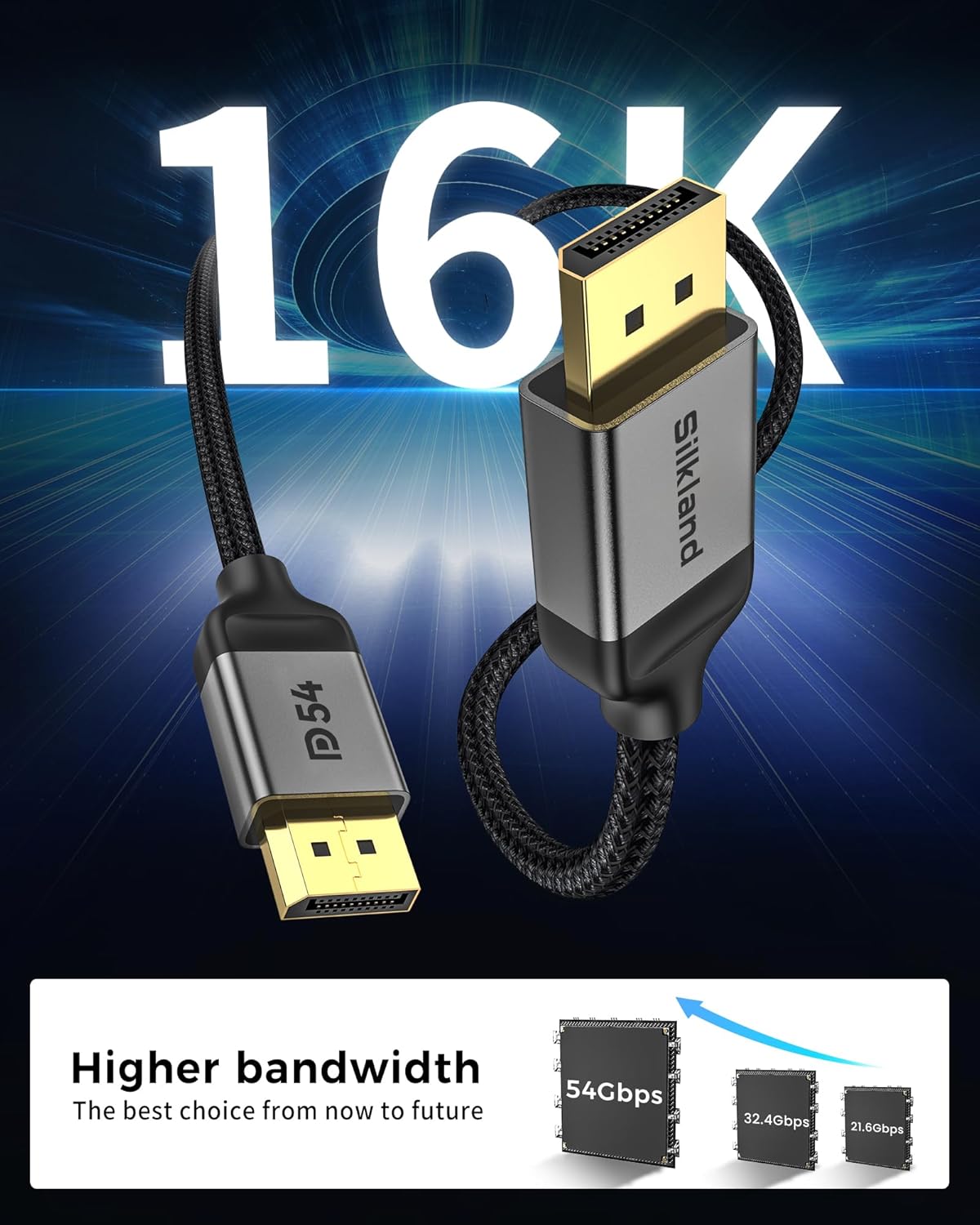
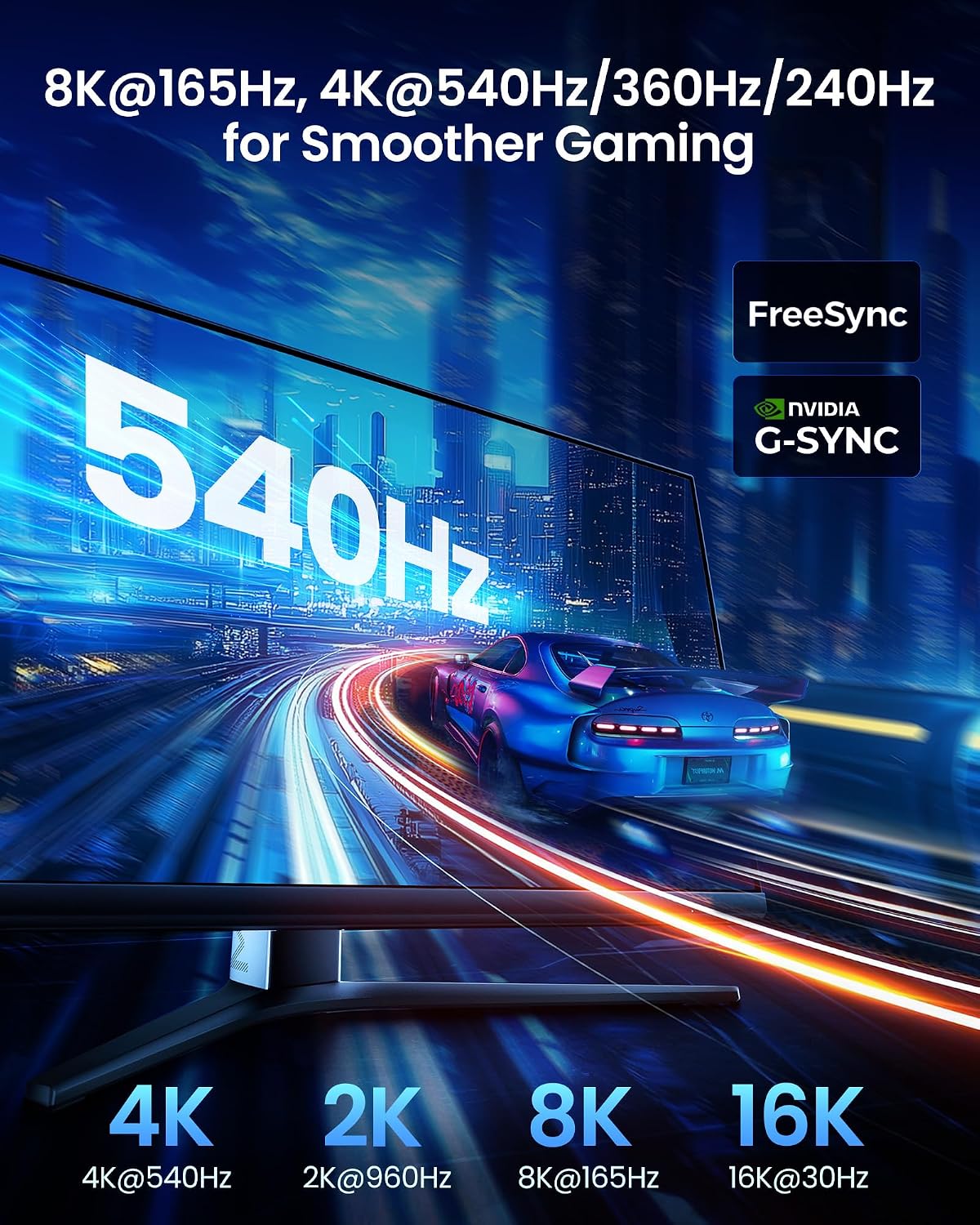
This DisplayPort 2.1 cable delivers high bandwidth and clearer motion for gaming and multi‑monitor setups, ideal for users who need top video performance. The Silkland cable supports up to 16K with DSC and brings smoother frame rates and richer HDR detail, all while carrying multi‑channel audio for immersive sound. If you want reliable connectivity for modern GPUs and monitors, this cable targets low-latency gaming and high‑resolution desktop work.
Key features
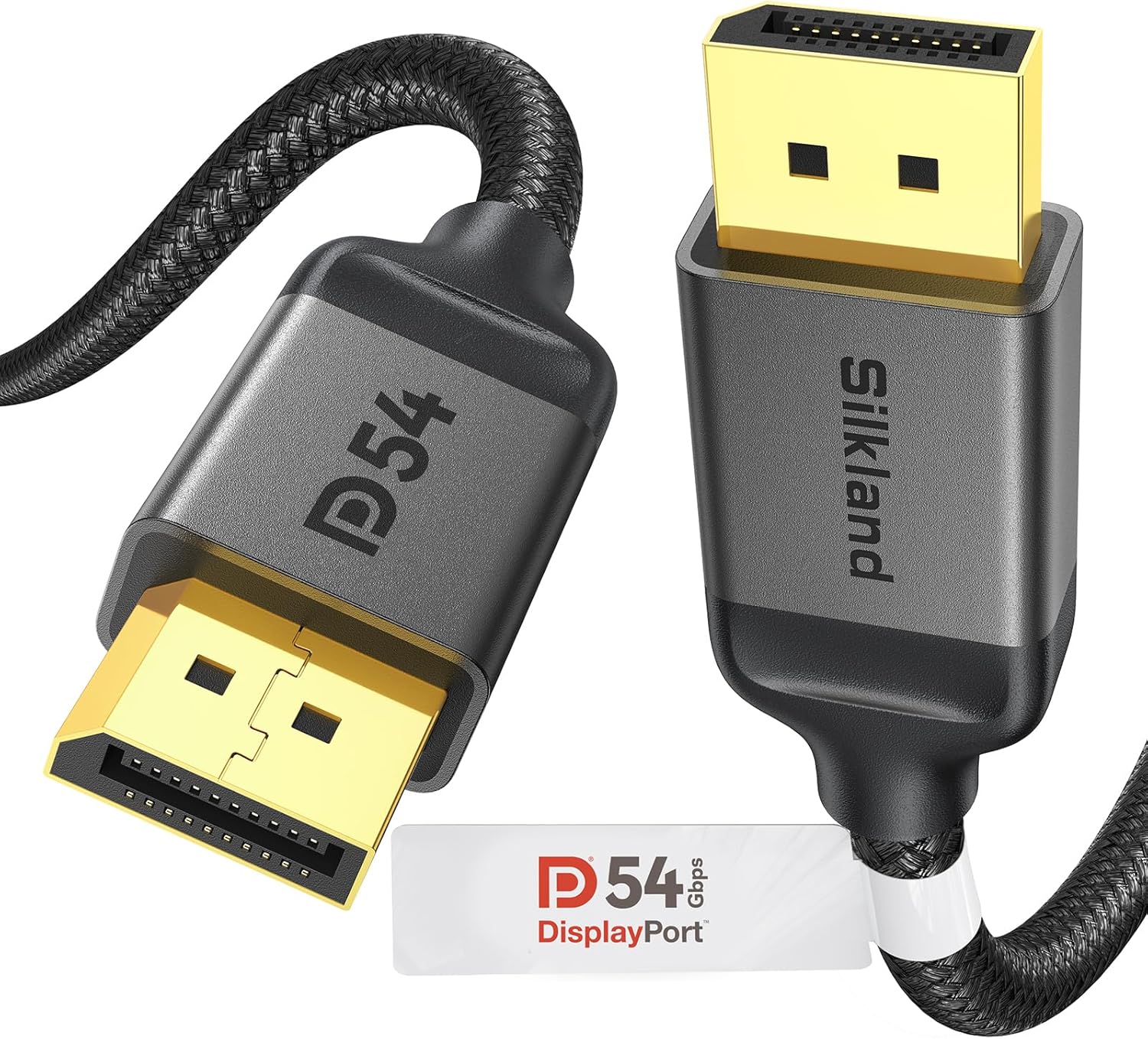
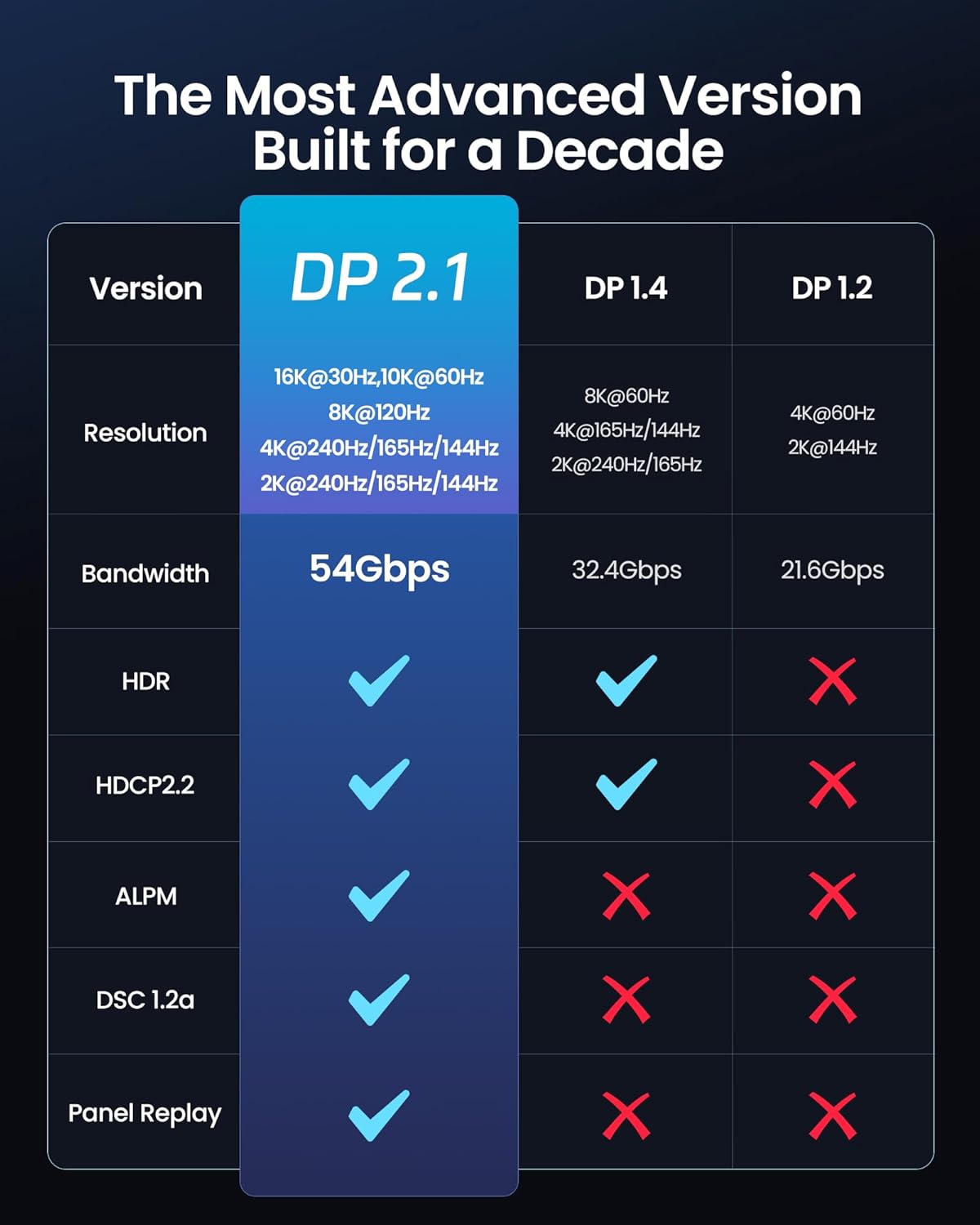
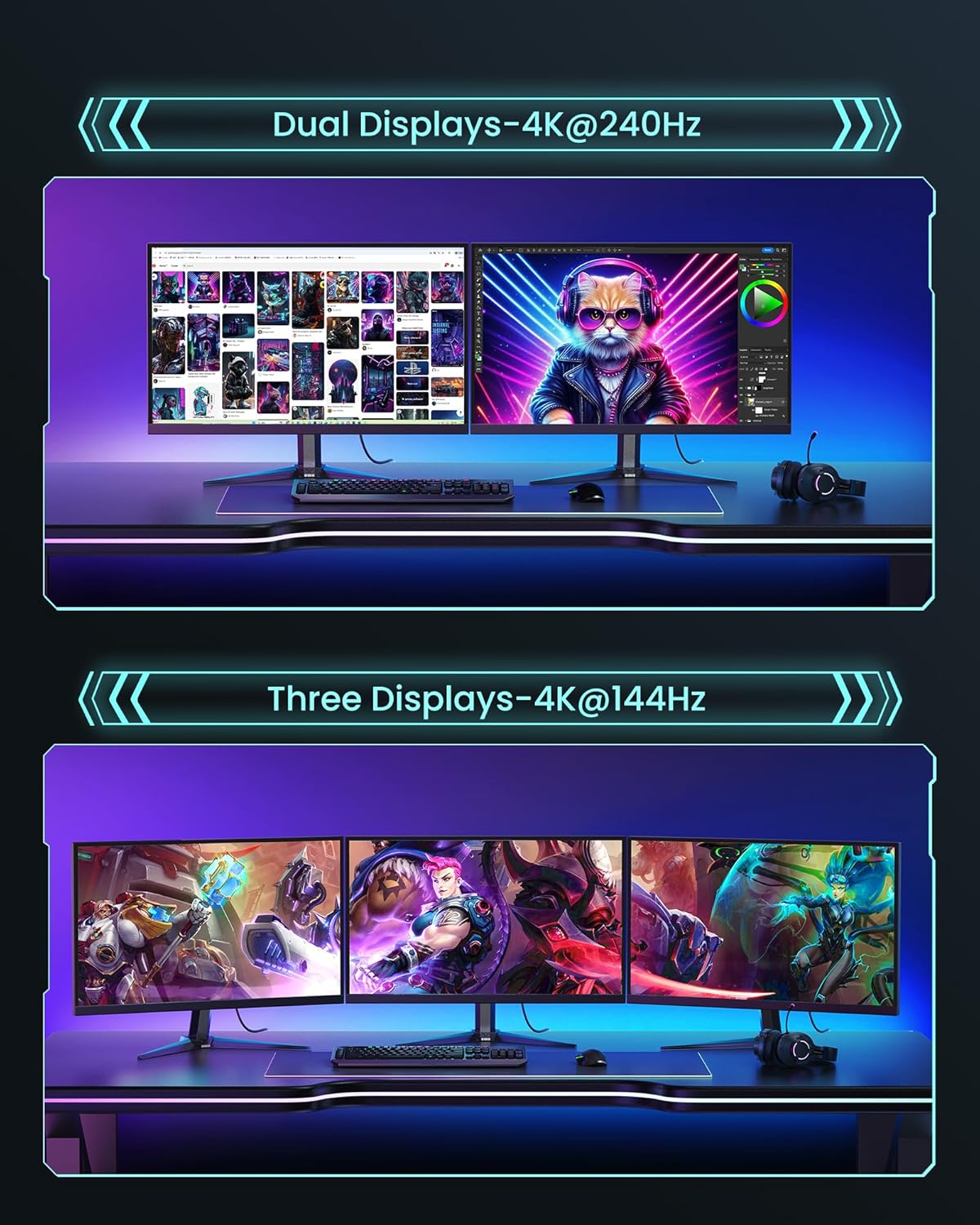
The Silkland 54Gbps DisplayPort Cable 2.1 focuses on stability and future‑proofing. It supports Dynamic HDR and HDCP 2.2 according to the manufacturer, and backward compatibility with older DisplayPort versions helps when mixing gear. The ergonomic connector design with a groove makes unplugging in tight spaces easier, and the double nylon braid plus 24K gold plated connectors improve durability and corrosion resistance. For gamers the cable claims support for adaptive sync technologies like FreeSync and G‑Sync, and it enables multi‑stream transport for multi‑display setups 😊.

Technical details
- Name: Silkland 54Gbps DisplayPort Cable 2.1
- Resolution: 16K@60Hz with DSC, 8K@120Hz, 4K@240Hz
- Bandwidth: 54Gbps
- Features: Dynamic HDR, HDCP 2.2, DSC 1.2a
- Length: 6.6FT
Usage tips
Connect the cable directly between DisplayPort outputs on your PC and the monitor for full feature support. For multi‑monitor arrays use MTS to extend displays without extra adapters. Keep the cable routed away from strong EMI sources to preserve signal integrity. Note that maximum resolutions with DSC or particular refresh rates depend on your GPU and display settings, according to the manufacturer. The textured groove on the plug helps remove the connector from cramped ports, and the robust shielding aims to reduce interference during long gaming sessions 🎮. Avoid forcing the connector into ports and check that both devices support the desired DP version before enabling advanced modes.