

Monoprice 8K Certified Ultra High Speed HDMI 2.1 Cable (Braided) — 48Gbps, 8K@60Hz, 4K@120Hz, HDR, eARC, CL2 In-Wall Rated, 25ft (Black)
Product description
What it is and why people buy it
This Monoprice HDMI 2.1 cable is designed for setups that need serious bandwidth and modern HDMI features—think high-refresh gaming, HDR movies, and audio that has to behave reliably. On paper it’s built around 48Gbps bandwidth and HDMI 2.1 support, with specific targets like 8K@60Hz and 4K@120Hz.
If you’ve ever had a display that “almost works” (flicker, handshake issues, or HDR not engaging the way you expected), upgrading to a certified Ultra High Speed cable is often less about chasing specs for fun and more about removing a weak link. This one also has the practical bonus of being braided and rated for in-wall installation (CL2), which matters if you’re running a cable in a wall or want something sturdier than basic cords.
The essentials (key specs that actually matter)
The headline numbers are straightforward: 48Gbps bandwidth, support for 8K@60Hz and 4K@120Hz, plus support for HDR and eARC. It’s also marketed as “8K Certified,” which is the kind of label you want when you’re trying to match today’s HDMI expectations with fewer surprises.
Where this cable gets more interesting is in the feature set: - Dynamic HDR support is included, which is meant to optimize tone mapping scene-by-scene (or even frame-by-frame) for things like brightness and contrast. - eARC support is included to simplify audio routing, especially with object-based audio formats like Dolby Atmos and DTS:X.
There’s also mention of VESA DSC 1.2a for visually lossless compression, allowing resolutions up to 10K@120Hz on compatible chains. That’s not something most people will use day-to-day, but it hints at the cable’s intent: it’s meant to keep up with demanding video signals rather than just “sort of” supporting newer gear.
What you’ll notice in real use
Hook this kind of HDMI cable between a modern source (game console, PC, streaming box, or a media device with HDMI 2.1) and a compatible TV/display, and the difference is usually subtle—until it isn’t.
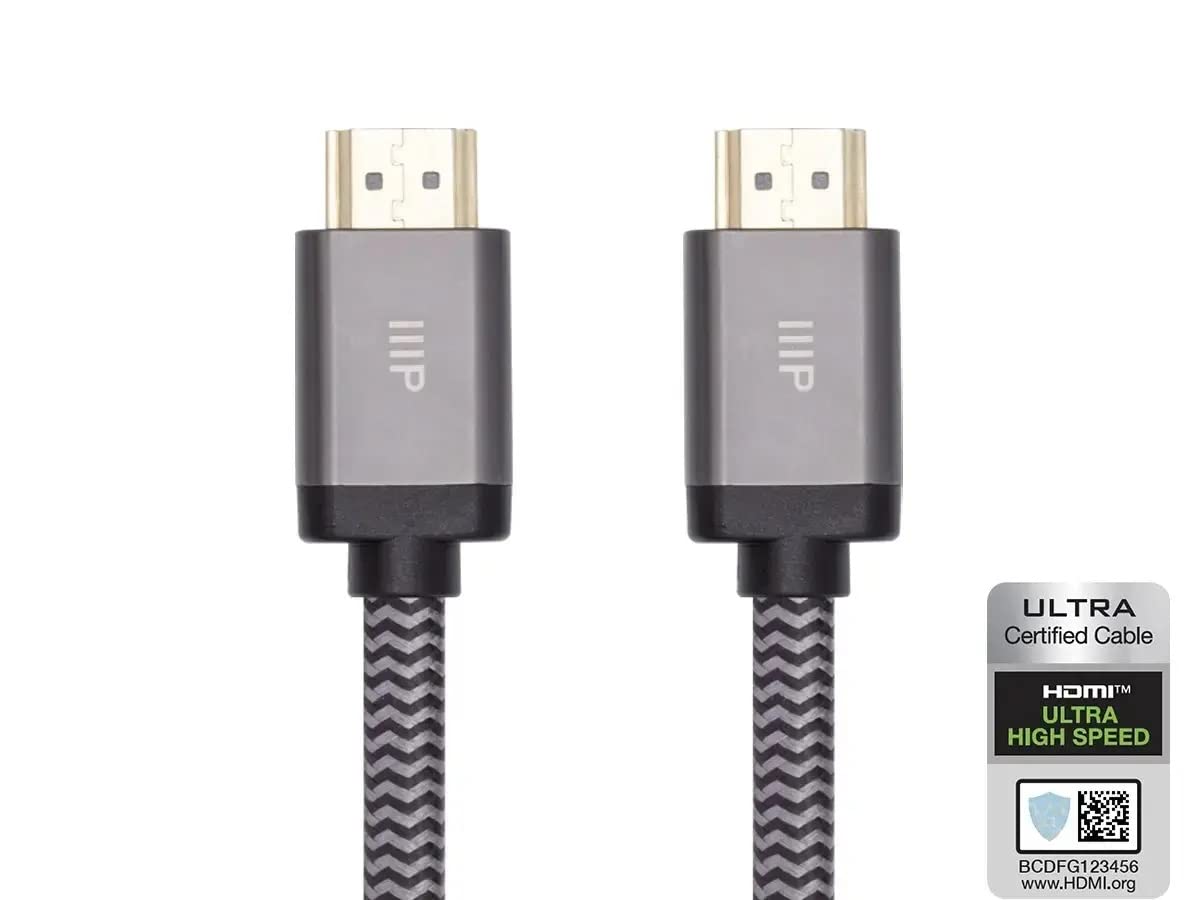
In a practical everyday scenario, say you’re gaming on a 4K display that supports 120Hz. With the right settings on both ends, a cable like this is aimed at helping you reach 4K@120Hz without you constantly worrying whether the link is marginal. For movie nights, Dynamic HDR support is there so HDR content can be handled with more granular optimization instead of a one-size-fits-all approach.
And if your audio setup uses eARC to send advanced audio formats back to a soundbar or AVR, this cable’s eARC compatibility is meant to make that path easier and more future-friendly.
Key takeaways before you buy
The big limitation to keep in mind is that HDMI performance depends on the whole chain. A cable can be “ready” and still underdeliver if your TV, AVR, or source doesn’t support the specific features you’re trying to use (or if settings are mismatched). So yes, the cable matters, but it’s not magic.
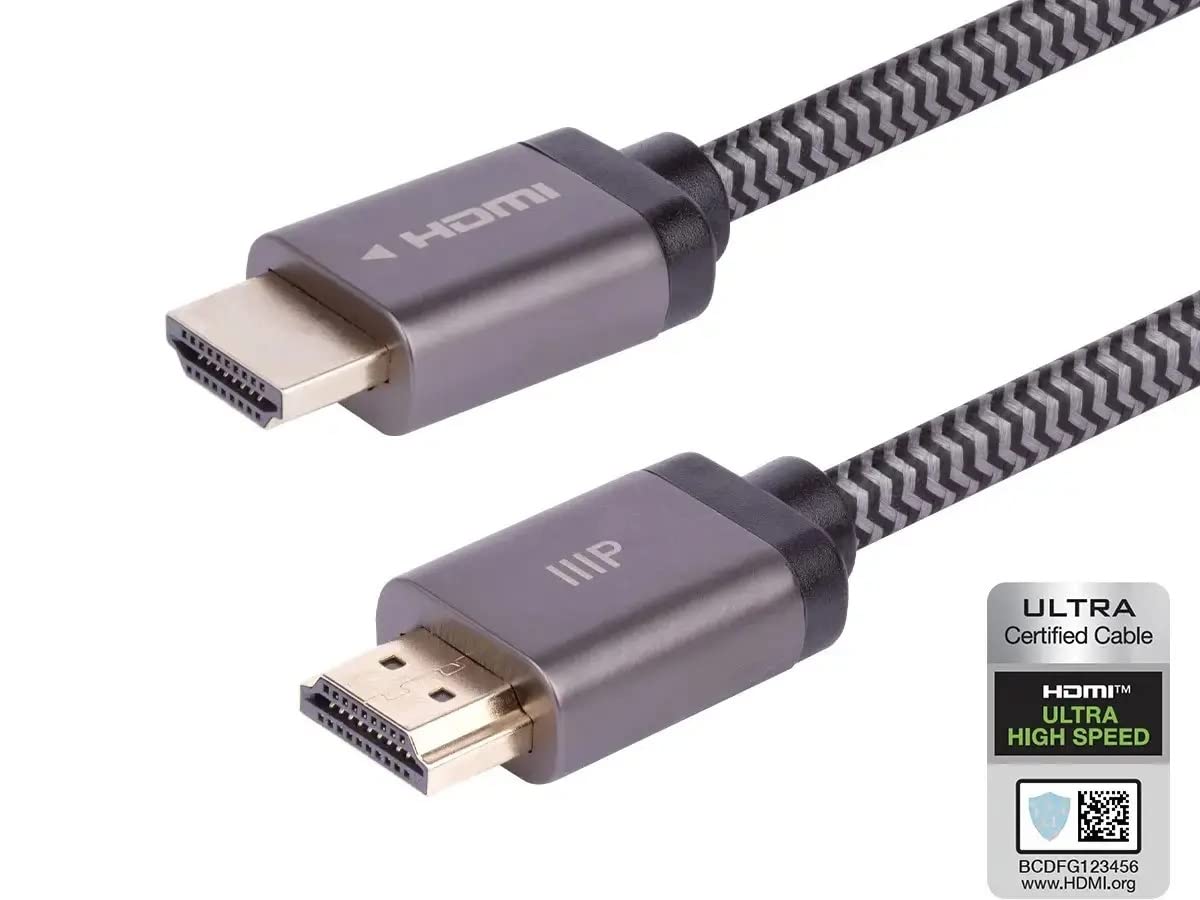
Also, because this is an in-wall rated (CL2) braided cable meant for installation, you’ll generally want to plan the run thoughtfully—braided cables are tougher, but routing and bend management still matter for a clean, reliable setup.
Pros and where it stands out (and where it may not)
What stands out is the package: HDMI 2.1 positioning, 48Gbps bandwidth, targeted support for 8K@60Hz and 4K@120Hz, plus Dynamic HDR and eARC.
It’s the kind of cable that makes sense if you’re building or upgrading an entertainment chain where specs aren’t optional—especially if you care about HDR behavior and want eARC to work without hassle.
Where it may not be the best fit is if your devices don’t actually support HDMI 2.1 features (or you’re sticking to older HDMI capabilities). In that case, paying for headroom you can’t use might feel unnecessary. In other words, it’s not for everyone—more like a “future-proof the connection” move for people who truly have modern displays and sources.
Tech specs
- Bandwidth: 48Gbps
- Video support: Up to 8K@60Hz
- High-refresh support: Supports 4K@120Hz
- HDR: Dynamic HDR
- Audio return: eARC (Enhanced Audio Return Channel)
- HDMI spec: HDMI 2.1
- Additional mentioned capability: VESA Display Stream Compression (DSC) 1.2a up to 10K@120Hz (visually lossless)
- Installation rating: CL2 in-wall rated
- Cable type: Braided
- Length: 25ft
- Color: Black
Who it’s for, who should skip it
It suits you if you’re trying to take advantage of modern HDMI 2.1 features—especially 4K@120Hz gaming, HDR content that benefits from Dynamic HDR, or an eARC audio setup.
You may want to skip it if your current devices don’t support the relevant HDMI 2.1 features, or if you’re mainly using basic HD/standard 4K without caring about high refresh rates or advanced HDR/audio features. Better to match the cable to what your equipment can actually deliver.
In-wall cable and maintenance notes
Because this cable is CL2 in-wall rated, it’s intended for installations where you may need that kind of compliance. For everyday care, treat it like a permanent-run cable: avoid sharp bends during routing, keep stress off the connectors, and don’t yank it when making small adjustments.
Is it worth it?
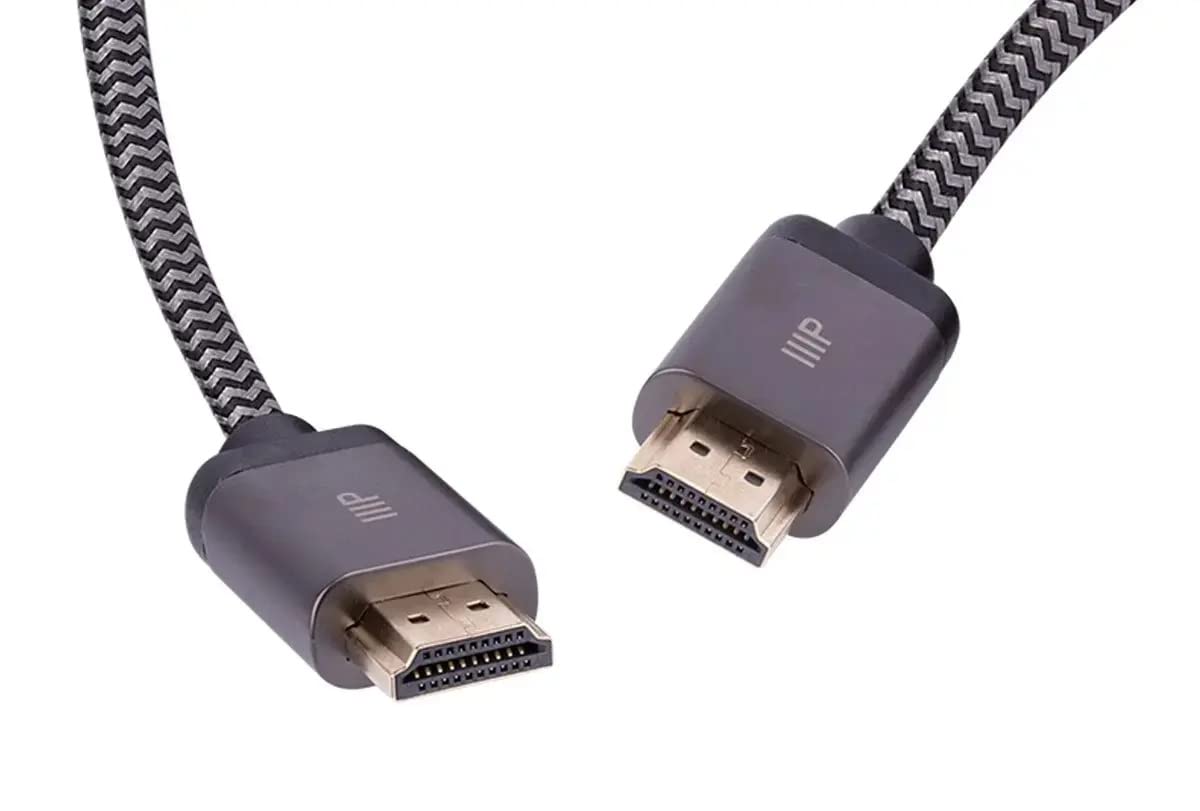
A solid pick if your goal is to reliably run HDMI 2.1 features—48Gbps bandwidth with support for 8K@60Hz and 4K@120Hz, plus Dynamic HDR and eARC. It also earns points for being braided and CL2 in-wall rated, which helps if you’re planning a cleaner, more permanent setup.
It’s not the best choice if your devices can’t use what the cable supports, since you’d essentially be buying overhead you won’t notice. And if you do buy it, double-check your TV/source/receiver settings to make sure you’re actually enabling the features you’re paying for.
Mini FAQ
Does Dynamic HDR require special support from my TV?
Dynamic HDR depends on both the source and the display supporting the feature. This cable supports Dynamic HDR, but the TV and content still need to align.
Will this cable help me get 4K@120Hz?
It’s designed for 4K@120Hz support on HDMI 2.1 links. You’ll still need a compatible source and display and the right settings to actually reach it.
What does eARC do here?
eARC is meant to simplify audio return between devices and is optimized for object-based audio formats like Dolby Atmos and DTS:X when your system supports them.
Is it safe to use for in-wall runs?
It’s labeled as CL2 in-wall rated, so it’s intended for that type of installation.
Does the cable support 8K?
Yes, it’s marketed as supporting up to 8K@60Hz, assuming your devices and settings support it.