

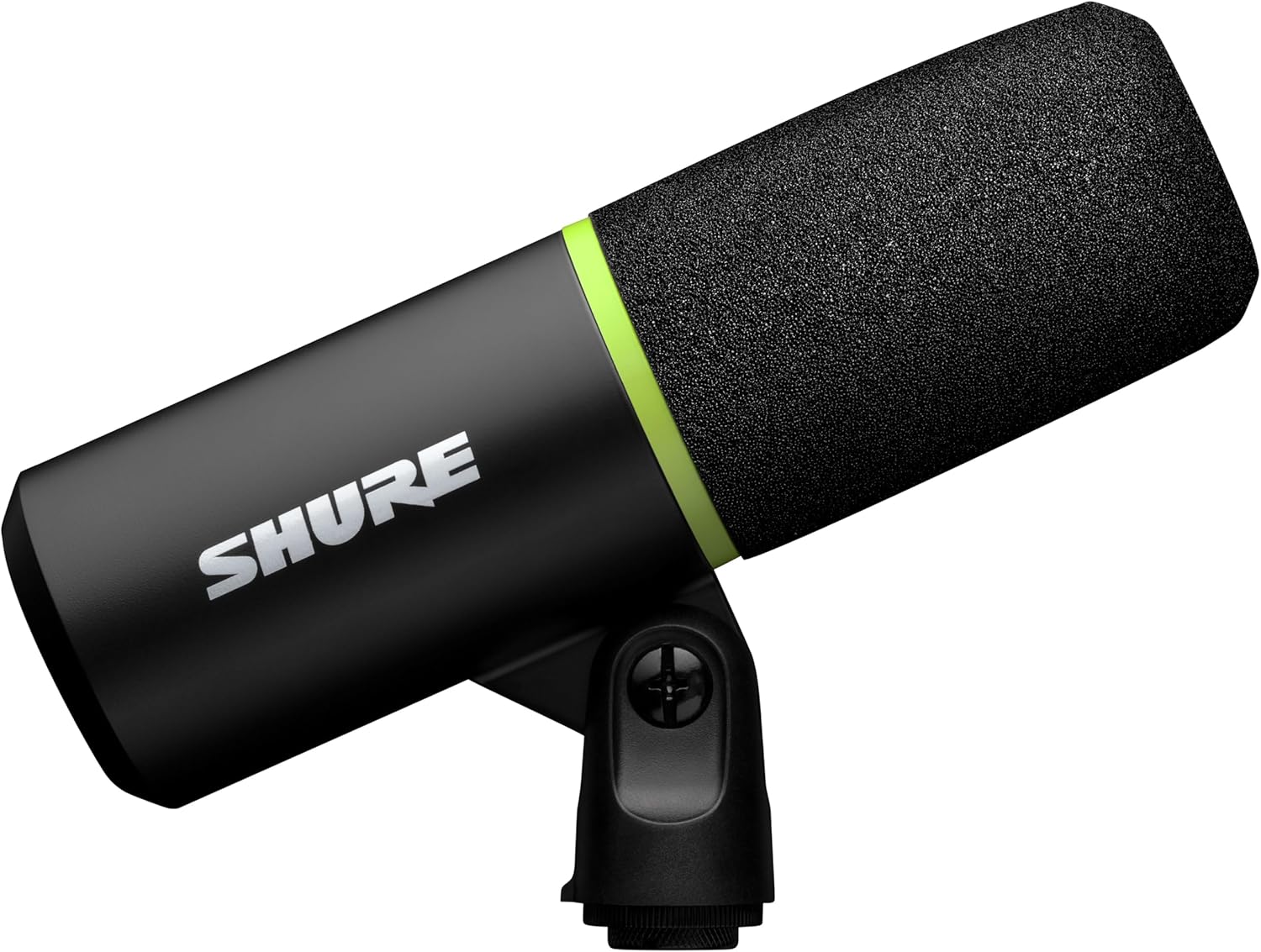
Shure MV6 Gaming Microphone (Dynamic USB Mic) with Tap-to-Mute, Noise Denoiser, and 3.5mm Headphone Monitoring
Product description
The essentials
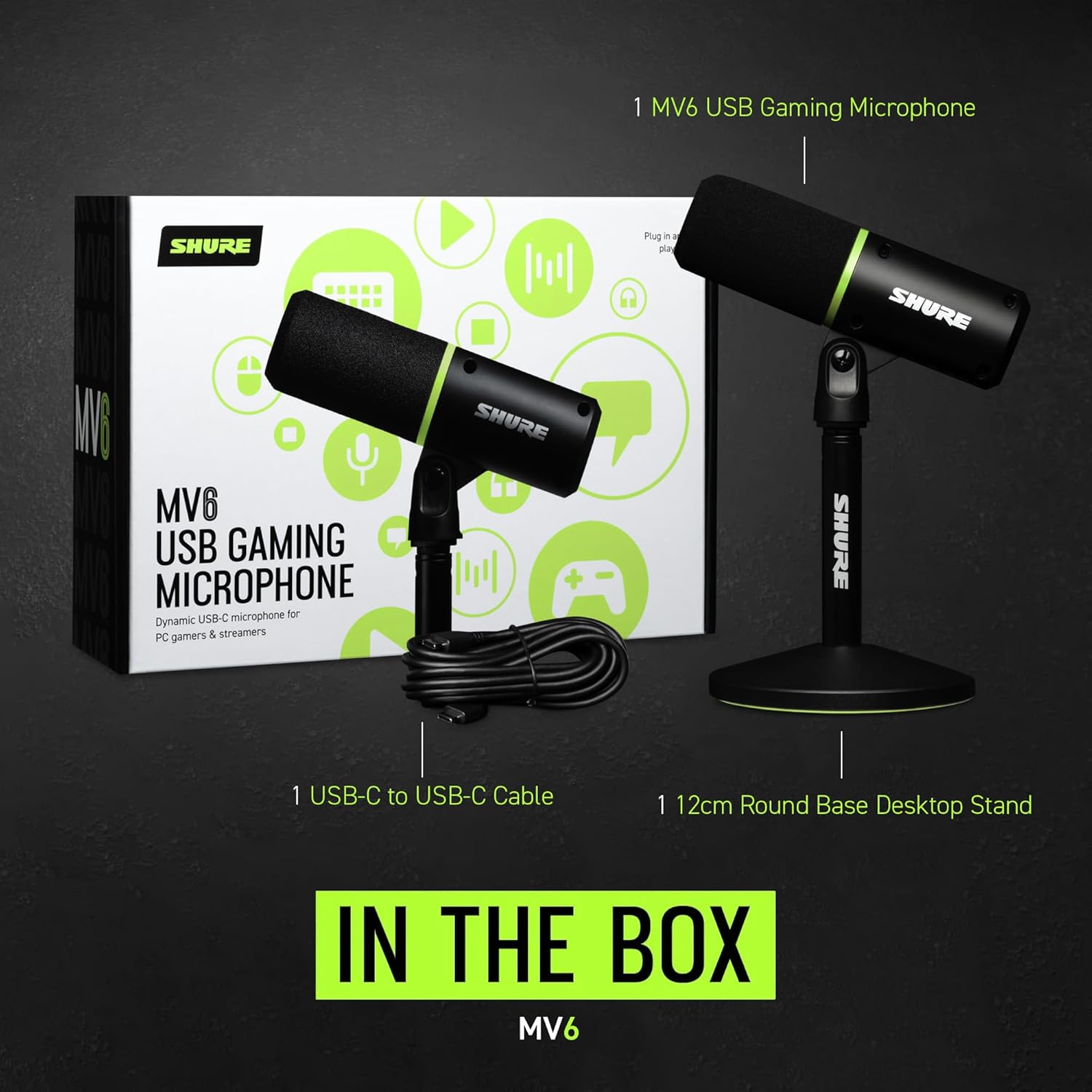
If you’re setting up a PC for gaming, streaming, or recording, the mic choice can feel oddly stressful. The Shure MV6 is built to remove that friction: plug it into your computer with USB-C and start. No drivers, no complicated setup steps, and no “why is there delay?” troubleshooting session.
On paper, it’s aimed at people who want their voice to stay front and center while everything else (keyboard clicks, fan hum, background chatter) stays in the background where it belongs. It’s not trying to be a giant studio tool with a learning curve, it leans into a quick, practical workflow for everyday content creation.
What you’ll notice day to day
The MV6 uses a dynamic capsule with a cardioid pickup pattern, which is a big deal for real-world rooms. Cardioid mics focus on sound coming from the front and reject more of what’s off-axis, so it can help reduce echo, chatter, and “room noise” you didn’t even realize was being captured.
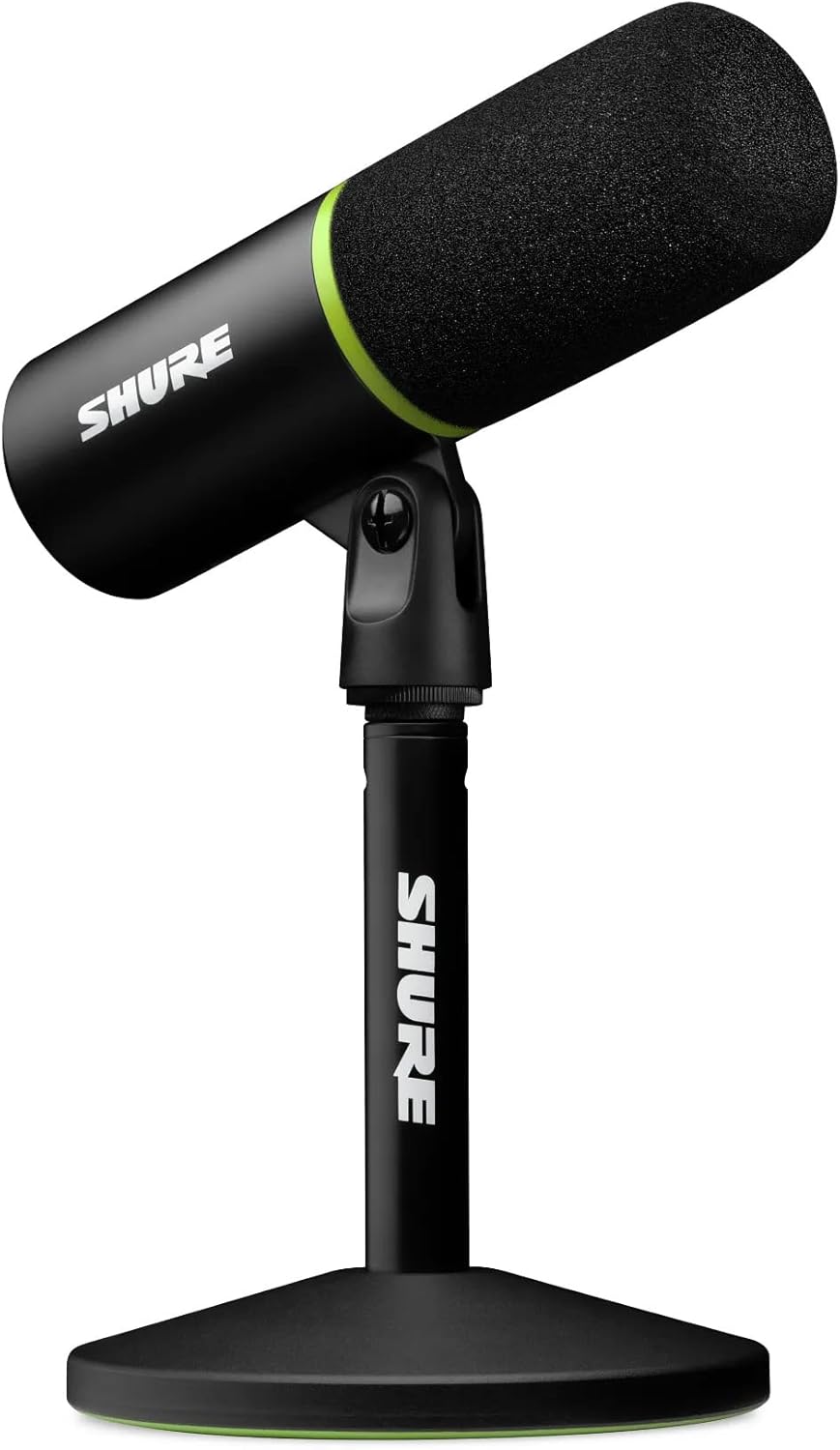
Then there’s the real-time denoiser. The promise here is straightforward: filter distractions as you speak so your voice stays clear without you needing to micromanage audio settings mid-stream. If your typical setup is a desk with a loud keyboard, nearby conversations, or a constantly running PC fan, that’s exactly the kind of environment this mic is designed to handle.
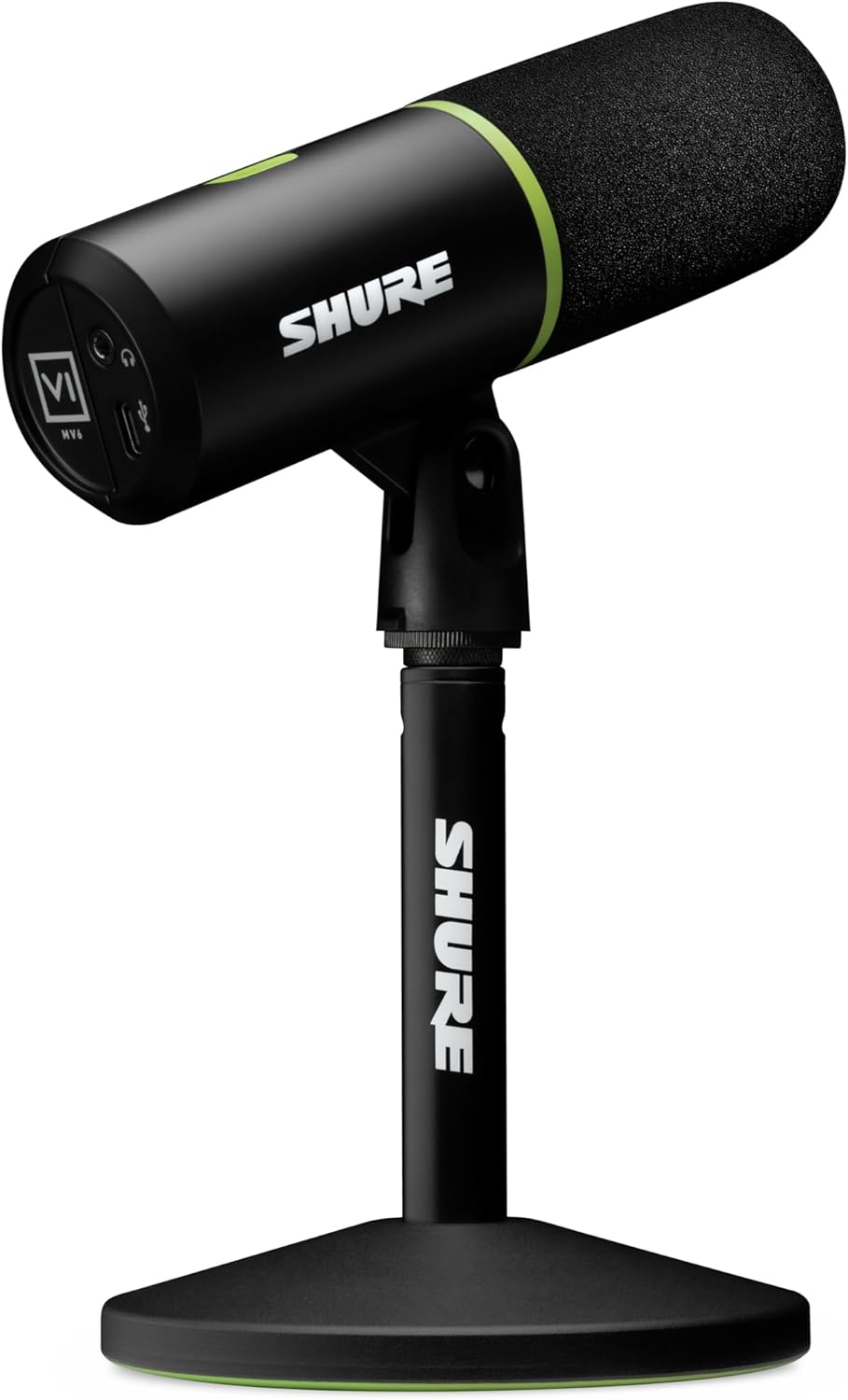
And unlike some USB mics where you rely on guesswork, the MV6 includes real-time monitoring through a built-in 3.5mm headphone jack. You can listen to your own voice while you record or stream, so you can correct your distance and speaking level instead of finding out later that it sounded off.
There’s also instant mute: a tap-to-mute button for quick privacy control. It’s the kind of feature that’s easy to take for granted—until you need it.
Key takeaways
Worth considering if you want a dynamic USB microphone that prioritizes low-hassle setup and clearer voice capture in everyday gaming/streaming scenarios.
It makes sense if you prefer monitoring on the spot with the 3.5mm headphone jack, and if you’d rather deal with audio through controls and live feedback than constant post-processing.
Just keep expectations grounded: the denoiser can help reduce distractions, but it can’t magically turn a chaotic room into a studio. If your environment is extremely noisy or you speak from a very inconsistent distance, the results may still depend on your placement and mic technique.
Tech specs
- Type: Dynamic USB microphone
- Output/monitoring: USB-C connection plus 3.5mm headphone monitoring
- Controls: Tap-to-mute and real-time gain control
- Pickup pattern: Cardioid
- Noise handling: Real-time denoiser
- Capsule: Dynamic capsule
- Color: Black
For what use cases it fits best (and where it doesn’t)
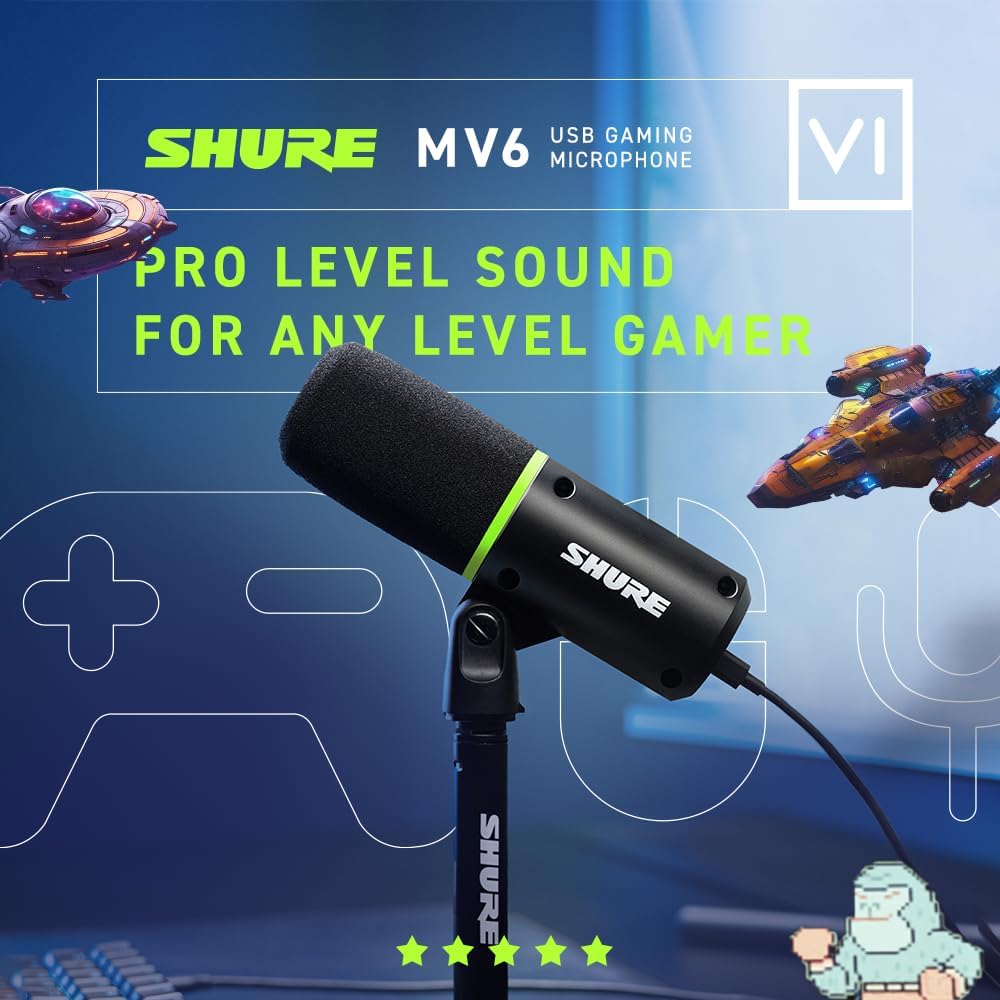
This mic is designed for people who want to game, stream, and record without turning their setup into an engineering project. If you’re building a straightforward desk streaming setup, it’s a practical match: plug it in, check your monitoring, and speak naturally.

A typical micro-experience looks like this: you sit down for a match, plug in the MV6 via USB-C, then use the headphone jack to confirm your voice sounds centered. When you need a quick break—someone calls your name or you need privacy—tap-to-mute gets you silent fast. You’re not hunting for system menus or fumble-clicking on-screen controls.
It might not be the best choice if you want a mic system that focuses heavily on maximum studio-style detail with deep tweakability. The MV6 is more about smooth, stream-ready voice capture with convenience features than about giving you every possible recording knob for advanced sound design.
Also, if you routinely record in a very echo-heavy room and you’re hoping for “set it and forget it” perfection, you may still need acoustic improvements (or better positioning), even with the cardioid pattern.
Final verdict
Should you buy it?
Buy the Shure MV6 if you want a no-drivers USB-C microphone for PC gaming, streaming, or recording that emphasizes voice clarity, real-time monitoring via 3.5mm, and quick mute/gain controls. It’s a solid “start now” option for typical desktop setups where keyboard noise and background hum are part of life.
Skip it if you’re specifically chasing the most customizable studio mic experience or if your setup requires more than what denoising and a cardioid pattern can realistically fix. In other words, it can reduce distractions, but it can’t replace good room conditions and consistent mic positioning.
If your priority is to make your voice sound controlled and listenable in real time, this one is easy to take seriously.
Mini FAQ
Does it require drivers or extra setup?
No drivers are needed, and the MV6 is described as plug-and-play with USB-C for PC or laptop.
Can I monitor my voice while recording?
Yes. It includes a built-in 3.5mm headphone jack for real-time monitoring.
How does it handle background noise?
It uses real-time denoiser filtering to reduce distractions like keyboard clicks, fan hum, and background chatter, depending on your setup.
Is there a quick mute option?
Yes. There’s a tap-to-mute button for instant privacy control.
What mic technique matters most?
Because it’s cardioid and relies on real-time monitoring, your speaking distance and placement will still matter—especially if you move around while talking.