

Hyperkin 2-Port Controller Adapter for N64 / Nintendo Switch / PC
Product description
If you’re trying to use classic-style controllers with modern devices, a simple adapter can save a lot of hassle. The Hyperkin 2-Port Controller Adapter is built for that exact kind of setup: it’s designed to work across N64, Nintendo Switch, and also with PC (and Mac) via USB.
That said, adapters are where “it should work” meets real-world limitations. So it’s worth thinking about what you’re aiming for—plug-and-play convenience, or a more predictable, consistent control experience for specific games.
Key takeaways
This adapter focuses on one practical job: bridging controller compatibility through a USB connection. It offers a controller port plus a compatibility switch, which is handy if you’re swapping between an N64-style controller and a Switch/PC/Mac use case.
Where it feels most grounded is in the idea of keeping your existing N64 standard controller in rotation instead of replacing it. If you already have an N64 controller (standard model), this is the kind of accessory that can make your setup feel less “stuck in the past.”
A limitation to keep in mind: it’s not described as a software-heavy solution, and compatibility can depend on how your device and the specific game handle controller inputs. It’s smart tech for the right workflow, but it may not magically solve every controller mapping scenario.
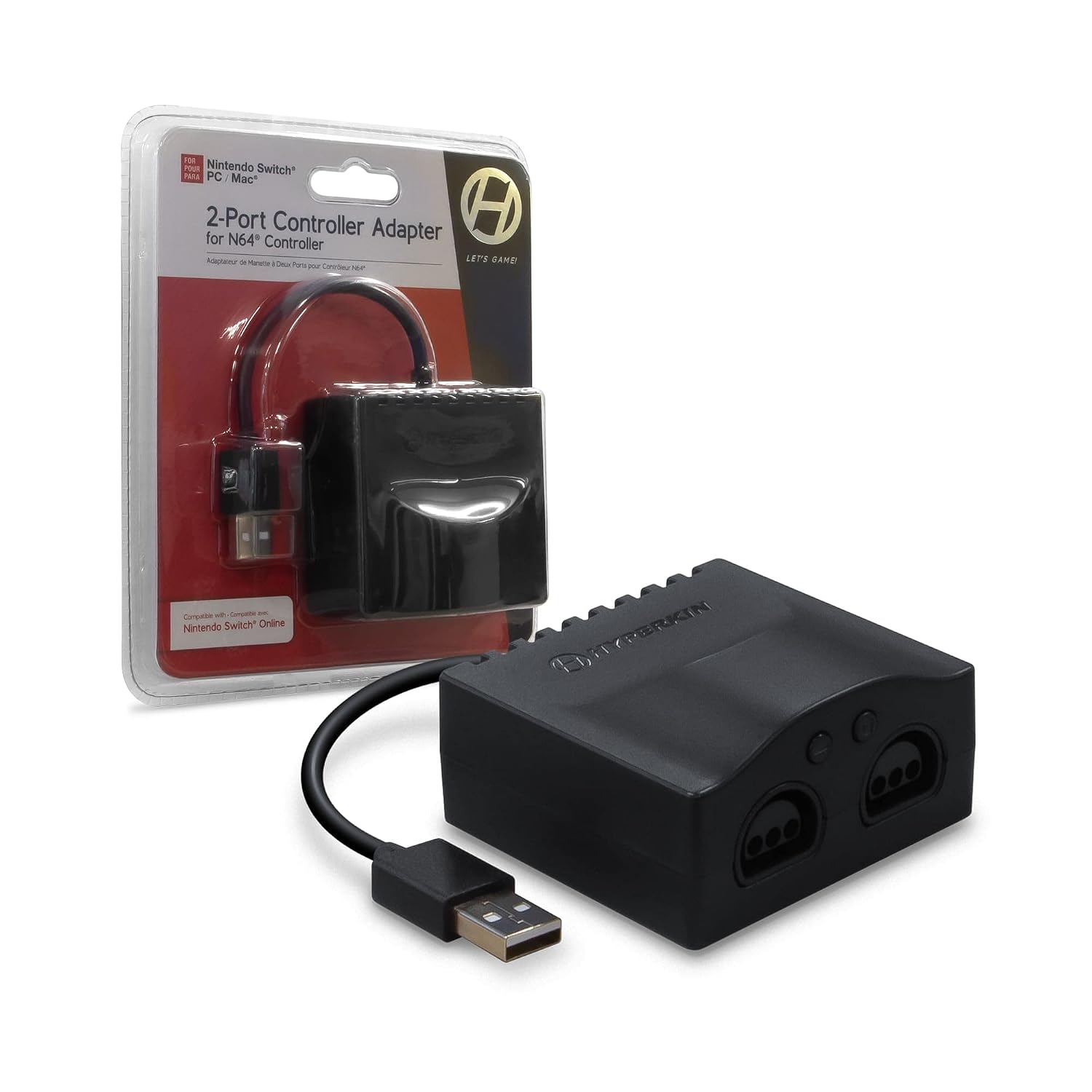
The essentials
This is a 2-port controller adapter from Hyperkin that connects via USB and is described as compatible with Nintendo Switch, PC, and Mac. It also supports N64 standard controllers through its controller port and compatibility switch.
In use, the flow is pretty straightforward: you plug the adapter into your device through USB, connect the N64 standard controller to the adapter’s controller port, and then use the switch to match the mode you’re targeting. That “switch” detail matters because it’s the difference between an adapter that’s merely connected and one that’s set up for the device you’re using.
What you’ll notice day to day
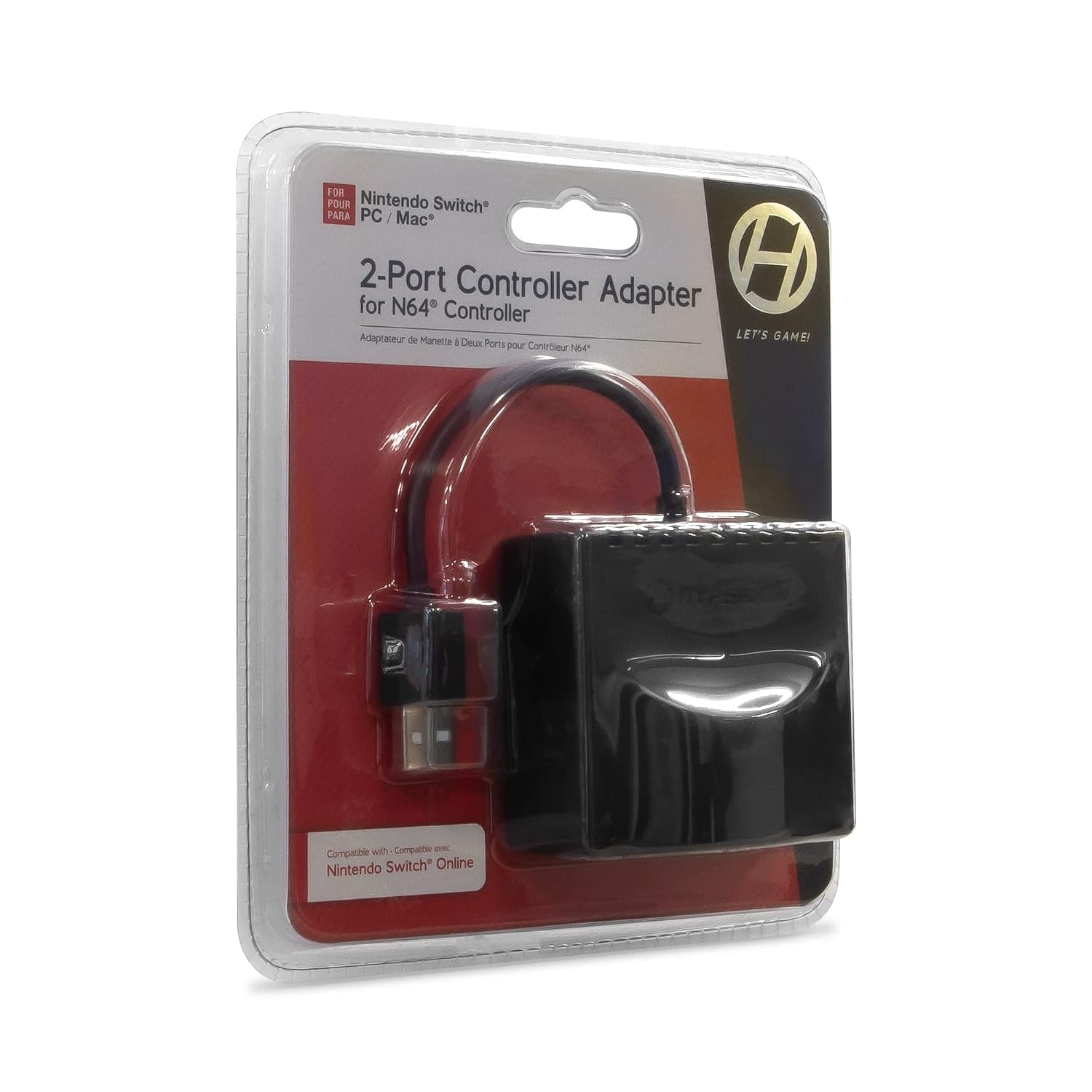
The biggest day-to-day benefit is convenience. Instead of pulling up menus or changing hardware across your desk, you can keep the same controller setup and adjust via the adapter’s compatibility switch.
It’s also a nice fit for anyone who just wants their controls to feel right quickly—think: firing up N64-style sessions on a Switch or using the same controller for PC/Mac play. For example, you can set up your adapter once, connect your standard N64 controller, flip the compatibility switch for your device, and jump into a session without reorganizing everything.
Where it may not be perfect: if you’re very sensitive to input mapping (like expecting identical button behavior across every game and platform), you’ll want to be cautious. The listing doesn’t provide specifics about mapping behavior, so results may vary by title.
Tech specs
- Name: 2-Port Controller Adapter for N64 / Nintendo Switch/PC
- Type: Controller adapter (USB)
- Compatibility: Nintendo Switch, PC, Mac (via USB)
- N64 controller support: Compatible with standard N64 controller models
Who it’s for (and who should skip it)
This adapter makes sense if you have an N64 standard controller and you want to use it with Nintendo Switch, PC, or Mac through USB. It’s also a good choice if you prefer a physical switch-over approach instead of rebuilding your setup every time you switch devices.
It might not suit you if you don’t already own an N64 standard controller, or if your main priority is total, guaranteed input mapping consistency across every game. In that case, you may find that a different approach—like using a controller built for the platform you play on—reduces the risk of mismatched button layouts.
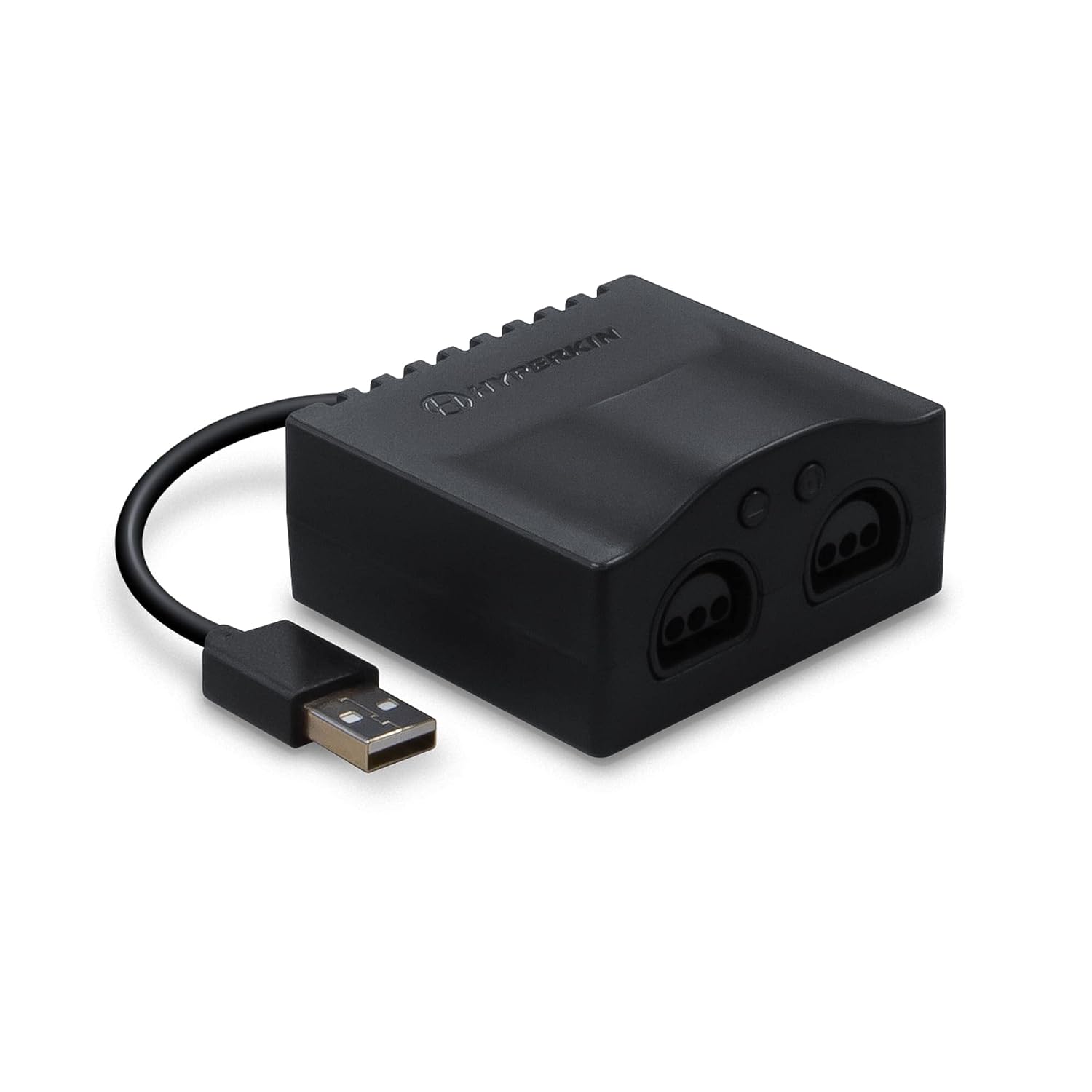
Final verdict
Worth buying if your goal is simple: use your standard N64 controller on Nintendo Switch, PC, or Mac via USB, and you like having a compatibility switch to match the device mode. For that kind of “keep my classic controller, bring it into modern play” setup, this adapter is the right category.
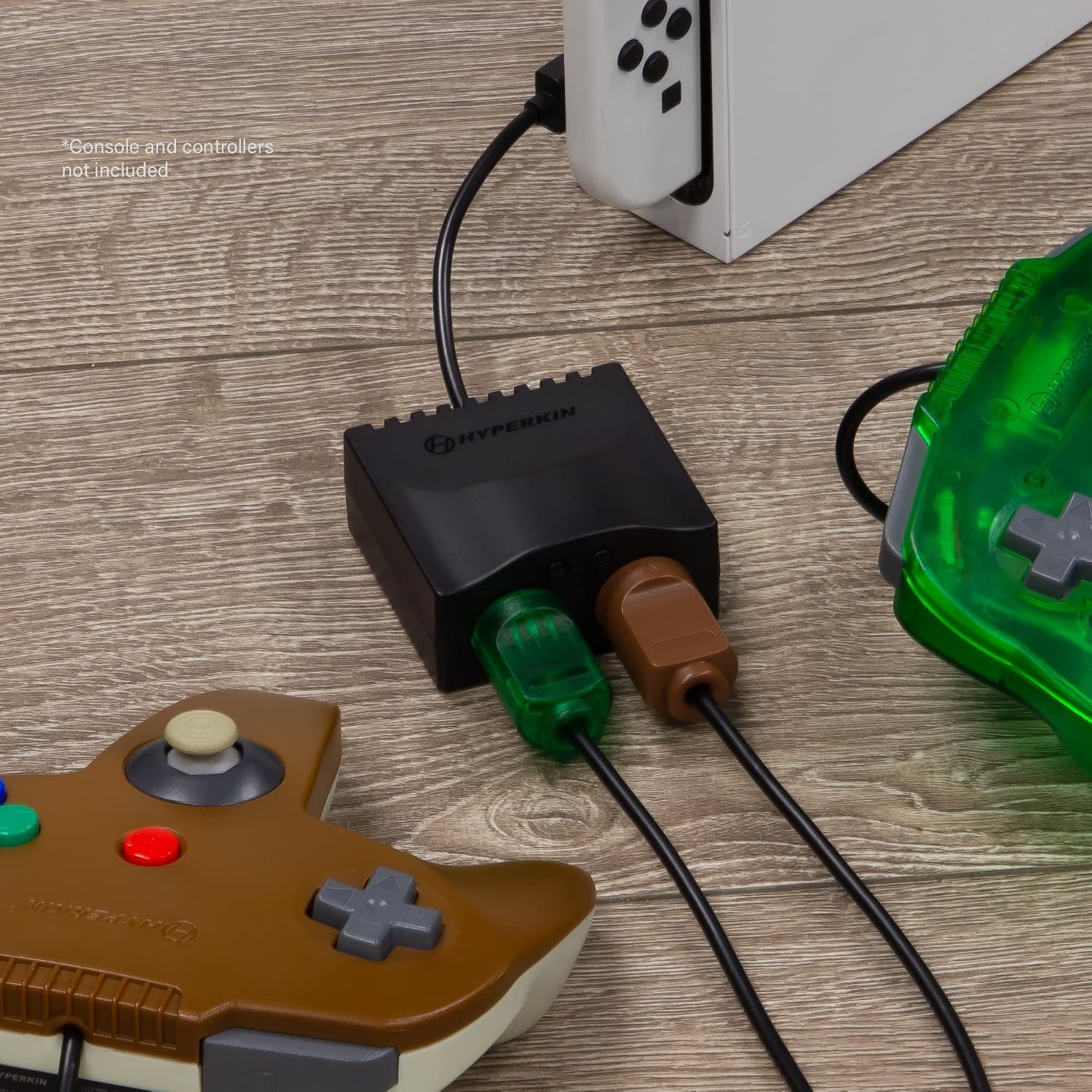
Skip it if you need guaranteed, uniform controller mapping for every game on every platform, or if you’re missing the specific hardware it’s built around (an N64 standard controller). Without more detailed compatibility specifics in the listing, it’s better treated as a practical bridge—useful, but not a guaranteed solution for every edge case.
Mini FAQ
Does this adapter work with Nintendo Switch and computers?
Yes. The listing says it’s compatible with Nintendo Switch and also with PC and Mac through USB.
What N64 controller models are supported?
It’s described as compatible with standard N64 controller models.
Does it use a compatibility switch?
Yes. It includes a controller port and an interrupt/compatibility switch so you can match the intended device mode.
Is it plug-and-play?
The description emphasizes USB compatibility, but it doesn’t spell out plug-and-play behavior for every game. It’s best to expect a straightforward setup, while being realistic that input behavior can still depend on the game and platform.