

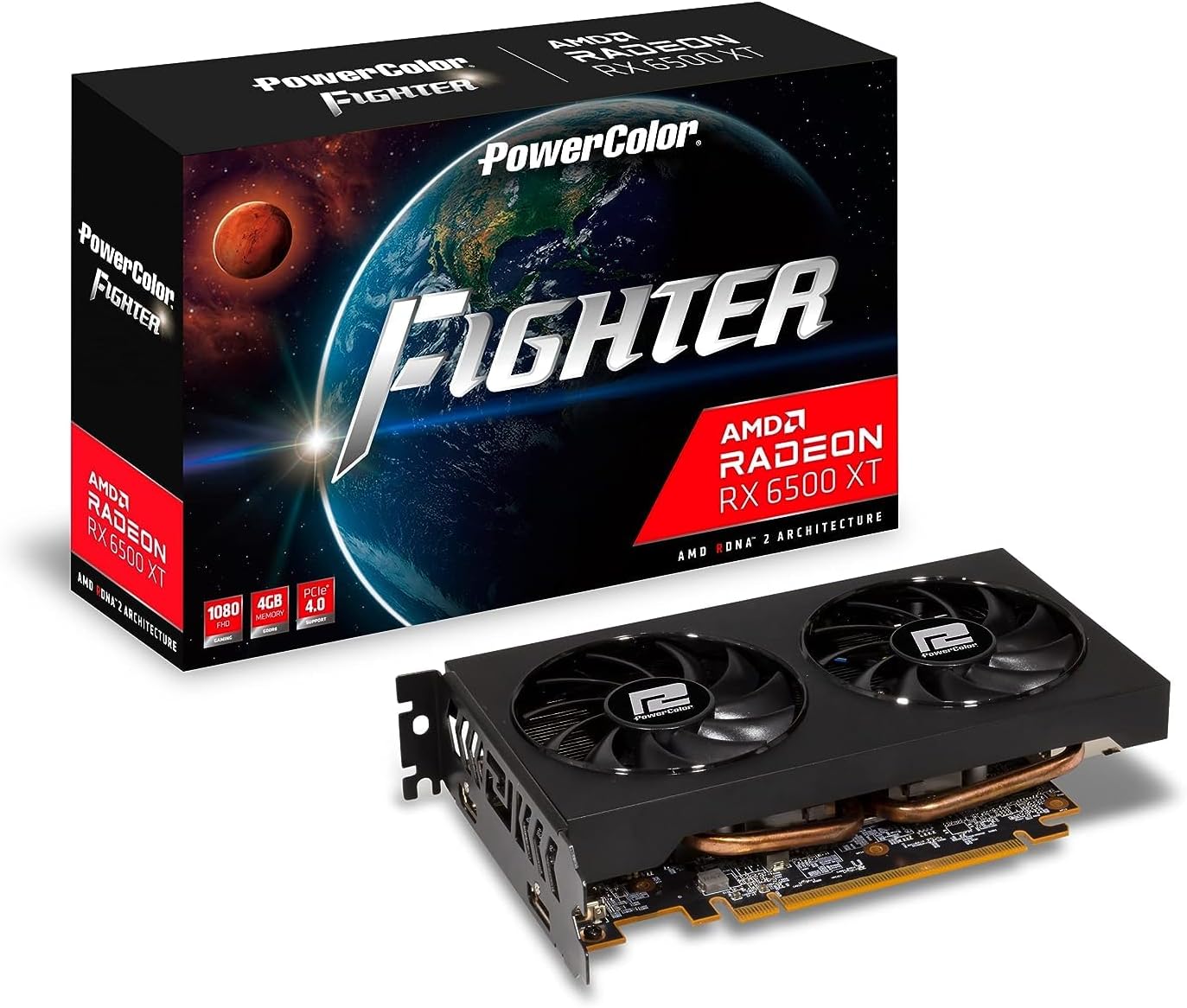
PowerColor Twin Fan AMD Radeon RX 7800 XT 16GB GDDR6
Reviews
Product description
What it’s for
The PowerColor Twin Fan AMD Radeon RX 7800 XT (16GB GDDR6) is a dedicated graphics card built for people who want strong 1440p performance without stepping all the way into the top-tier “halo” tier. On paper it’s the kind of card you buy when you’re upgrading from older GPUs and want noticeably smoother gameplay, faster rendering, and more breathing room for modern games.
It’s also the sort of option that fits best if your PC is already mostly there—good CPU, enough airflow, and a power supply that can handle it. If your system is borderline, this card may feel like more trouble than it’s worth.
Key takeaways
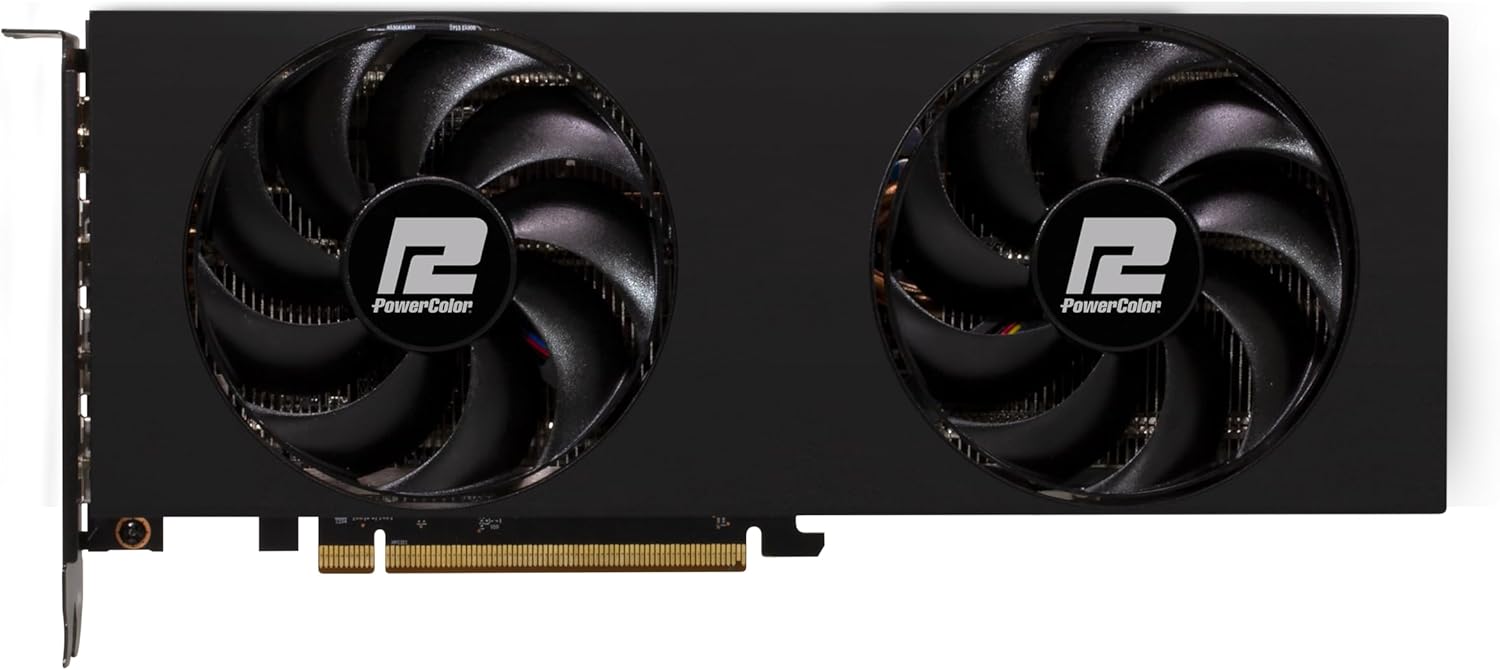
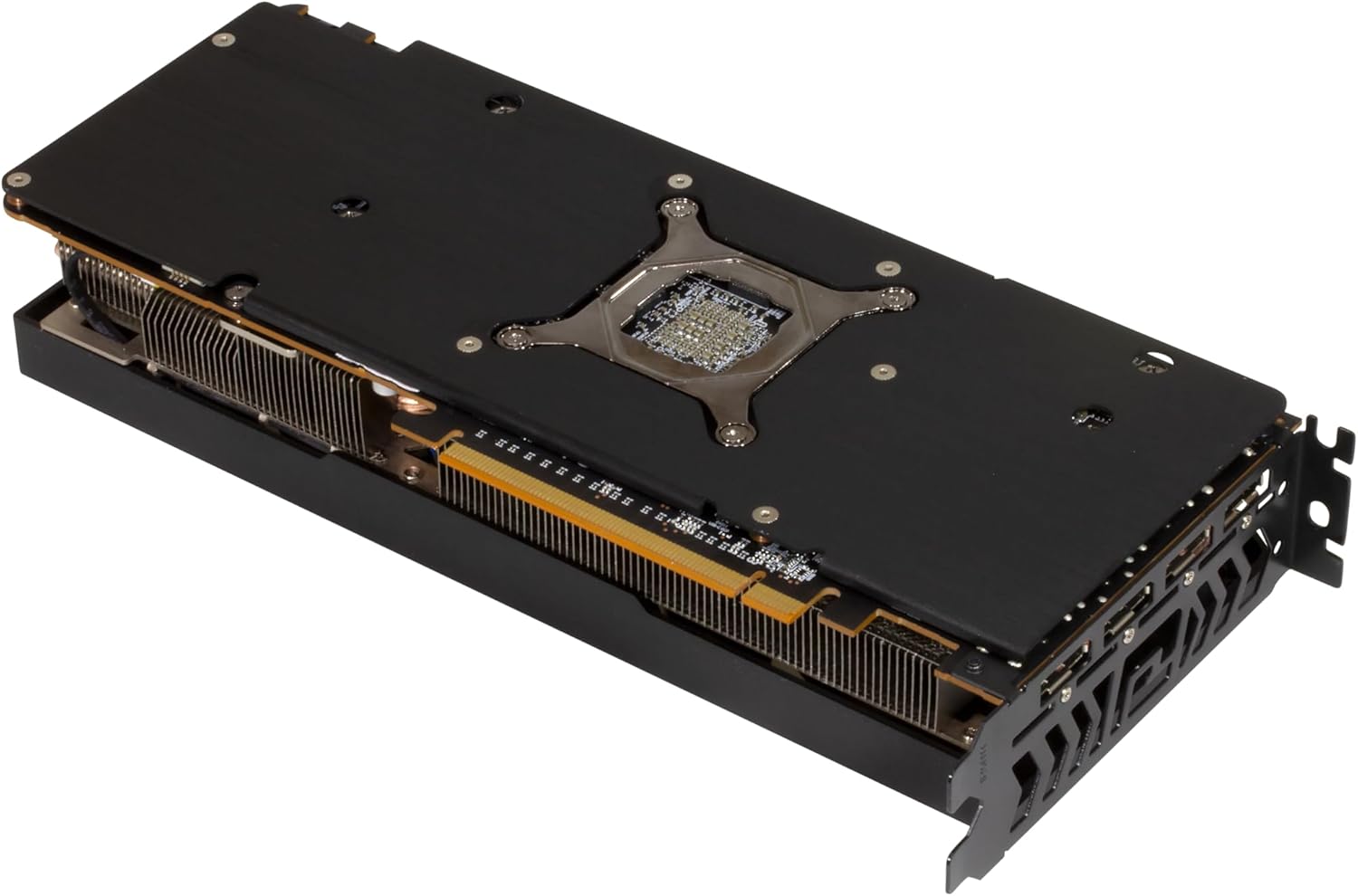
What matters most with this RX 7800 XT model is straightforward: the I/O layout is modern, it uses two 8-pin PCIe power connectors, and the card is compact enough to fit common mid-tower builds. The display outputs are also a solid signal if you’re planning a setup with multiple high-refresh monitors.
Still, it’s not a “set-and-forget” buy. You’ll want to double-check your case clearance and your power supply before ordering, because the twin-fan design doesn’t eliminate compatibility headaches—just improves cooling.
What you get in practice (connectors and setup)
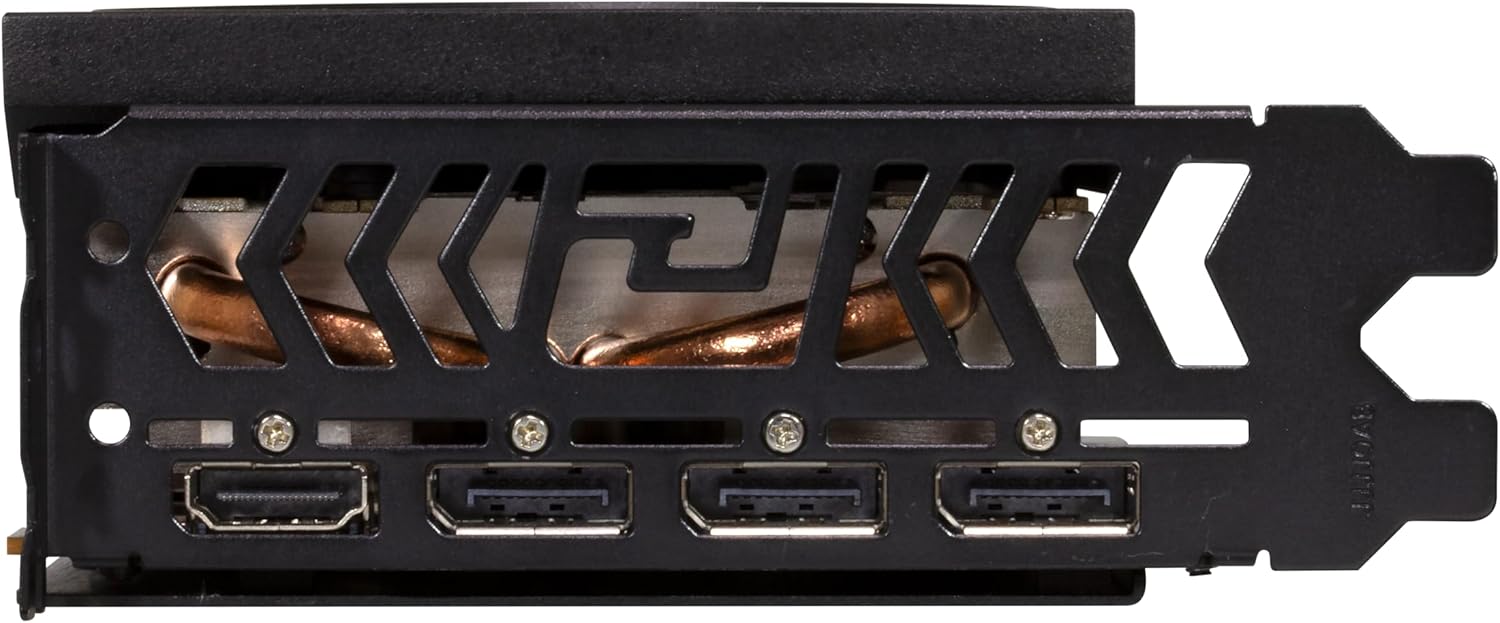
This model comes with display outputs including 1 HDMI 2.1 and 3 DisplayPort 2.1. In real-world terms, that makes it easier to run multi-monitor setups and keep newer display standards in the mix—especially if you’re the type who likes to avoid adapter clutter.
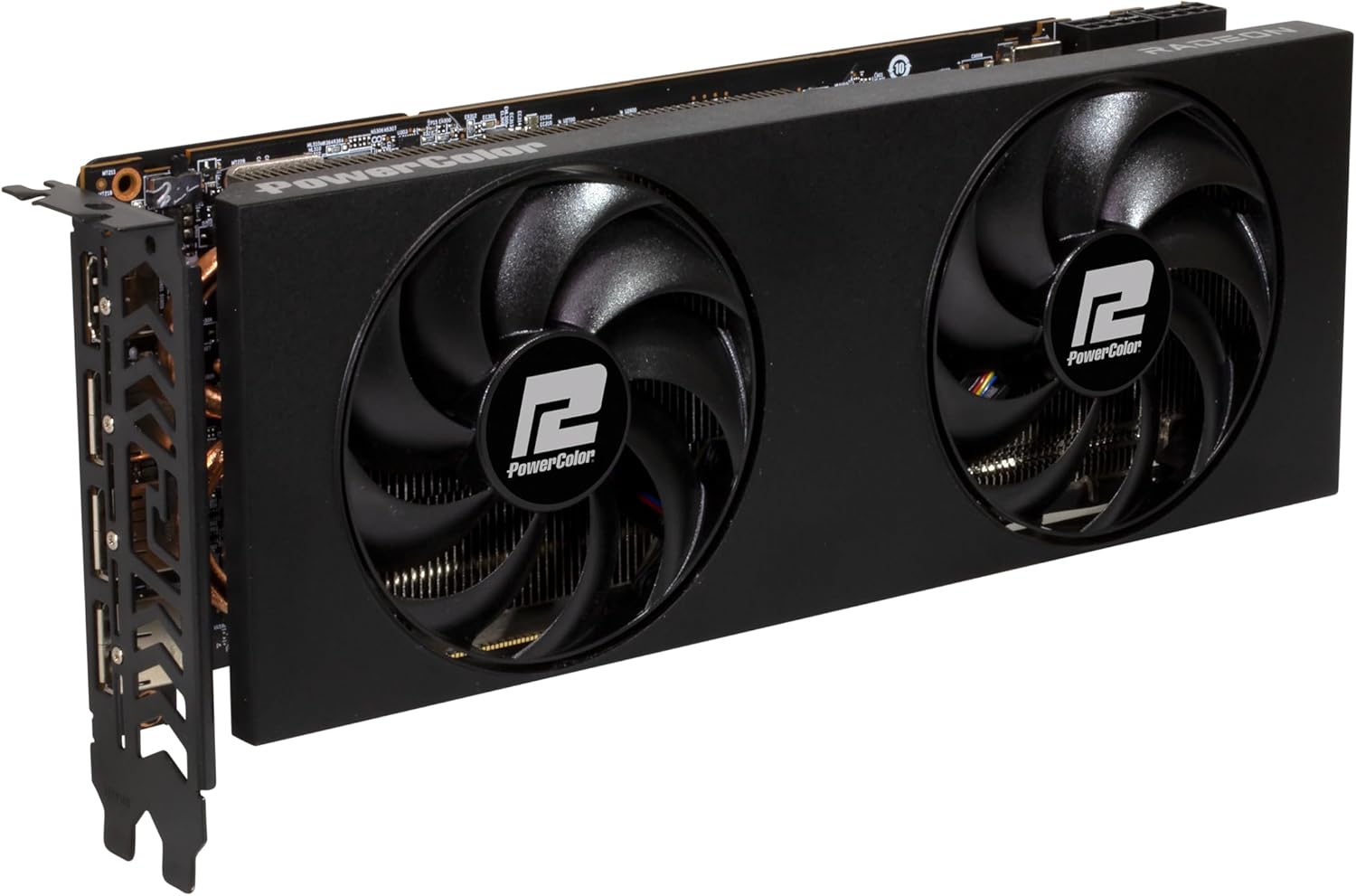
Here’s a simple micro-scenario: - You connect one monitor via HDMI 2.1 for quick plugging when you switch devices. - You run two additional monitors via DisplayPort 2.1 for primary gaming and side-by-side productivity.
That kind of setup is exactly where the output count helps day to day.
Tech specs (the parts you should verify)
- Power connectors: two PCI Express 8-pin
- Minimum system power: 750 W
- Internal card length: 260 mm
- Card dimensions: 260 x 109 x 50 mm
- Display connectors: 1 HDMI 2.1, 3 DisplayPort 2.1
Where it shines, and where it may not
It’s a good fit if you’re aiming for a practical upgrade path and you care about having multiple modern display connections. The combination of 16GB GDDR6 and an RX 7800 XT class GPU is generally the right direction for games that benefit from VRAM headroom and for creators who want more assets and layers to stay responsive.
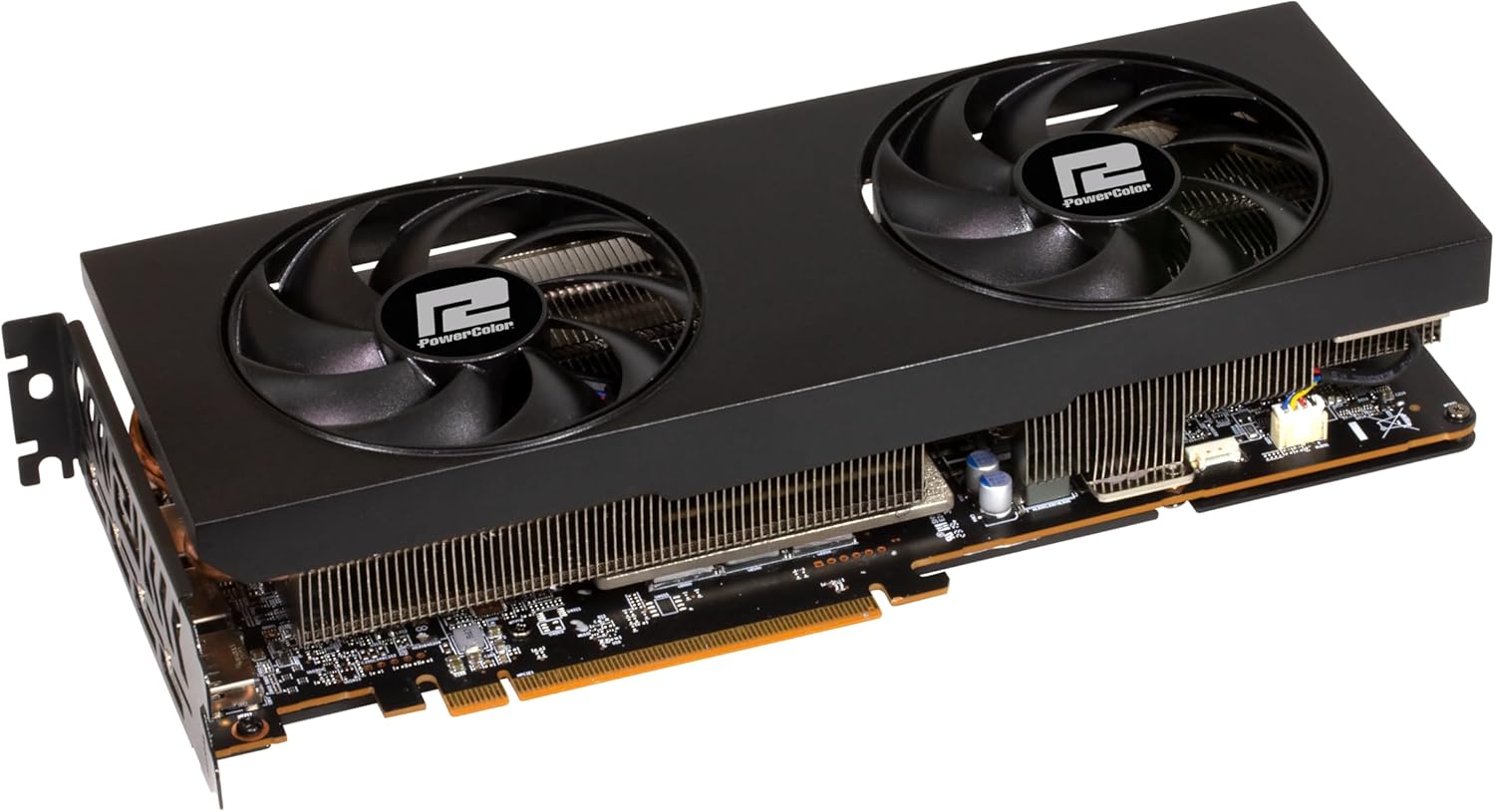
But it may not be your best move if: - Your power supply is below the stated minimum (750 W) or you can’t confidently use two separate 8-pin PCIe connections. - Your case has tight clearance, since the card’s listed dimensions (including 50 mm thickness and 260 mm length) can surprise people.
Care & maintenance
No special rituals here, but basic habits matter. With a twin-fan card, airflow and dust control are your quiet performance upgrades. If you notice higher fan noise over time, it’s often a sign that cleaning the system (case fans, intake filters, and the GPU heatsink area) could help stabilize temperatures.
Final verdict
Is it worth it?
Worth considering if you want an RX 7800 XT upgrade with modern HDMI/DisplayPort 2.1 outputs and you can meet the power requirement (two 8-pin PCIe, minimum 750 W) while fitting the stated dimensions. For the right build, it’s the kind of GPU that can feel like a real step up—especially for multi-monitor setups.
Better avoided if your PC is underpowered, lacks the right PCIe power connections, or your case clearance is uncertain. And if your goal is strictly basic 1080p gaming with low demands, this can end up feeling like money spent faster than it returns.
Mini FAQ
Will this GPU work with a typical mid-tower case?
It may, but you should confirm clearance using the listed dimensions (260 x 109 x 50 mm) and the internal length of 260 mm.
What power supply does it require?
The listed minimum system power is 750 W, and it needs two PCI Express 8-pin power connectors.
What display ports does it support?
It includes 1 HDMI 2.1 and 3 DisplayPort 2.1.
How many monitors can I connect?
With the included outputs, you can connect up to four displays directly (depending on your monitors’ supported input types). If you use adapters, double-check compatibility.
Does the twin-fan design help?
Twin fans generally help with cooling, but you’ll still want proper case airflow and to avoid dust buildup over time.