

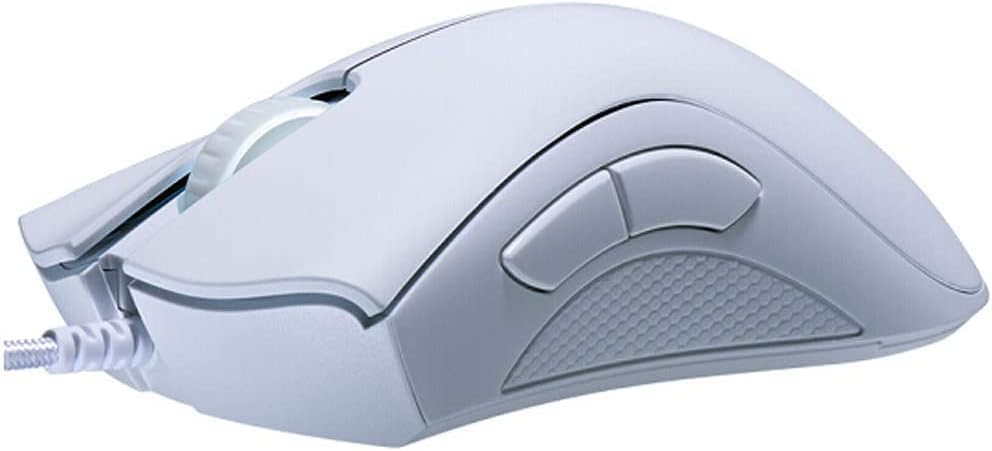
Razer DeathAdder Essential 6400 DPI gaming mouse
Reviews
Price
Product description
This ergonomic gaming mouse from Razer combines a high-precision optical sensor with straightforward controls to support long play sessions and daily use. It delivers up to 6,400 DPI sensitivity and a comfortable shape with rubber side grips, making it suitable for fast-paced shooters and precise desktop work.
Key Points
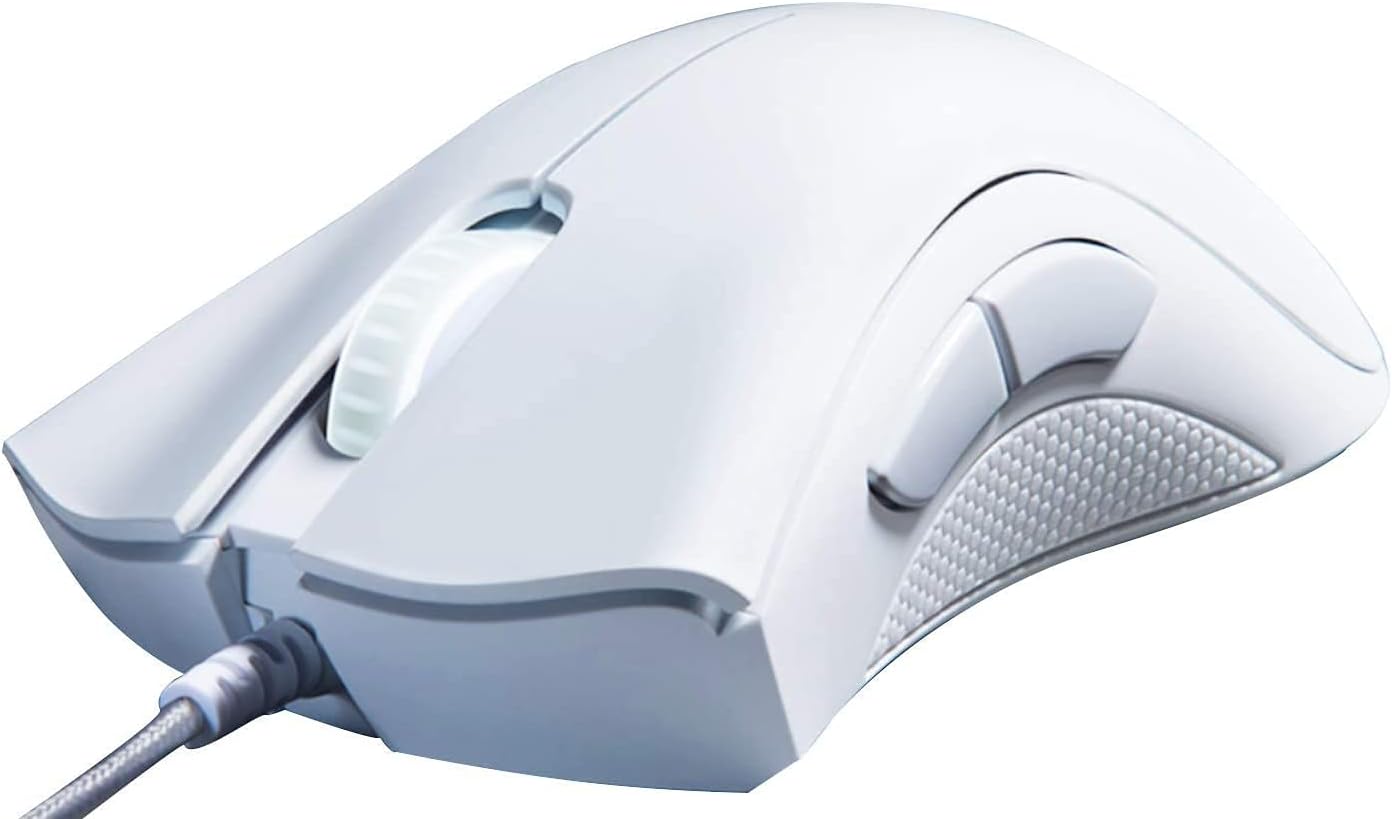
The mouse features a 6,400 DPI optical sensor that lets you adjust sensitivity on the fly using dedicated DPI buttons. It includes five programmable buttons and mechanical switches for tactile feedback and quick actuation. The textured rubber side grips help maintain control during intense sessions. Note that button remapping and macro assignment require Razer Synapse according to the manufacturer.
Technical Specifications
- Name: Razer DeathAdder Essential
- Sensor: 6,400 DPI optical
- Buttons: 5 programmable buttons
- Switch type: Mechanical switches
- Finish: Mercury White
Benefits
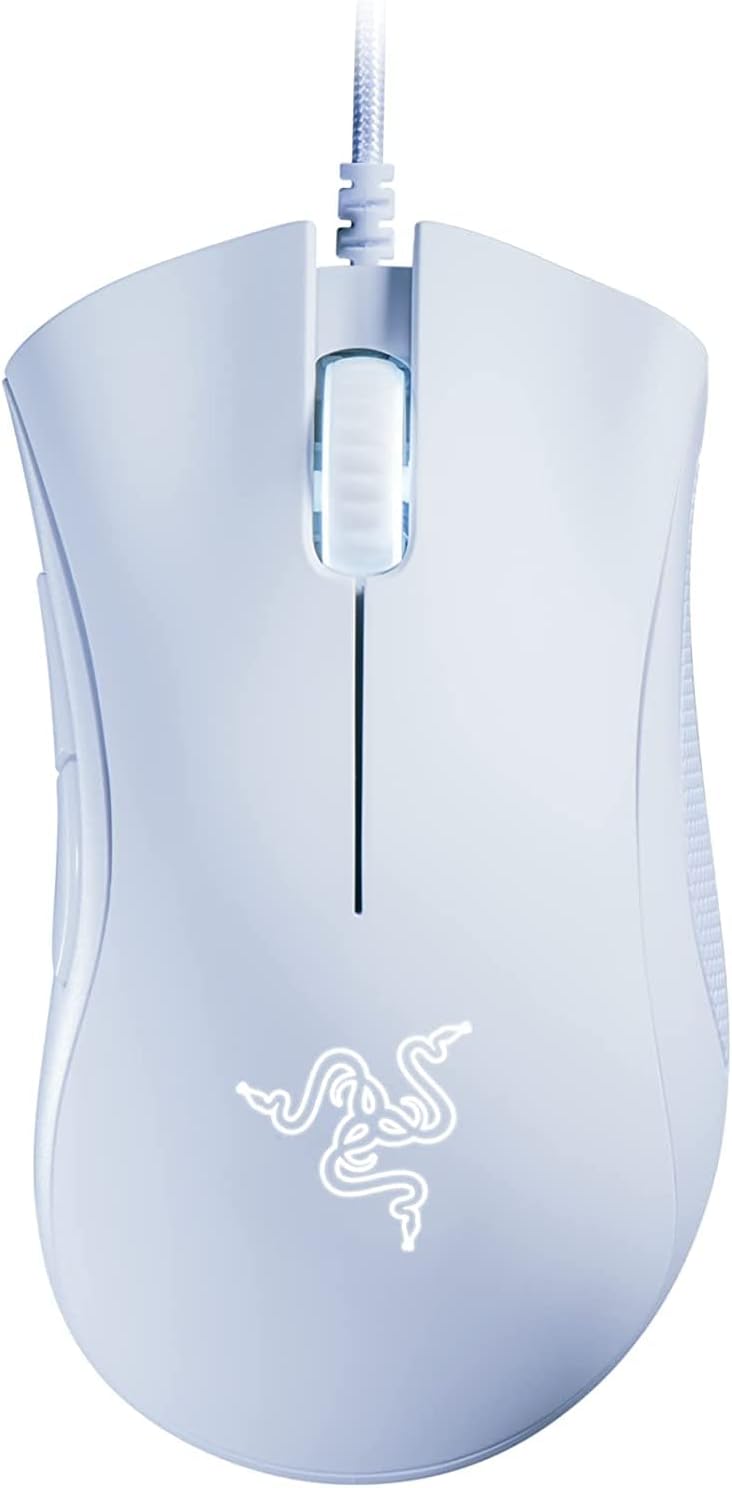
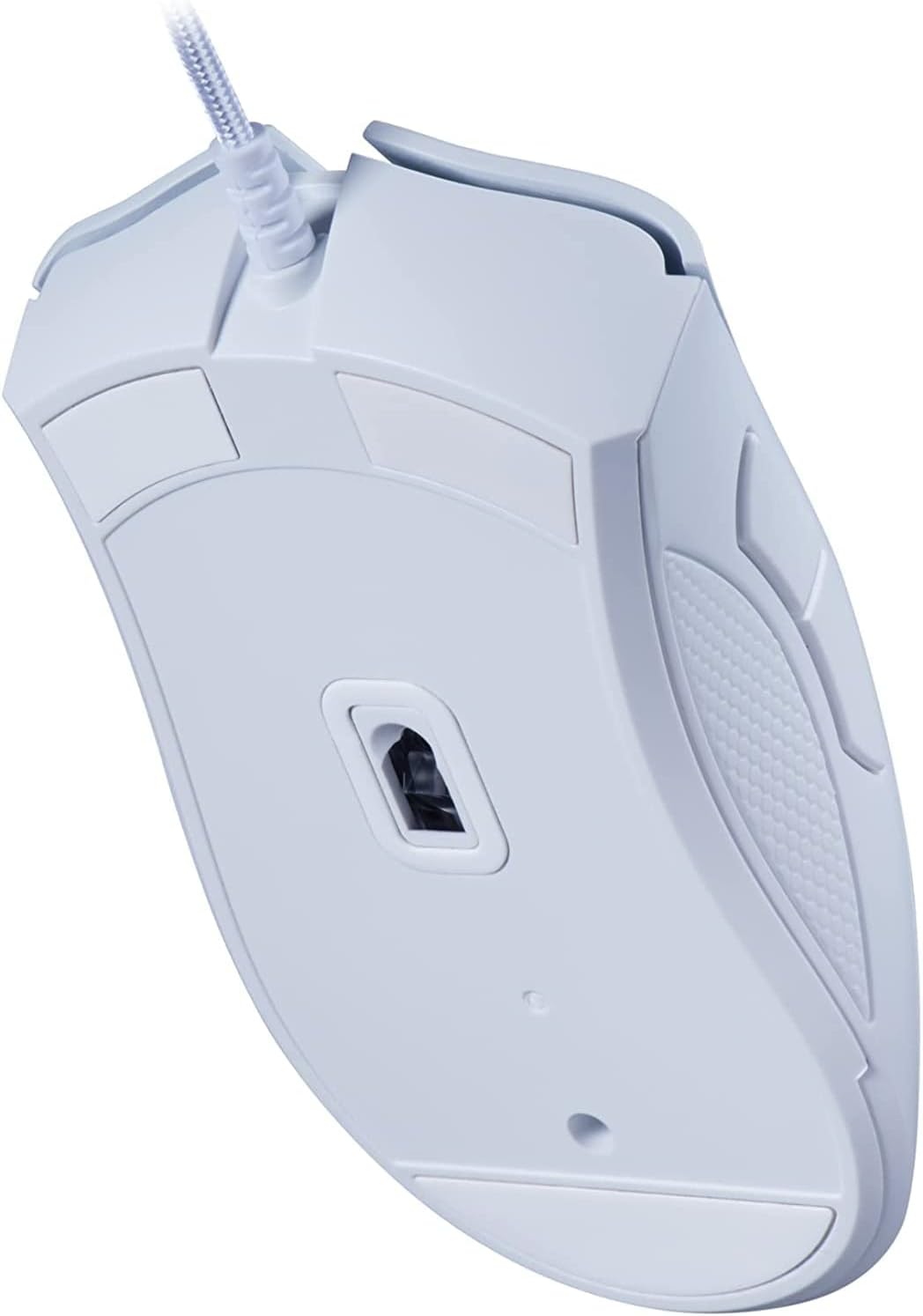
The Razer DeathAdder Essential balances responsiveness with a familiar, ergonomic silhouette that reduces hand fatigue over extended use. Programmable buttons let you assign complex macros for gaming or shortcuts for productivity. Mechanical switches provide a clear click feel that can improve reaction timing in competitive play. The mouse’s sensitivity range provides fine control for pixel-precise aiming or quicker cursor movement when needed.
How to Use It
Plug-and-play functionality allows immediate use for basic tasks, and downloading Razer Synapse enables deeper customization such as DPI presets and macro programming. For first-time setup, try a moderate DPI then adjust incrementally until cursor movement matches your preferred speed. Maintain the rubber grips by wiping them gently with a damp cloth to remove oils and dust, which helps preserve traction.
Practical Tips
Consider setting distinct DPI stages for different scenarios, for example a lower setting for sniping and a higher one for movement. If you switch between desktop work and gaming, assign commonly used productivity shortcuts to the side buttons to reduce reliance on the keyboard. Keep in mind that full customization features depend on Synapse, which the manufacturer notes as required for advanced configuration.