

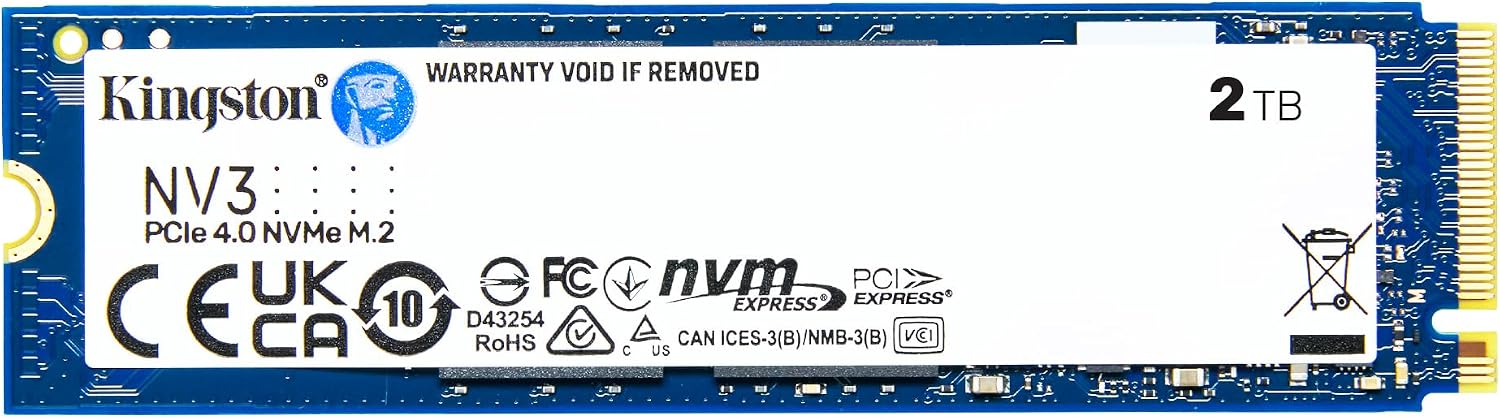
Kingston NV3 1TB M.2 NVMe SSD (Gen4) — PCIe 4.0 speeds up to 6000 MB/s for fast upgrades
Reviews
Price
Product description
What it is and the need it meets
The Kingston NV3 1TB NVMe SSD is a high-speed solid-state drive in a compact M.2 2280 form factor. Built for PCIe 4.0 Gen4x4, it targets systems that need faster boot times, snappier app launches, and overall quicker data access. If you’re upgrading an older drive or building a new PC, this SSD offers a straightforward way to boost storage performance without changing other components.
Performance in practical terms
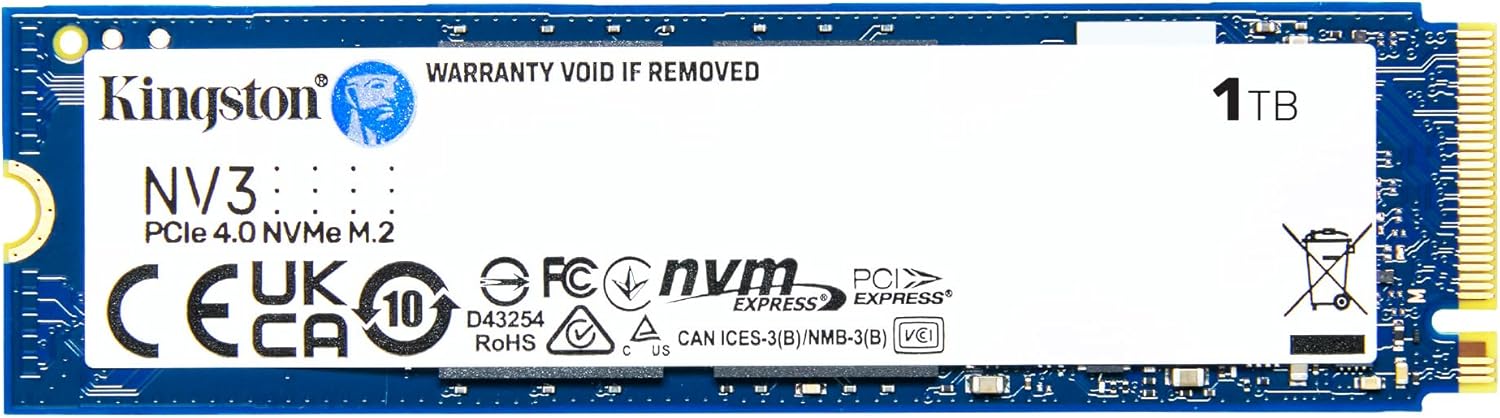
On paper, this drive reaches up to 6000 MB/s read speeds, which translates to faster file transfers and shorter wait times when handling large media files or software datasets. In daily use, you’ll likely notice shorter load times and smoother multitasking when the drive acts as the system drive or a fast scratch/storage drive. It’s important to keep expectations grounded: sustained real-world speeds depend on the rest of the system, including the motherboard’s PCIe lanes, cooling, and the workload.
What stands out (pros) and what may fall short (cons)
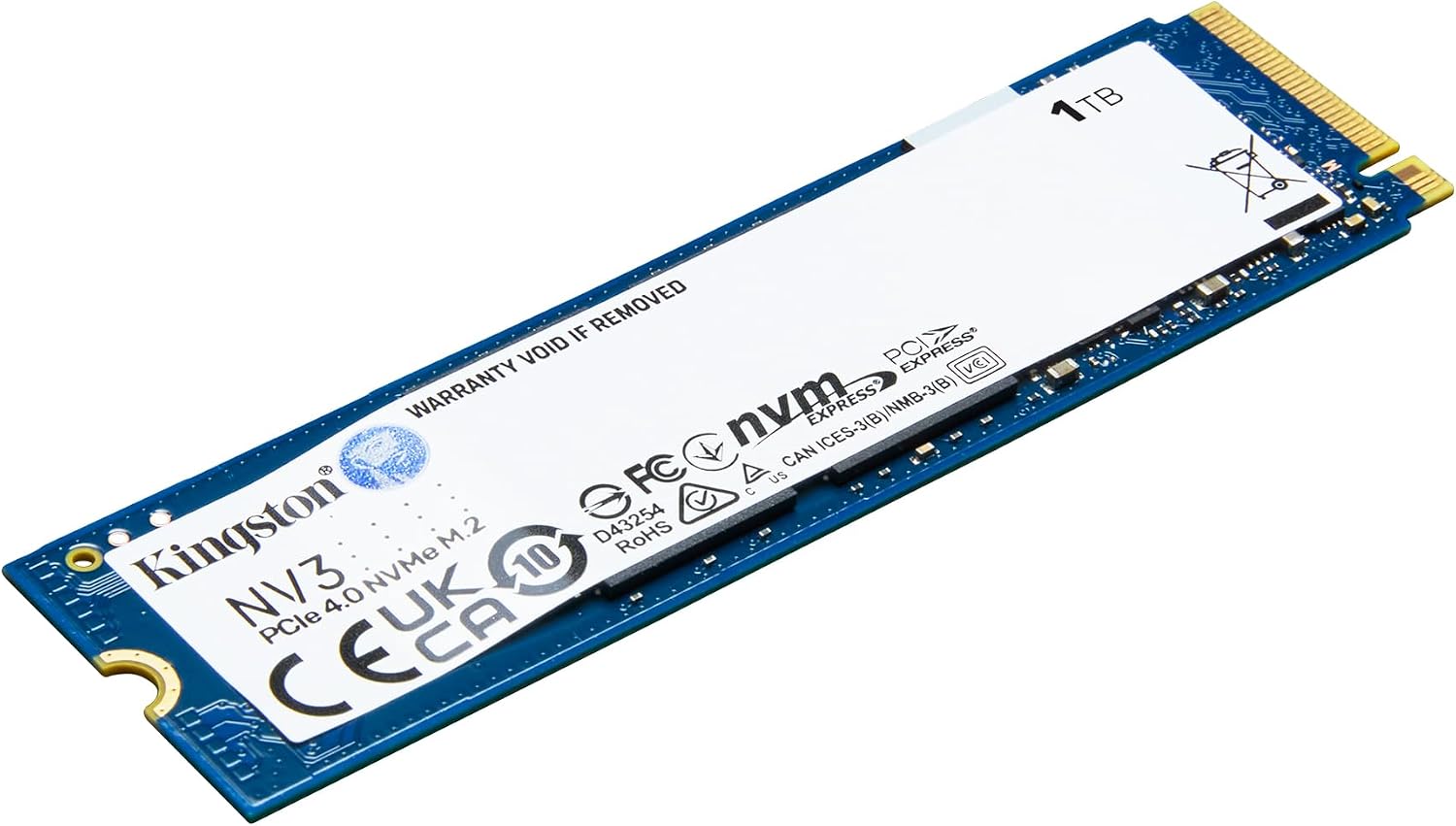
- Pros: Gen4x4 performance with a compact M.2 form factor for easy installation in most modern laptops and desktops, a capacity suitable for OS, apps, and a sizable media library, power efficiency benefits typical of NVMe drives.
- Cons: No explicit mention of endurance ratings or warranty length in the provided data, performance is contingent on motherboard support for PCIe 4.0 and adequate cooling, the 1TB model may not be enough for power users who juggle large datasets or multiple games.
Who it’s for
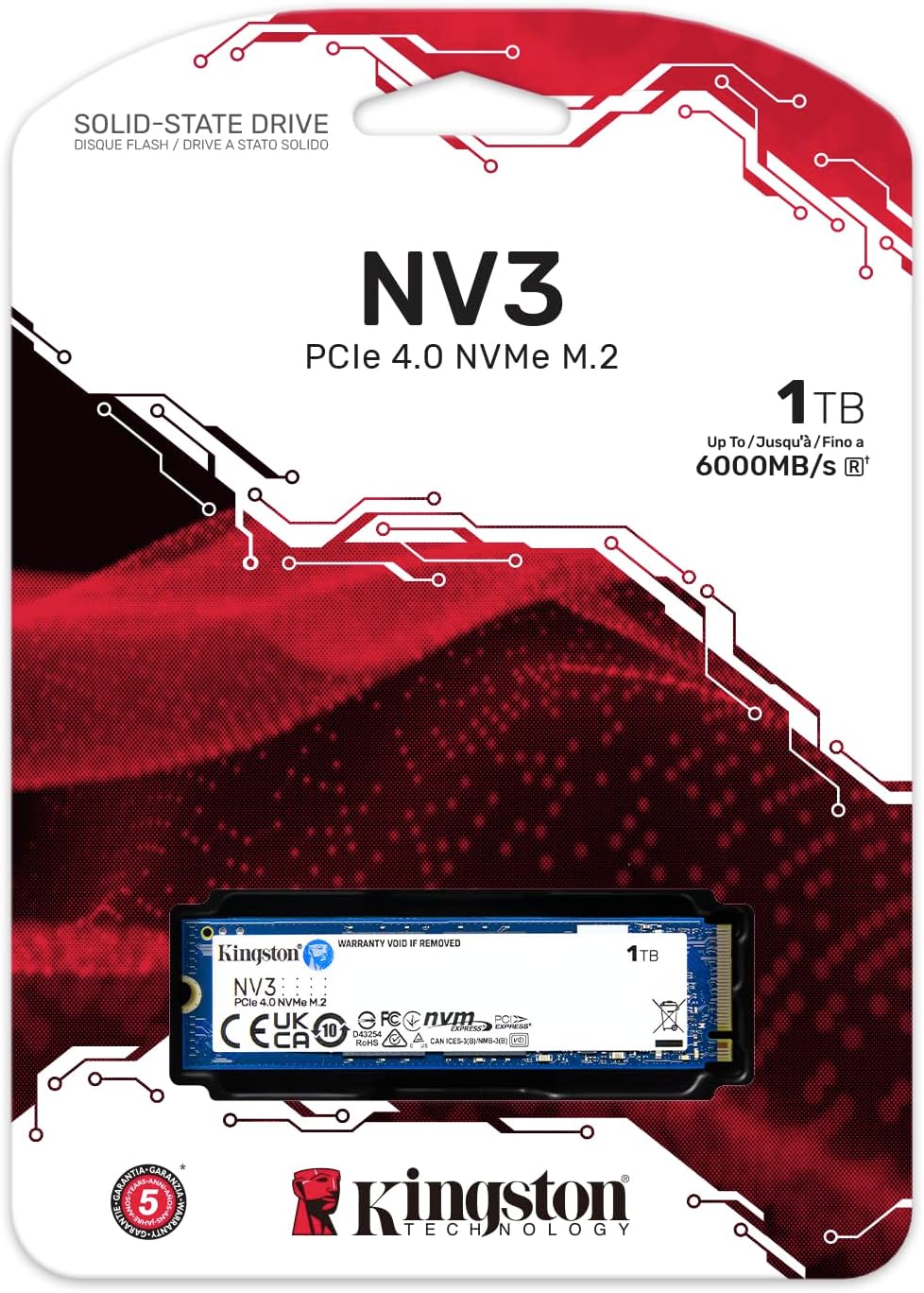
This drive is a solid fit for users looking to refresh aging storage with faster boot times and snappier workloads without reconfiguring their entire system. It’s suited for mainstream PCs and laptops that support PCIe 4.0 NVMe storage, especially if you value a straightforward, compact upgrade that doesn’t require extra cables or enclosure solutions.
When it makes sense to buy
- You’re upgrading an aging SATA SSD to NVMe for noticeable speed gains.
- You need a faster system drive for everyday tasks, light video editing, or large file transfers.
- You want a simple, system-friendly upgrade in a small 1TB capacity without adding external storage.
What to review before buying
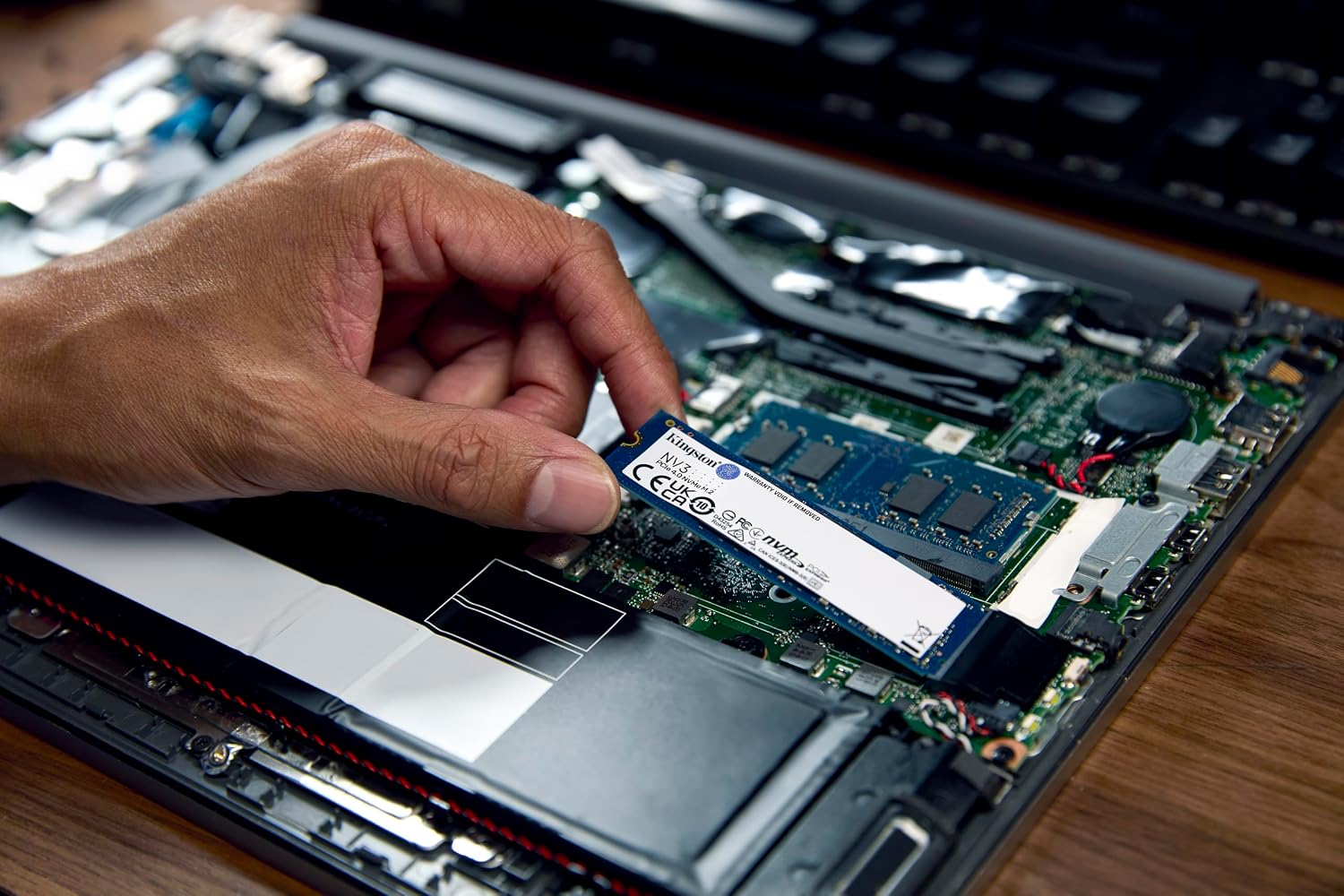
- Confirm your system supports PCIe 4.0 NVMe and the M.2 2280 form factor.
- If you’re heavy on large file workflows, consider your total storage needs beyond 1TB.
- Check your cooling: NVMe drives can throttle when thermally constrained, which may affect sustained performance.
How it compares to the alternative approaches
If you’re deciding between NVMe vs. SATA or a larger NVMe with more cache, this Kingston NV3 offers a strong balance of speed and module simplicity for typical upgrade scenarios. For extreme workloads or intense gaming libraries, you might look at higher-capacity or higher-end alternatives, but for most users this model delivers a practical upgrade path with clear day-to-day benefits.
Practical use example
Imagine cloning your OS and essential apps onto the NV3 and booting up in a fraction of the previous time. Applications launch quicker, file transfers feel instantaneous, and the system generally responds with less hesitation when juggling several tasks.
Final verdict
Is it worth it? It makes sense if you prioritize a straightforward PCIe 4.0 NVMe upgrade in a familiar 1TB package and you want tangible speed gains without extra frills. It may not be the best choice if you need large-scale storage, extreme endurance, or the very highest sustained speeds under heavy workloads.
Quick FAQ
- How much speed will I notice in real use? Real-world gains depend on your system and workload, but faster boot times and snappier app launches are common expectations.
- Do I need a PCIe 4.0-ready motherboard? Yes, to achieve the maximum advertised speeds, PCIe 3.0 systems will work but at reduced performance.
- Is 1TB enough for a system drive? For many users, yes, but consider your size needs for games, media, and datasets, upgrading later is always an option.