

iDPRT Sticker Printer Portable Mini Inkless Bluetooth Thermal Printer for iPhone & Android (Gray)
Product description
The essentials
If you’ve ever wanted stickers or labels that look the way you imagined (not whatever a sheet from the store gives you), a portable thermal printer is a practical way to get there. The iDPRT Sticker Printer is positioned as a compact pocket-style thermal label maker you can use with an iPhone or Android phone over Bluetooth to design and print your own stickers, labels, barcodes, and DIY journaling pieces.
On paper, the pitch is simple: thermal printing (no ink) plus a lightweight build so you can do quick projects at home, at your desk, or while you’re out organizing. It’s also designed for people who don’t want a steep learning curve—there’s an emphasis on user-friendly controls and an intuitive interface.
Key features that affect real use
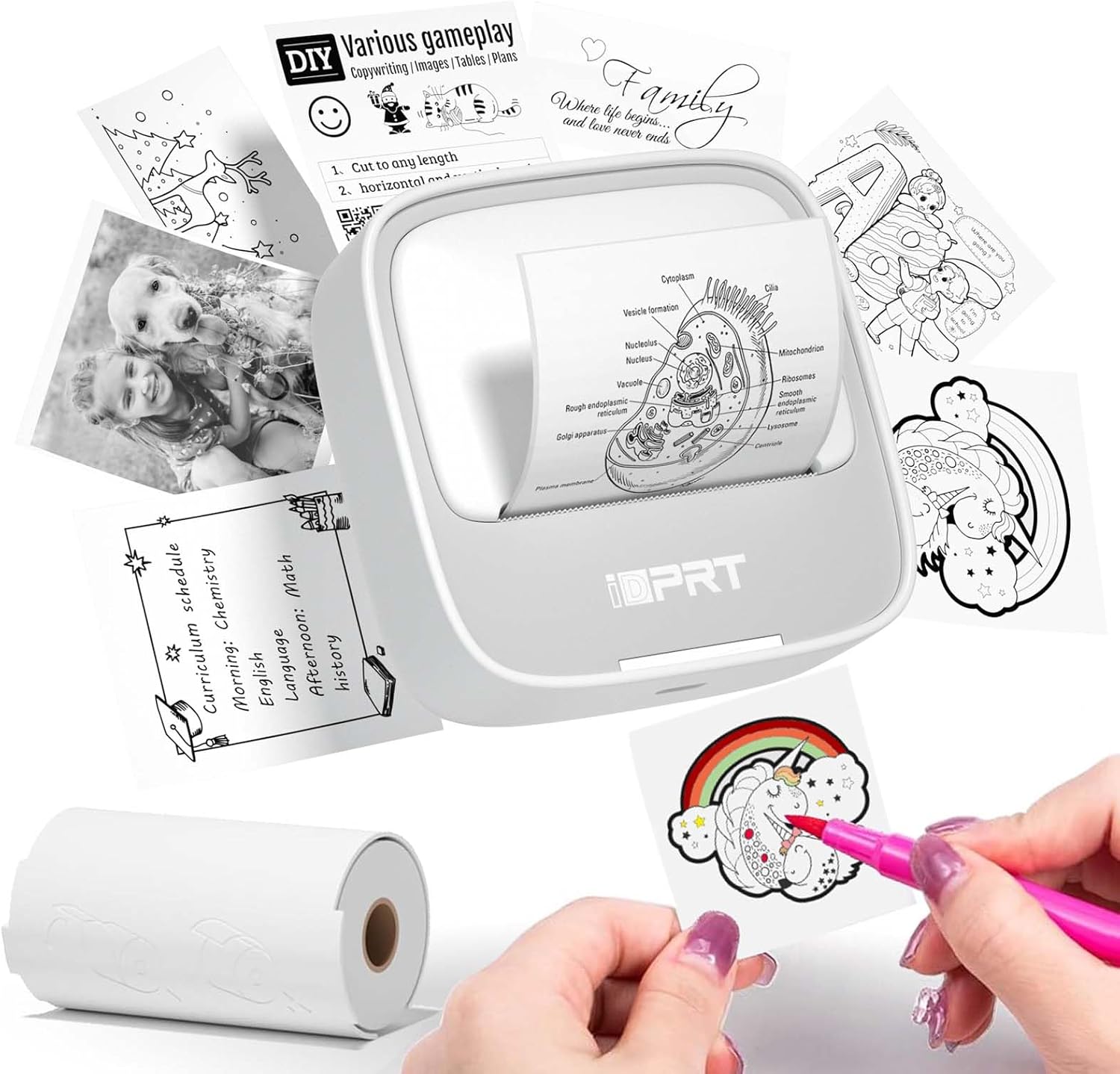
Thermal label printing is the core idea here. Instead of ink cartridges, the printer uses thermal printing technology to create your labels and stickers. The listing also calls out 203dpi for clearer print output. For speed, it states up to 10inch/min (4mm/s), which matters if you’re doing a batch of organizer labels or making multiple sticker variations.
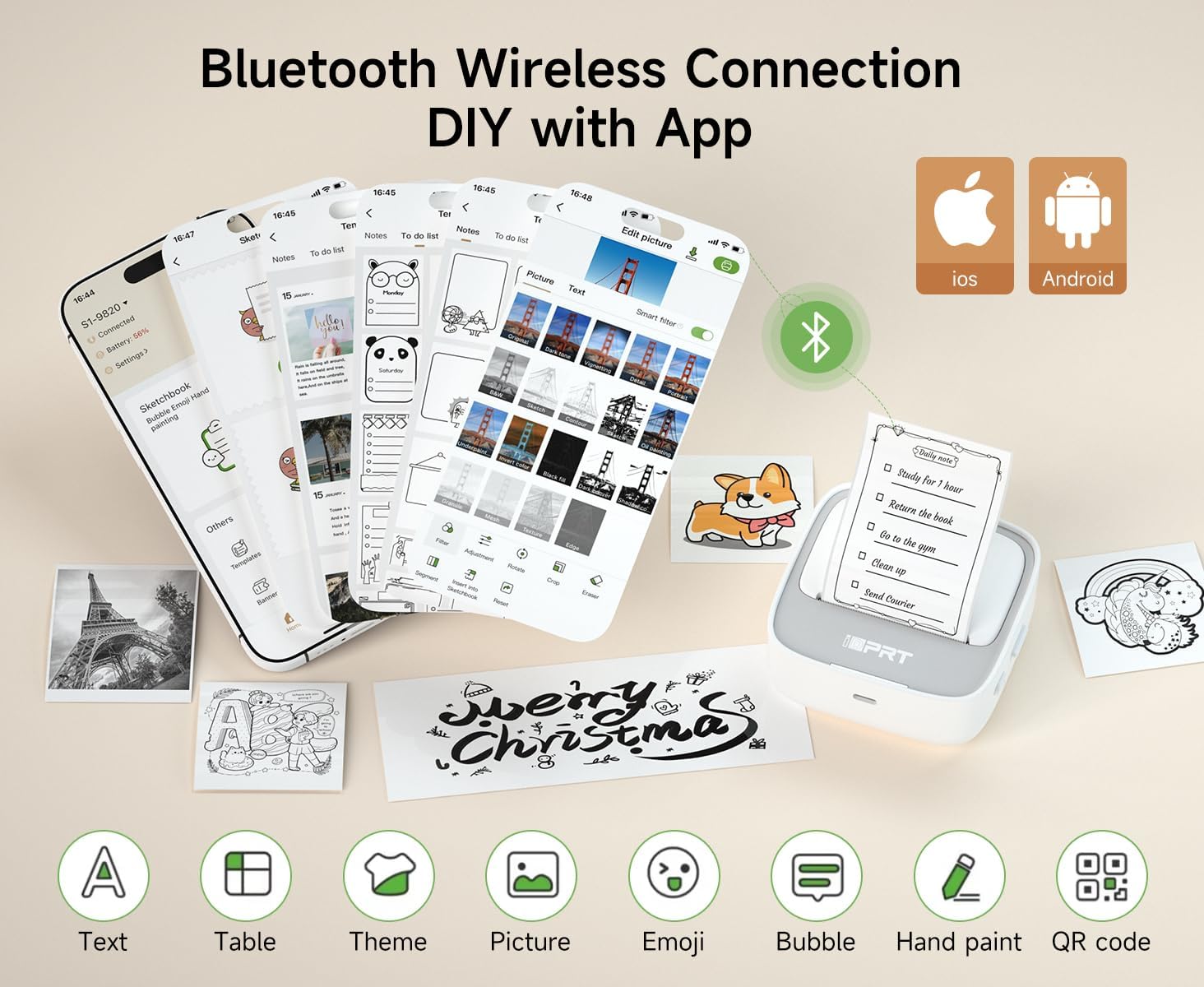
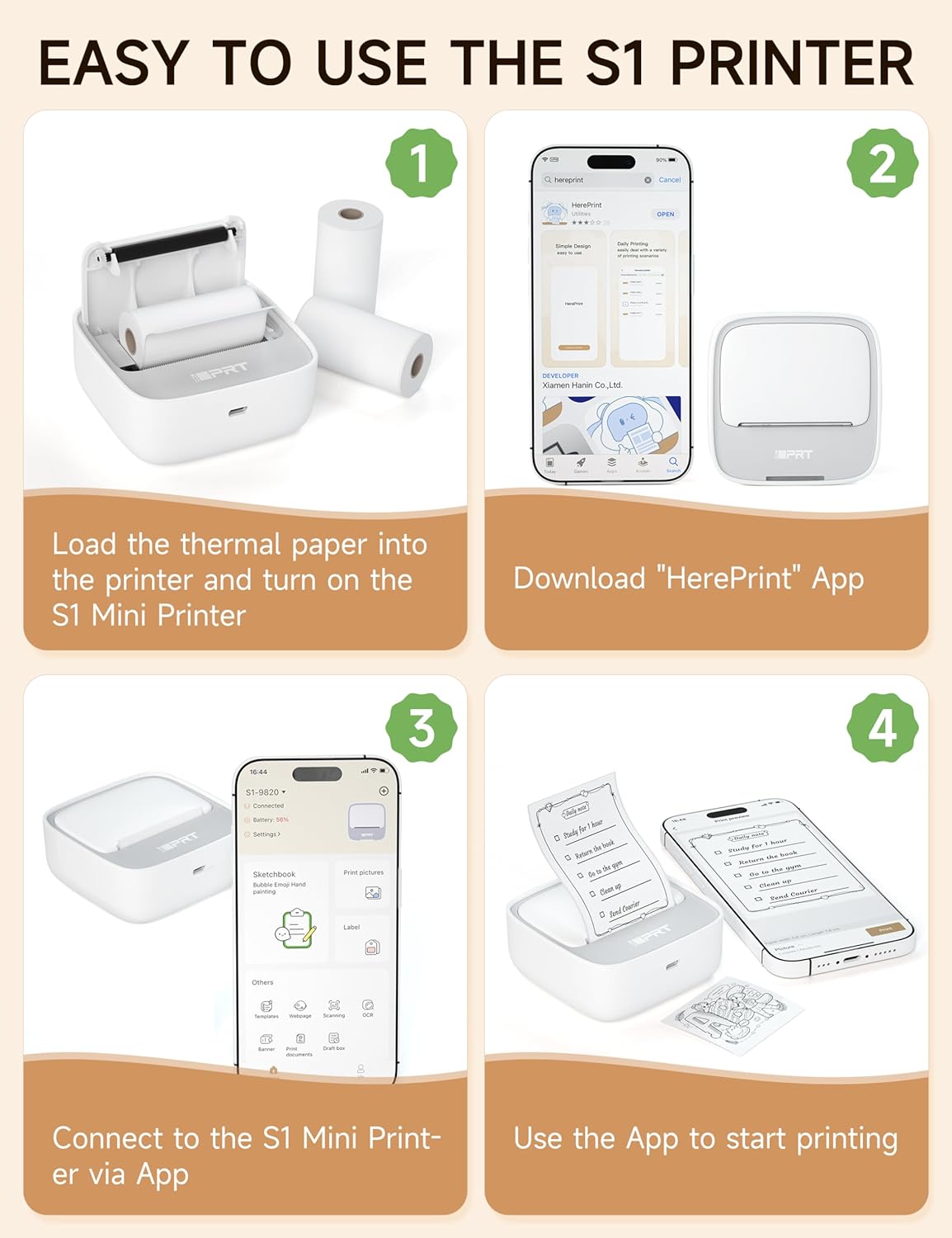
Connectivity is another practical factor. This model is described as a mini Bluetooth thermal printer for iPhone & Android, so the workflow is likely: connect your phone to the printer, design in the app, then print from there. If you’ve used phone-connected printers before, you’ll recognize the convenience, if you haven’t, the upside is that the phone becomes your control center instead of needing a dedicated computer setup.
One more “everyday” detail: the package includes the mini sticker printer plus 1 roll of thermal paper and a user manual, while the USB charger cable is not included. That’s a small thing, but it can easily become annoying if you expected everything ready-to-go.
What you’ll notice day to day
Portability is the headline for this device. The printer is described as compact and lightweight, which makes it easier to keep on hand for labeling tasks. That matters because labeling is usually the kind of habit you only stick to when the tool is within reach.
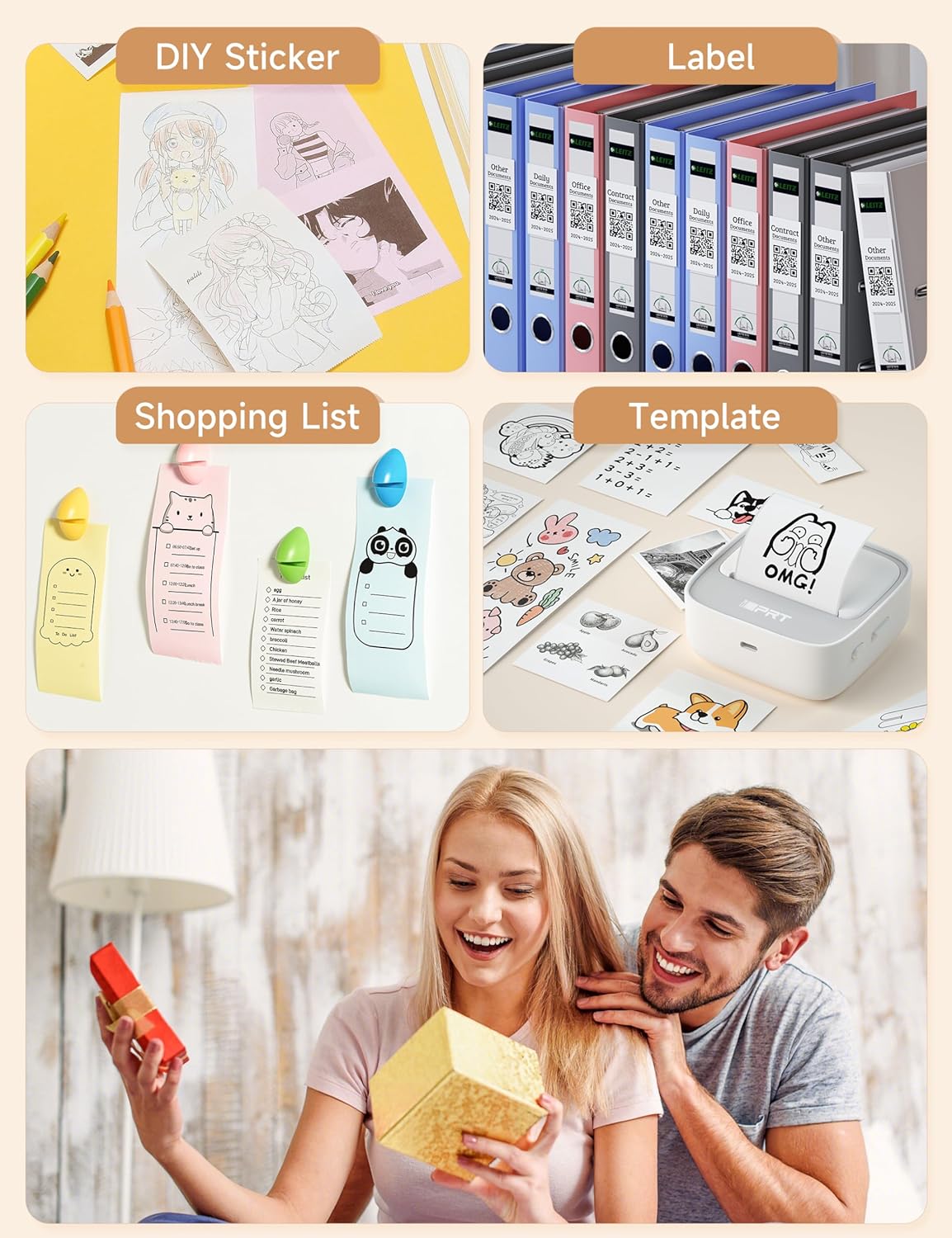
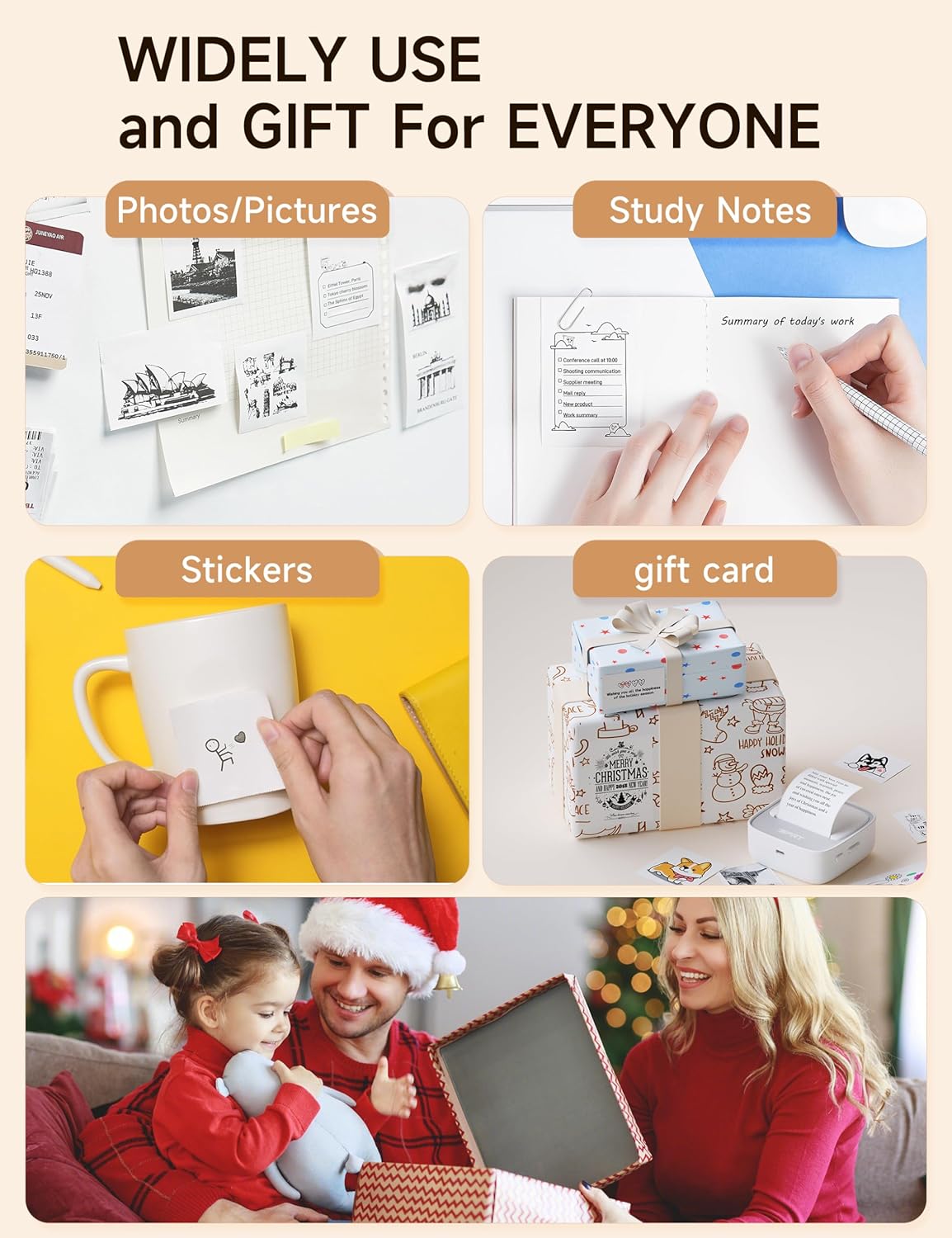
A concrete example: say you’re sorting pantry items or craft supplies. Rather than writing names manually or printing oversized pages, you can design shorter custom labels, print a run, and peel them for jars, bins, or storage containers. For DIY journaling, you can also create small sticker-style accents without waiting for a custom print order.
Still, it’s not perfect for every buyer. Thermal printing is practical for many labeling uses, but depending on your expectations for long-term durability, you may find more “serious” printing approaches better for certain environments. This printer also leans into mini, quick projects—if you’re aiming for large-scale production, it may feel limited simply because it’s built to be portable.
What matters most before you buy
A few details from the listing are worth taking seriously because they affect success on first try:
- If the indicator light flashes or the app shows “out of paper,” check that the cover is securely closed and that the paper is correctly placed with the right side up.
- If your prints look blurry, the guidance is to open the printer cover, press down in the middle, and reprint.
That tells you something important: the printer’s performance depends on correct paper placement and proper cover closure. If you’re the type who wants zero-fuss setup, you might need a quick learning cycle.
Also, the included box content lists thermal paper and the manual, but not the USB charger cable. If you don’t already have a compatible cable around, plan for that.
Who it suits (and who should skip it)
It makes sense if you want quick, custom stickers and labels from your phone, especially for home/office organization and DIY journaling. It’s also a solid fit if you want to avoid ink cartridges and prefer a simpler thermal workflow.
It might not be a great match if your priority is maximum print versatility, large production runs, or you expect the “set it and forget it” experience with no troubleshooting. The listing’s notes about paper placement and blurry output suggest that getting the mechanics right is part of the deal.
Is it worth it?
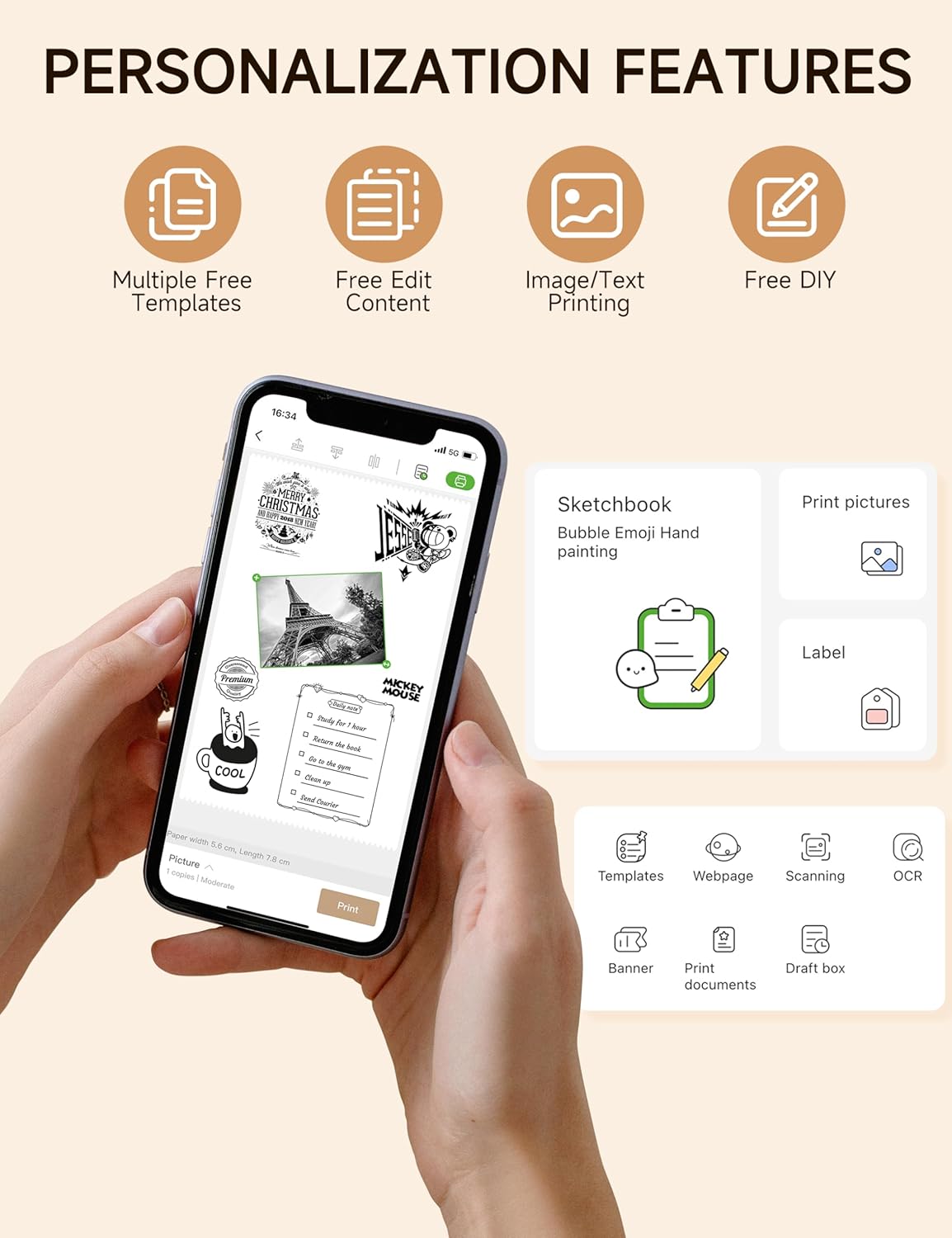
Worth considering if you’ll actually use a phone-connected mini printer for labeling, barcodes, and small custom sticker projects. The combination of thermal, inkless printing, compact portability, and phone-friendly workflow is exactly what you want for everyday customization.
Better avoided if you’re trying to solve a one-time print need or you’re not willing to pay attention to setup details like paper orientation and cover closure. In that case, you may get more predictable results with a more traditional printing approach.
Quick FAQ
Quick FAQ
1) Does it print inkless? Yes—this printer uses thermal printing technology, so the concept is “inkless” rather than ink cartridge printing.
2) What devices is it for? The listing states it’s for iPhone & Android via Bluetooth.
3) What’s included in the box? Mini sticker printer, 1 roll of thermal paper, and a user manual. The USB charger cable is not included.
4) What should I do if I see “out of paper”? Check that the cover is securely closed and that the thermal paper is placed correctly with the right side up.
5) What if the print looks blurry? Open the cover, press down in the middle, and reprint as the listing suggests.