

Marseille mClassic Switch Edition: Restore Image Quality on 1440p/60hz for Nintendo Switch
Product description
What it is
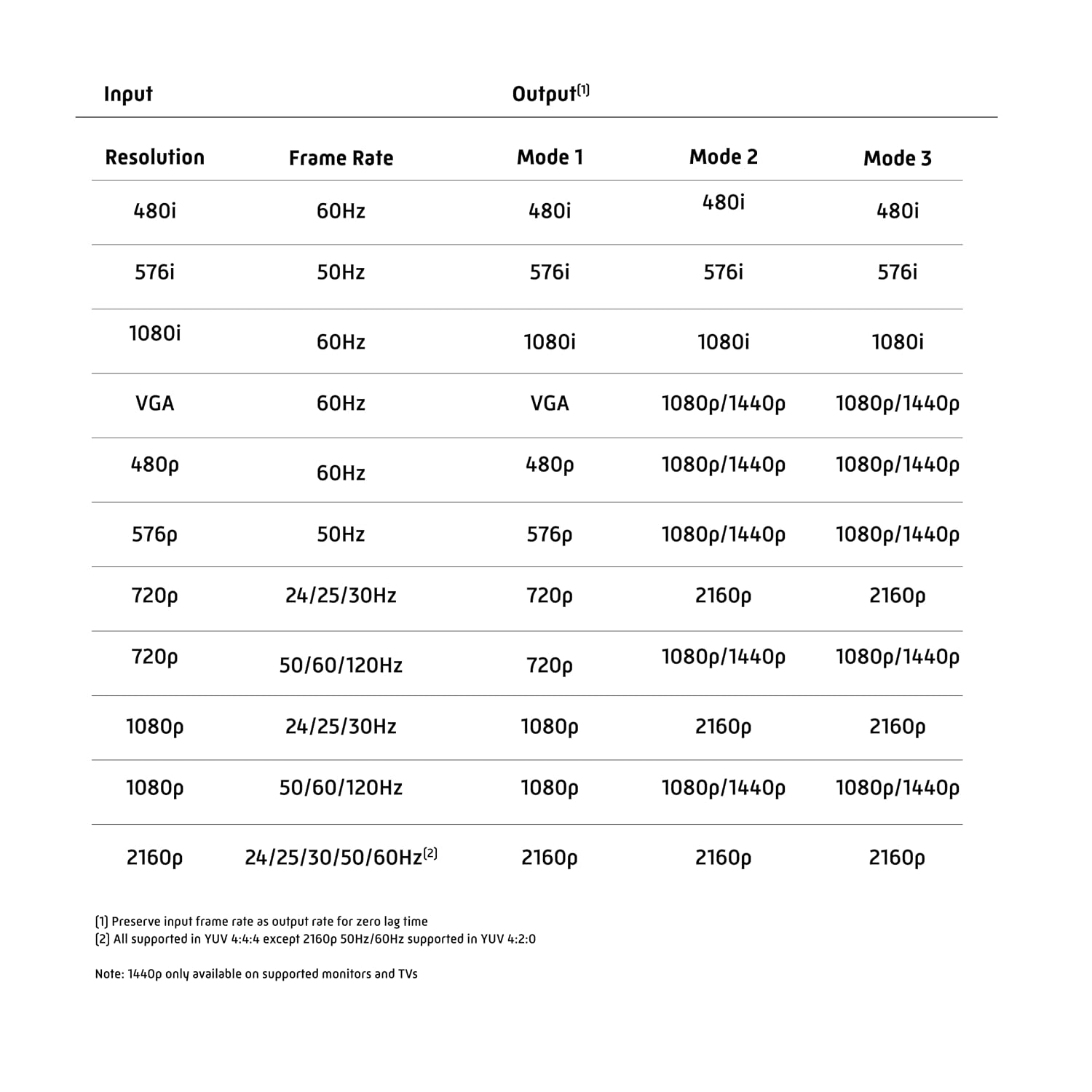
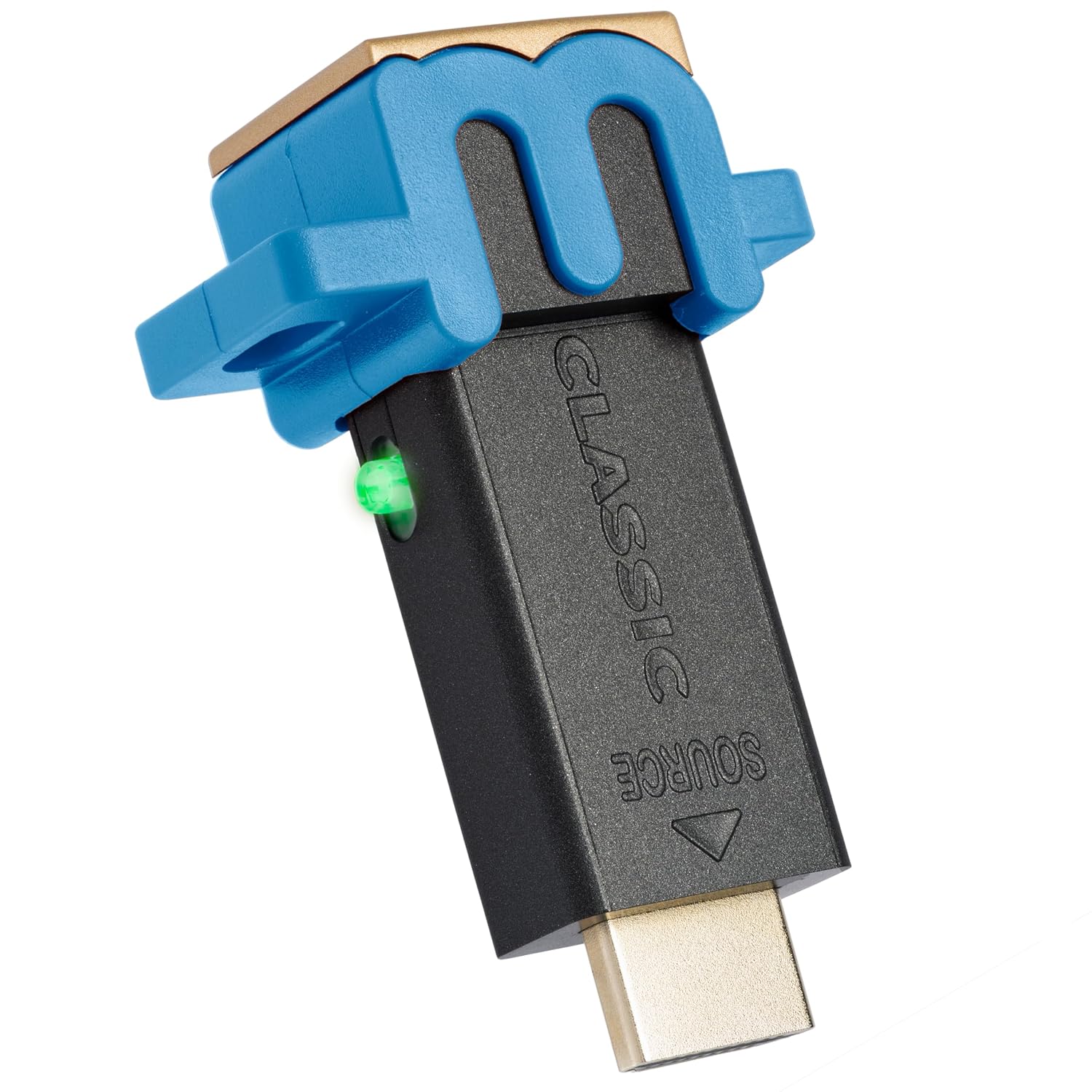
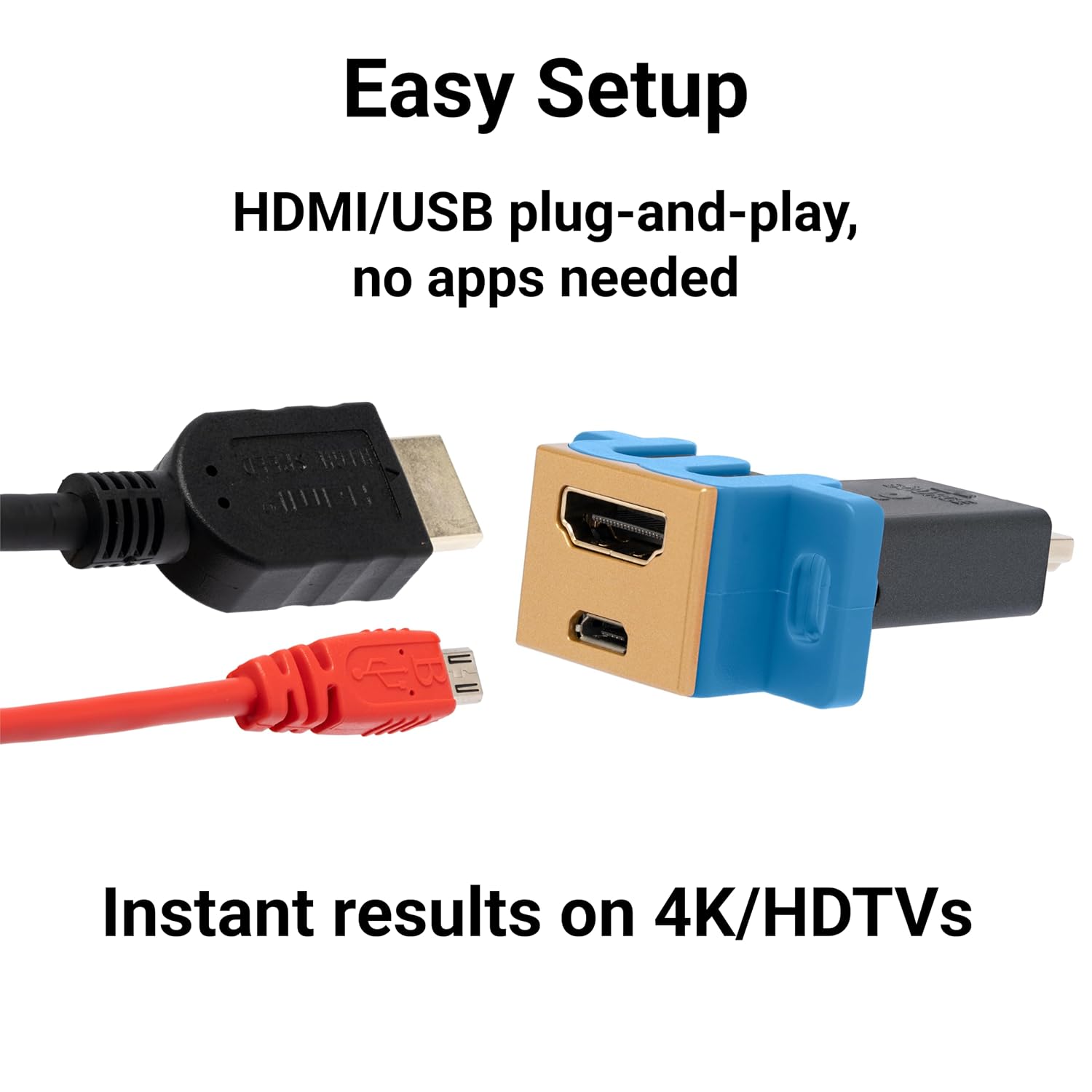
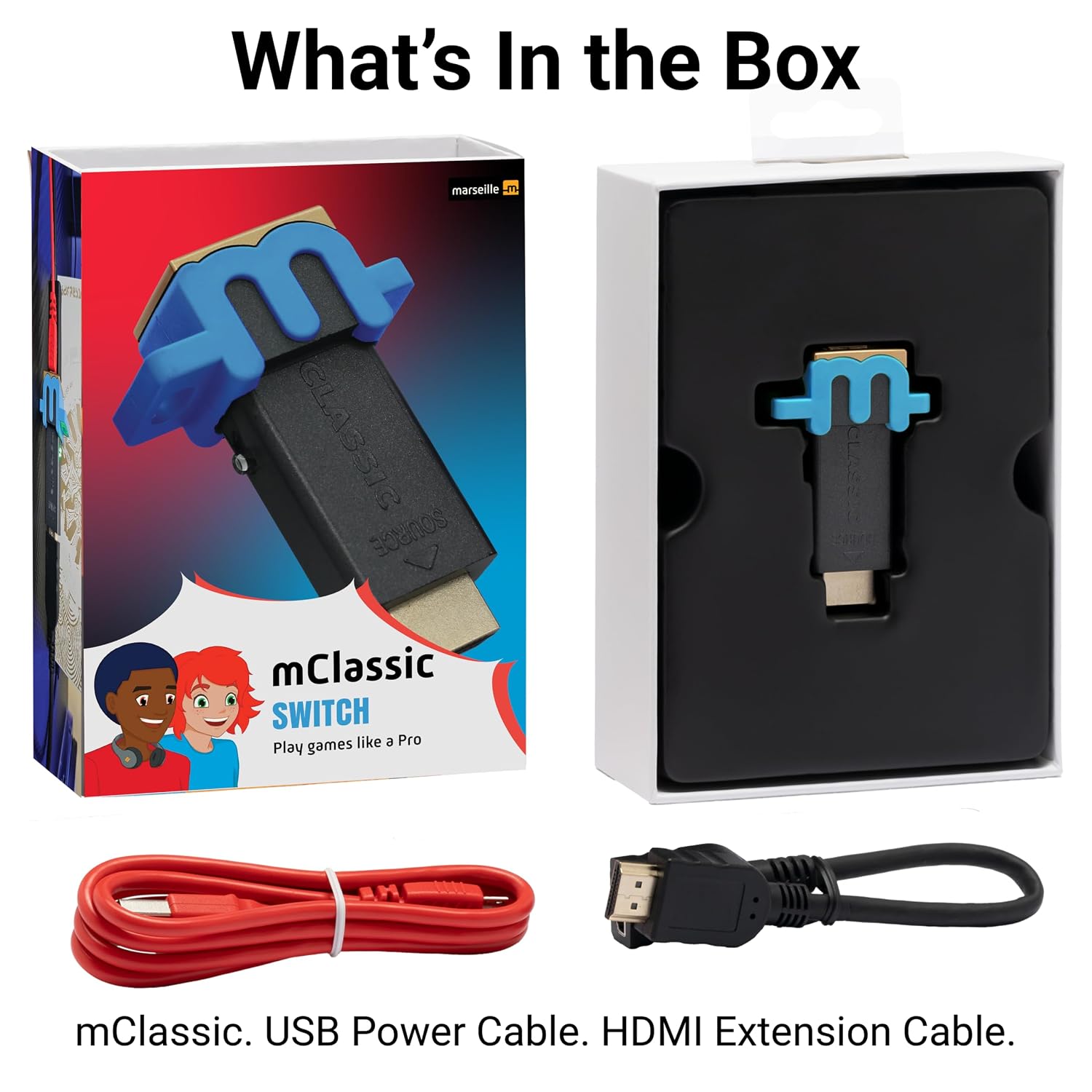
The Marseille mClassic Switch Edition is a plug‑in visual enhancer designed for docking a Nintendo Switch to a modern TV or monitor. It sits between the Switch dock and the HDMI input, aiming to upsample and optimize visuals without adding input lag. It supports output up to 1440p/60hz on compatible displays and includes a micro-USB power connection through an included cable.
How it works in practice
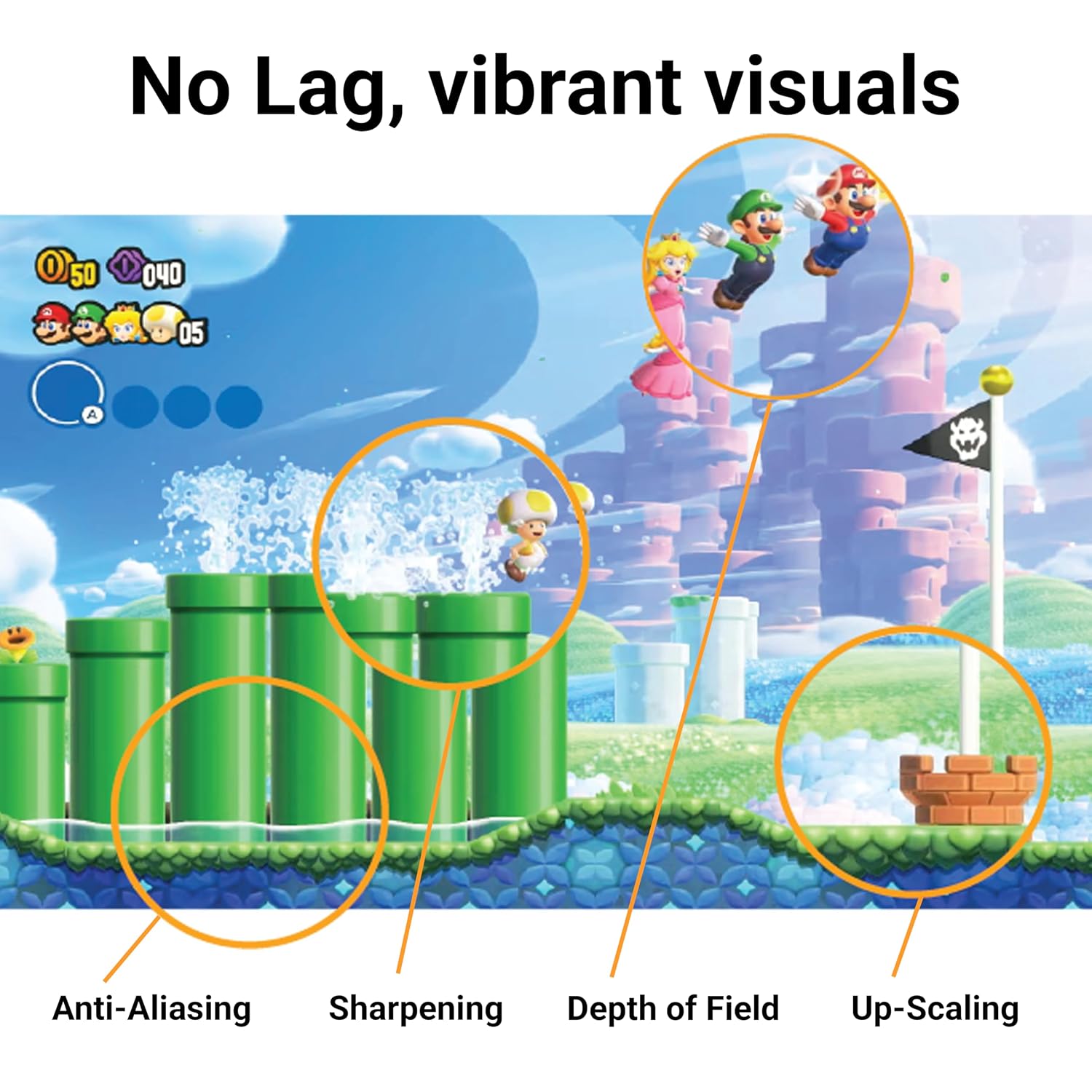
Three enhancement modes let you tailor the look and feel based on game type and lighting. Mode 1 focuses on smoothing jagged edges while preserving color quality, effectively upscaling from 720p to 1440p/60hz on capable displays. Mode 2—Switch Plus—builds on Mode 1 to recreate the handheld’s color and composition on a larger screen while reducing artifacts. Mode 3, Switch Enhance, increases contrast and detail for open-world titles with darker visuals, aiming for a more immersive atmosphere. The goal is to improve image quality without introducing noticeable delay, leveraging the TV’s Game Mode where available.
What stands out (pros)
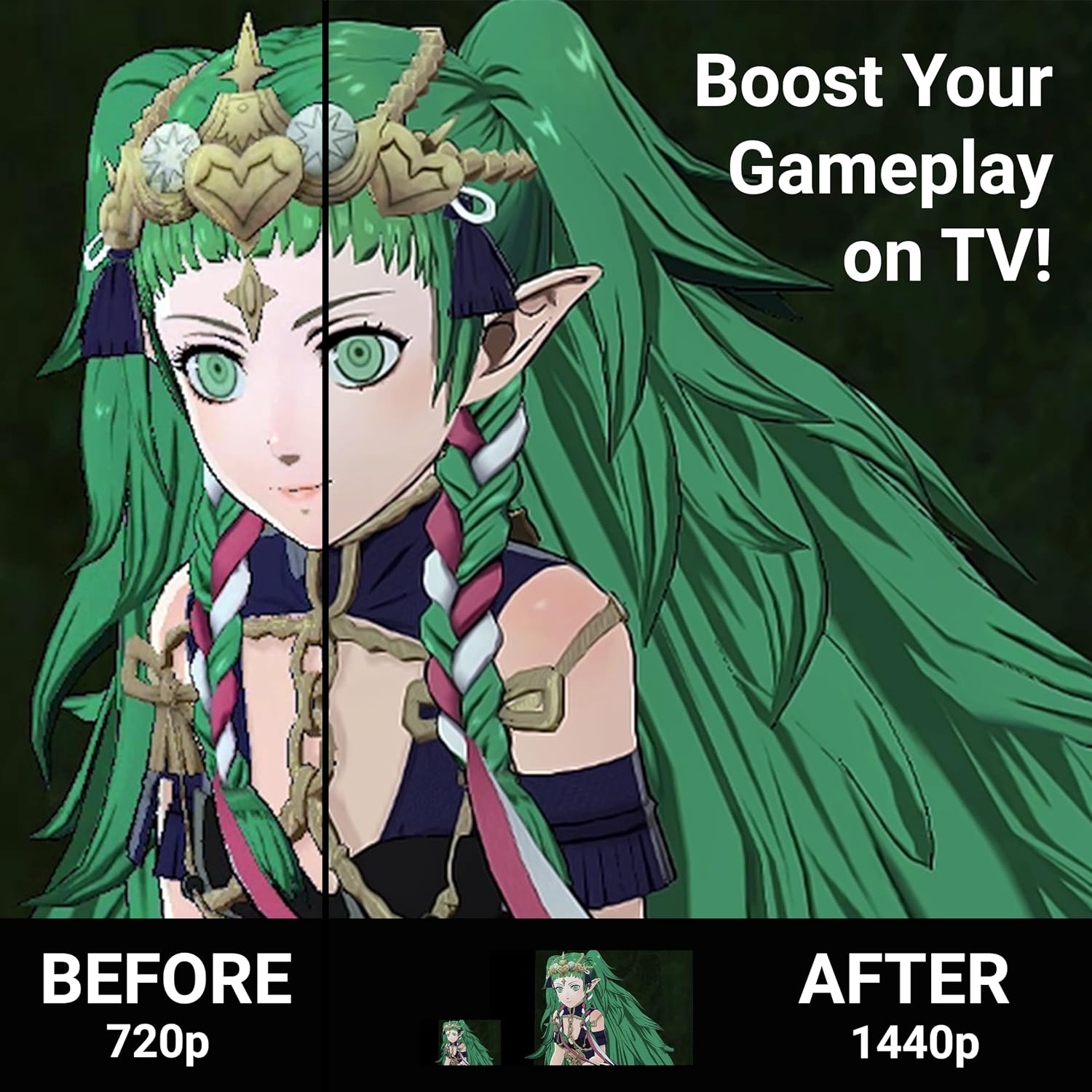
On paper, the main value proposition is improved image quality at higher resolutions and with fewer visual artifacts, while keeping playback lag to a minimum. The multi‑mode approach lets you experiment with different looks depending on the game and display. For vibrant, color‑rich titles, Mode 2 can feel particularly effective, for darker, exploration-heavy games, Mode 3 may offer more depth. The device is simple to set up: plop it between the Switch dock and HDMI input, then power it via the included micro‑USB cable.
What may be less convincing (cons/limitaciones)
The experience depends on your display and whether the TV supports 1440p/60hz well. If your setup isn’t outputting 720p from the Switch, Mode 1’s upscaling benefits may be muted. Also, the AC power adapter isn’t included, so you’ll need to source a compatible power option. Finally, you’re limited to the three predefined modes, if you crave deeper customization, this solution might feel restrictive.
Who it’s for
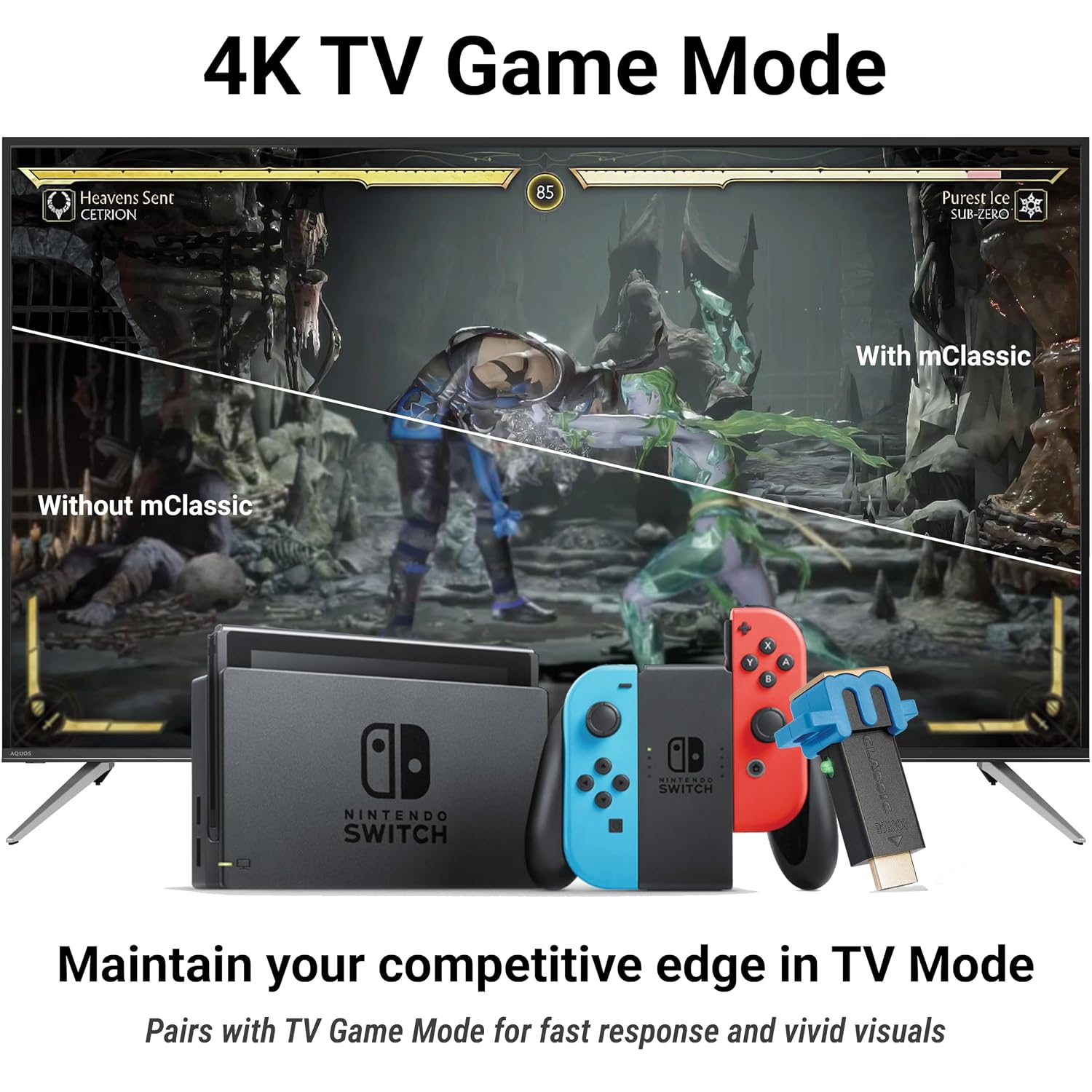
This product is likely a fit for Nintendo Switch players who dock frequently and want a cleaner image on larger screens without sacrificing responsiveness. It can be especially appealing if you notice aliasing or color dullness on your current TV setup and you prefer a more cinematic feel in open-world or color‑rich kart racing titles.
Who it’s not for
If you rely on native handheld visuals and don’t game much on a TV, the benefit may be limited. If you expect a dramatic, feature-rich upscaler with extensive settings, you may find the three modes insufficient. Also, if your TV lacks a robust Game Mode or you don’t have a compatible HDMI path, the perceived gains could be small.
When does it make sense to buy
If you want a straightforward plug‑and‑play enhancement that potentially improves clarity and color on a 1440p/60hz display, and you’re comfortable with a few practical caveats (power cable not included, depends on TV support), this device offers a tangible way to elevate the docked experience.
What to check before buying
- Ensure your TV or monitor can handle 1440p/60hz output and has a Game Mode to minimize input lag.
- Confirm you’re comfortable using the micro‑USB power approach and sourcing an AC adapter if needed.
- Consider trying Mode 1 first to evaluate edge smoothing and color preservation before moving to Modes 2 or 3 for more aggressive adjustments.
Practical usage scenario
Imagine docking your Switch for a late evening session of Mario Kart 8 on a large TV. In Mode 2, you might notice brighter colors and smoother edges that feel closer to the handheld experience, while still maintaining a responsive feel as you race. Switch to Mode 3 for a dark‑themed RPG like The Witcher or Skyrim, where heightened contrast can enhance mood and environment without introducing lag.
Final verdict
Final verdict
Is it worth it? It depends on how much you value image quality on a bigger screen and the willingness to rely on a three-mode setup. If your priority is a simple, lag‑free upgrade that can enhance color and detail without extra latency, this Switch Edition presents a reasonable option to test, especially if you game in 720p and want 1440p/60hz output on compatible displays.
FAQ (quick questions)
- What is included with the kit? A micro-USB power cable is included, the AC adapter is not.
- How many modes are there and what do they do? There are three modes: upscaling with smoothing, handheld-color recreation on larger screens, and higher contrast/detail for darker open-world games.
- Does it add lag? The goal is to remain lag-free, but performance can depend on TV input processing and game output.
- Can I use it with other widescreen consoles? The product title mentions compatibility with Nintendo Switch and other widescreen gaming consoles, but all features are described in relation to Switch usage.
- What if my TV doesn’t support 1440p/60hz? The upscaling benefits may be limited in that case, you might still see improvements in edge smoothing and color handling depending on the display.