

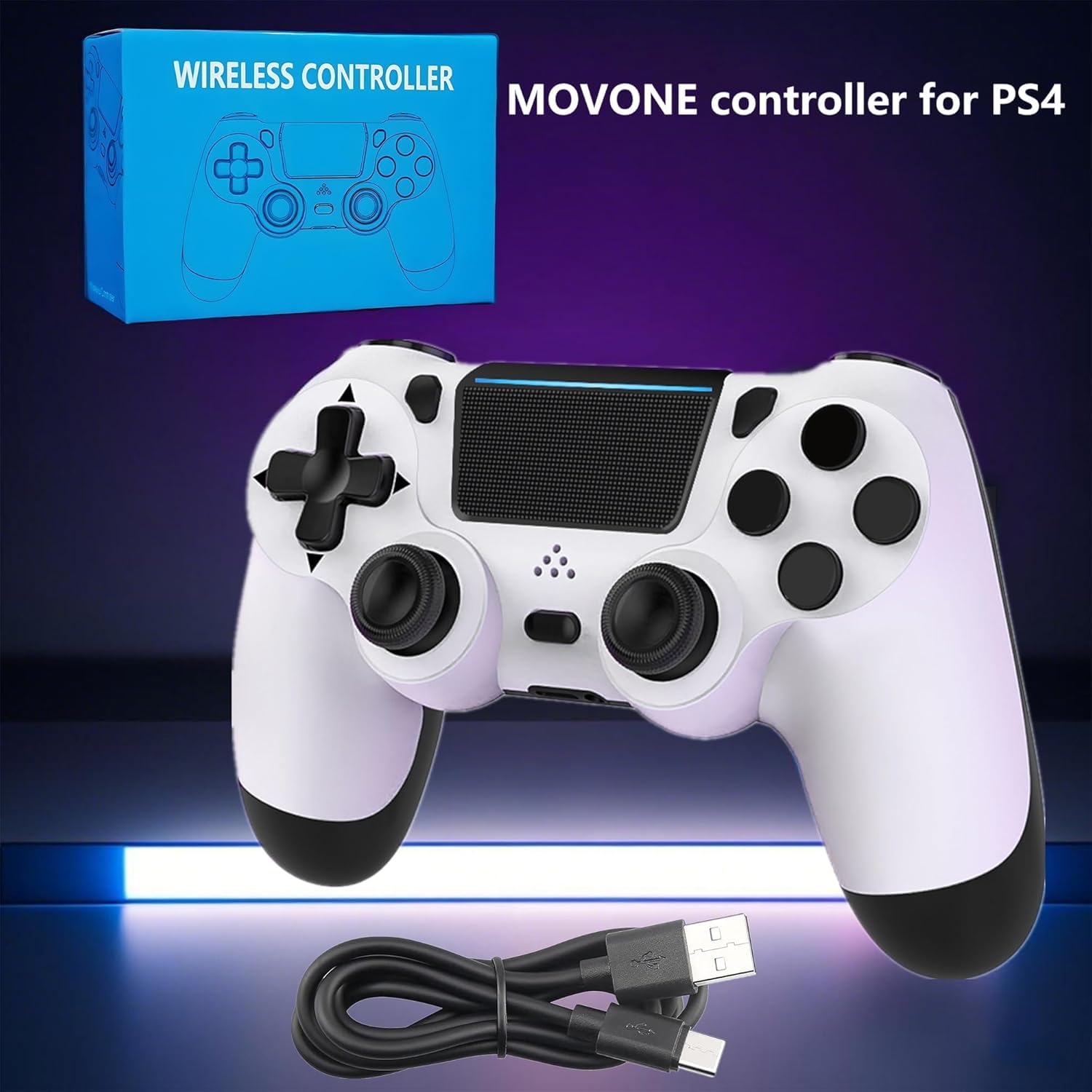
MOVONE Wireless Dual Vibration Controller (PS4/PS4 Slim/PS4 Pro, black) with Touch Pad & 3.5mm Audio Jack
Product description
The essentials (and the catch)
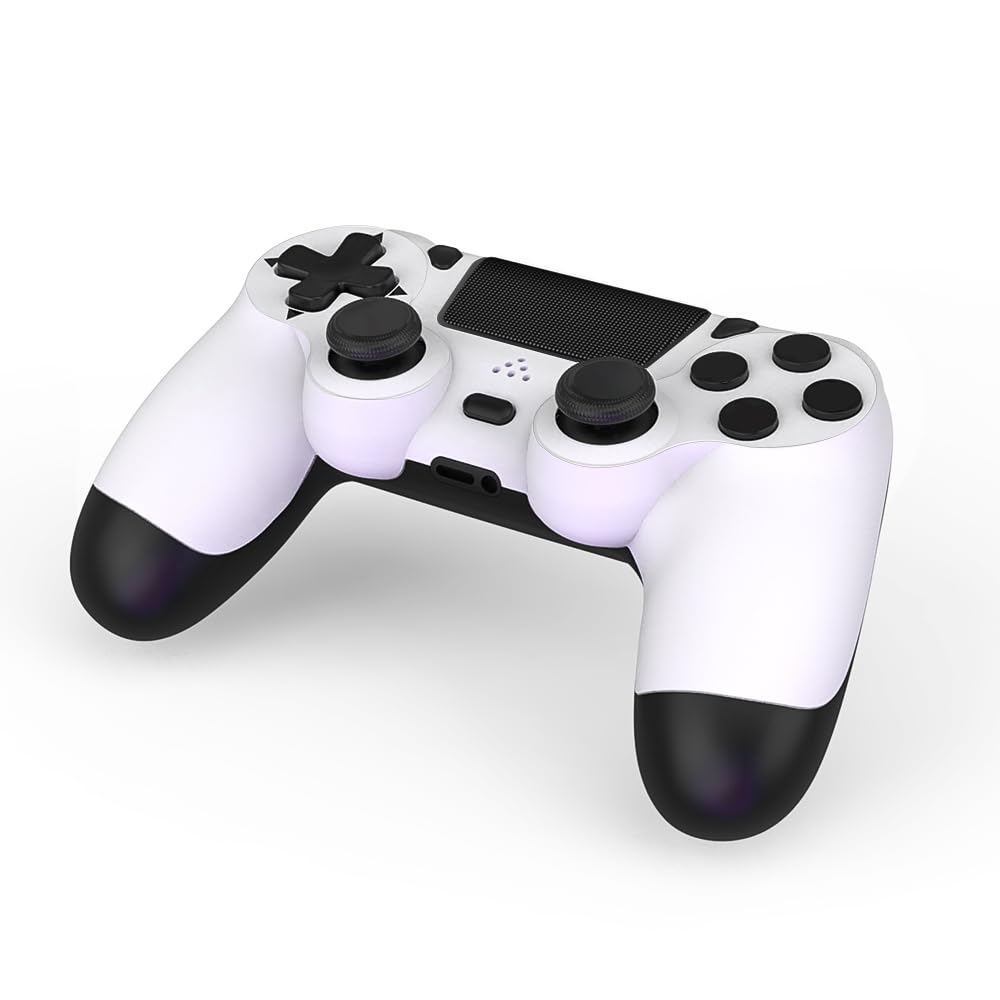
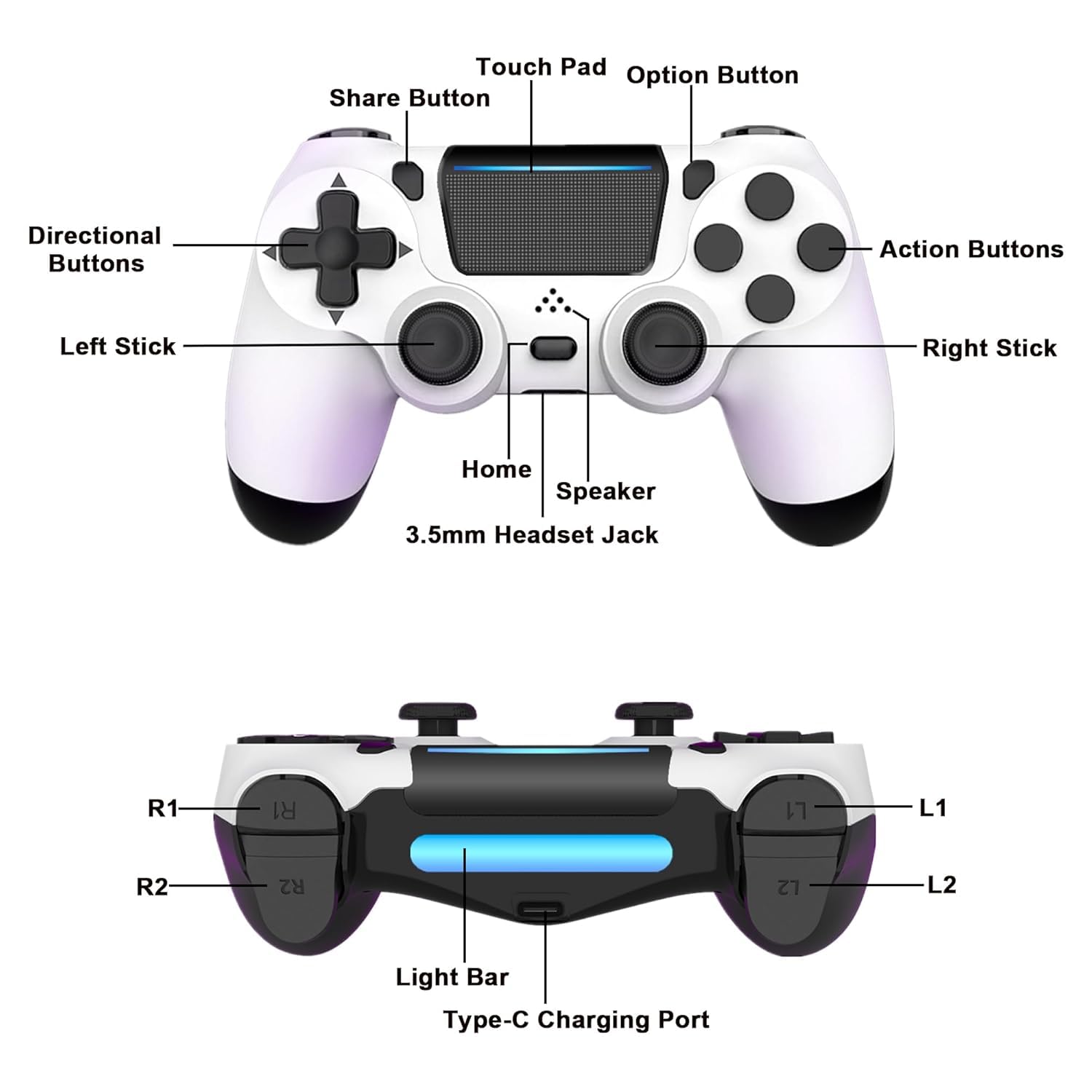
If you’re shopping for a PS4-compatible wireless controller, the MOVONE Dual Vibration Controller is built around a few everyday needs: you get dual vibration feedback for more immersive play, a clickable touch pad, and a 3.5mm audio jack so you can plug in compatible headphones and manage volume from the controller.
That said, this one isn’t completely “set and forget.” For the first connection, the listing notes you’ll need to activate the device using the included USB cable. After that initial step, the rest of the experience is about comfortable, controller-style input rather than fancy extras.
What stands out in day-to-day play
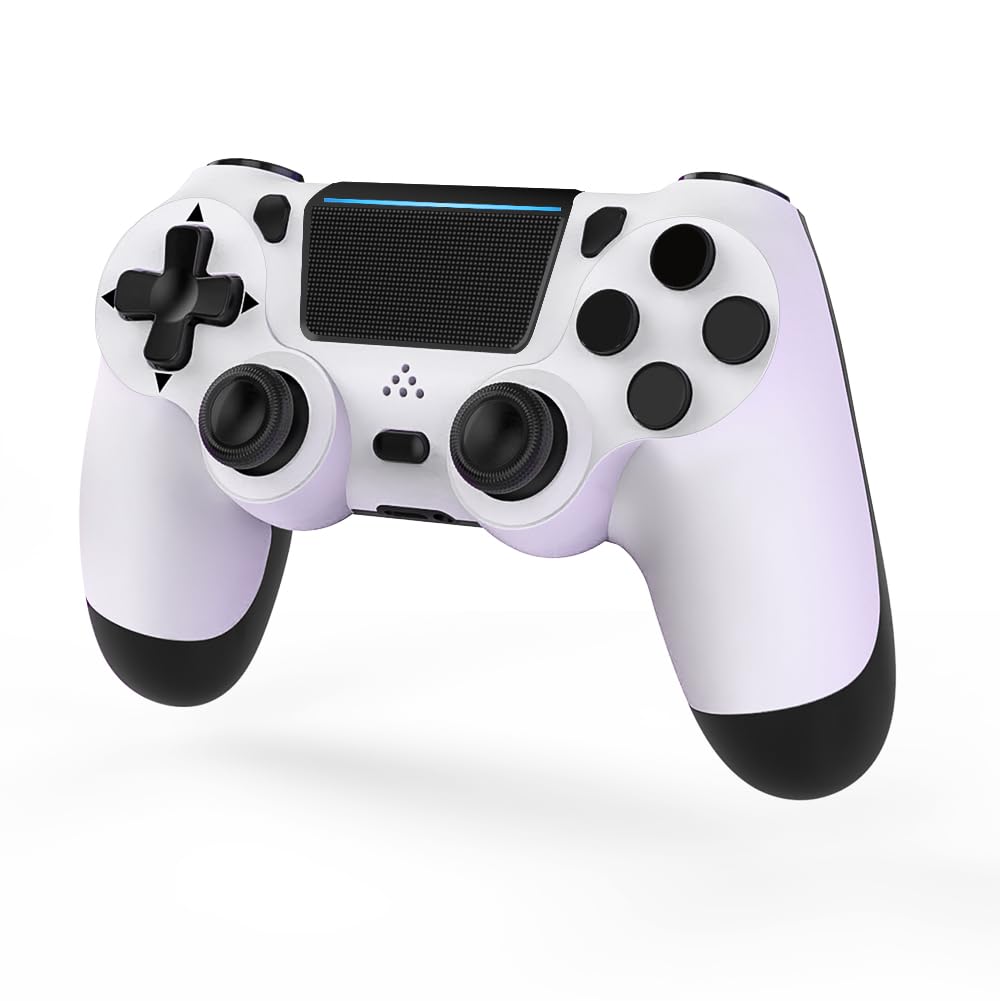
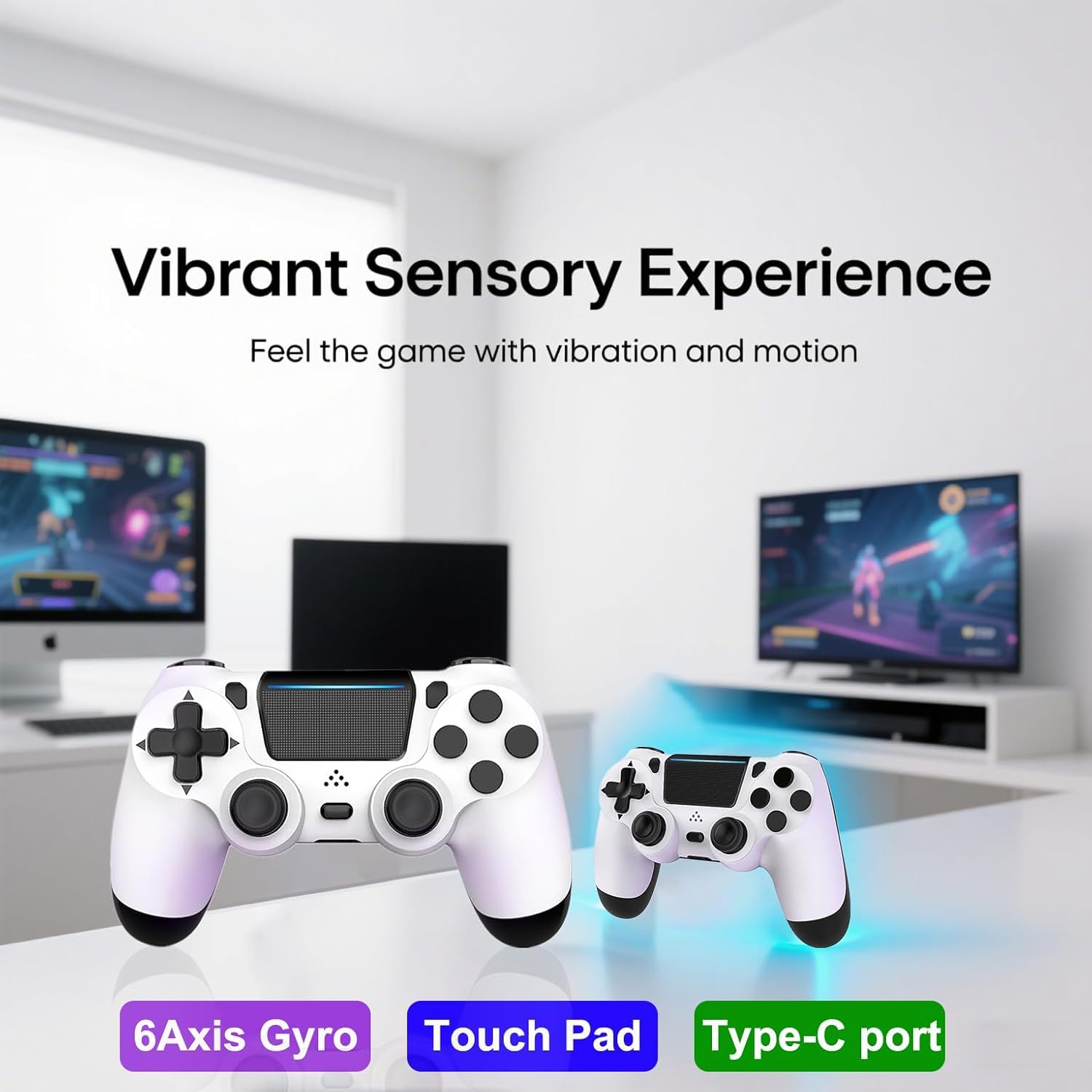
The dual vibration motors are the headline feature. In practical terms, that means when games rely on rumble feedback—like impact moments, driving effects, or tension cues—you’re more likely to feel those events than if your controller had no (or only basic) vibration.
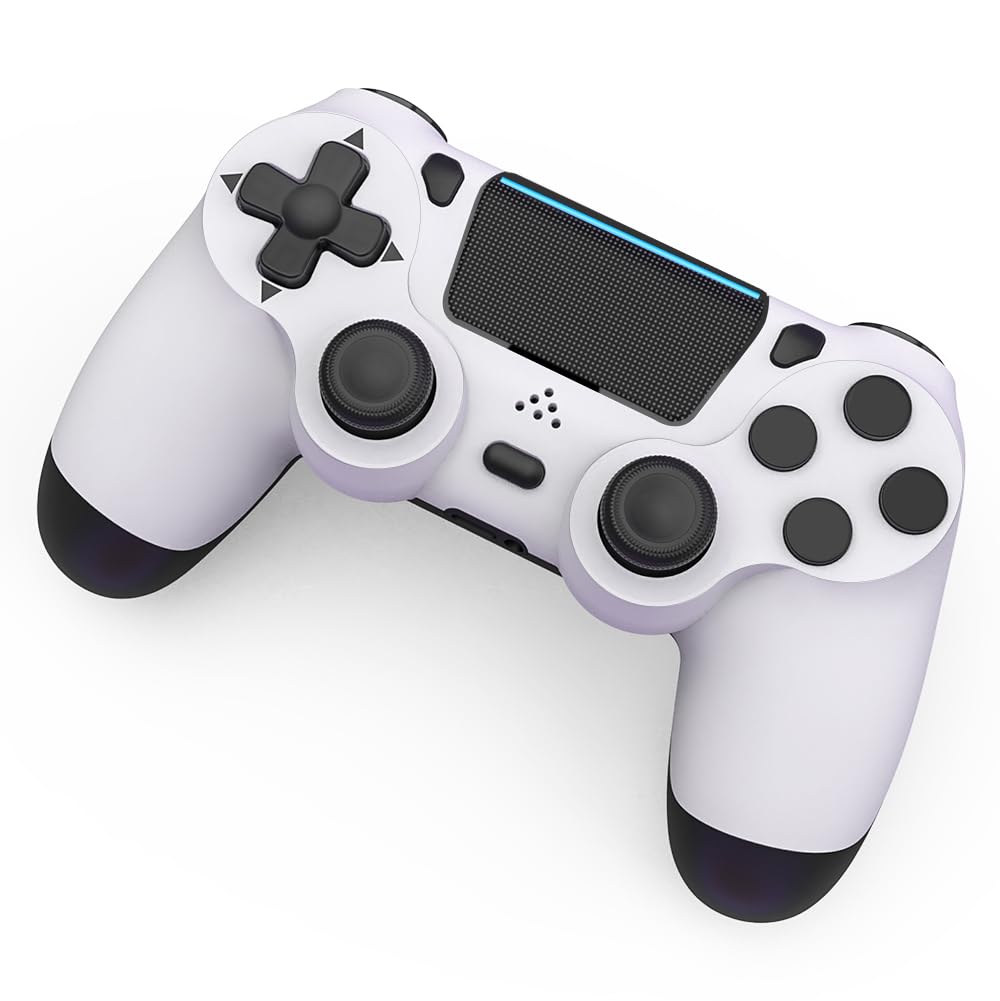
The controller also includes a clickable touch pad and an integrated light bar. Some games and system features use the touch pad for menus and on-screen actions, and the light bar is there to support the controller’s presence in-game/menus.
There’s also a 3.5mm audio jack. If you’ve ever wanted to avoid sitting there with headphones plugged into a console port, this controller approach can feel more convenient—especially because the listing also mentions volume controls located directly on the controller.
Quick tech notes that matter when choosing
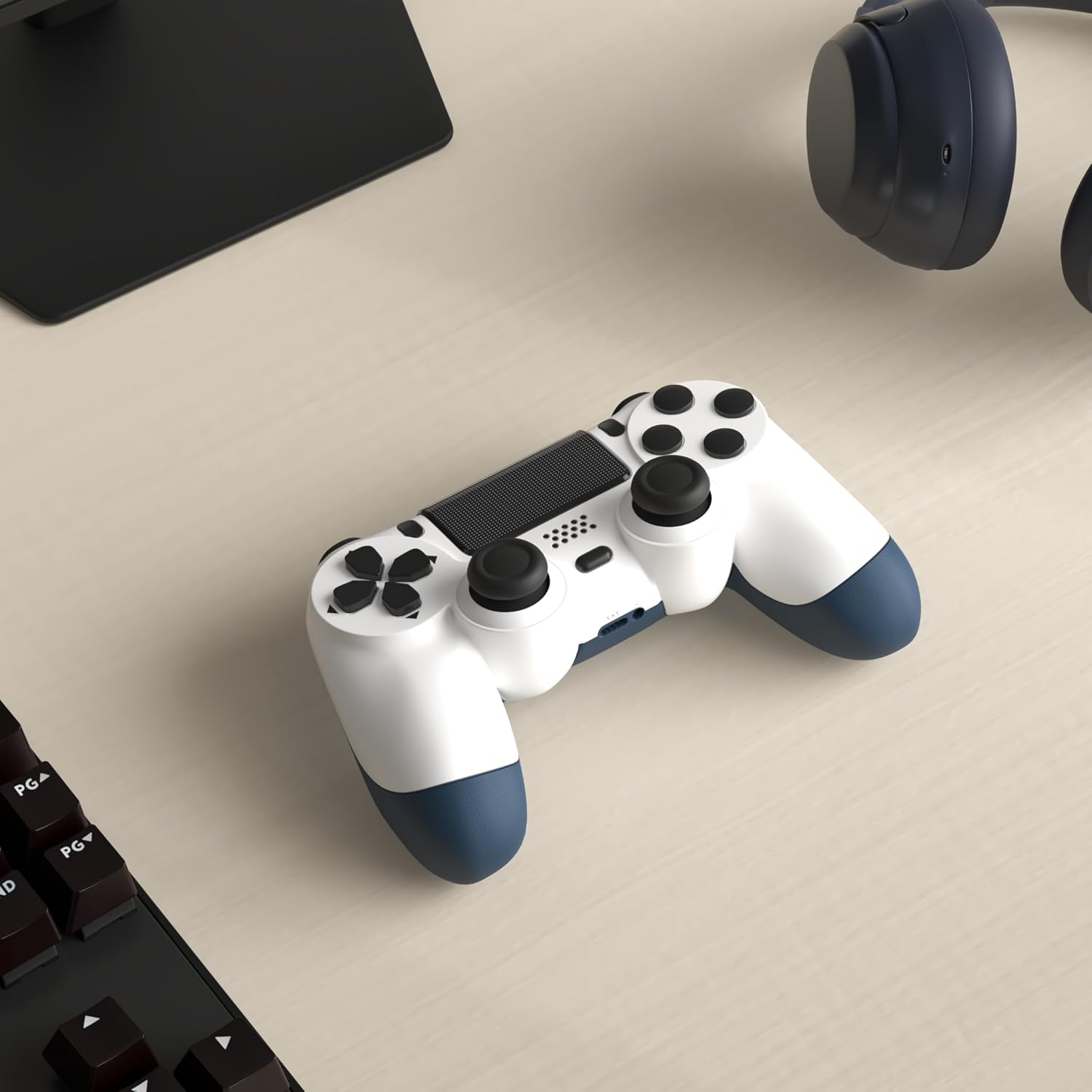
This controller is described as fully compatible with PS4, PS4 pro, and PS4 Slim, and it uses a USB wired connection to support PC (Windows 7/8/10/11). In other words, it’s mainly a PS4 controller, but the wired PC support is there if you want one controller for multiple setups.
One thing to keep in mind: based on the provided details, the initial activation requires the USB cable for the first connection. If you’re the type of buyer who expects immediate wireless pairing the moment it arrives, you may want to mentally budget a minute or two for that first-time step.
The controller feel: good signs, and where it may fall short
The listing emphasizes an optimized dual analog gamepad design and high-sensitivity buttons. On paper, that usually translates into more responsive input and more precise control during aiming, movement, and quick actions.
Still, it’s worth tempering expectations: the description doesn’t include specifics like latency measurements, button type details beyond “high sensitivity,” or performance under long play sessions. So while the design goals are clear, it may sit more in the mid-range “solid all-around controller” category rather than being the top-tier choice for players who are extremely picky about feel, consistency, or competitive-level precision.
Who it’s for (and who should look elsewhere)
It makes sense if you want a PS4-focused wireless controller that adds rumble feedback, touch pad support, and a headphone-friendly 3.5mm audio jack—without needing to rely on console ports for audio.
It may not suit you if you strongly prefer plug-and-play wireless pairing right out of the box, since the listing specifically notes you need to activate the device with the USB cable for the first connection.
It’s also not the best fit if you’re shopping with the highest-end features in mind but want hard proof of specs or performance metrics. For those buyers, it’s smarter to compare against controllers that clearly publish more detailed tech information.
Usage tips (simple example)
After the first activation with the USB cable, you can use it the next time you boot up your PS4. A practical example: if a game uses vibration for vehicle handling, you’ll feel those changes through the built-in motion motors during driving or impacts. And if you’re playing late at night, the controller’s volume controls plus the 3.5mm headphone jack can help you keep audio adjusted without disturbing anyone.
Mini FAQ
Does it work with PS4 Slim and PS4 Pro?
Yes, the listing states it is fully compatible with PS4, PS4 pro, and PS4 Slim.
Is it truly wireless?
It’s positioned as a wireless controller, but the first connection requires USB cable activation per the listing.
Can I use headphones with it?
Yes, it includes a 3.5mm audio jack for compatible headphones, and it mentions volume controls on the controller.
Can it connect to a PC?
Yes, the description says USB wired connection supports PC on Windows 7/8/10/11.
What if something arrives with an issue?
The listing mentions a customer service team for problems after arrival or questions, reachable via amazon e-mail.
Should you buy it?
Buy it if you want a PS4-compatible wireless controller that covers the basics plus useful extras: dual vibration, a clickable touch pad, and a 3.5mm headphone jack with controller volume controls. It’s especially compelling if you frequently use wired headphones and prefer not to manage audio from the console.
Skip it if you need immediate wireless pairing with no initial USB activation step, or if you’re specifically targeting the most demanding, spec-heavy competitive setup. In short: it’s a practical everyday controller choice, but the provided details don’t give enough performance depth for buyers who obsess over fine-grain responsiveness or advanced specs.