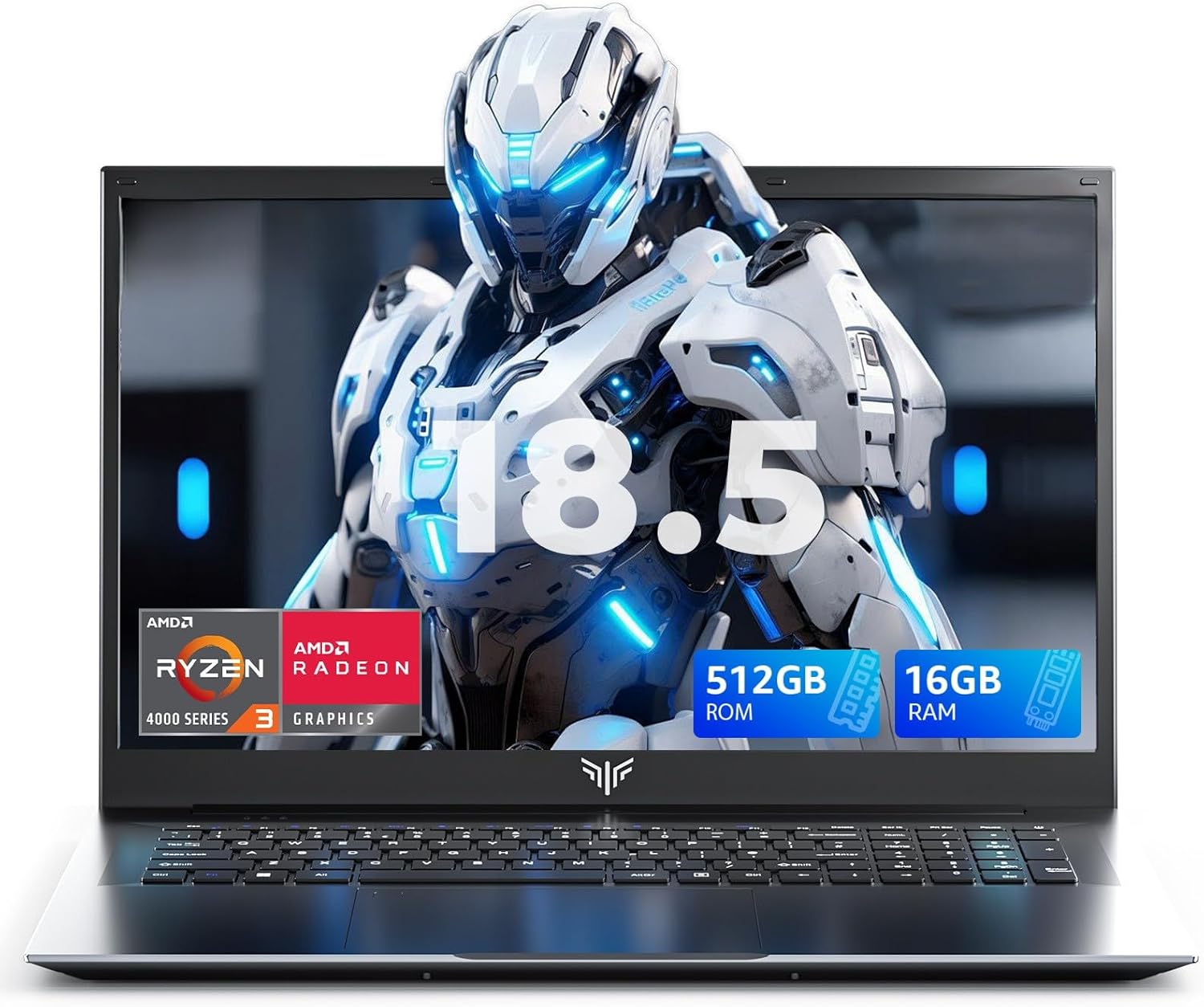
What this laptop is and the need it meets\nIf you’re looking for a big-screen work machine that handles multitasking without frequent slowdowns, the MALLRACE 18.5-inch laptop centers on pairing a capable Ryzen 4300U with ample memory and fast storage. The setup aims to make everyday productivity—email, spreadsheets, document editing, and light design tasks—smooth, while a generous 8000mAh battery targets longer sessions away from the charger. On paper, it’s positioned as a versatile option for business users, students, and remote workers who want a larger display without jumping to a premium price point.\n\n## Performance on paper\nThe Ryzen 4300U boosts up to 3.7GHz when you need extra punch, and a built-in Intel graphics solution supports everyday visuals. Paired with 16GB DDR4 RAM and a 512GB M.2 SSD, you get faster wake times, snappier app switching, and ample space for documents and media. It’s not a gaming rig, but for office tasks, video calls, and data work, you’re looking at a responsive baseline rather than a sluggish throttle.\n\n## Battery life and charging reality\nThe 8000mAh battery is highlighted as great for all-day work and back-to-back meetings. The real-world result depends on screen brightness, background processes, and workload. If you’re mainly drafting documents and checking emails, you should expect endurance better than a typical lightweight laptop, heavier tasks like video editing will draw more power and cut into unplugged time.\n\n## Display and visuals\nAn 18.5-inch IPS panel with 1920x1080 resolution promises a larger canvas and decent clarity for documents, spreadsheets, and streaming. Color accuracy and viewing angles are adequate for everyday tasks but aren’t pitched as studio-grade—so if you rely on color-critical work, set expectations accordingly.\n\n## Connectivity and calls\nWired reliability matters for meetings, and this model includes an RJ45 port with anti-interference tech to reduce dropouts during video calls or large data transfers. The camera is a 1.0 MP unit with a dedicated microphone for basic video conferencing, and dual speakers aim to provide clearer audio for calls or media. Dual Type-C ports add flexibility for charging and peripheral connections, while built-in Wi-Fi supports typical online tasks.\n\n## Who it’s for\nIf you’re a student, remote worker, or business user who wants a big-screen laptop for productivity, web research, and occasional media consumption without paying for premium specs, this machine offers a practical mix. It’s likely to appeal to those who value a spacious display and all-day battery life more than top-tier color accuracy or gaming performance.\n\n## Pros and cons to consider\nPros: large display for multitasking, solid 16GB RAM for smoother multitasking, 512GB SSD provides fast storage and ample headroom, 8000mAh battery targets long days away from power, reliable wired connectivity with RJ45. Cons: integrated graphics aren’t meant for heavy graphics workloads, 1.0 MP webcam is basic, 18.5-inch form factor makes it less portable, and actual battery life depends on usage patterns.\n\n## What to check before buying\nConfirm your software needs align with the Ryzen 4300U’s capabilities and verify you’re comfortable with a standard 1080p panel size. Consider how often you’ll rely on a wired connection in your environment, and assess whether the camera and microphone meet your video-call expectations.\n\n## Practical usage snapshot\nPicture opening a dozen browser tabs, editing a complex spreadsheet, and joining a video conference—all at once. You’ll likely appreciate the screen real estate and responsive RAM, but you may notice the notebook’s bulk if you need true portability.\n\n## Quick comparison note\nIn practice, you’ll be balancing screen size, battery endurance, and daily performance with other mid-range laptops. If portability and weight matter more than a large display, you might opt for a lighter model, if you need a big workspace at your desk, this could be a strong fit.\n\n## FAQ (quick answers)\n- Will this run modern office software smoothly? Yes, for typical office tasks and multitasking up to several browser tabs alongside documents.\n- Is the battery life enough for a full day of work away from power? It aims to be, but actual endurance depends on usage.\n- Can I upgrade components later? The spec lists 16GB RAM and 512GB SSD, check manufacturer guidance on upgrades.\n\n## Final decision\nIs it worth it? It makes sense if you prioritize a large display and robust multitasking stability over ultra-lightweight design or top-tier graphics. If you need the best portability or high-end graphics, you may want to explore other options. This model targets productivity with a clear focus on a spacious work surface and reliable day-to-day performance.