

HP Flagship 14" Student Laptop 1.12TB
Product description
This compact 14 inch laptop targets students and mobile professionals who need reliable performance and roomy storage for classes and everyday projects. It balances responsive everyday computing with a lightweight chassis, helping you move between study spots and meetings with less fuss. If you want a capable student laptop that holds a large media library and keeps basic multitasking smooth, this model fits that need while staying portable and easy to carry.
Key features
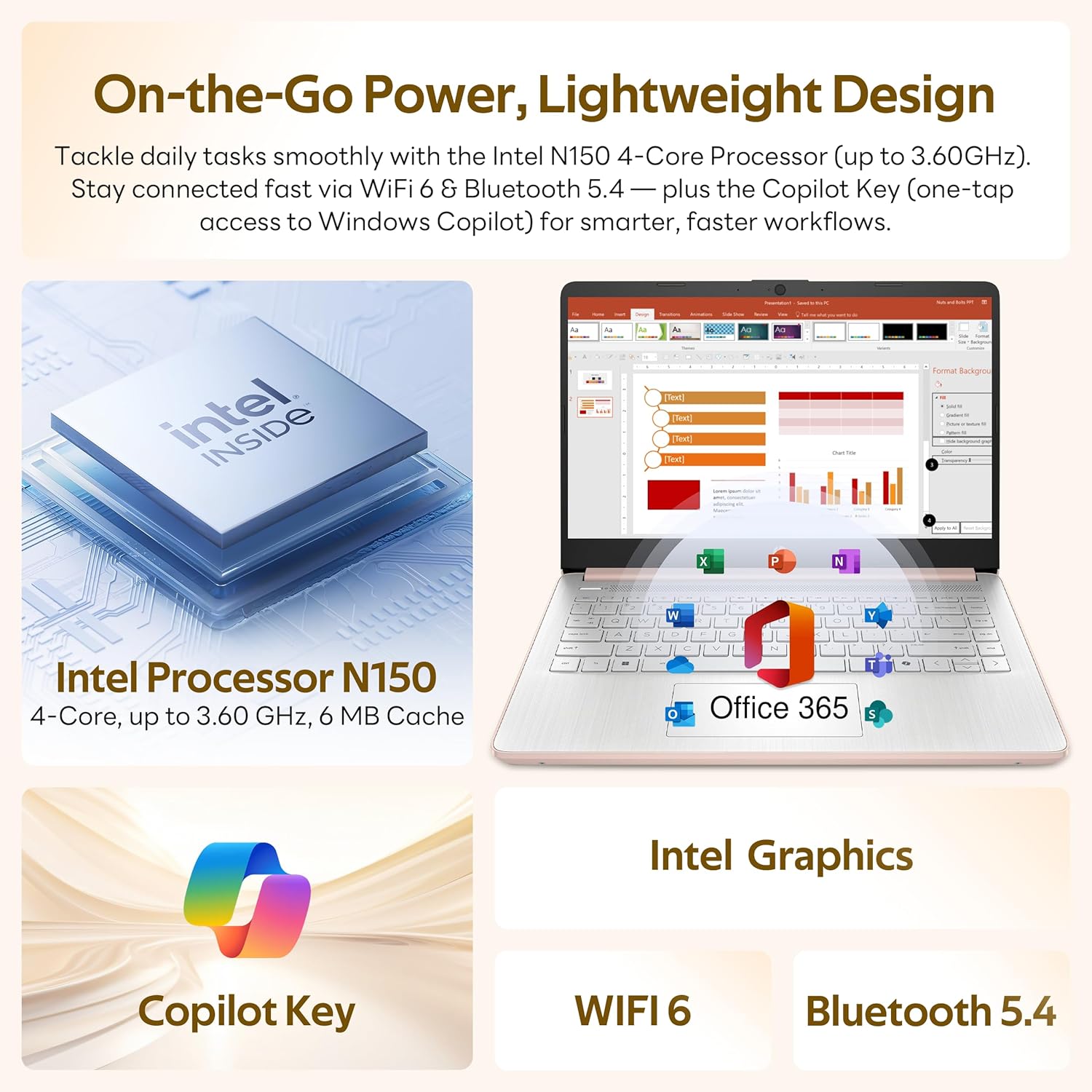
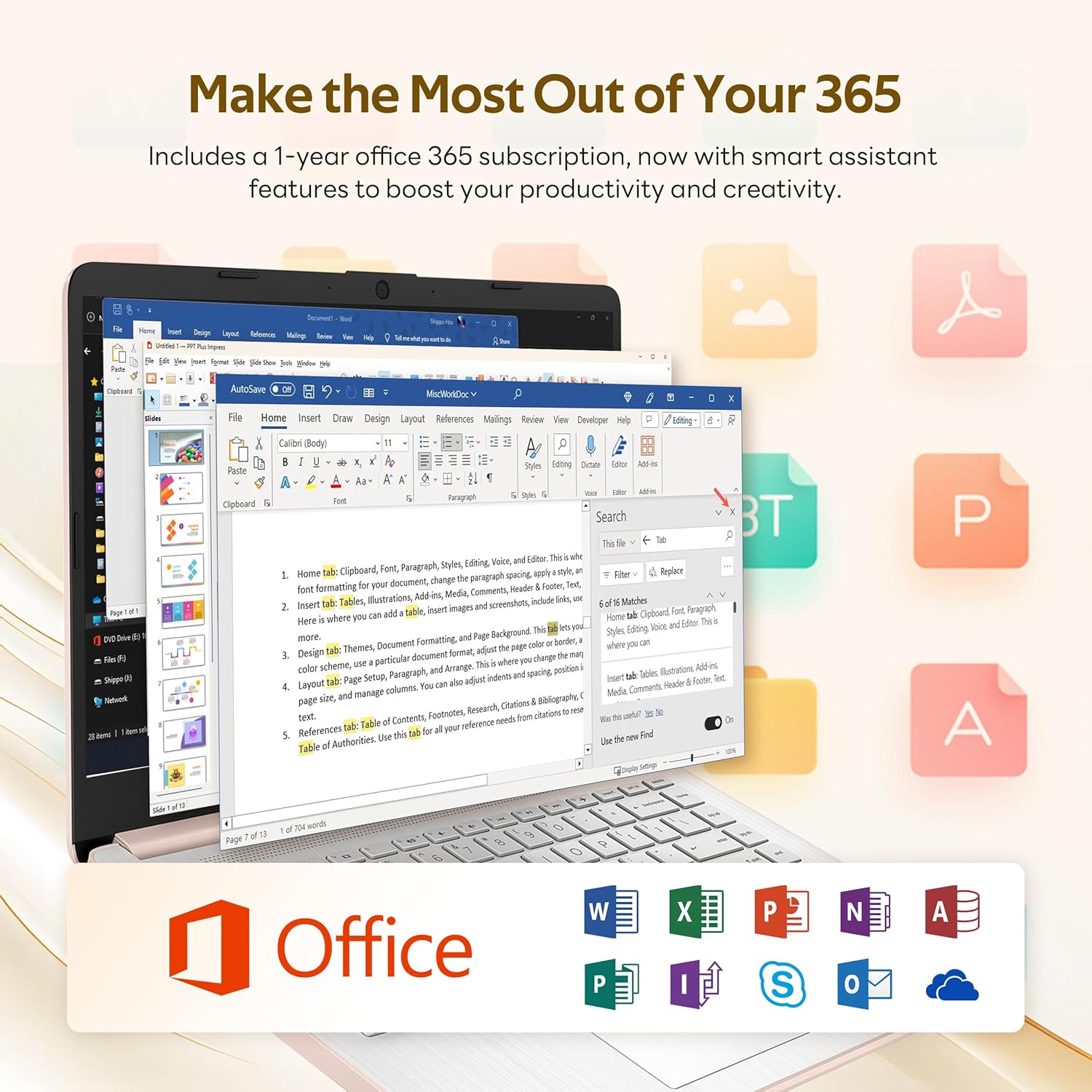
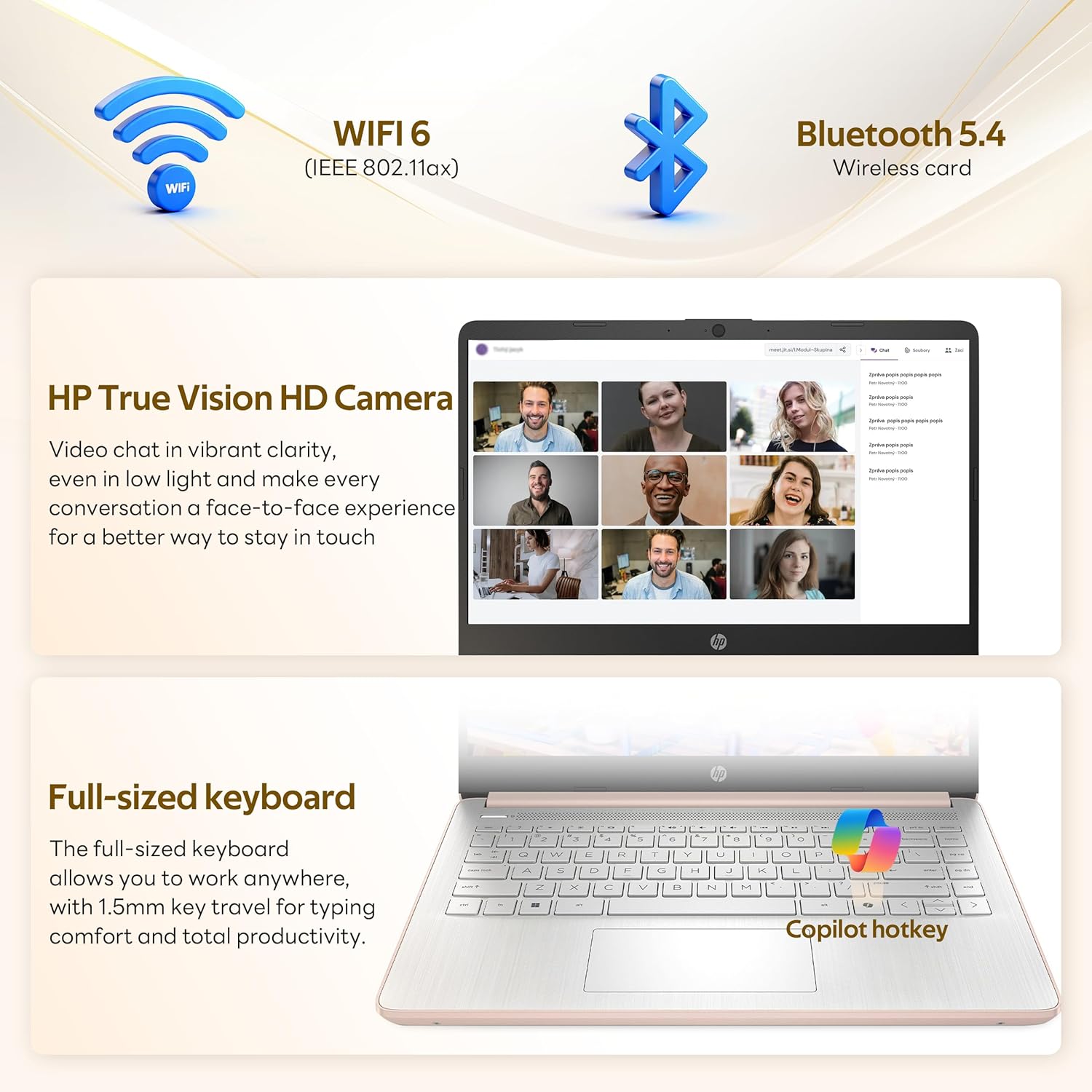
The design centers on sensible trade offs for school and work. A 14.0 inch HD display gives a clear workspace without making the device bulky, and the Intel N150 processor delivers steady responsiveness for browsing, document editing and video calls. You get Wi Fi 6 for faster network performance and a one year Office 365 subscription included for document editing and collaboration. Note that RAM is 4 GB which handles light multitasking well but may limit heavy multitasking or demanding apps.
Tech specs
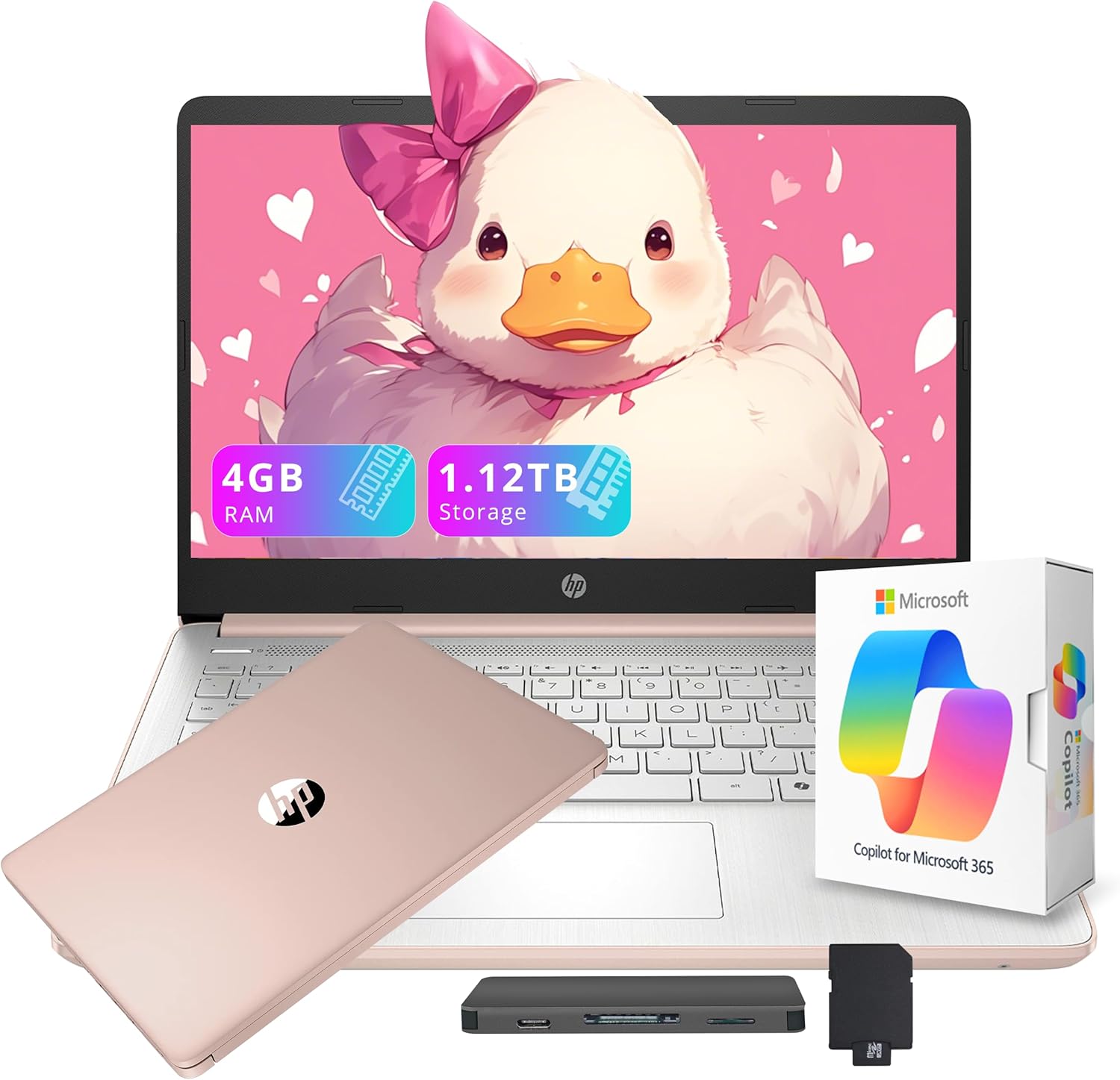
- Memory: 4 GB DDR4
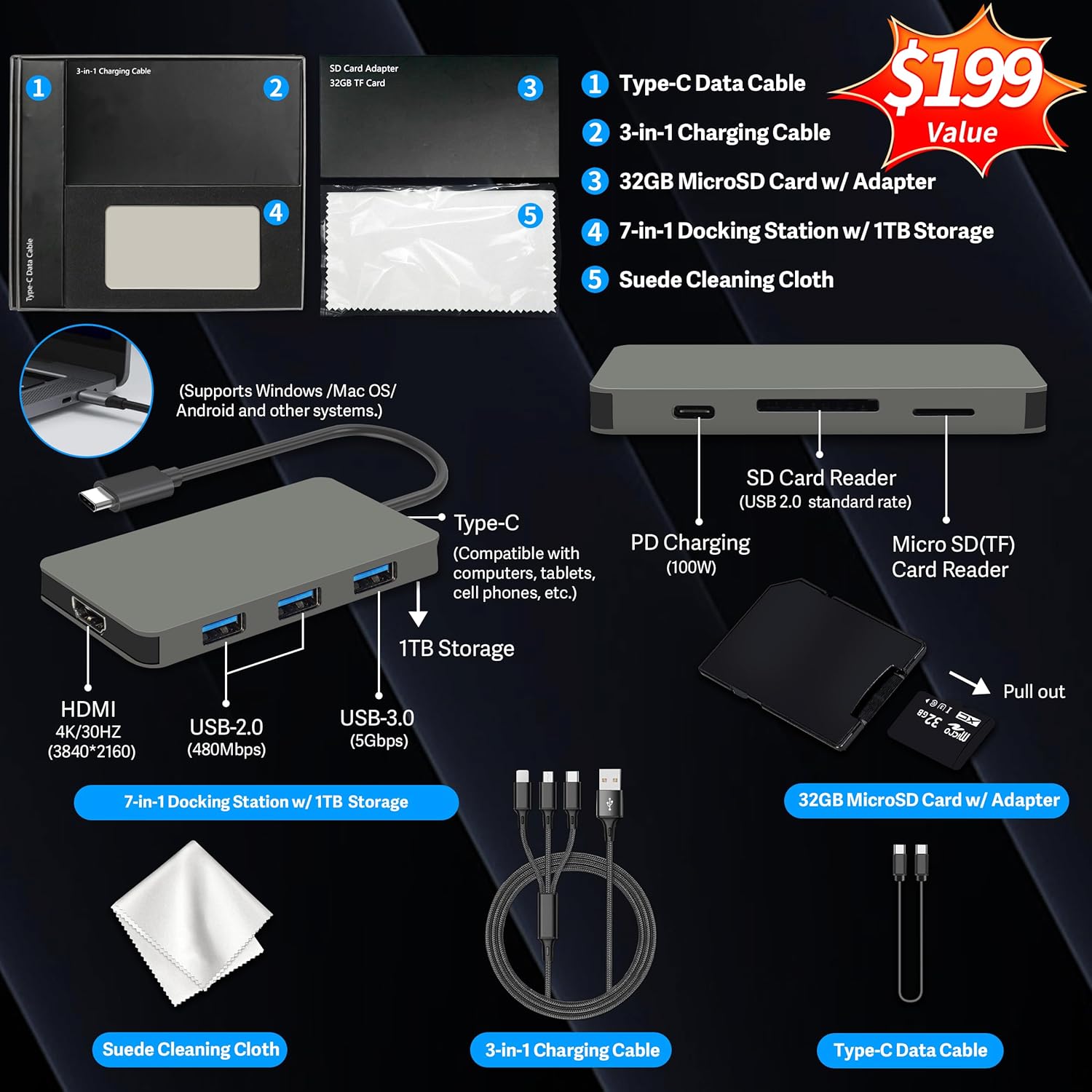
- Storage: 1.12 TB (128 GB UFS plus 1 TB docking station)
- Display: 14.0 inch HD
- Dimensions: 12.76 x 8.86 x 0.7 inches
- Weight: 3.3 pounds
- Connectivity: Wi Fi 6, Bluetooth 5.4
- What’s included: 7 in 1 docking station, 1 TB storage, 32 GB microSD card, USB C data cable, 3 in 1 charging cable, cleaning cloth
Why it makes sense
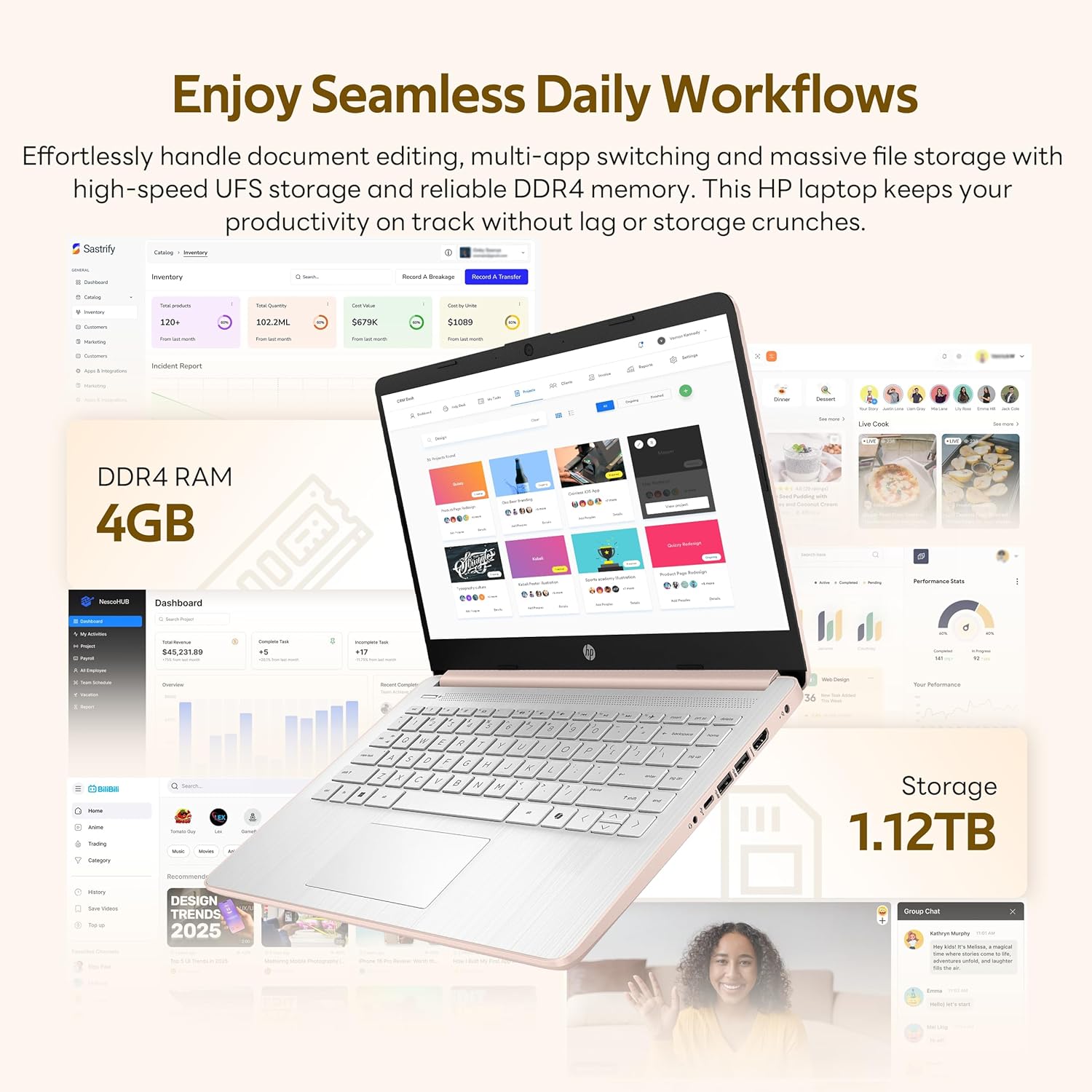
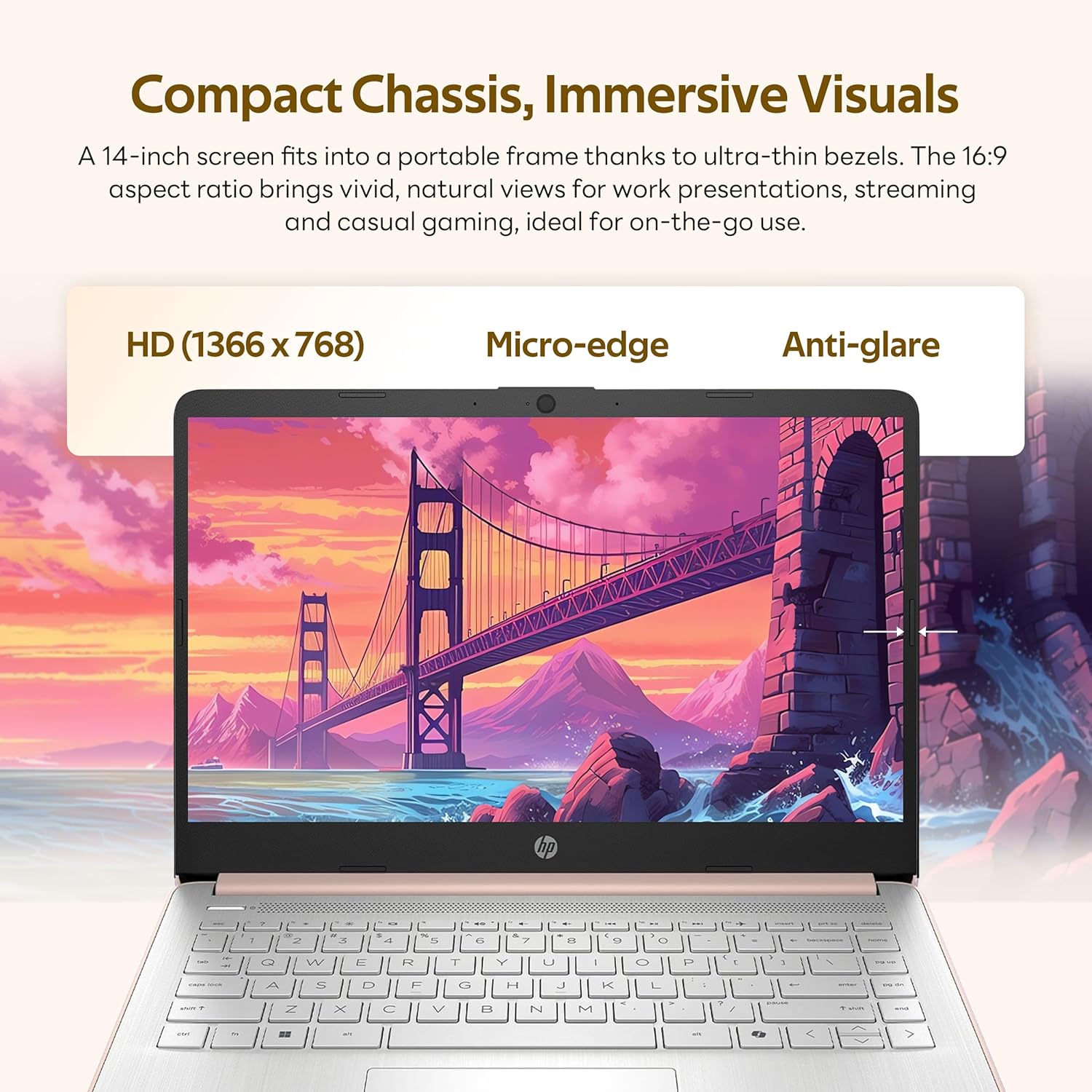
This laptop is a practical pick when storage and portability matter. With HP Flagship 14" HD you get 1.12 TB of accessible storage that removes worry about space for projects and media, and the docking station extends utility at a desk. The HD webcam and integrated Intel graphics support clear video calls and standard media playback, keeping remote classes and presentations straightforward. A modest caveat is the 4 GB RAM which, according to the specs, may need careful tab management for heavier workloads.
How to use it
For daily study routines set it up with your class apps, cloud storage and the included Office 365 account to jump into assignments quickly. Use the docking station to connect extra drives and a monitor when you switch to a desk setup for longer sessions. You’ll appreciate the lighter carry weight for campus days and the Wi Fi 6 connection when you need smoother online sessions. 😊
Getting the most from it
Keep background apps to a minimum to preserve responsiveness and store large media on the docking station for easy access. Consider adding external storage or upgrading in the future if your workflow grows. 👍