

Lenovo ThinkPad E16 Gen 3 business laptop
Product description
When a workday moves between spreadsheets, video calls, and a home-office desk, a large screen and full-size connectivity can matter as much as raw speed. The Lenovo ThinkPad E16 Gen 3 pairs a 16-inch touchscreen with a numeric keypad, Windows 11 Pro, and a selection of wired ports. It’s aimed at everyday business and study tasks, with enough listed memory and storage for multitasking and files without leaning on a stripped-down configuration.
What to know
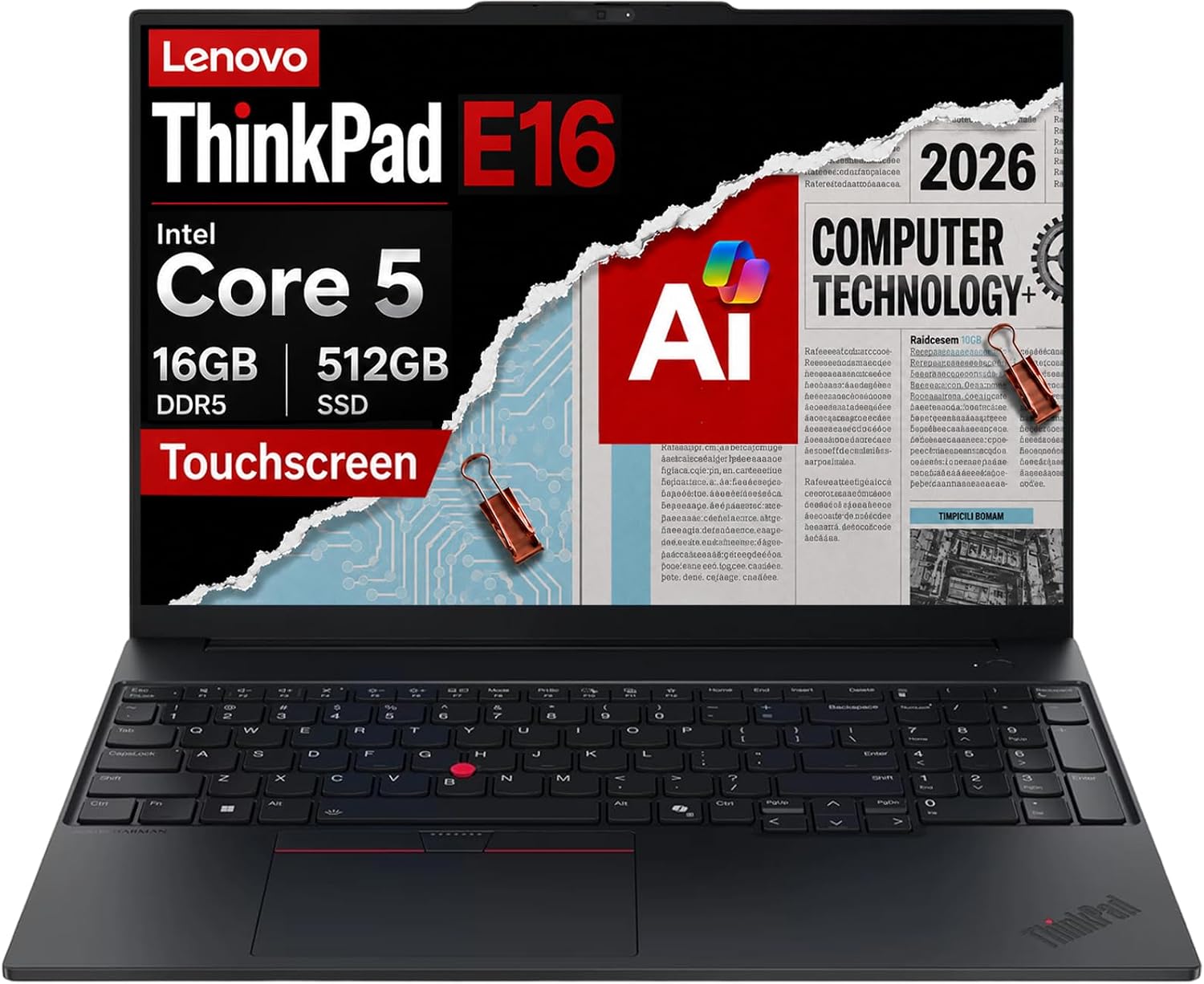
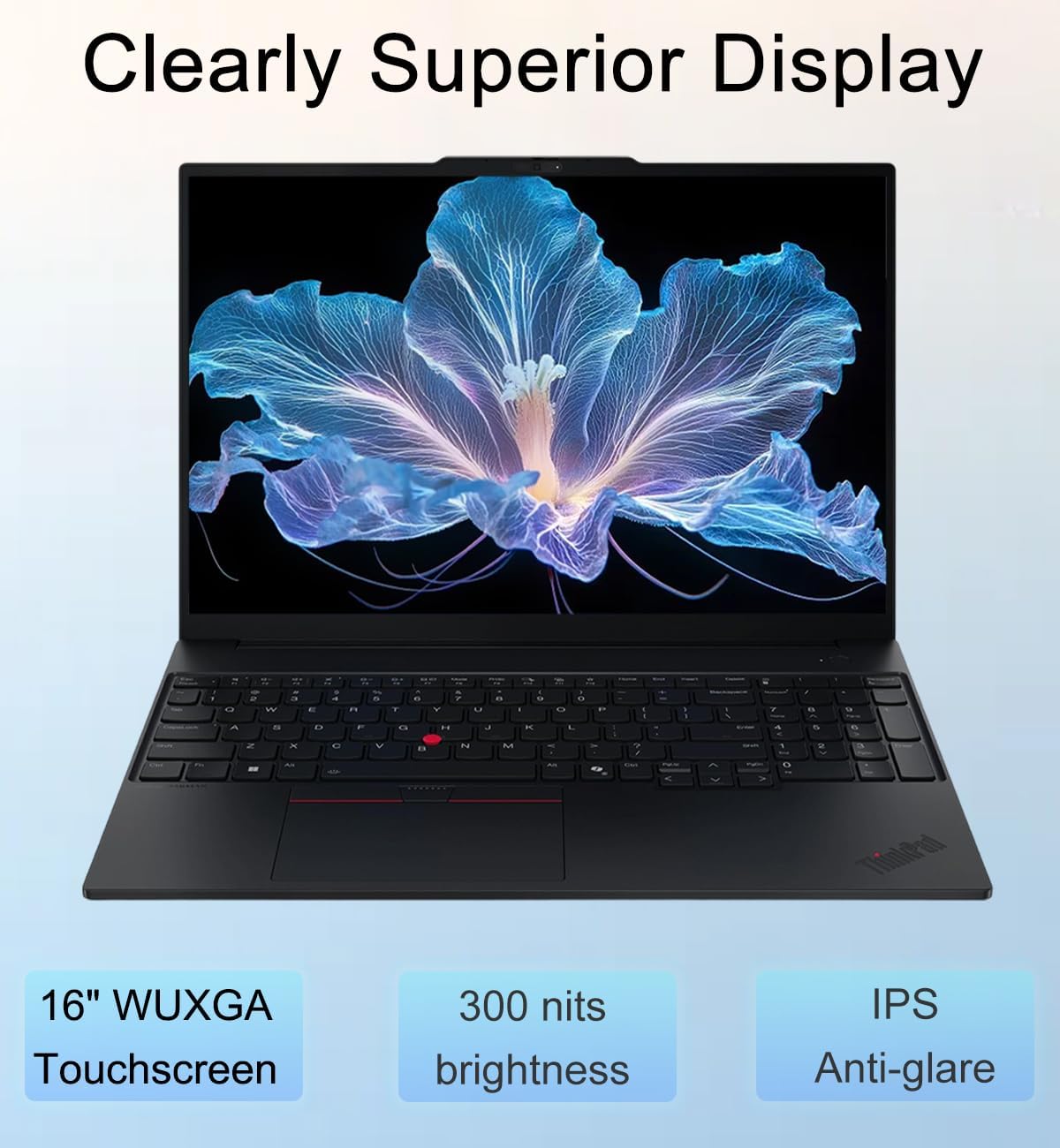
The listed setup includes an Intel Core 5 210H processor, 16GB of DDR5 memory, and a 512GB PCIe NVMe SSD. The 16-inch WUXGA (1920 x 1200) IPS touchscreen has an anti-glare finish and 300-nit brightness, which gives you touch input while keeping a spreadsheet or document workspace in view. A backlit keyboard and numeric keypad are practical touches for working through figures in a dim room or entering data throughout the day.
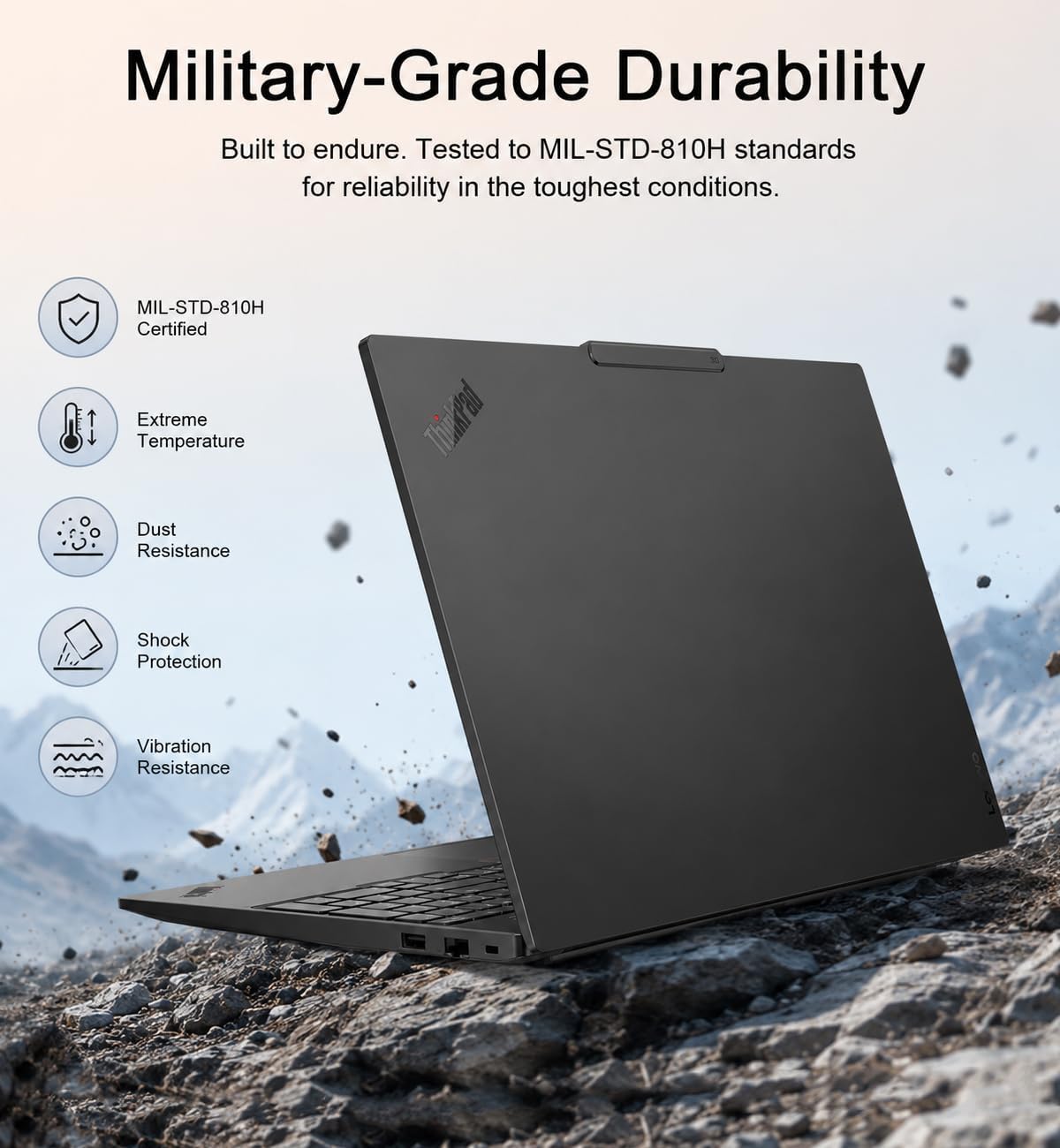
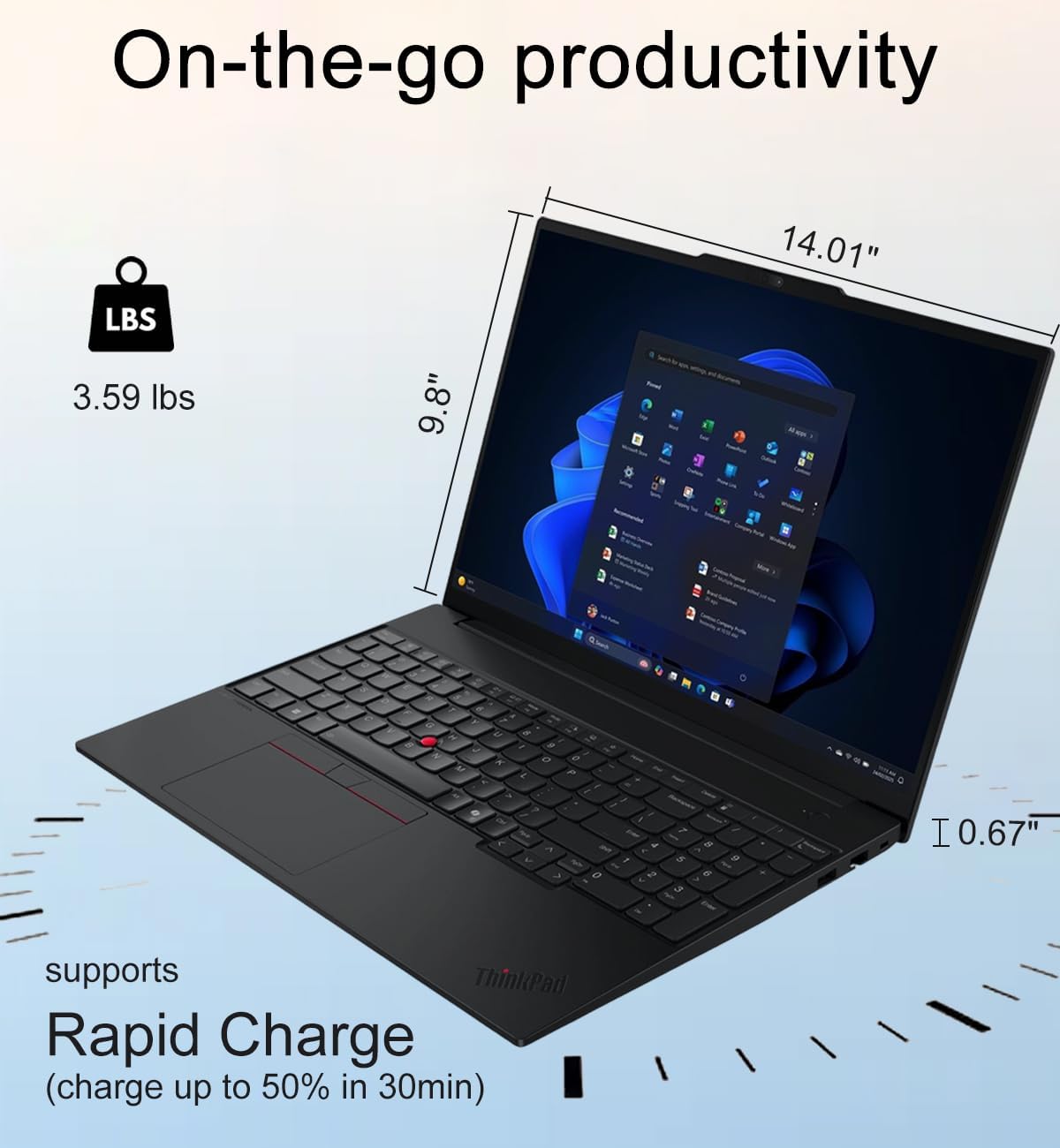
Ports include Thunderbolt 4, USB-C, USB-A, HDMI 2.1, Ethernet, and a headphone/microphone jack. The listing says it supports a native three-display setup, which may suit a desk where a laptop screen alone feels cramped. According to the maker, the laptop is tested to MIL-STD-810H standards, that claim is not a substitute for a specific battery-runtime or weight figure, neither of which is provided here. Keep in mind that the listing also says the new computer has been resealed for a system upgrade, so that detail may matter if original packaging is important to you.
Best use cases
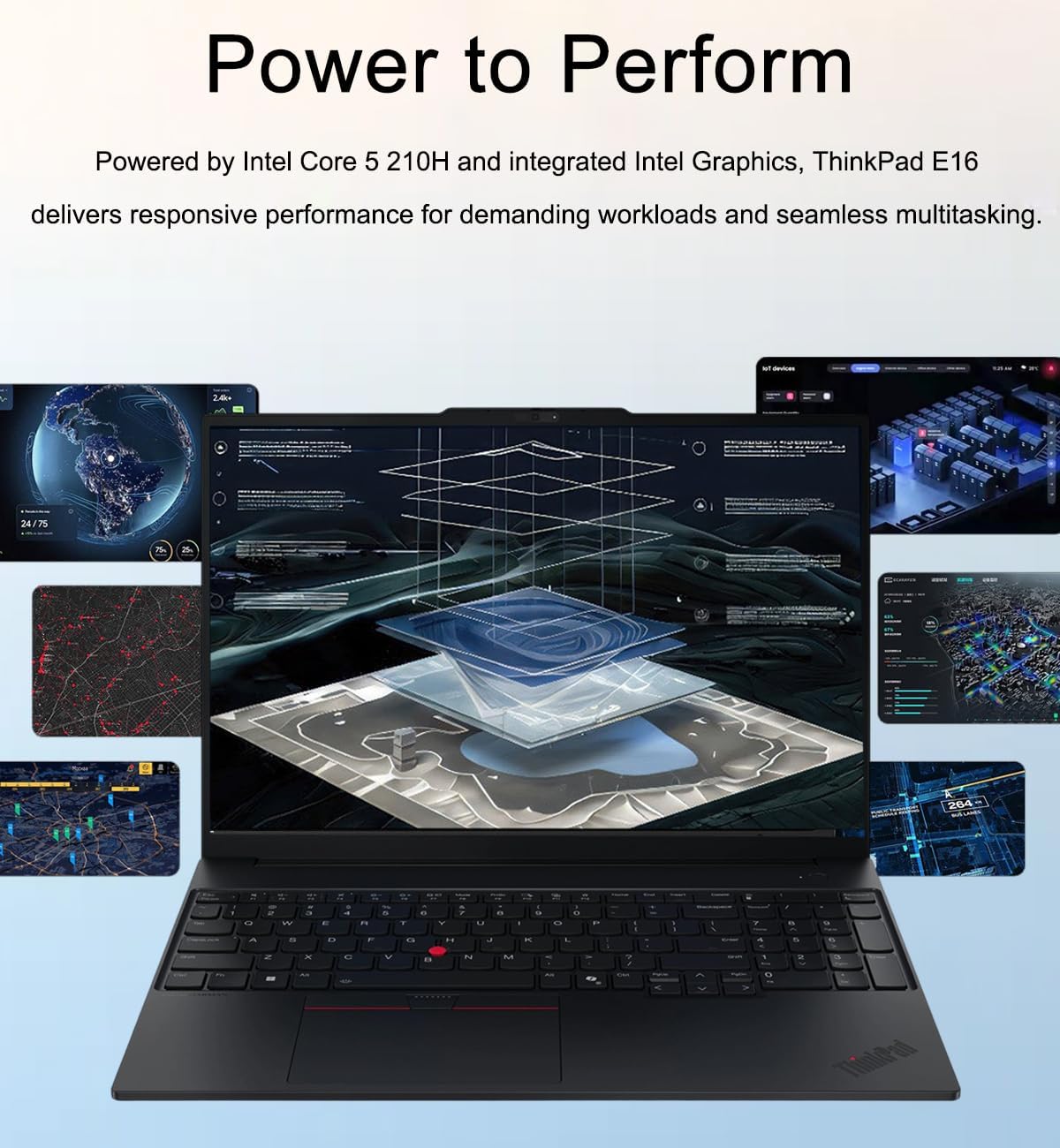
This configuration makes the most sense for office work, remote learning, programming, video calls, and the sort of browser-and-spreadsheet multitasking that benefits from a wider display. Picture a desk with a spreadsheet open on the laptop, an external monitor connected, and a wired Ethernet connection available when Wi-Fi isn’t the preferred setup. A solid pick if you want a business-focused machine with a touchscreen, number pad, and several connection options in one device.
It is positioned as a more affordable alternative to the ThinkPad T16, but this listing doesn’t provide enough detail for a full model-to-model comparison. For light photo editing or content creation, the description presents it as suitable for entry-level work, people choosing a laptop for more demanding creative workloads should look for clearer performance details before deciding.
Tips for day-to-day use
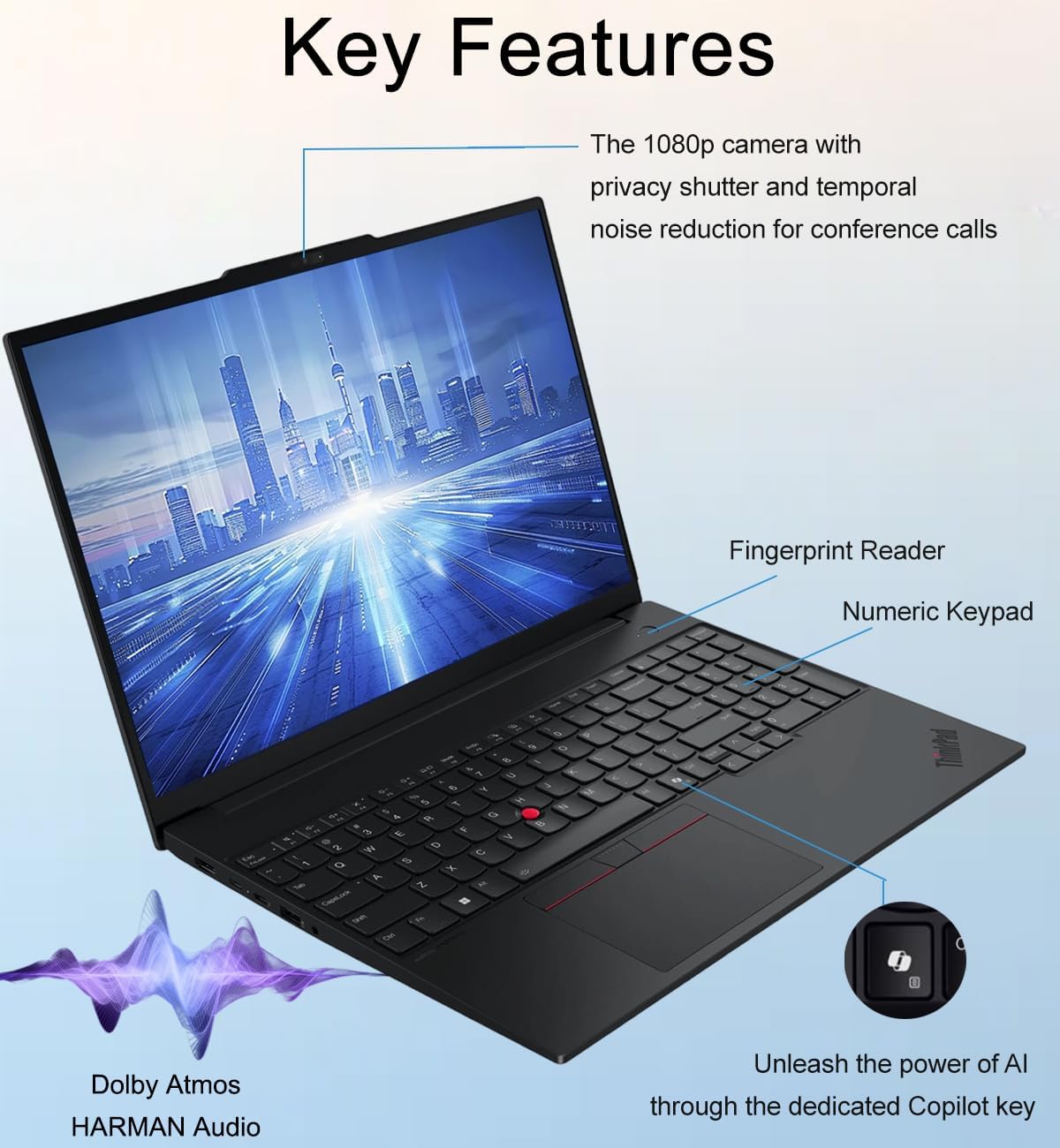
Use the numeric keypad for budget sheets or data entry, and the backlight when you’re typing in a low-lit space. At a desk, Thunderbolt 4, USB-C, and HDMI 2.1 give you several ways to build out a display setup, Ethernet is also on board for a wired connection. The touchscreen adds a direct way to interact with documents, though a traditional non-touch laptop may be a better fit if touch input isn’t useful to you and you’d rather prioritize other specifications.
The listing includes Windows 11 Pro, a fingerprint reader, and a 1080p IR webcam with a privacy shutter. Keep the stated use in perspective: this is described for everyday productivity and light creative tasks, not as a specialist workstation. Battery life is characterized as long, but there’s no runtime figure here to help estimate how long it will last away from an outlet.
Practical doubts
Does the screen support touch? Yes. The listed 16-inch WUXGA IPS display is a touchscreen with an anti-glare finish.
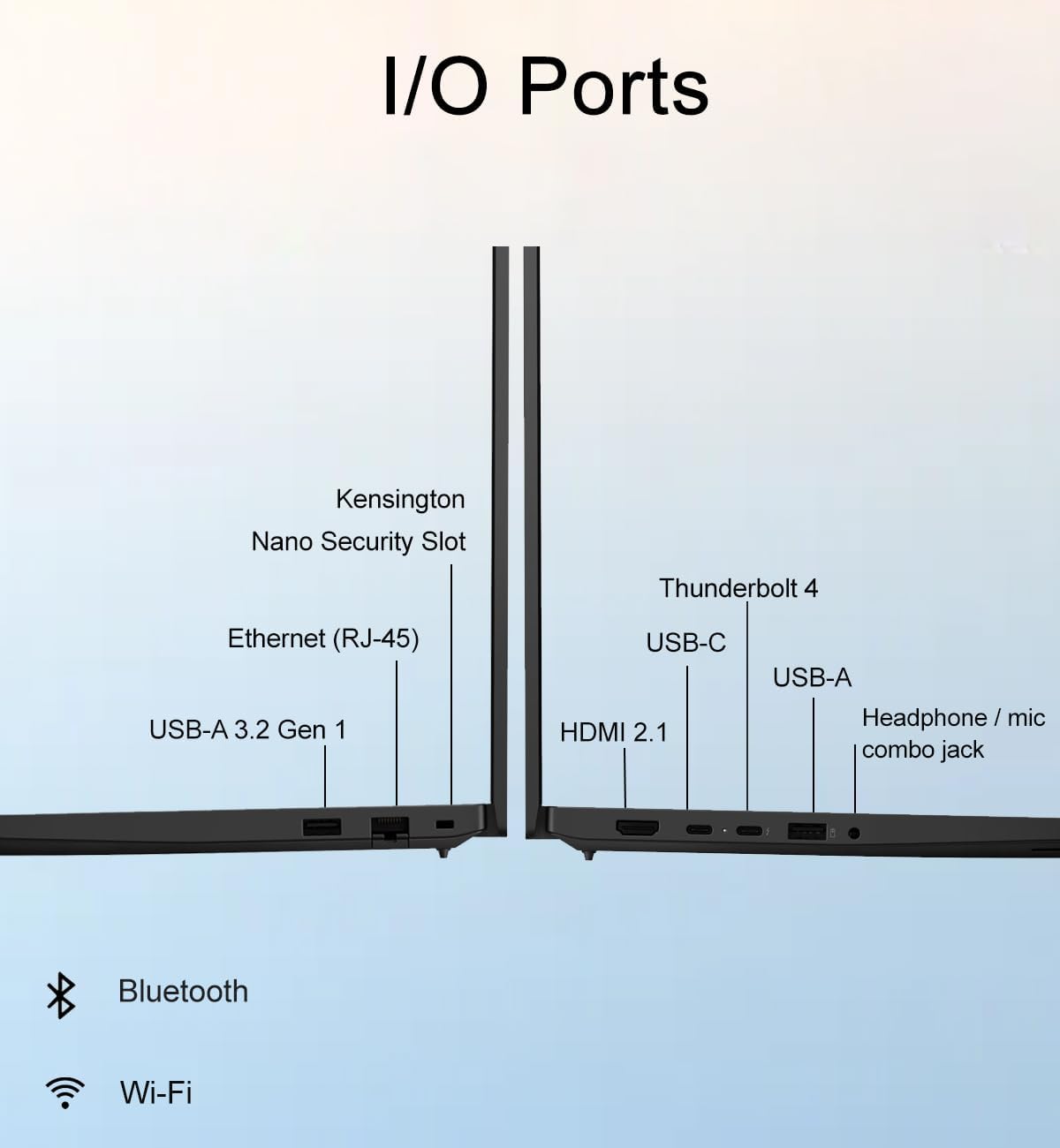
Can it connect to external displays? The listing describes support for up to three displays and includes Thunderbolt 4, USB-C, and HDMI 2.1. It also states single-display output up to 8K at 60Hz.
Which operating system is included? Windows 11 Pro is preinstalled. The description also mentions BitLocker and Remote Desktop.
Is it worth it?
Consider this ThinkPad if the combination of a 16-inch touchscreen, numeric keypad, Windows 11 Pro, and broad port selection matches the way you work. Not the best choice if you need a confirmed battery-runtime estimate or a clearly specified machine for demanding creative work: those details aren’t established in the listing. The disclosure says the computer has been resealed for a system upgrade and includes a one-year Lenovo warranty, so weigh both points alongside the specifications before choosing.