

LabelRange Bluetooth Thermal Label Printer for Mac, Windows, iOS, and Android (Wireless 4x6 Shipping Labels)
Product description
What this printer is for
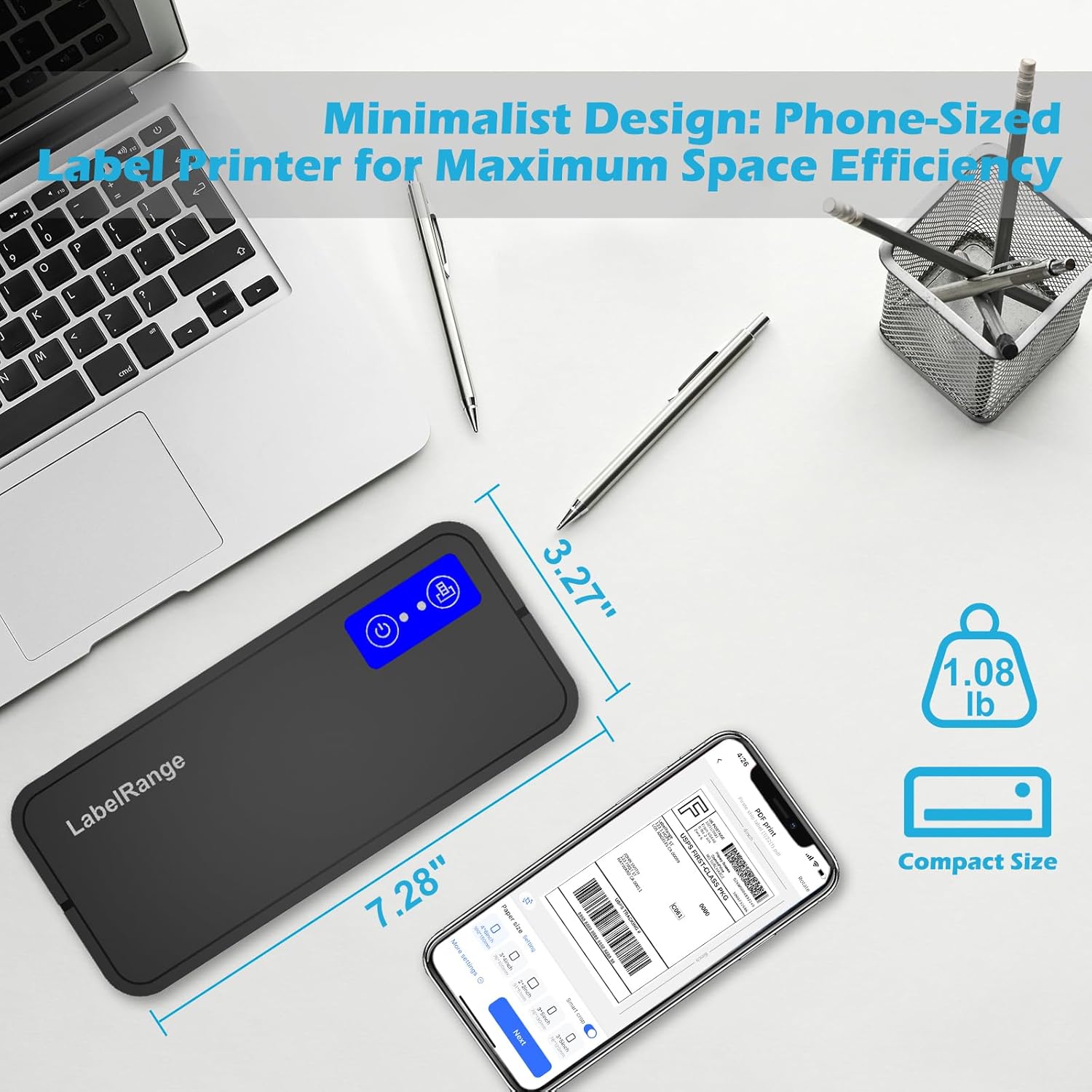
If you ship anything regularly, you already know the workflow: create the label, print it, stick it on the box, and move on. This LabelRange Bluetooth Thermal Label Printer is built for that kind of day-to-day shipping. It’s a compact thermal label printer designed to print common label sizes—especially 4x6 shipping labels—without ink or toner. The big selling point here is the wireless angle: Bluetooth printing for Mac and Windows, plus mobile printing through a dedicated iOS/Android app.
On paper, it’s aimed at people who want fewer cables on their desk and faster label printing across devices—laptop, phone, or tablet—rather than staying locked into one computer.
Key features that actually affect your workflow
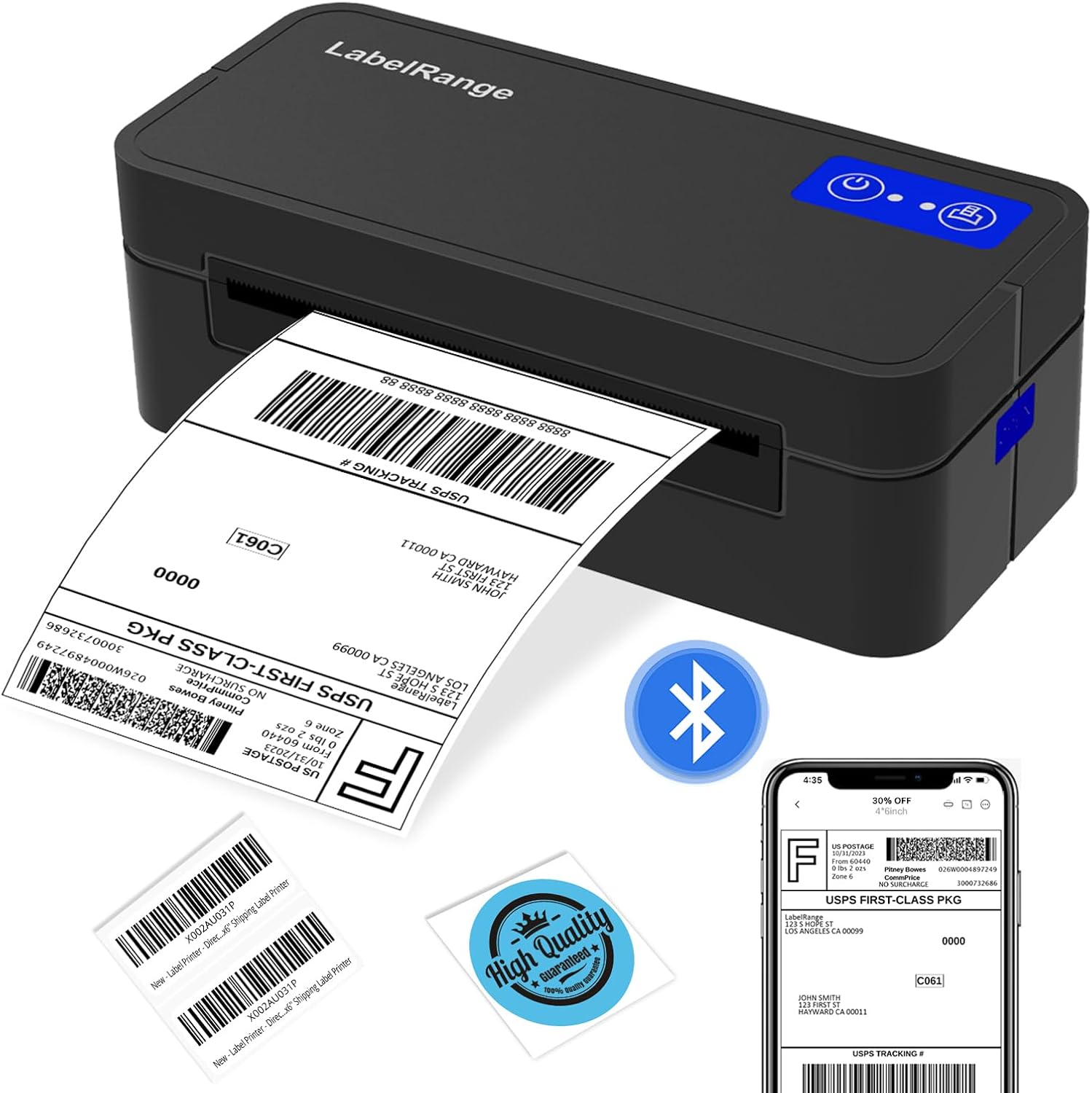
The setup and printing experience is where this model tries to help the most. For Mac and Windows users, the product description emphasizes Bluetooth connectivity without needing a USB cable (as long as you’re using the supported platforms). The installation process is described as downloading a driver and then pairing while the driver is set up—meaning you shouldn’t have to jump through multiple Bluetooth steps before you can print.
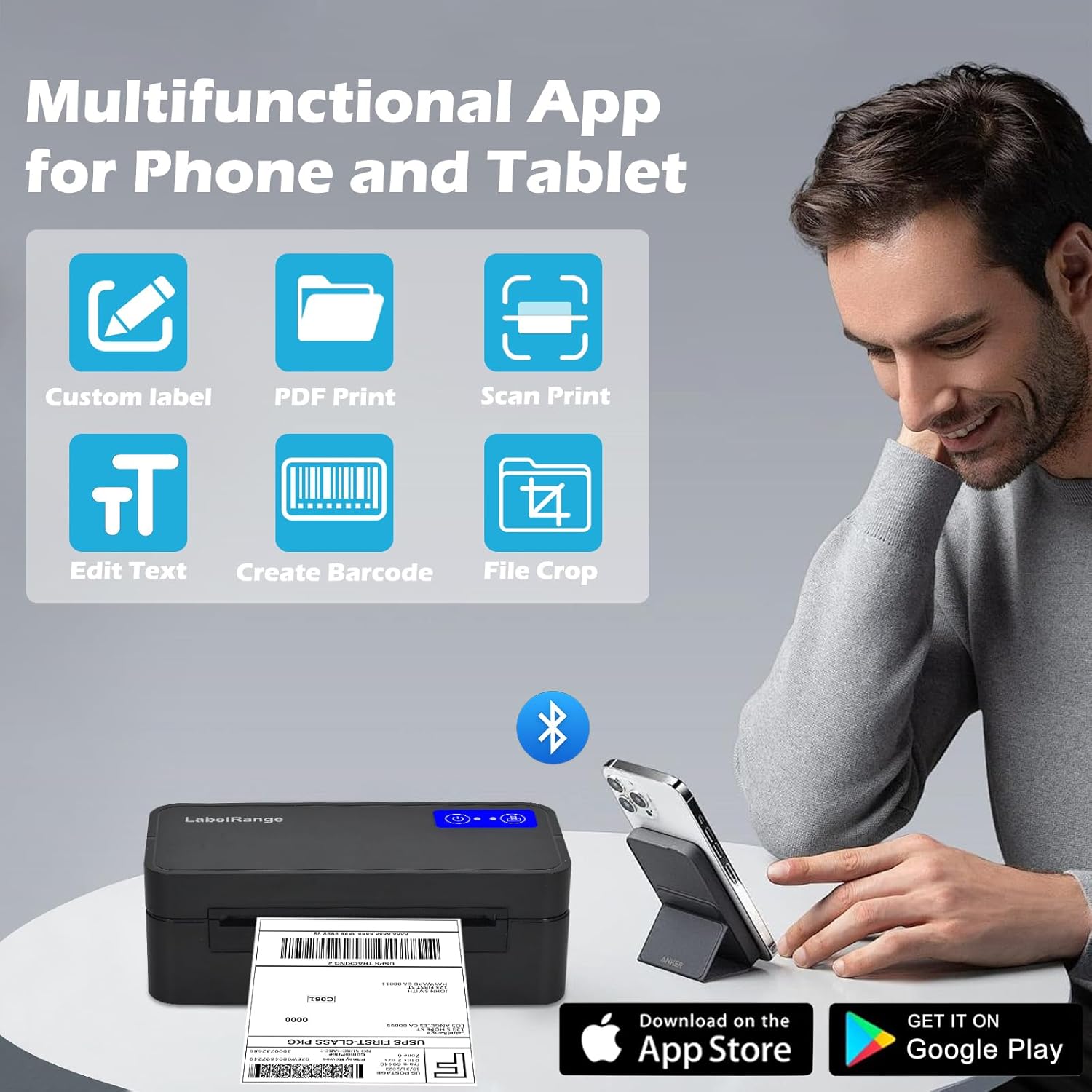
For iOS and Android, it uses the free “Label Expert” app. That matters because label work isn’t always done on a desktop. The app is described as supporting text, symbols, icons, barcodes, and QR codes, plus importing PDF files and sharing from social platforms. There’s also mention of trimming labels to the size you need—useful when your source file is wider or when a marketplace or shipping workflow expects a specific label format.
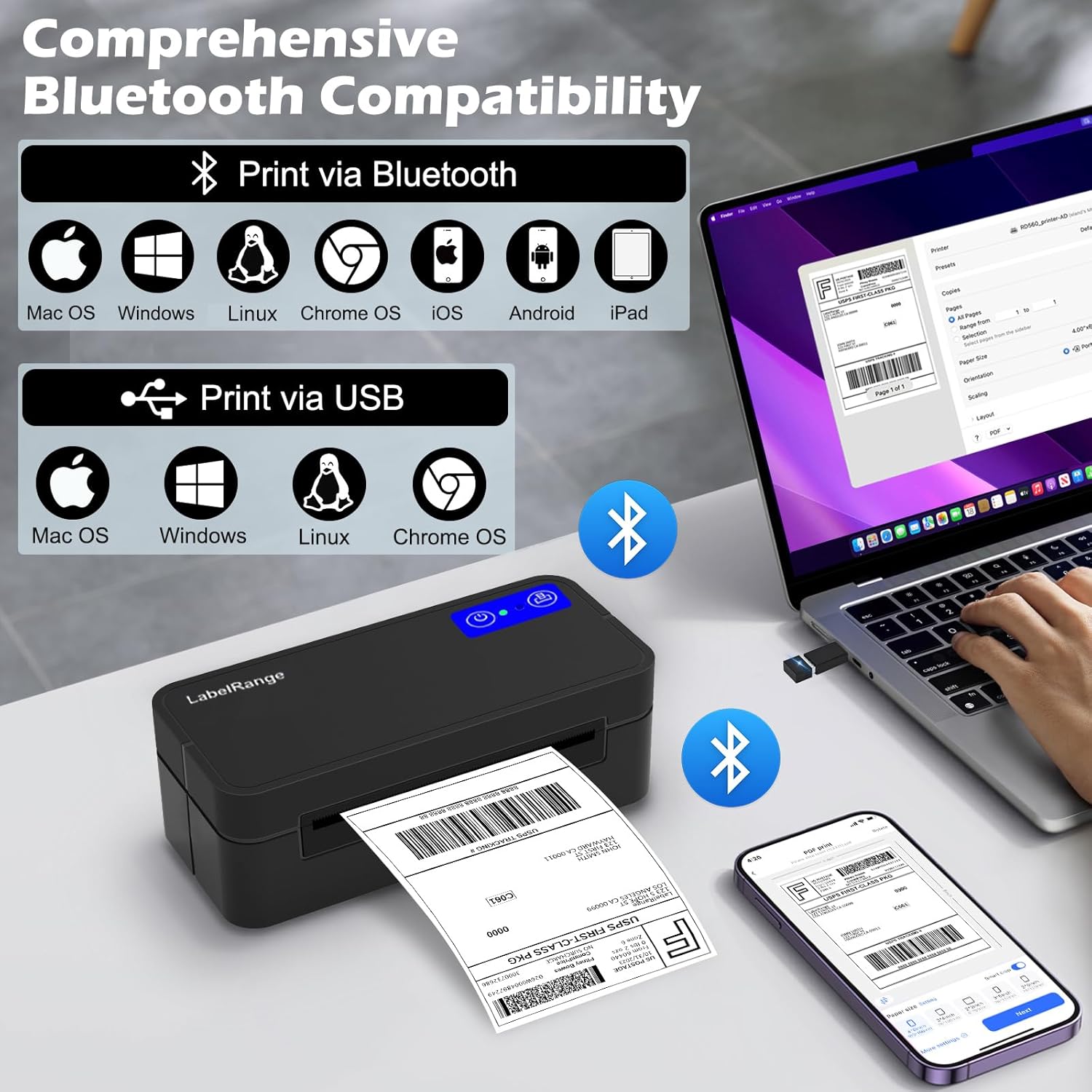
One more practical angle: thermal printing. Since it’s thermal, the pitch is no ink cartridges and no ongoing ink supply maintenance. For many small sellers, that’s less hassle and fewer supply runs.
The essentials: sizes it prints and what that covers
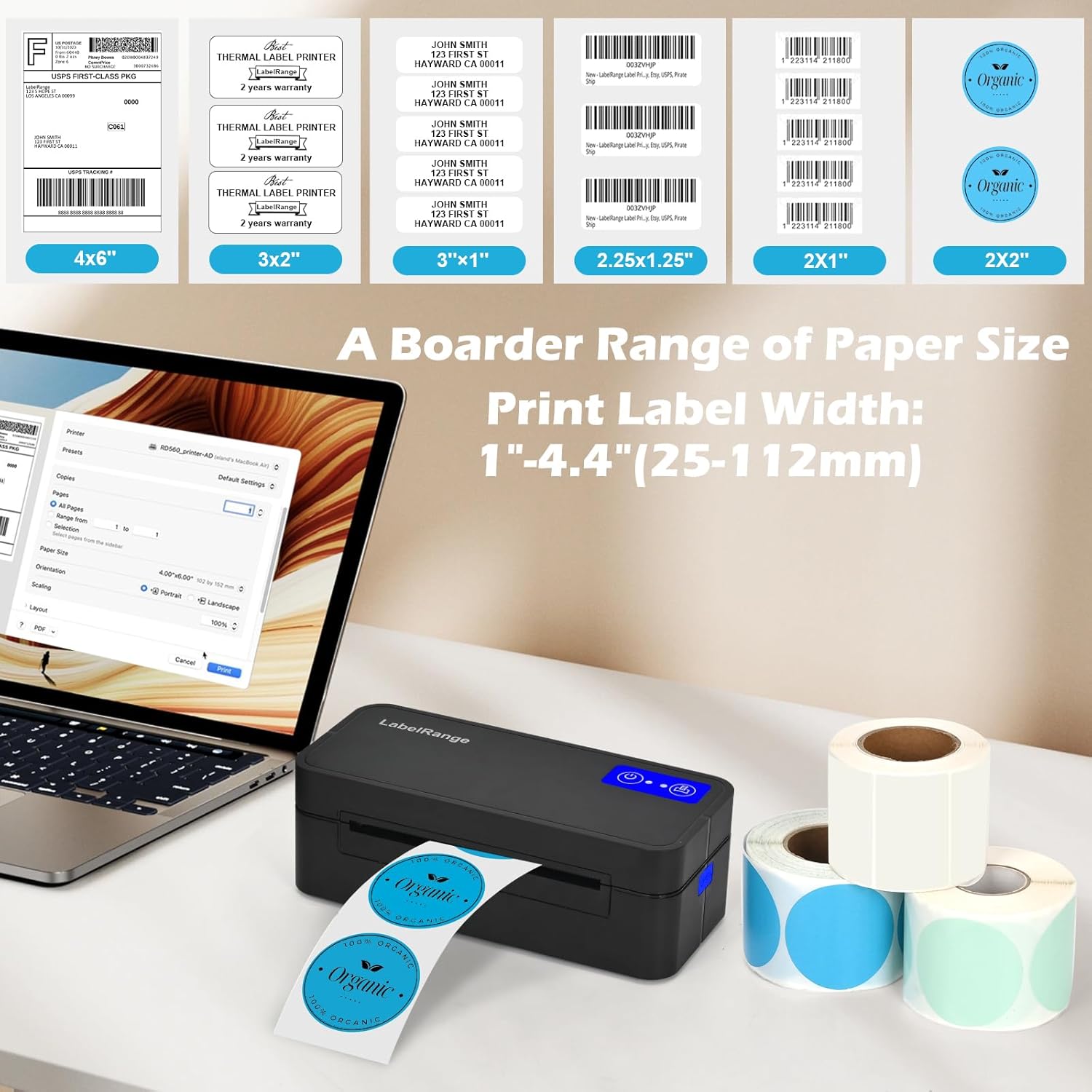
This printer is described as printing labels with a width range of 1 to 4.4 inches. In real terms, that means it’s positioned for everyday label needs—not just shipping labels. The description specifically calls out examples like 4x6 shipping labels, plus smaller formats such as 3x2 product labels, 3x1 address labels, 2x2 circle labels, 2x1 SKU labels, and 1-inch QR code labels.
If your operation mostly lives in 4x6 shipping labels, this is the size it’s clearly designed around. If you routinely print a mix of address, product, and barcode/QR labels, the wider range makes it more flexible than a single-purpose label printer.
Compatibility and limits to keep in mind
Bluetooth support is the headline, but it’s not universal for all operating systems. The description includes an important limitation: Linux and Chrome OS still need to connect via USB cable. So if you’re on those platforms and you were hoping for a fully wireless-only setup, you may want to skip this approach or plan on USB.
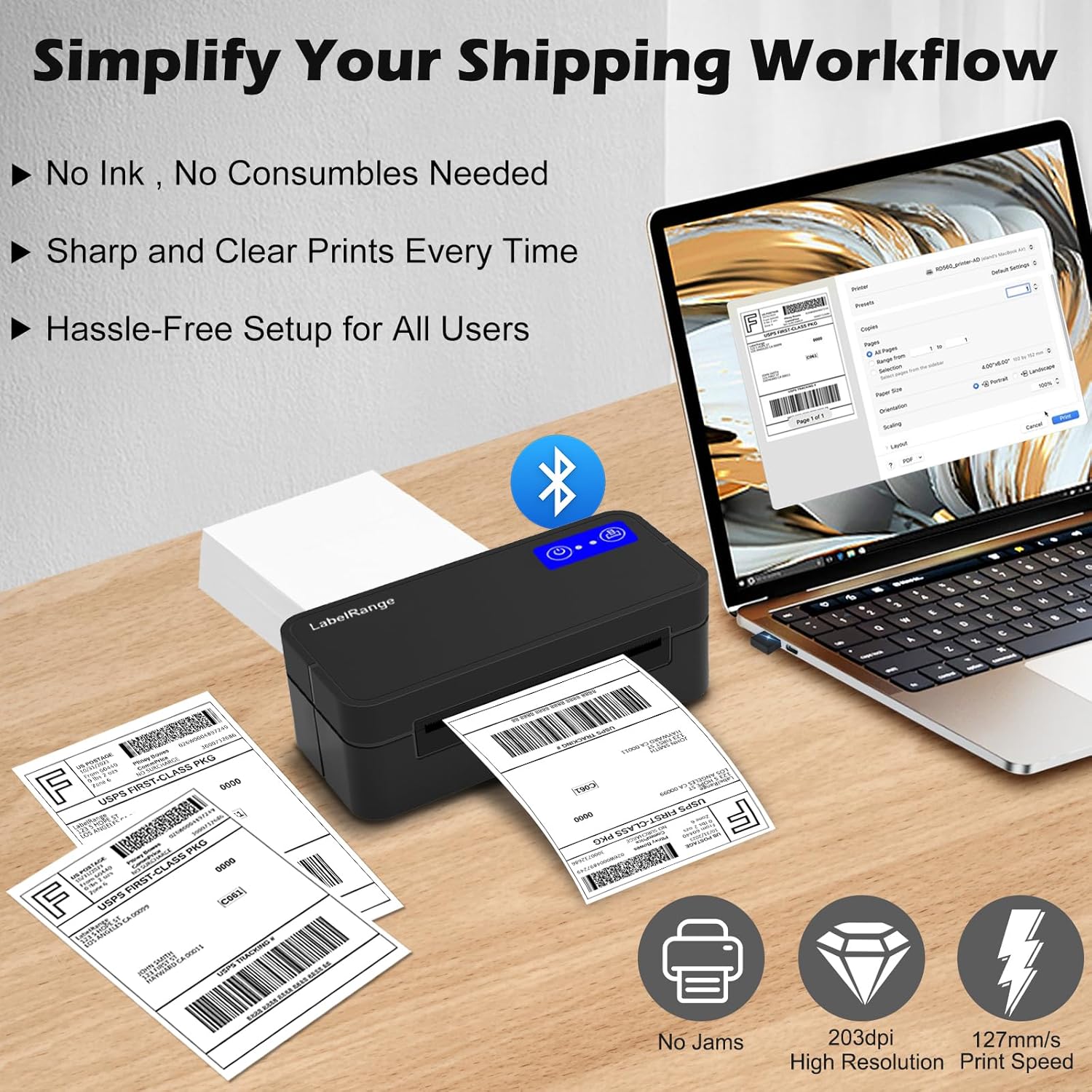
Also, while the printer supports printing from multiple devices, the Bluetooth experience is described specifically for Mac and Windows, and app-based printing is described for iOS and Android. If your workflow relies heavily on a different setup (like a niche OS or a very specific driver-free environment), it’s worth double-checking before you buy.
Where it tends to make sense for online sellers
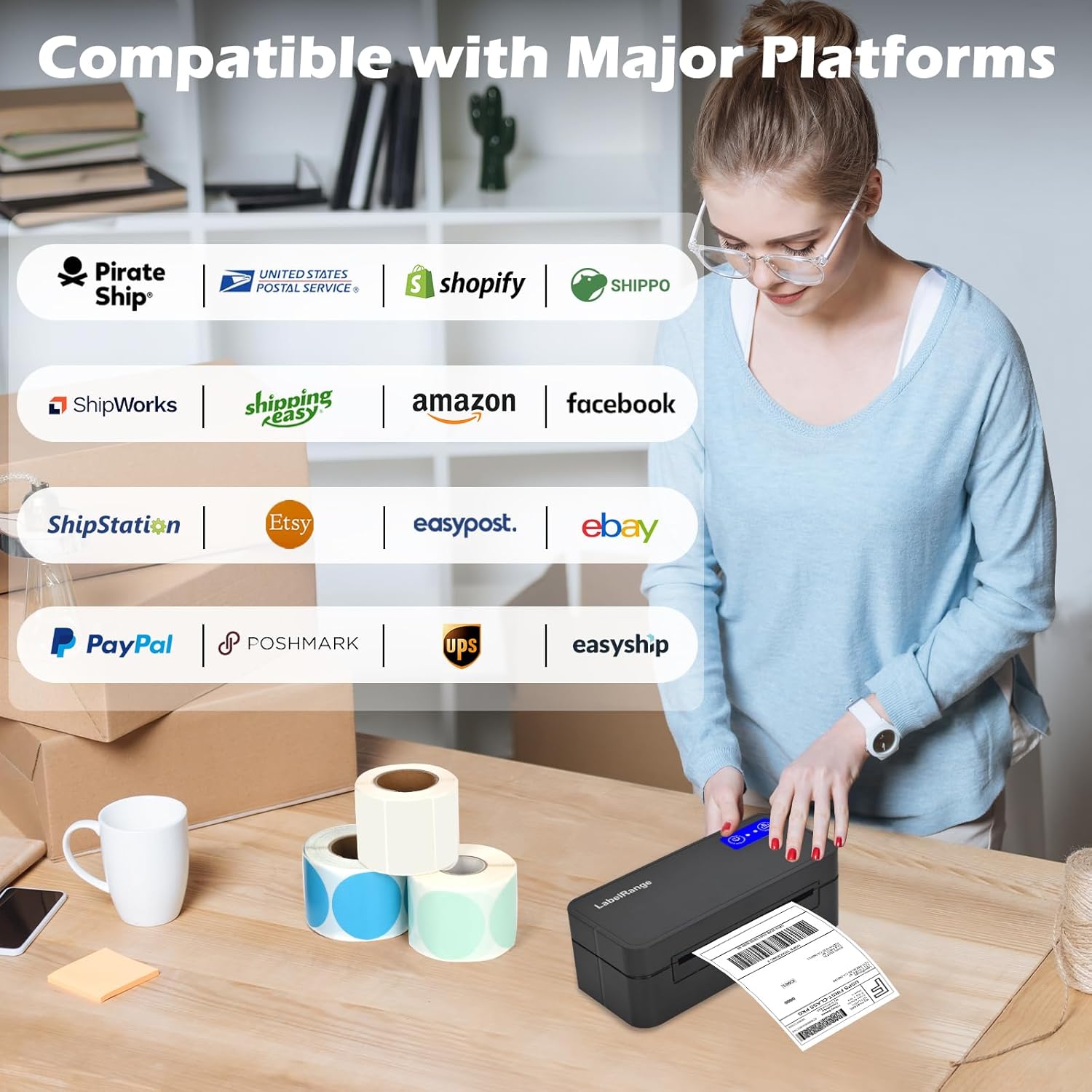
This model is presented as compatible with common shipping and selling workflows. The description explicitly mentions support for platforms including USPS, eBay, amazon, and Pirate Ship, and it also lists other shipping software/services (like ShipStation, Shippo, PirateShip, ShipWorks, and UPS). It also references popular sales platforms such as Etsy, Shopify, Poshmark, PayPal, and Whatnot.
If you sell online and you bounce between a laptop and your phone/tablet for printing labels, this is the type of printer that can reduce friction. Imagine you prep an order on your computer, but when you’re packing later you realize you need an extra label for a smaller item—having the app on your phone can be the difference between waiting and just printing.
Still, it’s not perfect for every scenario. If you only print labels once in a while, you may not need this level of device flexibility. And if you’re expecting a fully driver-free experience across every system, the Linux/Chrome OS note is a reminder that some setups may require a cable.
Quick overview: what stands out day to day
This printer’s strongest day-to-day advantage is straightforward: Bluetooth printing for Mac and Windows plus mobile printing via “Label Expert.” Combined with thermal printing (no ink), it’s built to keep packing time moving.
At the same time, the description doesn’t give details like print speed numbers, resolution, or durability testing—so you’ll want to manage expectations if you’re trying to run massive print volumes all day without any downtime. Based on what’s provided, it reads more like a practical mid-range, shipping-focused tool than a “machine built for industrial throughput.”
Buying verdict
This LabelRange Bluetooth Thermal Label Printer is a solid pick if you want a compact 4x6 shipping label printer that can work wirelessly with Mac and Windows and also handle label creation/printing from iOS and Android through the Label Expert app. It makes the most sense for sellers on eBay, Amazon, and services like Pirate Ship who want to cut desk clutter and simplify label printing across devices.
You may want to skip it if you’re using Linux or Chrome OS and you really don’t want to deal with USB cable connectivity. It might also be overkill if you only print labels occasionally and don’t need Bluetooth or mobile printing.
FAQ
Can I print from my phone or tablet?
Yes—according to the description, iOS and Android users can use the free “Label Expert” app to create and print labels, including barcodes and QR codes.
Do I need ink cartridges?
The description states it uses thermal printing technology, meaning there are no ink cartridges or ongoing ink supply costs.
Is it compatible with Linux or Chrome OS?
The description notes that Linux and Chrome OS still need to connect via a USB cable.
What label sizes can it handle?
It’s described as printing labels with a width range of 1 to 4.4 inches, including common 4x6 shipping labels and several smaller label formats.
Does it support USPS and e-commerce platforms?
The description lists support for USPS and mentions compatibility with platforms including eBay, Amazon, and Pirate Ship, along with several other selling and shipping services.