Download app on Google Play


Imagen de Avery 08366 File Folder Labels 750 ๐Ÿ“Ž en OfertitasTOP
New offer
Thumbnail principal de Avery 08366 File Folder Labels 750 ๐Ÿ“Ž
Thumbnail 1 de Avery 08366 File Folder Labels 750 ๐Ÿ“Ž
Thumbnail 2 de Avery 08366 File Folder Labels 750 ๐Ÿ“Ž
Thumbnail 3 de Avery 08366 File Folder Labels 750 ๐Ÿ“Ž
Thumbnail 4 de Avery 08366 File Folder Labels 750 ๐Ÿ“Ž
Thumbnail 5 de Avery 08366 File Folder Labels 750 ๐Ÿ“Ž
Thumbnail 6 de Avery 08366 File Folder Labels 750 ๐Ÿ“Ž

Avery 08366 File Folder Labels 750 ๐Ÿ“Ž

amazon US
Brand: Avery
P/N: 8366
Reviews
4,7
+1.314

Reviews

4,7
+1.314 reviews

Price

$31.62$20.51-35%
View in store
amazon US
Price evolution ยท Historical minimum: $17.99

Product description

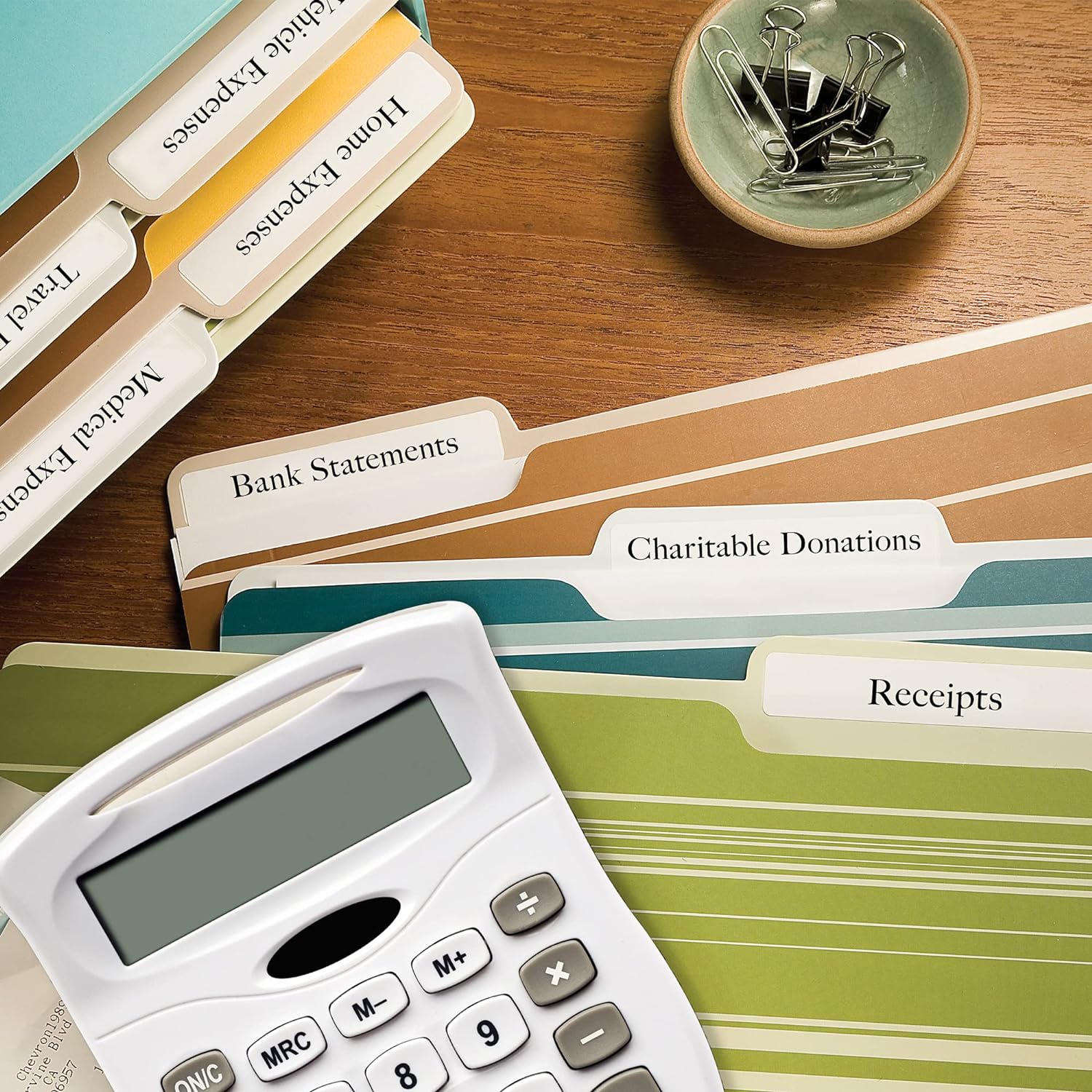
This set of file folder labels combines clean coverage and durable adhesion for organizing folders, binders and files with minimal show-through. These Avery labels include TrueBlock technology to hide underlying text, and they are sized for standard file tabs so labeling remains neat and legible for office or home filing needs.

Key Points
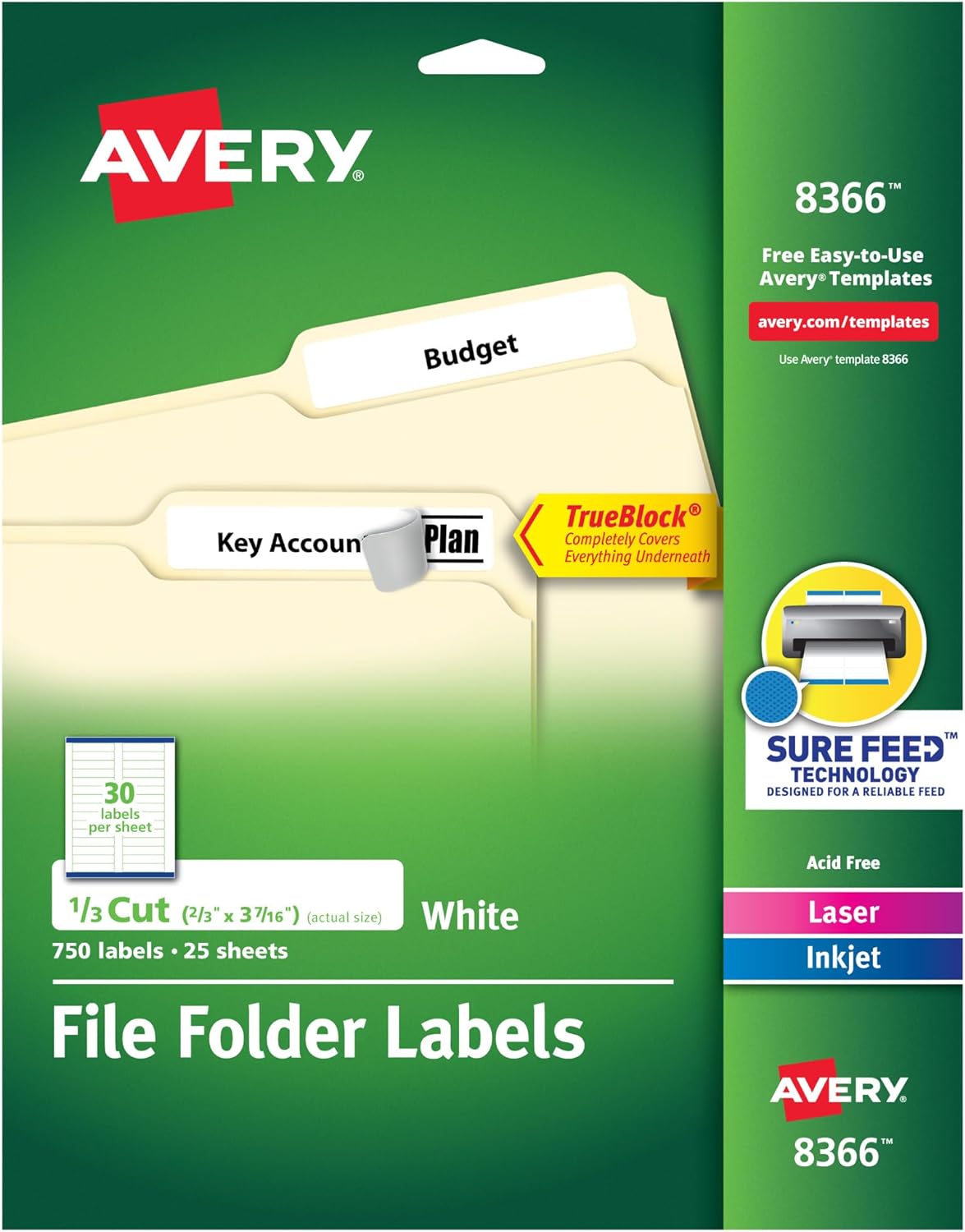
TrueBlock technology allows you to write or print over previously marked areas by completely covering underlying text, according to the manufacturer. The labels use a permanent adhesive that keeps them in place on paper and typical folder materials, which helps prevent lifting during handling. These sheets work with both laser and inkjet printers, giving flexible options for printed names, barcodes or color-coded systems. Two color options are noted in the source information, so you can use visual coding to speed up retrieval. ๐Ÿ—‚๏ธ

Technical Specifications

  • Name: Avery 08366 / 8366 File Folder Labels
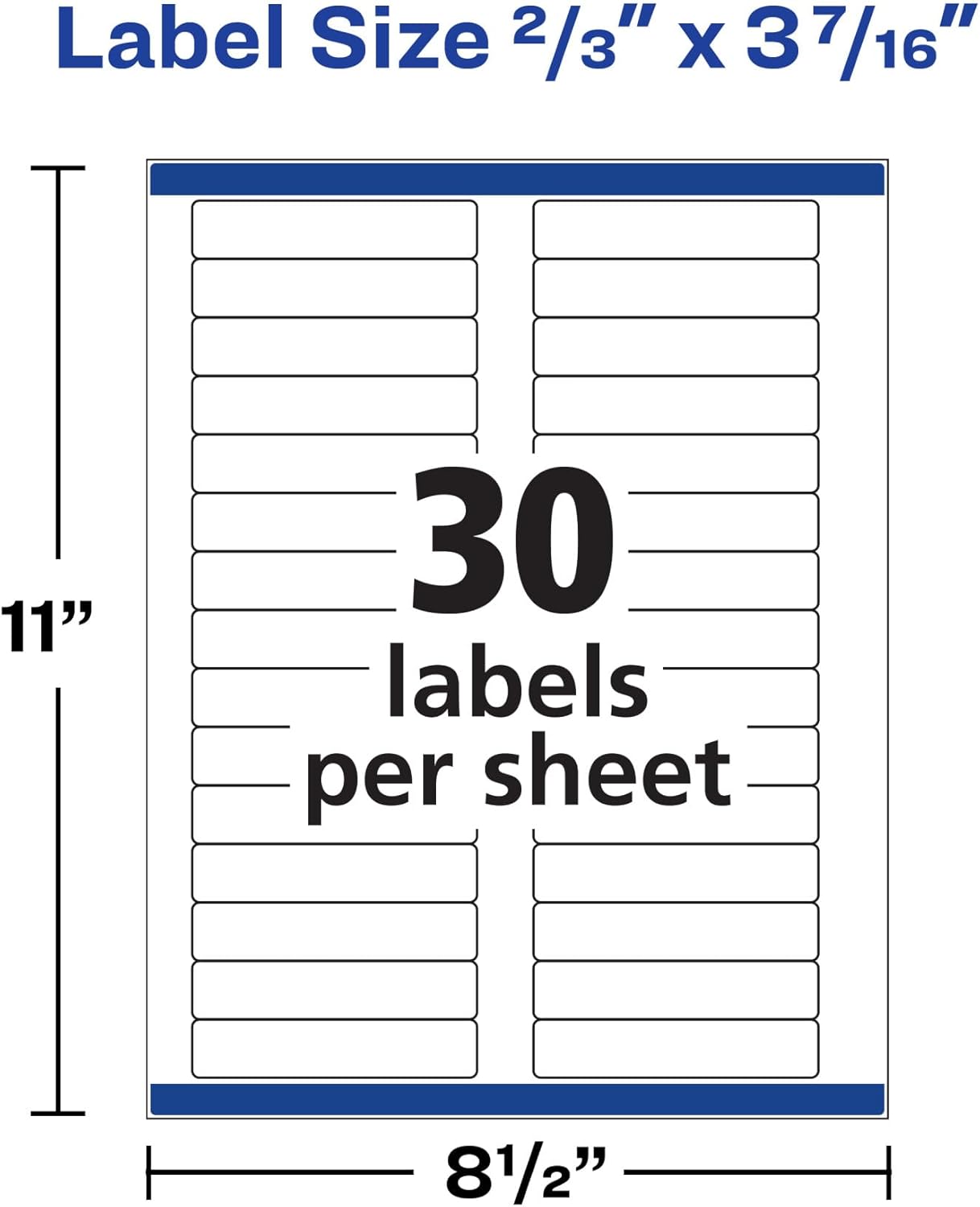
  • Size: - 2/3" x 3-7/16" (51 x 38 mm)
  • Labels per pack: - 750 labels
  • Material: - Paper
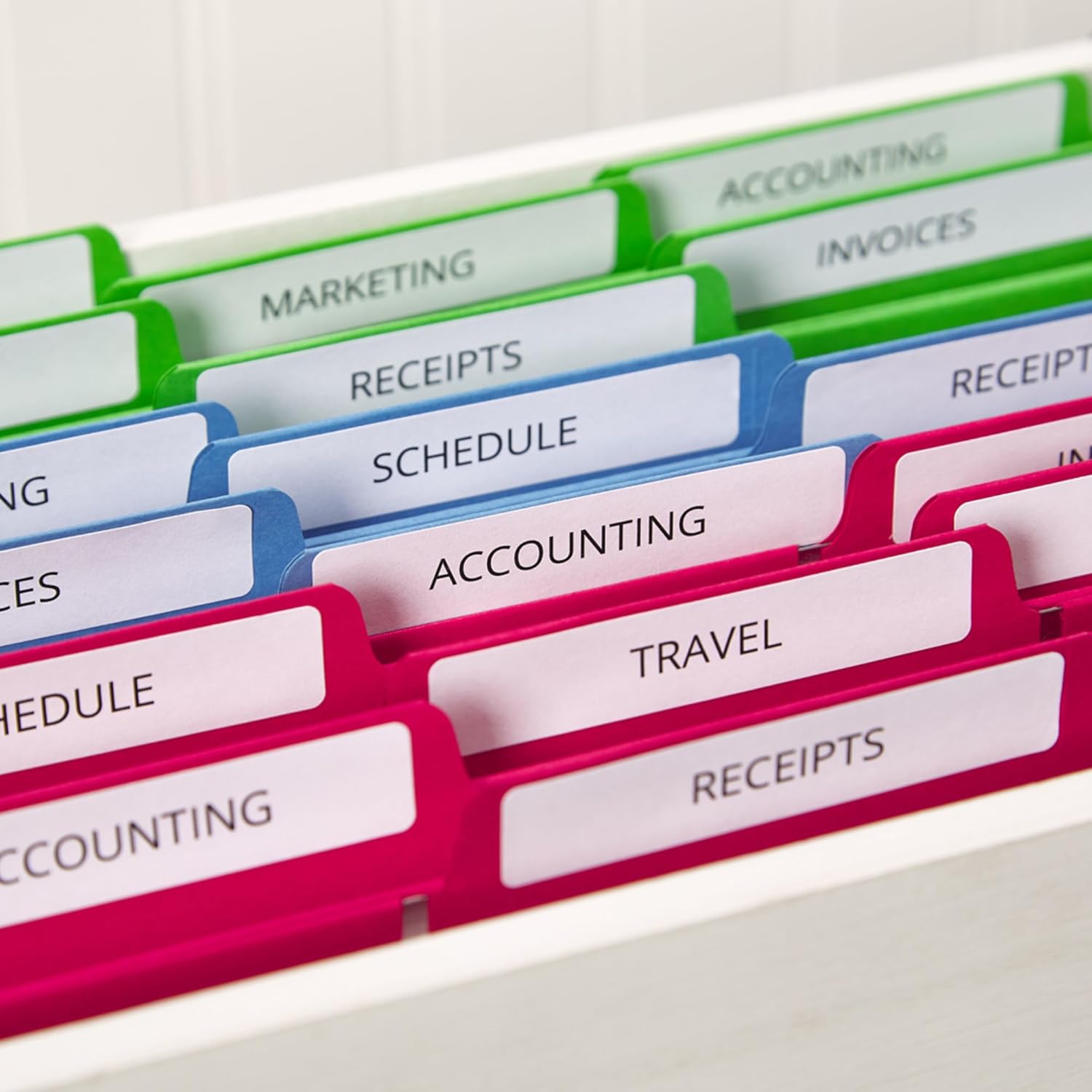
  • Color: - Pink and yellow

Usage Recommendations
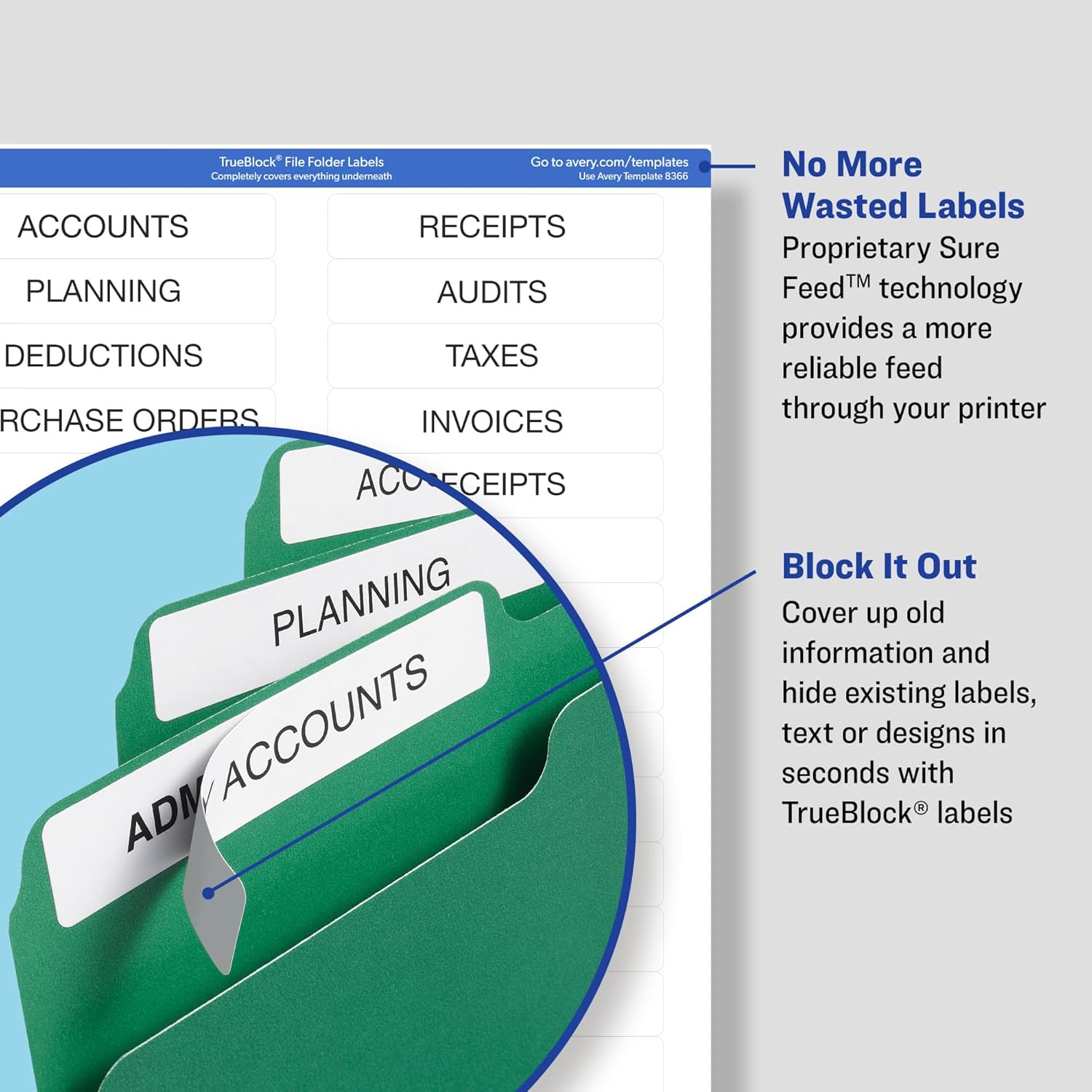
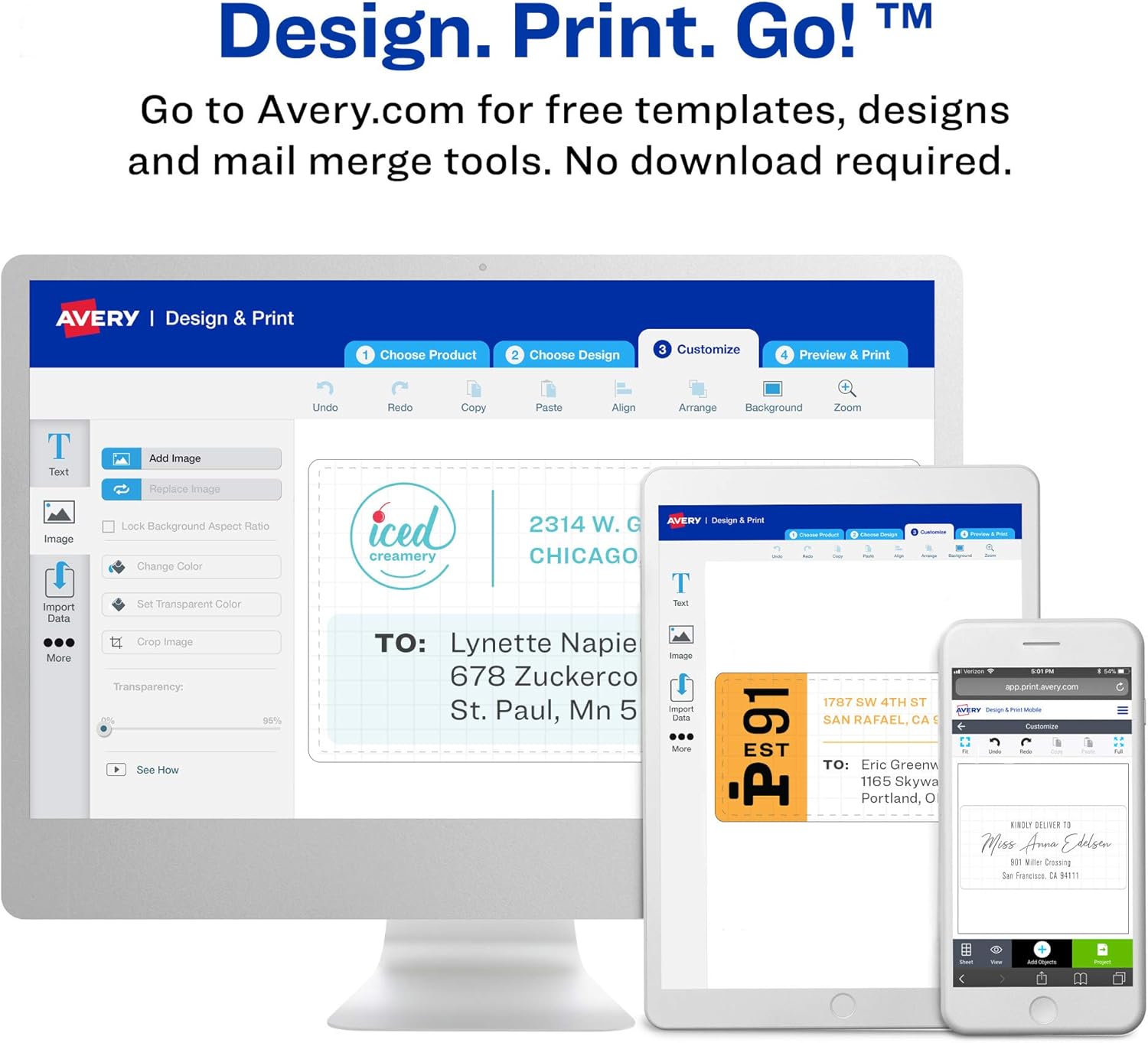
For best printing results, feed sheets according to your printer manual and select the correct label template in your software to align text with the label layout. If you are handwriting, use a permanent marker or a ballpoint pen to reduce smudging on inkjet-printed surfaces. When covering existing text, allow ink to dry before applying another layer to avoid ghosting, and test a single label first if you plan to use it on very thin or textured folders. ๐Ÿ–จ๏ธ

Positive Aspects

The compact 51 x 38 mm format suits narrow file tabs and lets you fit short names, department codes or dates without overcrowding. Using pre-cut labels reduces manual trimming and speeds up repetitive labeling tasks. Because they are compatible with both laser and inkjet printers, you can produce professional-looking labels without special equipment. As a nuance, note that effectiveness of complete coverage is stated by the manufacturer and results can vary with very heavy inks or unusual substrates. โœ๏ธ

View in store

Price evolution

Historical minimum: $17.99

Description:

This set of file folder labels combines clean coverage and durable adhesion for organizing folders, binders and files with minimal show-through. These Avery labels include TrueBlock technology to hide underlying text, and they are sized for standard file tabs so labeling remains neat and legible for office or home filing needs.

Key Points

TrueBlock technology allows you to write or print over previously marked areas by completely covering underlying text, according to the manufacturer. The labels use a permanent adhesive that keeps them in place on paper and typical folder materials, which helps prevent lifting during handling. These sheets work with both laser and inkjet printers, giving flexible options for printed names, barcodes or color-coded systems. Two color options are noted in the source information, so you can use visual coding to speed up retrieval. ๐Ÿ—‚๏ธ

Technical Specifications

  • Name: Avery 08366 / 8366 File Folder Labels
  • Size: - 2/3" x 3-7/16" (51 x 38 mm)
  • Labels per pack: - 750 labels
  • Material: - Paper
  • Color: - Pink and yellow

Usage Recommendations
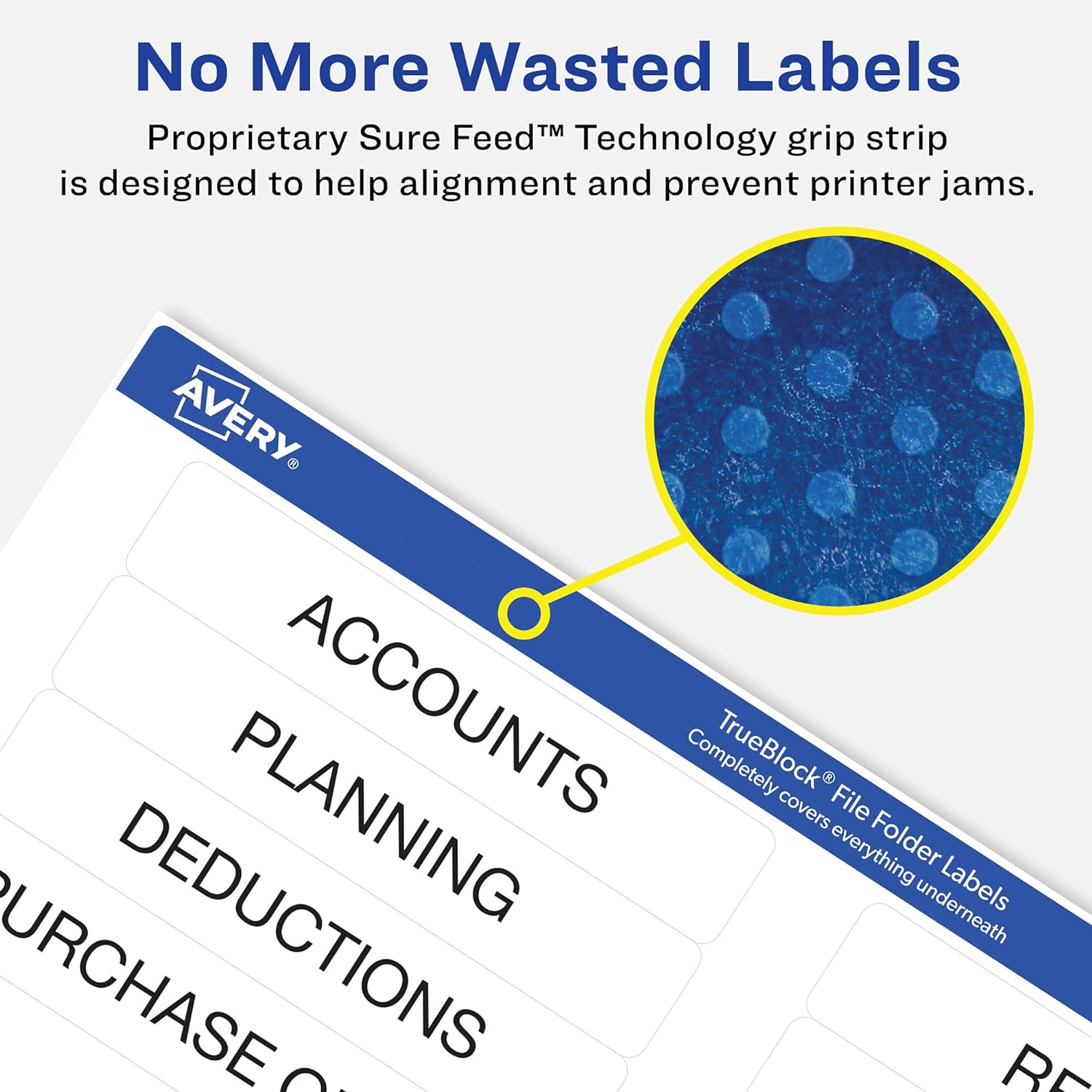
For best printing results, feed sheets according to your printer manual and select the correct label template in your software to align text with the label layout. If you are handwriting, use a permanent marker or a ballpoint pen to reduce smudging on inkjet-printed surfaces. When covering existing text, allow ink to dry before applying another layer to avoid ghosting, and test a single label first if you plan to use it on very thin or textured folders. ๐Ÿ–จ๏ธ

Positive Aspects

The compact 51 x 38 mm format suits narrow file tabs and lets you fit short names, department codes or dates without overcrowding. Using pre-cut labels reduces manual trimming and speeds up repetitive labeling tasks. Because they are compatible with both laser and inkjet printers, you can produce professional-looking labels without special equipment. As a nuance, note that effectiveness of complete coverage is stated by the manufacturer and results can vary with very heavy inks or unusual substrates. โœ๏ธ