

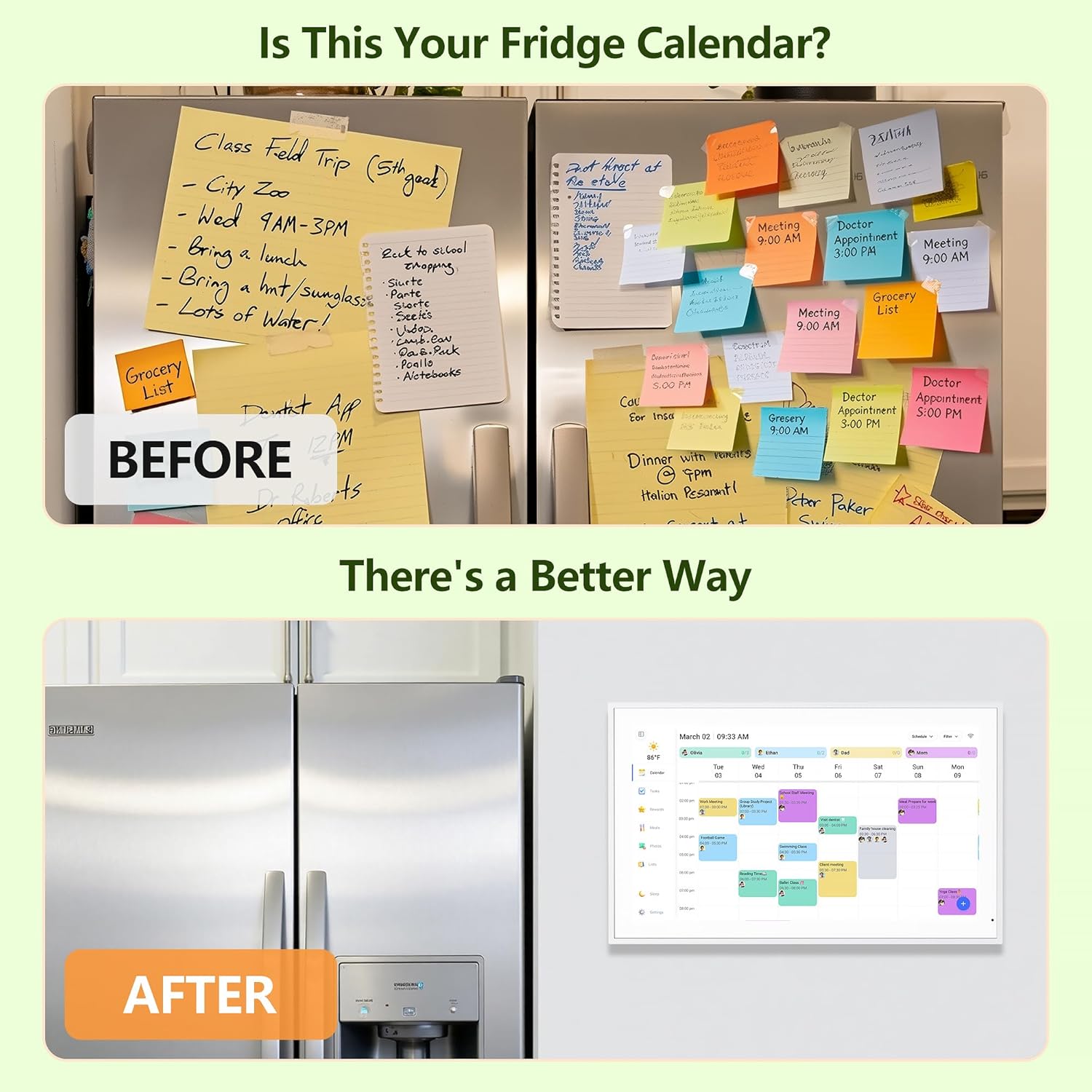
15.6-inch Digital Calendar Planner
Product description
Key points
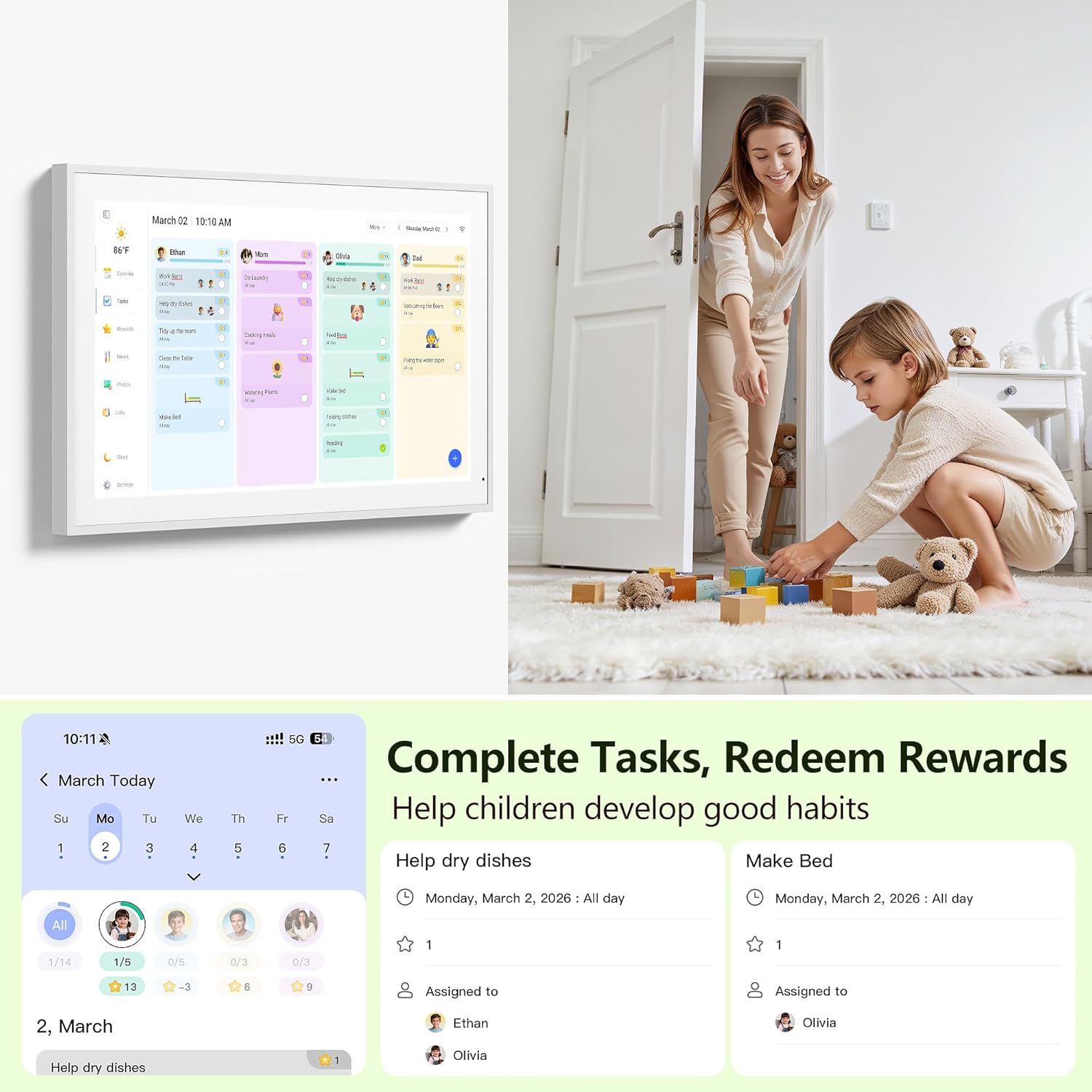
A smart family planner that keeps routines, chores, and schedules visible in one place. The Digital Calendar 15.6 Inch Wall Planner Electronic Calendar and Chore Chart uses a touchscreen display to help your household stay on track without relying on scattered notes or separate calendars. You can assign tasks, add events, and plan around weekly needs with views designed for everyday life. It also supports interactive elements like chore tracking that can help motivate kids to participate 🙂
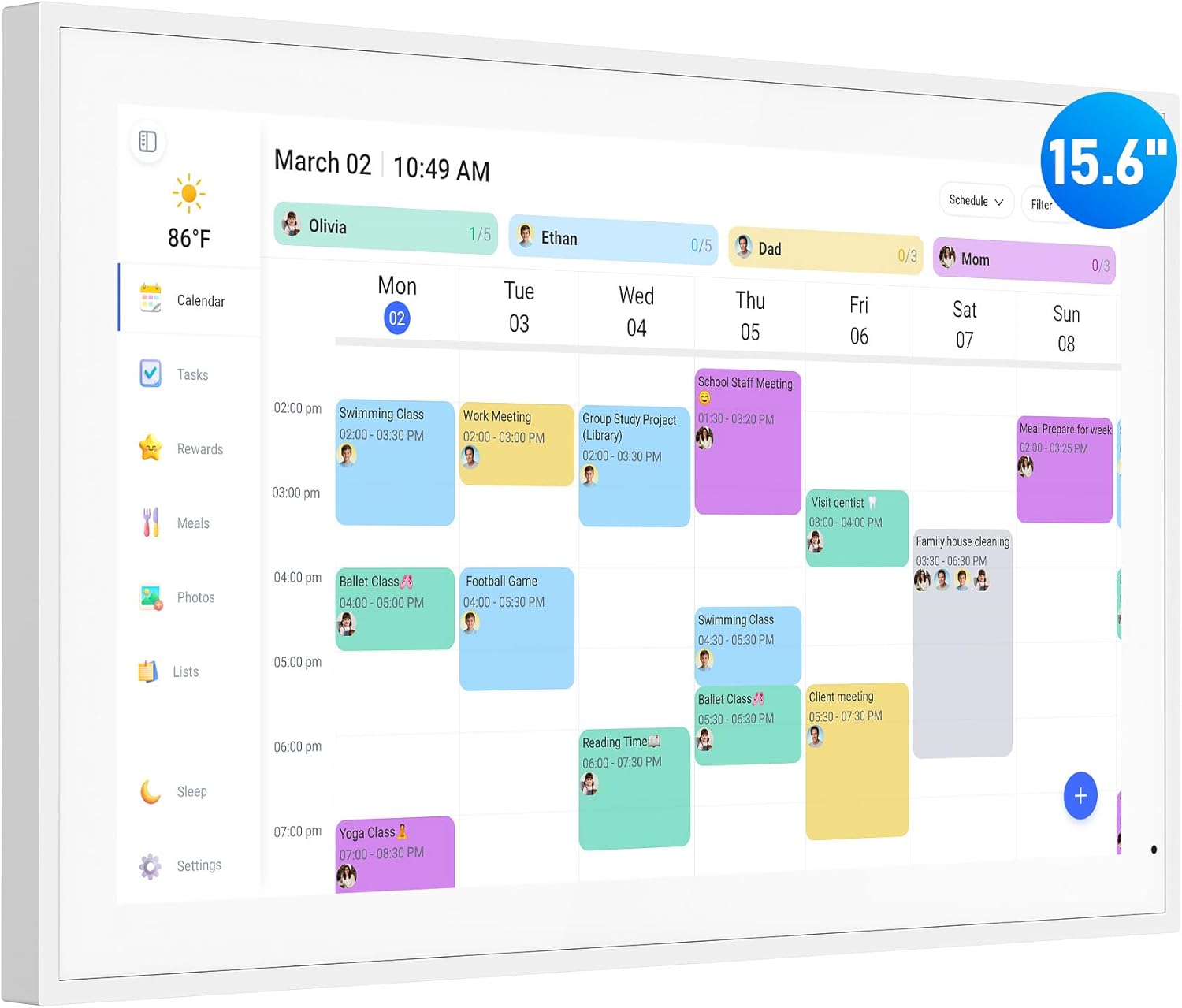
With this wall and desk mountable calendar, planning can happen in the same space where your family already lives, like the kitchen or hallway. You can color-code items, create lists, and manage events across multiple calendars. It is built to be simple to use day after day, and it does not require subscription fees to use. When you want everyone to share the same understanding of what is happening, this kind of shared display can make routines feel more coordinated.
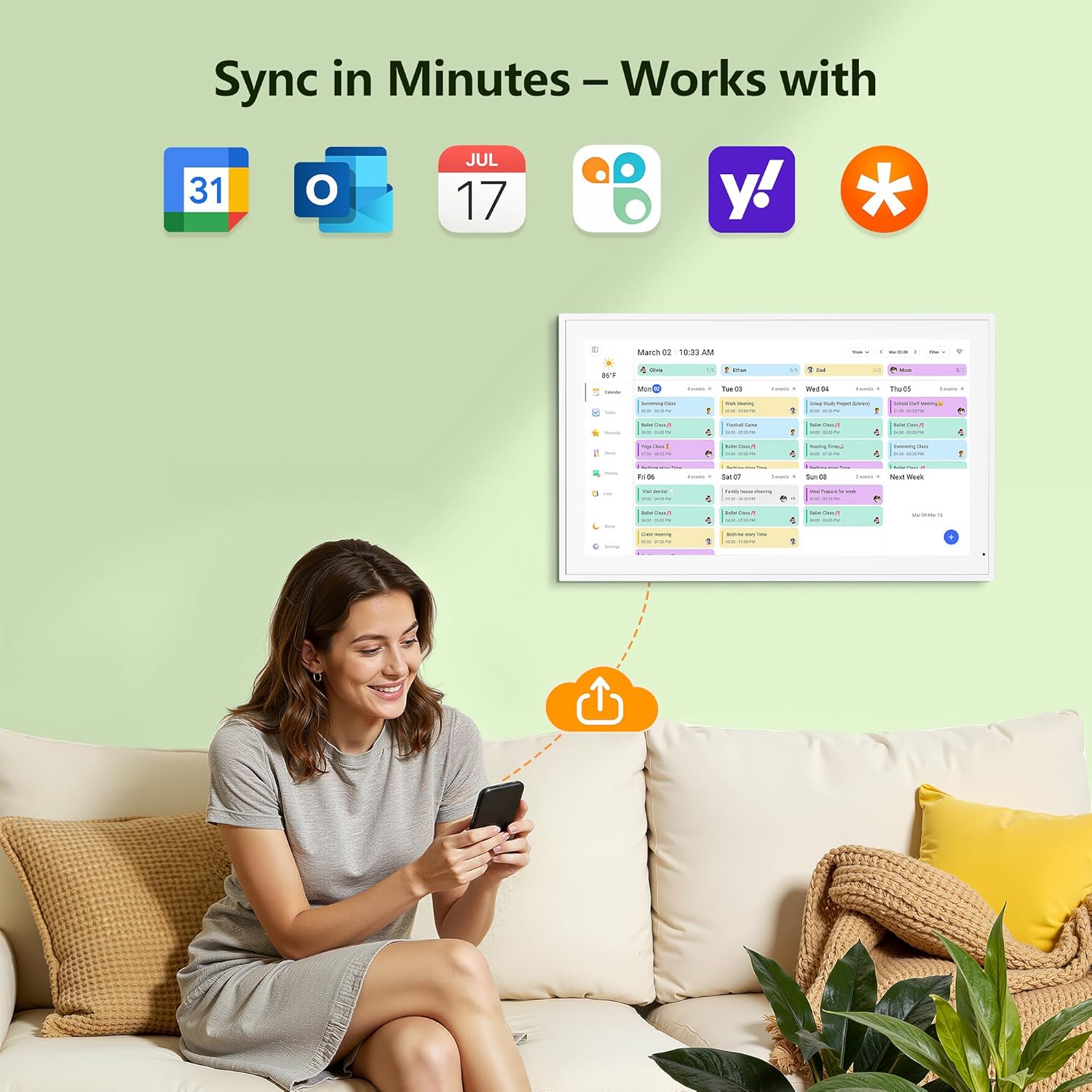
There is a lot to appreciate about the setup and the daily workflow. You plug in the device, connect to WiFi, and sync calendars in minutes, then you can add events directly on the device or through the eCalendar app 📅. The planning features also go beyond dates, including a chore chart, weekly meal plans, and photo viewing so the display feels personal.
If you care about quick access, shared visibility, and organized routines, this electronic calendar supports those goals through practical features you can use immediately 🌟. It also includes weather forecasting for the next three days, plus a sleep mode schedule so the screen behaves consistently overnight.
Tech specs
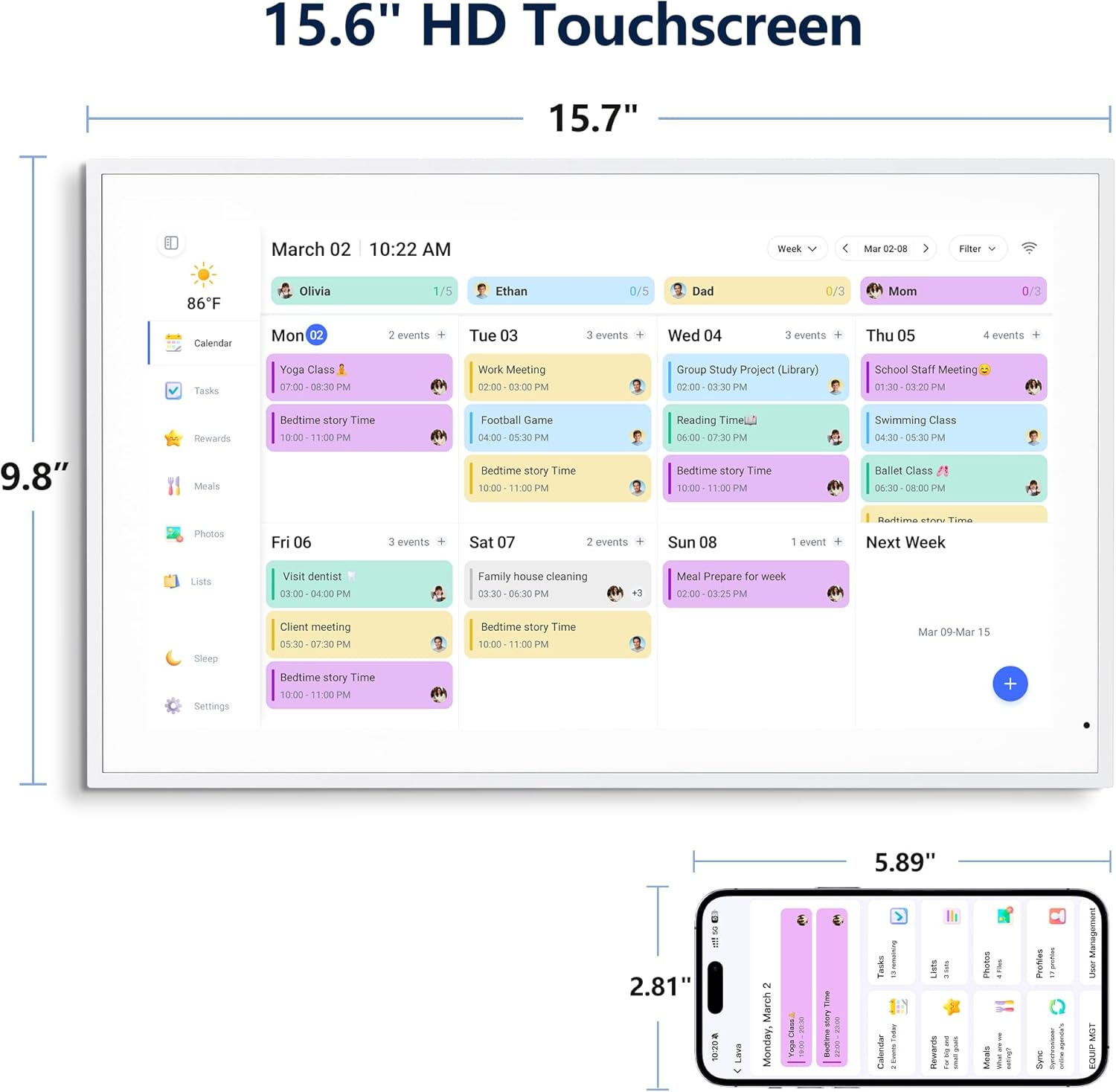
- Screen size: 15.6 Inch
- Display type: HD touchscreen
- Weather forecast: next three days
- Sleep mode: screen sleeps at the same time each night and wakes at the same time each morning
- Mounting options: wall mount or desk mount
- Views and features: supports different views and features for family planning
- Power setup: plug in for use
Pros
A shared calendar display reduces the back and forth that happens when everyone tracks schedules differently. With color assignment for tasks and events, it is easier to see what matters at a glance and keep the week organized. The chore chart and task planning can turn routines into something kids can track, helping them stay engaged with visible progress and rewards 🙂
If you prioritize family coordination, the interactive layout supports adding events directly on the device or using the eCalendar app. You can also sync calendars using Google, Outlook, iCloud, Cozi, and Yahoo after connecting to WiFi, which helps keep the information consistent across platforms. Then, as real life changes, you can update what is happening without hunting through multiple places 📌.
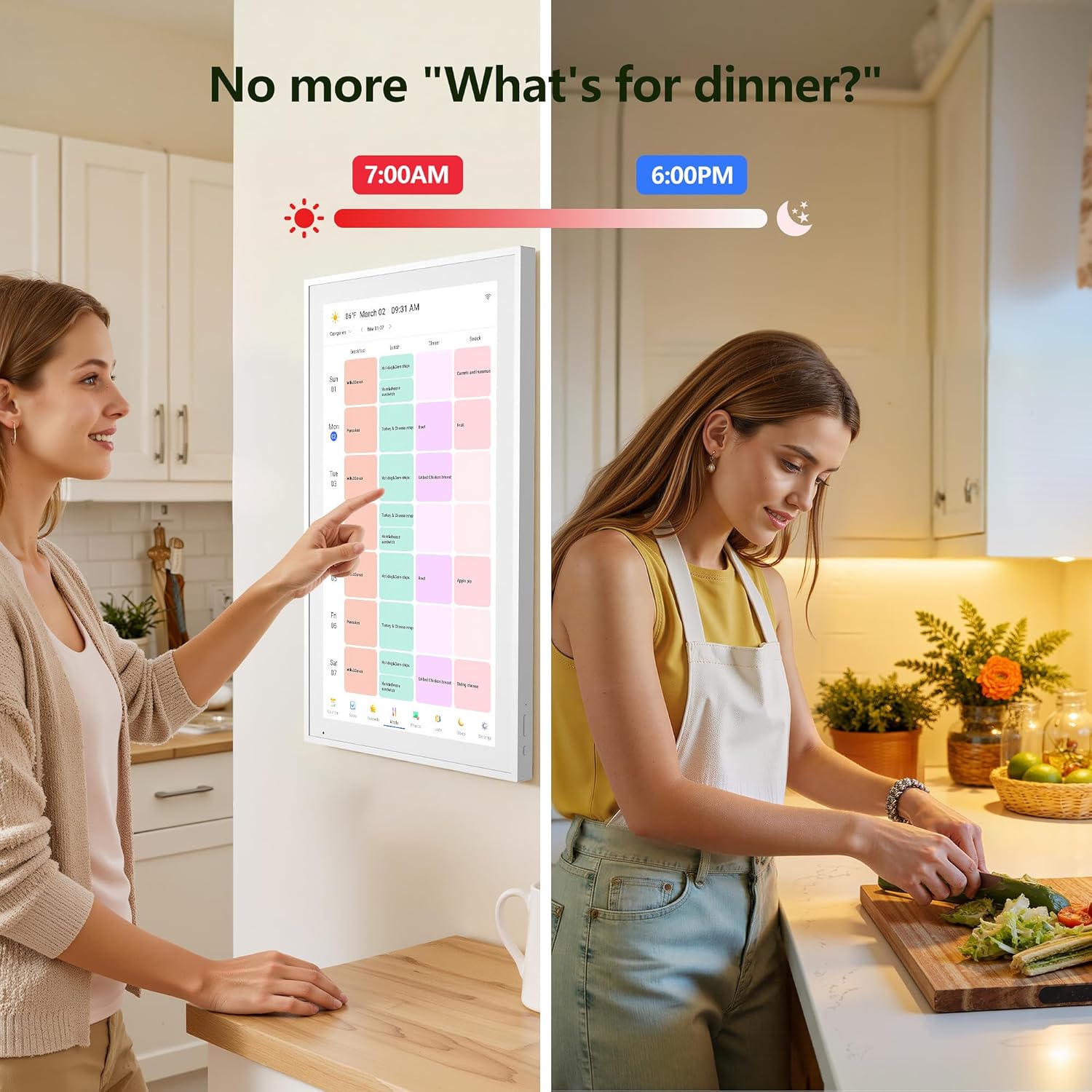
For daily routines, the meal planning feature helps with the question of what is for dinner. The weekly meal plan display gives everyone a dedicated place to check, so mealtime planning is less stressful and more predictable. You can also use custom lists for different moments, like packing for a beach trip or getting ready for the holidays, so the device becomes a living reminder system.
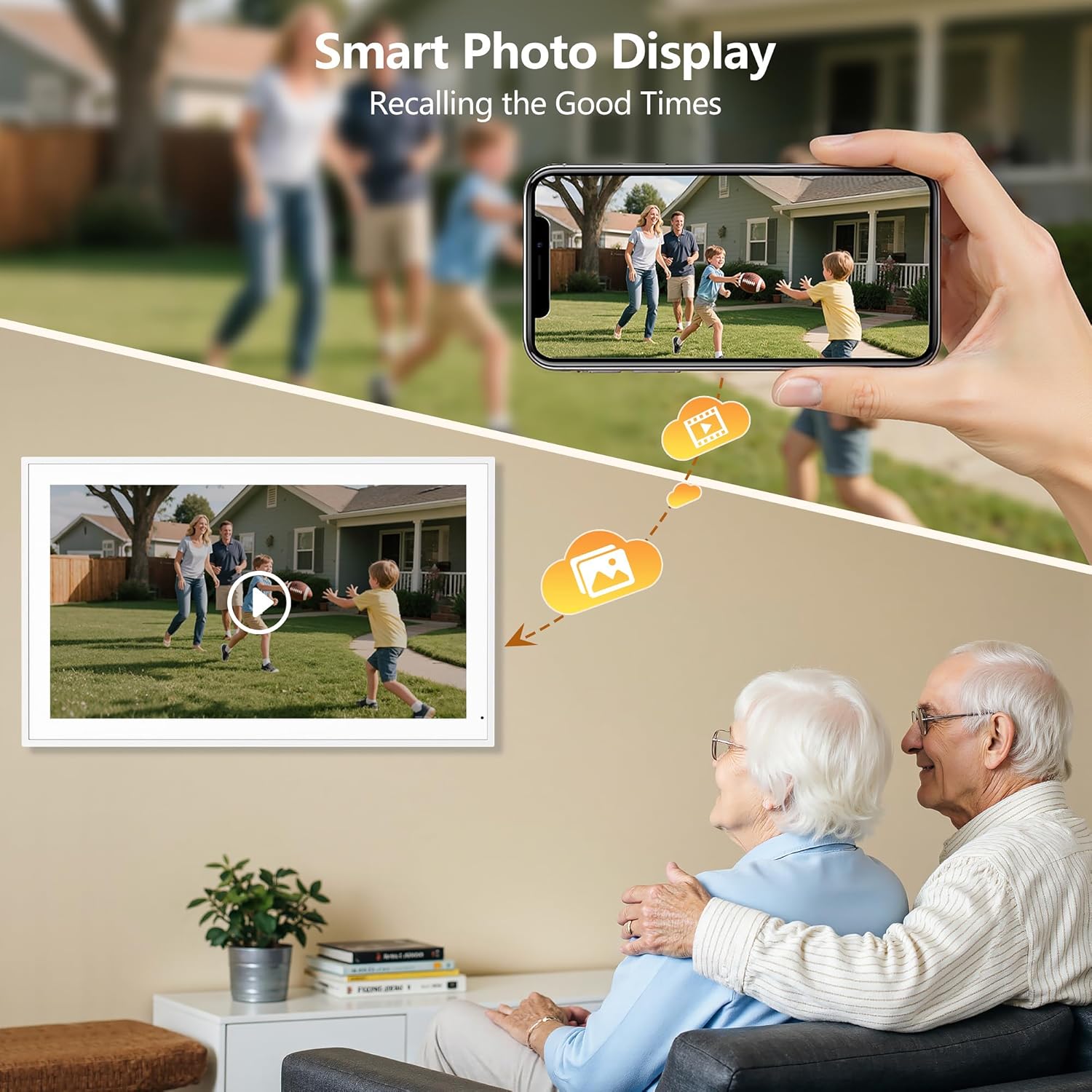
There are also comfort and personalization touches that fit normal households. You can display favorite photographs when the calendar is not in use, and you can organize photos into albums to choose what gets featured. Weather forecasting for the exact time and location of events helps you plan around the next few days, and sleep mode supports consistent daily routines by automatically managing when the screen turns on and off 🌤️.
What you’ll notice day to day
Worth considering if your household benefits from a single, shared planning hub where people can see schedules, chores, and weekly meal plans. It makes sense if you want a display that supports interactive task tracking and keeps planning visible in your home, not buried on a phone.
You may want to skip it if you prefer fully private planning, since the calendar is designed to be mounted where others can view it. Also keep in mind that initial setup requires plugging in the device and connecting to WiFi before you can sync calendars and use interactive features like adding events and updating routines.