

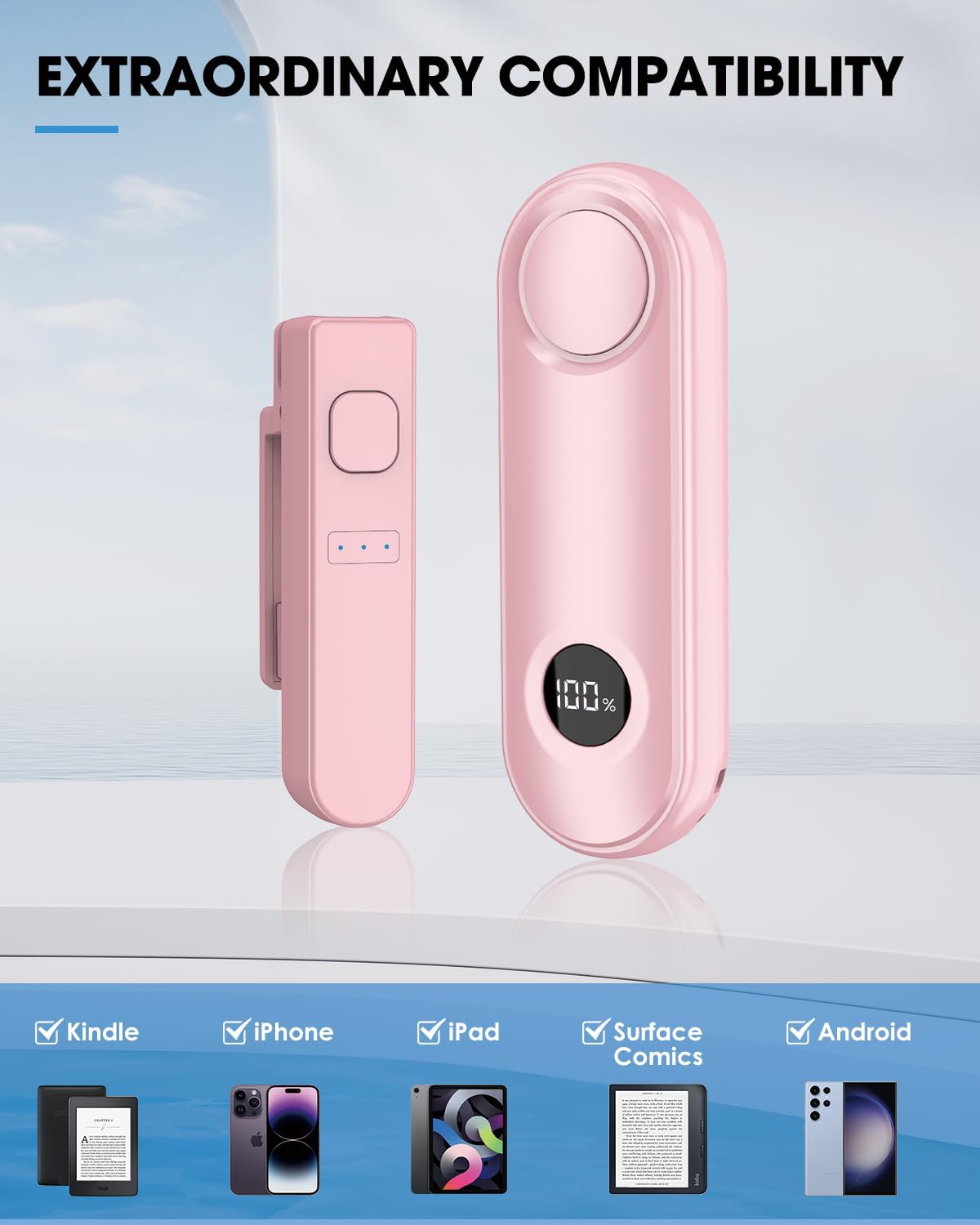
Inncarvs Remote Page Turner (Pink) – Clip-On Controller for Kindle and Capacitive Screens
Product description
The essentials
If you’re the kind of reader who hates breaking your flow, a remote page turner is one of those small upgrades that can feel weirdly satisfying. The Inncarvs Remote Page Turner is designed as a clip-on controller that lets you turn pages with a button press—no reaching for your screen mid-chapter.
On paper, it’s also a pretty practical multi-use accessory: the same remote can work as a camera/video shutter controller for your phone, so you can take solo shots or group photos from a distance without touching the device. Just keep expectations realistic—this is a forward-only style page controller, not a full two-way remote.
There’s also an important compatibility limitation to keep in mind: it’s not compatible with Kindle 8th Generation. If that’s your model, you’ll want to look elsewhere.
Key points
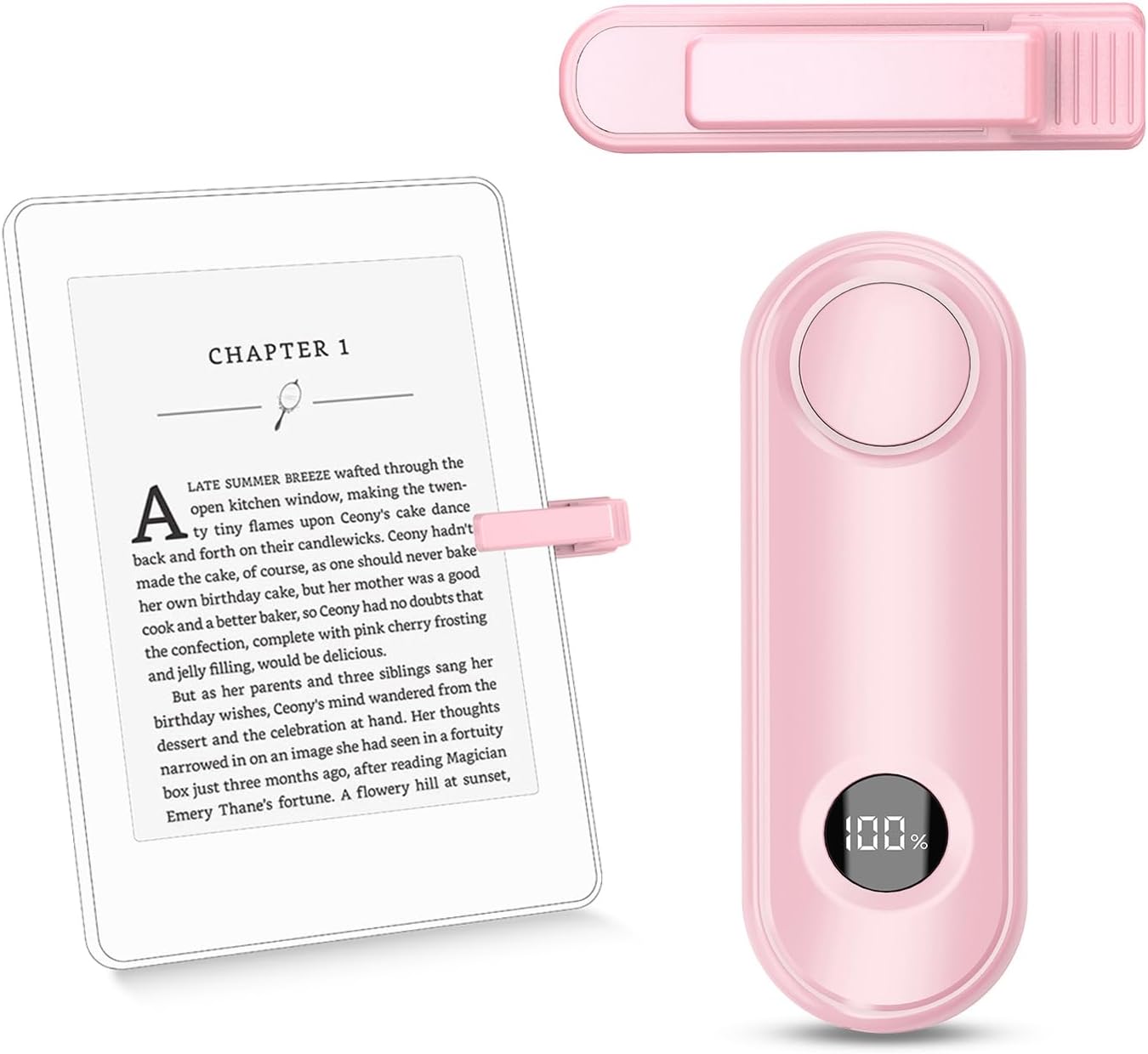
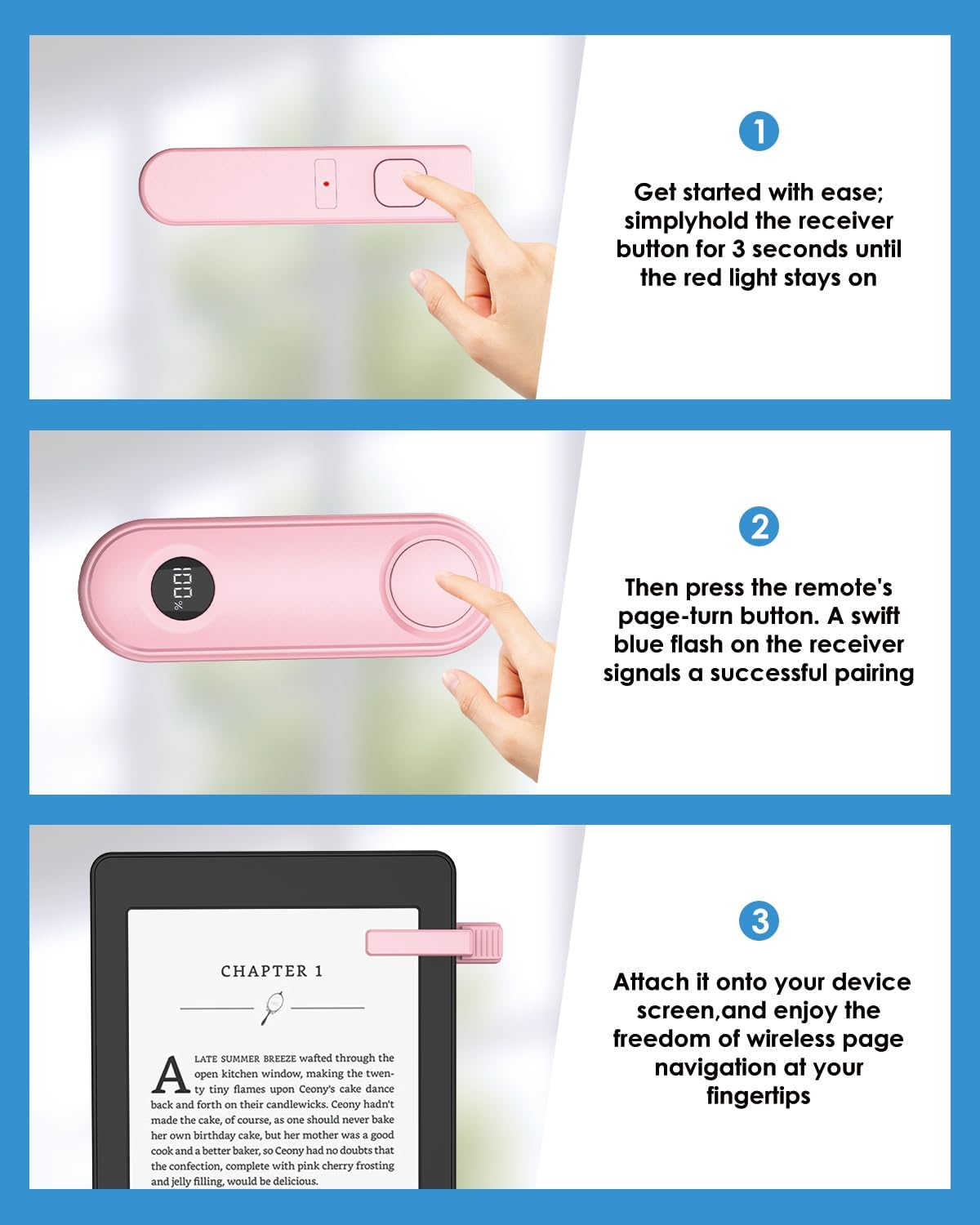
The Inncarvs remote page turner is built around simple, interruption-free page turning. Instead of pairing like a complicated Bluetooth accessory, it’s described as a clip-on device that reacts quickly to a press. You’ll also need a one-time pairing before it works for page turning, and the buttons are forward-only, meaning backward page turns aren’t supported.
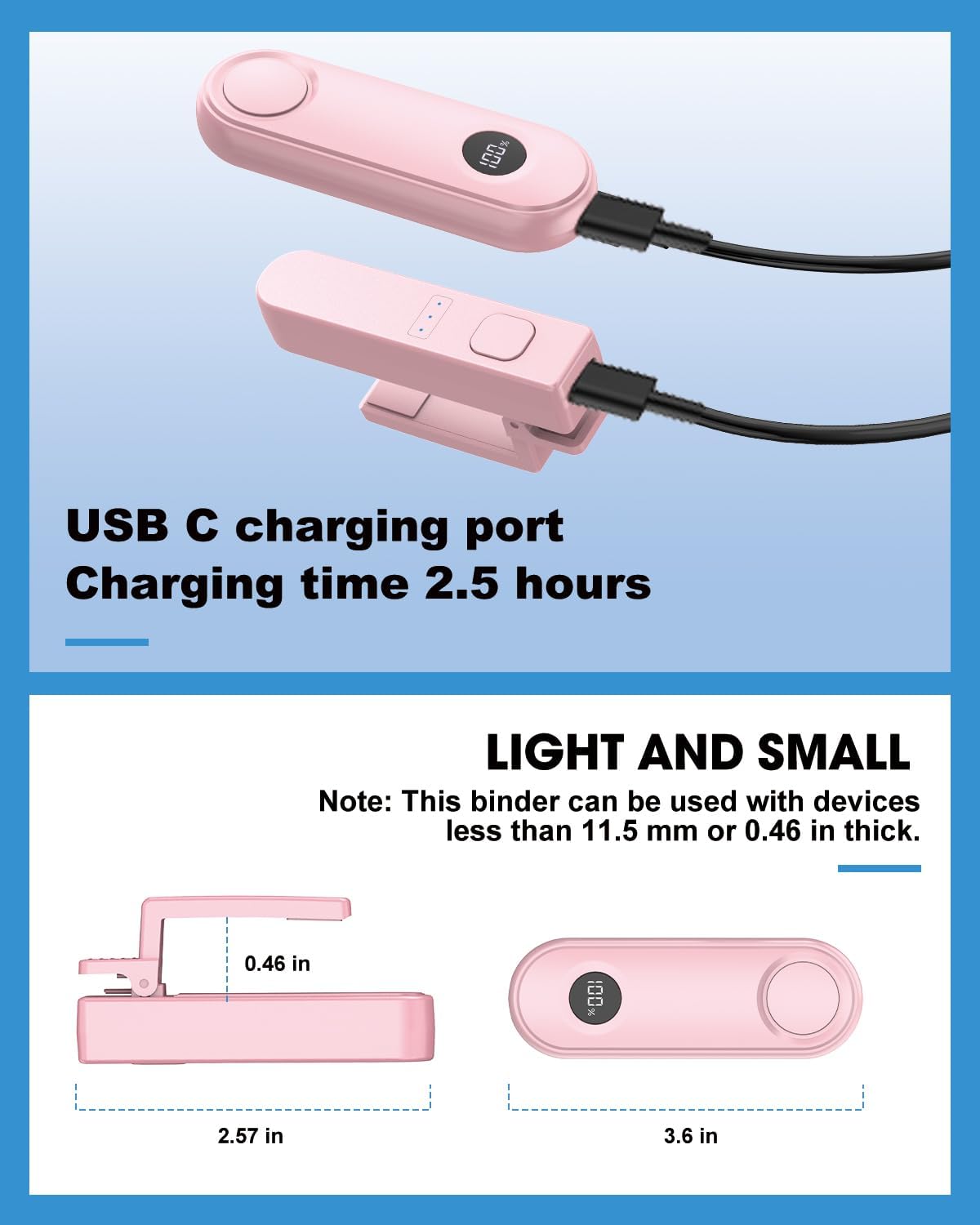
For charging, it uses USB-C. That matters because it’s one less thing to manage—no constant battery replacements. The brand also provides standby estimates for the two parts it mentions (Screen Sensor Clip and RF Remote), which is useful if you tend to forget accessories until you need them.
Where it shines
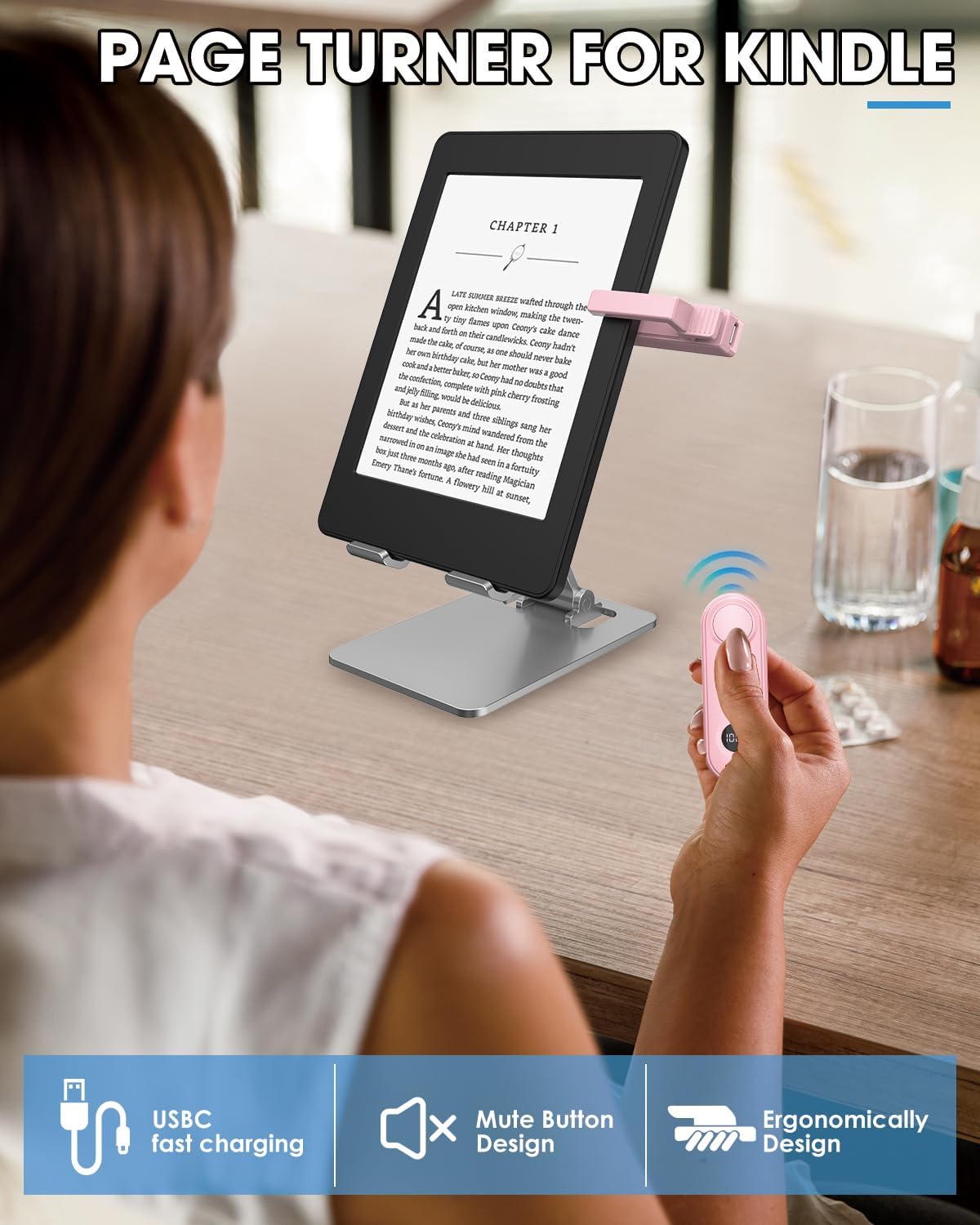
This is the kind of gadget that makes the “daily reading” experience feel smoother. For example: imagine sitting on the couch with your Kindle or e-reader resting in a comfortable position. Instead of lifting your hand to tap the screen, you click the page-forward button on the remote. Your page advances, and your attention stays on the story.
It also makes sense if you do a lot of photo-taking on your phone. The remote-shutter concept is meant for hands-free capture—especially useful for group photos where you don’t want to scramble to press the shutter at the right moment.
The best match is when your device uses a capacitive touch screen and you want a physical control that’s easy to reach.
What to consider before buying
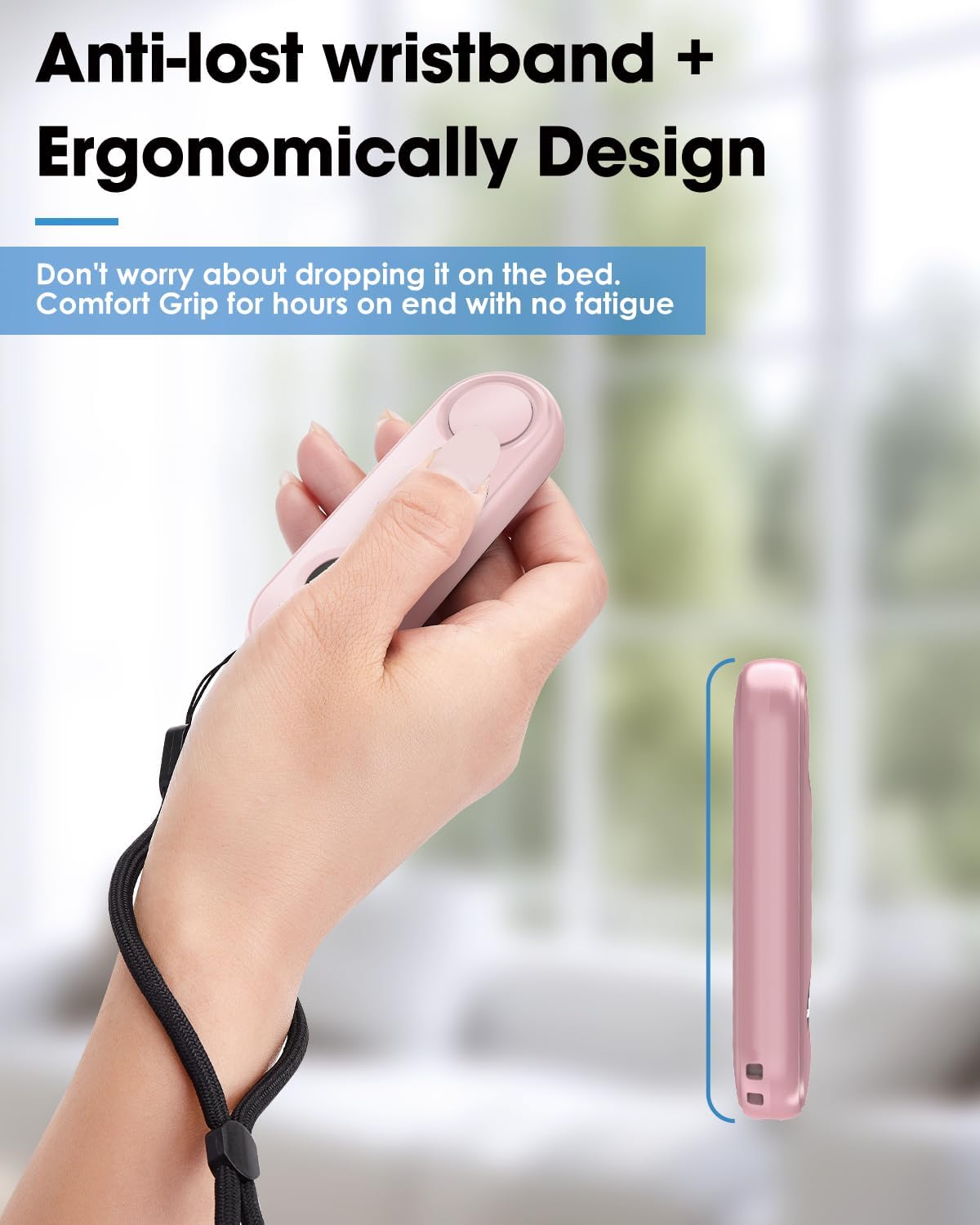
The biggest “watch-out” is compatibility. The listing specifically notes it’s not compatible with Kindle 8th Generation, and it also describes support for multiple e-book platforms and mobile devices—but without model-by-model detail here. If you’re unsure about your exact device, it’s smart to double-check that your reader supports the kind of control it’s designed for.
Another limitation: both page buttons advance forward, and backward page turning isn’t supported. If you regularly flip back to reread or correct your place, you may find it more annoying than helpful.
Also, while it’s described as not requiring Bluetooth pairing or complex setups, it does say it requires a one-time pairing before use. That’s usually manageable, but it’s still something to plan for the first time.
Tech specs
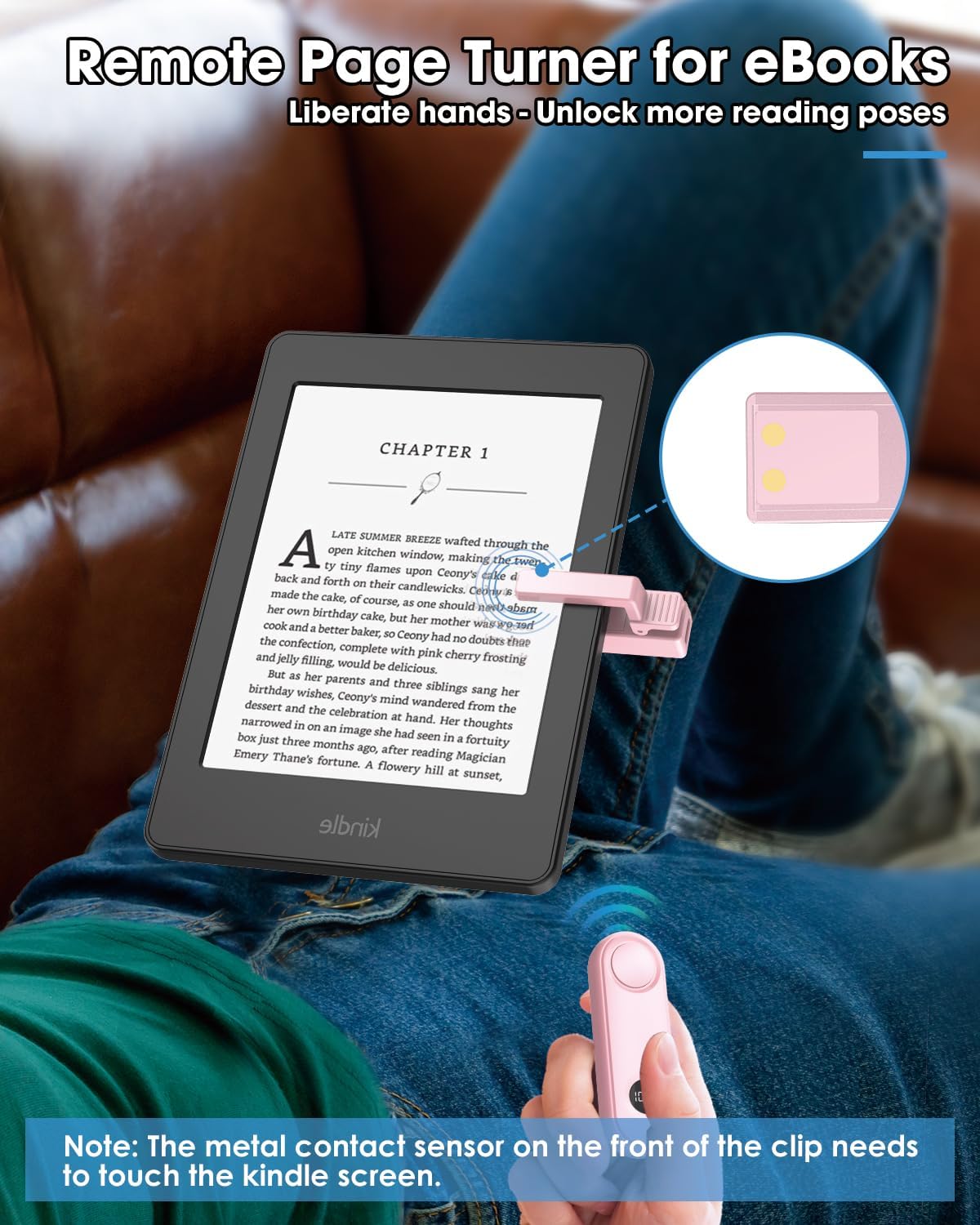
- Type: Remote page turner / camera remote shutter controller
- Charging: USB-C
- Buttons: Forward page, backward page turning not supported
- Compatibility note: Not compatible with Kindle 8th Generation
Final verdict
It’s worth buying if you want a simple, clip-on remote that lets you turn pages without tapping your screen, and you don’t need backward navigation. It also makes sense if you’ll use it beyond reading—particularly as a phone camera/video shutter controller for distance shots.
You may want to skip it if you have a Kindle 8th Generation model, or if backward page turning is important to your reading style. Also consider that this is positioned as a straightforward forward-only control rather than a fully featured page navigation remote.
Mini FAQ
FAQ
Does it work without Bluetooth setup?
The listing emphasizes no Bluetooth pairing or complex setups, but it also states you’ll need a one-time pairing before it works.
Can I turn pages backward?
No. The buttons both advance pages forward, and backward page turning isn’t supported.
Is it compatible with Kindle 8th Generation?
No, it specifically notes it isn’t compatible with Kindle 8th Generation.
Does it charge with USB-C?
Yes, charging is described as USB-C.
Does it double as a camera remote?
Yes, it’s described as a camera and video remote shutter controller for your smartphone, meant for hands-free solo or group shots.