

UltraPro BigEZ OneTouch Big Button Universal TV Remote (85053) – Backlit, Easy Setup, for Seniors
Product description
If you’re tired of hunting for tiny buttons or fumbling through confusing remotes, the UltraPro BigEZ OneTouch Big Button Universal TV Remote is built for the moments that actually matter: turning the TV on, changing volume, and switching channels with less strain.
This is a universal replacement remote aimed at seniors and anyone with low vision, but it’s also a practical “one remote to cover the basics” choice if you don’t want a complicated setup. You get big, high-contrast buttons, full backlighting for visibility, and one-touch controls that keep daily use straightforward.
That said, it’s not perfect for everyone—if you need tons of advanced smart-TV shortcuts or a very specific button layout for a niche device, a simpler universal can feel limiting. Here’s how to judge it before you buy.
The essentials: what it does (and why people buy it)
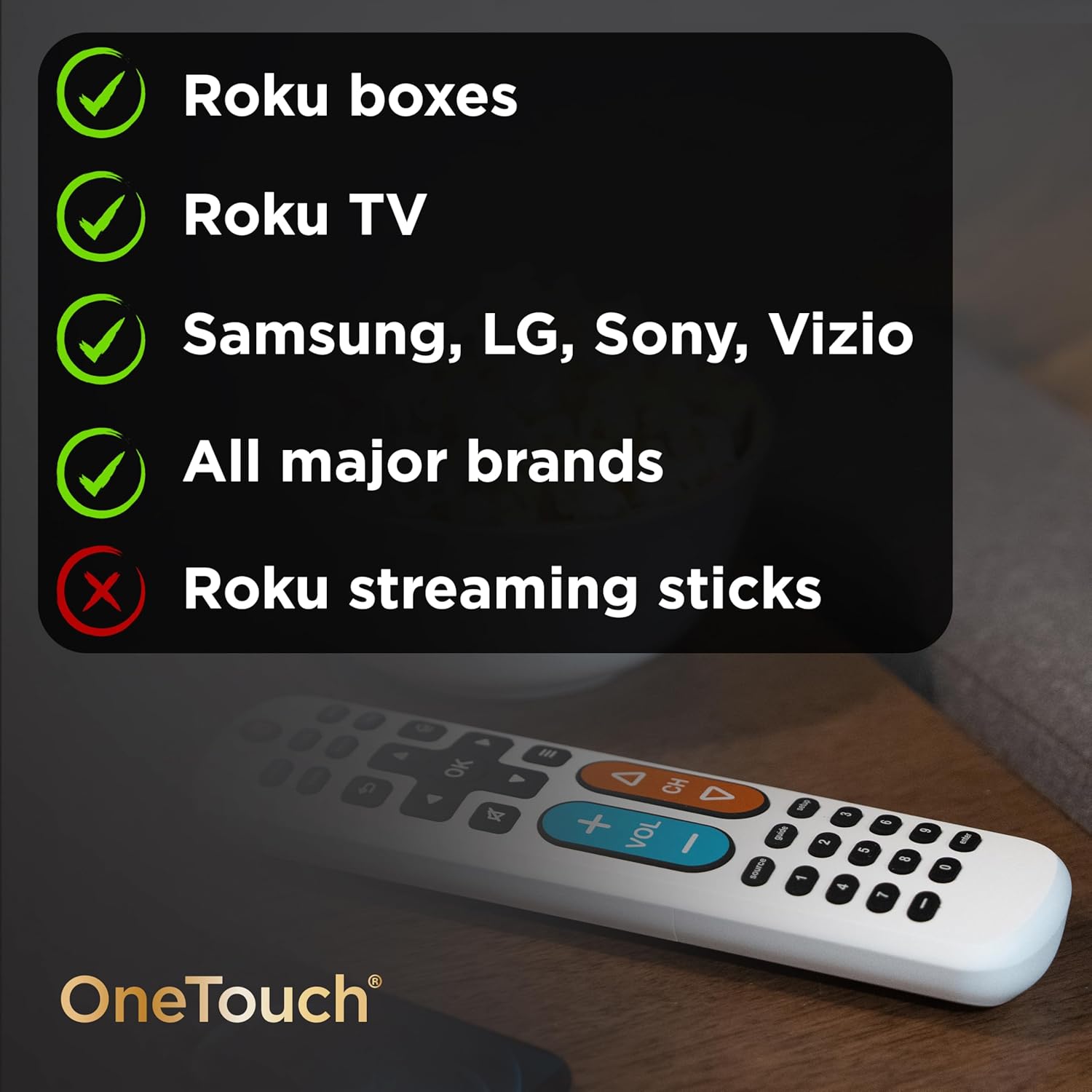
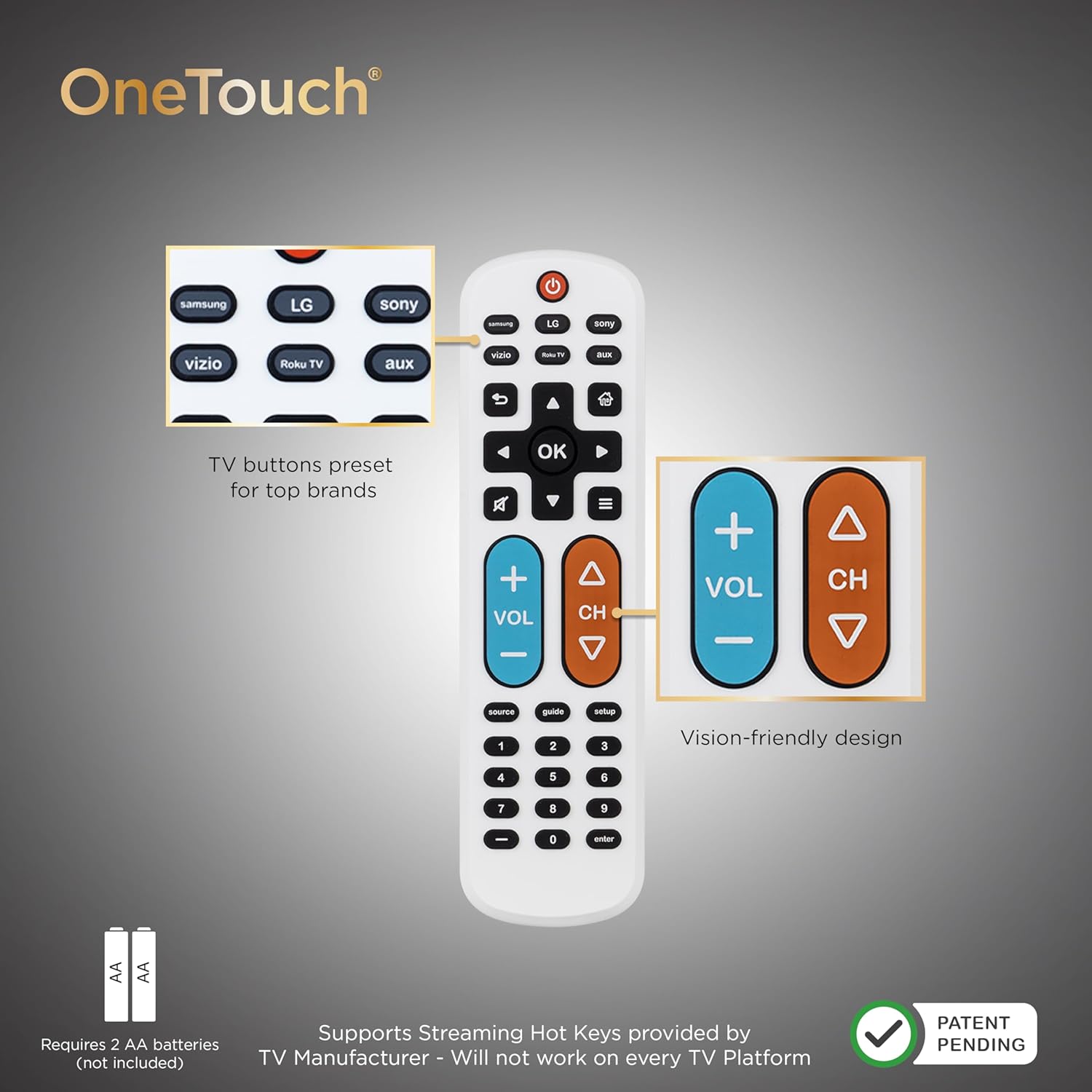
The UltraPro BigEZ OneTouch remote is a preprogrammed universal replacement remote designed to cover common TV brands. Based on the info provided, it includes pre-set TV device buttons for Samsung, LG, Vizio, Sony, and Roku TVs.
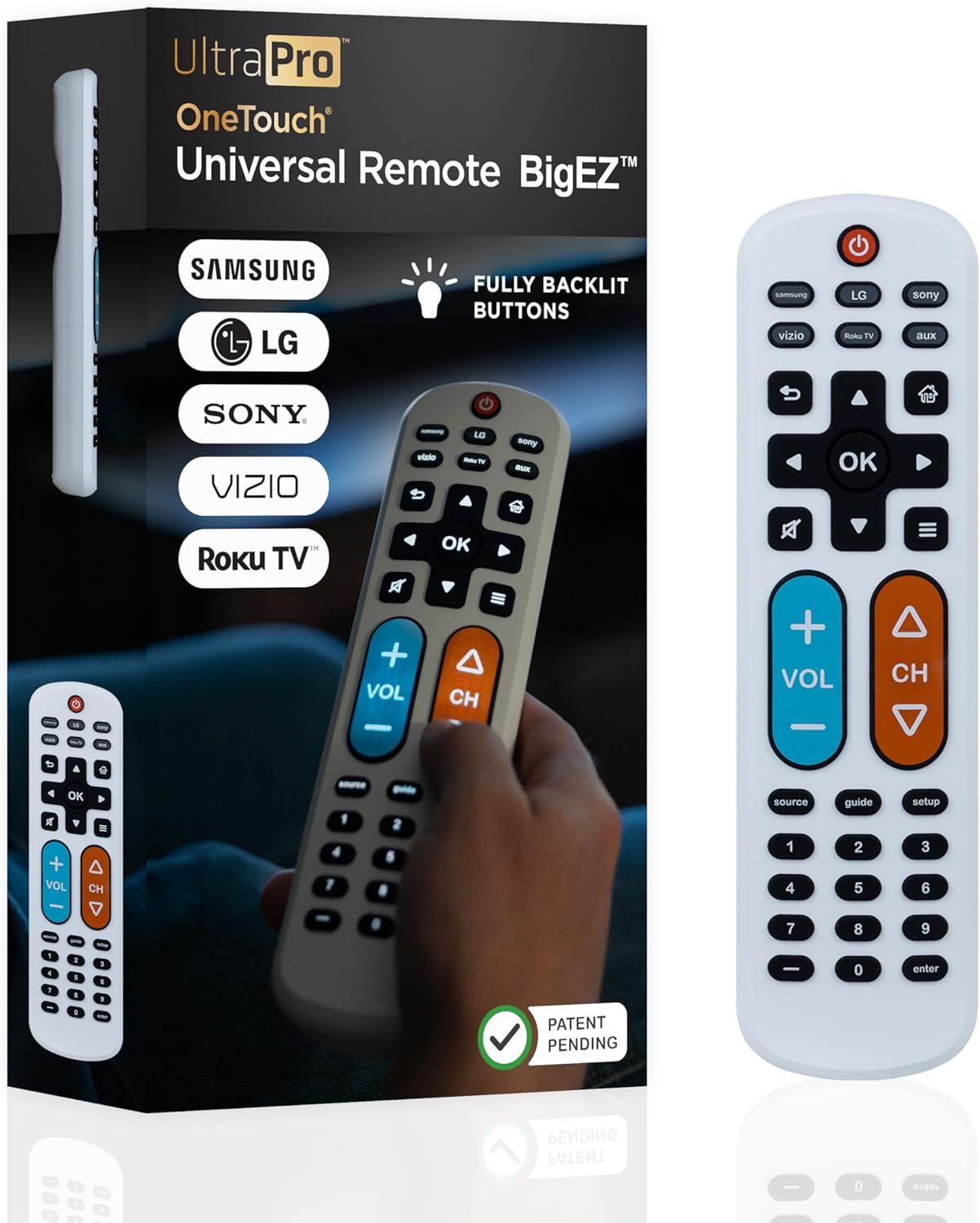
It also supports multi-device control with the ability to operate one additional device (for example, a Blu-ray/DVD player, a set-top box, a cable/satellite box, a streaming media player, a soundbar, and more). Directional navigation is included so moving around menus feels manageable.
Where it shines for day-to-day use is the user experience: extra-large white buttons, a color-friendly layout (a blue volume button and an orange channel button), and fully backlit keys so you can see what you’re pressing.
Key features you’ll notice immediately
Big buttons aren’t just a gimmick here—they’re the core of the design. If you’ve ever accidentally hit the wrong spot on a small remote, the UltraPro BigEZ OneTouch is trying to remove that frustration.
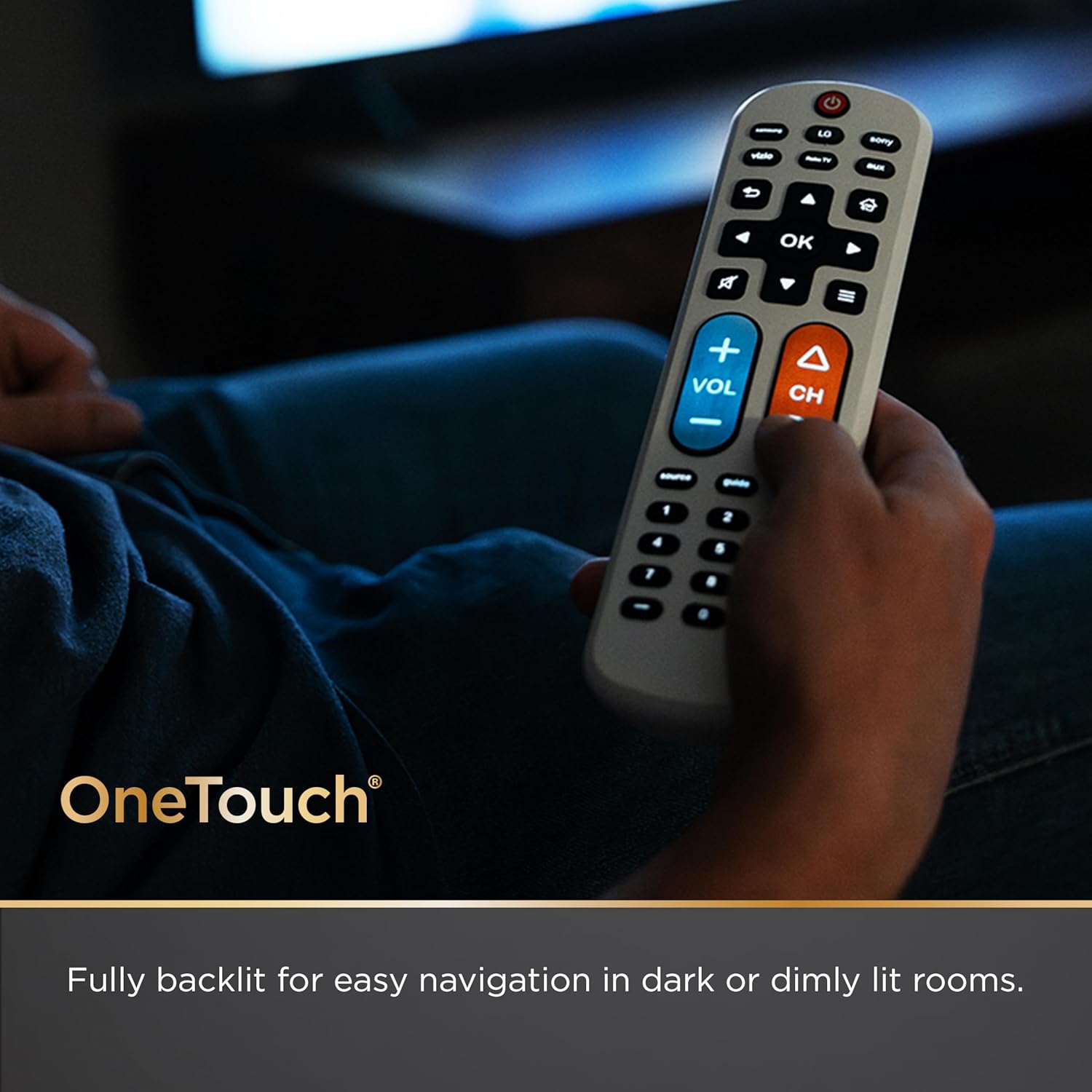
Backlit buttons are another practical win. Turning on the TV in low light, finding the volume key, or pressing channel controls at night is usually where standard remotes fall apart. This one is explicitly designed to be easier to read fast.
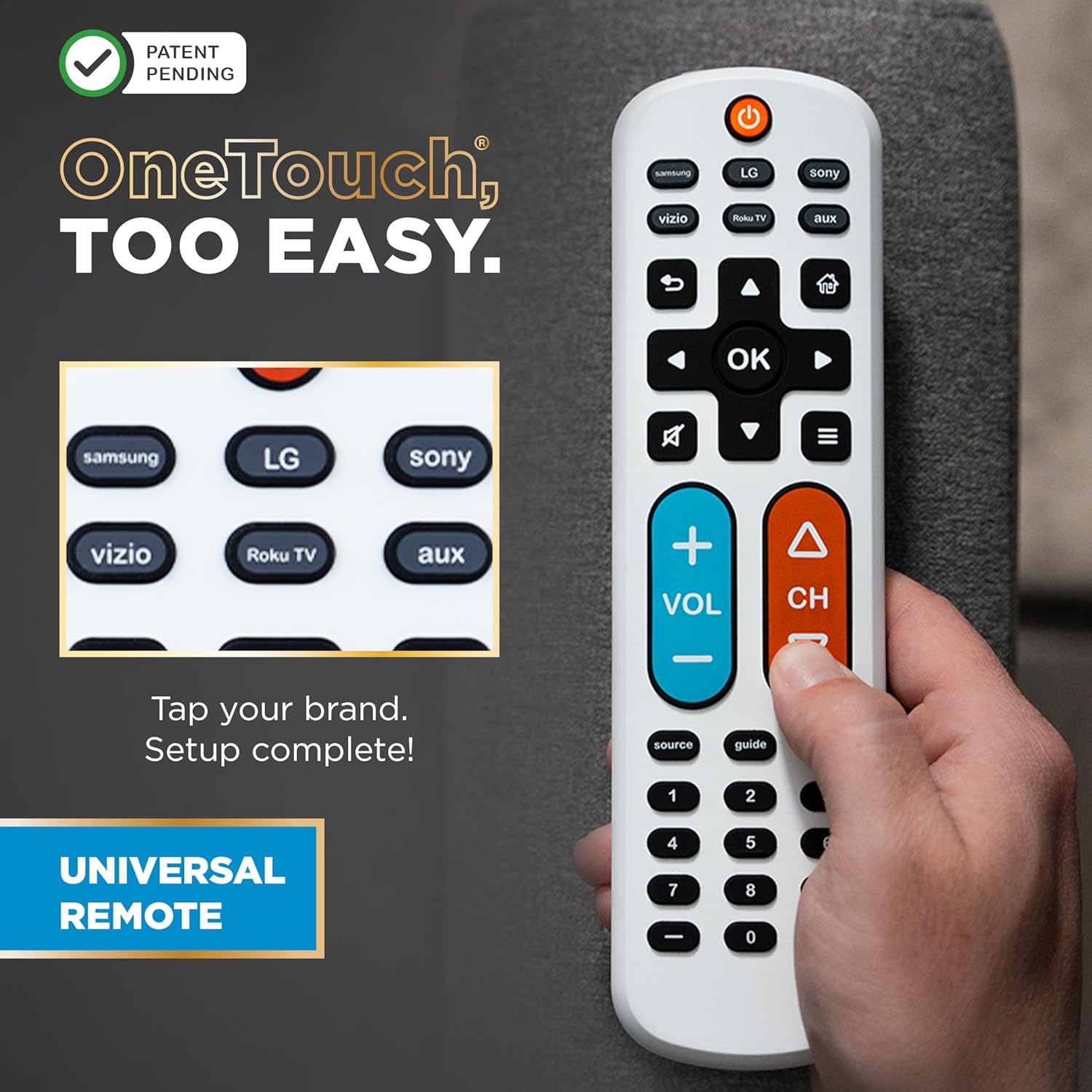
You also get a simple multi-brand approach: press the TV button for your TV’s brand, press power, then use the remote as normal. That one workflow matters when a remote is for someone who’s not interested in step-by-step troubleshooting.
There’s one extra detail worth noting: the AUX button is preset for Roku boxes, but the product info says it can be programmed for a different device if needed.
Set-up experience: simple on paper, but confirm your expectations
The setup described is refreshingly direct: add two AA batteries (not included), press the TV button for your TV’s brand, then press power and operate.
For most mainstream TV setups, this kind of quick start is exactly what people want from a replacement remote. If the goal is “get it working without a tech visit,” this remote is aligned with that.
However, universal remotes can vary slightly in what features they fully support depending on the exact TV model and the secondary device. You should be ready for the possibility that some advanced functions may not match perfectly what the original remote did—especially if your current remote had very model-specific buttons.
Who it’s for (and who should think twice)
It makes sense if you want a replacement remote that’s designed around visibility and ease of use. It’s a strong match for:
- Seniors or anyone who benefits from larger, high-contrast controls
- People who struggle to see small buttons or navigate in dim rooms
- Households that want one remote that can also run a second device
- Anyone replacing a lost or worn-out remote and wants a relatively simple programming path
It may not be the best choice if you’re trying to “maximize” complex smart features or you rely on very specific button behaviors that are tied to a particular original remote. In that situation, a more specialized option—or at least a remote that’s confirmed for your exact model—could feel safer.
Tech summary (quick reference)
- Type: Universal TV remote replacement
- Preprogrammed TV brand support mentioned: Samsung, LG, Vizio, Sony, Roku TVs
- Multi-device control: Operates TV plus one other device (AUX)
- Visibility features: Extra-large buttons, fully backlit
- Colorblind-friendly note: Blue volume button and orange channel button
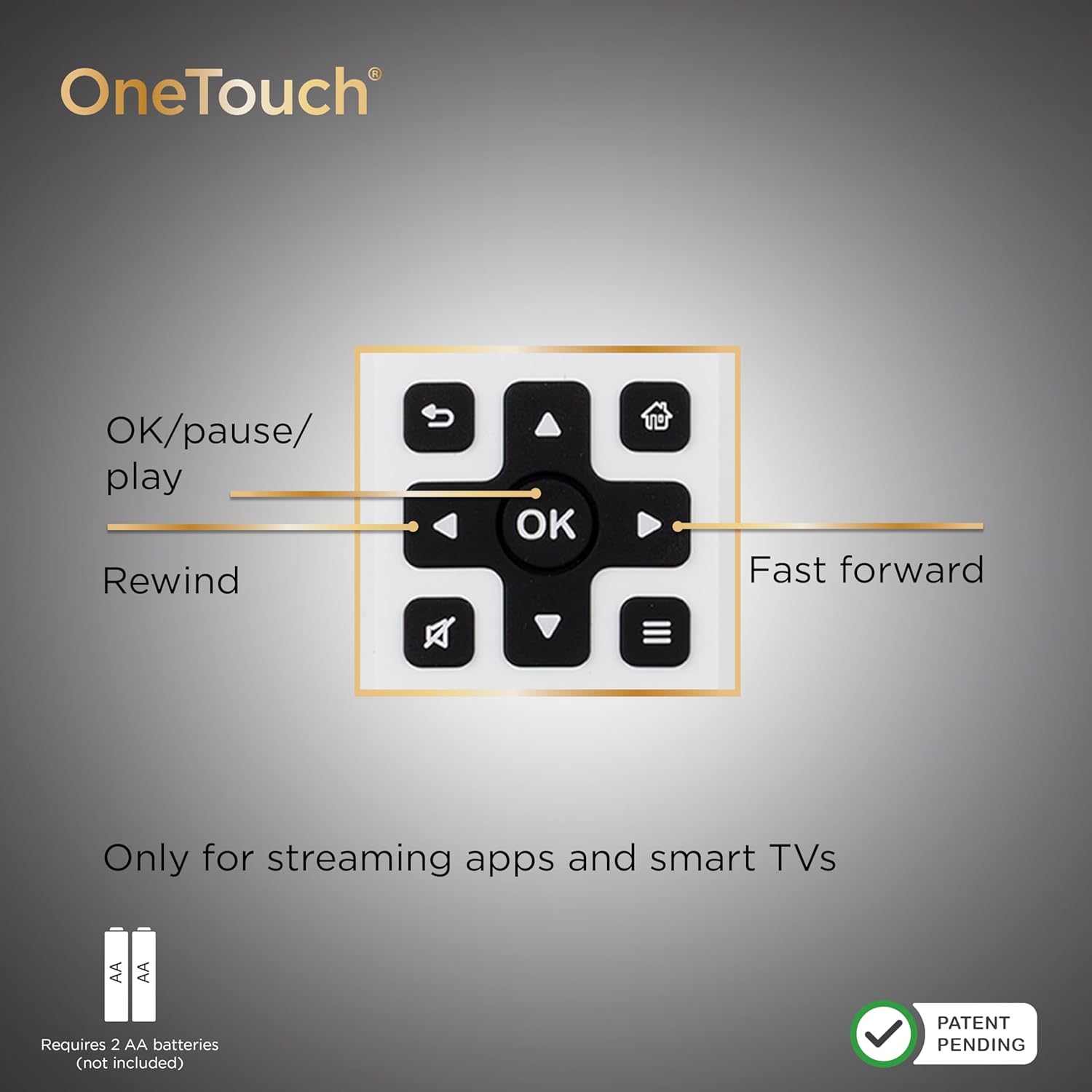
- Buttons include: Directional pad for navigation
- Setup method described: AA batteries (not included), press TV brand button, then power
- AUX note: Preset for Roku boxes, can be programmed for a different device
Practical tips for getting the most out of it
If you’re setting this up for someone else, the simplest workflow is usually the safest: put fresh AA batteries in, then test TV power first before adding the secondary device. Once TV basics work (power, volume, channel navigation), you can decide whether the AUX device needs programming right away.
A small example of how the design helps: imagine it’s evening, and someone needs volume right after turning on the TV. With fully backlit buttons and large key targets, they can find volume faster without squinting or guessing in the dark.

And if the AUX button is being used for something other than a Roku box, double-check that the remote behaves as expected for your secondary device before you commit to daily use.
Buying verdict
Worth considering if you want an easy-to-use universal replacement remote that prioritizes big, backlit buttons and quick, brand-based setup for popular TV brands.
You may want to skip it if you need deep, model-specific functionality beyond basic TV control and simple navigation, or if your setup depends heavily on exact original-remote behavior.
FAQ
Is it preprogrammed for major TV brands?
Yes. The product info states it has preprogrammed TV device buttons for Samsung, LG, Vizio, Sony, and Roku TVs.
Can it control more than one device?
Yes. It’s designed to operate your TV and one additional device using AUX (and AUX is preset for Roku boxes, with the option to program for a different device).
Does it use batteries?
It uses two AA batteries, which are not included.
Are the buttons easy to see in the dark?
That’s one of the main selling points: it has fully backlit buttons and large white buttons.
What kind of support is available?
The info says it includes free U.S.-based technical support available Monday–Friday, plus online step-by-step programming videos.