

Replacement Remote for Chromecast with Google TV (Voice Control) — 1-Year Warranty
Product description
The essentials
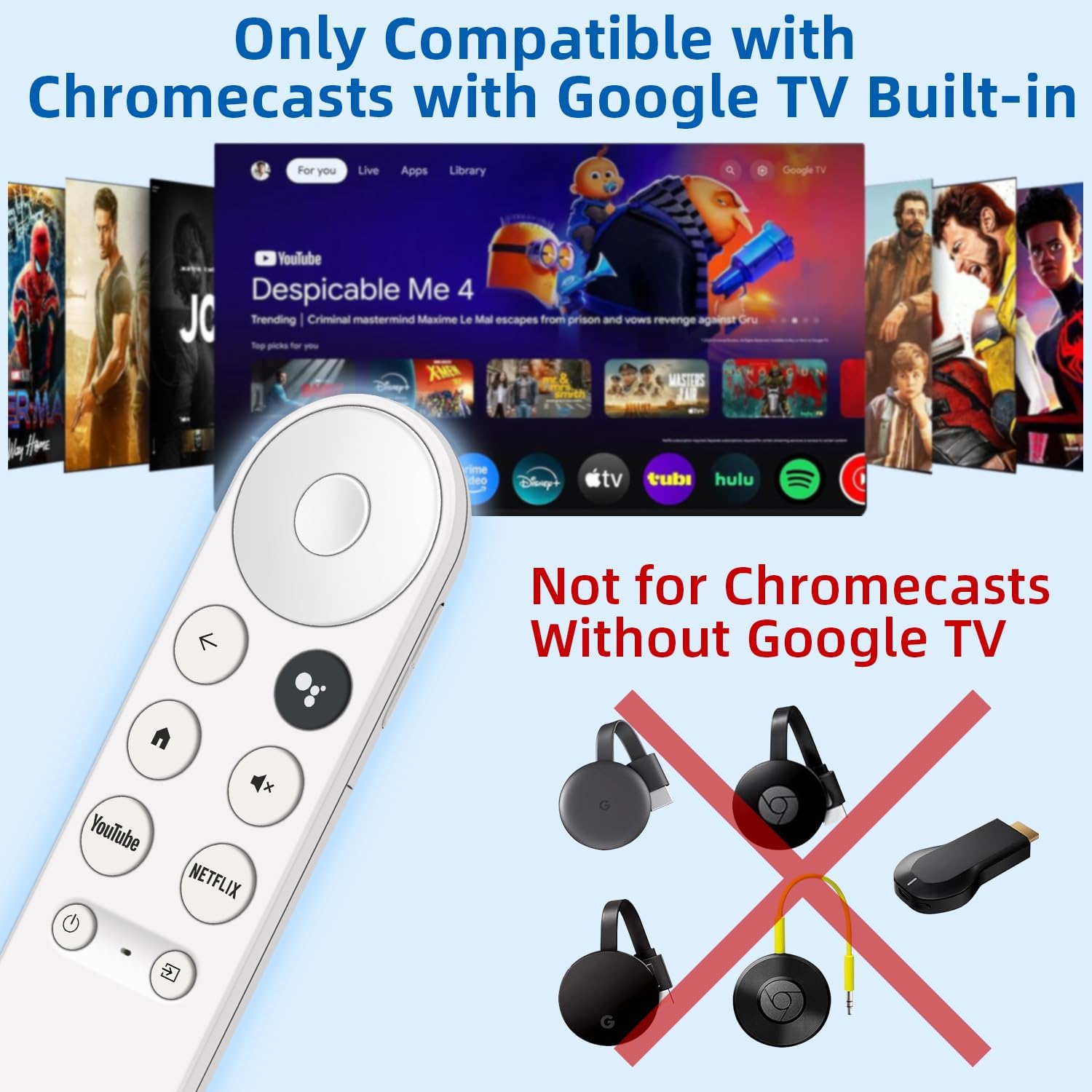
If your Chromecast with Google TV remote is lost, broken, or just not responding the way it should, a replacement is the quickest way to get control back without replacing the whole setup. This replacement remote is built specifically for Chromecast devices that include built-in Google TV.
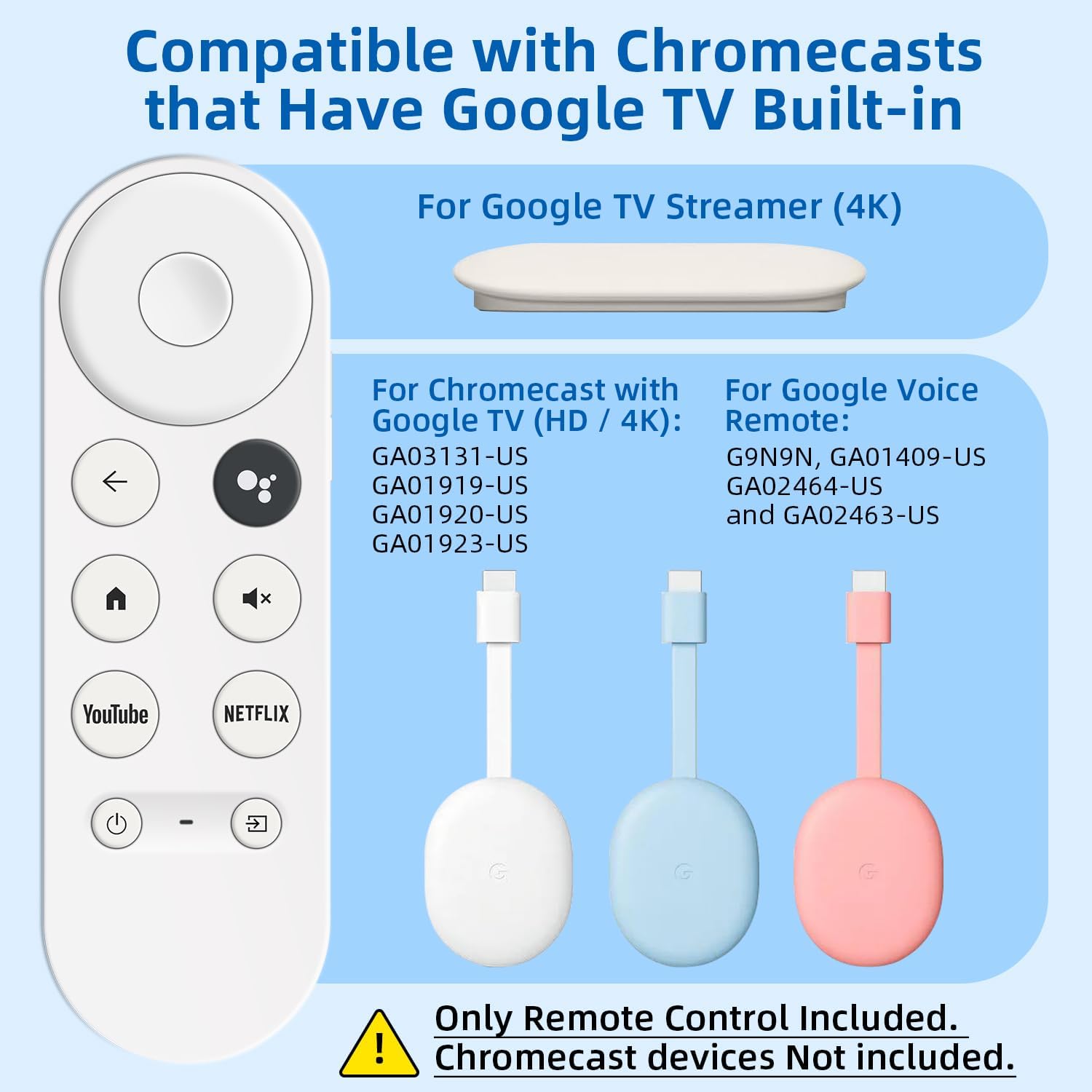
On paper, that pairing requirement is the big deal: it’s meant for Chromecast with Google TV, not for Chromecast models without Google TV. If you’re in the wrong compatibility bucket, you may end up stuck troubleshooting instead of watching.
Key points on compatibility and voice search
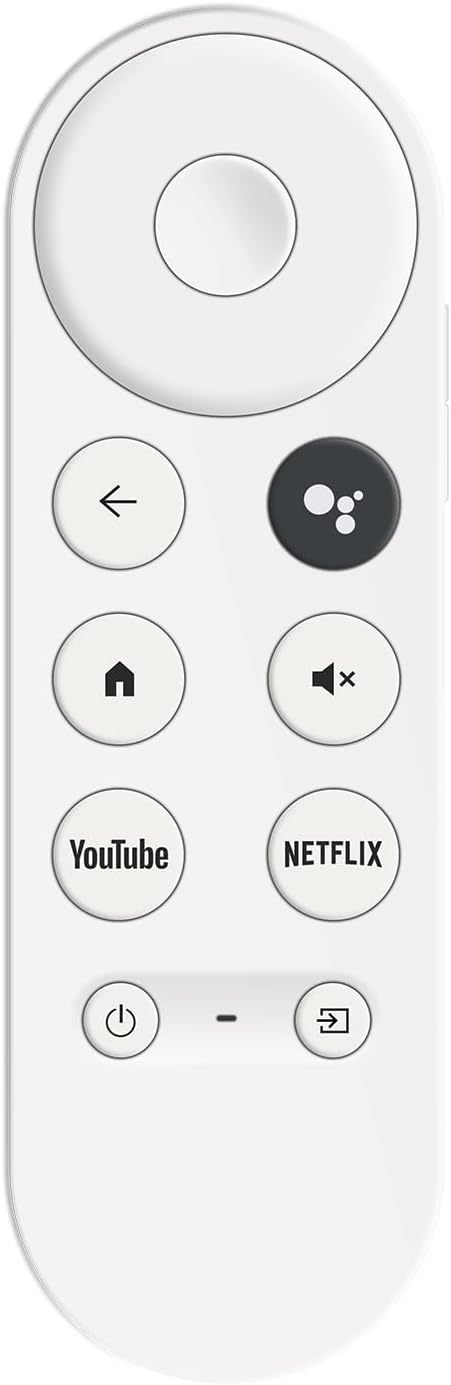
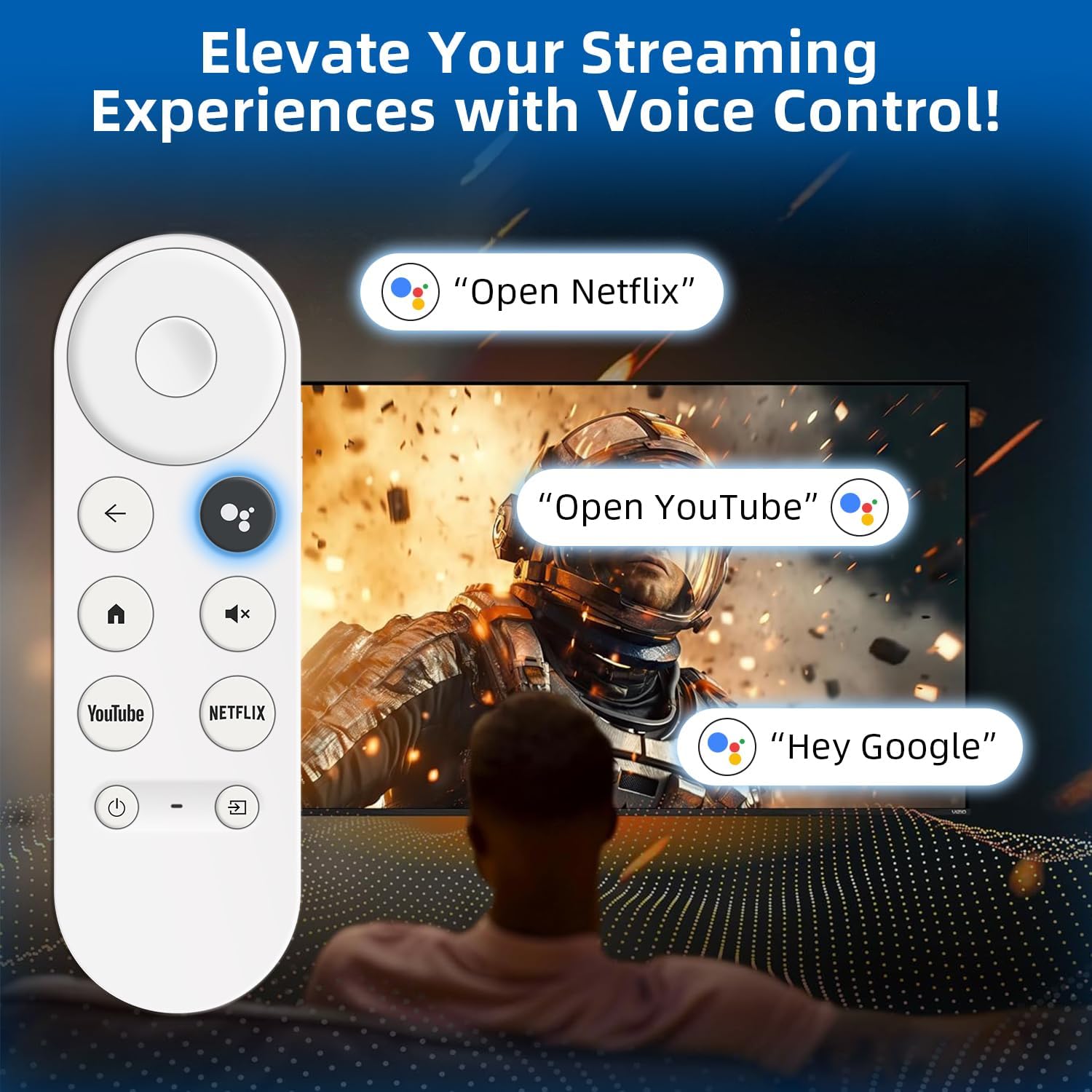
This remote includes built-in voice functionality, so you can press the microphone button to search for shows and use voice commands for common actions. It also supports volume and can help you manage inputs, plus it can be used to play music via voice commands.
That “voice control enabled” piece is the part you’ll feel right away—especially if you’re tired of typing or hunting through menus. Still, take note of the limitation: it only works with Chromecast devices that have Google TV built in. If your device doesn’t, this remote won’t be the right match.
What pairing looks like (and what to expect if it fails)
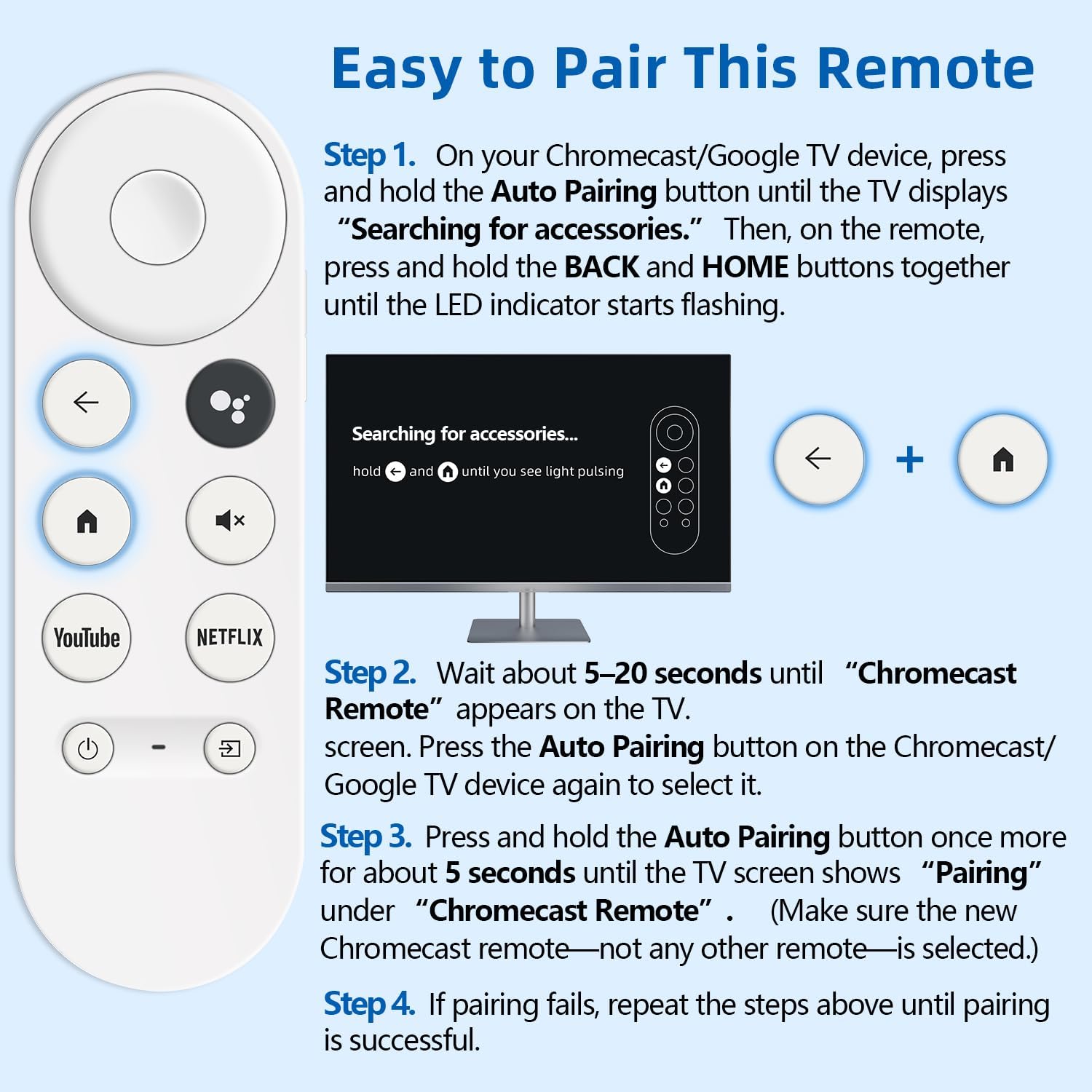
Pairing is doable, but it’s not a one-button magic trick. The steps rely on using the Auto Pairing button on your Chromecast/Google TV device and then using specific buttons on the remote.
A practical way to think about it: you start pairing from the Chromecast side until the TV shows “Searching for accessories,” then you trigger the remote’s pairing mode so it can be detected. After that, you wait a short window for the TV to show “Chromecast Remote,” and then you confirm by pressing the Auto Pairing button again on the device. If it doesn’t work the first time, the process says to repeat—so expect a couple tries if anything is a little off (like timing or button presses).
Also, the instructions explicitly say the package includes only the remote control and user manual—your Chromecast device is not included. That matters if you’re assuming you’re buying a bundle.
Where this remote stands out
This remote is a replacement focused on getting you back to everyday use fast:
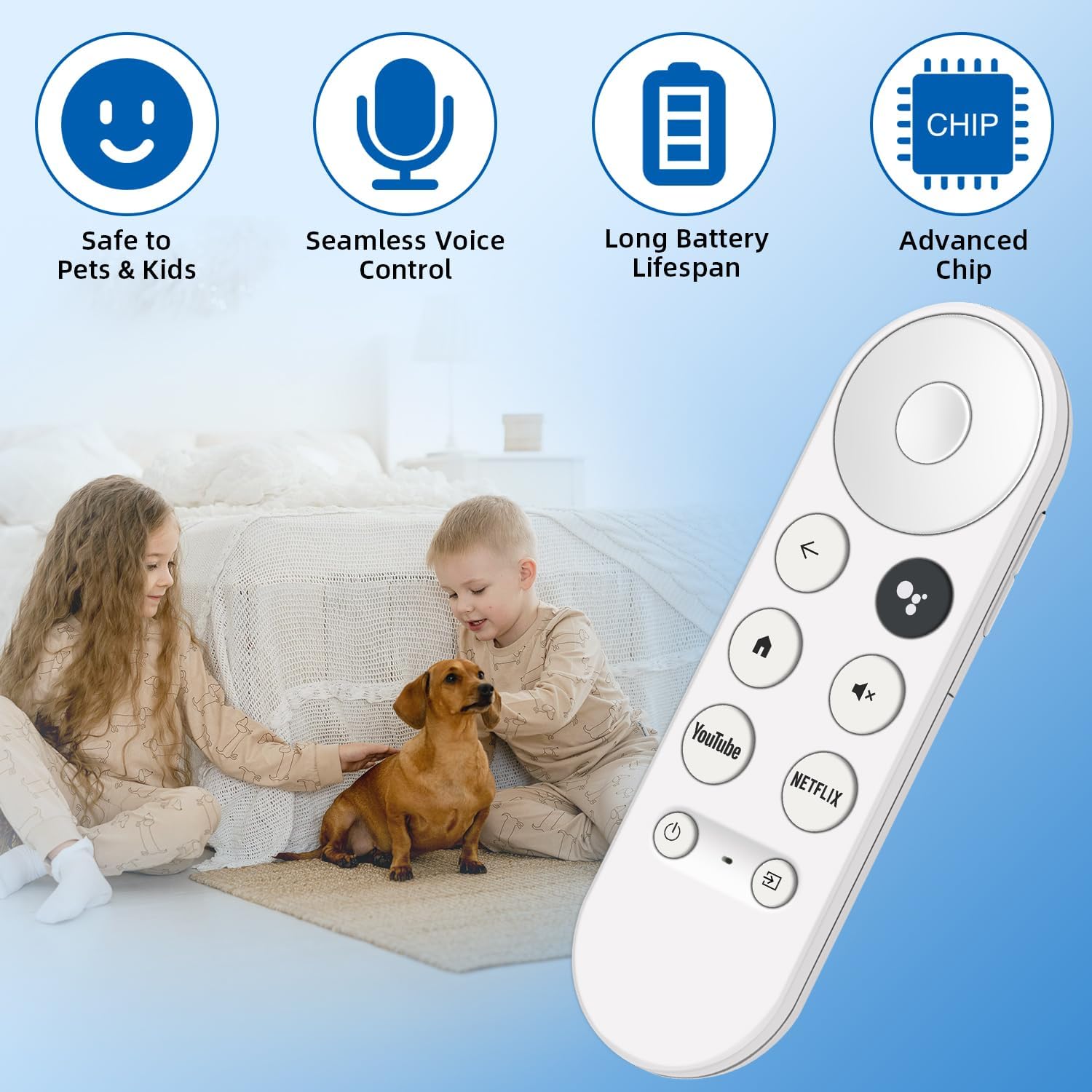
- Voice search for finding content quickly
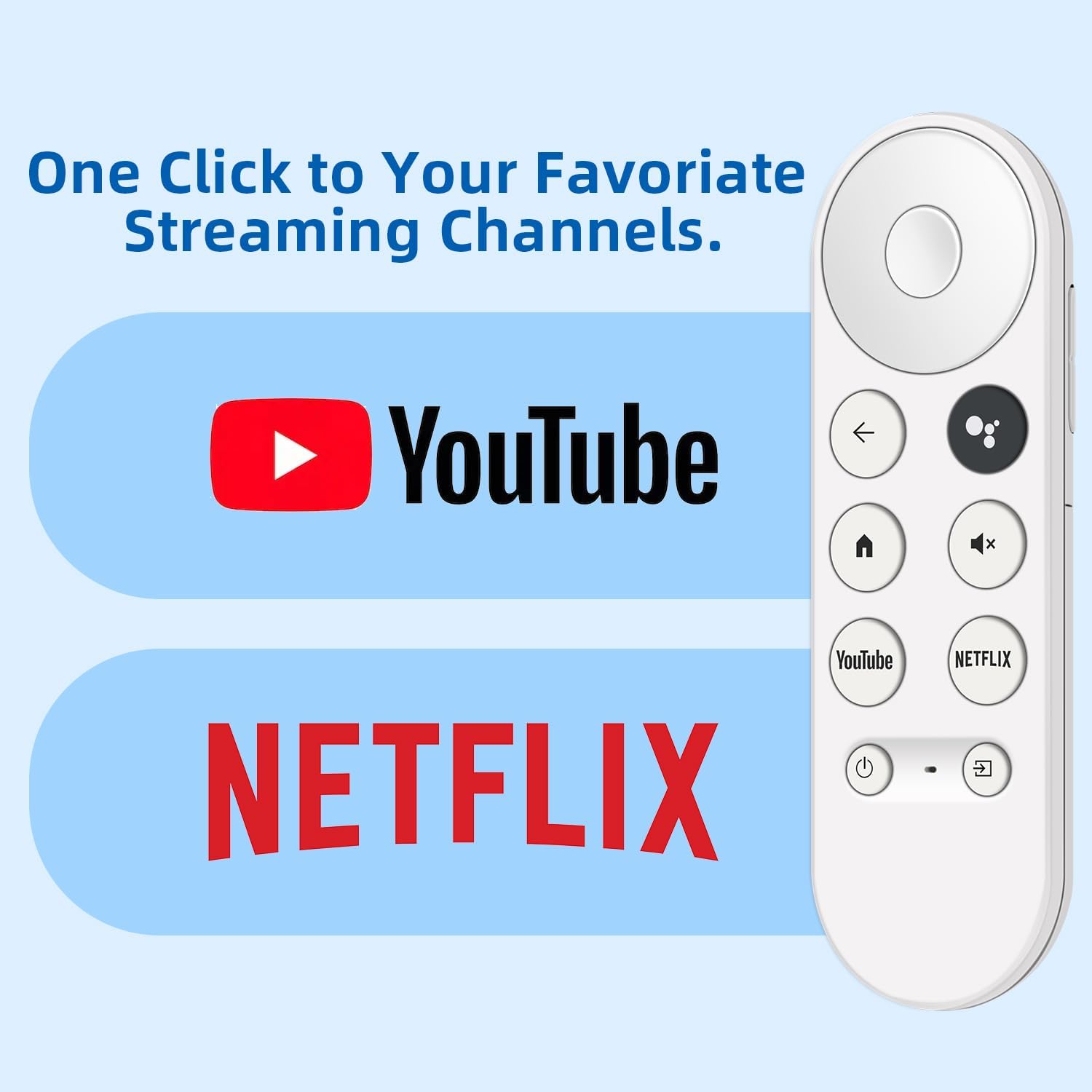
- Control features like volume and switching inputs (useful for daily navigation)
- A straightforward pairing flow that’s designed around the Chromecast/Google TV “accessories” detection screen
In the real world, this is the kind of remote you buy to restore continuity—like the moment you realize you can’t pause a show without walking across the room. It’s not trying to reinvent your setup, it’s trying to put your existing one back on track.
Warranty coverage you can lean on
Buying a replacement remote can feel like a gamble if something doesn’t pair correctly or stops working soon after. Here, you get a full 1-year warranty coverage included with the purchase. That won’t prevent pairing hiccups, but it does give you a reasonable safety net once the remote is in your hands and working.
Who should buy it (and who should skip it)
It makes sense if you already have a Chromecast device with built-in Google TV and you need a working replacement remote with voice control. It’s a practical buy for households where the remote is essential for day-to-day viewing.
You may want to skip it if:
- Your Chromecast model does not include Google TV built in (compatibility is specifically limited)
- You’re hoping for a universal remote that works across any Chromecast version (this one is targeted)
Tech specs
No technical specifications beyond the included features and compatibility details are provided in the available information.
Mini FAQ
Is this remote compatible with all Chromecast devices?
No. It works with Chromecast devices that feature built-in Google TV. It does not support Chromecast devices without Google TV.
Does it have voice control?
Yes. The remote includes a built-in microphone button for voice search and voice commands.
What’s included in the package?
The package includes only the remote control and the user manual. The Chromecast device is not included.
What if pairing fails?
The pairing instructions advise repeating the steps until successful.
Final verdict
This replacement remote is worth considering if your goal is simple: regain remote control and voice search for a Chromecast with Google TV. It’s not the right buy if your device lacks Google TV built in, and the pairing steps suggest you may need patience during setup. If your Chromecast is the correct type, though, the voice feature and the 1-year warranty coverage make it a solid, decision-friendly replacement.