

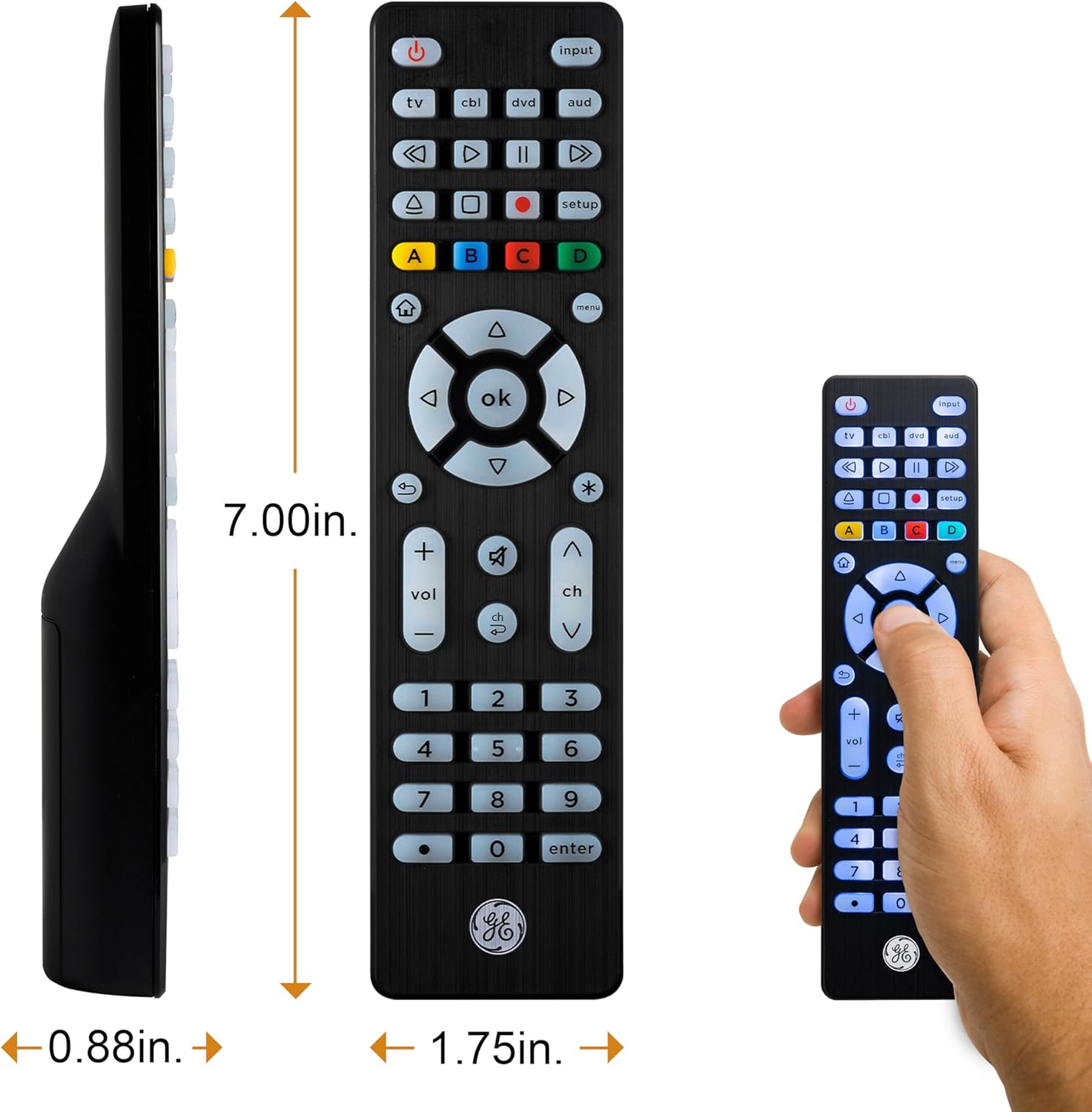
GE Backlit Buttons Universal Remote Control (4-Device) for Samsung TV, Roku, Vizio, LG, Sony & more
Product description
The essentials
If you’re juggling multiple remotes (TV, streaming box, soundbar, cable/satellite), this GE universal remote is built to simplify that mess. The big selling point on paper is straightforward: it’s a 4-device universal remote, with the TV button preprogrammed for Samsung TVs so you can get started quickly. It also adds backlit buttons, which is one of those “why didn’t I do this sooner?” upgrades when you’re trying to pause a show without turning on the lights.
Still, it’s not a magic wand for every streaming scenario. The description notes it’s not for radio-frequency devices like Roku Streaming Sticks and amazon Fire TV/Sticks—so if your setup relies on those, you’ll want to double-check compatibility before committing.
Key features that matter in real life
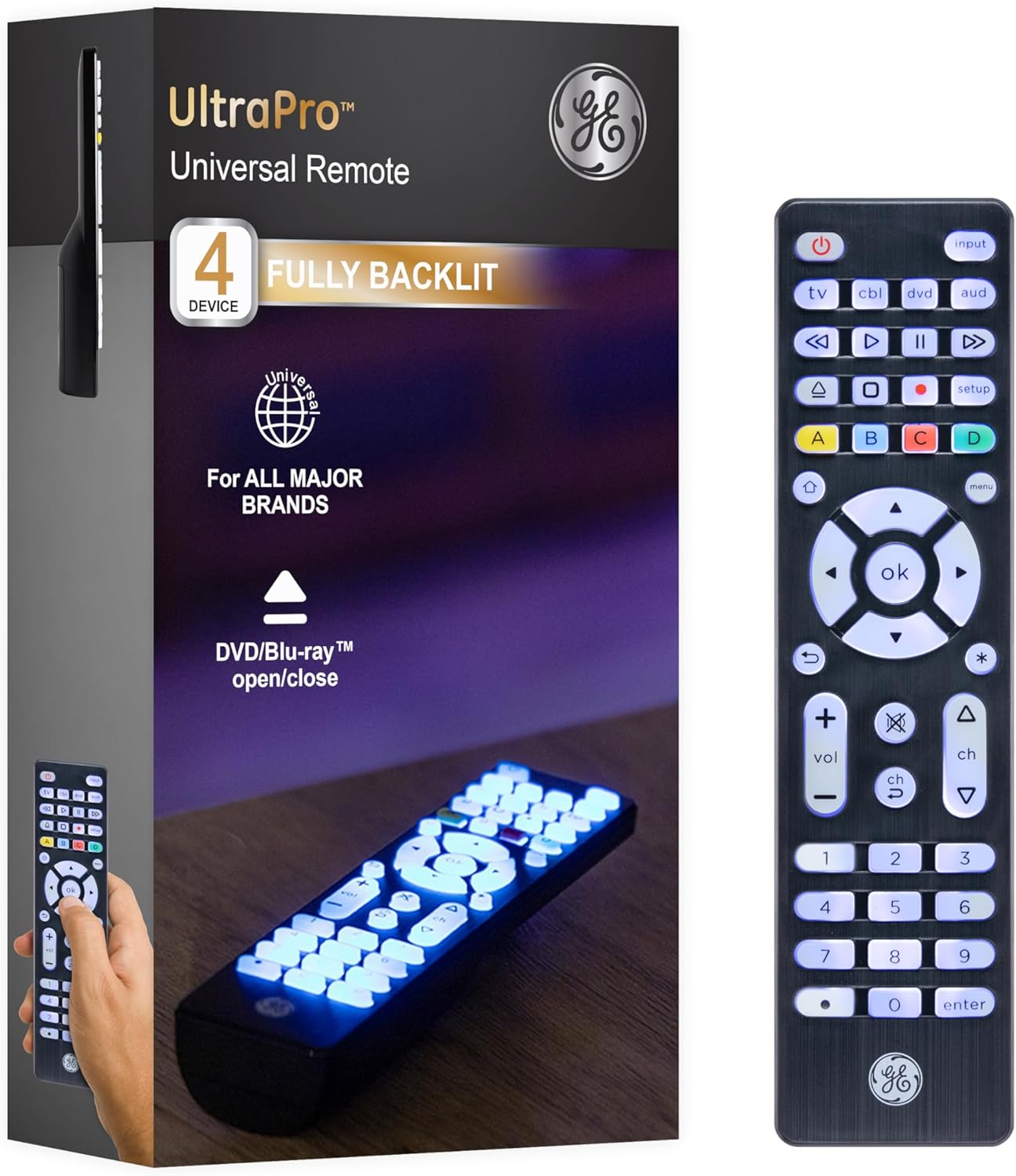
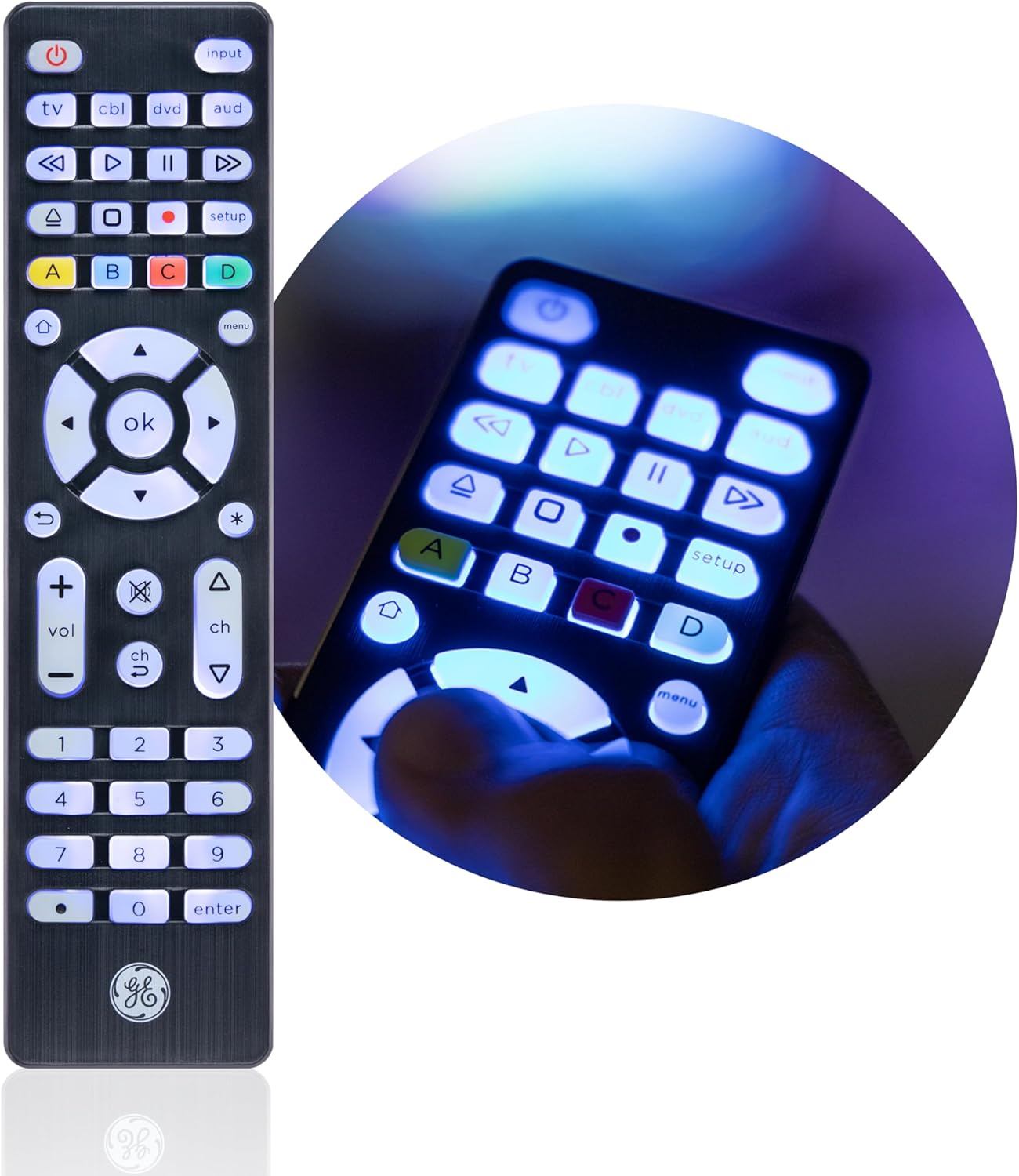
The backlit buttons are the most immediately noticeable improvement. Blue LED backlighting helps you see each button in a dark or dim room, which can make a difference for everyday use—especially at night when your current remote feels like a guessing game.
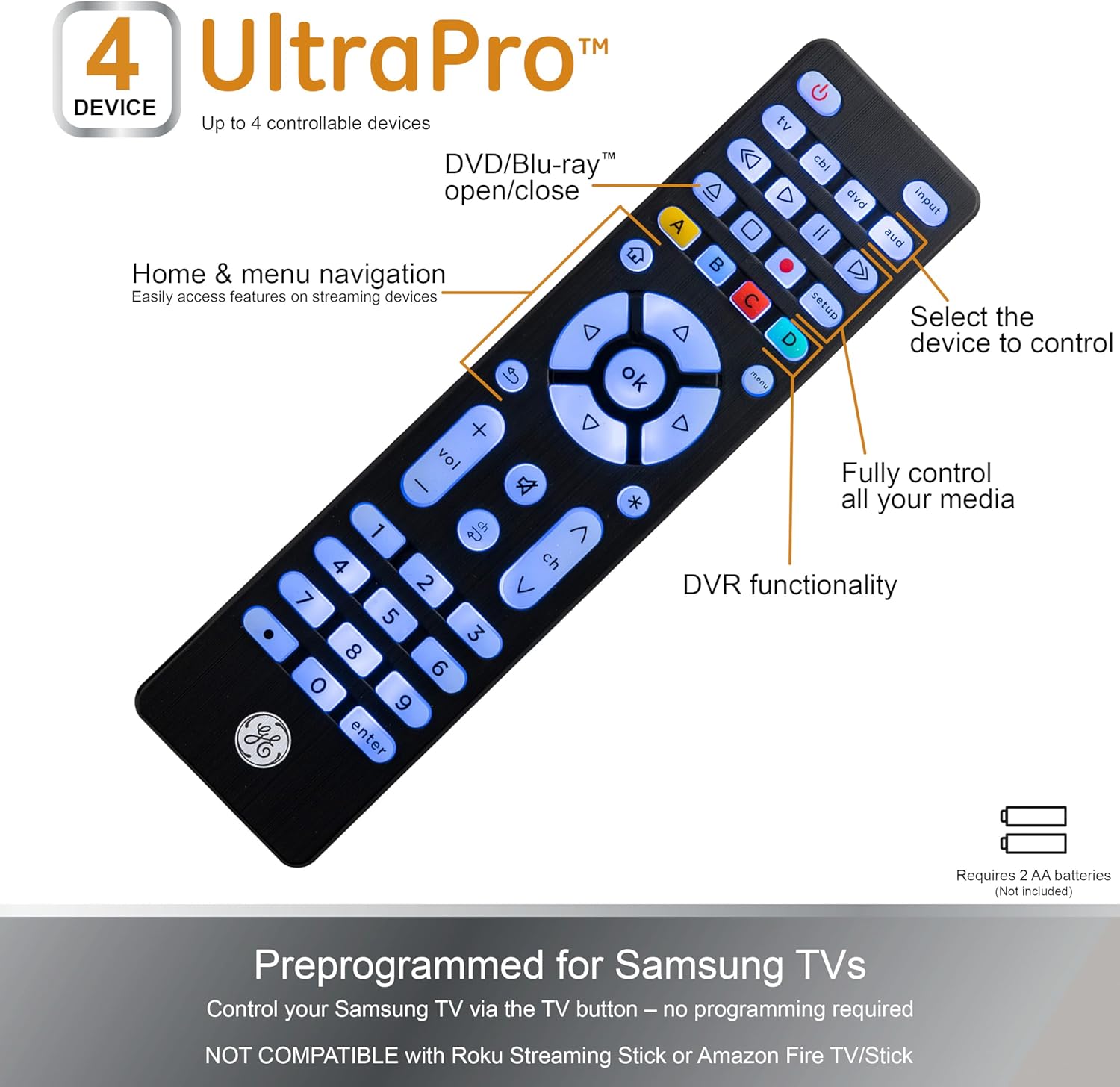
Beyond the lighting, the layout is meant for typical home entertainment control. You can use it to operate up to four audio and video devices, including TVs, Blu-ray/DVD players, cable and satellite receivers, soundbars, and streaming media players (as supported by its code library). In other words, it’s aimed at covering the common “living room stack,” not specialty hardware.
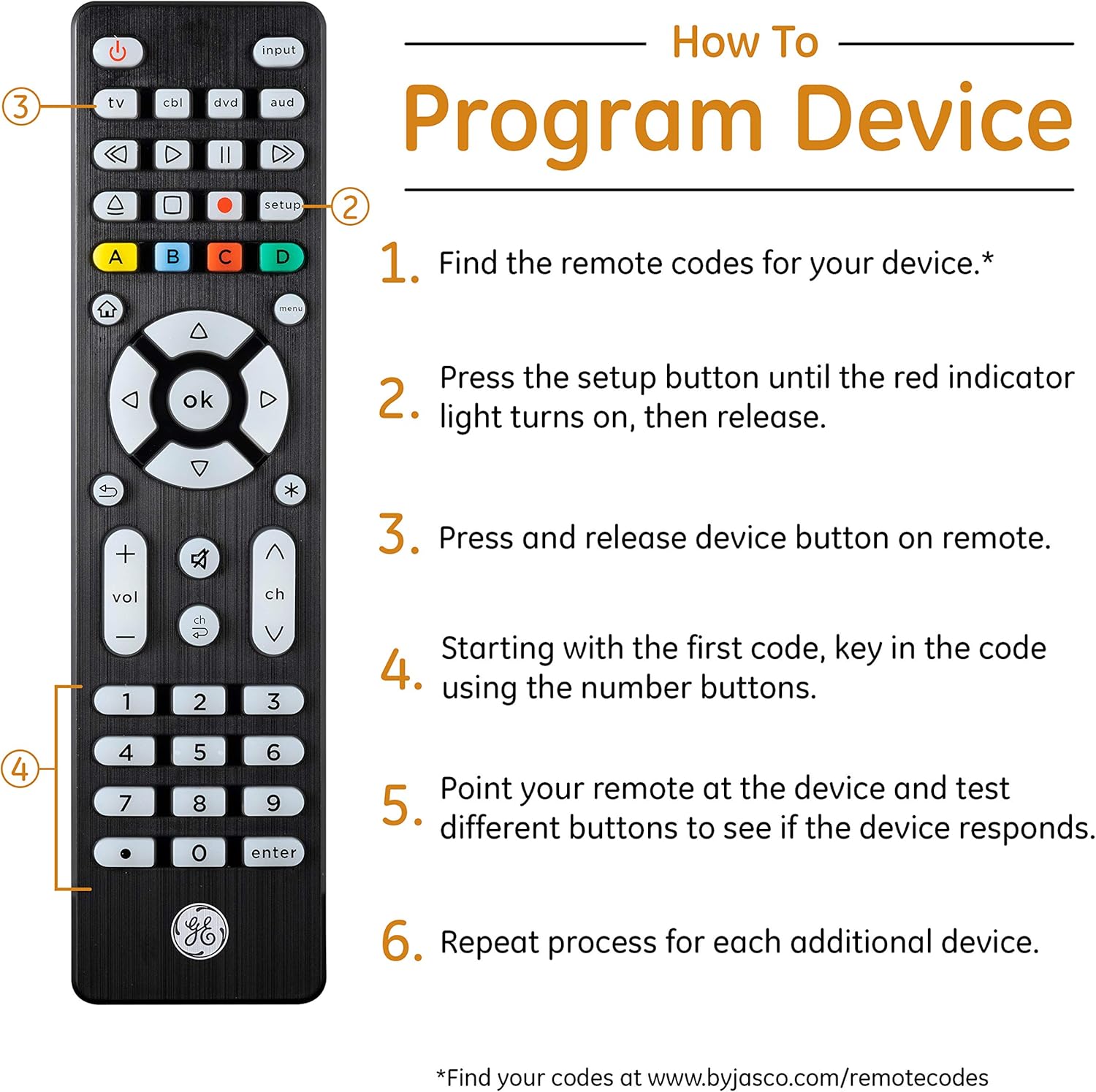
Setup is also designed to be low-friction. It supports automatic code search and direct code entry programming. Plus, it includes master volume control, so you don’t have to switch device modes just to turn the sound up or down—small detail, big convenience.
What you’ll notice day to day
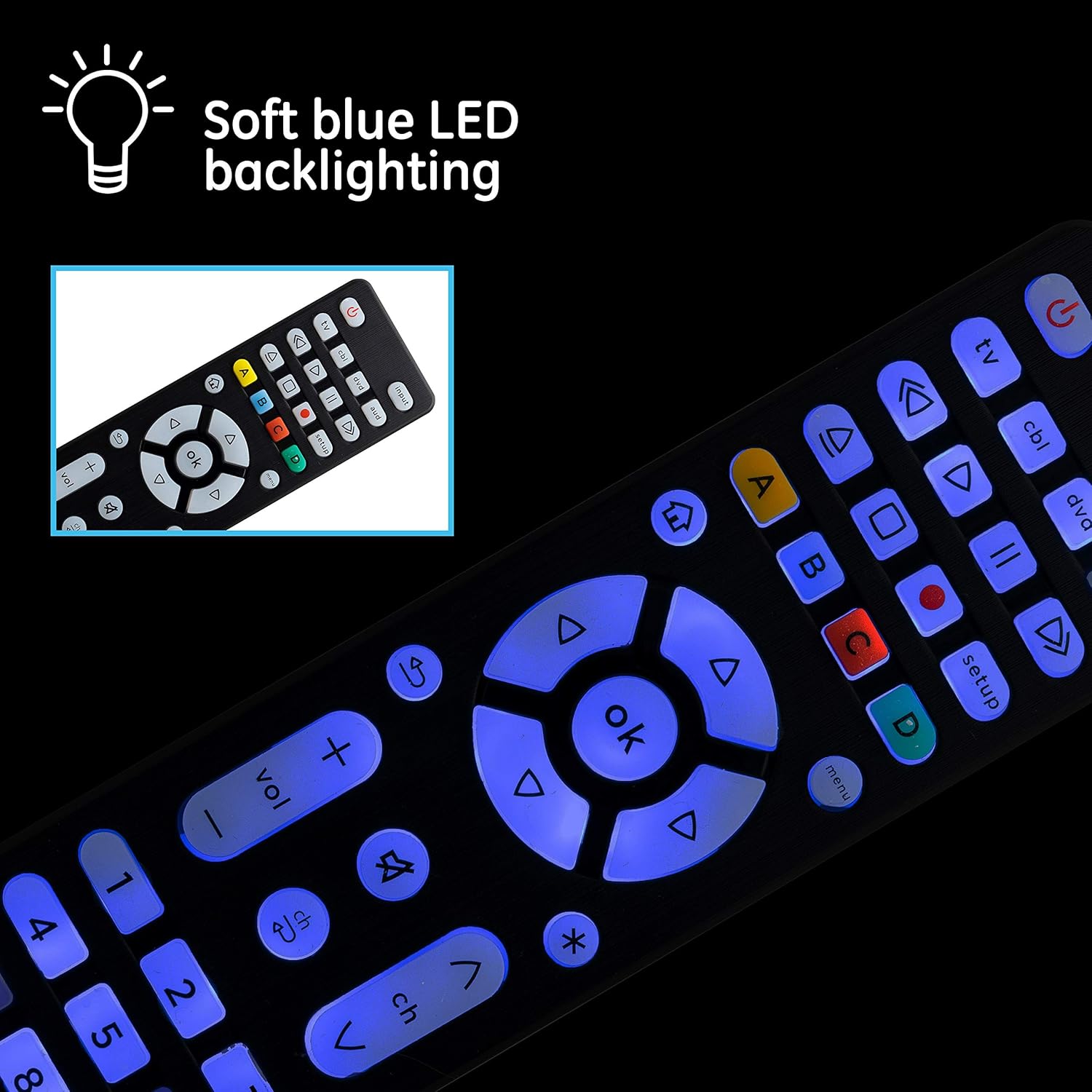
For Samsung TV owners, the preprogrammed TV button is a real time-saver. The description says it’s set for immediate use with Samsung TVs—you just add two AA batteries (not included). That’s the kind of convenience that reduces the “new remote anxiety,” where you’re stuck searching codes before you can even test basic functions.
For the rest of the supported brands listed (Roku, Vizio, LG, Sony, Apple TV), the experience will depend on finding the right code(s) during setup. Universal remotes usually aren’t flawless on the first try, and this one is no different: it’s built around a code library and programming steps, so expect a bit of setup time if your device is less common or has multiple control modes.
And one practical limitation to keep in mind: it’s not intended for radio frequency devices like Roku Streaming Sticks and Amazon Fire TV/Sticks. If your “streaming remote” is actually controlling a stick over RF, this may not behave the way you want.
Tech specs
- Type: Universal remote control (backlit)
- Device support: Up to 4 audio/video devices
- TV preset: Preprogrammed TV button for Samsung TVs
- Programming options: Automatic code search and direct code entry
- Volume control: Master volume control
- Backlight: Fully backlit buttons with blue LED illumination
- Finish: Brushed black finish
- Power: Requires 2 AA batteries (not included)
Compatibility & requirements
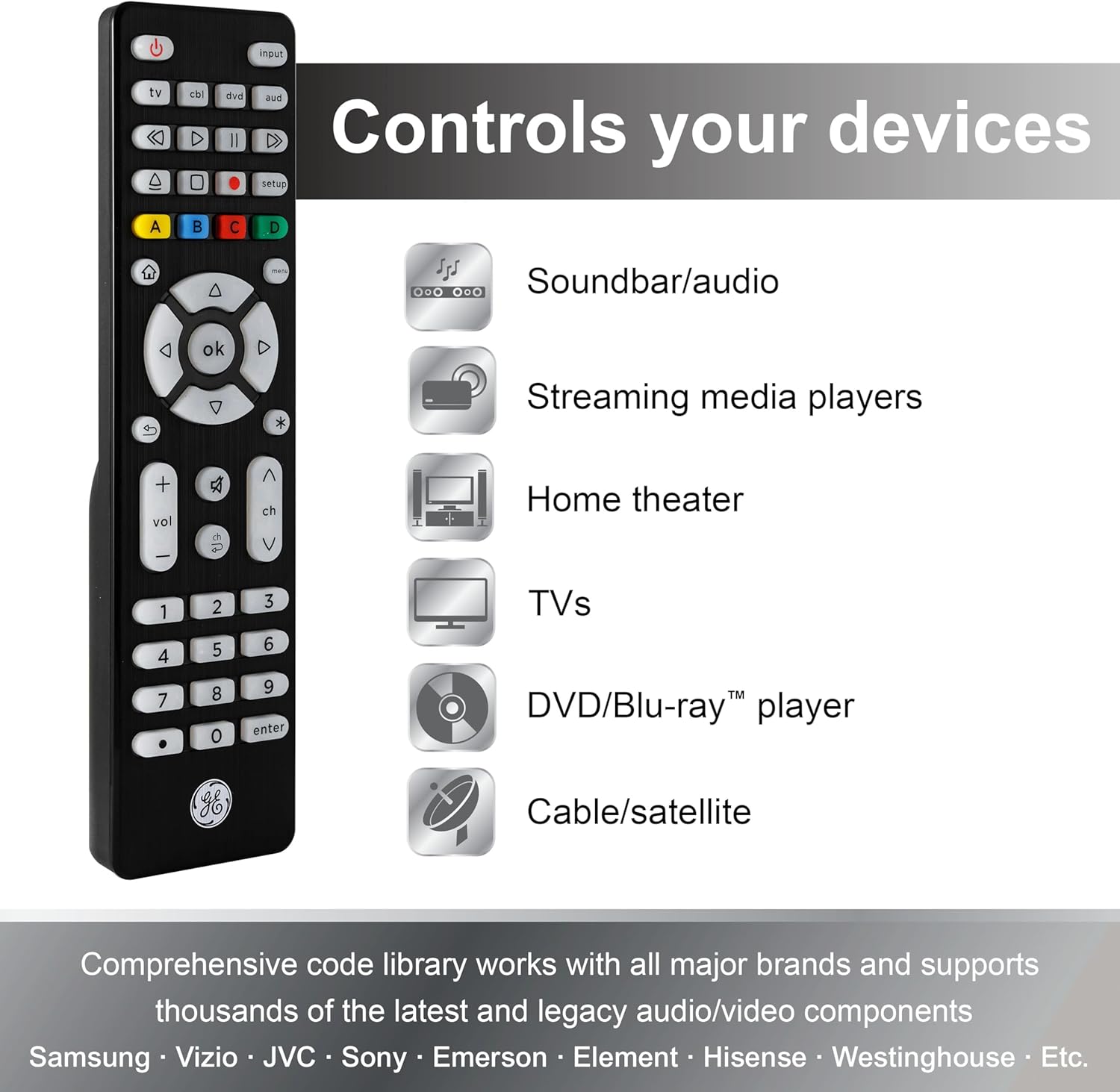
This universal remote is designed to work with major audio/video brands and supports thousands of devices through its remote code library. The description also specifically calls out exclusions: it’s not for radio-frequency devices such as Roku Streaming Sticks and Amazon Fire TV/Sticks.
Worth considering if your gear uses standard infrared (IR) remote control signals. If you’re unsure whether your streaming device is RF or IR, checking that detail before purchase can save you frustration.
Should you buy it?
It makes sense if you want a single remote to cover a TV plus up to three other entertainment devices, and you care about being able to see the buttons at night. The preprogrammed Samsung TV button and master volume control are the two features that tend to feel the most useful quickly.
It may not be the best match if your streaming setup relies on RF devices like Roku Streaming Sticks or Amazon Fire TV/Sticks, since the description explicitly excludes that category. Also, if you hate programming steps and need everything to work perfectly out of the box for multiple devices, universal remotes can be a little hit-or-miss depending on the code match.
Mini FAQ
Does this remote work out of the box with a Samsung TV?
According to the description, the TV button is preprogrammed for immediate use with Samsung TVs. You’d still need to insert two AA batteries (not included) to try it.
How do I set it up for other devices?
It supports automatic code search and direct code entry programming, using its built-in remote code library.
Can it control Roku and Apple TV devices?
The listing says it supports major brands including Roku and Apple TV. Just note the RF limitation mentioned for certain streaming sticks.
What devices is it not for?
The description specifically says it’s not for radio frequency devices like Roku Streaming Sticks and Amazon Fire TV/Sticks.
Is the backlight actually useful?
It’s designed for it. The remote is fully backlit with blue LED illumination so you can see buttons in dark or dim rooms.