

Hagibis Link Cable 16FT USB-C VR Link Cable
Product description
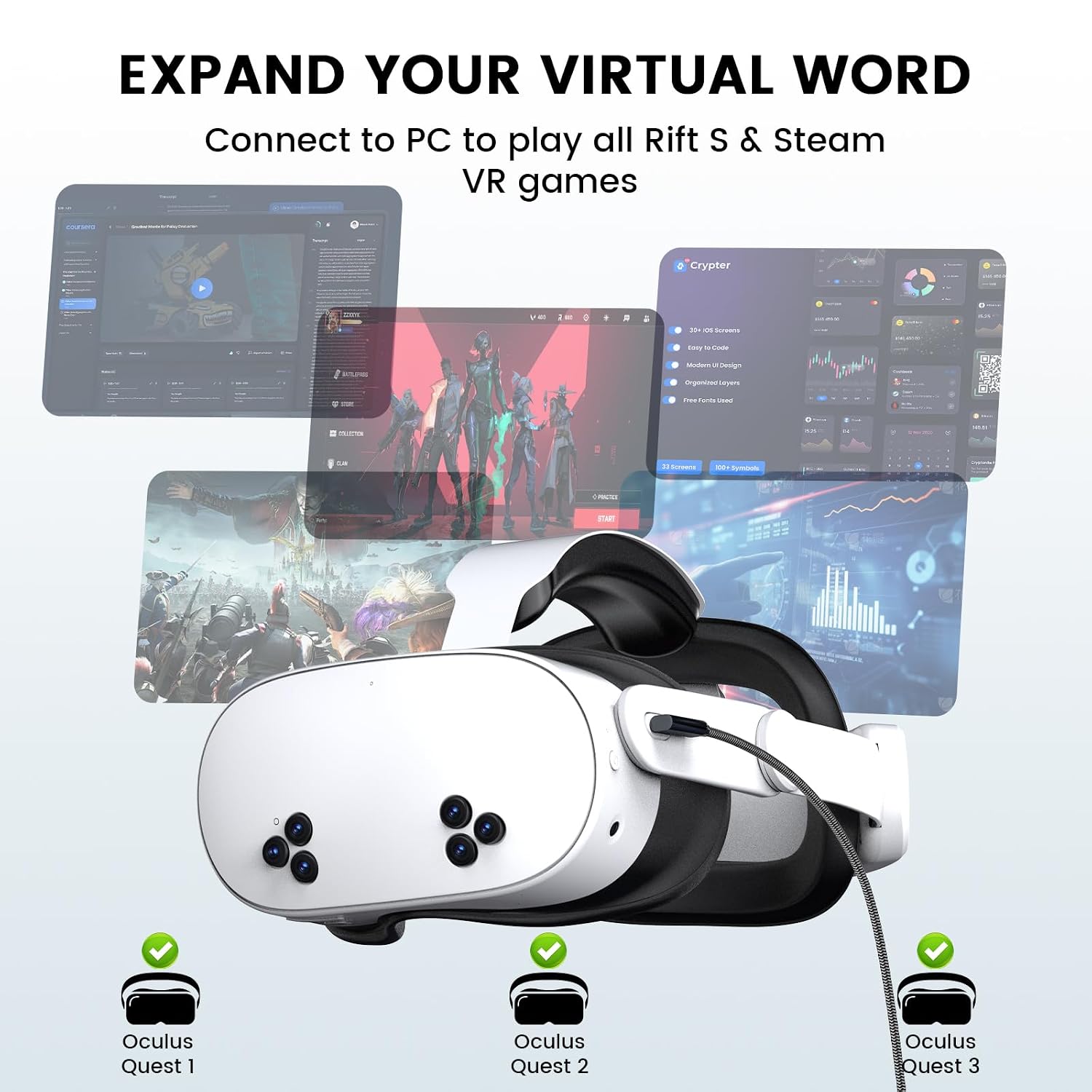
This 16-foot USB-C link cable from Hagibis connects Meta Quest and Pico headsets to a PC for PC VR sessions with more freedom of movement and reliable data throughput. It is designed to let you play Steam VR and Rift S titles with high-resolution streaming and low latency, while also providing charging during use.
Key Points
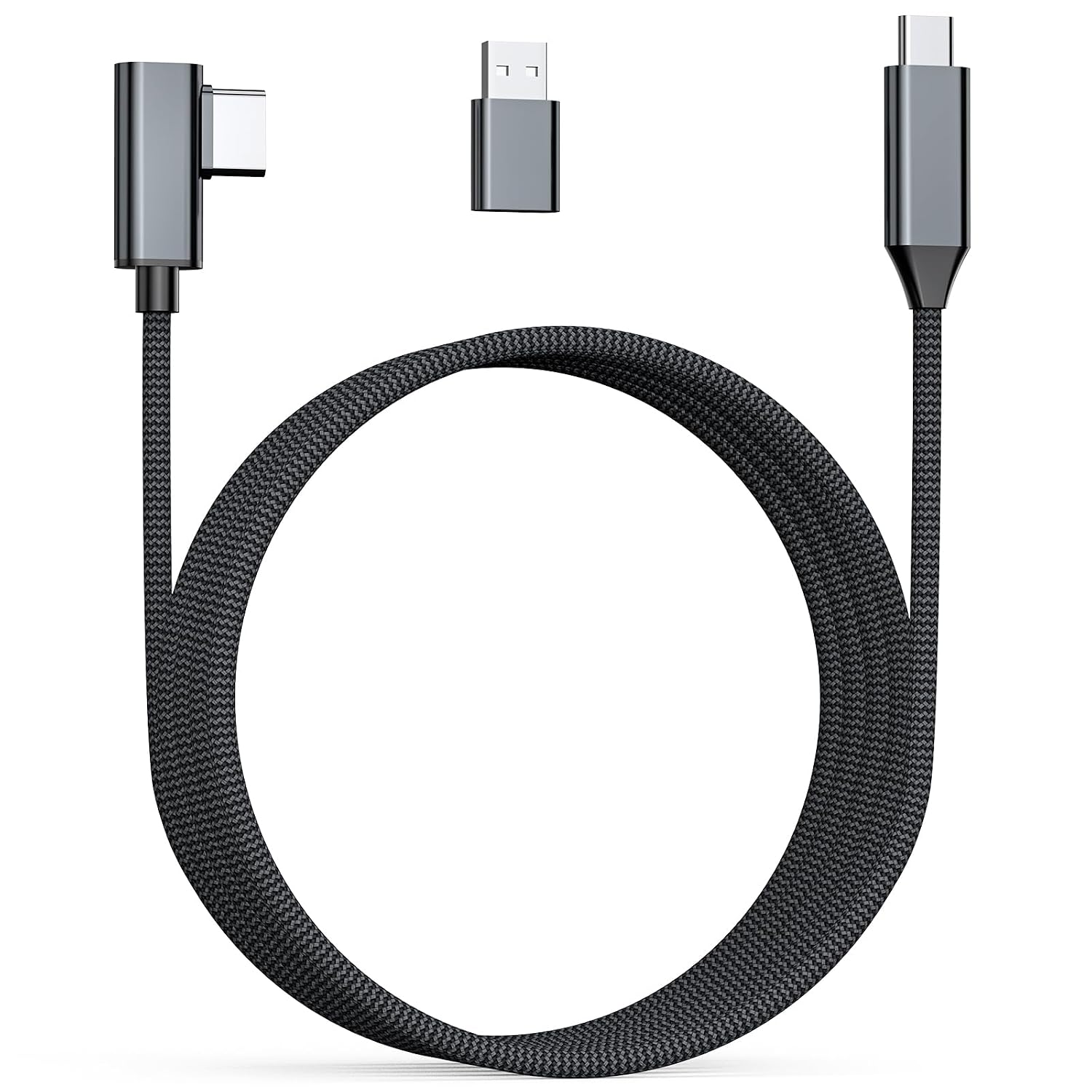
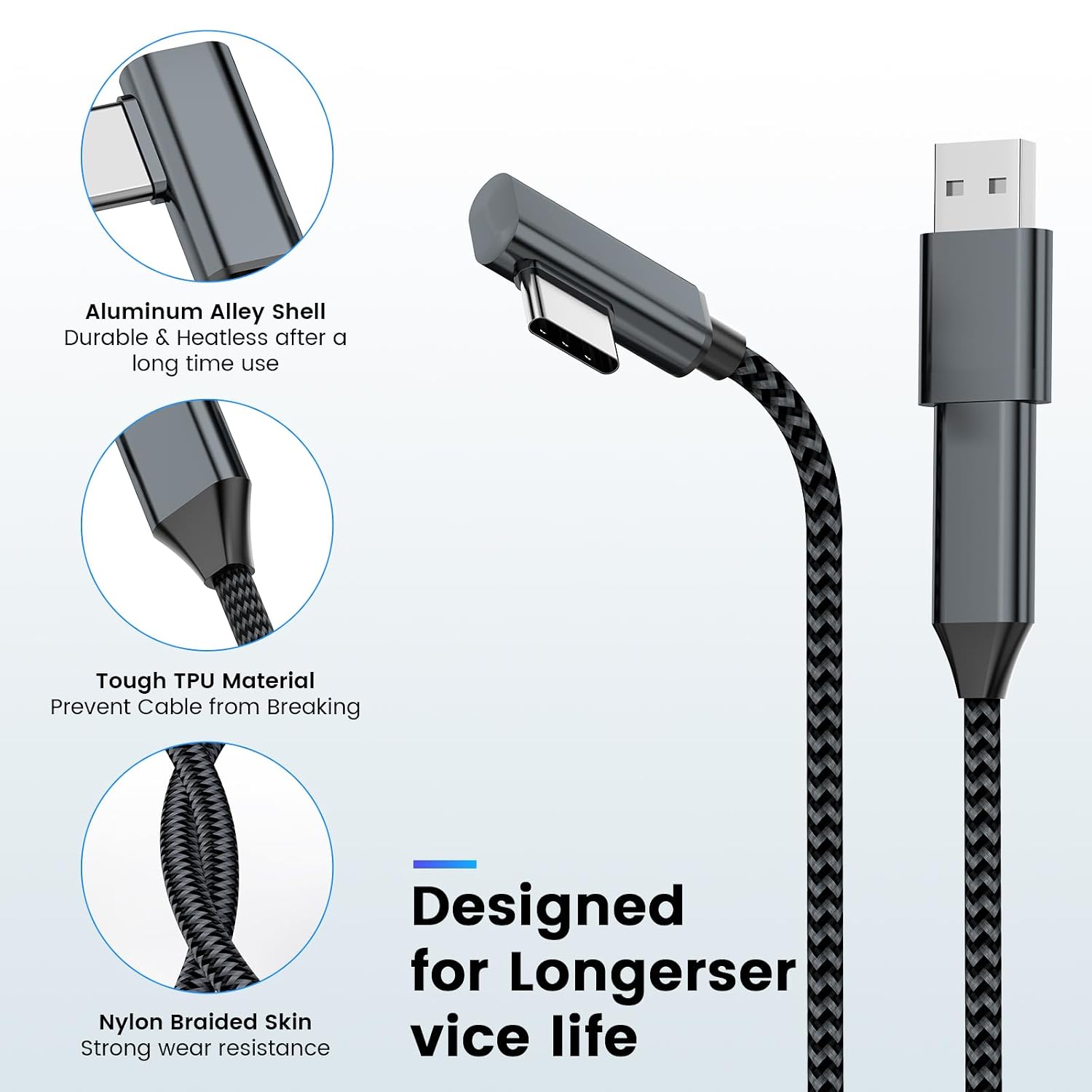
The cable supports USB 3.0 transfer speeds up to 5 Gbps according to the manufacturer, which helps maintain video quality and responsiveness when streaming VR content from a compatible gaming PC. The 16-foot length gives a wide play area that reduces the chance of pulling on the headset during active sessions. The braided nylon jacket improves durability and makes the cord easier to manage in a play space.
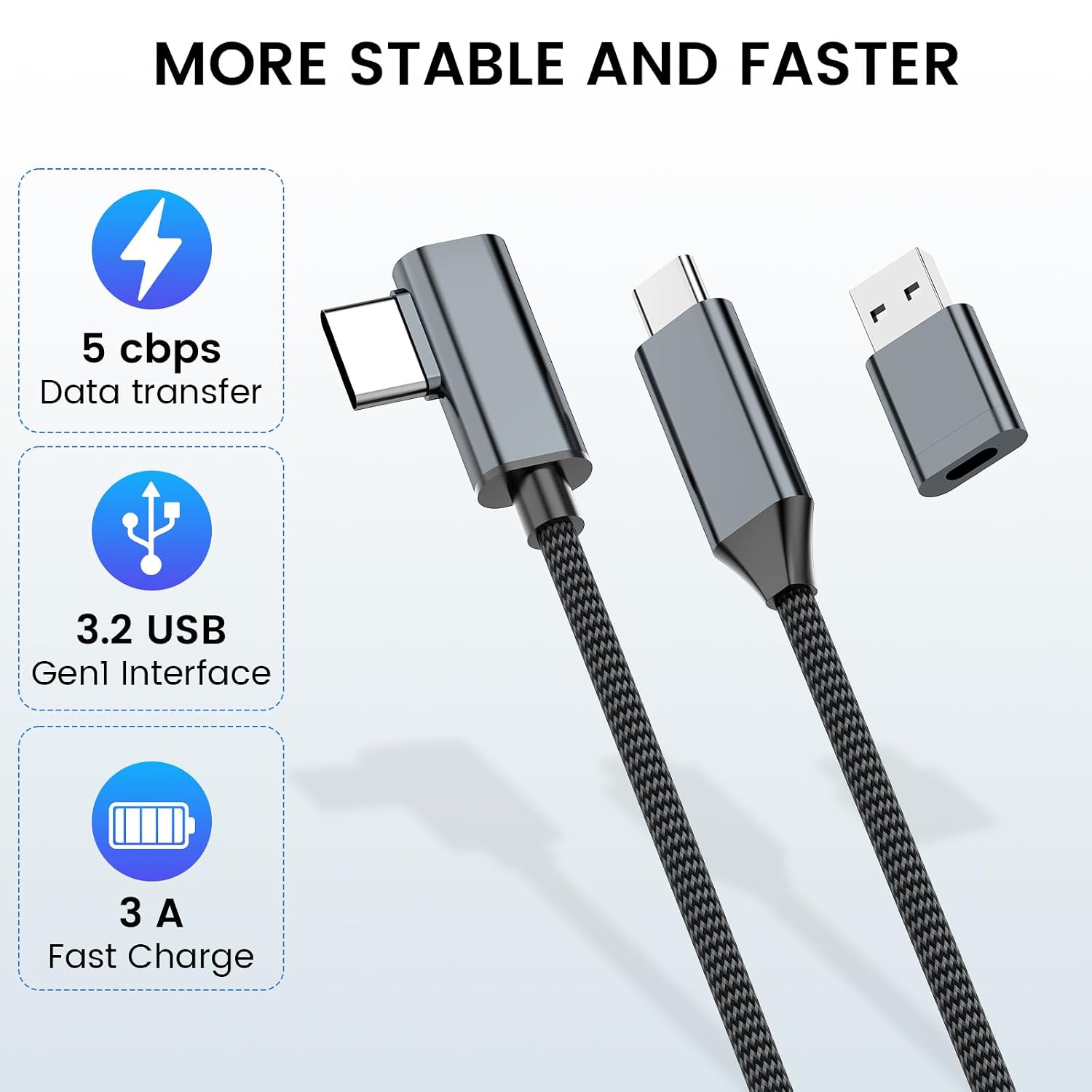
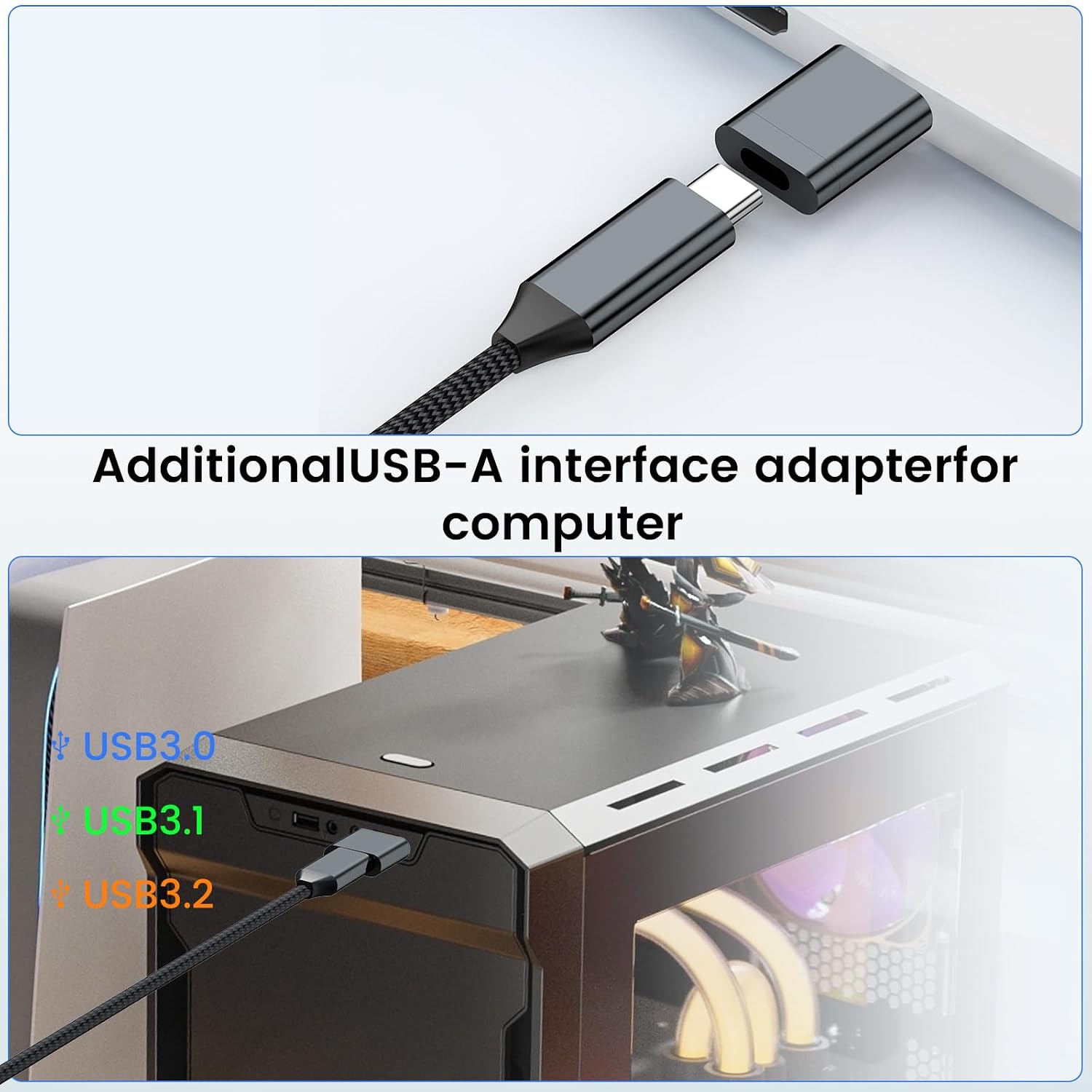
The right-angle USB-C connector is intended to stay secure on the headset and to reduce stress on the port during intense movement. An included USB-A adapter expands compatibility with systems that lack USB-C ports. A small hook-and-loop strap is provided to keep the cable coiled or to secure excess length.
Technical Specifications
- Name: Hagibis Link Cable 16FT
- Cable length: 16 ft (approximately 4.9 m)
- Data transfer speed: 5 Gbps (USB 3.0 specification, according to the manufacturer)
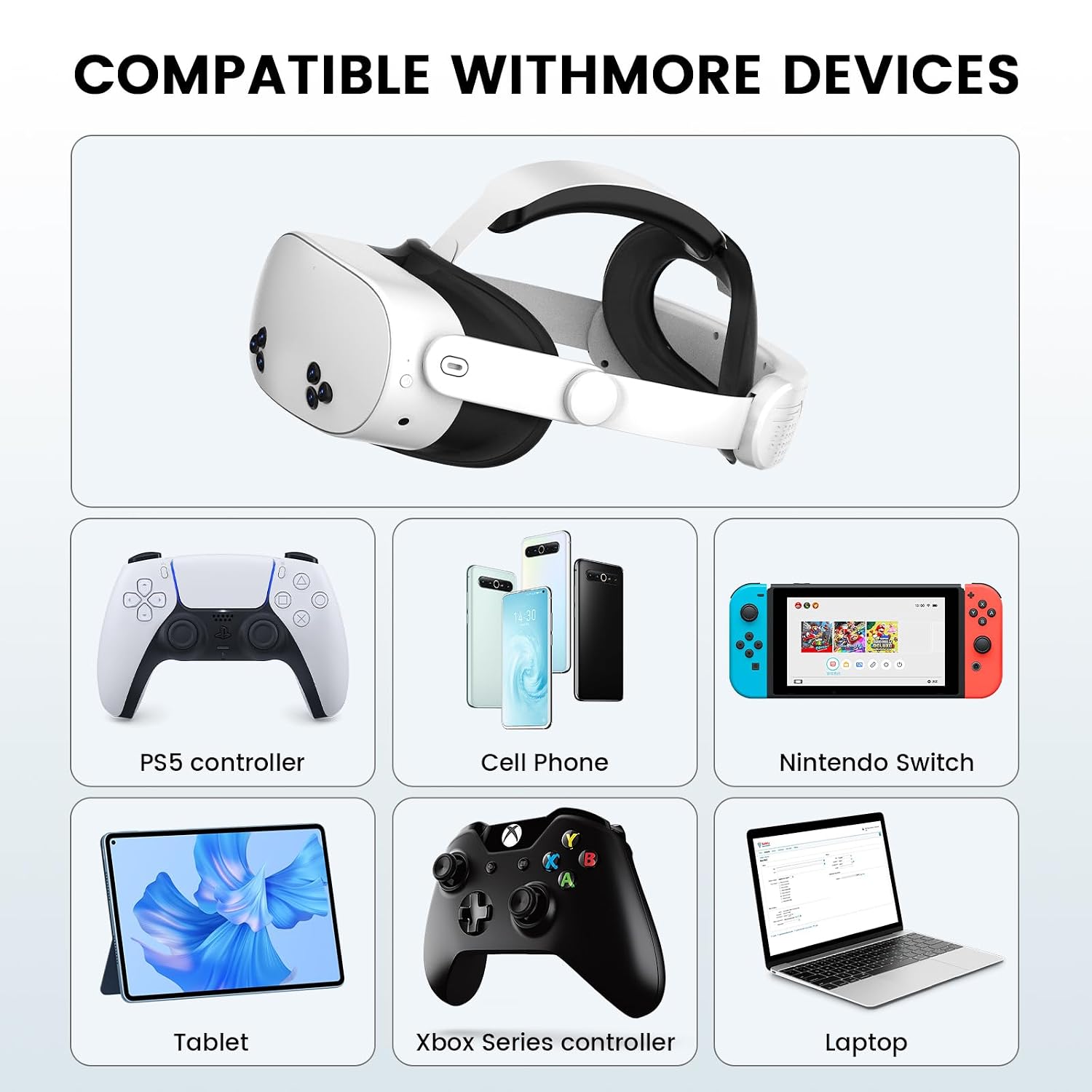
- Connector type: USB-C to USB-C, with included USB-A adapter
- Jacket material: Braided nylon
- Durability: Rated for over 10,000 bends according to the manufacturer
Usage Recommendations
For best results use a USB 3.0 or higher port on your PC. If your system lacks a USB-C port, the supplied USB-A adapter enables connection to standard USB-A 3.0 ports. Route the cable overhead or use a cable management pulley if you prefer hands-free movement and to reduce floor trip hazards. The right-angle end should face away from the headset so it does not interfere with head movement or the fit of protective covers.
Consider that actual throughput depends on your PC ports and headset firmware. Some older laptops or motherboards may not deliver the full 5 Gbps rate, which could affect image quality or introduce more latency. Also note that while the cable supports charging during use, charging speed may be slower than a dedicated fast charger because power delivery can vary by host device.
Practical Tips
Position your play area so the full 16-foot cable can move freely without tangling. Coil any excess with the supplied strap to keep it tidy when not in active use. Inspect USB ports periodically for debris before plugging in to avoid damage. The braided finish resists everyday abrasion, but avoid sharp bends at the connector to prolong service life. If you encounter connection issues, try a different USB port or check for headset and PC updates that improve compatibility.