

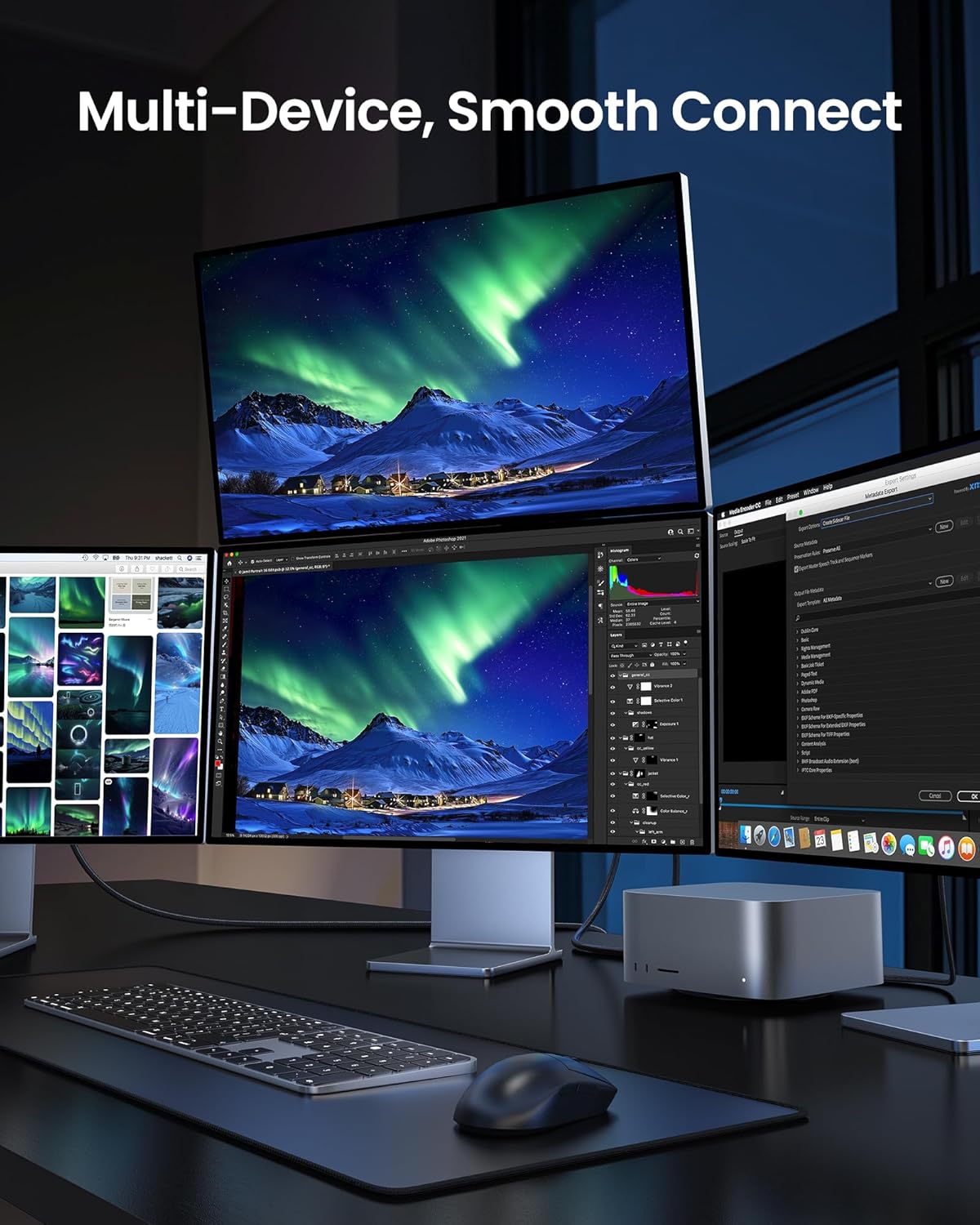
Silkland USB-IF Certified 80Gbps USB 4 Cable for Thunderbolt 5 (5FT) with 120Gbps Display, 240W PD Charging
Product description
What it is and the need it serves
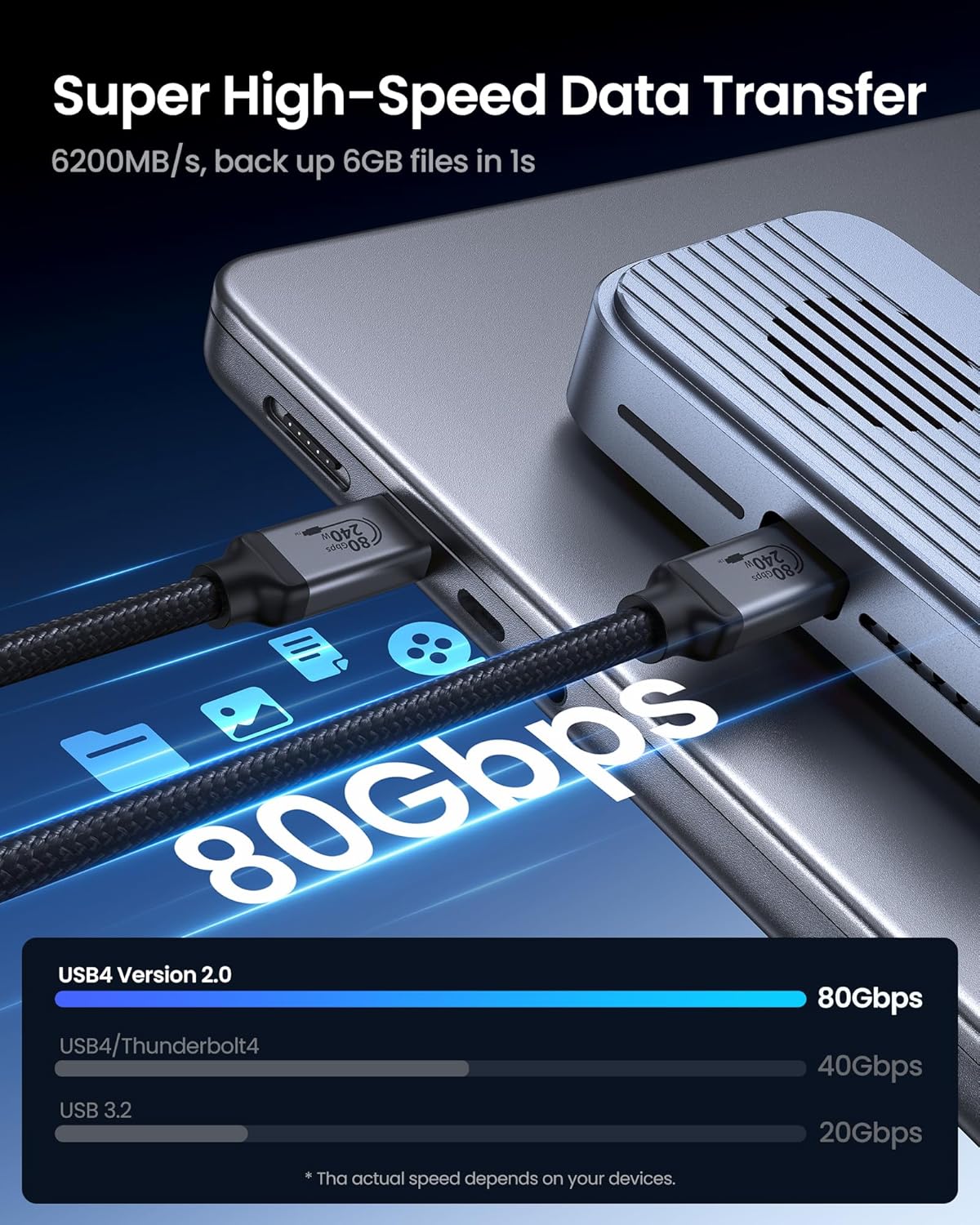
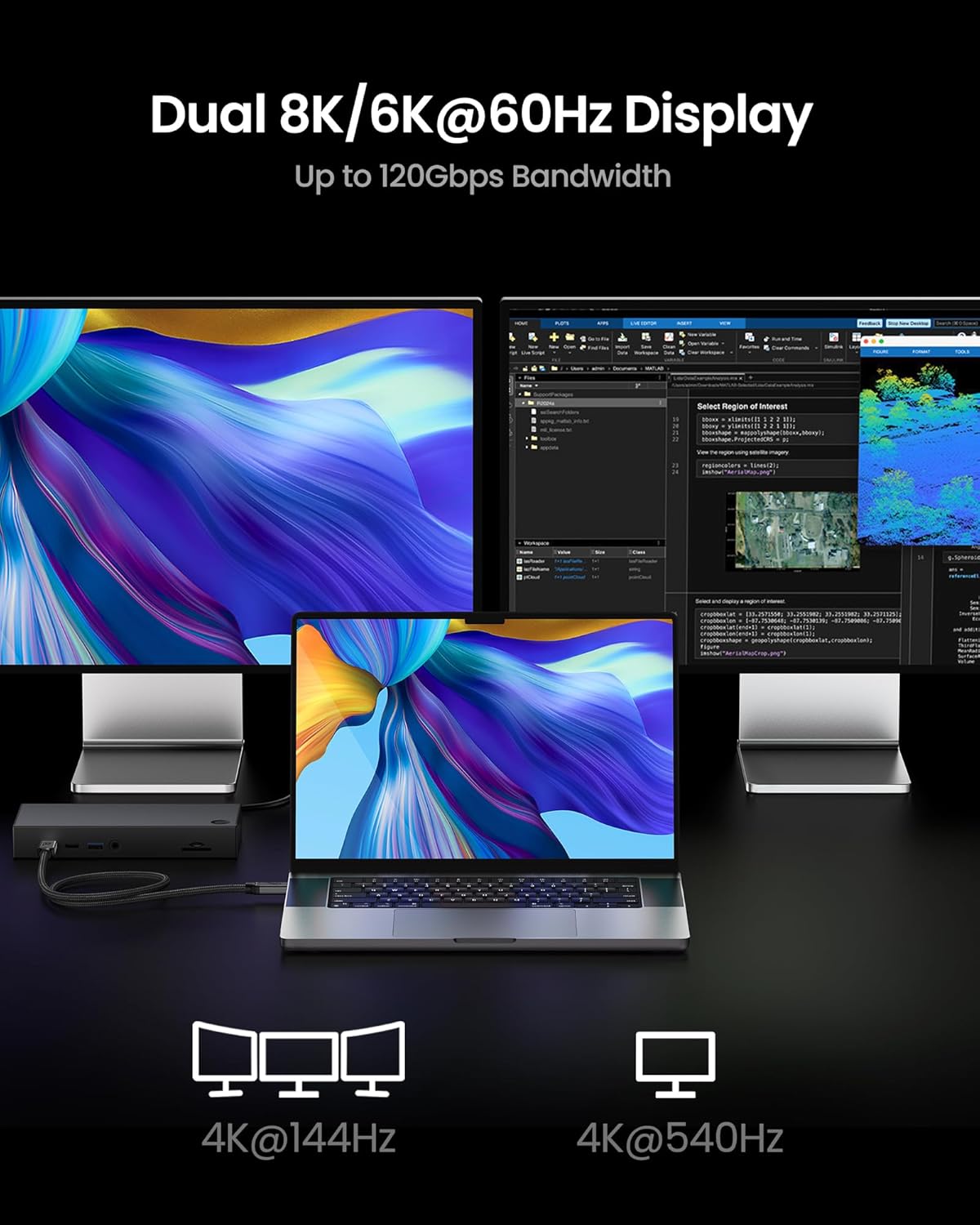
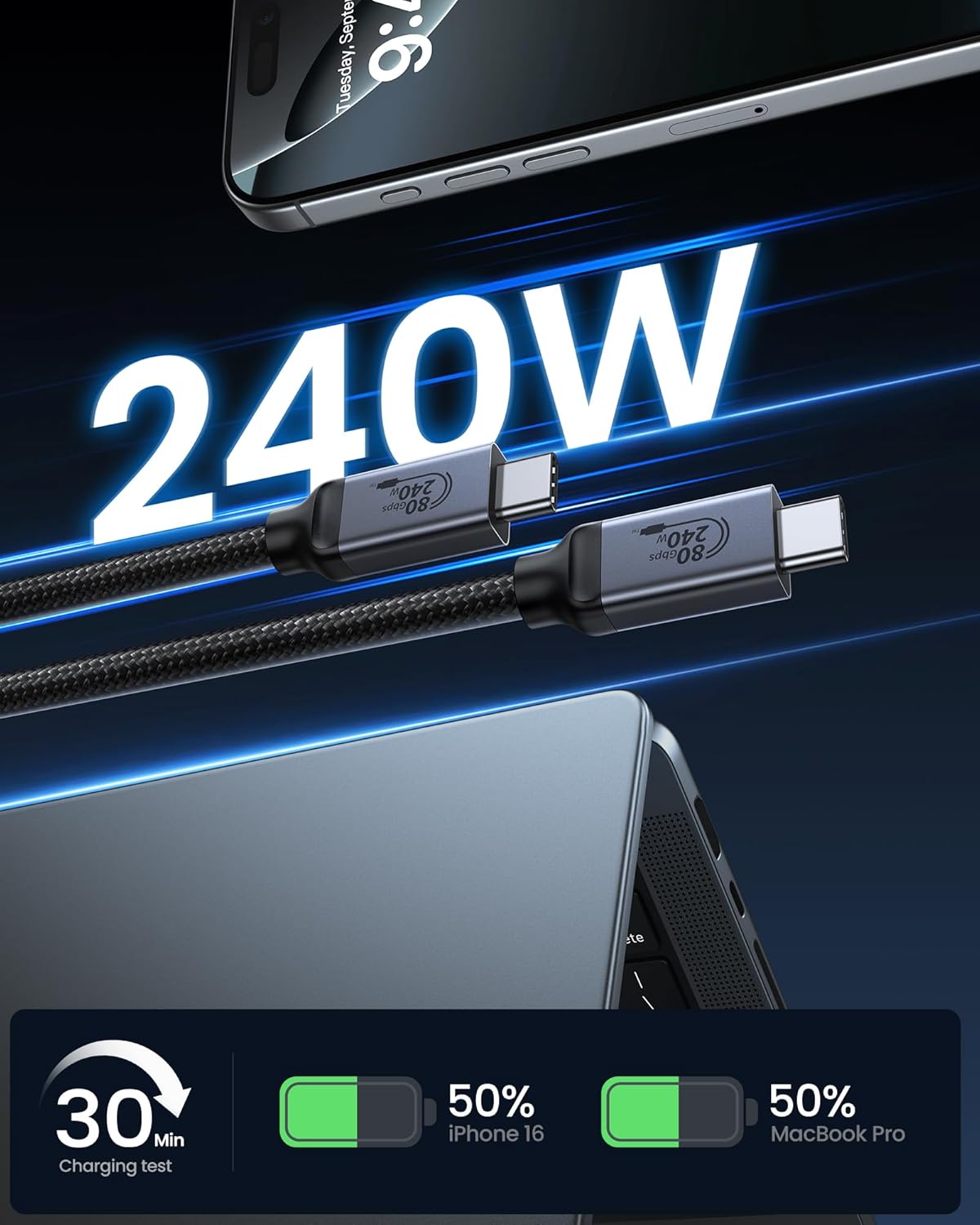
Silkland’s USB-IF certified USB 4 cable is designed for high-performance setups that demand a single, capable solution. It aims to unify data transfer, display bandwidth, and power delivery across Thunderbolt 5, USB4, and USB-C devices. If you’re juggling multiple devices—laptops, docks, external graphics, high-res displays, and fast chargers—a single, robust cable can reduce clutter and simplify connectivity. On paper, this cable promises ultra-fast bidirectional data at up to 80Gbps, a unidirectional display bandwidth of up to 120Gbps, and up to 240W PD 3.1 charging. In practice, actual speeds depend on your devices, ports, and workloads, so real-world results may vary.
How it stands out in real-world use
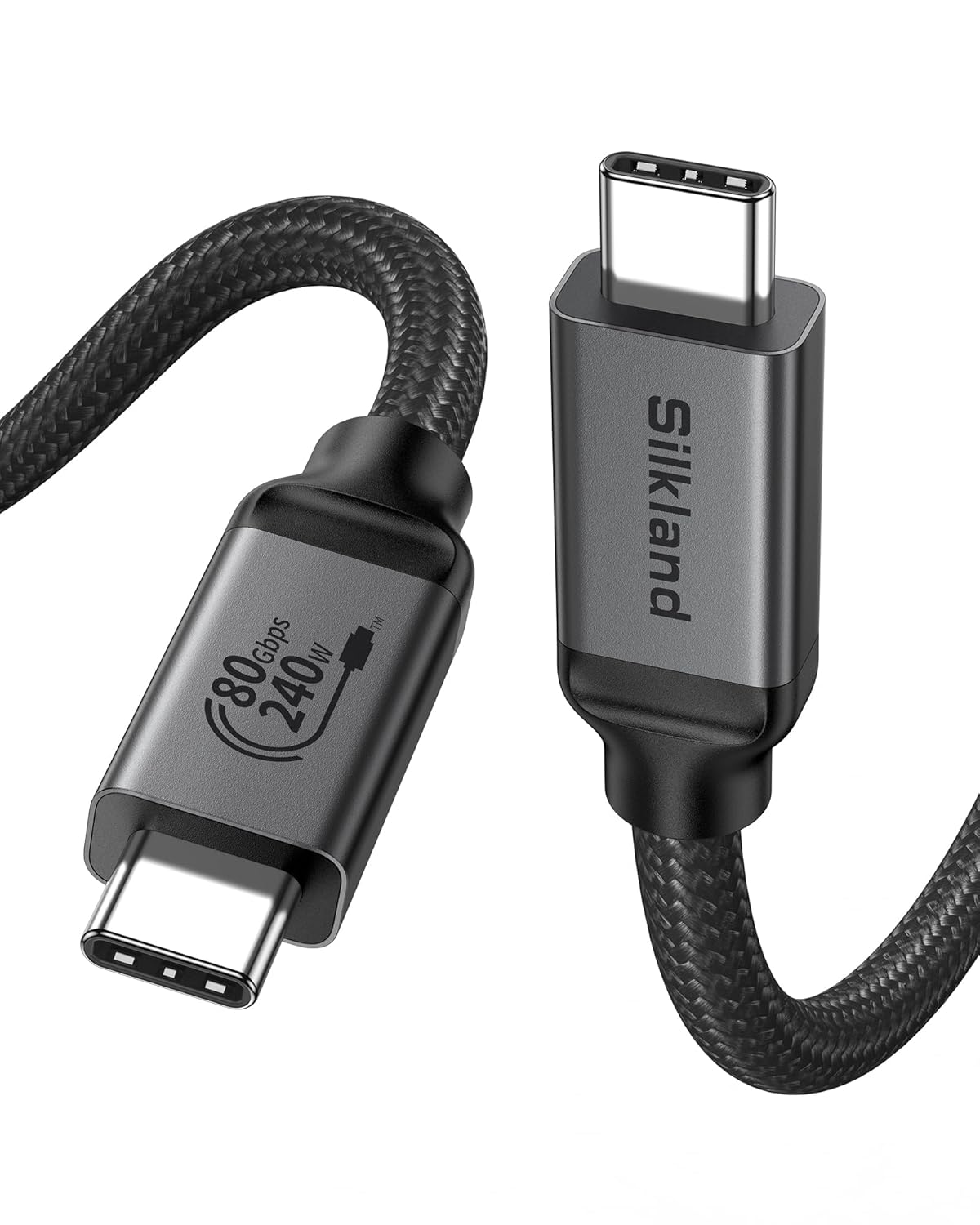
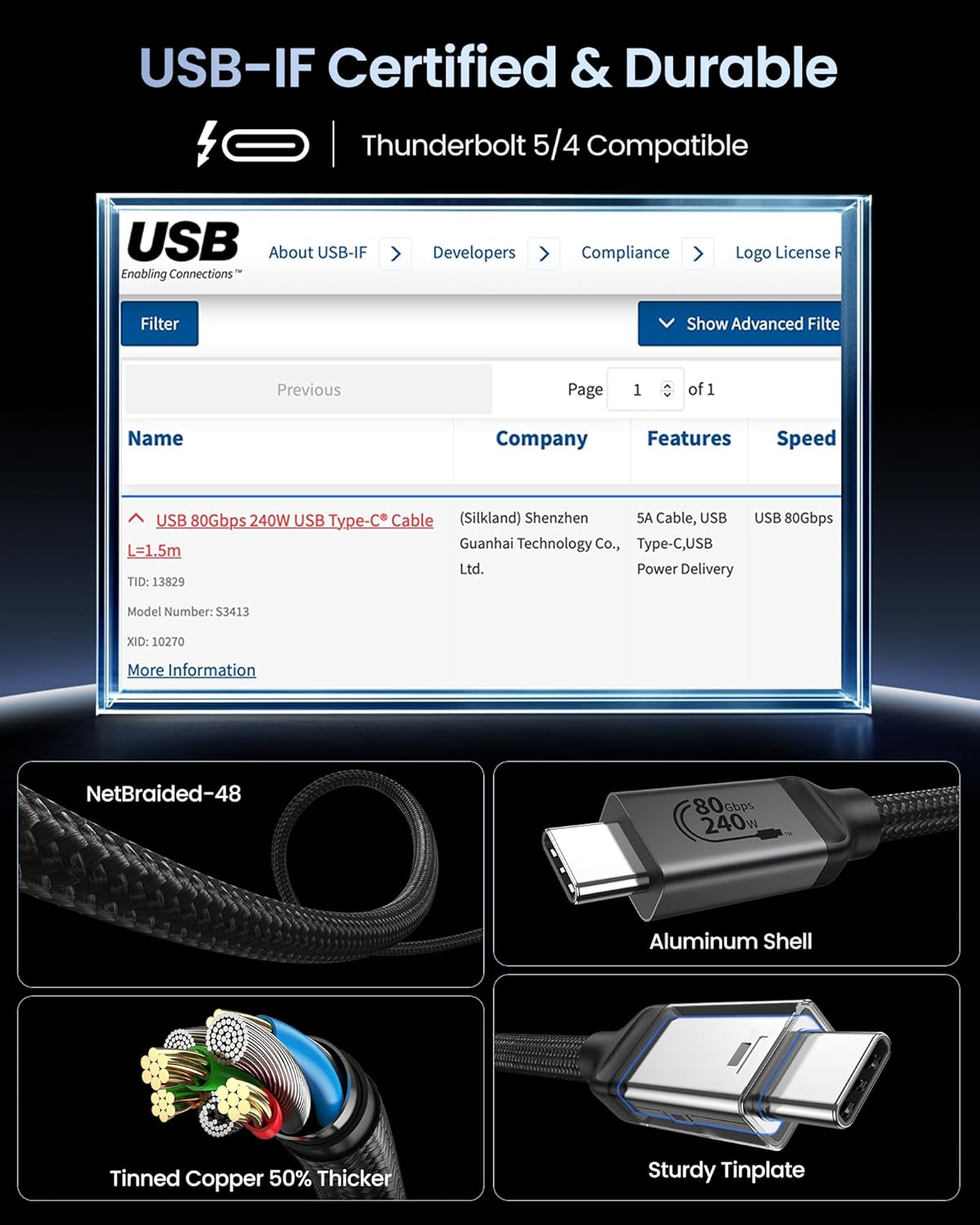
The design emphasizes performance and safety: reinforced by a 48-strand braided nylon jacket for abrasion resistance, a heat-dissipating aluminum shell, and triple shielding to preserve signal integrity. It’s built to handle demanding workflows like 8K monitor setups or multi-monitor layouts, while also providing robust charging for power-hungry laptops and workstations. This balance of data, video, and power makes it a candidate when you want fewer cables without compromising capability.
Pros and what to watch for
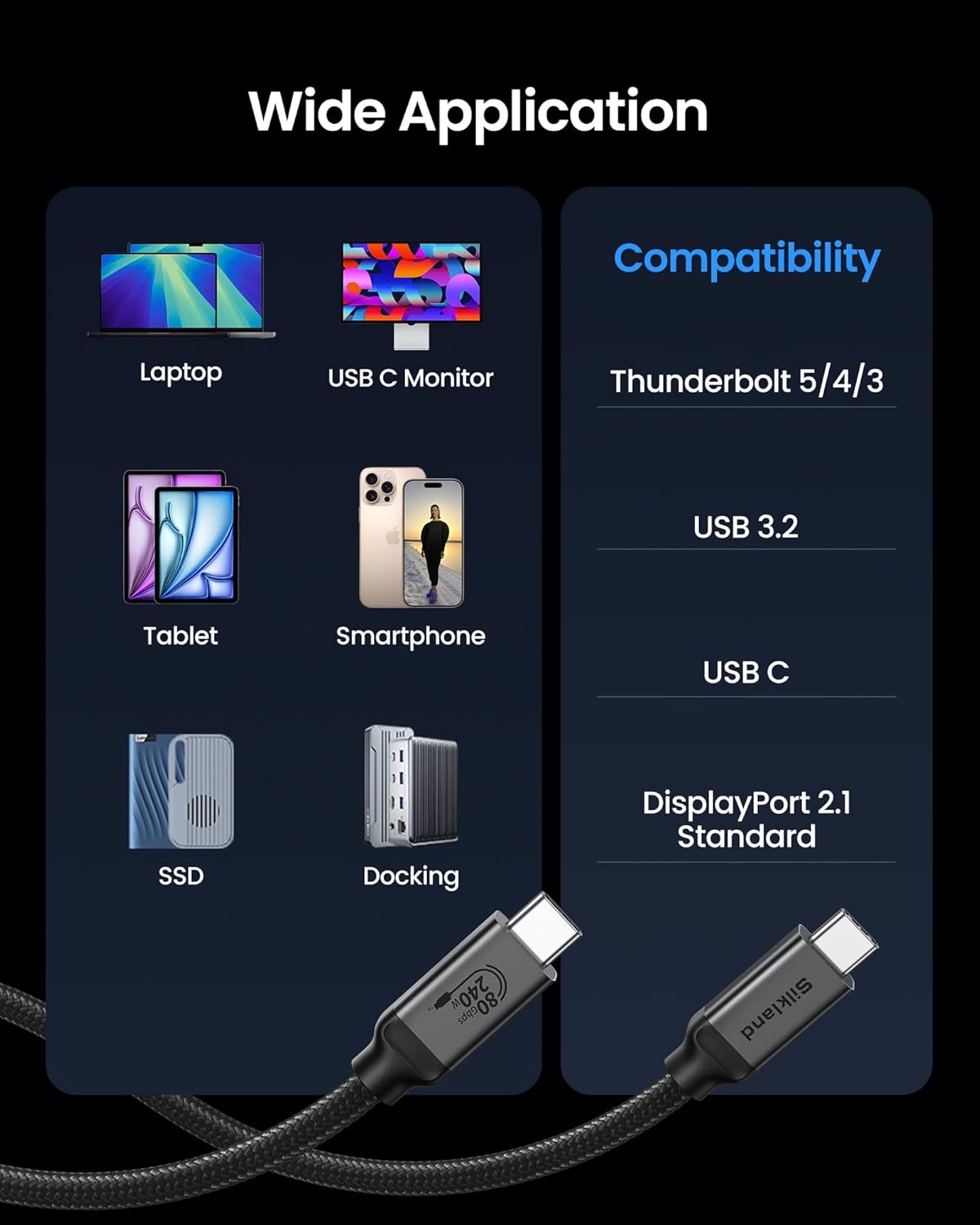
- Pros: high ceiling for data and display bandwidth, strong charging capability, broad compatibility with Thunderbolt 5/4/3, USB4, and USB-C devices, and a durable braided build.
- What may give you pause: real-world performance hinges on the devices and ports you pair with, if your setup doesn’t actually push to Thunderbolt 5 or doesn’t need full 120Gbps display bandwidth, you might not tap into the cable’s top end. Also, the length (5FT) is convenient for desk-first layouts but could be short for some multi-device rigs.
Who this is for
This is likely most appealing to professionals and power users who require one cable for data, video, and charging across multiple ecosystems (Mac, Windows, iPad/phone, and docks). It’s particularly relevant if you’re planning to run dual 8K displays, support high-refresh-rate multi-monitor arrays, or want rapid file transfers while keeping a clean workspace.
Who it isn’t best for
If your setup never hits extreme bandwidths, or you’re more price-conscious and don’t need USB4/Thunderbolt-level performance, a simpler cable could suffice. If you rely on devices that don’t properly negotiate PD 3.1 or don’t support the full 240W charging range, you might not utilize the charging capability fully. Also, in environments where shorter cables or multiple very long cables are needed, a different length or flexibility profile might be preferable.
When it makes sense to buy
Consider this cable when you want a unified solution for data transfer, high-resolution displays, and fast charging within a single cable family. If you work with graphics-intensive software, 3D rendering, video editing, or large photo libraries, the potential gains in workflow efficiency can feel meaningful. Remember to verify that your devices and docks support USB4/Thunderbolt 5 features to approach the advertised capabilities.
What to check before purchasing
- Confirm device compatibility with USB4/Thunderbolt 5 and PD 3.1, to approach the peak speeds and charging wattage.
- Ensure your setup includes ports that can leverage 120Gbps display bandwidth or dual 8K outputs if that’s critical for your workflow.
- Consider your preferred length, 5FT suits desk-to-dock arrangements but may be short for some multi-device rigs.
Practical use example
Imagine editing a live project across a dual 8K monitor setup while exporting large video files. With this cable, you’d run data to your external drive at high speed, feed both 8K displays, and keep your laptop charged without juggling multiple cables—all through one connection. If you frequently swap between devices, having a single, certified cable reduces compatibility headaches and signal loss worries during peak tasks.
Quick comparison in context
Alternatives exist that cover data or display separately or focus on lower PD output. If you don’t need the combined data+display bandwidth or the 240W charging capability, a more modest USB-C/USB4 option might save cost and reduce complexity. If you value a single, future-ready cable that leans into Thunderbolt 5 ecosystems, this Silkland option aligns with that intent.
What stands out in use
The combination of 48-strand braided nylon, aluminum shell, and triple shielding helps safeguard signal quality in cluttered desks or longer runs. For power users who push devices hard, the built-in E-Marker chip adds a layer of safety with dynamic current regulation and protection features.
Is it worth it?
- It’s a solid pick if you need high-end data transfer, expansive display bandwidth, and robust charging in one cable.
- It may be overkill if your setup doesn’t utilize Thunderbolt 5, 120Gbps display bandwidth, or 240W PD charging.
- Consider your typical use: professional workloads with demanding displays and fast storage will gain most from this cable.
FAQ
- Can I use this cable with any USB-C laptop? Yes, it’s designed to be backward compatible with USB-C devices, but performance scales with device support and port capabilities.
- Will I see true 120Gbps display bandwidth on all setups? Real-world display bandwidth depends on your monitor configuration and GPU output, not every setup will hit the peak 120Gbps figure.
- Does it support OTG and multi-monitor configurations? The cable advertises wide compatibility, including OTG, however, exact behavior depends on your devices and docks.
Final decision
Is it worth it? If your goal is a single, future-ready solution for data, video, and power across Thunderbolt 5/USB4 ecosystems, this Silkland cable offers a compelling package. It makes sense for power users and professionals who regularly run high-bandwidth tasks and multi-monitor workflows. It may not be the best fit for casual use or setups with modest bandwidth needs. For those scenarios, weigh whether you truly need 240W charging and 120Gbps display bandwidth before committing.