

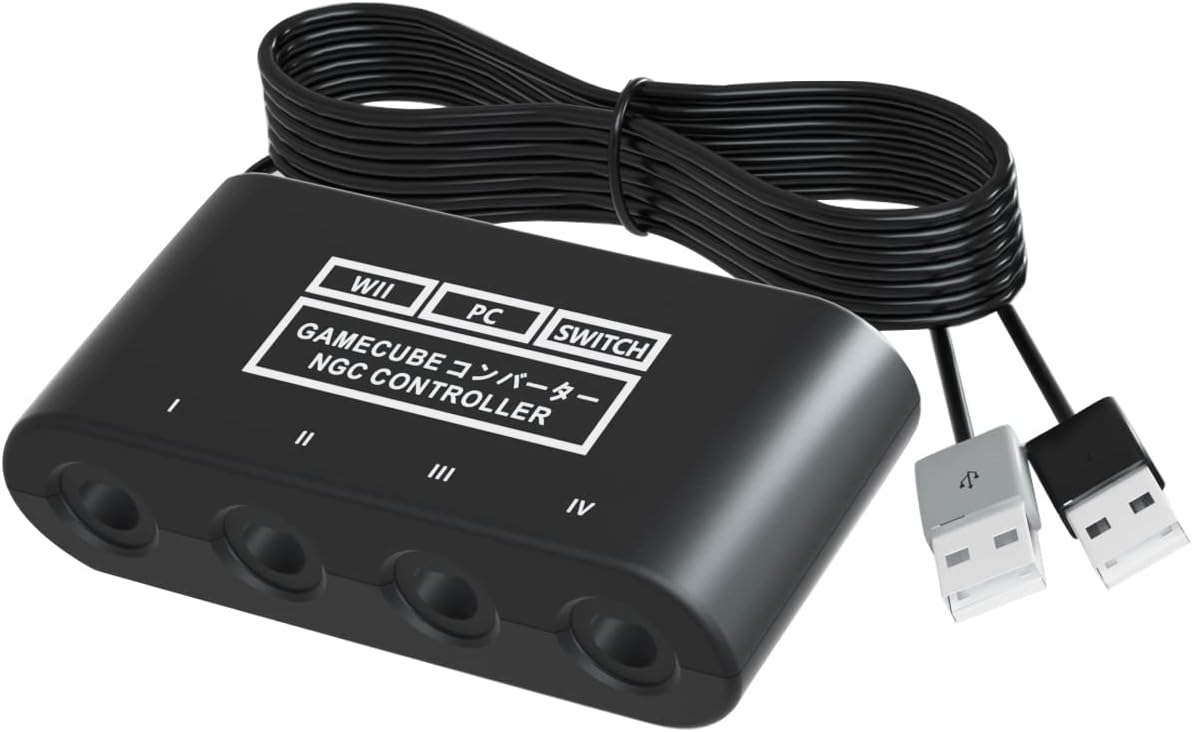
Gamecube Controller Adapter for Switch / OLED / Switch 2 (4 Ports) – 6 ft Cable, Turbo & Vibration
Product description
What it is and what it solves
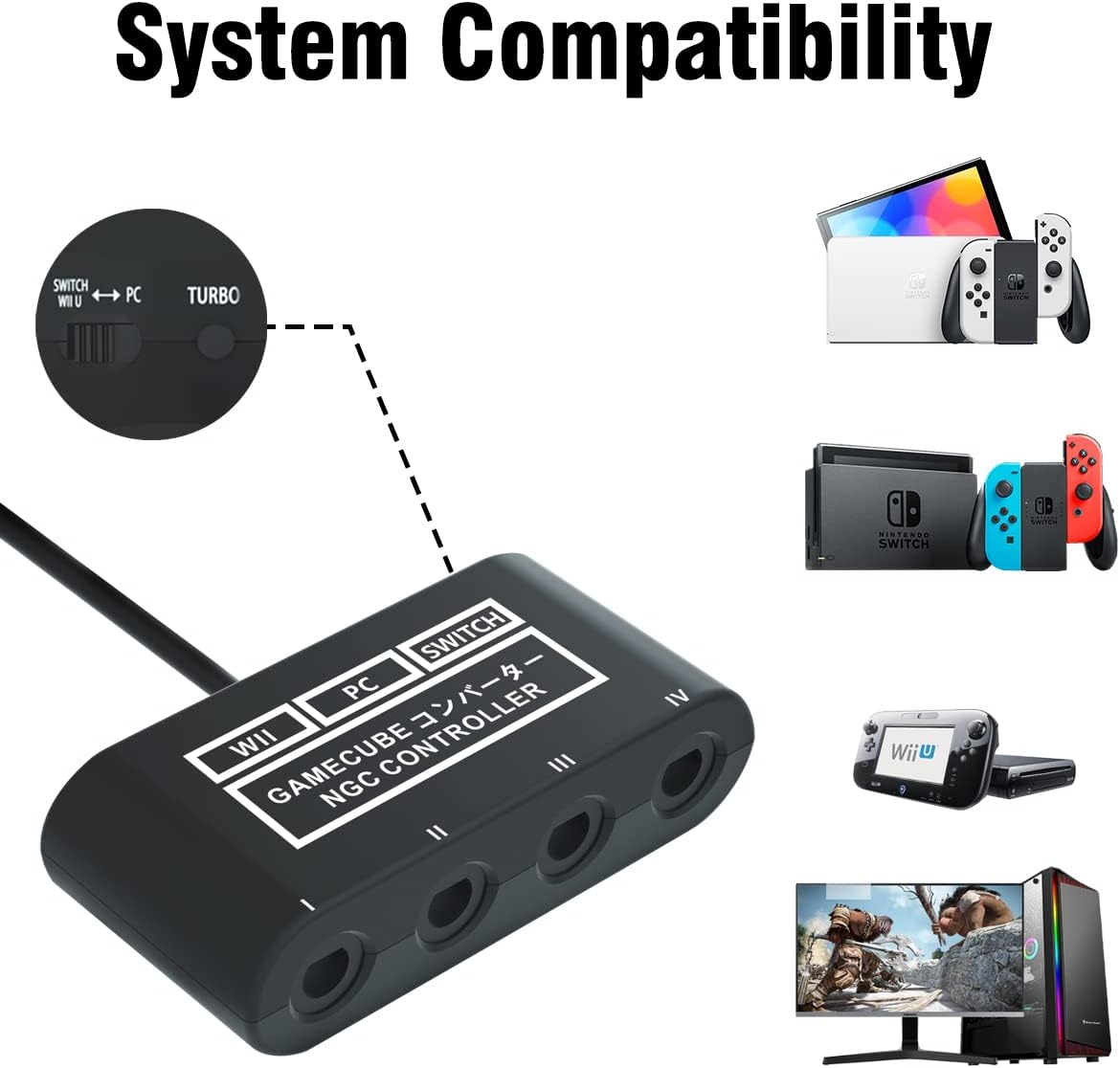
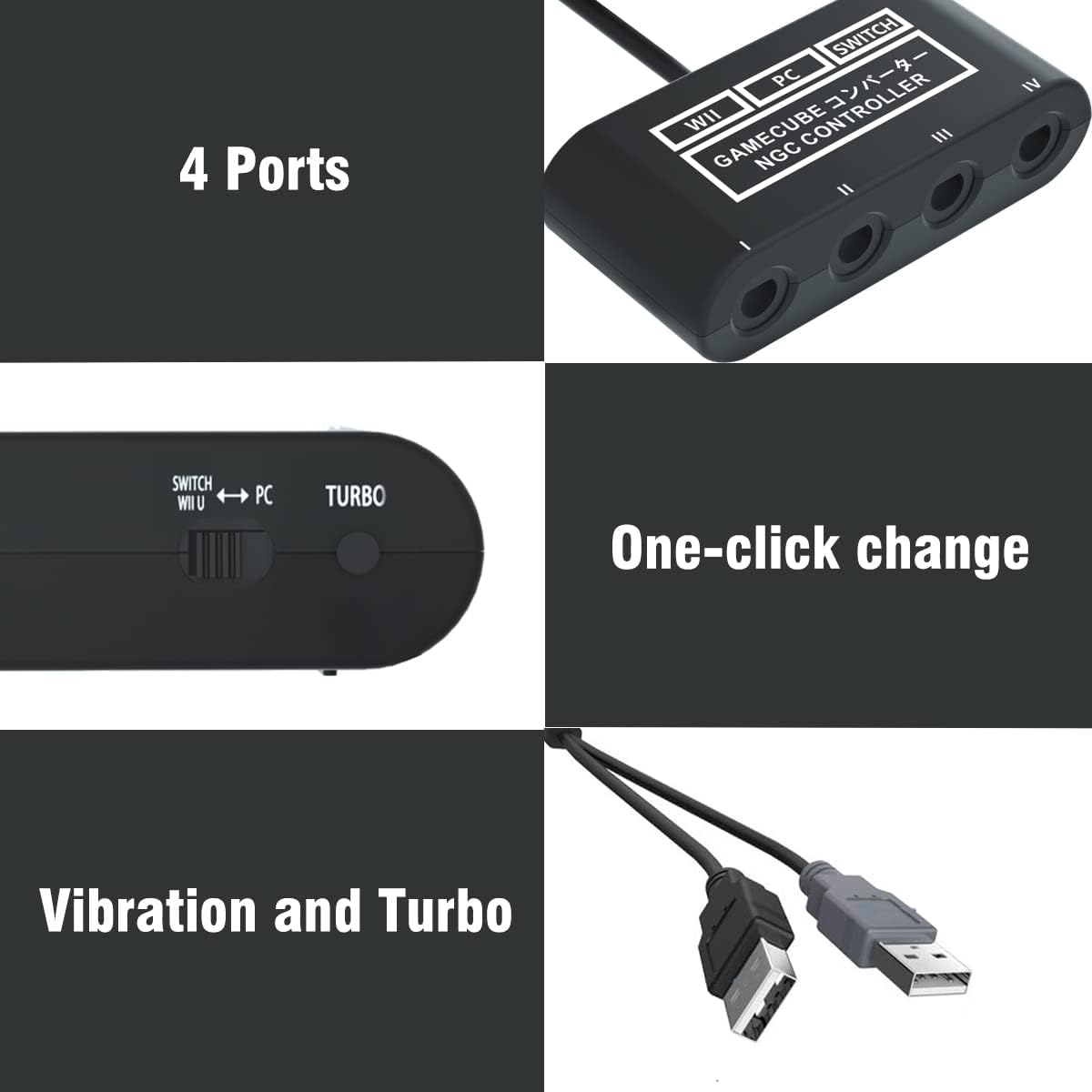
This is a 4-port GameCube controller adapter designed to work with Nintendo Switch (including OLED and newer Switch 2), PC, and Wii U. It lets you use familiar GameCube controllers or WaveBird wireless controllers with modern systems, broadening your options for classic-style play. If you’re building a living room setup for couch co-op or chasing a particular feel in a fighting game, this adapter aims to bridge retro inputs with current hardware without needing extra drivers on most platforms.
How it works and setup notes
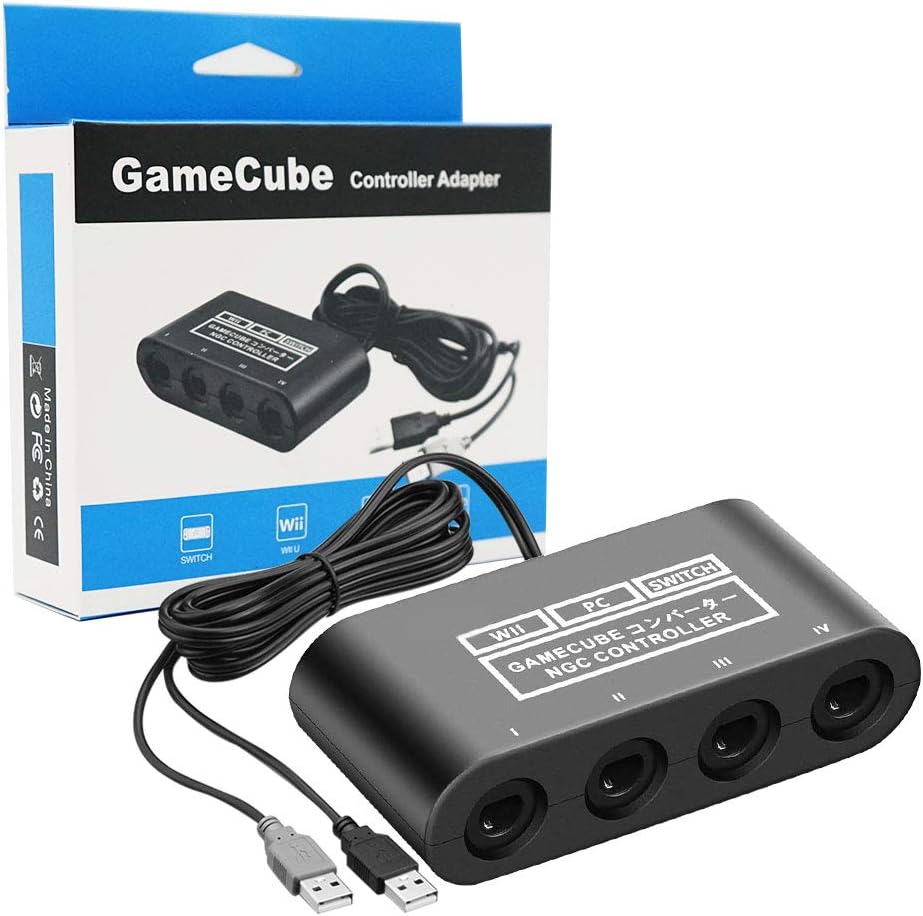
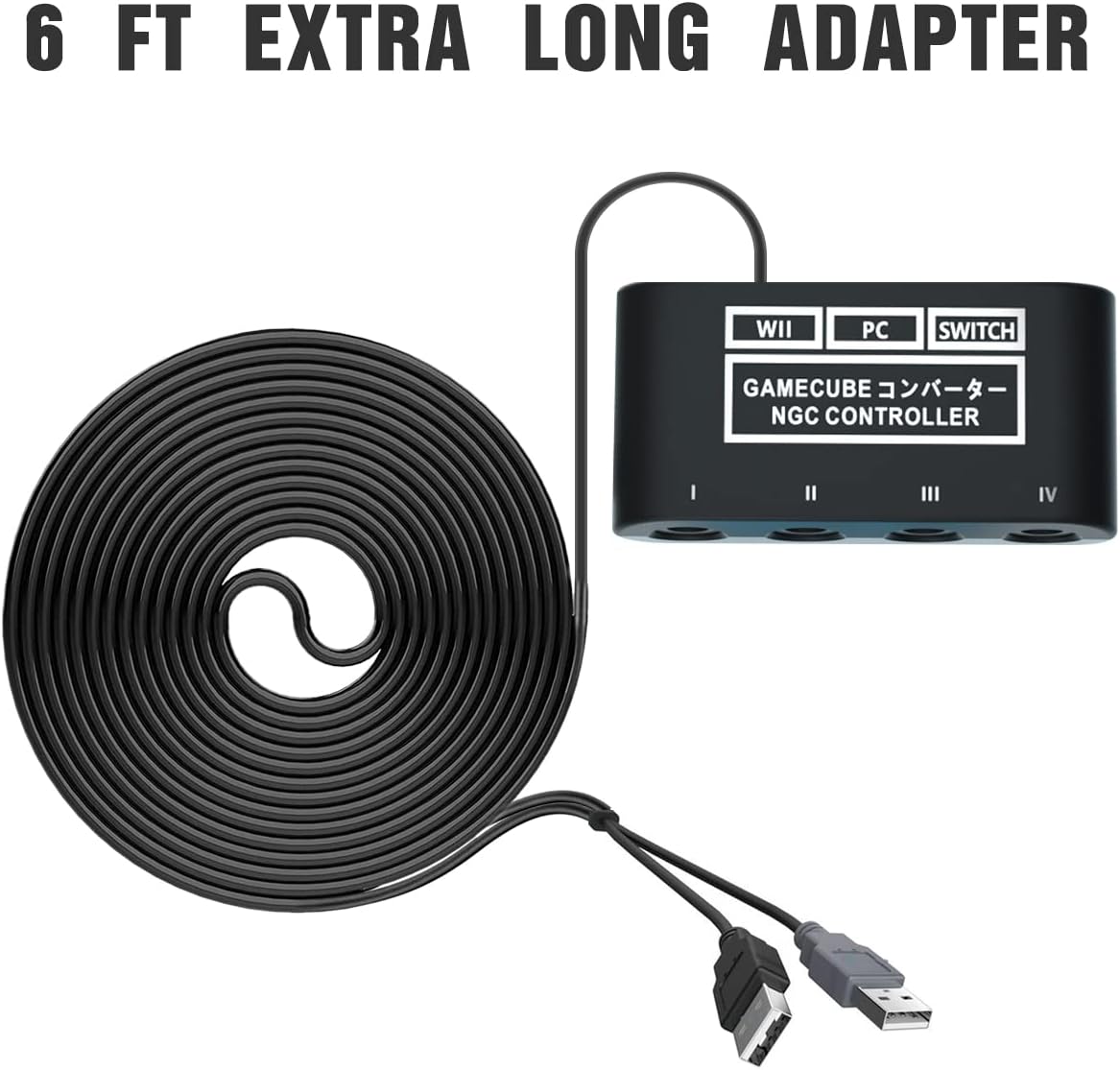
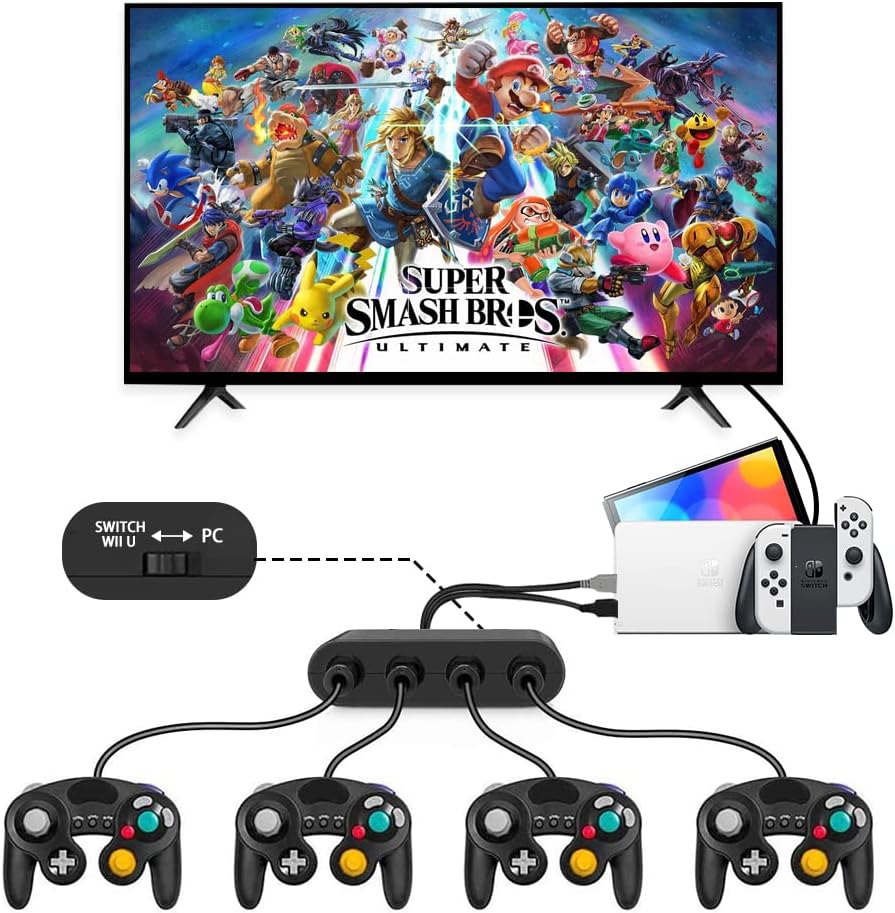
The adapter plugs into your console or PC and supports up to four GameCube controllers at once. For Switch play, you’ll want to set the device to NS mode, for PC, switch to the PC mode. One important note: on the Wii U platform, support is limited to a single game (Greet Melee Smash Brothers X). The product ships with a 6 ft (about 1.8 m) cable, which helps keep players comfortable on the couch while reducing screen glare and eye strain from being too close to the TV.
What stands out (pros)
If you prioritise a nostalgic layout and precise button mapping, this adapter can deliver a recognizable GameCube controller experience on modern hardware. The turbo mode is a nice touch for certain games that benefit from rapid input bursts, and vibration support adds a tactile layer that some fans expect from classic controllers. The 4-port design is convenient for local party games or fighting titles where four players share the screen.
Potential limitations (cons)
On Wii U, the compatibility is limited to a specific game, which means you won’t get universal GameCube controller compatibility across every title on that platform. Not all PC emulators or games will honor D-input in all scenarios, some games rely on X-input or native GC mappings that may require tweaking. The description notes no driver installs, but you’ll still need to choose the correct mode before playing, which adds a small setup step. If you’re aiming for pure latency-free performance across a wide library, it’s worth testing with the exact titles you care about.
Who it’s for
- Players who want a classic GameCube control feel for Smash Bros. and similar titles on Switch or Switch OLED.
- Local multiplayer households that rotate four players without swapping adapters.
- PC gamers using Dolphin or similar emulators who prefer traditional GC inputs over generic gamepad layouts.
- Wii U owners who want at least one specific title to support GC controllers through this adapter.
Who it might not be the best fit
- If you expect flawless support for every PC game or every Wii U title, this adapter may fall short in some scenarios due to platform-specific limitations.
- If you need X-input compatibility or modern shoulder button remapping for non-GC-native games, you might find the experience lacking.
- For those chasing a no-fuss plug-and-play with zero setup, the mode switching requirement could be a small friction point.
When it makes sense to buy
- You already own GameCube controllers or WaveBirds and want to use them on Switch for titles like Super Smash Bros.
- You enjoy couch co-op or local party games and want a four-player setup with a familiar input method.
- You’re exploring emulation on PC and prefer a GC-style layout over modern controllers.
When you may want to look elsewhere
- If you need universal compatibility across all Switch titles or rapid hot-plug performance on every game, a different adapter with broader support might be better.
- If you don’t care about vibration or turbo features, a simpler adapter could suffice, potentially at a lower cost.
What to check before buying
- Confirm you’re using NS mode for Switch or PC mode for computer use.
- Make sure you have four GameCube controllers or WaveBirds ready to pair, the adapter supports up to four at a time.
- Test on the exact titles you care about, especially if you plan to use it with Wii U, given the limited compatibility noted.
Practical usage example
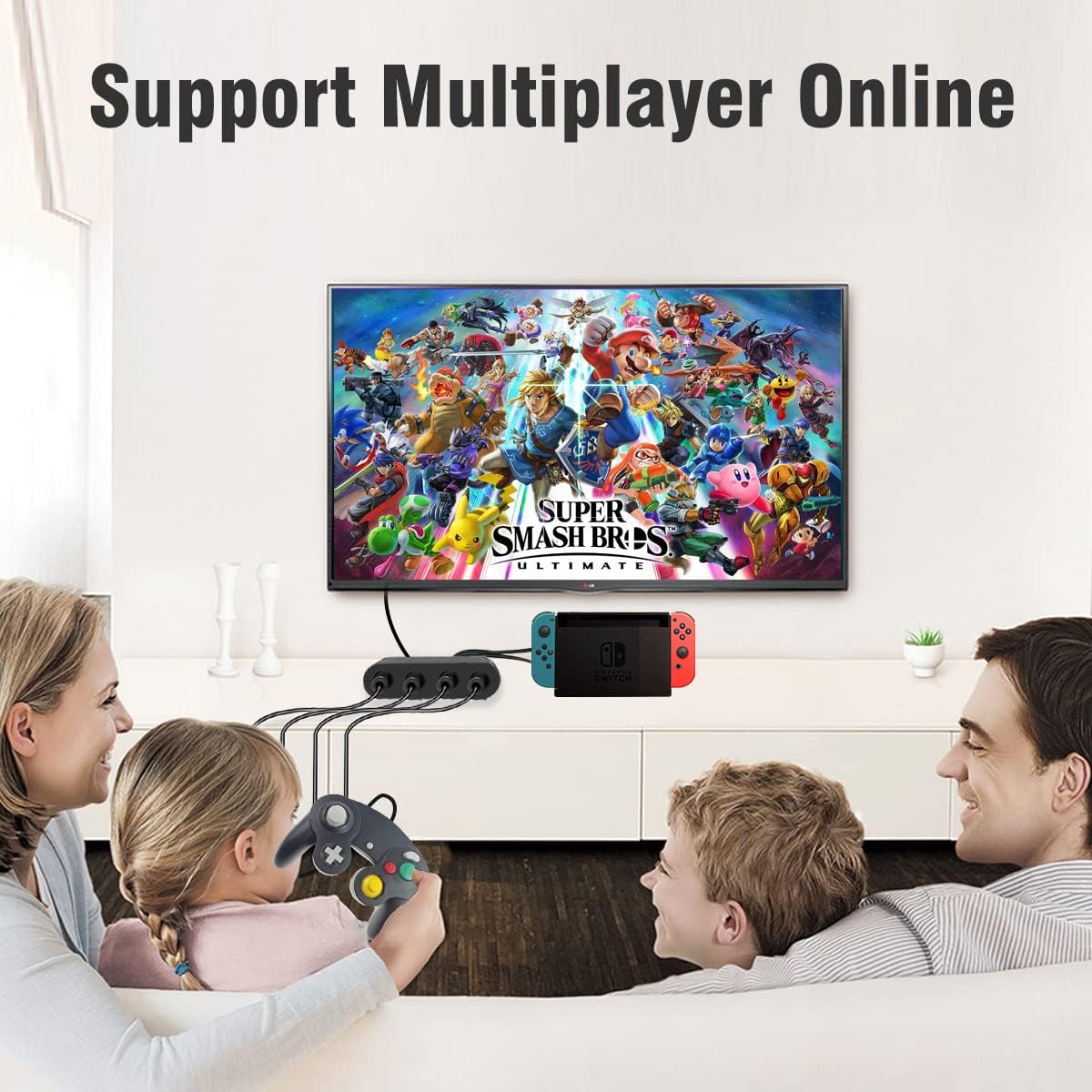
Imagine hosting a local Smash session on Nintendo Switch. Four players sit on the couch, each with a GameCube controller slotted into the four ports. You fire up your game, switch the adapter to NS mode, and everything feels familiar—A for jump, B for attack, C-stick for camera. The 6 ft cable lets you stretch out comfortably, reducing the urge to crowd the TV. If one player wants rapid input bursts for a turbo-fueled moment, they can enable turbo mode on the needed buttons without fumbling for extra gear.
Quick comparison of approaches
If you’re deciding between this GC adapter and a modern, single-device controller, this option trades a little bit of modern ergonomics for the tactile, nostalgic feel of the GameCube layout. It’s a better fit for fans who want four-player local play and don’t mind a few platform-specific caveats. For those who value universal PC compatibility and zero setup hassles, a different path might be worth considering.
What matters most in use
Overall, the appeal hinges on getting a classic GC controller experience on Switch or PC with four simultaneous connections, plus the turbo and vibration features. If those are high on your list, this adapter warrants consideration. If you’re aiming for ultra-wide compatibility across every modern title, you may encounter some limits.
Final decision
Is it worth it?
Worth considering if you want a four-player GC-style setup on Switch or PC with optional turbo and vibration features. It’s not a one-size-fits-all solution, but it delivers a familiar control scheme for specific games and setups.
FAQ (3–5 questions)
- Do I need drivers to use this adapter on PC? No, it advertises no driver install required, but you may need to configure the mode and, in some cases, emulator settings.
- Can I use four GameCube controllers at once? Yes, up to four controllers can be connected simultaneously.
- Is it compatible with all Switch titles? It’s designed for Switch in NS mode, but Wii U compatibility is limited to a single game, PC compatibility depends on the emulator or game.