

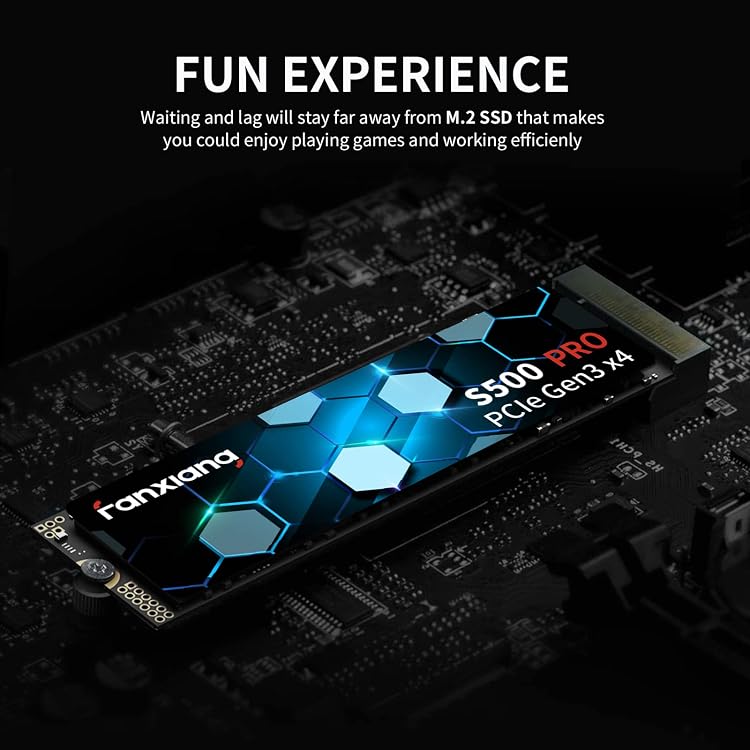
Fanxiang S500 Pro 256GB NVMe M.2 SSD – PCIe 3.0 (Gen 3x4) Storage
Product description
What it is
The Fanxiang S500 Pro is a compact NVMe M.2 solid state drive designed to upgrade laptops and desktops that have an M.2 PCIe interface. It uses 3D TLC NAND with SLC cache technology to boost real-world read speeds while aiming for better endurance.

How it performs
On paper, the drive delivers up to 3000MB/s sequential read, benefiting tasks like booting, opening apps, loading games, and transferring files. The manufacturer notes graphite heat dissipation stickers to help manage heat and extend the drive’s life, with a stated endurance of up to 160TBW. Real-world speeds can vary based on host interface, software, and other environmental factors.

Design and reliability
The S500 Pro uses no moving parts, which translates into solid shock resistance and lower risk of mechanical failure. The combination of 3D NAND TLC with an apparent emphasis on heat management contributes to a more stable long-term experience, especially under sustained workloads.

Compatibility and setup
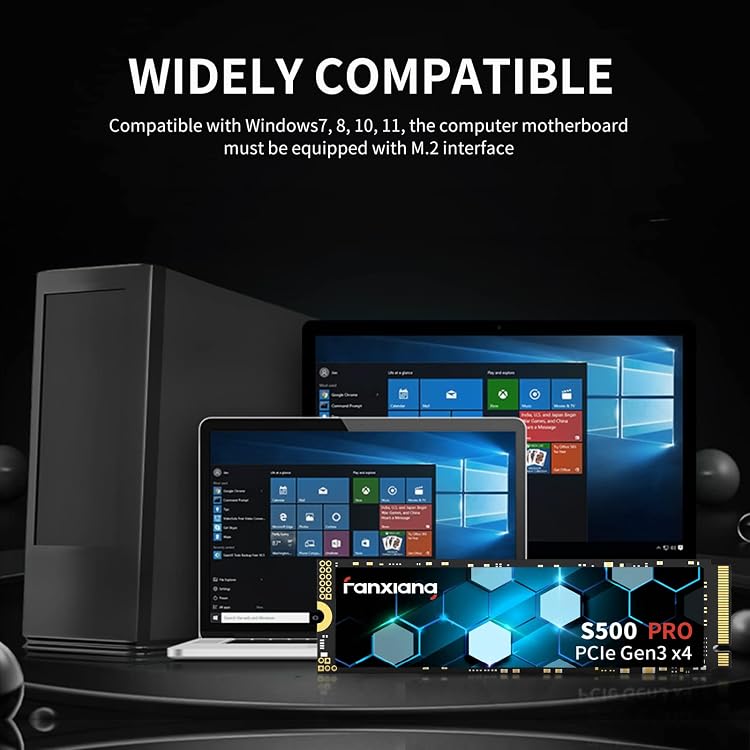
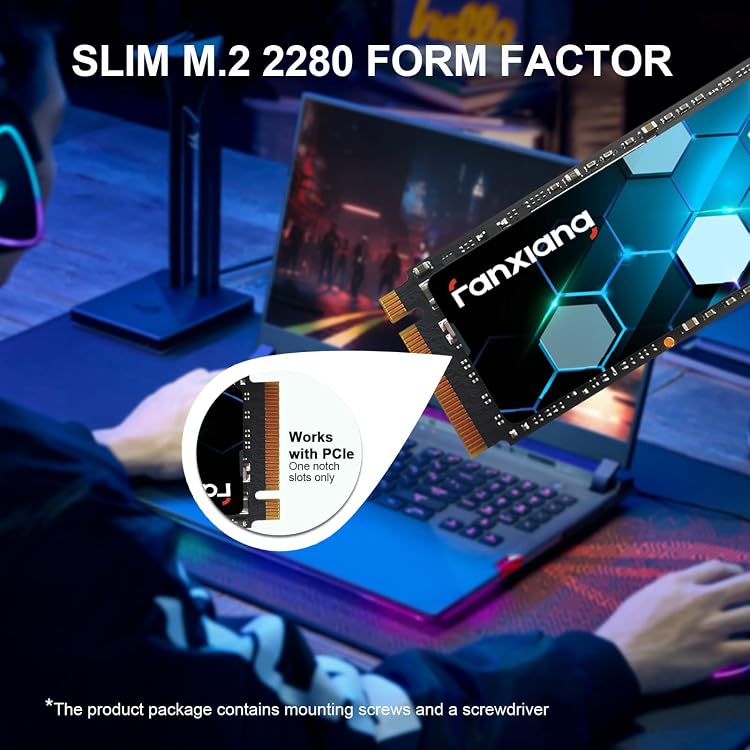
This drive is intended for systems with an M.2 slot that supports PCIe NVMe. It’s advertised to be compatible with Windows 7/8/10/11 and Mac OS 10.9 and later. As with most NVMe drives, the SSD must be formatted before first use. The package reportedly includes mounting screws and a small screwdriver, which can simplify installation.
Who it’s for
If you’re upgrading an older system to improve boot times, program launches, or game load speeds, this model offers a straightforward NVMe upgrade path for many laptops and desktops that support M.2 PCIe. It’s a practical option for users who want a budget-friendly speed boost rather than top-of-the-line performance.
What to watch for
- Speed claims depend on the host and testing method, actual performance may be lower than the 3000MB/s figure.
- 256GB is a relatively small capacity by today’s standards, which means you’ll want to allocate space efficiently or consider higher-capacity options if your workload grows.
- Formatting needs to be completed prior to use, and some systems may require BIOS/UEFI adjustments for NVMe recognition.

Practical use case
Imagine swapping a slower SATA SSD in a mid-range laptop for the S500 Pro. You’d notice faster OS boot, snappier app launches, and shorter game load times. It’s not designed to replace high-end NVMe drives, but it can deliver a meaningful upgrade without breaking the bank in a budget build.
Quick tech notes
- Interface and form factor: M.2 2280, PCIe 3.0 x4
- Cache: SLC cache layer with 3D TLC NAND
- Endurance: up to 160TBW (as specified by the manufacturer)
- Compatibility: Windows 7–11, Mac OS 10.9 and later
FAQ (based on available data)
- Q: Does it require any special software to run at full speed? A: No specific software is required, but performance depends on the host system and formatting.
- Q: Is it suitable for gaming laptops? A: If the laptop has an M.2 PCIe NVMe slot, it can improve load times and system responsiveness, results vary by model.
- Q: Can it be used in desktops with standard M.2 slots? A: Yes, provided the motherboard has an M.2 PCIe NVMe slot and allows NVMe booting.