

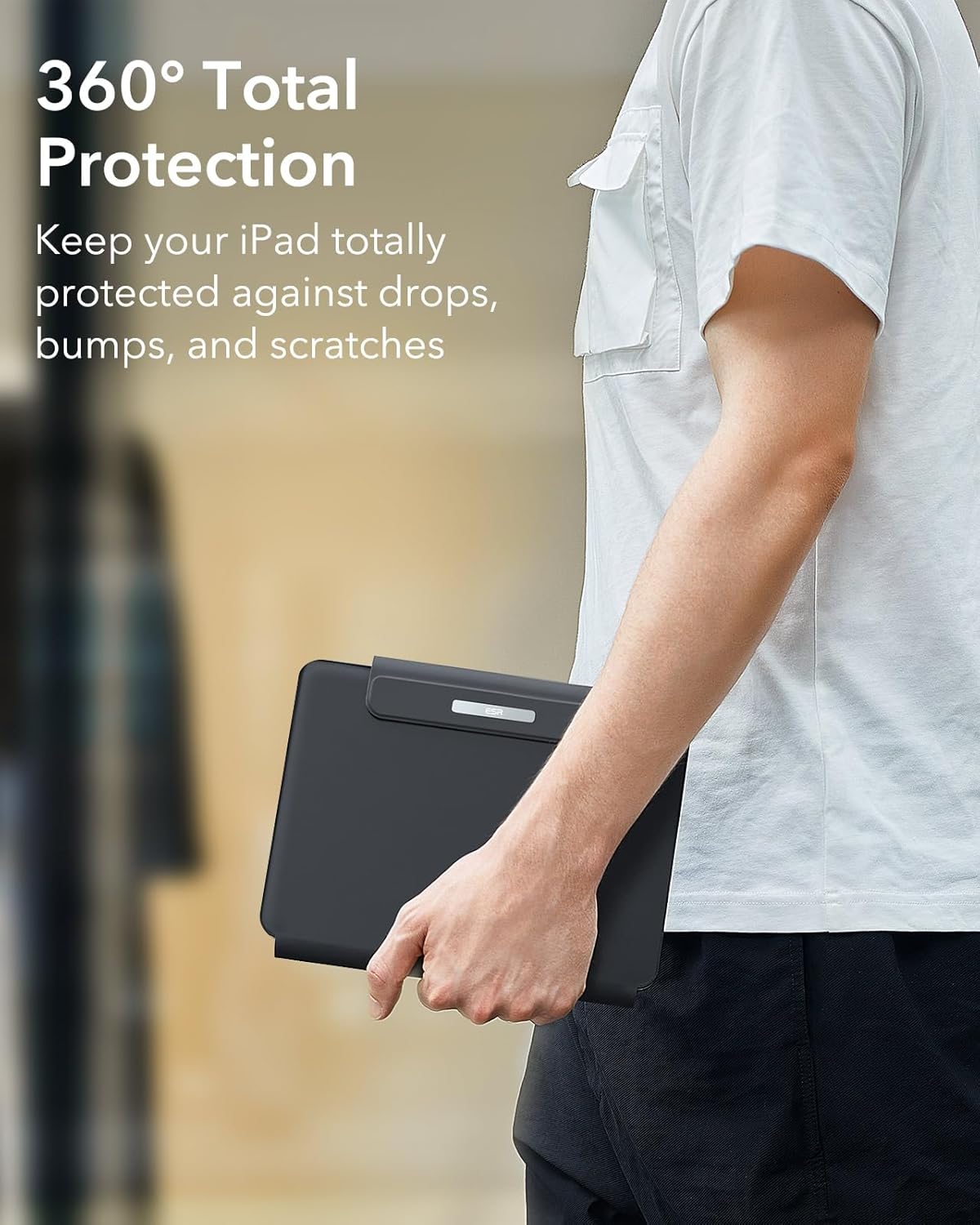
ESR Upgraded Case Keyboard Stand for iPad Air 13 and 12.9 iPad Pro (Black) — Easy-Set Floating Cantilever + Trackpad
Product description
What this is for (and why people buy it)
If you want your iPad to feel more like a work setup than a big touchscreen, this ESR case keyboard + stand approach is built for that “getting stuff done” vibe. Over the paper, the idea is simple: you keep your iPad protected and add a keyboard-style workflow, then use a stand that holds your tablet at a usable angle while you type, browse, and edit.
It also leans into a remote-work reality. The description mentions “full MacBook functionality built right into your case,” which is a marketing way of saying it’s trying to replicate a laptop-like experience rather than just being a cover. Still, it depends on how you work—some people love the setup, others prefer a traditional laptop for heavier writing or pro apps.
Compatibility you need to double-check first
This case is explicitly positioned for specific iPad models: iPad Air 13 inch (M4 2026, M3 2025, M2 2024) and iPad Pro 12.9 inch (6th/5th/5th/3rd). It also lists a set of model numbers (A3461, A3462, A3464, A2898, A2899, A2900, A3268, A3269, A3271, A2436, A2437, A2764, A2766, A2378, A2461, A2379, A2462, A2229, A2069, A2232, A2233, A1876, A2014, A1895, A1983).
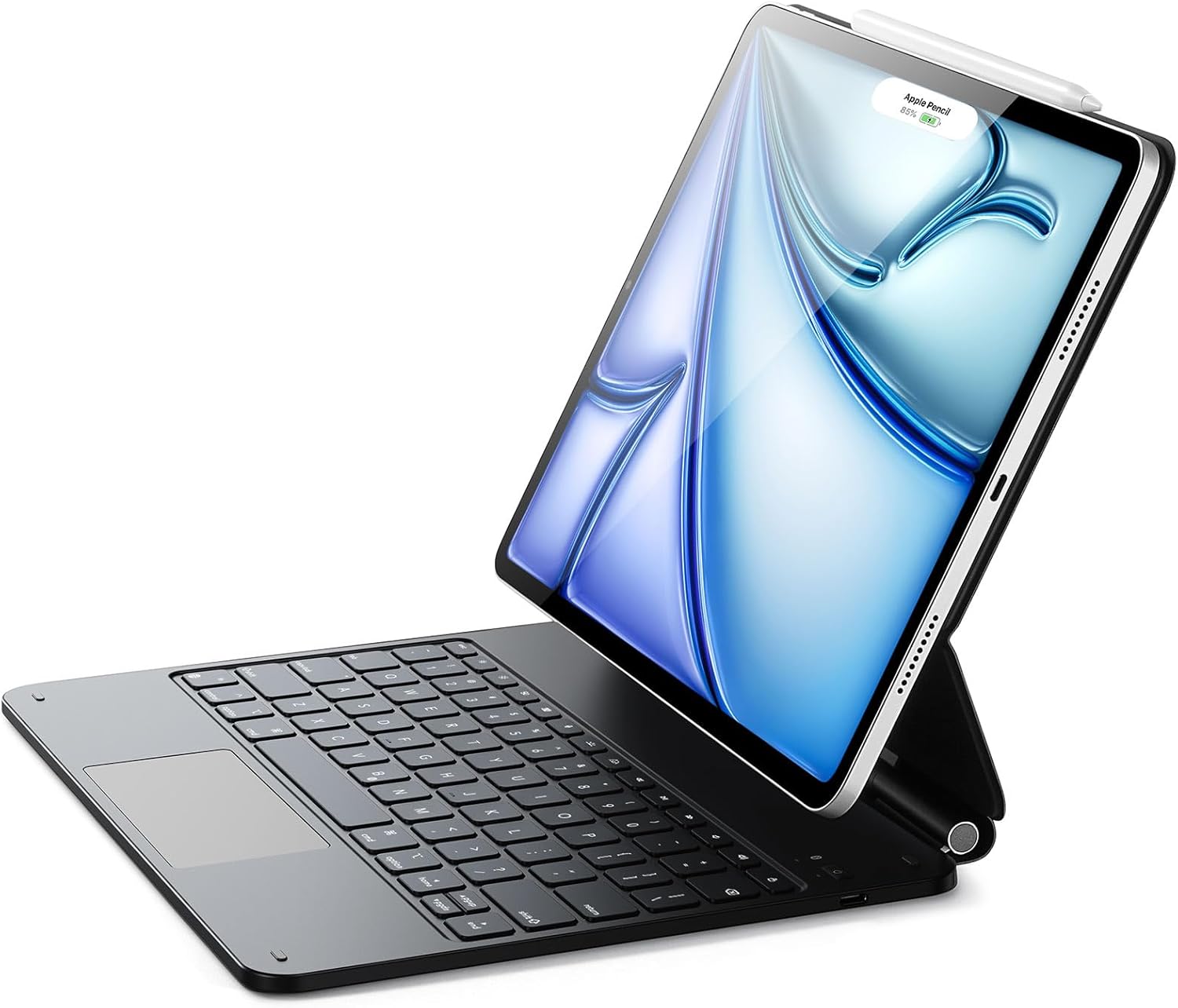
The practical takeaway: before buying, confirm your exact iPad model number. It’s the kind of purchase where being off by one model can mean the case simply won’t match as intended.
Where it stands out in day-to-day use
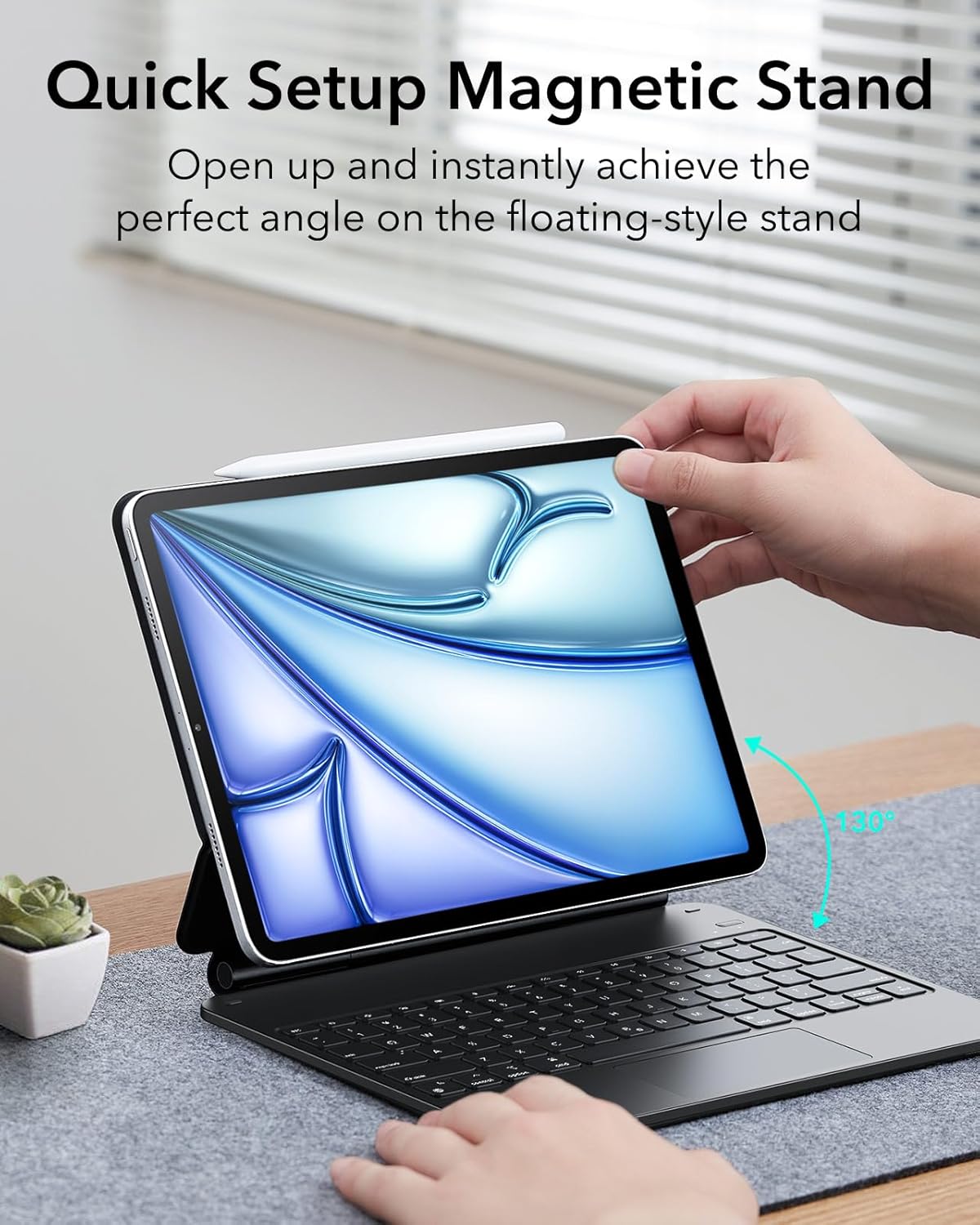
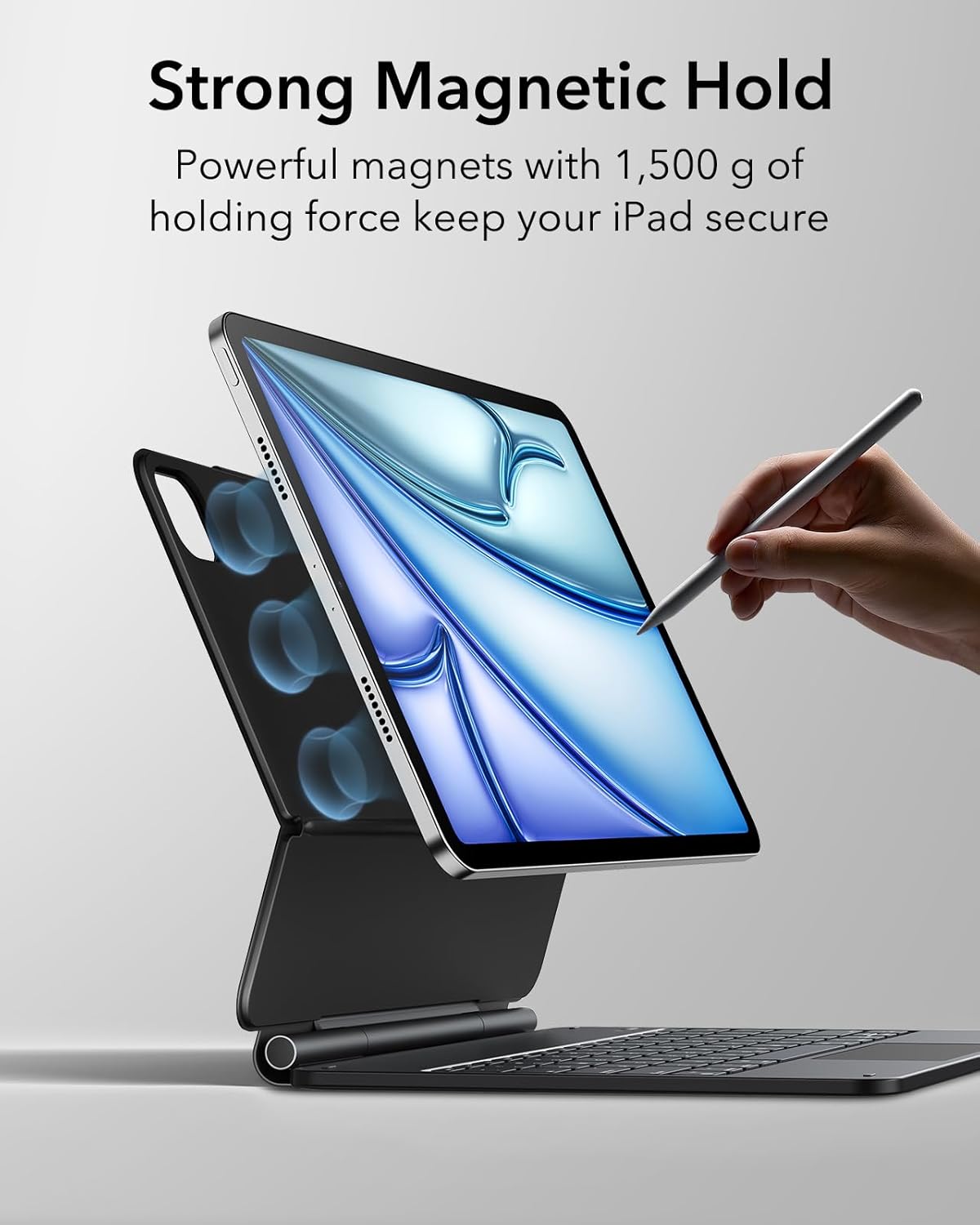
The “Easy-Set Floating Cantilever Stand” is the centerpiece. A floating cantilever design is meant to let your iPad sit stylishly over the keyboard while giving you a good typing angle just by opening the case. If you’ve ever fought with wobbly stands or awkward viewing positions, this is the part you’ll notice first.
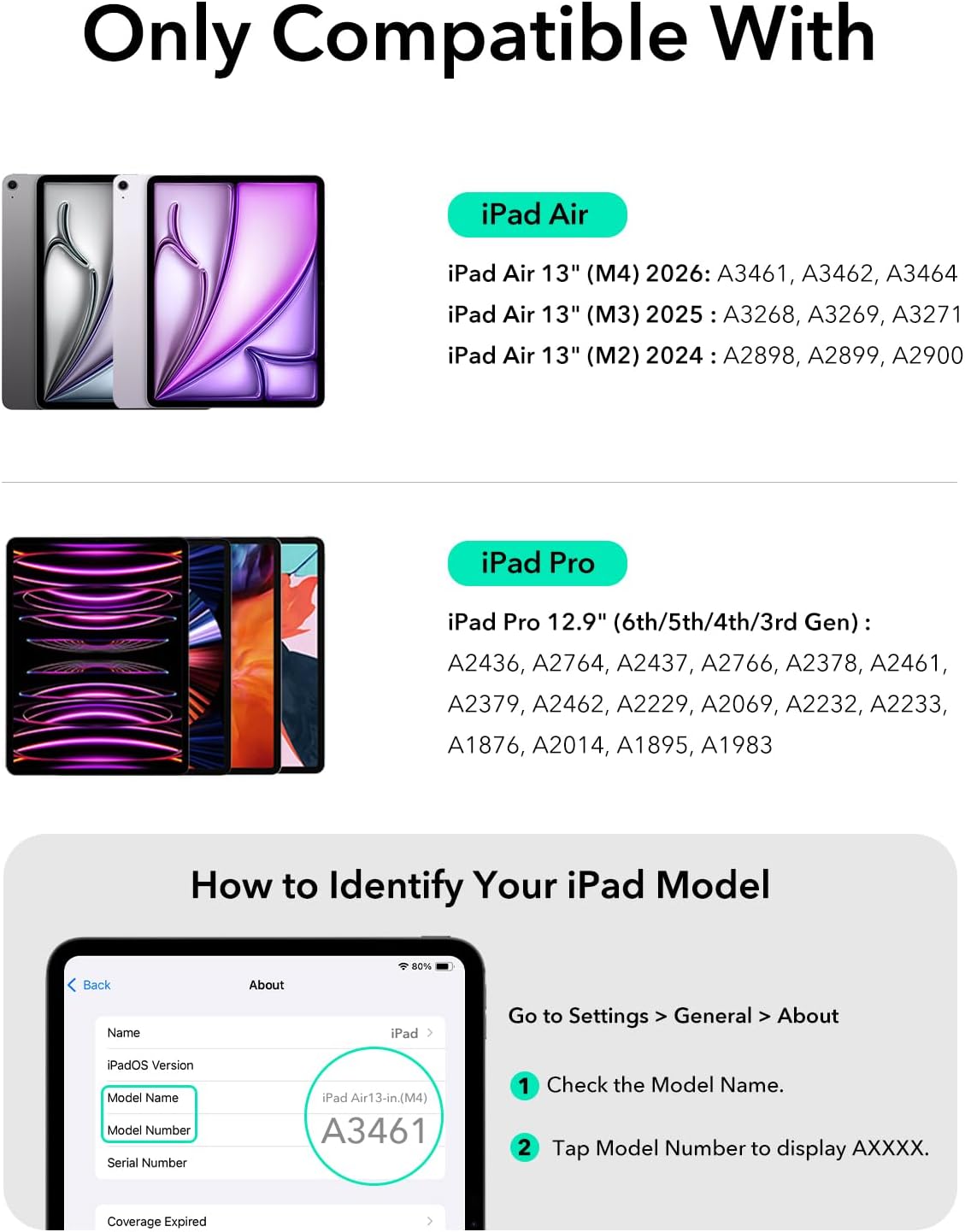
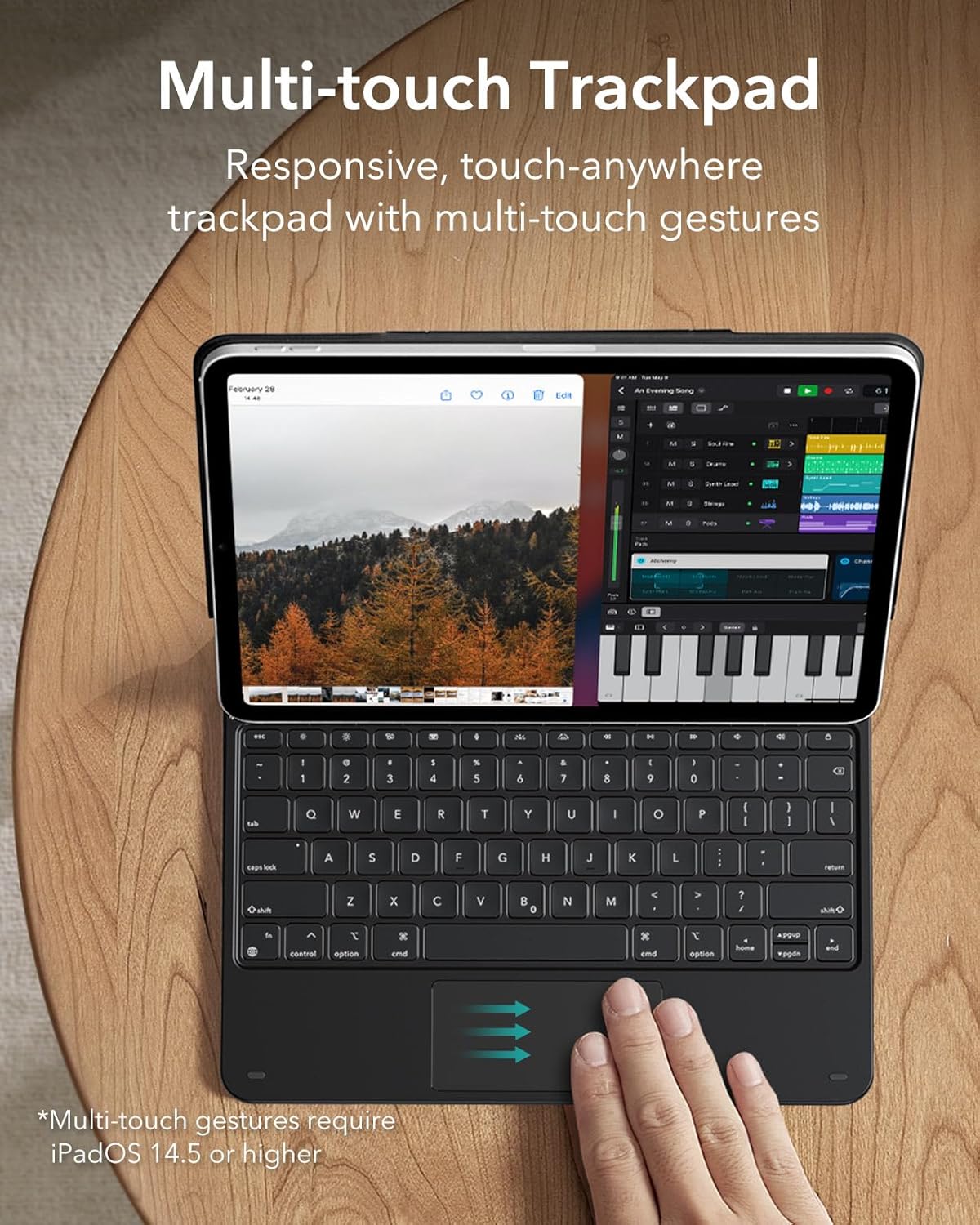
Then there’s the trackpad. The listing calls out a precision trackpad with full multi-touch gesture support. For real use, that’s what turns it from “keyboard for typing only” into something closer to laptop navigation—scrolling, clicking, and gesture-based browsing while you work through documents or slide-like presentations.
Here’s a micro-example: imagine writing notes during meetings, then quickly switching to web research without lifting your hands. With a trackpad that supports gestures, it’s easier to scroll and move through pages smoothly while the iPad stays at a stable angle.
Key takeaways (what you’re really getting)
You’re not just buying a cover, you’re buying an integrated workspace concept.
- A keyboard-case style setup aimed at “laptop-like” productivity
- An Easy-Set floating cantilever stand for positioning
- A precision trackpad designed for multi-touch navigation
One limitation to keep in mind: because the product is described as matching certain iPad sizes and models, it’s not meant to be a universal solution. If your device isn’t in the listed compatibility range, it’s likely not the right fit.
What to consider before you commit
This is a case that tries to handle both the typing angle and the pointing/navigation experience. That can be a win for people who want one clean setup for home office or travel. But it may not suit everyone.
It might be a mismatch if you: - Prefer using your iPad in a more flexible, tablet-first way (standing it in multiple orientations often) - Expect the same feel as a dedicated laptop trackpad/keyboard for long writing sessions - Buy without confirming the iPad model number (listed compatibility is specific)
On the other hand, it makes more sense if your goal is straightforward: type comfortably, keep the screen at a reliable angle, and navigate quickly using gestures.
What matters most for deciding
If your current setup is fine for reading but annoying for work, this is the kind of accessory that can reduce friction. The stand is designed to set the angle quickly, and the trackpad is designed to make browsing and editing feel faster.
That said, the “full MacBook functionality” language is bold. In practice, the value is more about the workflow feel—typing + pointing + gesture navigation—than about promising identical behavior across every app.
Should you buy it? (Final verdict)
This ESR Upgraded case keyboard + floating cantilever stand is worth considering if you own one of the listed iPad models and you want a more laptop-style iPad workspace with a trackpad for multi-touch gestures. It’s especially compelling if you care about quick positioning (open the case, get an angle) and smoother navigation while you work.
It’s not the best match if you’re unsure about compatibility, or if you’re looking for a pure tablet experience with minimal accessories. Also, if you’re expecting a perfect replacement for a full laptop setup, it may feel more like a productivity accessory than a full alternative.
Quick FAQ
Is it compatible with all iPads?
No. The listing restricts compatibility to specific iPad Air 13 inch (M4 2026, M3 2025, M2 2024) and specific iPad Pro 12.9 inch generations, including several model numbers. Double-check your model number before purchasing.
What makes the stand different?
It uses an Easy-Set magnetic floating cantilever stand design, intended to keep the iPad floating over the keyboard and provide an ideal angle just by opening the case.
Does it include a trackpad?
Yes. The product description specifically highlights a precision trackpad with full multi-touch gesture support.
What support comes with it?
The listing mentions detailed setup videos and FAQs, a comprehensive 12-month warranty, lifetime support, and personalized help.
Is it mainly for remote work?
That’s part of the pitch. On paper, it’s designed to help your iPad feel more like a work system—useful for remote work, document editing, web browsing, and presentations—especially because it focuses on keyboard-style typing and gesture navigation.