

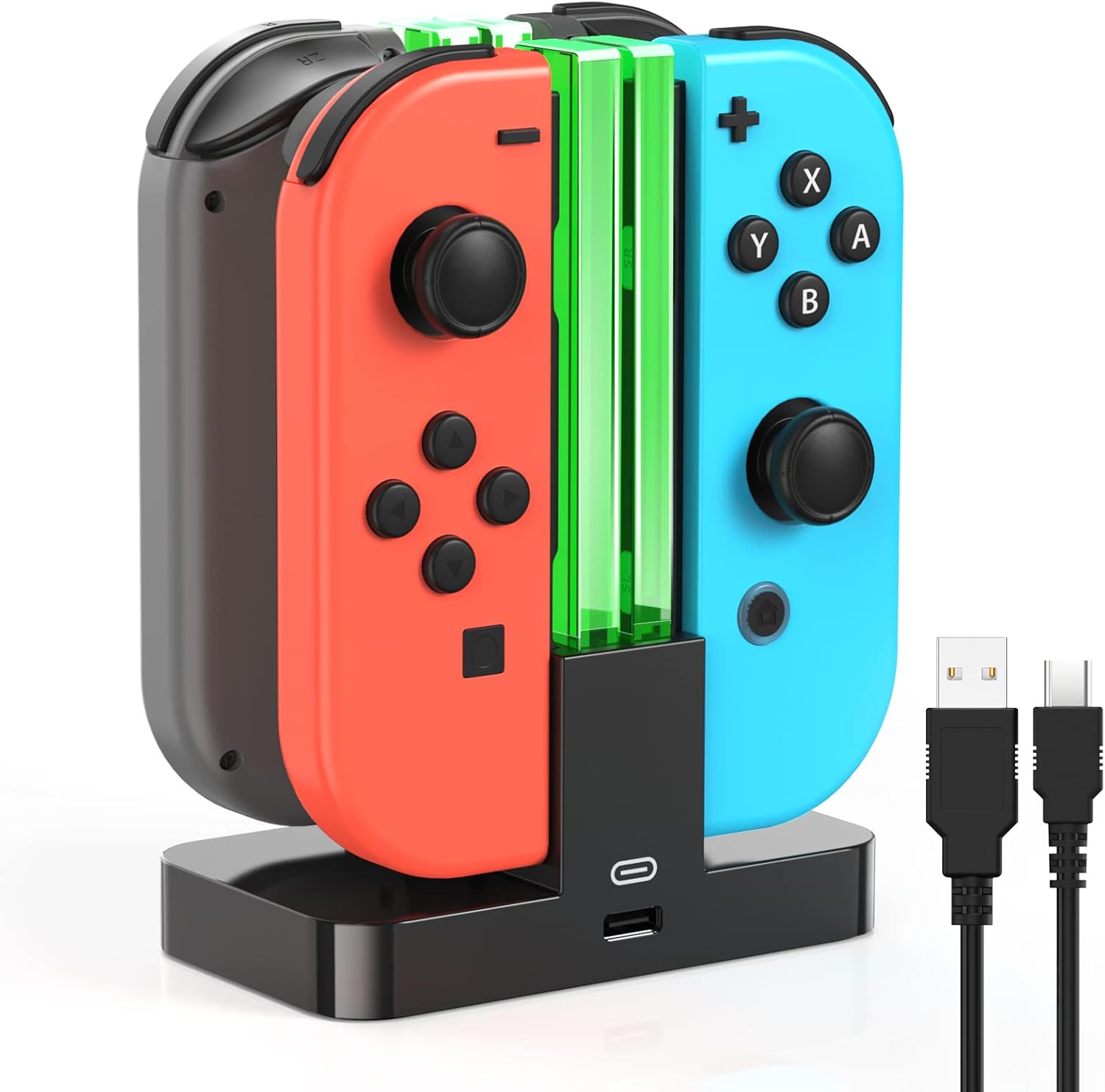
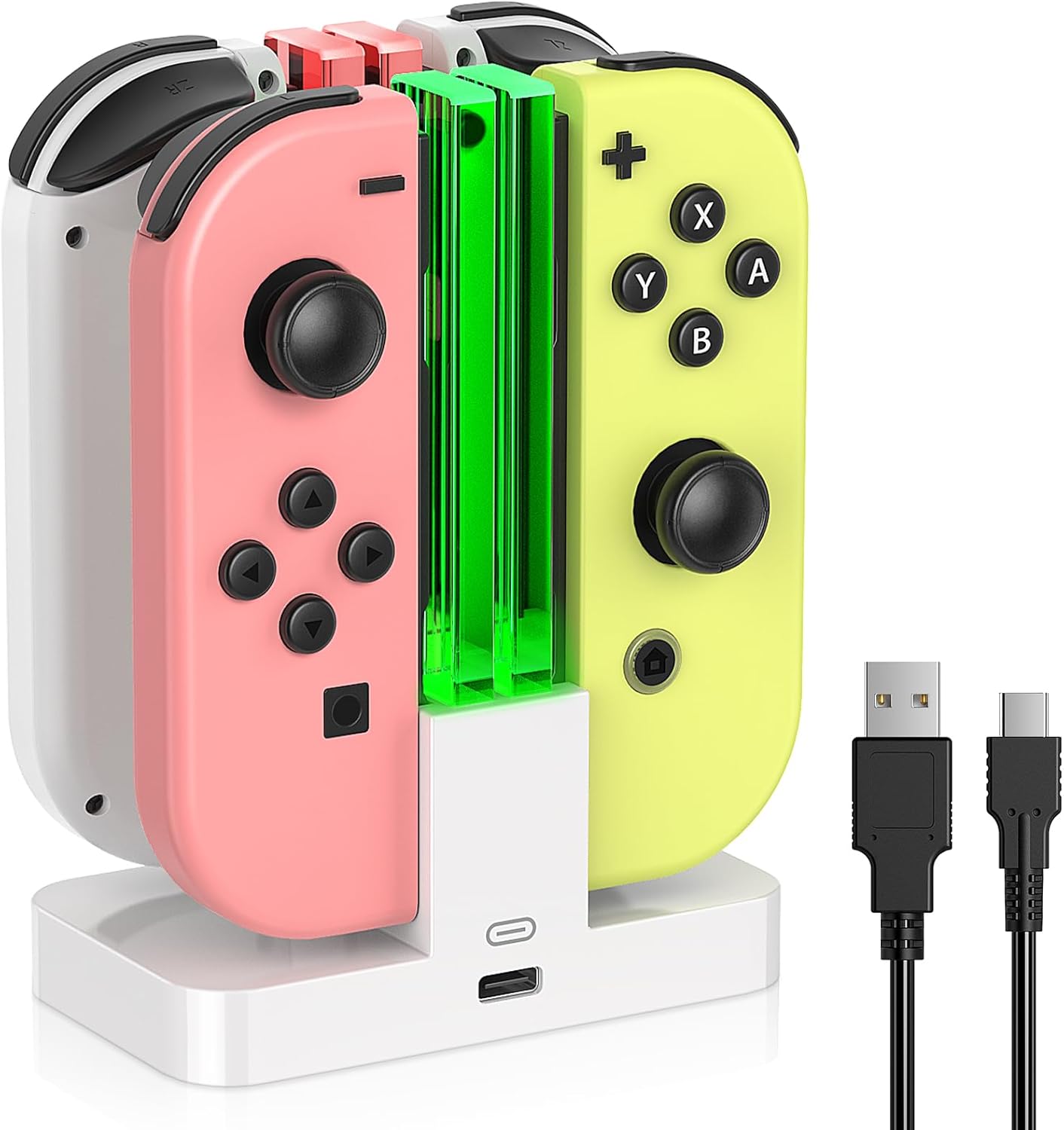
Charging Dock Replacement for Joy-Con Controller Charger for OLED Console (White) with USB Type-C Cord
Product description
If your Joy-Con controllers keep needing plug-and-unplug charging, a dock setup can feel like an instant upgrade. This Charging Dock Replacement is built to hold and charge controllers on a desktop with a stand, plus it’s designed around safety protections and a quick visual indicator.
That said, it’s a replacement dock and charging accessory, not a console feature. So the “right fit” depends a lot on whether your setup matches what the dock is intended for (and what kind of controllers you’re charging).
The essentials
This dock station is meant for Joy-Con-style controllers and is described as compatible with Switch 2, Switch 1, and OLED consoles. The core idea is simple: use the horizontal charging stand to keep controllers organized, ready, and easy to reach.
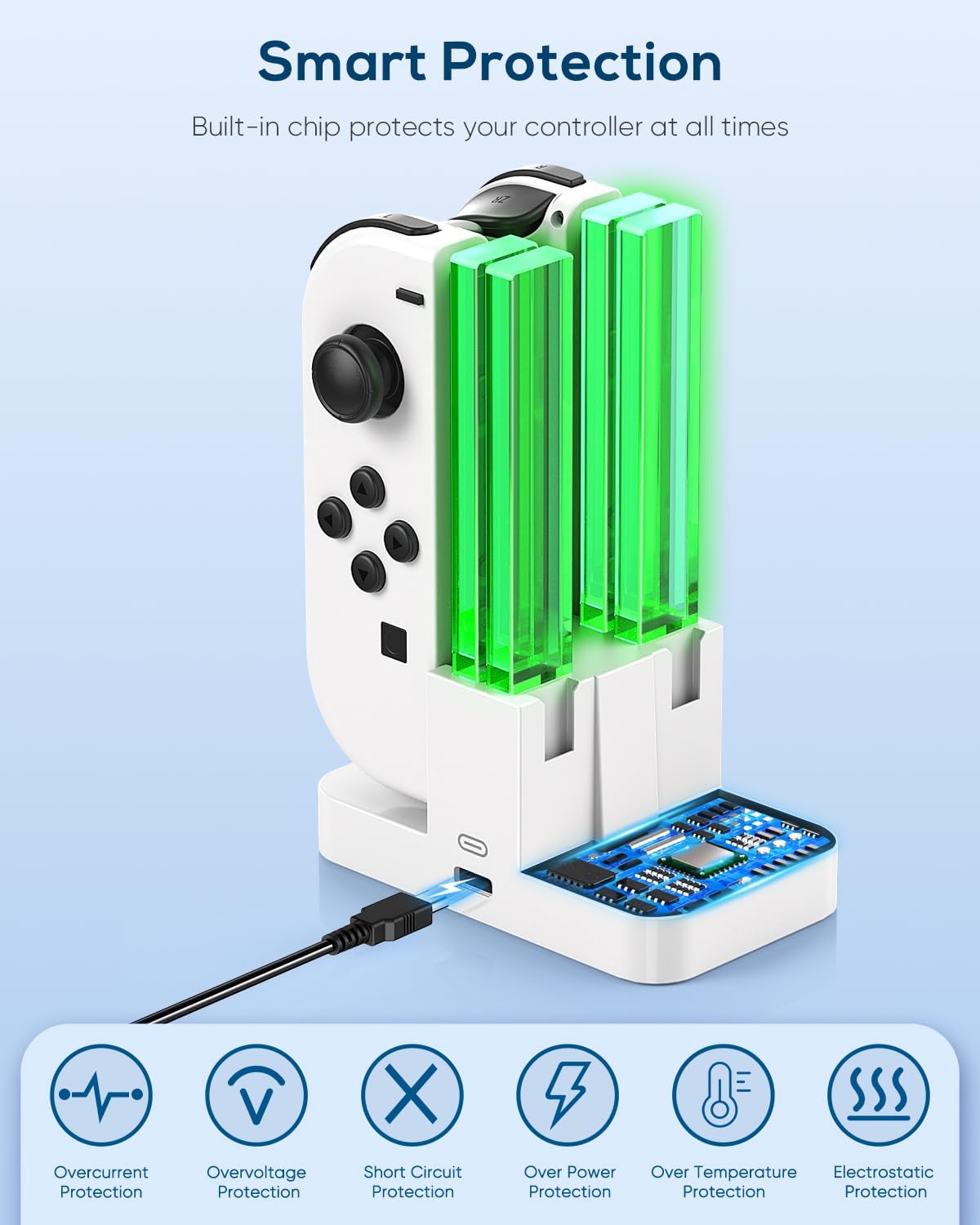
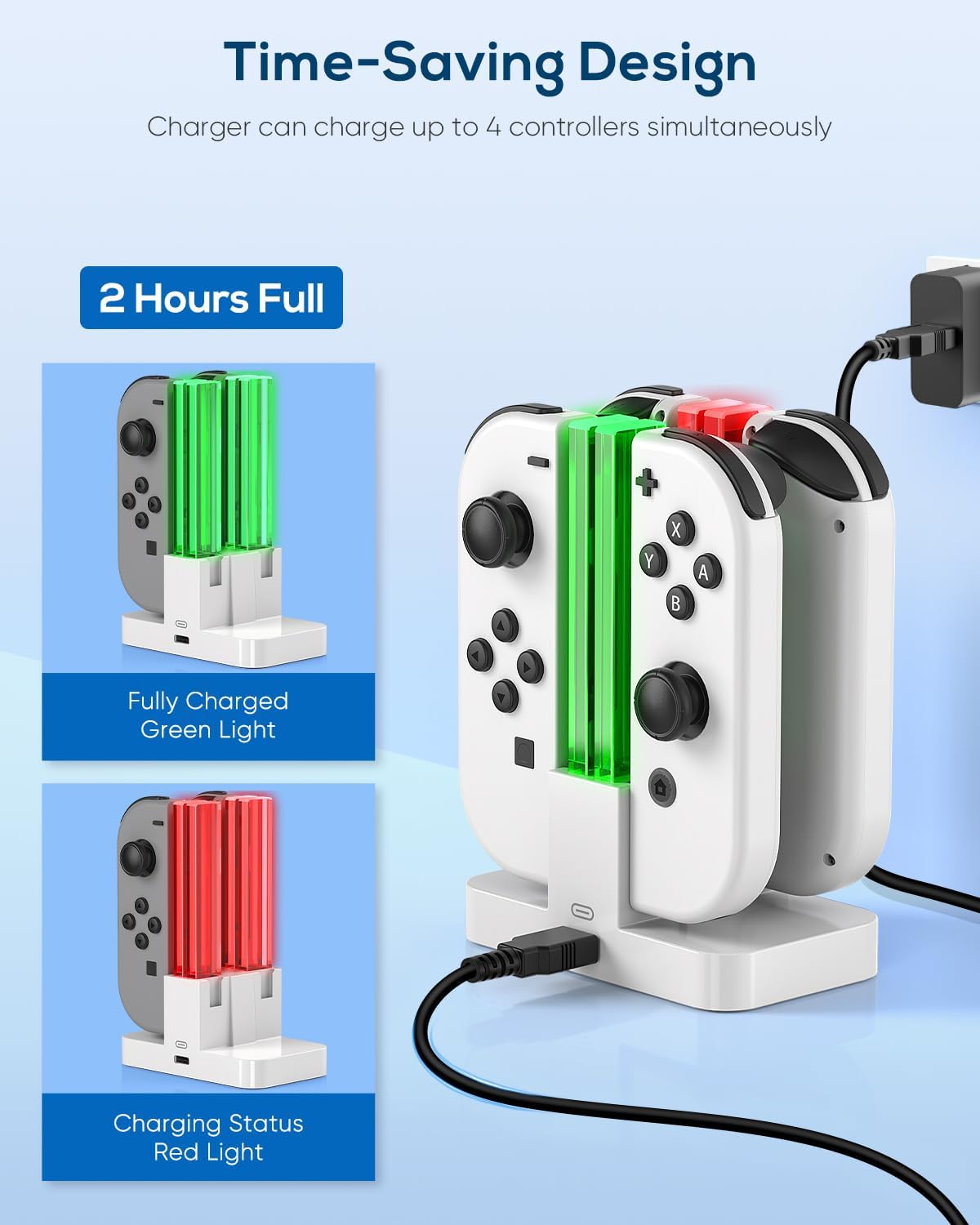
On paper, the most meaningful part isn’t the stand—it’s the protection system. The product description says it includes an intelligent chip and safety measures that can cut off power in cases like overcharging or short circuits. You also get an indicator light so you can see the controller charging status at a glance.
What stands out in day-to-day use
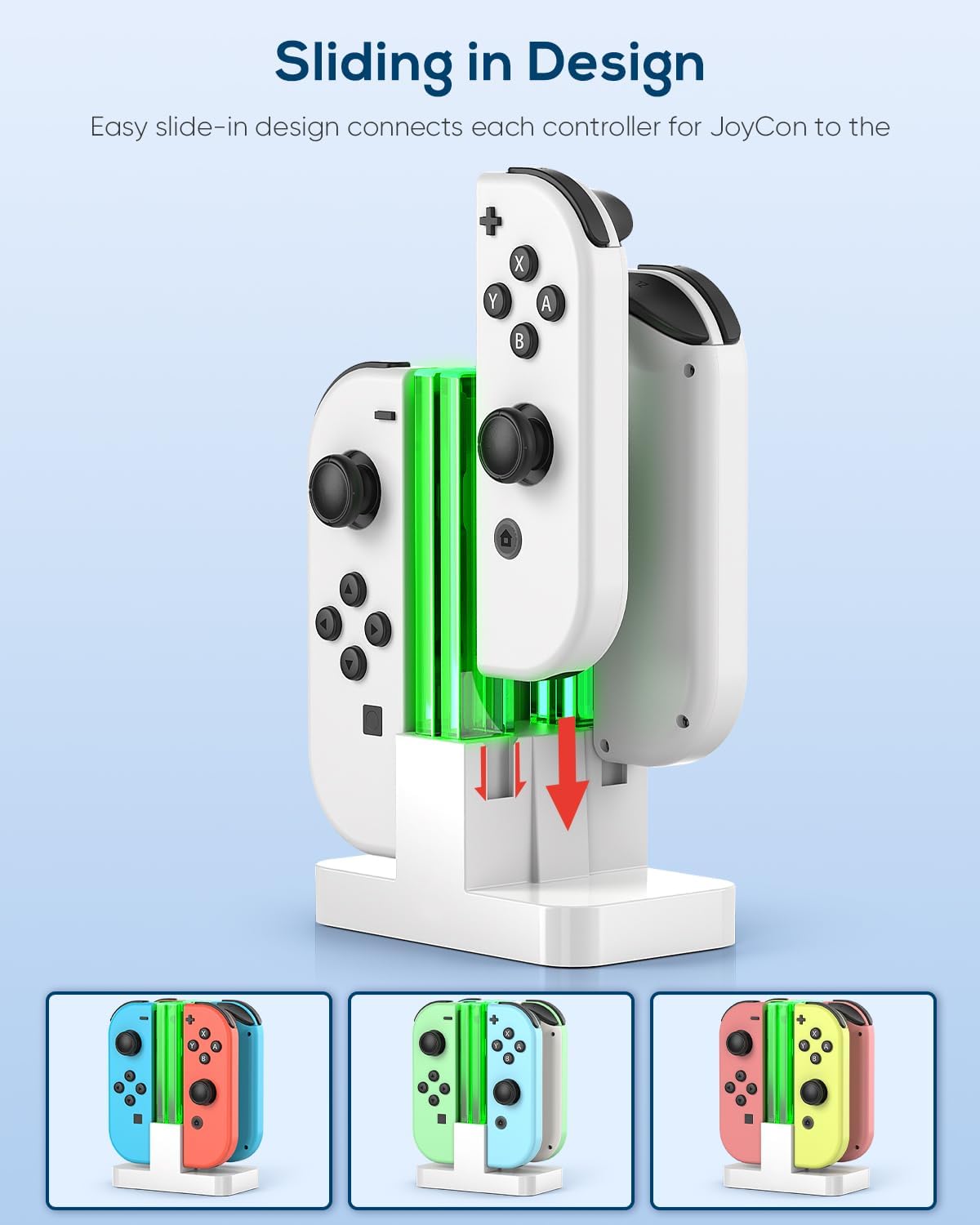
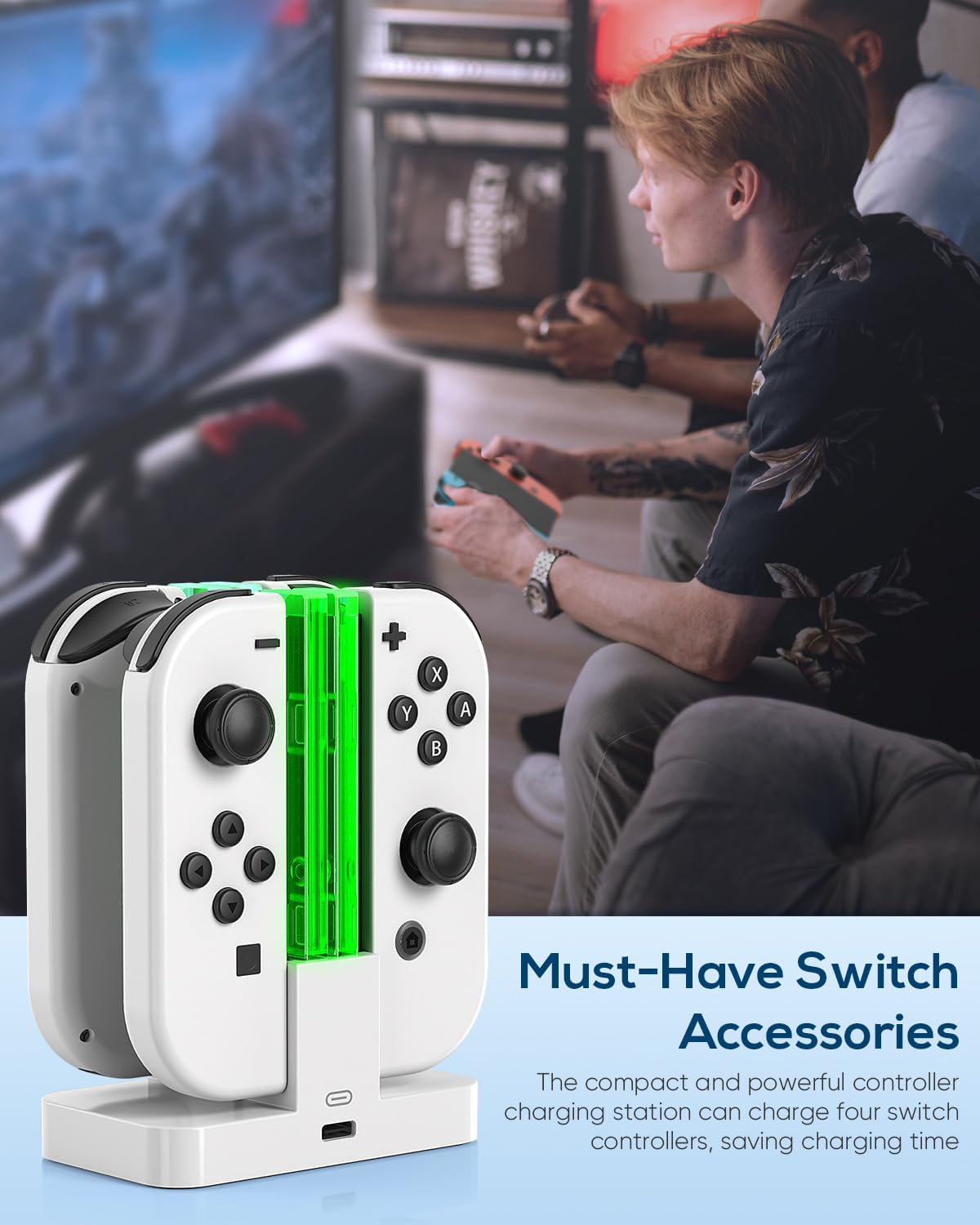
The dock’s layout is designed for convenience. Instead of charging controllers spread out around your desk, you can set the dock next to your TV or place it on your desktop, keeping your accessories visually neat.
The stand folds for storage and travel too. The description calls it a lightweight and compact horizontal charging dock with a foldable stand and a slightly tilted angle to make access easier while it’s on your desk. It’s the kind of accessory you’ll actually notice every time you sit down to play—controllers are in the same place, and charging becomes less annoying.
Still, it’s not magic: if you’re expecting a dock that behaves like a fully integrated charging system with advanced smart features, you may find it more straightforward than you hoped. It’s focused on charging convenience and safety basics.
Tech specs
- Material: Durable ABS body
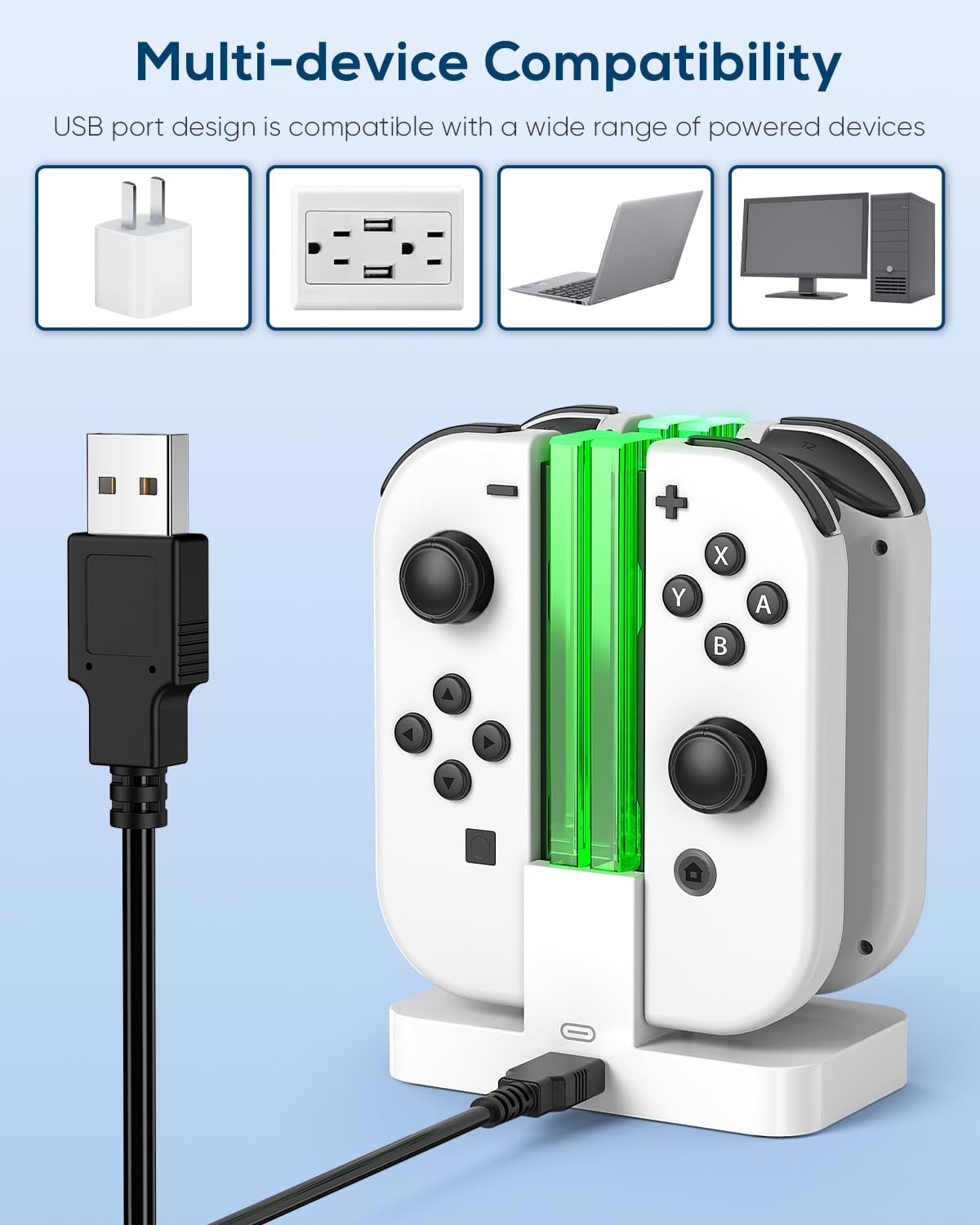
- Charging connection: USB Type-C charging cord (included)
- Color: White
- Build: Foldable horizontal stand with slightly tilted angle
- Safety: Intelligent chip integration with overcharge and short-circuit protection, with automatic power cut-off
- Indicator: Light to show charging status at a glance
- Base stability: Anti-slip pads (4 total)
- Size note: Approximately 6.3inch switch
Where it shines, and where it may fall short
This charging dock replacement makes the most sense if you want a cleaner gaming setup and more consistent charging habits. If you regularly rotate between multiple Joy-Cons, a dock like this can help you keep everything lined up and ready without constant cable management.
But you may want to skip it if your current setup relies on a different docking format or if you need something that’s more universal than what the description claims. Since the listing frames compatibility around Switch 2, Switch 1, and OLED, double-check your exact controllers before ordering.
Who it’s for (and who should look elsewhere)
It suits you if you want a compact charging stand you can use at home and take with you. It also fits well if you care about basic charging safeguards, like overcharge and short-circuit protection, and you like having a simple indicator light to confirm charging status.
It’s not the best fit if you only charge occasionally and don’t mind plugging in directly. For casual users, the dock’s value is mostly about organization and convenience—if that doesn’t matter to you, it can feel like extra hardware.
Care & maintenance
Because the body is described as durable ABS with anti-slip pads, it’s built to handle everyday desk use. For longevity, keep the base dry and avoid dropping it, especially if you fold it for travel. A quick wipe-down is likely all you’ll need to keep the stand looking clean and the anti-slip feet doing their job.
Charging dock FAQ
Does it include the USB Type-C charging cord?
The description states it includes a USB Type-C charging cord, so you shouldn’t need to source one specifically for the dock.
How do I know the controllers are charging?
An indicator light is included and is meant to show charging status at a glance.
What safety protections are mentioned?
The product claims an intelligent chip with overcharged protection and short-circuit protection, including automatic power cut-off.
Is it portable?
Yes. The stand folds, and the listing positions it as lightweight and compact enough for travel or on-the-go use.
Is it worth it?
Buy this Charging Dock Replacement if you want a tidy, desk-friendly way to charge Joy-Con controllers for Switch 2 / Switch 1 / OLED, especially if you like having an indicator light and you value the listed safety cut-off protections. It’s also a practical pick if you travel with your console setup and want a stand that folds.
Skip it if you’re unsure your controllers and your setup match the dock’s intended use, or if you only charge sporadically and don’t care about organized accessories. It’s a convenient charging accessory with safety basics—not a high-feature charging hub—so your expectations should stay aligned with that.