

Cam Link 4K HDMI Capture Card 1080P 60FPS
Reviews
Product description
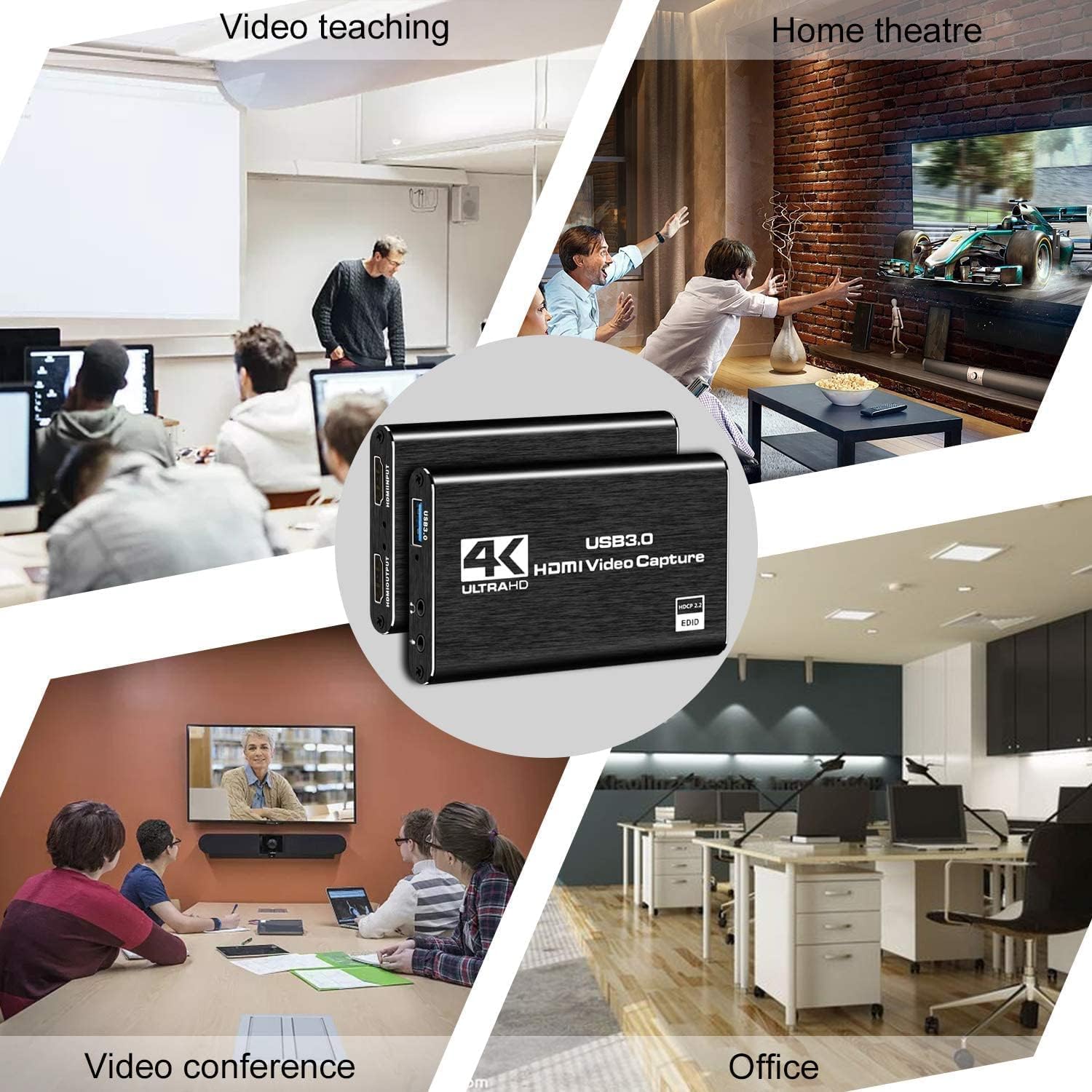
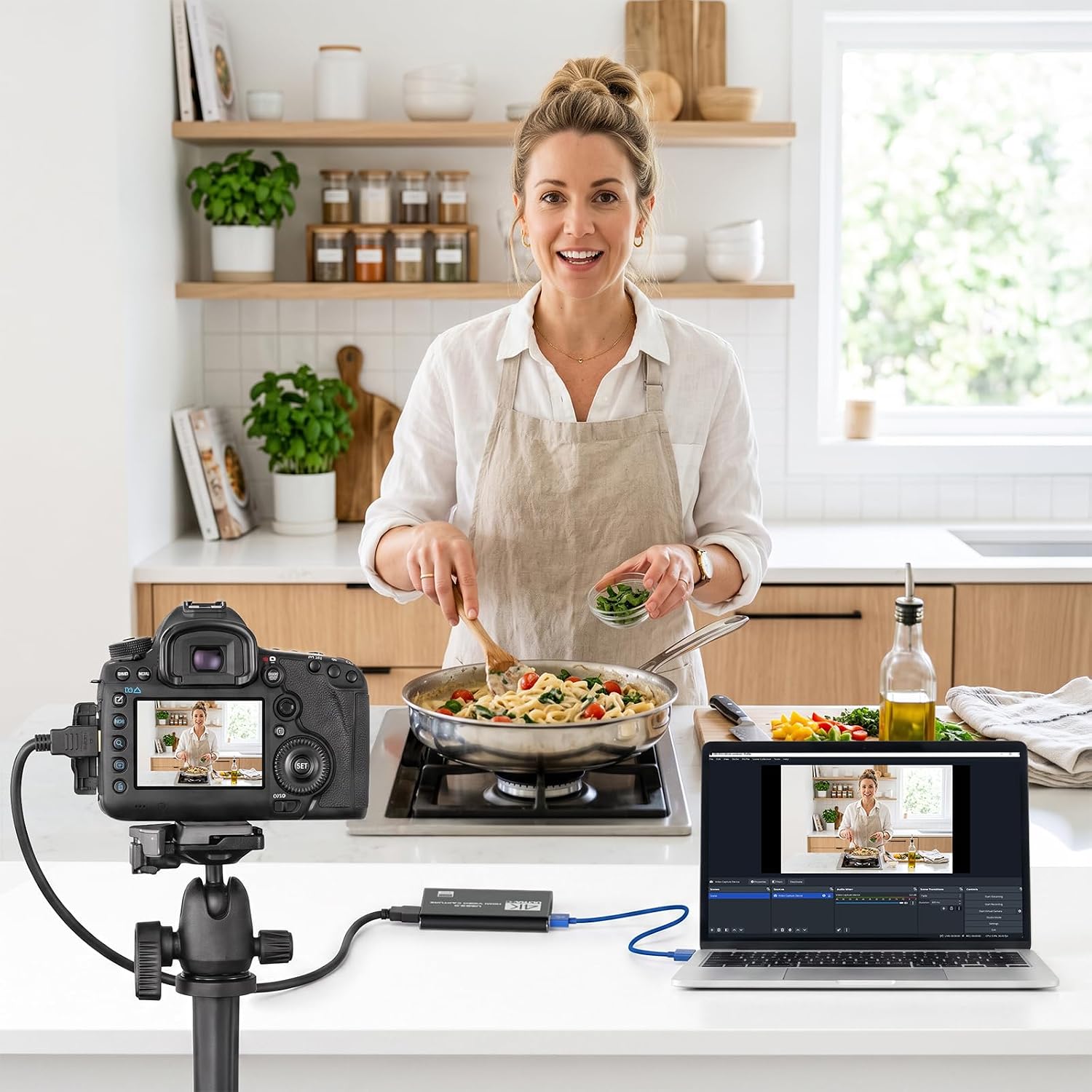
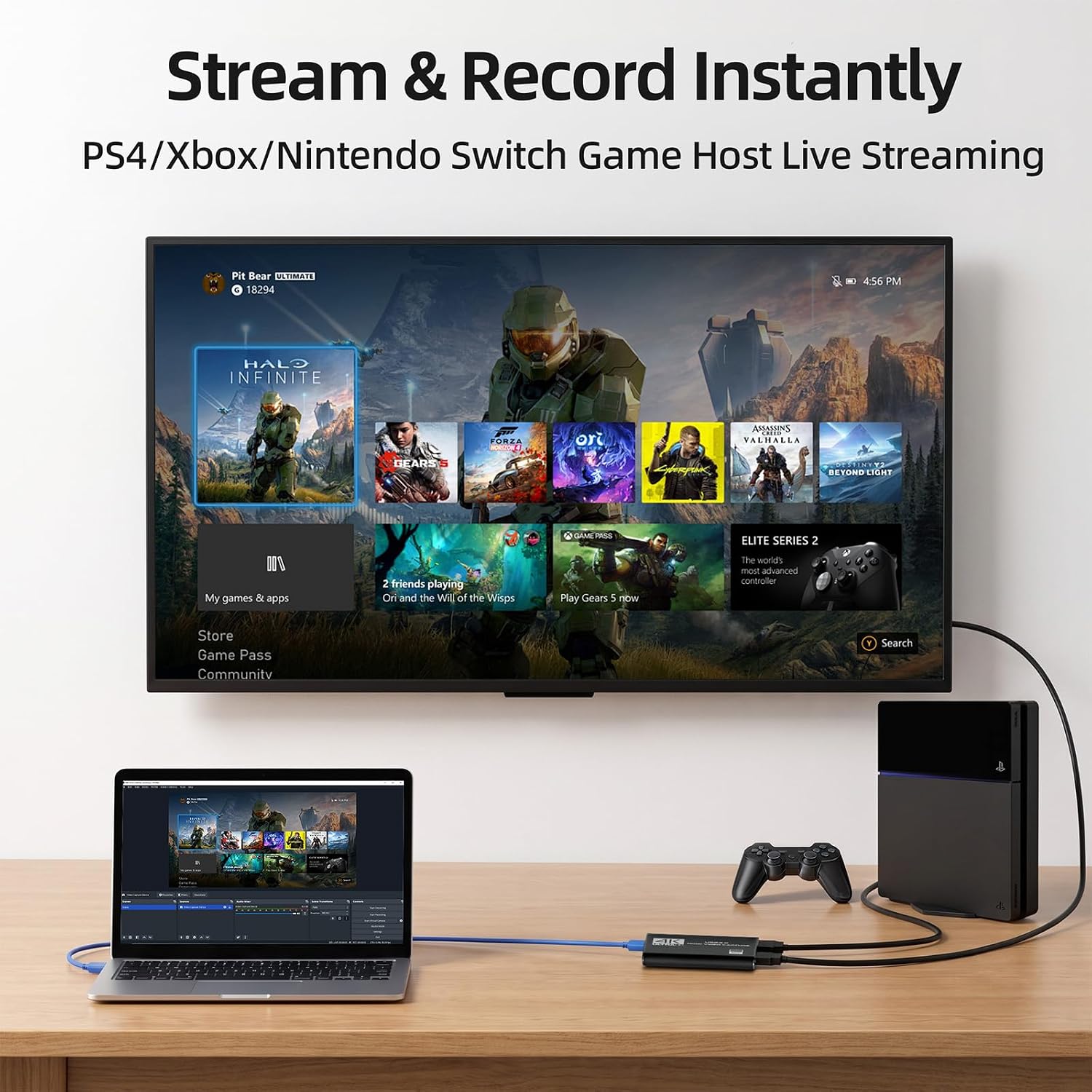
This USB 3.0 capture card from VIXLW lets you stream gameplay and camera feeds in smooth Full HD at up to 1080p 60fps, making it practical for live streaming, recording, or video calls on PC or Mac. It connects via HDMI input to consoles, cameras, or other HDMI sources and appears as a webcam to streaming apps, so you can start broadcasting with OBS or social platforms quickly while keeping audio commentary optional.
Key Points
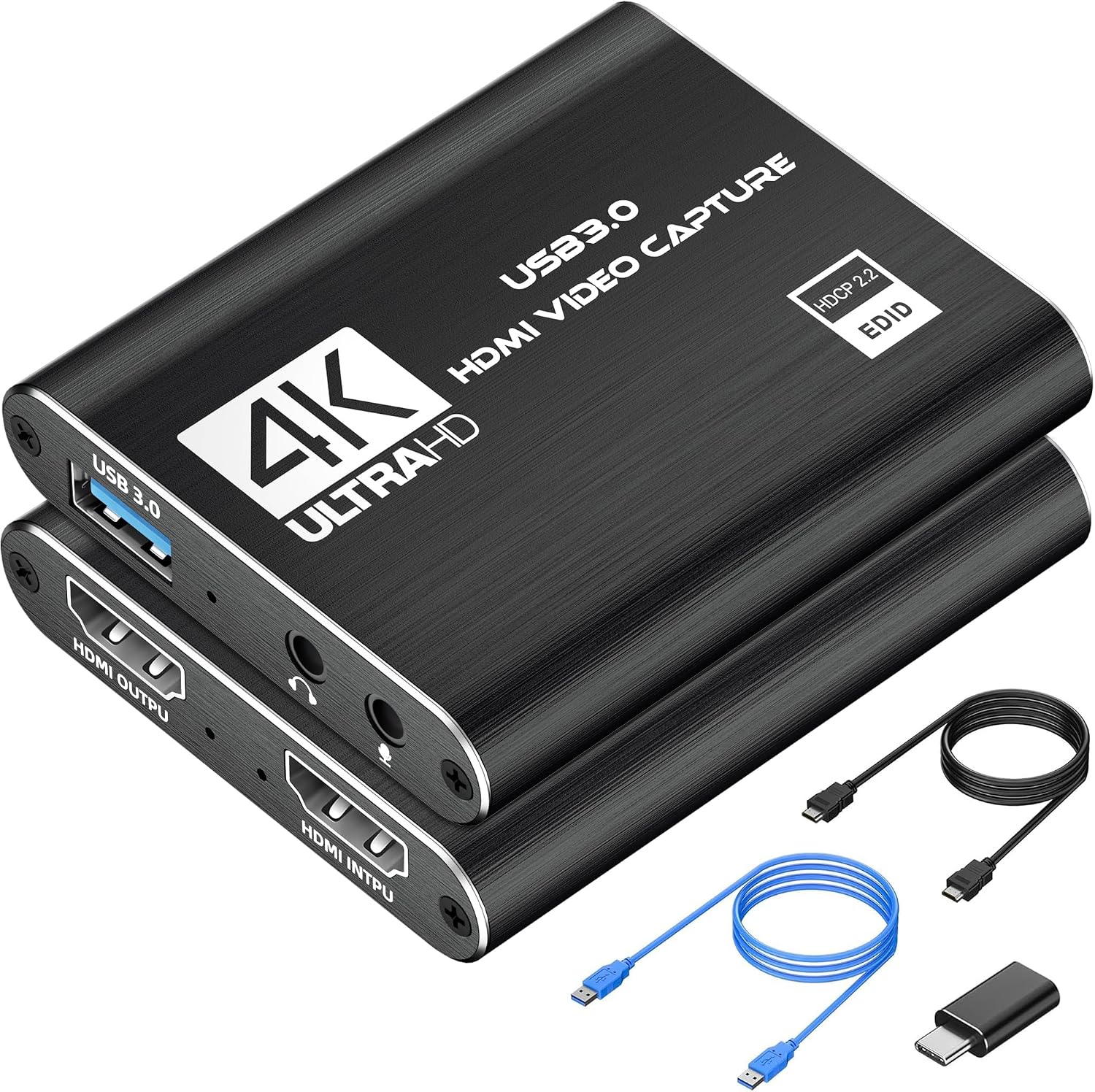
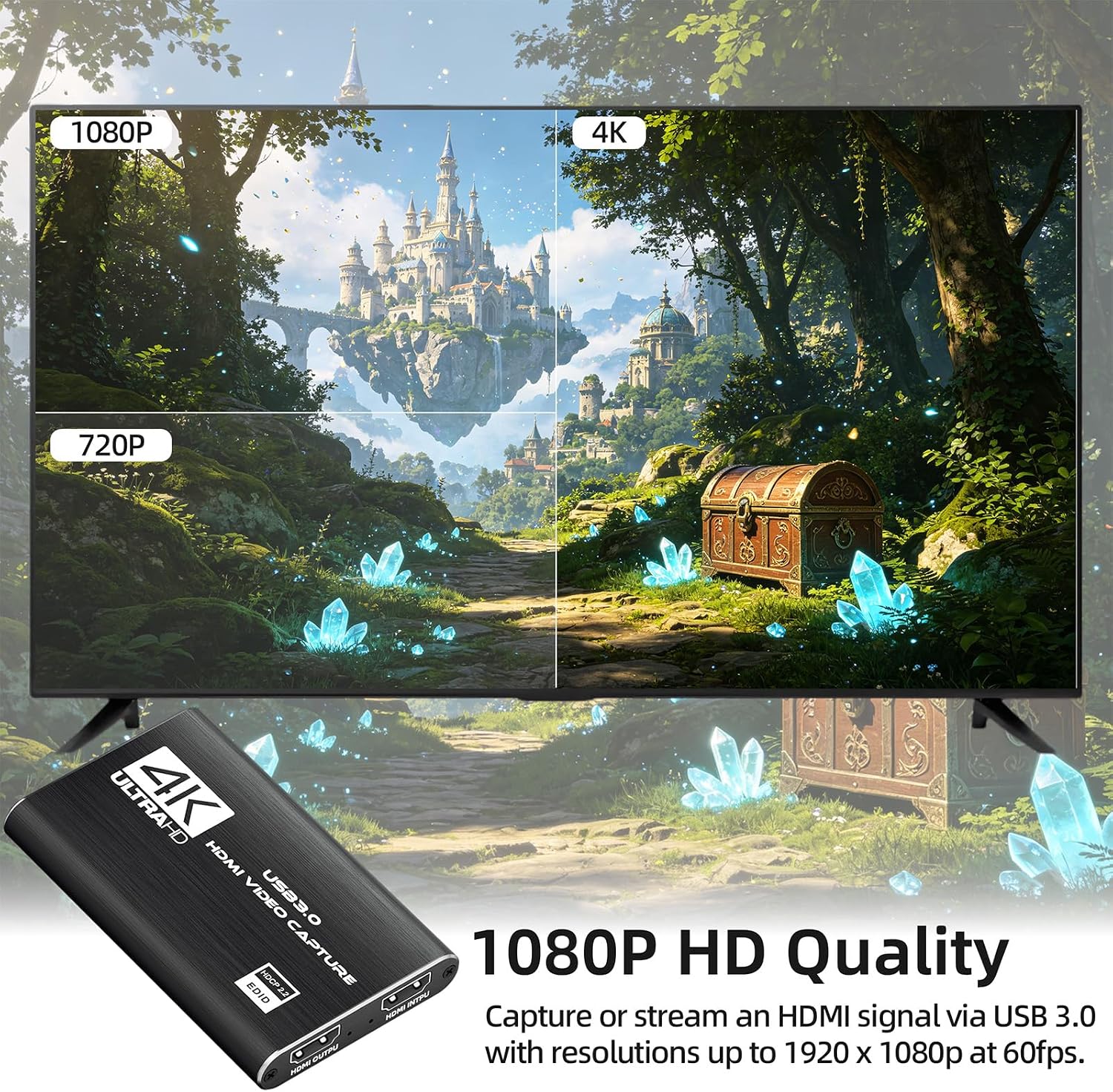
The device supports 1080p at 60 frames per second, which makes gameplay and live camera feeds look fluid during streams and recordings. It uses USB 3.0 for high-speed transfer and low latency, so there is minimal lag between the source and the output when configured correctly. Plug and play setup means no external power or driver installation is required on most systems, and the capture card is automatically recognized as a webcam by the operating system.
This capture card accepts a single HDMI input and passes through video to your computer for streaming or capture. There is an analog microphone input for adding external commentary using a standard 3.5 mm TRS headset mic. It is compatible with Windows and macOS and works with common streaming and playback applications such as OBS, VLC, PotPlayer, and major social platforms.
Technical Specifications
- Name: VIXLW 4K HDMI Capture Card
- Resolution: 1080p 60fps
- Interface: USB 3.0
- Input: HDMI (single-channel)
- Microphone input: 3.5 mm TRS (external mic supported)
- Compatibility: Windows and Mac OS
Usage Recommendations
Connect the HDMI source to the capture card and plug the USB 3.0 connector into a USB 3.0 port on your computer for best performance. In streaming software, select the capture device as a video source since the card registers as a webcam automatically. For live commentary, plug a standard TRS microphone into the 3.5 mm jack and enable audio capture if needed. If you experience any frame drops, try lowering other system loads or ensuring the USB connection is directly to a motherboard port rather than a hub.
Consider that the unit captures up to 1080p 60fps according to the manufacturer, so it does not record native 4K resolution from a 4K source. Also note that the microphone input expects a TRS connector, which may not work with TRRS smartphone headsets without an adapter. 📷 🎮 🔊