

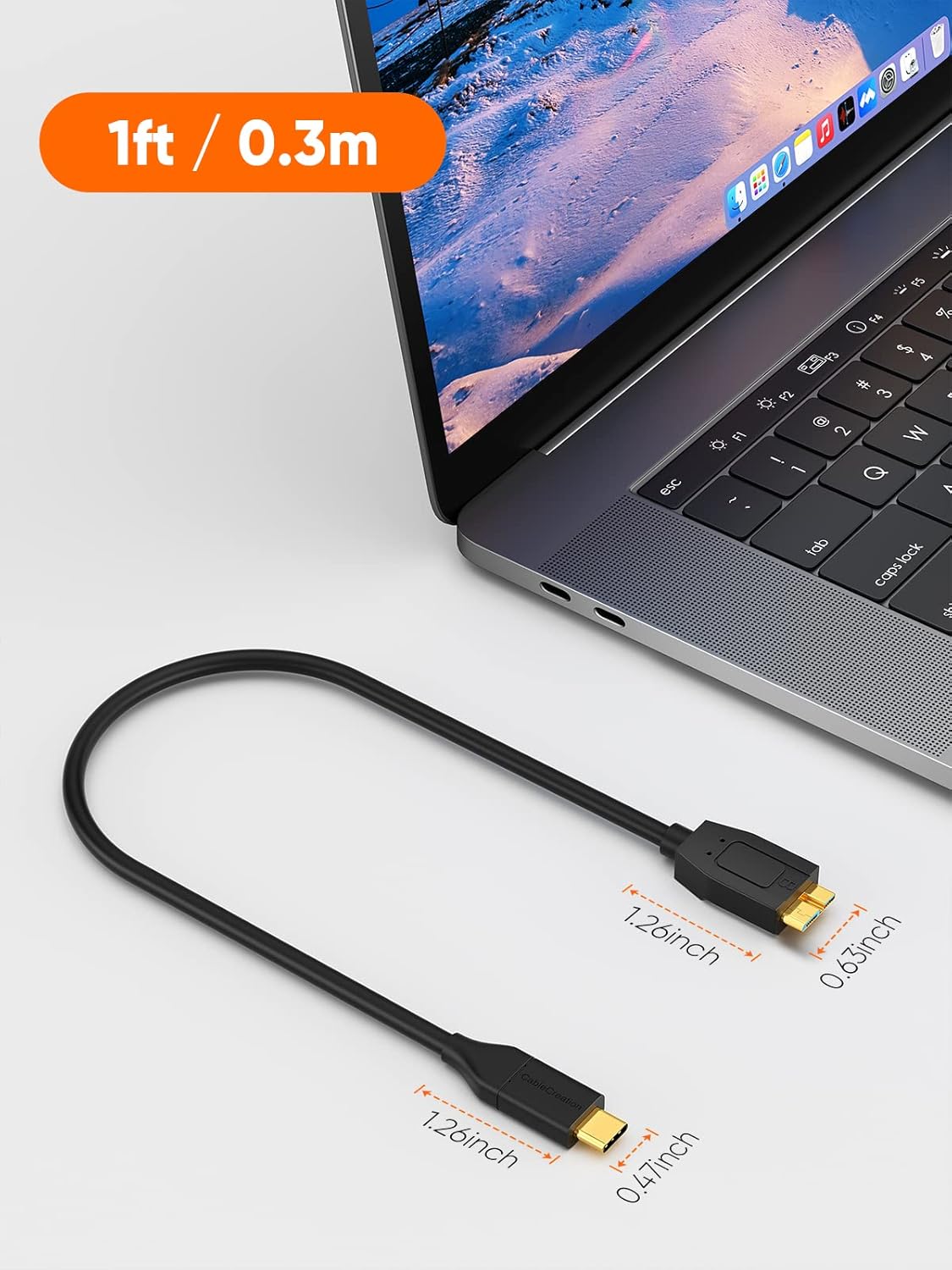
CableCreation USB C to Micro B Short Cable 1FT: 10Gbps USB 3.1 for External Drives and More
Product description
What it is and what it solves
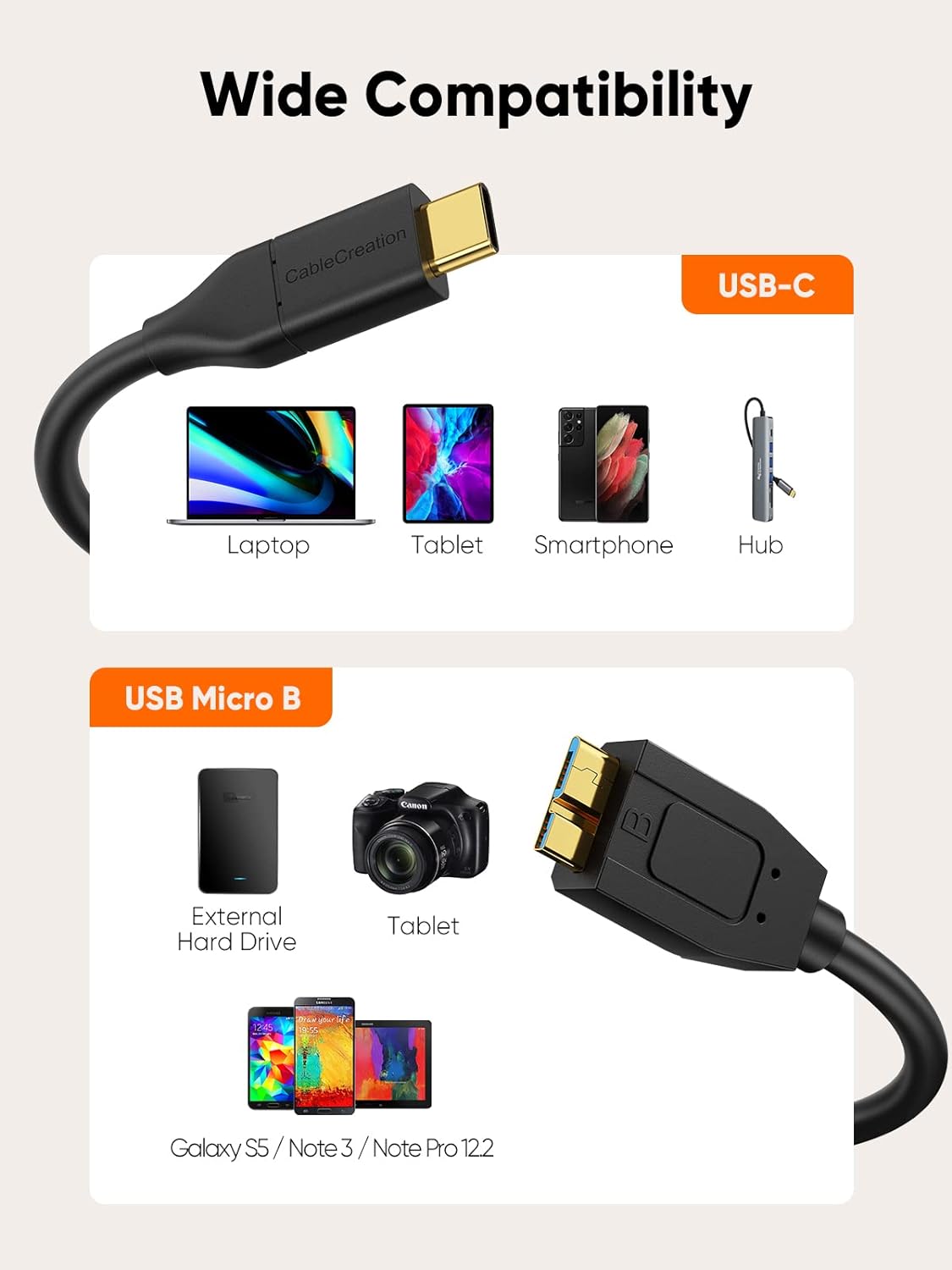
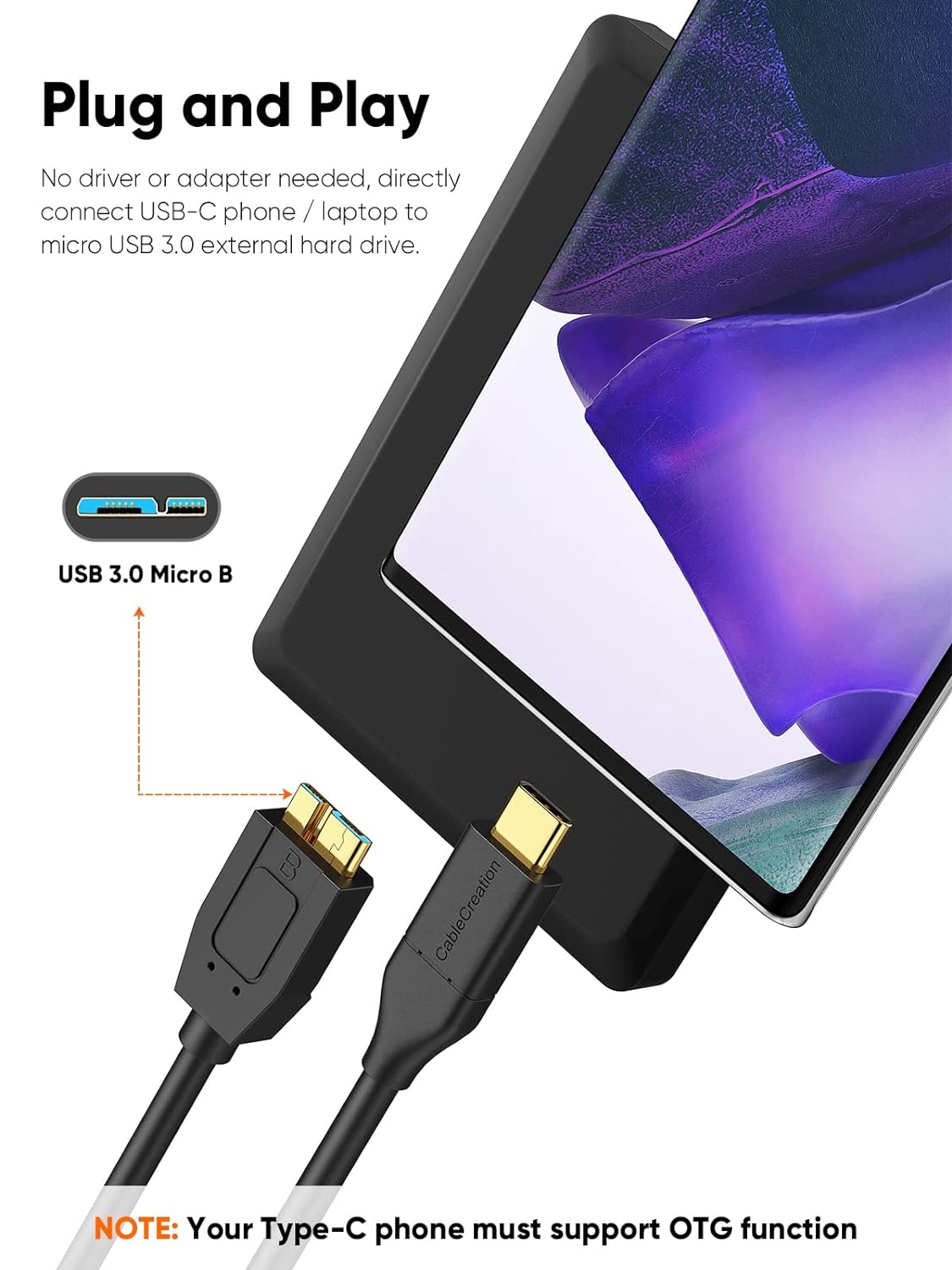
This CableCreation cable is a USB C to Micro B connection designed to link a USB-C host (like a laptop, tablet, or smartphone with a USB-C port) to a Micro B device such as external hard drives. It targets users who want a compact, portable solution for data transfer and charging between devices that use these two specific connectors. On paper, it enables fast data transfer and convenient charging, all in a 1-foot form factor that’s easy to route in bags or on desks.
Key features at a glance
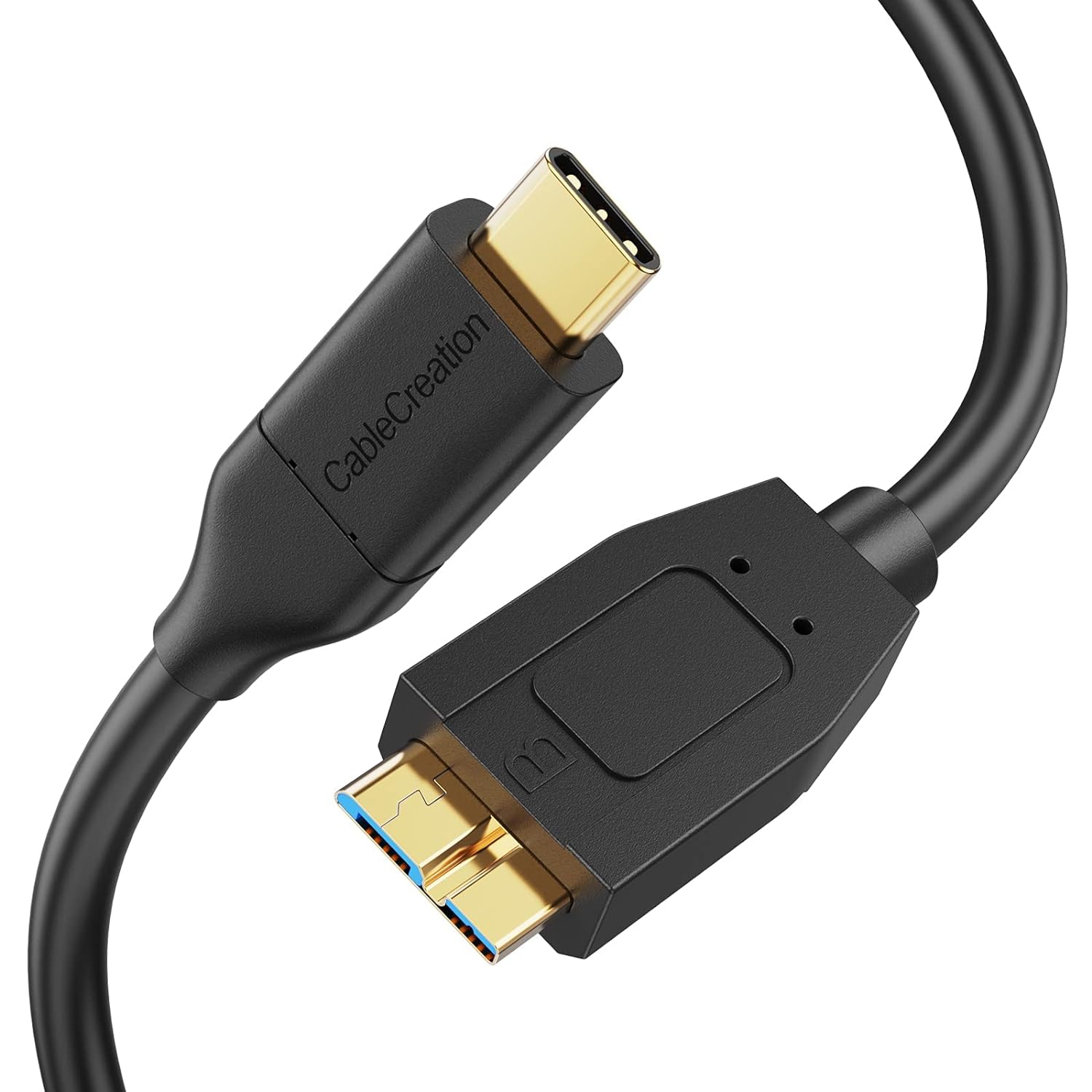
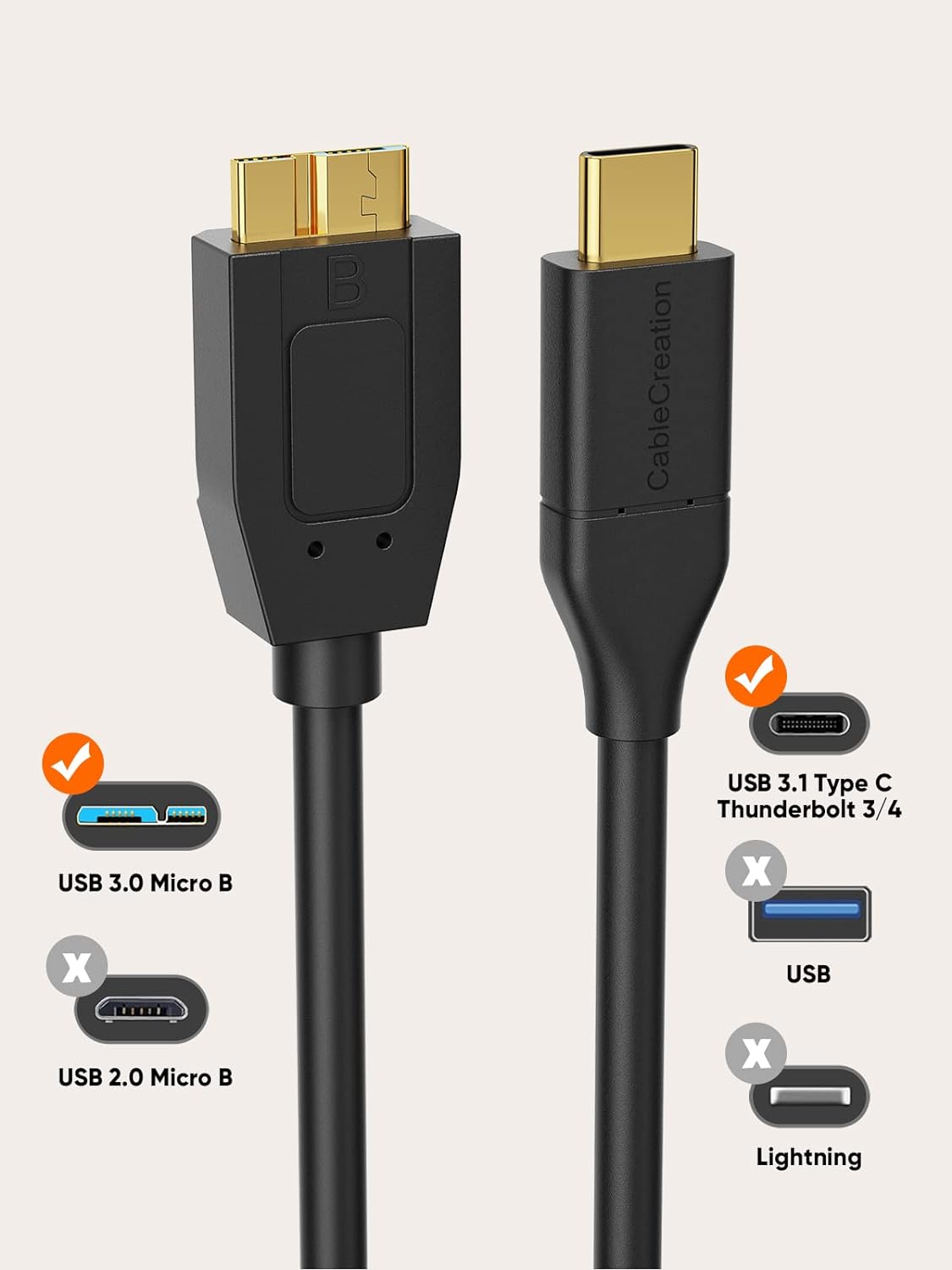
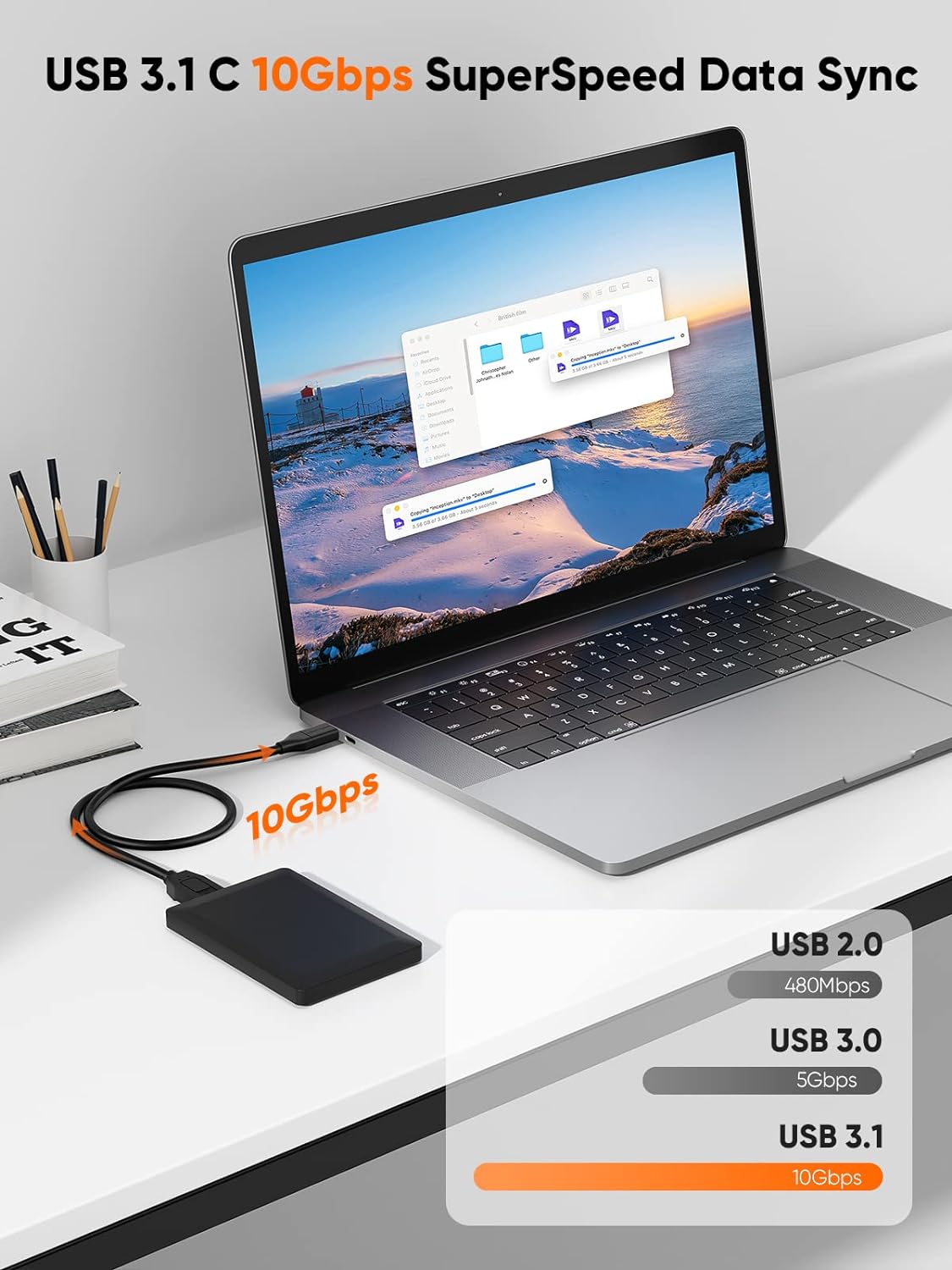
The cord supports USB 3.1 data transfer with up to 10Gbps speeds when paired with compatible hardware. It’s described as a short, 1-foot cable meant for quick connections between a USB-C host and Micro B devices like external drives. It’s important to note that this is USB C to Micro USB B, not a USB-A or Micro USB 2.0 cable, so compatibility hinges on the appropriate port types on both ends.
Who this is for
If you own devices with a USB-C host and a Micro B device such as certain external hard drives, this cable can simplify a compact setup for data transfers or charging on the go. It’s particularly relevant for users who want a low-profile option to connect compatible storage or devices to newer laptops or tablets without bulky adapters.
Practical use tips
- For external hard drives, remember that the cable’s performance can vary with drive size. 2.5-inch drives typically don’t require extra power, while 3.5-inch drives often need power from an external supply.
- When connecting to a host, ensure the device on the Micro B side supports USB 3.1 Micro-B ports to realize the claimed 10Gbps rate. With traditional hard drives, real-world speeds may differ and could be around 5Gbps.
- If you’re unsure about file formats or OS compatibility, verify those details before pairing with a drive or device.
What to know before buying
- The cable is specifically USB-C host to Micro B device. It does not fit USB-A hosts or Micro USB 2.0 devices.
- The 10Gbps specification assumes compatible hardware, actual speeds can vary depending on the drive, controller, and OS.
- This is a short 1-foot cable, which favors tight setups but may not suit every desk arrangement.
-
Power needs vary by device, some 3.5-inch drives may require an external power source.
Pros and cons (on paper)
Pros: compact form factor, USB 3.1 speeds, direct USB-C to Micro B connectivity, useful for quick, on-the-go data transfers and charging between compatible devices. Cons: limited to USB-C to Micro B devices, real-world speeds depend on the entire chain (host, cable, drive, OS), does not fit USB-A or Micro USB 2.0 setups.
Who it’s for and who it isn’t the best fit
- It’s a solid option for users with USB-C hosts and Micro B external drives who want a minimal cable for quick connections.
- It may not be ideal if you rely on USB-A hosts, want 2.0-era devices, or require longer cable lengths for a seated workstation.
When it makes sense to buy
If your setup includes a USB-C host and a Micro B external drive and you value a short, travel-friendly cable to keep things tidy, this cable can be a convenient choice. It’s also worth considering if you’re assembling a travel kit for rapid data transfers between compatible devices.
When to pass
If you don’t have compatible USB-C and Micro B ports, or you need a longer run than 1 foot, you’ll likely want a different solution. If you’re unsure about OS compatibility or file format requirements, confirm those details before purchasing.
Quick review checklist
- Do you have a USB-C host and a Micro B device? If yes, this cable fits your scenario.
- Do you need fast transfers and a compact form factor? It’s positioned to offer high-speed data transfer in a short cable.
- Are you aware your drive may need power separately, depending on size? That’s a practical consideration for 3.5-inch drives.
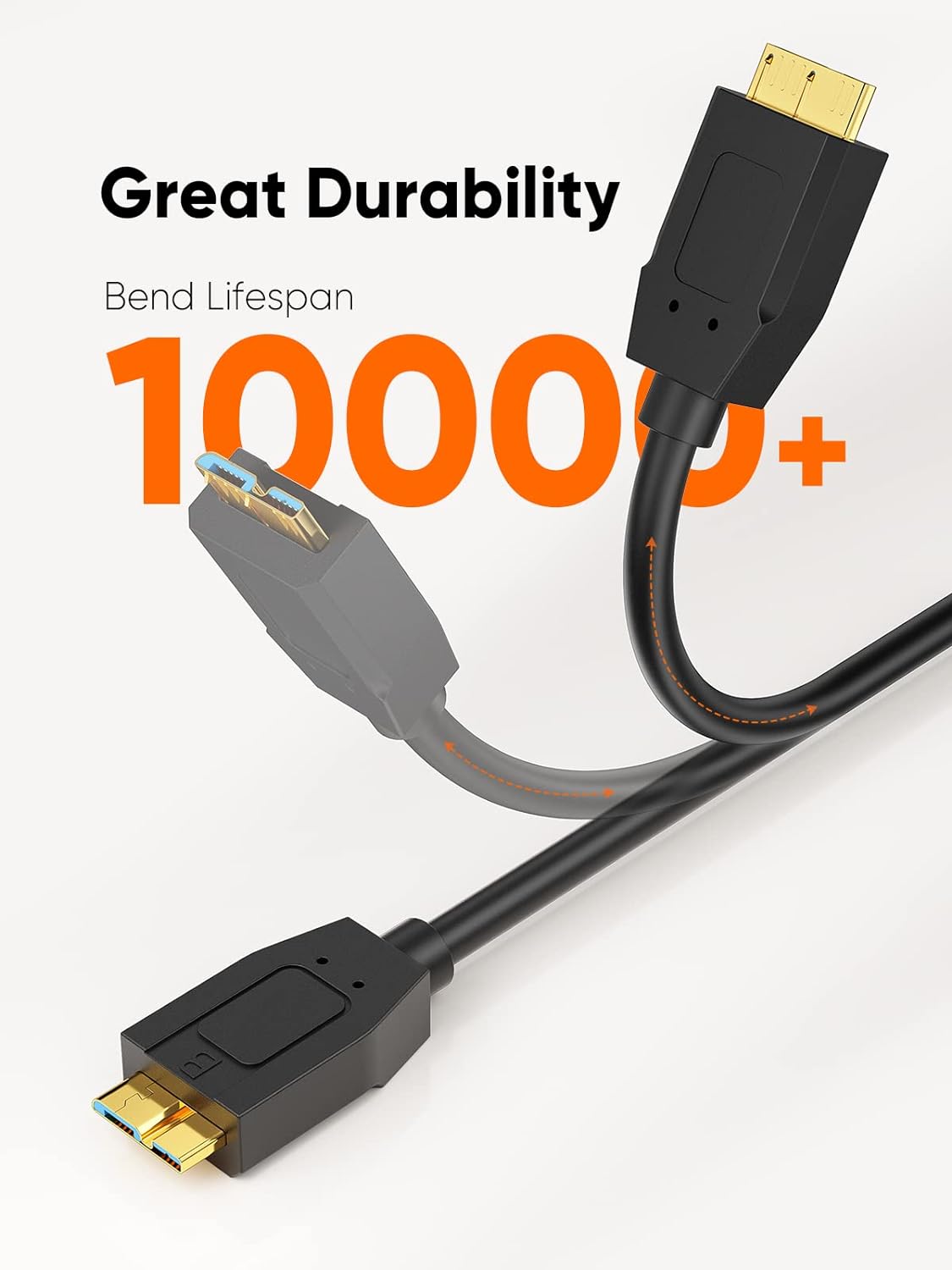
- Do you prefer a rugged, long-term option? This cable ships with a 24-month warranty, which offers a degree of assurance about durability.
FAQ (practical answers)
- Q: Will this cable work with any USB-C computer and any Micro B device? A: It works with USB-C hosts and Micro B devices, but speed and compatibility depend on the specific hardware and drive format.
- Q: Can I use this with a USB-A port? A: No, this is not compatible with USB-A hosts.
- Q: Is 10Gbps guaranteed with all drives? A: Not guaranteed, speeds depend on the drive, controller, and OS. Real-world speeds may be lower, especially with traditional HDDs.
Final practical takeaway
If your setup matches a USB-C host and Micro B device, and you want a compact, easy-to-manage cable for data transfers and charging, this CableCreation option offers a promising balance of portability and performance. The key caveats are the specific port requirements and the fact that real-world speeds can vary based on the connected hardware.