

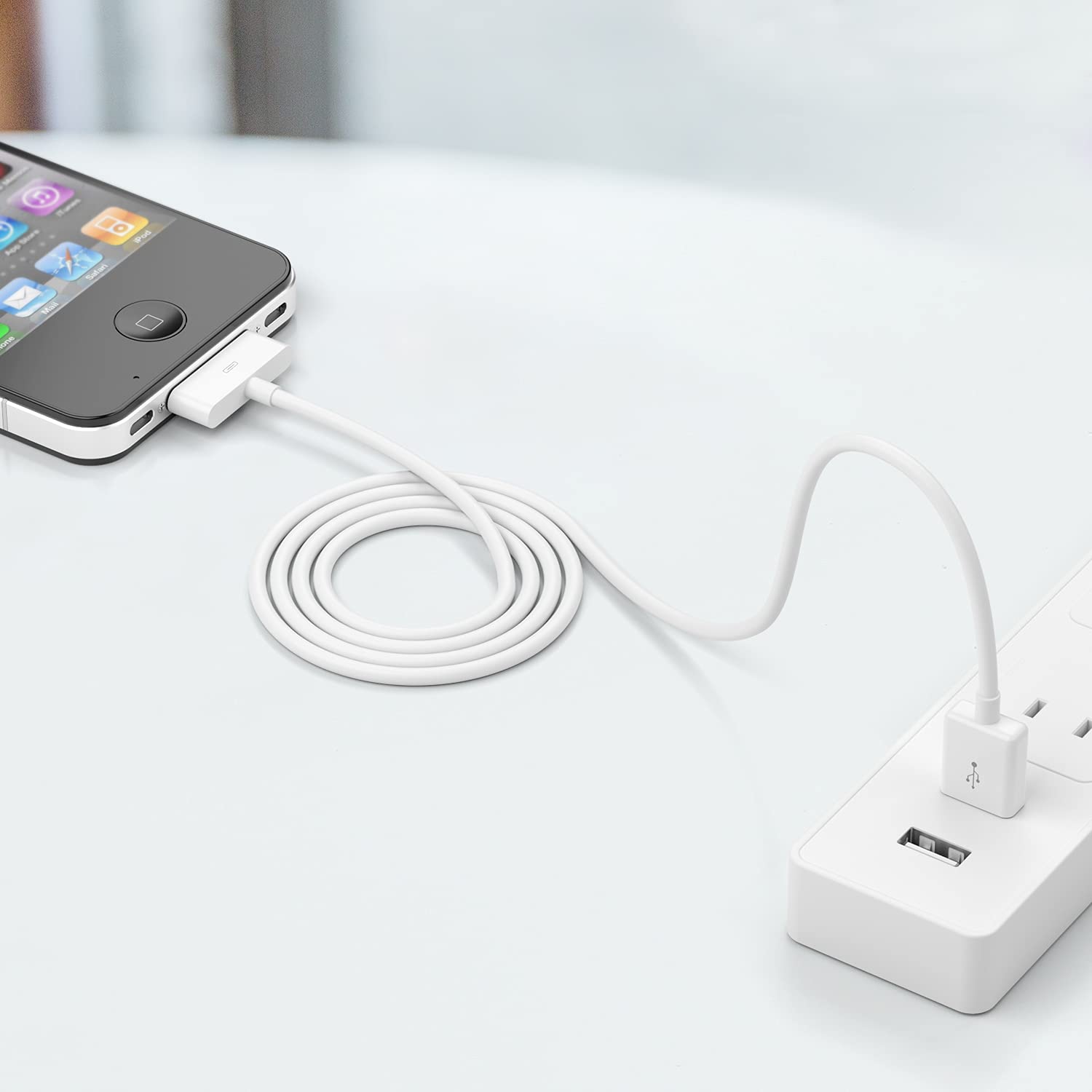
sarmert Apple Certified 30-Pin to USB Type A Charging & Sync Cable (4.0 ft, White)
Product description
Overview: what this cable is for
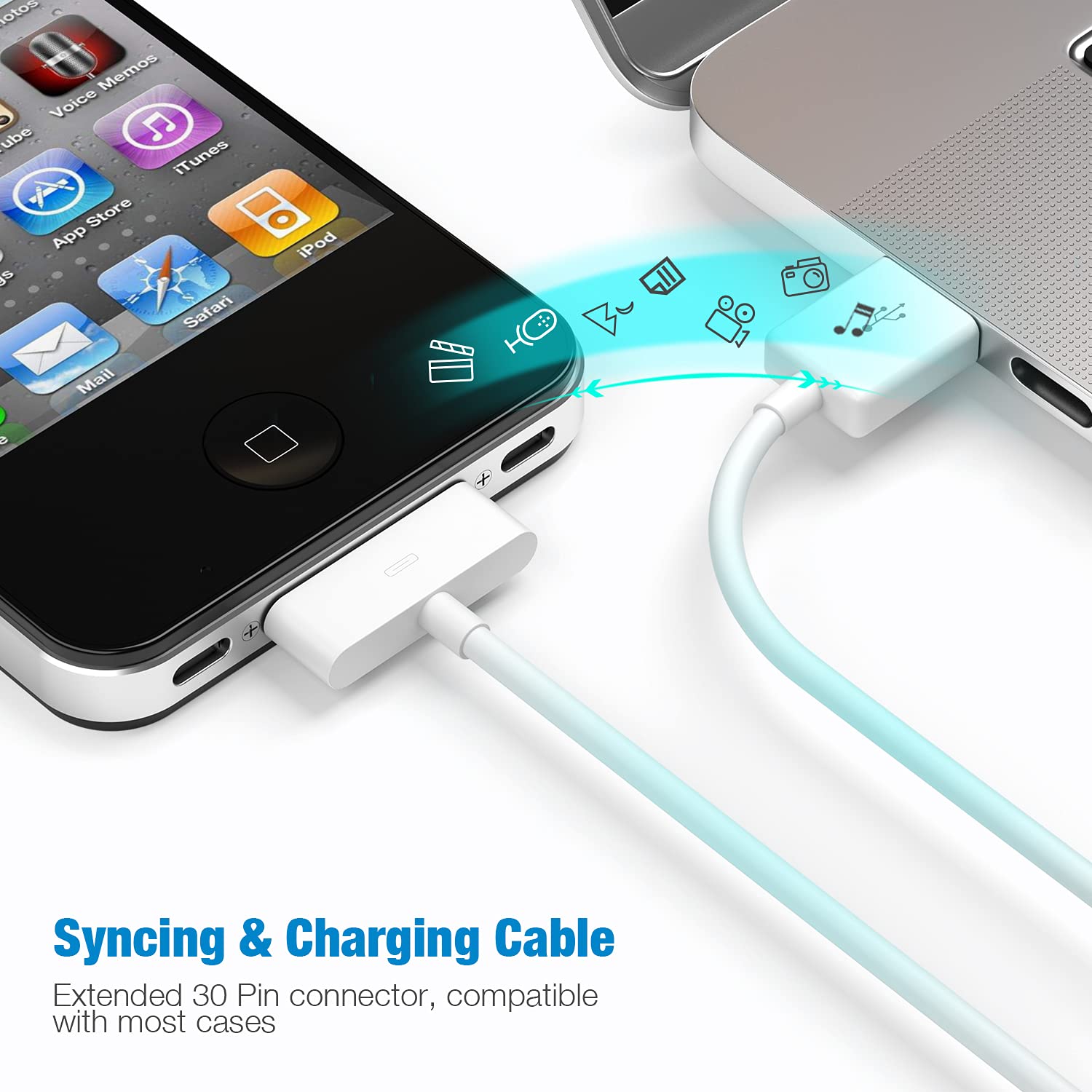
If you still use Apple devices with the older 30-pin dock connector, this sarmert cable is built to handle the basics in one go: charging and data transfer. It’s a slim USB Type A to 30-pin connector cable, designed to be easy to plug in and out, including on phones and tablets when a case is on.
This is the kind of product you buy because you need the connection to work consistently, not because you want flashy extras. On paper, the pitch is simple: solid materials in the cable, a “2 in 1” sync + charge setup, and a length (4.0 ft) that’s practical for bedside tables and desks without trailing too much.
Key points: what you’ll notice day to day
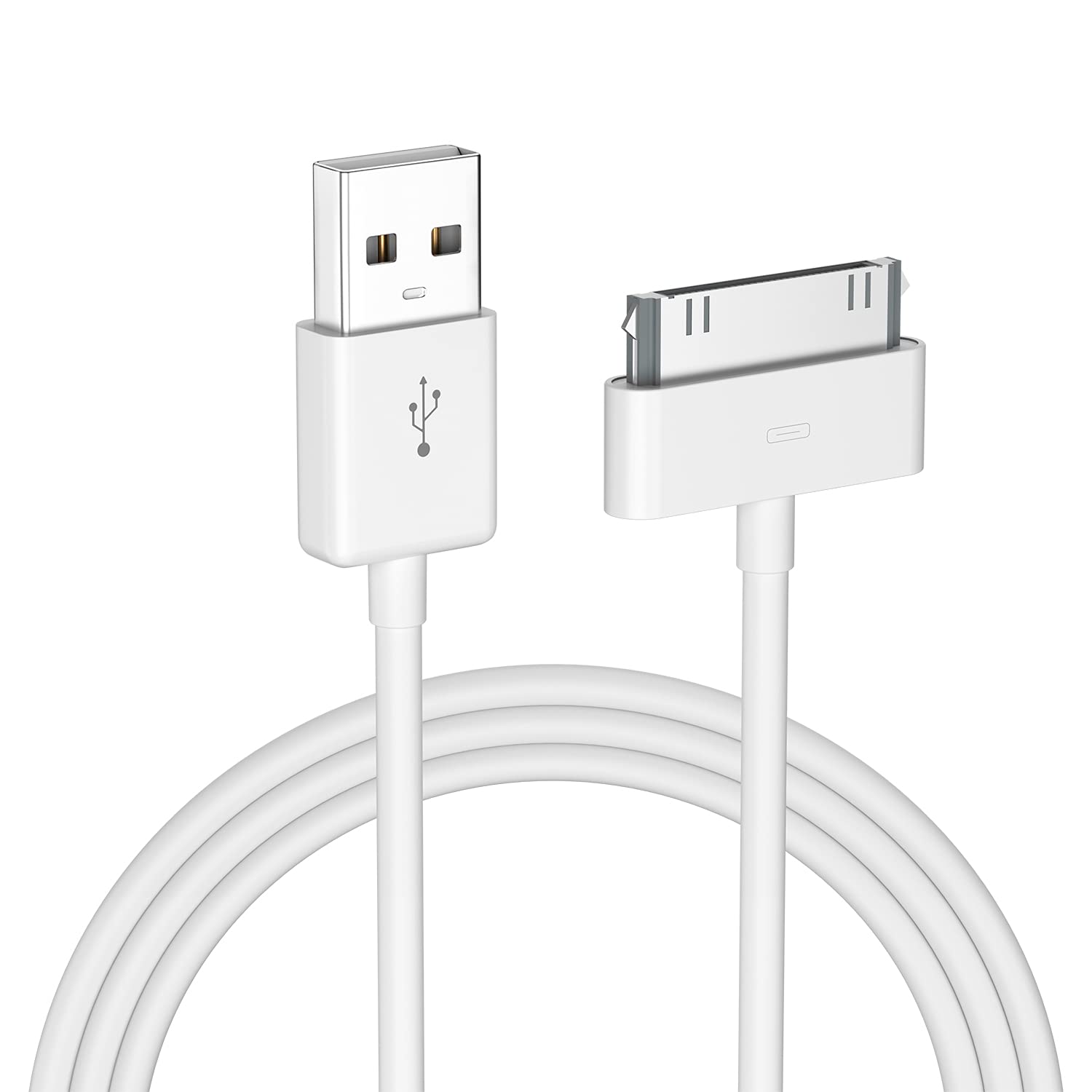
The standout detail here is the slim dock connector design. That matters more than it sounds if you use a case regularly. Instead of forcing you to remove the cover just to reach the port, the cable is positioned to let you use the device while it stays protected.
You’re also getting a cable framed for both charging and transfer. So if your goal is to sync music, manage backups, or move files through a computer workflow, you’re not limited to charging-only behavior.
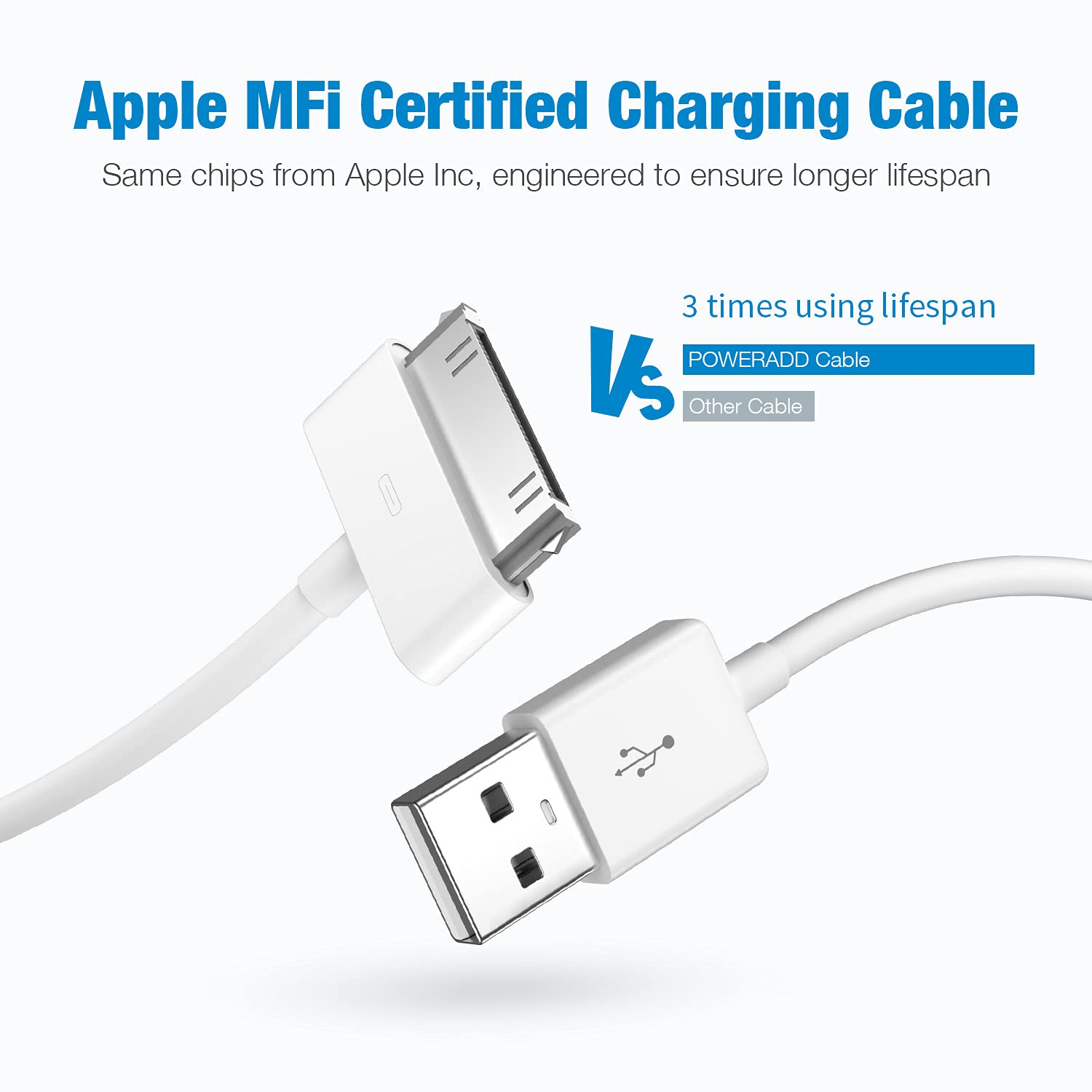
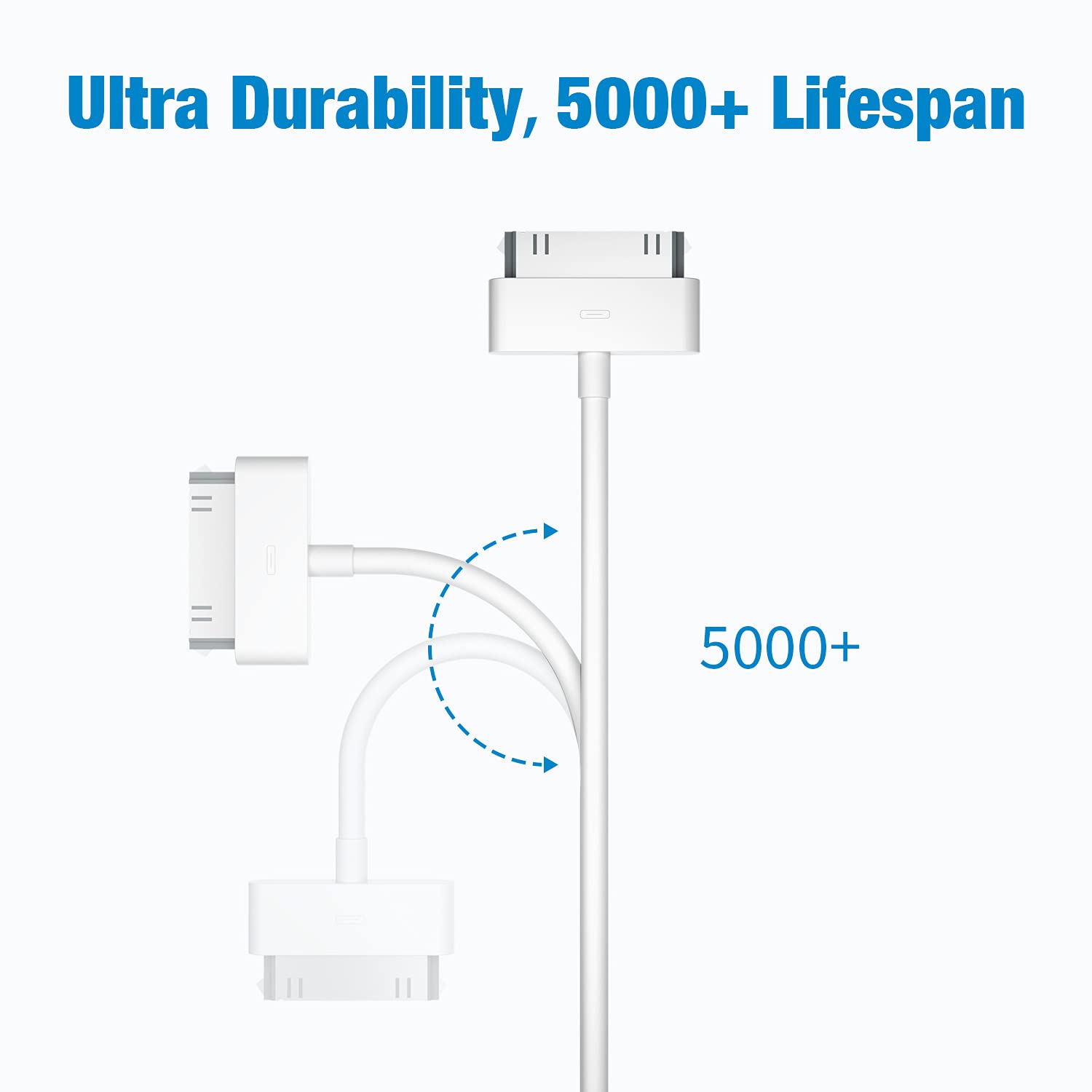
There’s a durability claim too: the cable is described as meeting a use-life of plugging and unplugging more than 2000 times. It’s not a guarantee of lifetime performance, but it does suggest the manufacturer intended this for real, repeated use.
One limitation to keep in mind: this is specifically for 30-pin devices. If your iPhone/iPad model uses a different connector (or no dock connector at all), this cable won’t be the right match.
What’s included and what you should check before buying
Based on the listing, you’re getting 1 charging/sync cable in white. Before you commit, double-check two things:
- Your device uses the Apple 30-pin dock connector (not a newer port).
- Your setup uses USB Type A on the computer/power adapter side.
Because compatibility is “wide” within the 30-pin family, it can feel easy—until you find out your particular device is actually a different connector type. That’s the most common reason these purchases end up being frustrating.
Technical details (high level)
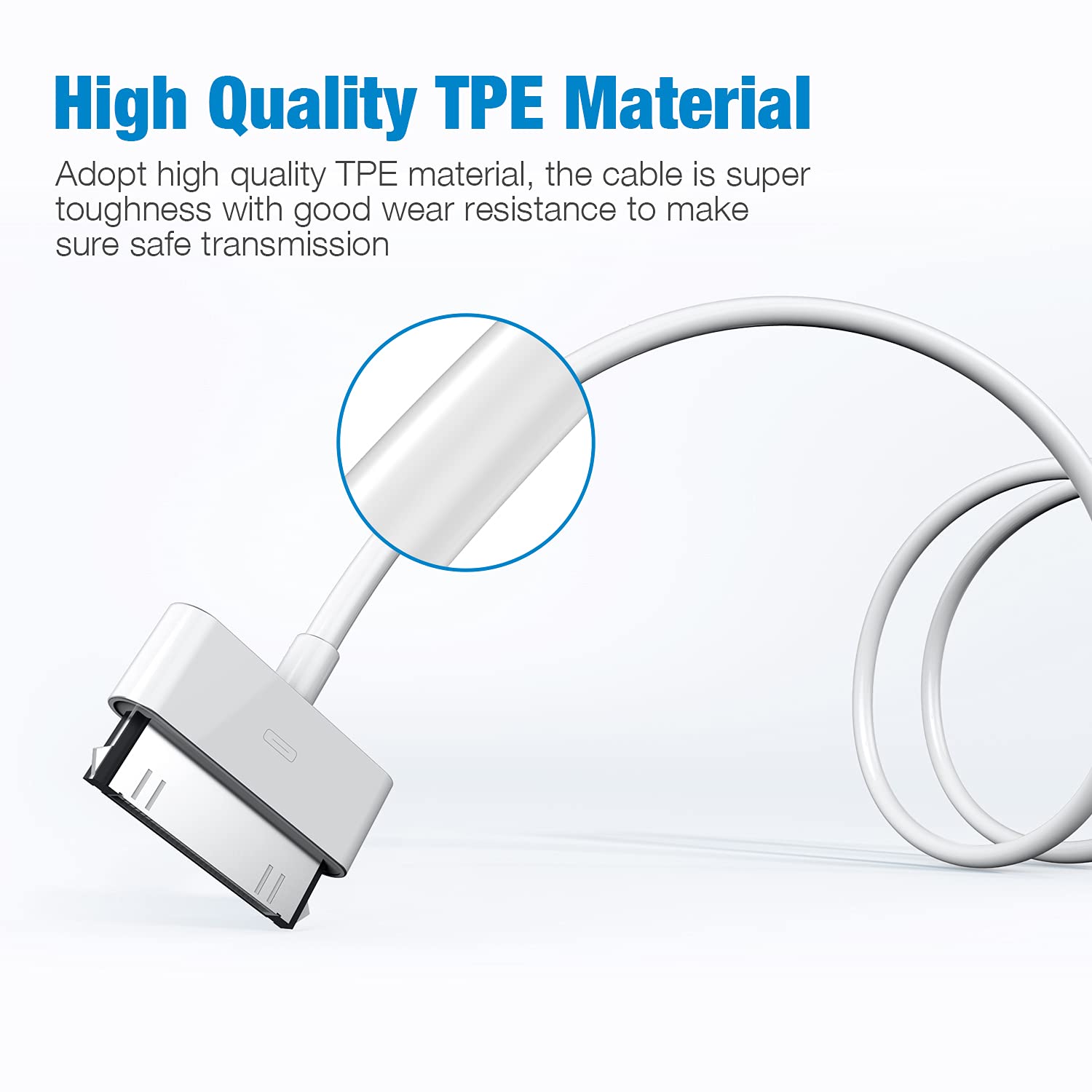
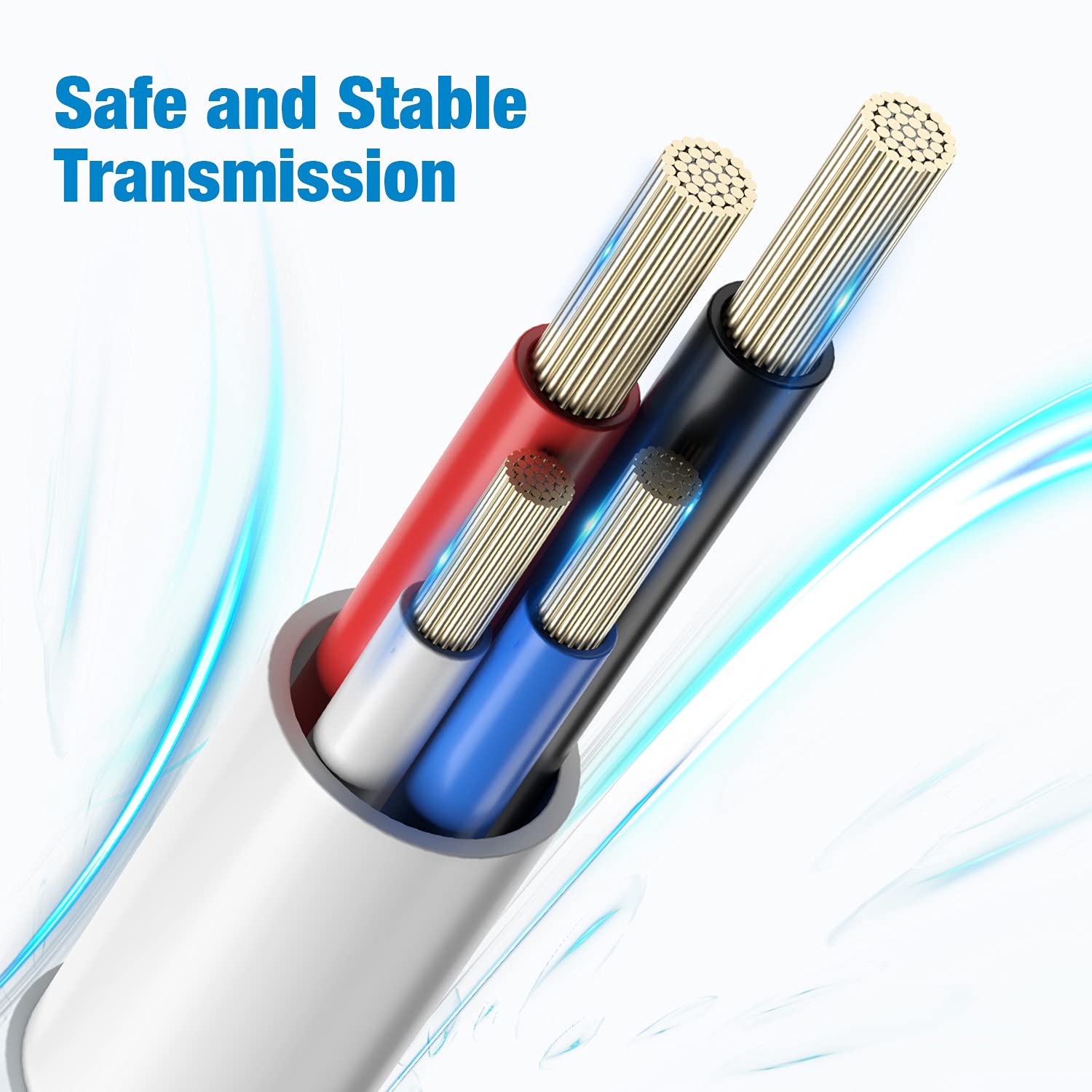
The cable is described as a 30-pin connector to USB Type A cable, using a pure copper core with TPE material. The goal of that construction is twofold: charge with high efficiency and support data transmission without turning the cable into a major bottleneck. The listing also points to reduced power loss and improved conversion of charging (again, based on the product’s own description).
Best use cases (and where it may fall short)
This cable makes sense if you’re keeping an older Apple device in rotation—think syncing with a computer, charging at home, or using a dock-like setup where the 30-pin connector is still required.
A realistic micro-scenario: you plug the USB Type A end into a computer or power adapter, then connect the 30-pin end to your iPod or older iPhone. If it’s for syncing, you can use it in your normal cable workflow rather than switching to separate charging and data cables.
Where it may not be the best fit is if you’re shopping for a “one cable for everything” solution. If you have newer Apple devices too, you’ll likely still need different cables for those connectors. In that case, this can become a niche purchase rather than an everyday universal cord.
Is it worth it?
Worth considering if you have a 30-pin compatible iPhone, iPad, iPod touch, or certain iPod models and you want a cable that handles both charging and sync without you needing to remove your case.
It may not suit you if your device doesn’t use a 30-pin dock connector or if your charging/data setup doesn’t include USB Type A. In those situations, you’d be better off choosing the correct connector type first.
Quick FAQ
Does this cable support syncing, or is it charging-only?
The listing describes it as a 2 in 1 cable for charging and data transfer, so it’s intended to support sync workflows rather than charging only.
Will it work with a case on?
It’s described with a slim dock connector design that’s meant to allow use without removing the case.
How long is the cable?
It’s 4.0 ft (1.2 meters) per the listing.
What if my Apple device uses a different connector?
This is for Apple 30-pin dock devices. If your device uses a different connector, this cable won’t be the right match.