

ULT-WIIQ USB-C to USB-C 3.3 ft Nylon Braided Cable (USB 3.2 Gen 2x2, 20Gbps, PD 3.1 up to 240W, video up to 8K@30Hz)
Reviews
Price
Product description
The essentials
A USB-C cable is one of those purchases you only notice when it’s wrong: slow charging, flaky video, or data transfers that feel like they’re stuck in slow motion. The ULT-WIIQ USB-C to USB-C nylon braided cable is built for people who want a single cord that can handle fast charging and high-speed data, plus display output over USB-C.
On paper, it checks several boxes at once—USB 3.2 Gen 2x2 support for data up to 20Gbps, and USB Power Delivery (PD) 3.1 rated for fast charging up to 240W. It also claims display support up to 8K@30Hz, plus smoother high refresh rate options in lower resolutions. Just keep expectations grounded: the actual result depends heavily on what your laptop/monitor and power source can negotiate.
Key features that matter in real use
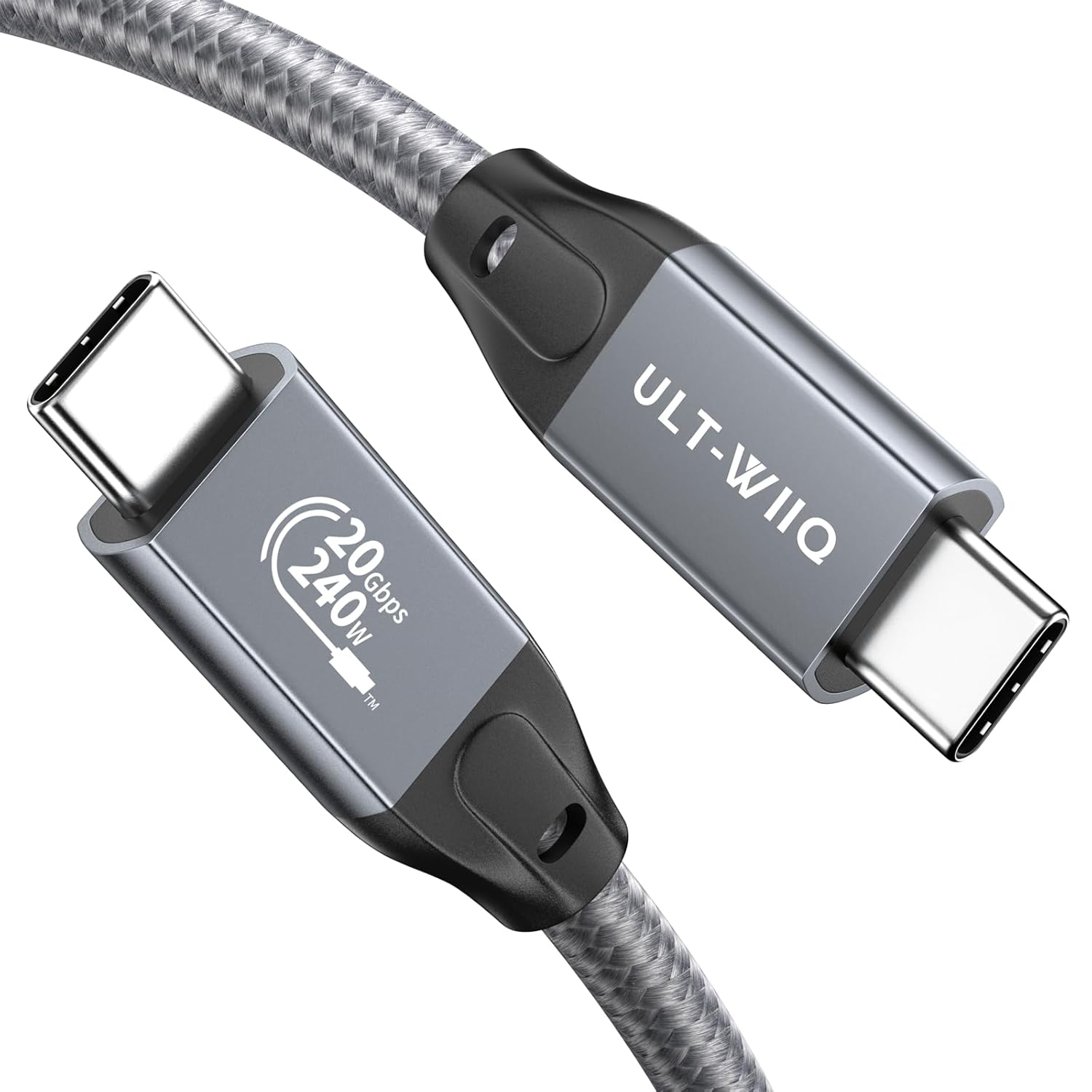
The most practical draw here is the “two jobs in one cable” idea: charge and move data (and sometimes video) without juggling different cords.
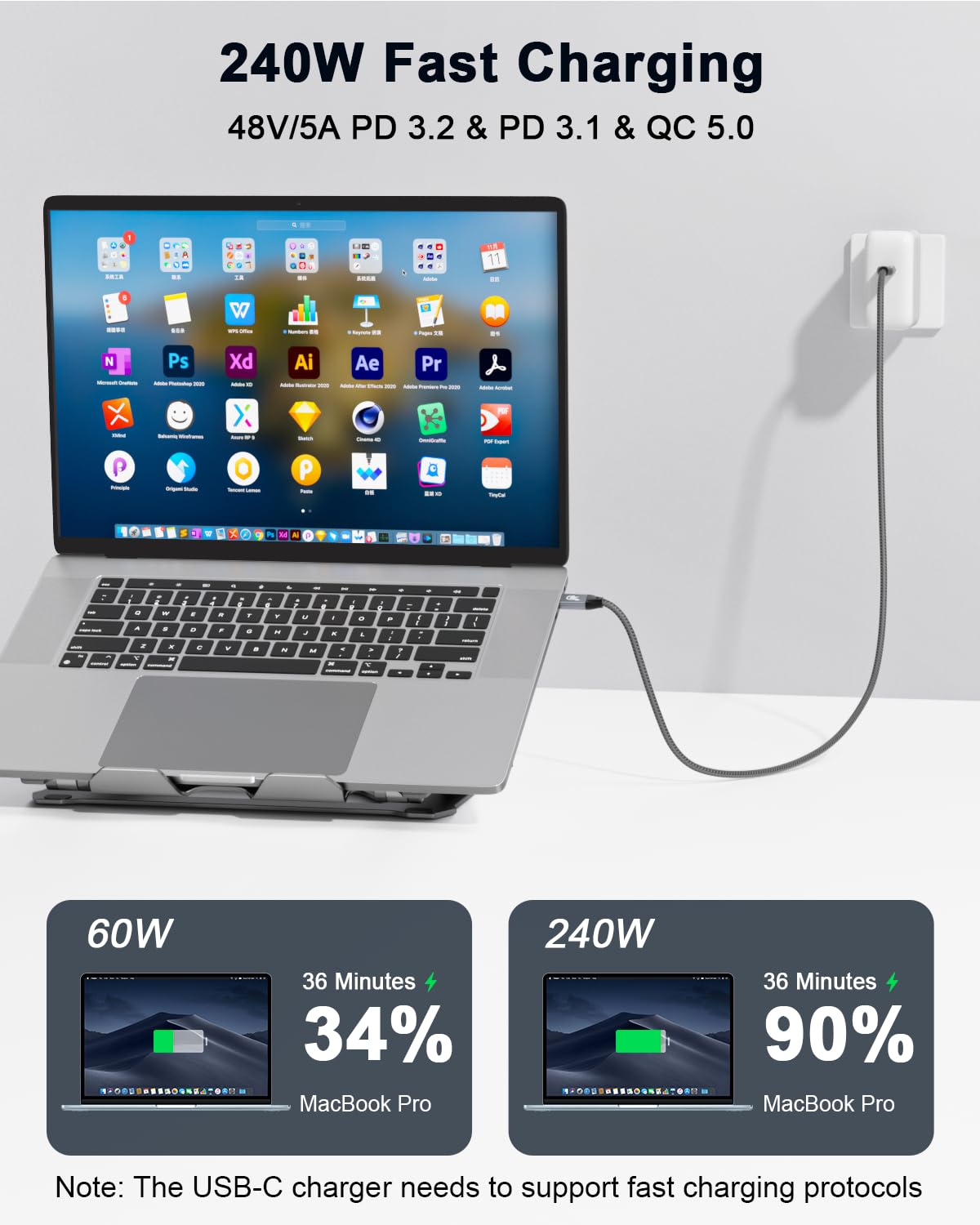
For charging, the cable supports PD 3.1 up to 240W (48V 5A) and also mentions compatibility with PD 3.0 and QC variants (QC 5.0, QC 4.0, QC 3.0). If you’re the type who charges a laptop from a USB-C wall adapter and also wants the same cable to hook up a drive or phone, this is exactly the kind of setup that makes daily life easier.
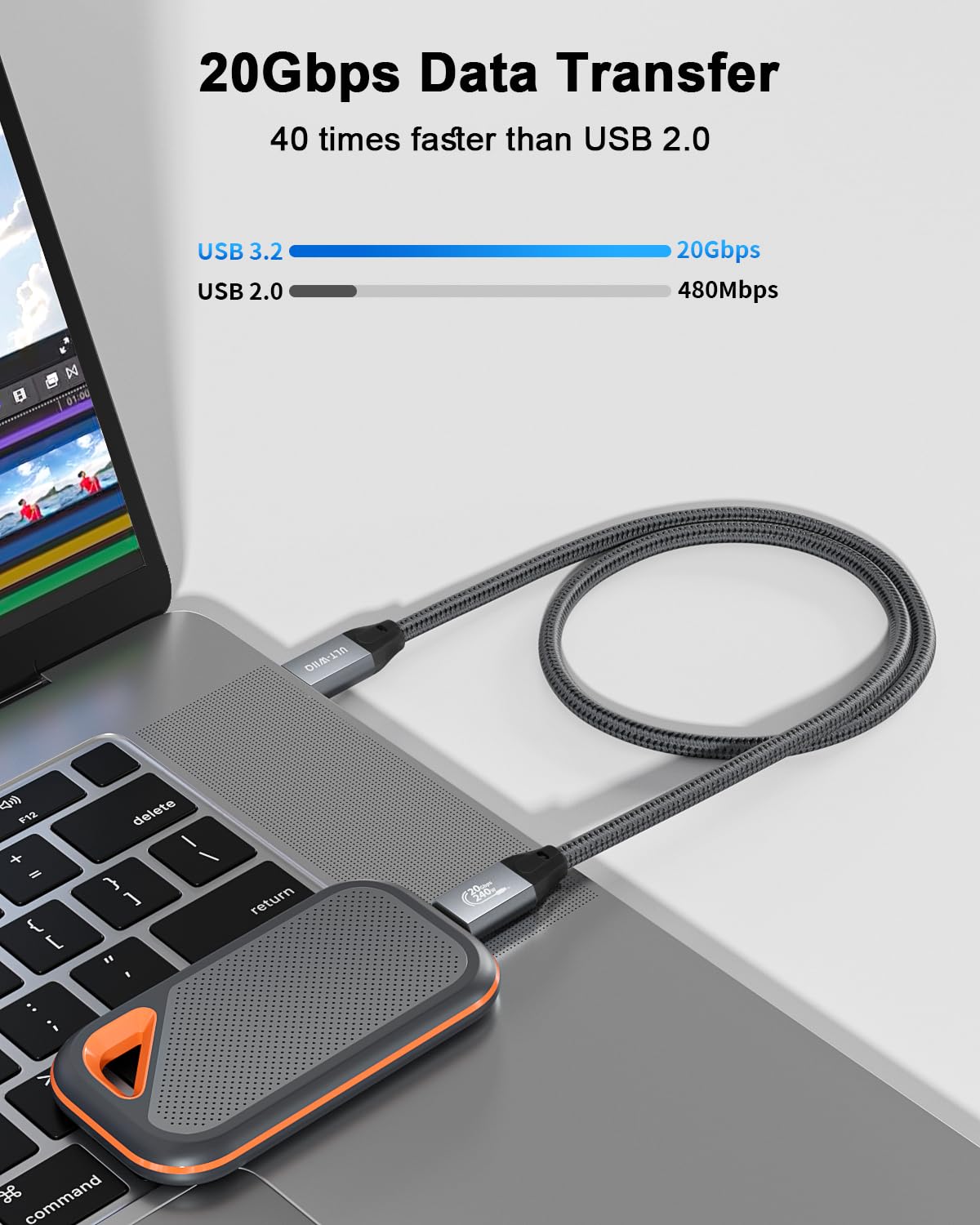
For data, it’s positioned as a USB C 3.2 Gen 2x2 cable with transfer speeds up to 20Gbps. That’s the sort of spec that can matter when you’re moving big files—photos, large documents, or backing up a drive—especially if your devices can actually use those speeds.
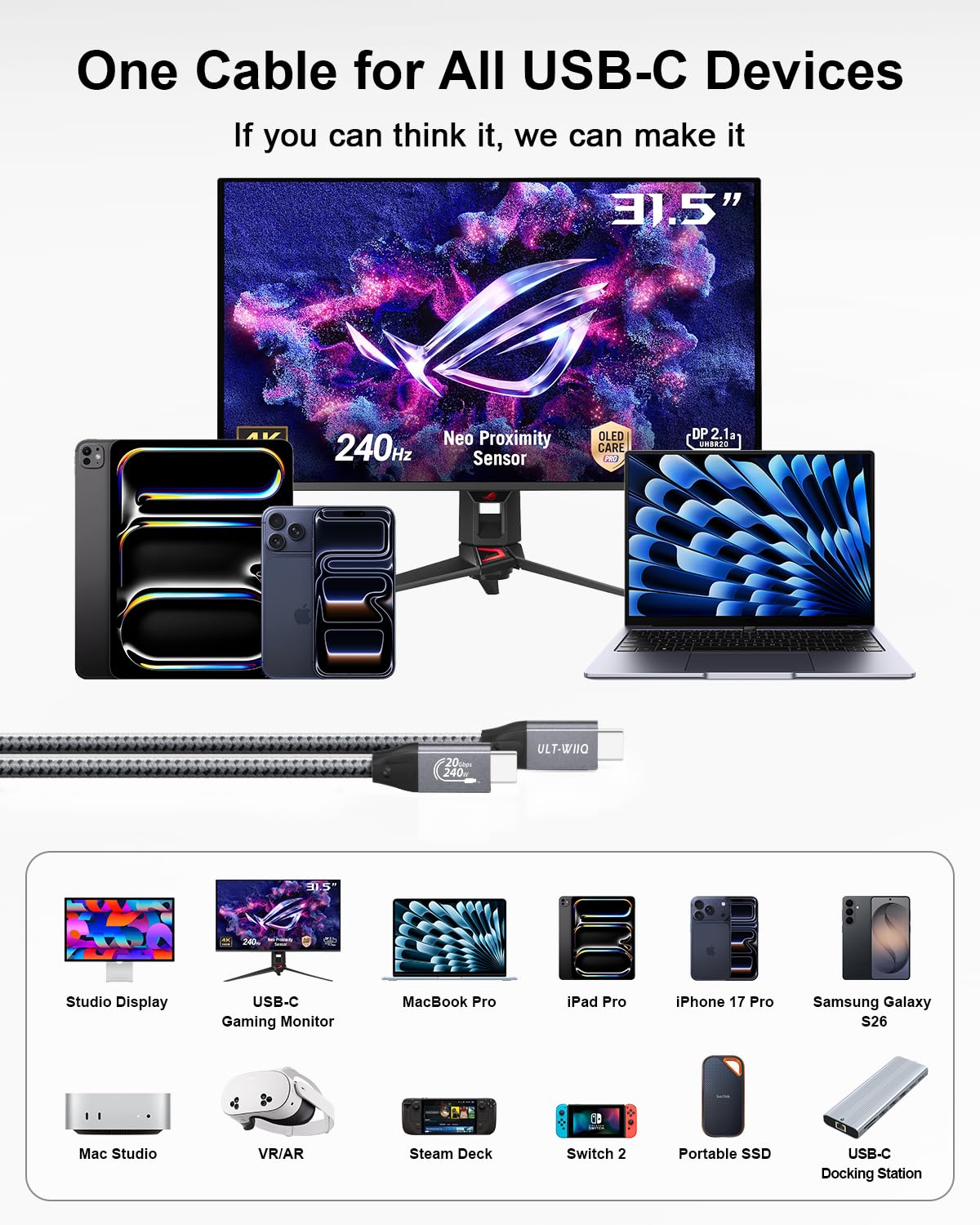
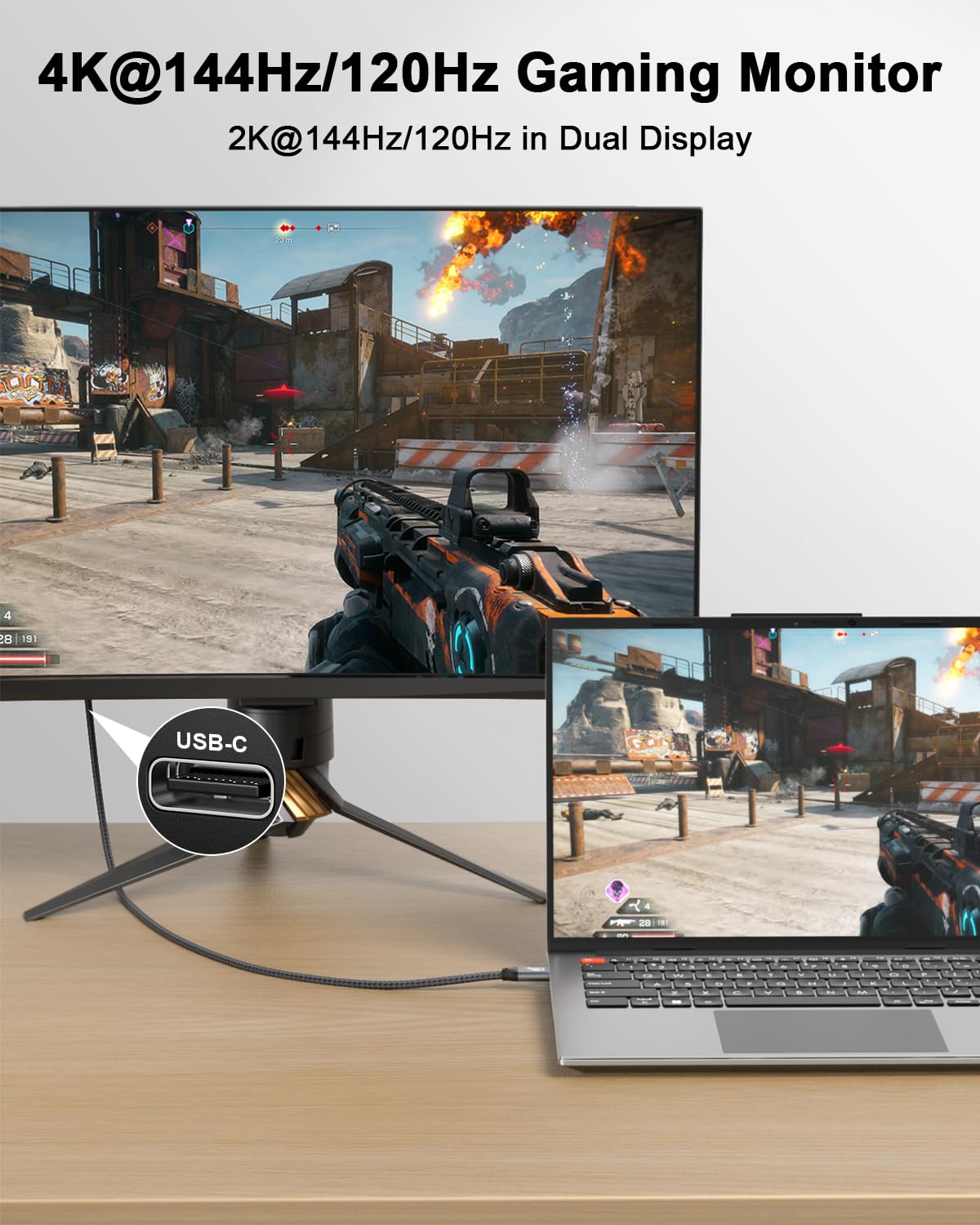
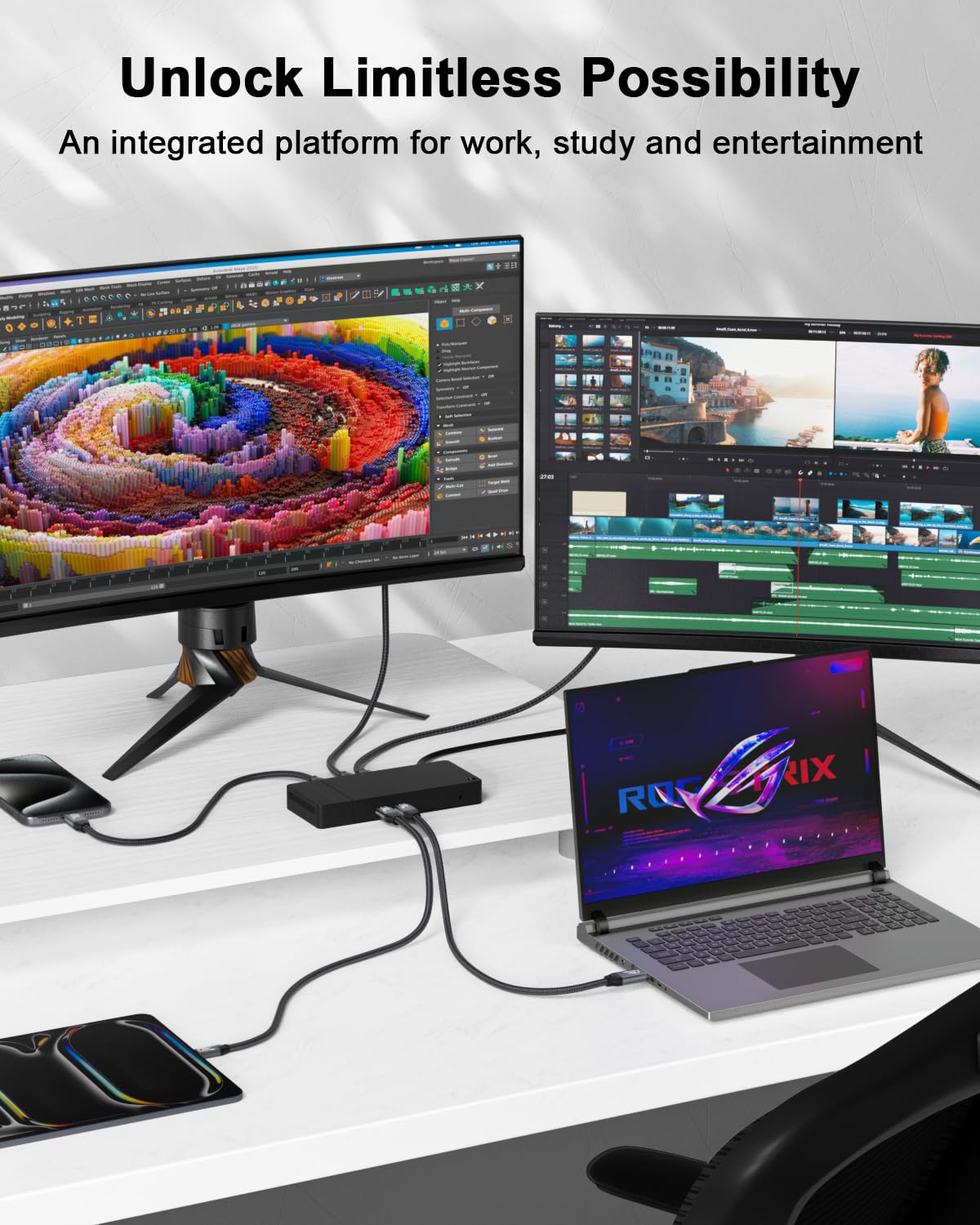
And for video, it’s marketed for monitor connections over USB-C, including claims for 4K refresh rates up to 144Hz and also multi-resolution support (single-monitor and dual-monitor scenarios are both mentioned). If your display setup includes a USB-C video port, this is aimed at simplifying your cable management.
What to know about video + refresh rate claims
This cable specifically states monitor support including: - Single monitor up to 4K at high refresh rates (up to 144Hz/120Hz/60Hz) - Higher-res modes listed for 2K with high refresh rate options - Dual-monitor HD 2K at 60Hz - Up to 8K@30Hz
One limitation to keep in mind: those refresh rates and resolutions won’t be guaranteed just because the cable can do it. Your monitor, your laptop, and sometimes the way the ports negotiate features will determine what you actually see. If your goal is “the highest number possible,” you’ll still want to verify your device and display support.
If you’re gaming or doing motion-heavy work, this cable’s refresh-rate targeting is a strong hint that it’s not meant only for basic desktop mirroring—it’s aiming to serve more demanding display needs.
Design for durability and safety
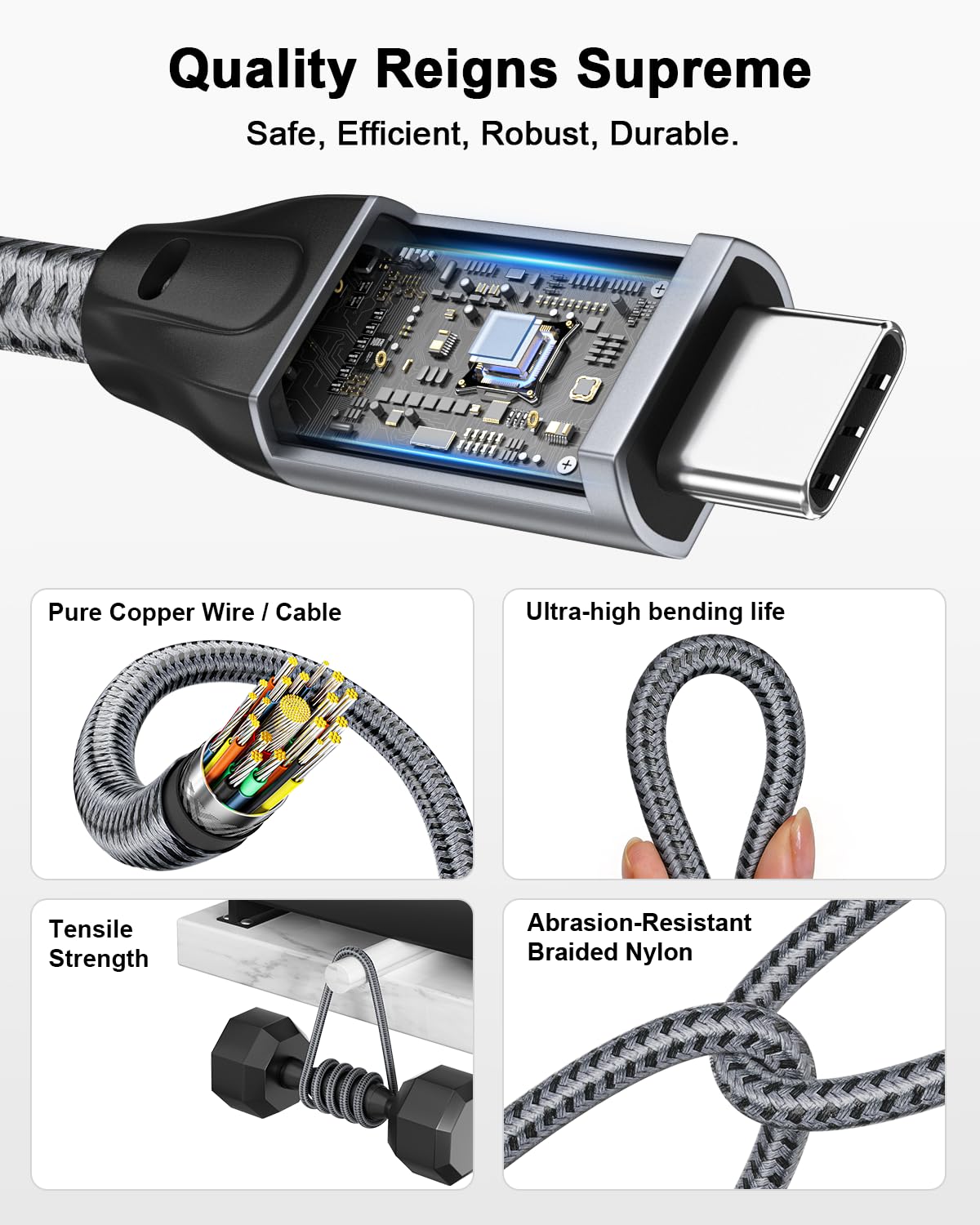
The cable uses nylon braiding (rated as 3.3 ft), and it includes an integrated E-marker chip. The E-marker detail is typically what you look for when you care about stable charging behavior with higher power.
The connector and housing are also described as aluminum with a nickel-plated plug, intended to help keep signal output more stable. The listing additionally claims it’s been put through more than 20,000 bend and plug flex tests, which is reassuring if you’re hard on cables (tucking them in bags, bending them often, repeated plugging/unplugging).
Still, no cable is immortal. Braided cables can be tough, but strain relief and how you handle the connector at the device end matter as much as the material.
Compatibility and device coverage (what’s included in the listing)
ULT-WIIQ says the cable is broadly compatible with a long list of USB-C devices, including (not fully limited to) iPhone 15 series, iPad Pro models, MacBook models, Samsung Galaxy devices, SSDs, iPhone and other USB-C accessories, power banks, and Oculus Quest devices for Oculus Link.
That’s a decent breadth signal, but it’s worth noting what’s really going to matter for you: - If you need fast charging, your charger and device must support PD 3.1 and the power profile. - If you need high-speed data, your phone/laptop/drive must support USB 3.2 Gen 2x2 (or at least the negotiated speed). - If you need specific display modes (like 4K at 144Hz), both the laptop and the monitor have to support those modes over USB-C.
Specs at a glance
Tech specs
- Type: USB-C to USB-C video/data cable
- Length: 3.3 ft
- Data transfer: up to 20Gbps
- USB support: USB 3.2 Gen 2x2 (also compatible with USB 3.1 and USB 3.0)
- Video support: up to 8K@30Hz
- Display modes mentioned: single monitor up to 4K at up to 144Hz/120Hz/60Hz, 2K modes listed with high refresh rates, dual-monitor HD 2K at 60Hz
- Power delivery: PD 3.1 up to 240W (48V 5A)
- Charger compatibility mentioned: PD 3.0 and QC 5.0 / QC 4.0 / QC 3.0 (listing also mentions 100W/65W/45W classes)
- Safety feature: integrated E-marker chip
- Construction: nylon braided with aluminum housing and nickel-plated plug
Usage tips
Getting the most out of this cable is mostly about matching it to the right setup. For example, if you want high refresh rates, use it with a monitor that explicitly supports USB-C video and the refresh mode you’re targeting. If you’re charging a laptop, plug into a USB-C power adapter that can deliver the power level you expect.
A practical everyday scenario: connect a USB-C SSD to your laptop using this cable for a quick content offload, then swap to your monitor cable use when you’re working. The point is fewer cables, but only if your devices negotiate the same capabilities.
Is it worth it?
Buy the ULT-WIIQ USB-C to USB-C cable if you want one cord that can realistically cover fast charging (up to the listing’s PD 3.1 240W claim), high-speed data transfer (up to 20Gbps), and USB-C monitor video output (including high refresh rate options listed).
It might not be the best match if your primary goal is basic charging only, or if your device/monitor combination can’t support the higher video and data modes—then you may not benefit from the cable’s headroom. Also, because performance depends on negotiation, if your setup is picky about display modes, you’ll want to double-check compatibility before expecting the top refresh numbers.
Overall, this feels like a “do-it-all” cable aimed at people with USB-C laptops, docks/monitors, and storage—especially if you prefer durable braiding and want fewer cables to manage.