

StarTech.com USB 3.0 SuperSpeed A to B Cable (10 ft, Black) for PCIUSB/PEXUSB Models
Reviews
Price
Product description
If you’ve ever run into the “my USB cable just isn’t long enough” problem, this StarTech.com SuperSpeed USB 3.0 A to B cable is built to address it. The pitch is simple: it’s designed to go beyond typical USB 3.0 cable length while keeping the connection stable enough for everyday data transfers.
Key features and what they mean
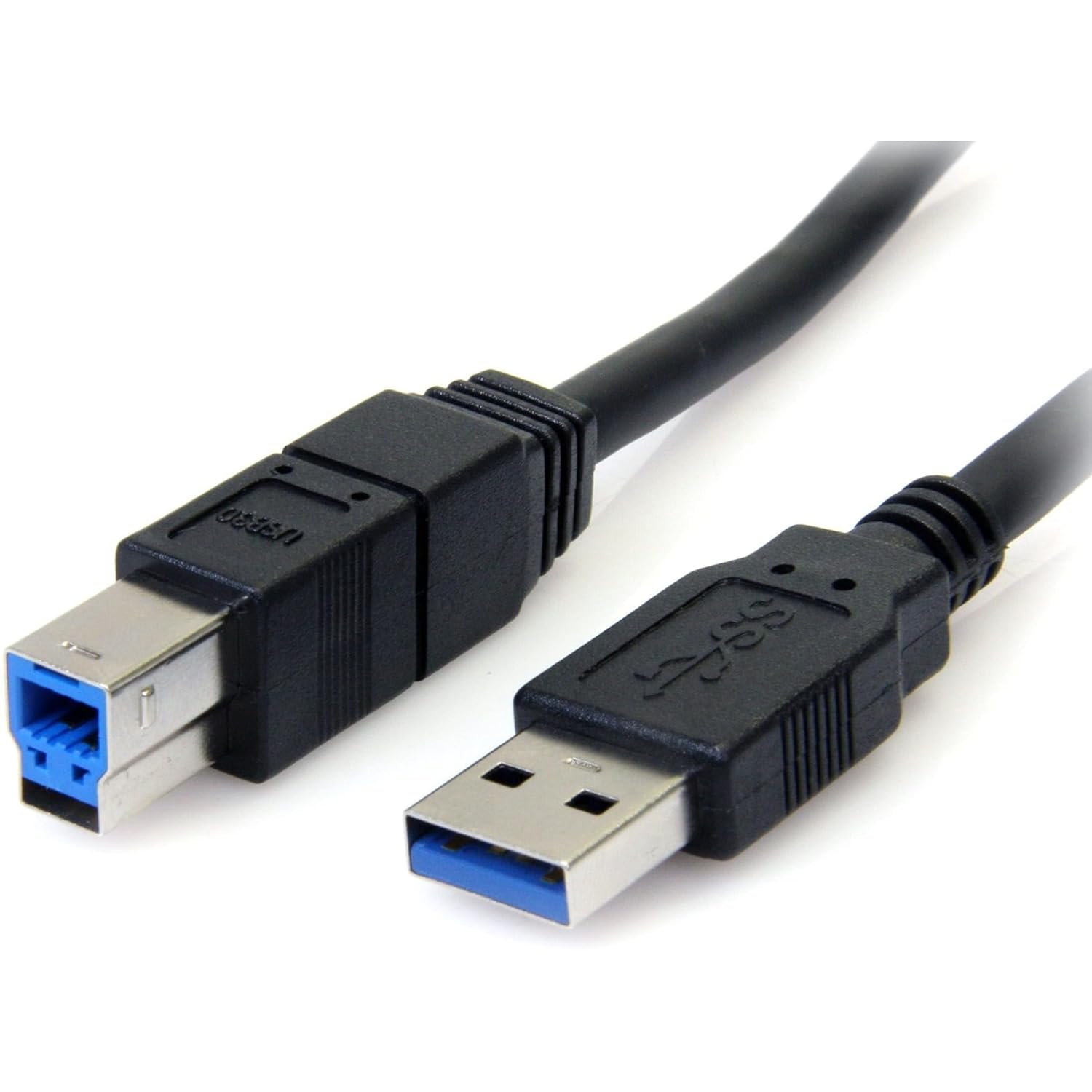
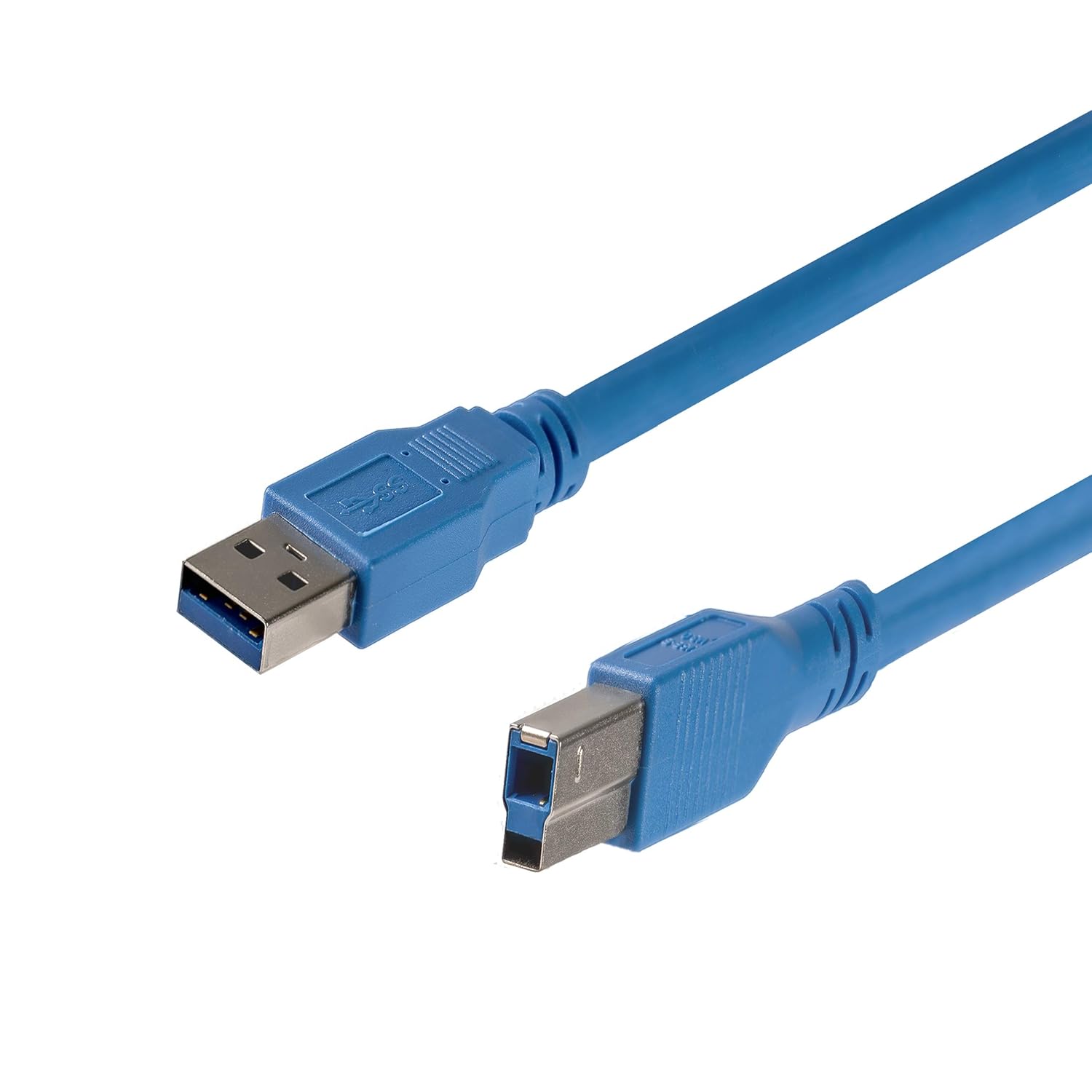
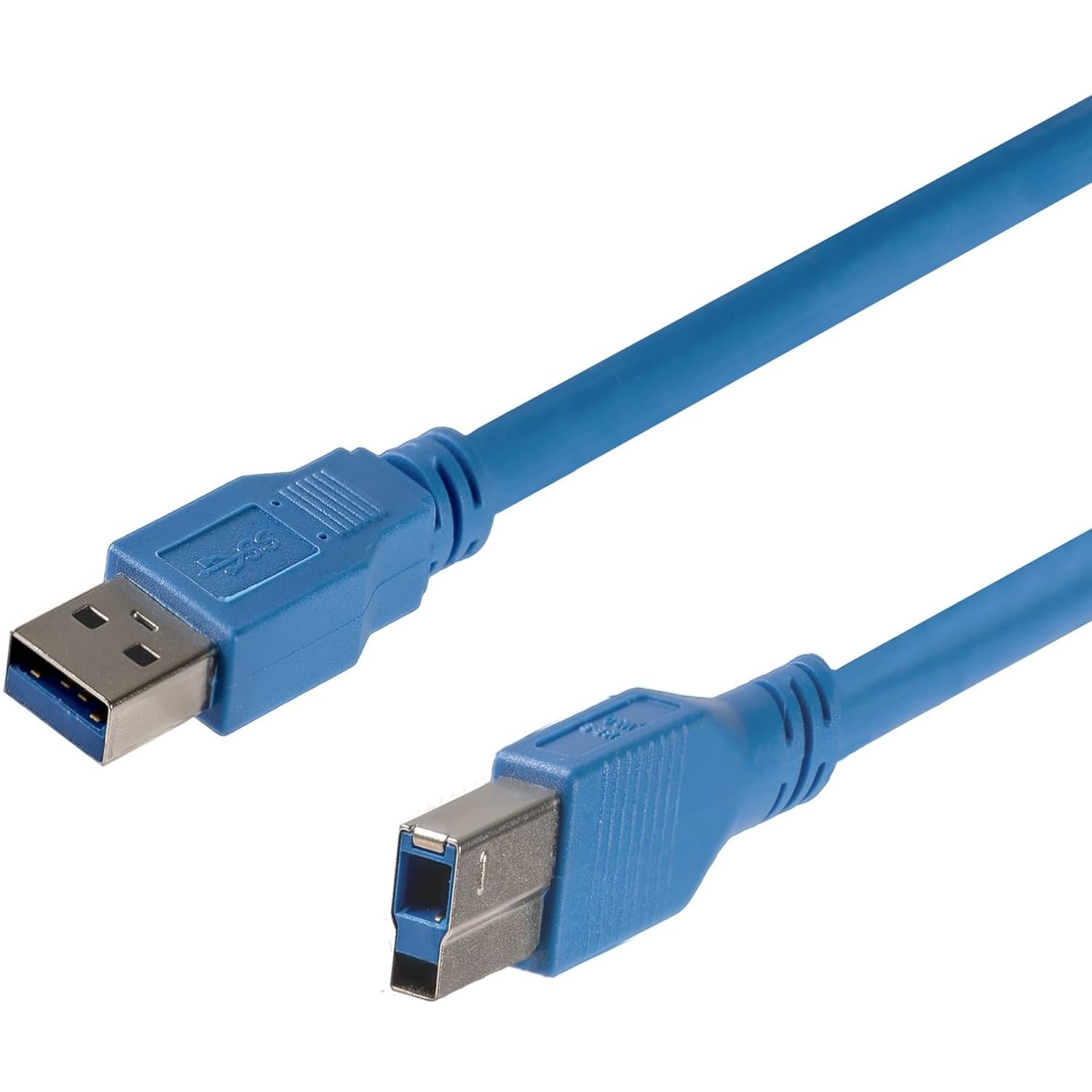
On paper, this is a 10 ft (10-foot) USB 3.0 cable in black, with a USB A (9-pin) male connector on one end and a USB B (9-pin) male connector on the other. It’s intended for SuperSpeed USB 3.0 use, with stated data transfer speeds of up to 5 GB/s. That combo matters if your goal is reliable connectivity between a computer’s USB A port and a device that uses a USB B input—common for certain printers, scanners, hubs, and other peripherals.
StarTech also highlights that the signal is automatically adjusted (“re-timed”) to help reach up to 10 m. This is the kind of engineering detail that’s meant to reduce the usual long-cable headaches—think weaker signals and slower-than-expected behavior over distance. It’s not magic, though, performance still depends on your device, port behavior, and the overall setup.
At a glance: where this cable fits best
This cable is best understood as a “long-run” replacement or extension for USB 3.0 devices that require an A-to-B connection. If your current cable is too short and you want to avoid stepping down to USB 2.0-era expectations, this is the kind of option to consider.
A practical example: imagine your computer sits on a desk but your USB B device (like a peripheral placed on a shelf or behind a workbench) is a few rooms away from where the USB port lands. With a 10 ft cable, you may gain enough reach to tidy your workspace without relocating equipment. If you’re moving files, syncing a device, or running transfers that benefit from USB 3.0, it makes sense to keep the interface consistent.
What stands out day to day
The two most noticeable advantages here are the length and the explicit focus on USB 3.0 signaling at distance. Standard USB 3.0 cables can be fine for short runs, but longer placements can be where you start seeing performance variability. By design, this one targets better stability as you extend the distance.
Still, a limitation worth keeping in mind: stated “up to” speeds are not the same as real-world sustained throughput. In a real setup, transfer rates can be limited by the slowest component—your USB ports, the device itself, and the type of data you’re moving.
Tech specs that actually affect compatibility
This is a USB 3.0 SuperSpeed A to B cable, with: - USB A (9-pin) male to USB B (9-pin) male - 10 ft length - Data transfer speed up to 5 GB/s
It’s also associated with specific part numbers listed in the product name (including PCIUSB3S4 and several PEXUSB3* variants). That doesn’t mean it’s compatible with every USB B device on earth, but it does suggest the cable was selected for specific StarTech adapters/cards and their expected wiring.
Getting the most from it (and what to double-check)
Before buying, check a few things so you don’t end up with the right cable size but the wrong connector:
- Confirm your device actually has a USB B (9-pin) port.
- Confirm your host side expects USB A (9-pin) for the computer or adapter you’re using.
- If you’re buying as a replacement for one of the listed StarTech part numbers, match that context as closely as you can.
Also, keep expectations realistic for long cables: even with signal adjustment, the environment (port quality, cable routing, interference) can still affect consistency.
Is it worth it?
Worth considering if you need a 10 ft USB 3.0 A-to-B cable and you want a length-focused solution designed to maintain SuperSpeed behavior better than a typical short cable stretched too far. It’s a sensible pick for setups where your USB B device is physically farther from the computer than a standard cable allows.
It’s not the best choice if your device doesn’t use USB B (9-pin) or if your priority is maximum real-world throughput regardless of cable length—because “up to 5 GB/s” depends on the rest of your system. If you’re in a situation where you can use a shorter cable path, that can still be simpler and more predictable.
Quick bottom line: for long-ish USB 3.0 runs using an A-to-B connection—this one is built for the job, not just the label.
Mini FAQ
Will this cable work with any USB B device?
It’s designed for USB A to USB B connections with USB 3.0 SuperSpeed behavior, so it should fit devices that use a USB B (9-pin) port. If your device uses a different connector type, you’ll need a different cable.
Does the 5 GB/s speed always happen?
No cable can guarantee the top speed in every real setup. The “up to” figure depends on the host, the device, and transfer conditions.
Is 10 ft enough for most desks and work areas?
Often, yes. 10 ft is a common length for reaching from a PC desk to a nearby shelf or workstation layout without relocating hardware.
Does it support longer distances than 10 ft?
The product description mentions signal adjustment intended to reach up to 10 m. That said, your actual performance can still vary based on your specific setup.