

BENFEI 4‑in‑1 Memory Card Reader USB‑C 4‑slot 🖱
Reviews
Product description
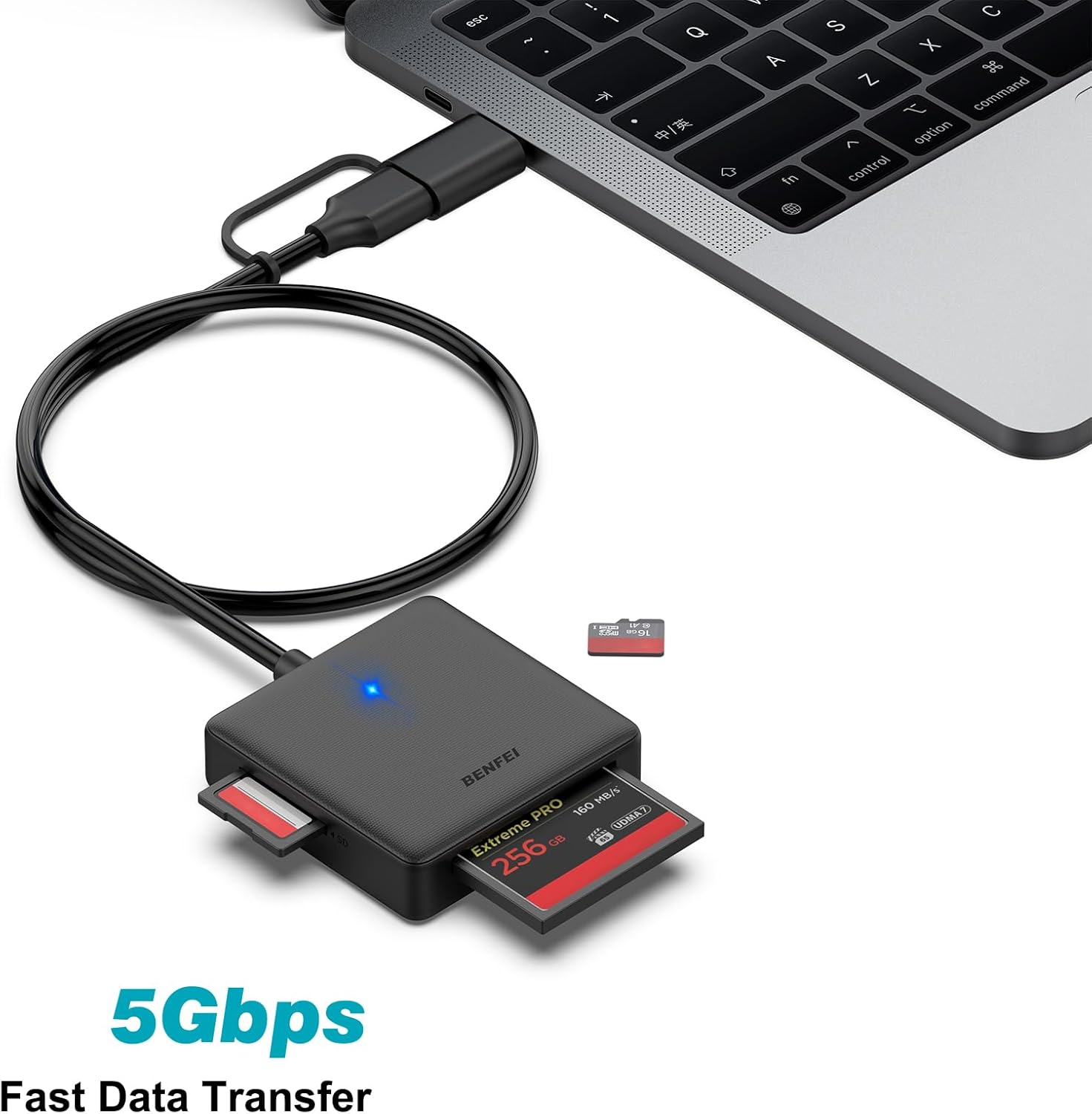
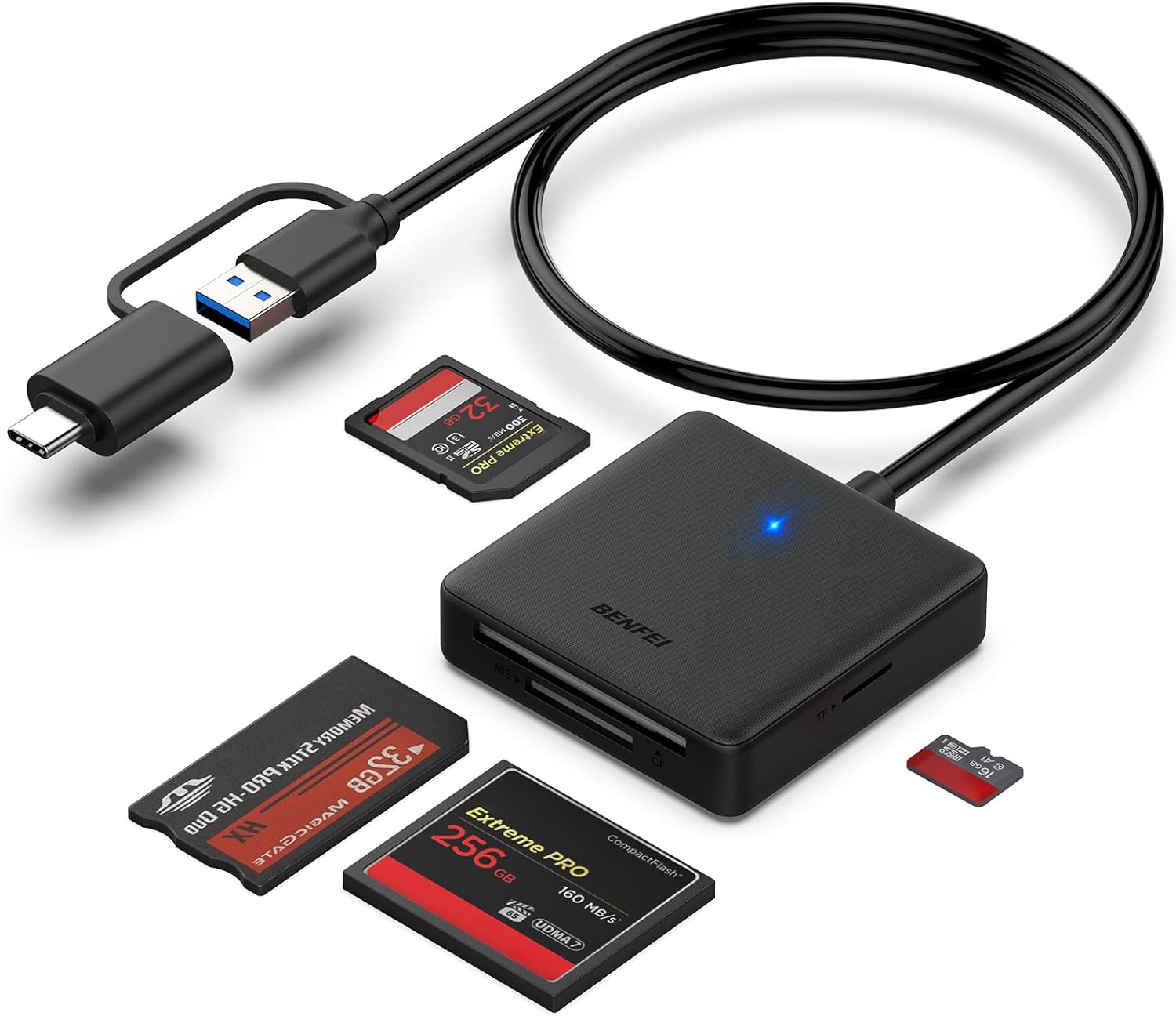
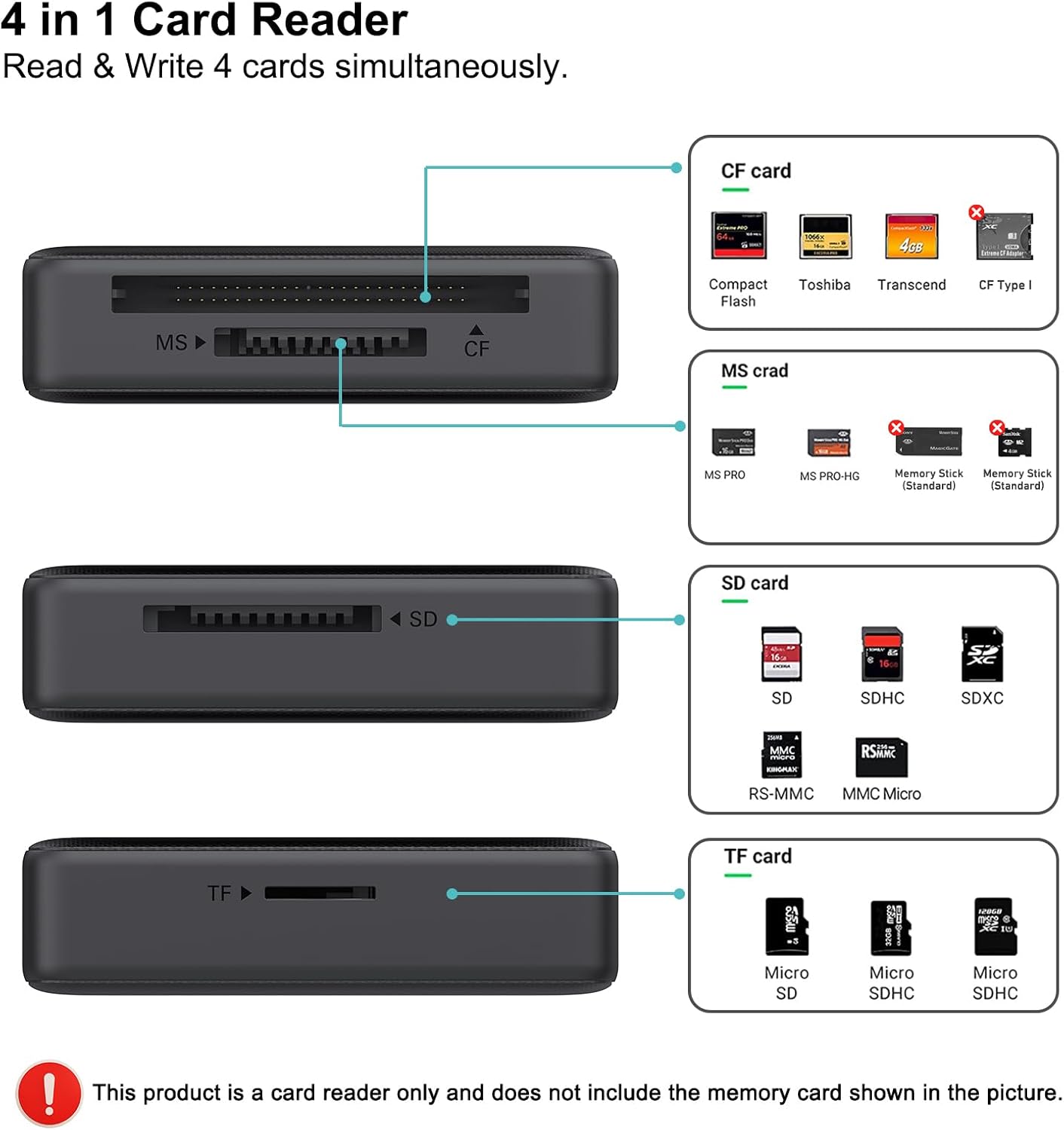
This compact card reader from BENFEI lets you transfer photos and video from multiple memory formats to laptops, tablets, and phones with USB-C or USB 3.0 ports. It reads SD, Micro SD, MS and CF cards and can handle up to four cards simultaneously, making it useful when moving large media libraries or backing up shoots on location.
Key Points
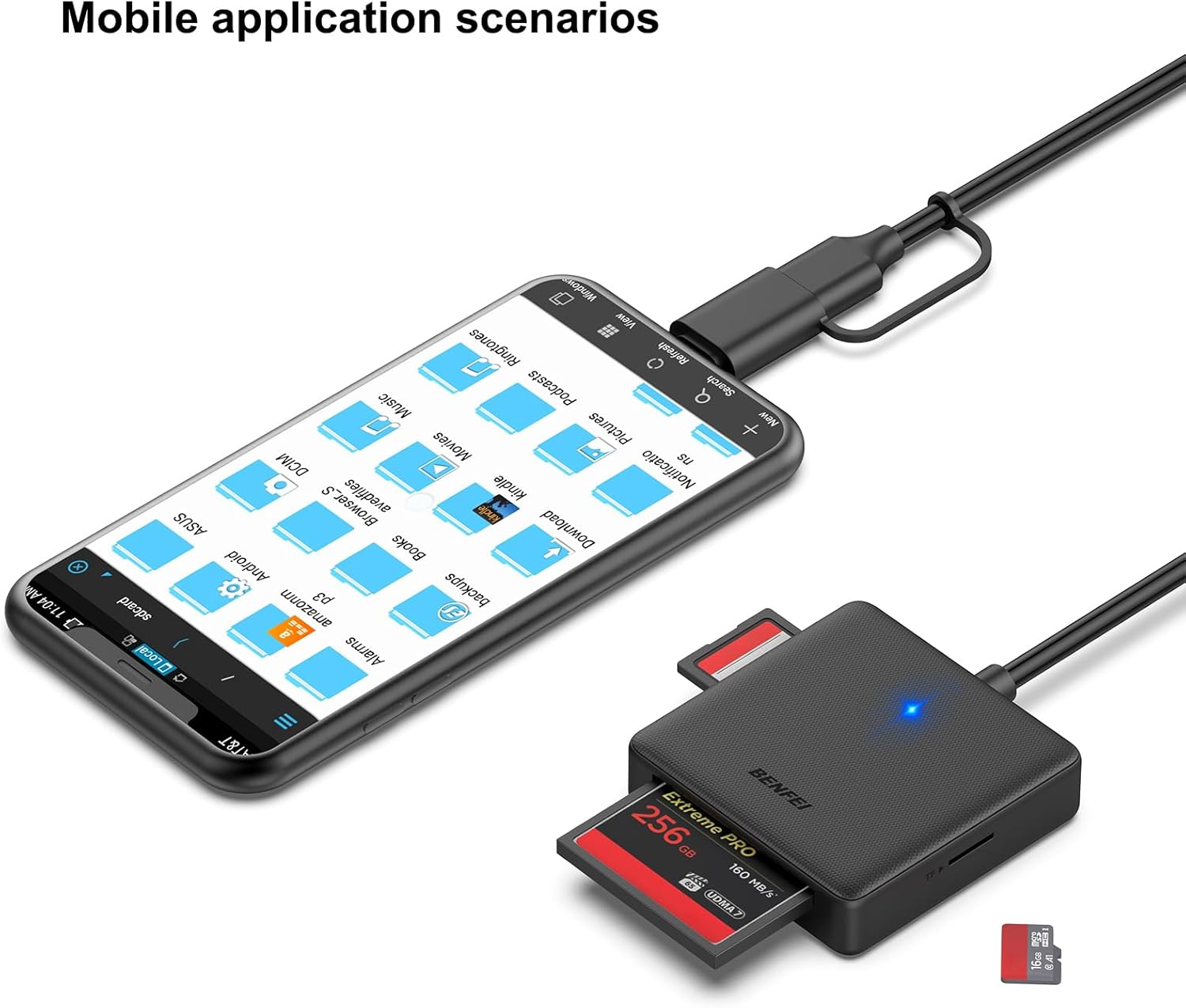
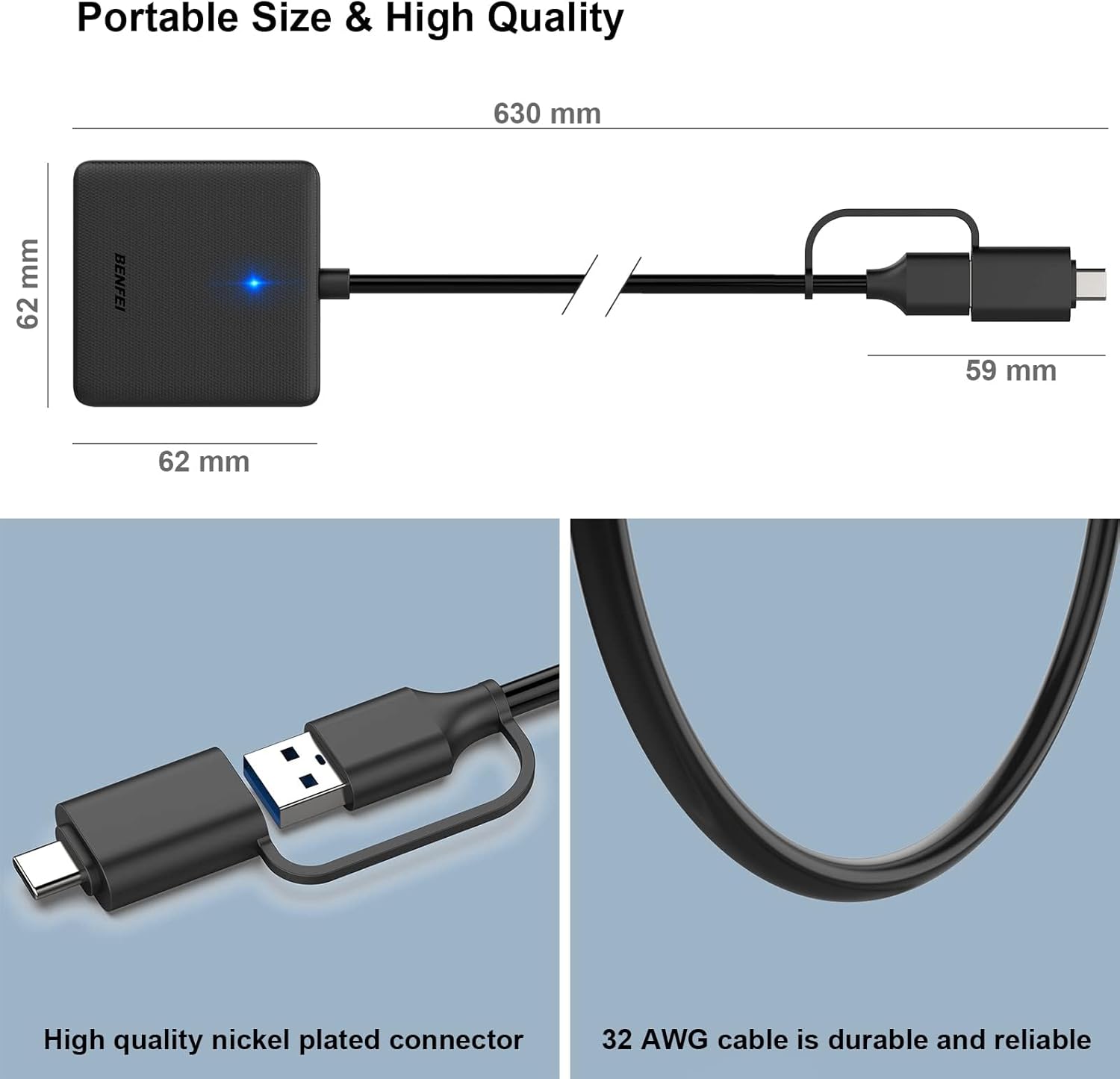
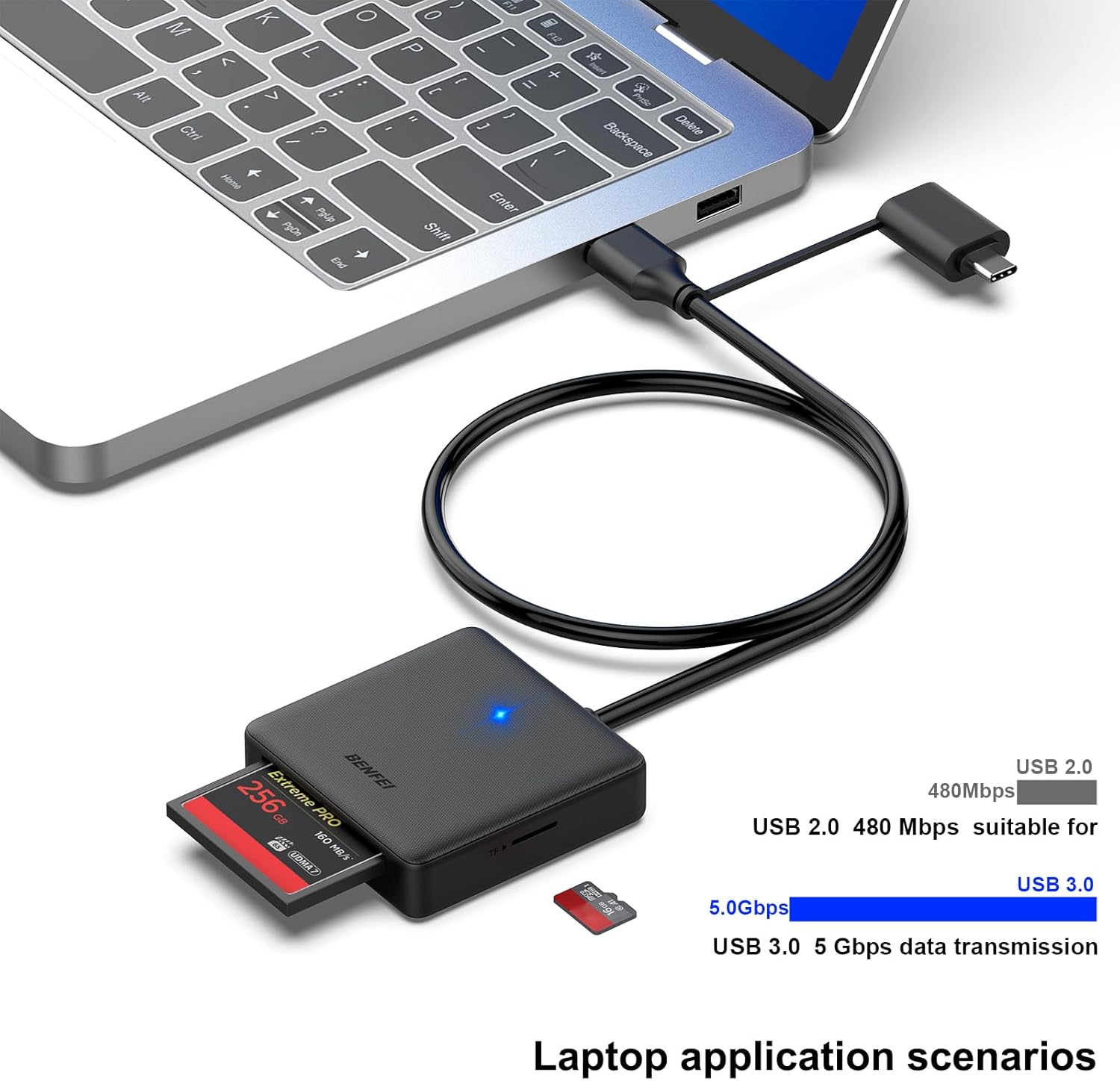
The reader combines USB-C and USB 3.0 connectivity in a single integrated design so you can use it with modern MacBooks, recent Windows laptops, and compatible smartphones. According to the manufacturer, UHS-I mode supports transfer speeds up to 160 MB/s, although actual speed depends on the card and host port. The unit includes an advanced IC chip to stabilize high-speed transfers and supports backward compatibility with USB 2.0 and 1.1.
Technical Specifications
- Name: BENFEI 4in1 Memory Card Reader
- Supported card types: SD, Micro SD (TF), MS (Memory Stick), CF (Compact Flash)
- Interface: USB-C and USB 3.0 (also compatible with USB 2.0/1.1)
- Maximum transfer rate: Up to 160 MB/s in UHS-I mode, according to the manufacturer
- Simultaneous slots: Read and write up to 4 cards at the same time
- Compatibility note: SDXC cards 64 GB and larger use exFAT format which may not be supported by very old OS versions
Usage Recommendations
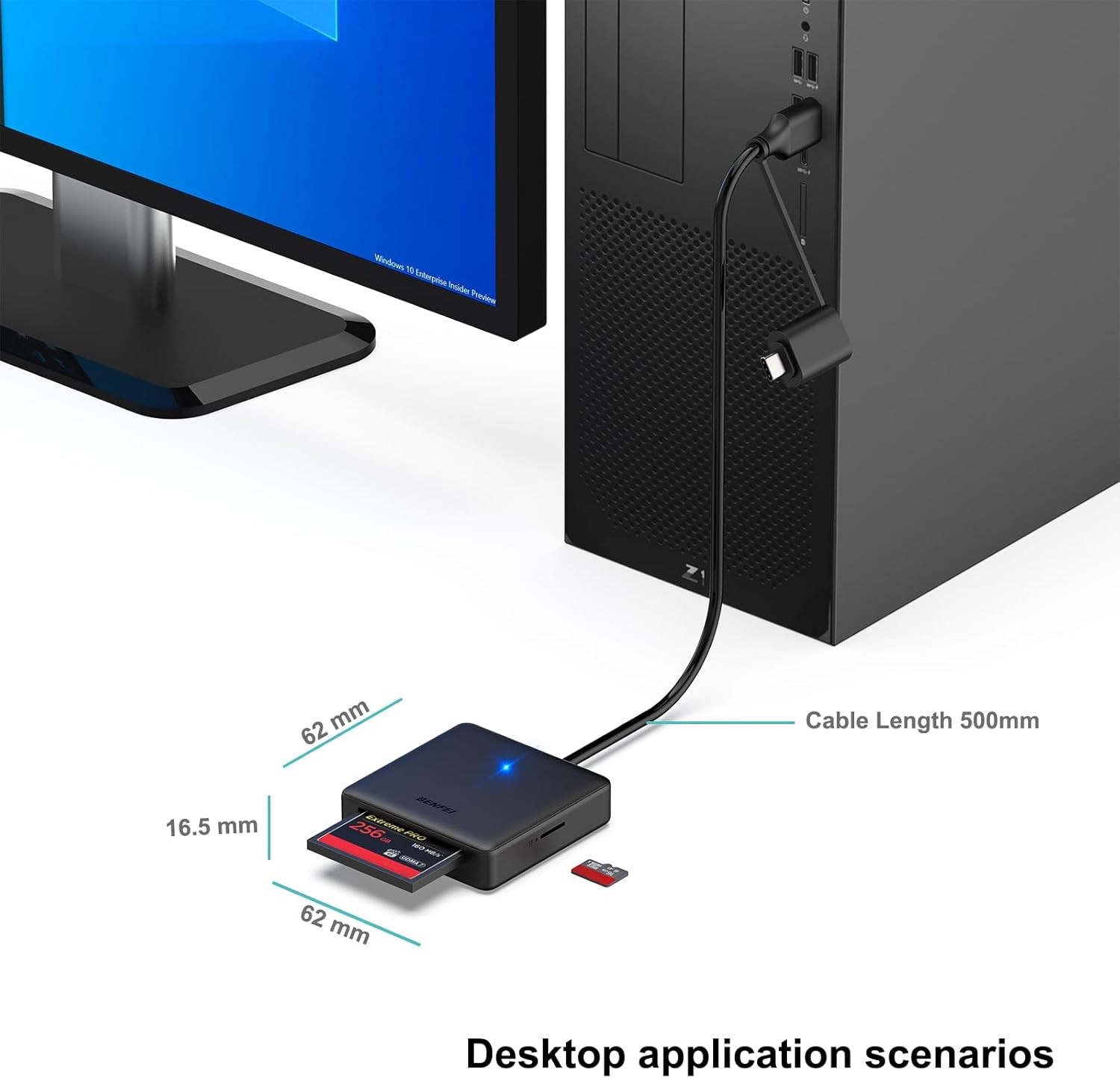
For fastest performance, connect the reader to a USB-C or USB 3.0 port and use UHS-I compatible cards. If you plan to move large video files, choose CF or high-speed SD cards rated for sustained write performance. When working with mixed devices like iPhone 15 series, MacBook Pro/Air 2023, or Android phones that accept USB-C storage, check that the host device supports external storage access. Consider formatting SDXC cards to exFAT when using modern systems, but note that older operating systems may not recognize exFAT without updates.
Positive Aspects
The dual-interface, plug-and-play approach reduces the need for adapters when switching between older and newer computers. The ability to access four cards at once speeds up batch transfers and simplifies workflows for photographers and content creators. One nuance to consider is that real-world transfer speeds will vary by memory card quality and the host device port, so top theoretical rates may not always be reached. 😊