

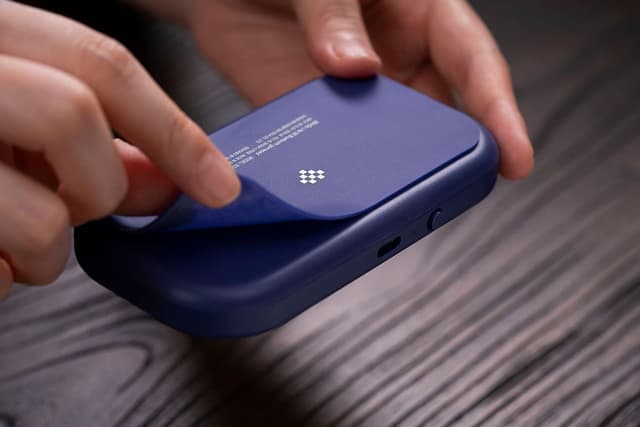
8Bitdo Lite SE Bluetooth Gamepad (Accessibility-focused) for Switch, Android, iPhone, iPad, macOS & Apple TV
Reviews
Price
Product description
If gaming feels like a physical challenge, this controller is built around making pressing and aiming easier. The 8Bitdo Lite SE is a Bluetooth gamepad designed for accessibility, with buttons that have less resistance for easier pressing and joysticks tuned to be more sensitive for easier use. It’s also positioned as an “everyday friendly” option across multiple devices—so you’re not stuck using one platform only.
That said, it’s not automatically the best choice for everyone. More sensitivity can be great when you need it, but it may feel different if you’re used to heavier, tighter controls. And since it’s described around supported devices, you’ll want to double-check your exact setup before you buy.
Key features that matter for accessibility
The headline here is the physical feel. The Lite SE keeps button resistance lower, which can reduce effort during repeated inputs. For players who prefer less force (or who get fatigued quickly), that single change can make games feel more doable.
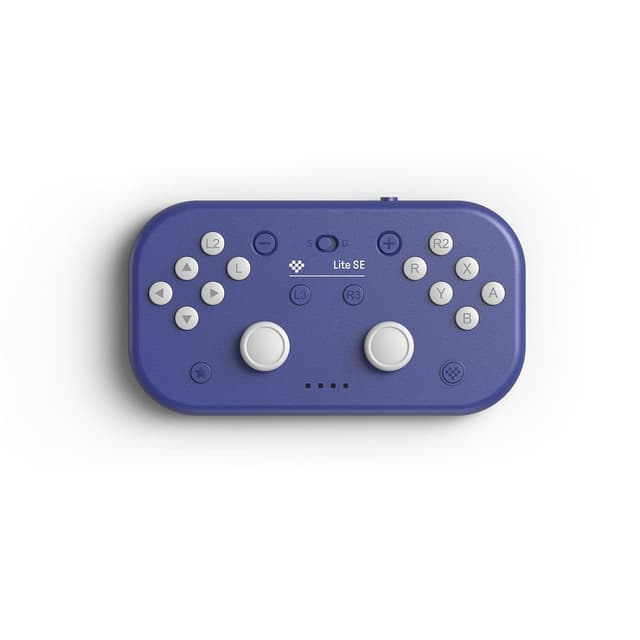
On the analog side, the joysticks are described as more sensitive for easy use. That’s the kind of adjustment that can help with fine movements without requiring the same strength or travel you might be used to. It also includes separated L3/R3 and rumble vibration, plus motion controls, so you still get the “modern controller” toolset—just with a more accessible approach to control inputs.
The real-world experience: what it feels like to play
Over a typical session, you’re likely to notice two things first: less “push back” from buttons and less effort for joystick movement. Imagine loading a game, then needing to press frequently for actions—if those button presses usually take more effort than you want, this controller’s lower resistance is the point.
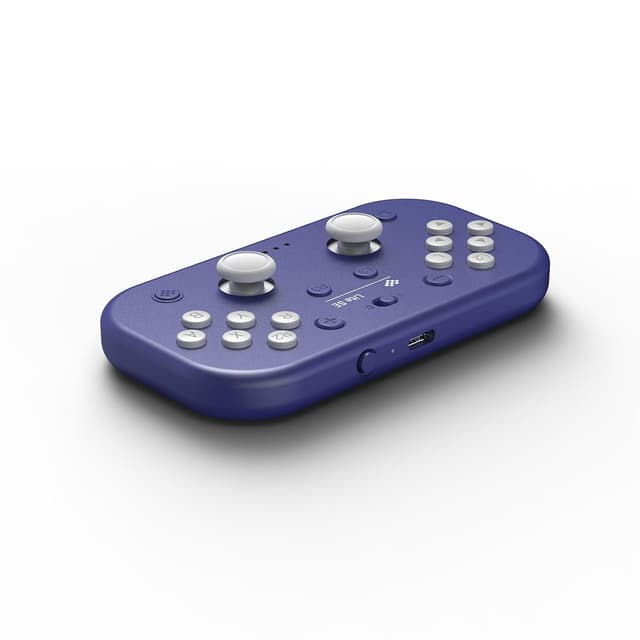
Another everyday scenario: aiming and steering through joystick input. If you’ve ever had to overwork your hands to get accurate movement, a more sensitive joystick can make small corrections easier. It’s not magic, and your game settings still matter, but the controller design is clearly aimed at reducing friction in how inputs are produced.
There’s also a usability angle for people who need features that help with timing. The Lite SE includes customizable turbo functionality (listed as D-input). If a game’s mechanics benefit from repeated rapid presses, this can be a practical assist—though whether it’s useful depends on the game you play.
Where it shines (and who it’s for)
This is a strong fit if you’re shopping for a gamepad specifically because of limited mobility needs. The product is explicitly designed for accessibility, and the input-feel changes are the core of what it offers.
It also makes sense if you want one controller to cover several platforms. The description states compatibility across iPhone, iPad, macOS, Apple TV, Switch, Switch Lite, Android, and Raspberry Pi, with official support for Apple iPhone/iPad/macOS/Apple TV. That multi-device approach is handy if your gaming isn’t locked to a single screen.
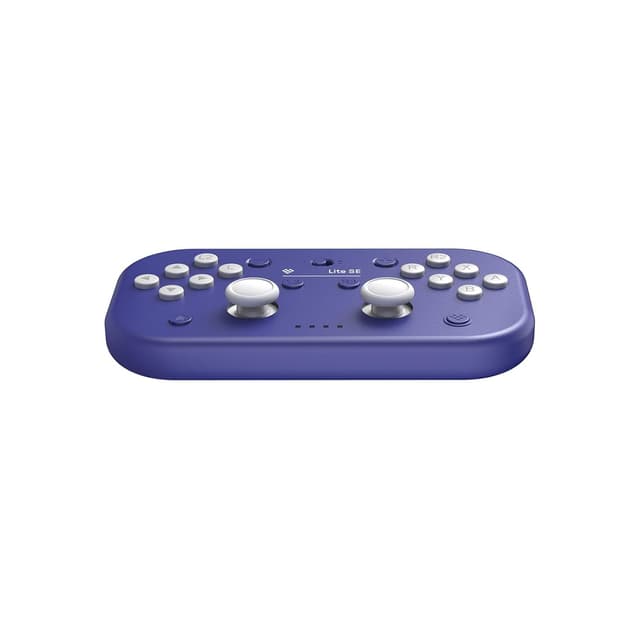
Worth noting: it may not be the best match if you strongly prefer a heavier, less sensitive controller feel. Some players like a firmer press and more “mass” in joystick movement—this one is built to go the other direction.
Tech summary (what’s specified)
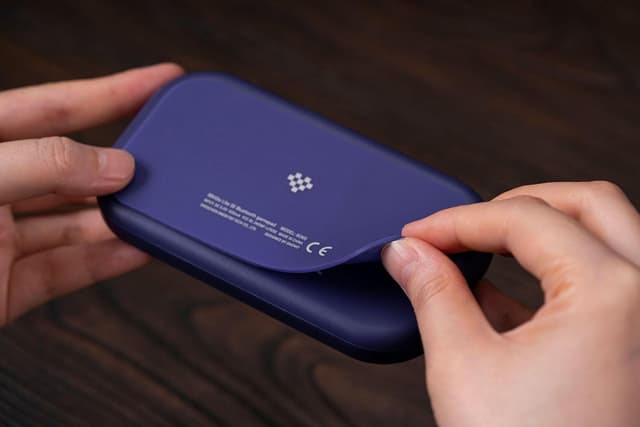
- Compatibility (as listed): Apple (iPhone, iPad, macOS, Apple TV), Switch, Switch Lite, Android, Raspberry Pi
- Designed for accessibility: buttons with less resistance for easier pressing
- Joysticks: more sensitive for easy use
- Motion controls: included
- Rumble vibration: L3/R3 separated, with rumble
- Turbo functionality: customizable (D-input)
What to check before you buy
Because the controller is described as compatible with many devices, you’ll want to confirm your exact use case:
- Which device model you’re using (and whether you’re trying to pair it with Apple TV vs. a phone/tablet).
- Whether the specific game you play benefits from motion controls and/or turbo.
- How sensitive you want joystick response to be. If you’re coming from a controller with a different feel, take a moment to think about whether “more sensitive” sounds like a benefit or a potential annoyance for your play style.
Also, compatibility lists are helpful, but they don’t always cover every niche setup. If you’re planning a very specific configuration, it’s smart to verify that combination is supported in practice.
Is it worth it?
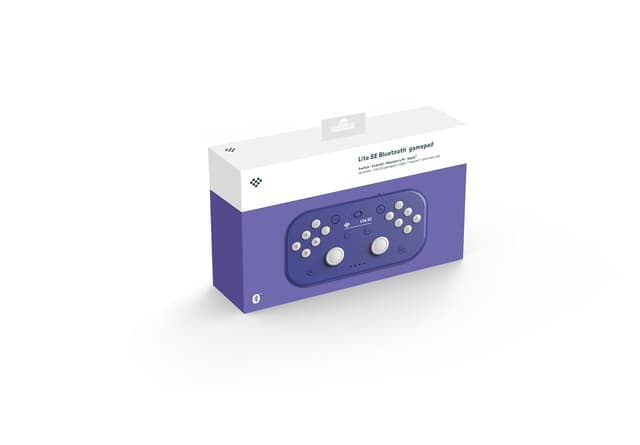
Buy the 8Bitdo Lite SE if you want an accessible Bluetooth gamepad with less button resistance and more sensitive joysticks—especially if limited mobility is a real factor in what makes games enjoyable for you. It’s also a sensible purchase when you want the same controller to work across Switch, Android, and Apple devices (including iPhone/iPad/macOS and Apple TV) instead of juggling multiple controllers.
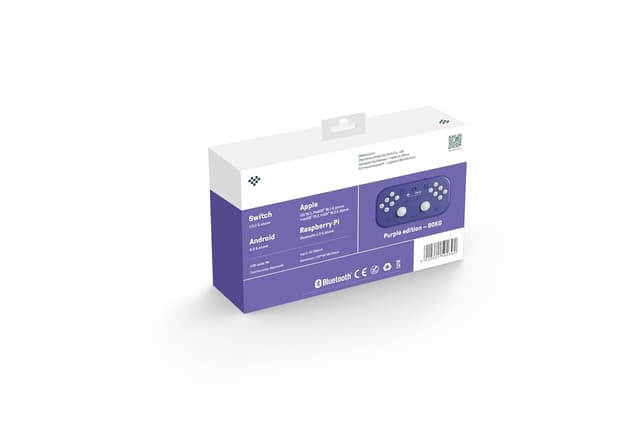
Skip it or at least pause if you prefer a firmer button press or less sensitive analog feel, because the design is intentionally tuned for easier inputs. And if your plan depends heavily on a very specific game feature (motion controls or turbo), consider how those mechanics are handled in that game before committing.
Mini FAQ
Does this support iPhone and iPad? Yes. The description lists official compatibility with iPhone and iPad.
Is it compatible with macOS and Apple TV? The description says it’s officially supported for macOS and Apple TV.
What makes it “accessibility-focused”? It’s designed around lower button resistance for easier pressing and joysticks that are more sensitive for easier use.
Does it include rumble and motion controls? Yes—rumble vibration and motion controls are both mentioned.
Is turbo customizable? The description says turbo functionality is customizable (D-input), though how useful it is depends on your games.