



Charging Dock for Nintendo Switch OLED — 4‑port charger
Product description
This compact charging dock keeps up to four Joy-Con controllers ready for play while using power from the Nintendo Switch dock. It charges one to four Joy-Cons simultaneously and fits into small setups, so you can store controllers neatly and check charging status at a glance.
Key Points
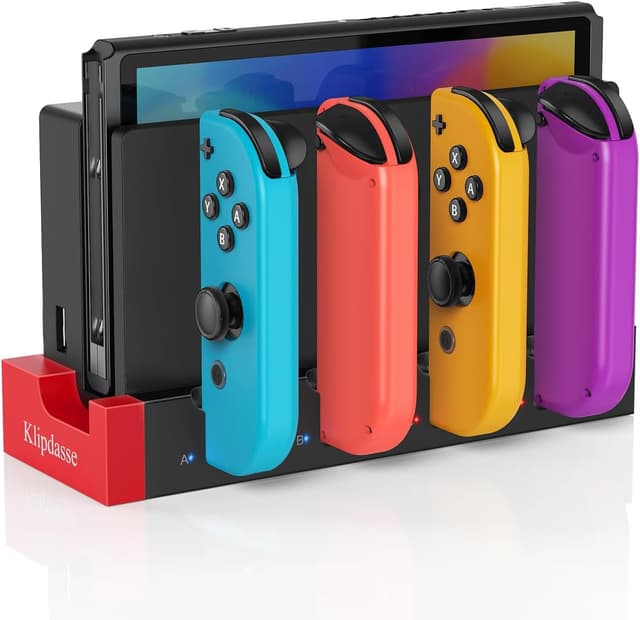
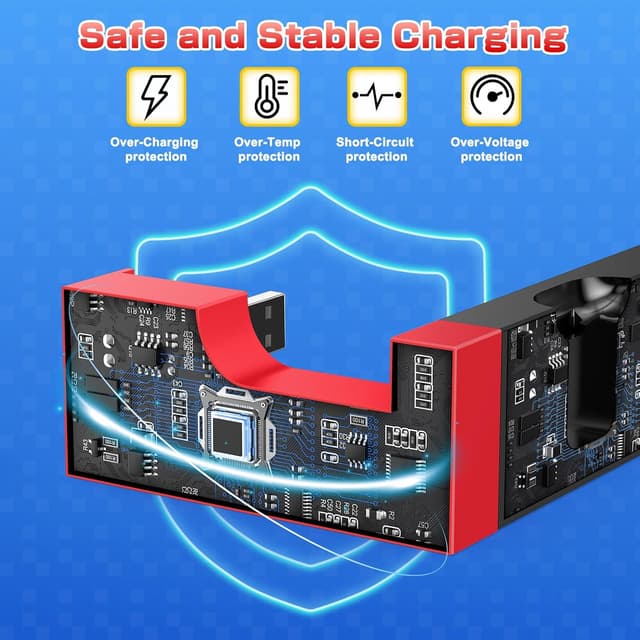
The station plugs into the original Switch dock using a built-in USB plug, so no extra cable is required from the user side. Each slot has an individual LED indicator that shows red while charging and blue when a Joy-Con reaches full charge or standby. The unit uses an integrated protection chip with over-charge, over-voltage, over-current, and short-circuit safeguards, which the manufacturer notes for added safety and lower standby power consumption. This stand is intended to save time by allowing multiple controllers to charge at once while keeping them organized on a small footprint. 🎮
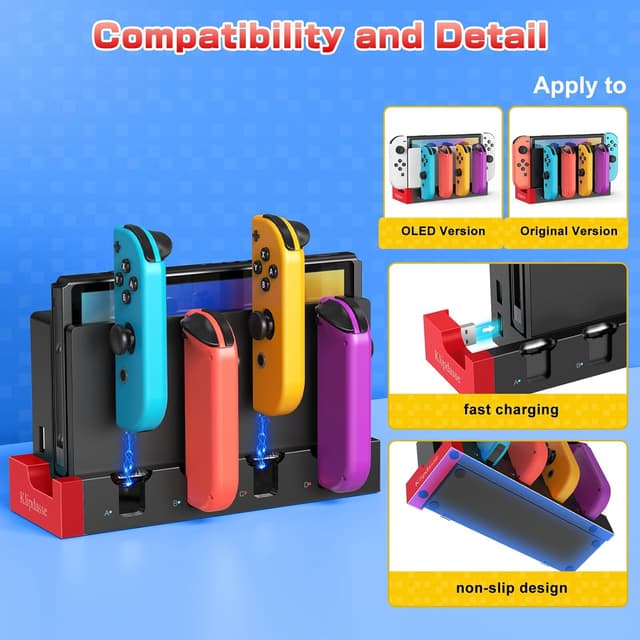
Technical Specifications
- Name: Charging Dock Compatible with Nintendo Switch & OLED Model Joycons
- Compatible with: Nintendo Switch and OLED model Joy-Con controllers
- Capacity: Charges up to 4 Joy-Con controllers simultaneously
- Power input: USB power via the original Switch dock
- Indicators: LED lights per slot, red = charging, blue = fully charged/standby
- Protection: Built-in over-charge, over-voltage, over-current, and short-circuit protection
Benefits

Keeping controllers charged reduces downtime between sessions and helps maintain a tidy game area. The visible LED indicators let you know which Joy-Cons are ready without guessing. Because the dock draws power from the console dock, you avoid extra adapters cluttering your entertainment center. The low standby consumption is a modest energy saving over time according to the manufacturer, and the compact format works well on crowded shelves or TV stands. 🔋
Usage Recommendations
Connect the dock’s USB plug into the side port of the Nintendo Switch original dock to supply power. Insert Joy-Cons into the slots with the rails aligned for a secure connection and watch the corresponding LEDs to monitor progress. Consider that charging speed depends on the console’s power output, so charging multiple controllers at once may take longer than charging one at a time. Keep the dock in a ventilated area to avoid heat buildup during extended charging sessions. ⚡.