

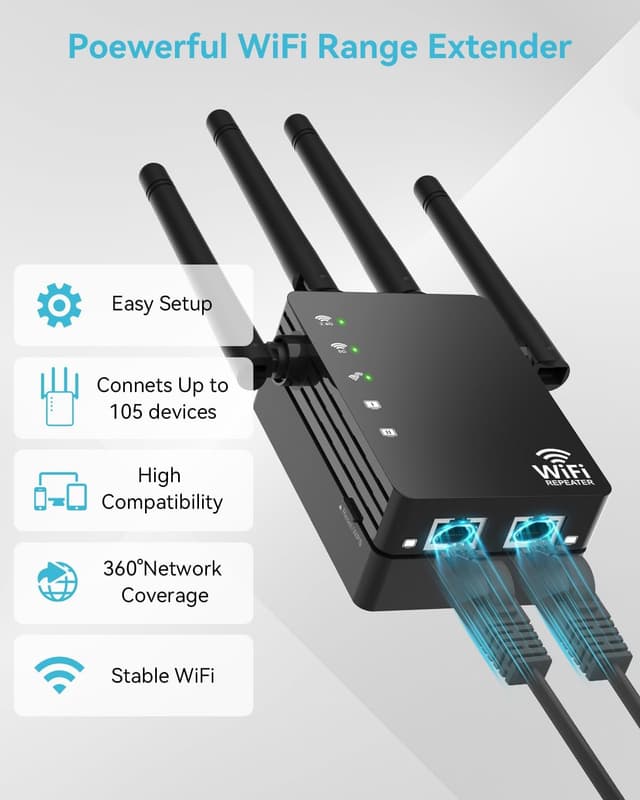
105-Device Dual-Band WiFi Extender (2.4GHz/5GHz) with Long-Range Antennas, up to 12,880 Sq. Ft
Product description
If your WiFi signal feels fine in one room and mysteriously weak the moment you step farther away, a long-range WiFi extender is usually the fix you start with. This 105-Device Compatible WiFi Extender Signal Booster is designed to widen coverage across a home (and even outdoor areas) using dual-band performance, plus external antennas aimed at reducing dead zones.
Still, it’s not magic—how well it works depends a lot on where your router sits and what’s physically between you and the extender.
What it is and what it’s for
This is a dual-band WiFi extender that works on both 2.4GHz and 5GHz. The idea is pretty straightforward: use 2.4GHz for longer-range reach (handy for smart home devices that don’t need top speeds), and lean on 5GHz when you want faster performance with less interference, such as for streaming or gaming.
Where it fits best is when you have a larger or multi-story setup, or when you need WiFi to carry beyond the typical “router room.” The product positioning here is very clear: expand coverage first, while still keeping the option for higher-speed use cases on 5GHz.
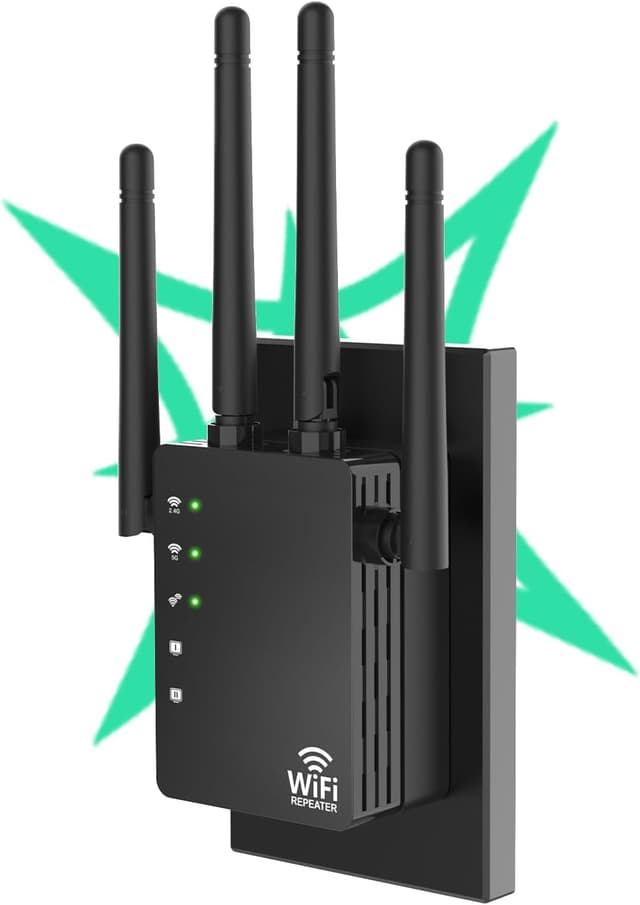
Key takeaways from the specs (and why you’ll care)
On paper, the two standouts are coverage area and device capacity.
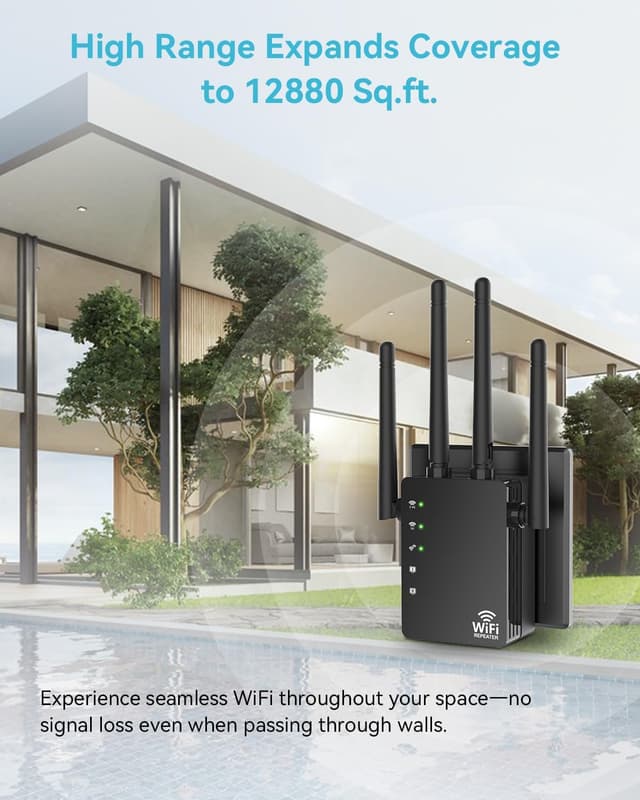
- Coverage: it claims up to 12,880 sq. ft., supported by four external omni-directional antennas. The omni-directional approach is meant to help spread signal rather than relying on a single direction.
- Device support: it’s rated to support up to 105 devices at once.
That combination can be a good match if you run a lot of connected gear—tablets, consoles, security cameras, printers, plus the everyday smart devices. If your current network slows down or drops off as more devices come online, having a higher simultaneous-device target is at least aligned with that problem.
That said, real-world speed can still vary, especially if your main router signal arriving at the extender is already weak. In other words: this can extend your reach, but it can’t fully compensate for a signal that doesn’t make it to the extender location.
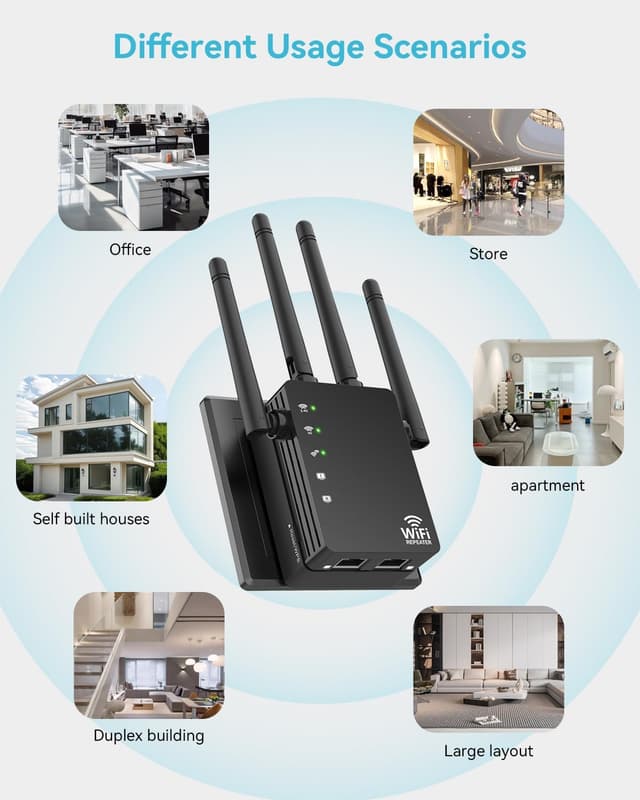
Where it shines in everyday use
Here’s what this extender is trying to improve in day-to-day life: fewer weak spots and less “it works only near the router” behavior.
Imagine placing the extender near the edge of your living area—close enough to catch the router’s signal reliably, but far enough to reach bedrooms, a basement, or even an outdoor patio. With the smart indicator lights, the goal is to help you choose a placement that gets the extender working at its best, instead of guessing and hoping.
For mixed usage homes, the dual-band split is also practical. You can keep longer-range reliability on 2.4GHz for devices that value stability, and use 5GHz when someone needs smoother performance for streaming, gaming, or other higher-throughput needs.
Setup experience and placement reality check
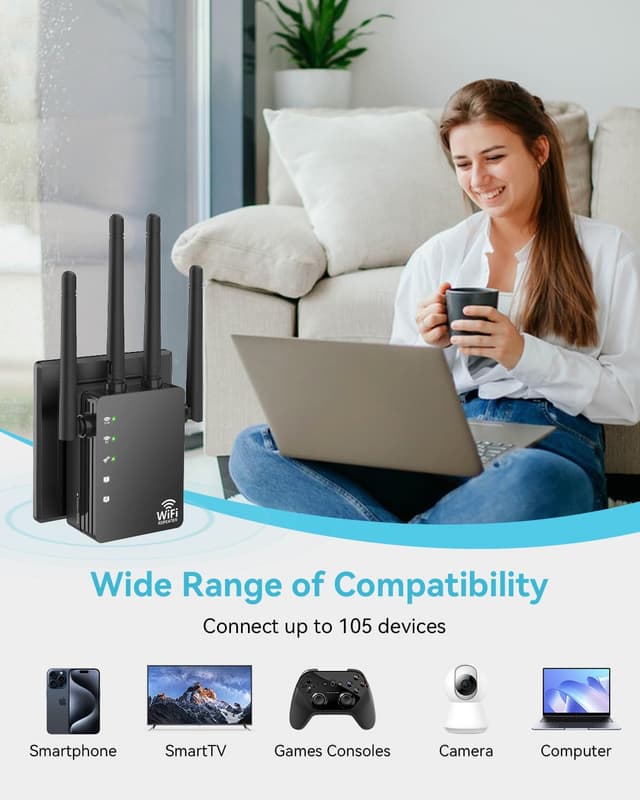
The product is described as simple to install: plug it in, connect it to your router, and you should be up and running quickly—no IT expertise needed.
That ease is meaningful because many WiFi “fixes” fail at step one: complicated setup leads to poor placement, and poor placement ruins results. The smart indicator lights are there to guide you toward a better spot.
Still, placement is not optional. If you put it too far from the router, the extender may struggle to get a strong upstream signal. If you put it too close, you may not meaningfully improve the areas you actually care about.
Network security you can rely on (as far as basics go)
It includes WPA/WPA2 security protocols. For a buyer, this matters because it helps ensure the network is protected with common encryption standards, aiming to prevent unauthorized access.

One limitation to keep in mind: the extender’s security features don’t replace good habits at the router level (like strong passwords). Think of it as part of a safer setup rather than a complete security solution by itself.
Who should buy it—and who should pause
This makes sense if:
- You want to extend WiFi coverage across a large home or property area (including outdoor spaces, as described).
- You have many connected devices and want something designed to handle up to 105 simultaneously.
- You care about having both long-range connectivity (2.4GHz) and higher-speed options (5GHz) for performance-heavy activities.
It may not be the best fit if:
- You only need improvement in one small area and don’t want to bother with placement.
- Your router placement and signal strength are already problematic. In that case, an extender can help, but it might not deliver the improvement you expect.
- You’re expecting guaranteed high-speed performance everywhere. Extended coverage doesn’t always equal consistently high throughput at every corner.
Final verdict
Worth considering if you’re dealing with dead zones, weak reception in bedrooms/basements or outdoor areas, and you’re also juggling a lot of devices at once. The dual-band approach (2.4GHz for reach, 5GHz for speed) and the external omni-directional antennas are aimed directly at those common pain points.
You may want to skip it if you’re looking for an effortless “instant speed boost” across the whole house regardless of placement, because WiFi reality depends heavily on where the extender can pull a solid signal from your router.
Quick FAQ
Does it work for both smart home devices and streaming or gaming?
Yes, the intended split is 2.4GHz for longer range (often used by smart home devices) and 5GHz for higher-speed use like streaming or gaming with less interference.
How hard is setup?
It’s described as simple: plug it in, connect it to your router, and use the smart indicator lights to help with placement.
Can it handle a lot of devices at once?
It’s stated to support up to 105 devices simultaneously, which is designed for busy households with many connected gadgets.
Is it suitable for outdoor coverage?
The description mentions reaching outdoor patios and similar areas, depending on placement.
What security is included?
It includes WPA/WPA2 security protocols.