

XREAL Beam Pro: AR glasses companion for spatial computing
Product description
What matters most
XREAL Beam Pro positions itself as a dedicated host device for XREAL AR glasses, designed to bring all 2D apps and webpages into 3D space. On paper, it aims to reduce device fragmentation by serving as a single platform that supports the full Google Play ecosystem via nebulaOS on Android 14. If you want a compact, purpose-built spatial computing hub that works with glasses and expands where content can live, this is worth considering.
Tech specs
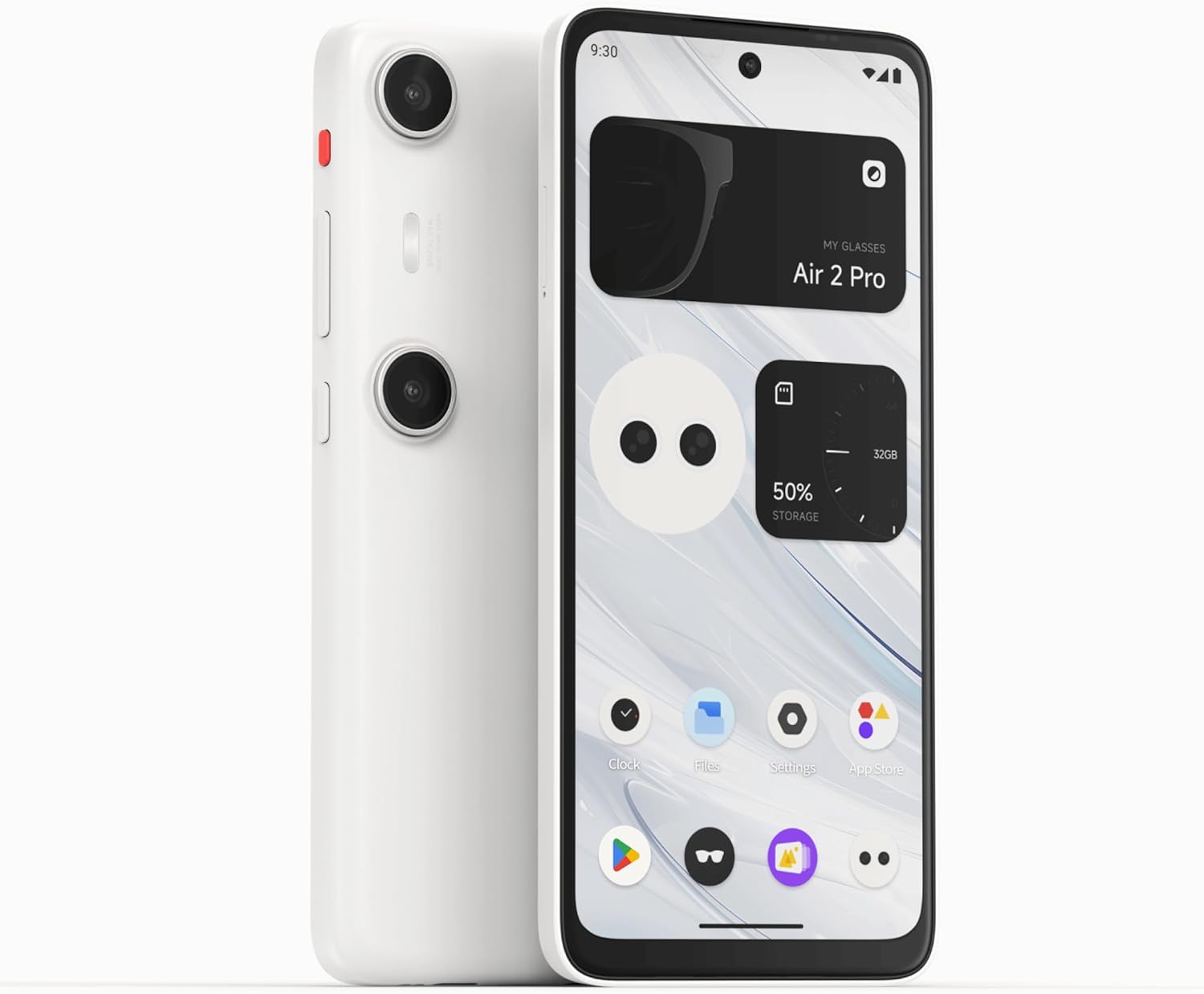
- Name: XREAL Beam Pro
- OS: nebulaOS based on Android 14
- Display/ visuals: 1080p FHD with a 90 Hz refresh rate
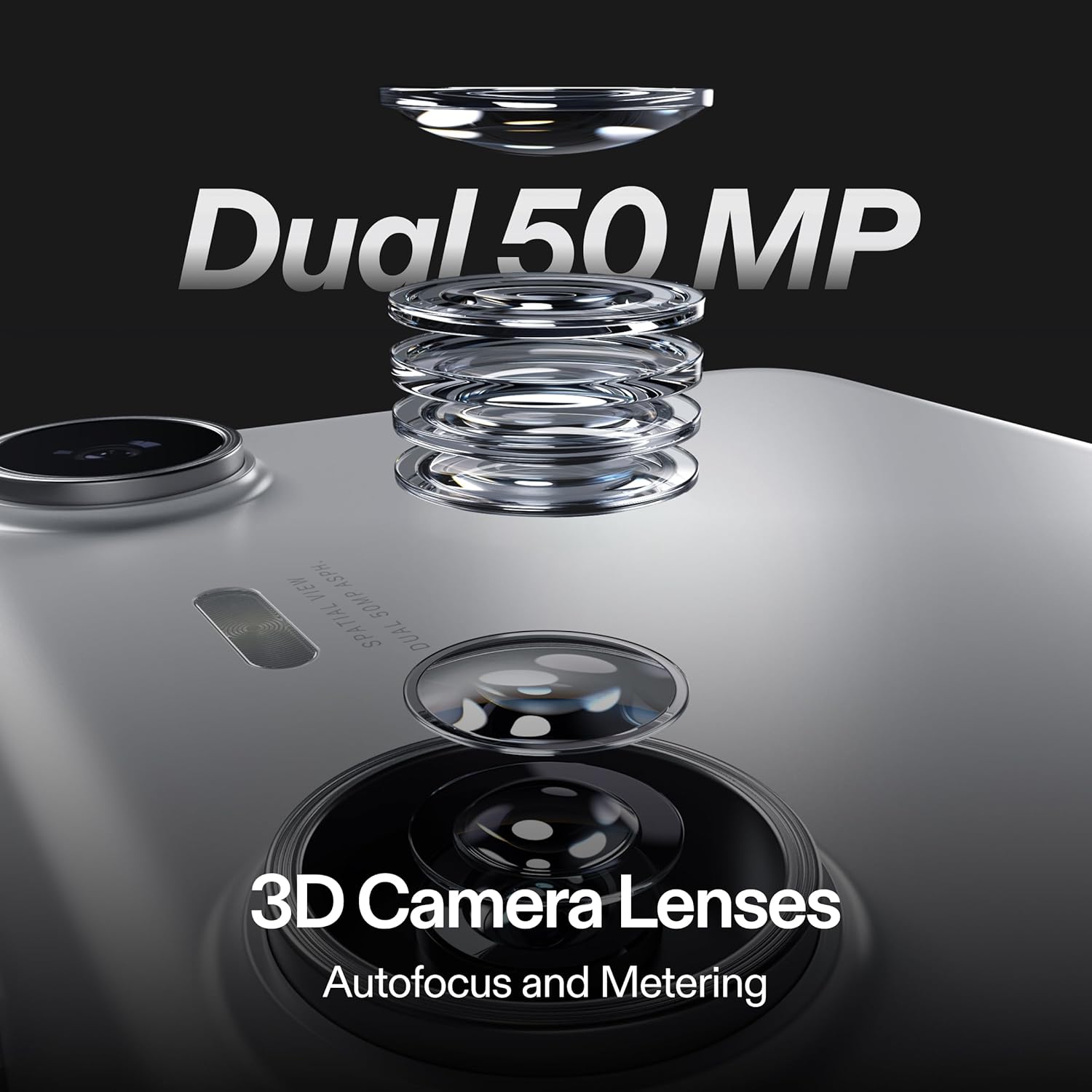
- Cameras: dual 50MP 3D cameras for life-like 3D capture
- Processing: Qualcomm Snapdragon spatial companion processor
- Memory/ storage: 6GB RAM, 128GB storage, support for up to 1TB MicroSD
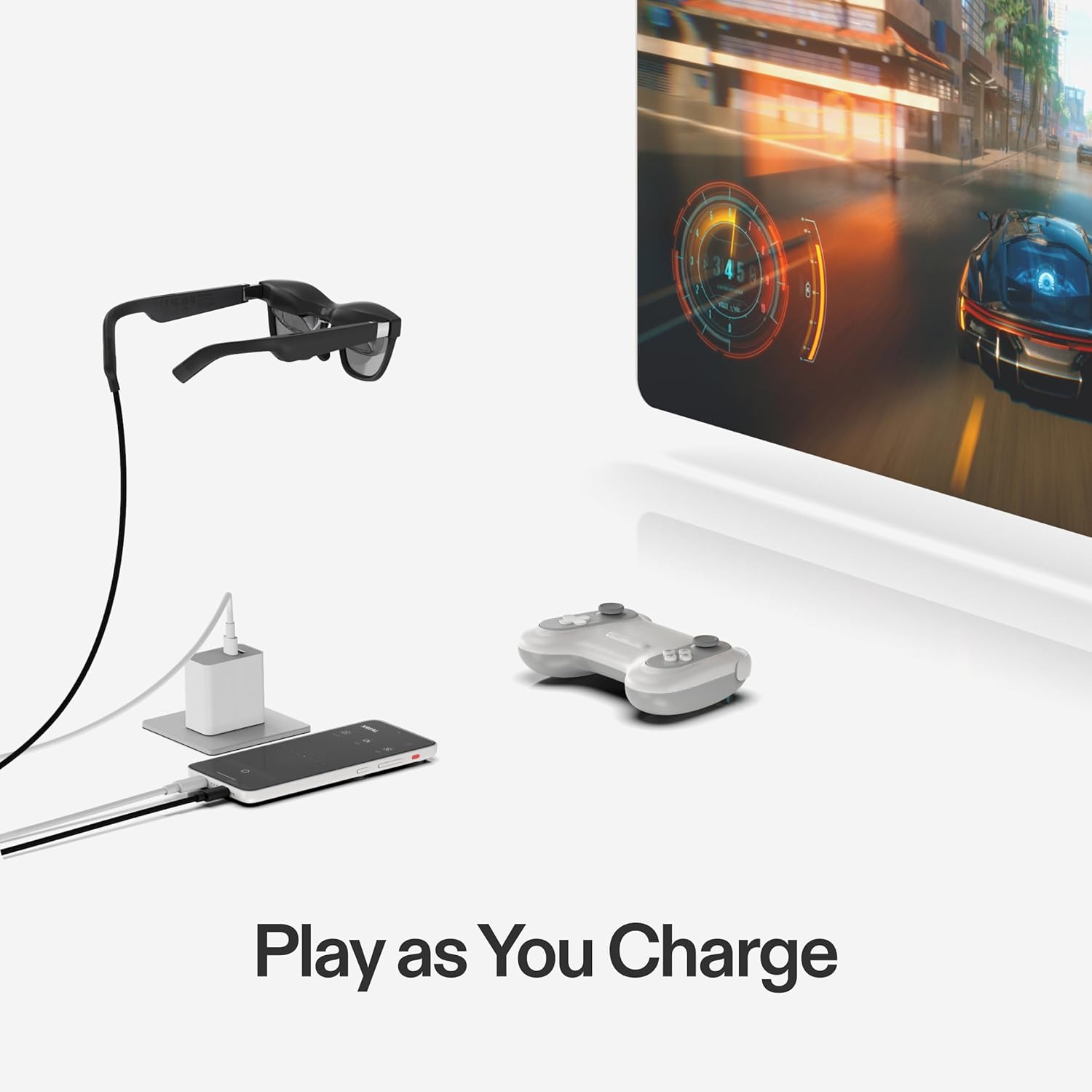
- Connectivity: WiFi 6, Bluetooth 5.2, two USB-C ports for charging while in use
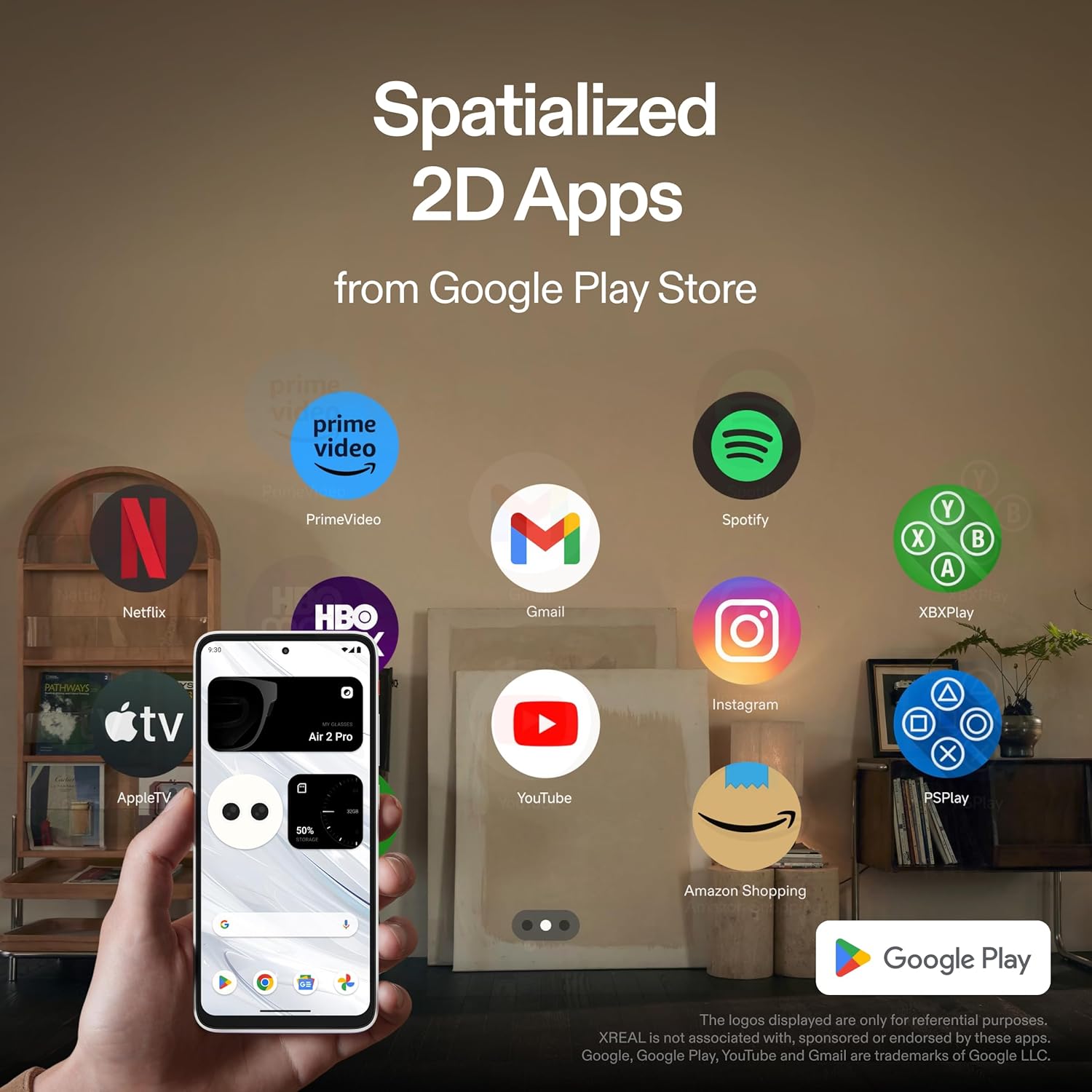
- Compatibility: Google Play Store apps supported
- Power: 4300mAh battery
- Multi-app support: run two apps simultaneously with resizable windows and both orientation modes
What stands out
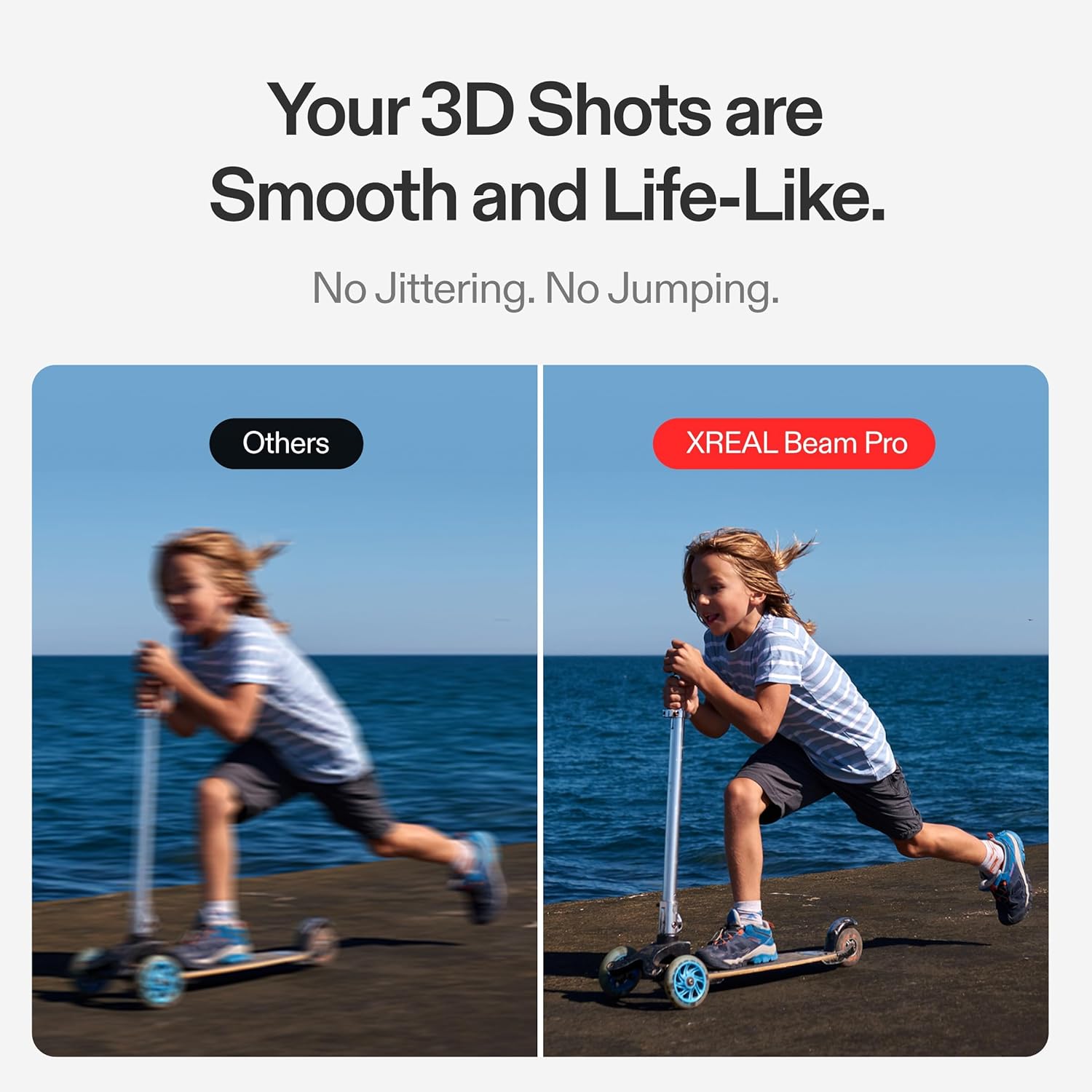
On the surface, Beam Pro combines a robust Android-based foundation with true AR spatial capabilities. The dual 50MP cameras and 1080p 60fps 3D capture offer a convincing sense of depth for recordings, while the ability to spawn multiple spatial display modes (including Body Anchor and Smooth Follow) suggests flexible usage across films, games and productivity tasks. The two USB-C ports help mitigate battery anxiety by enabling charging while connected to the glasses, which could be a practical benefit for longer sessions.
Usage tips
If you prioritise a seamless AR app experience, pairing the Beam Pro with XREAL glasses appears central to getting the most from the platform. The system supports two apps side by side with resizable windows, which can be handy for multitasking during casual gaming or video watching. Expect a pragmatic kind of workflow: keep a couple of apps visible in AR, adjust their sizes for comfort, and switch orientation as your activities demand.
Practical use cases

- Movies and TV in AR: place a large, spatially anchored screen in your environment and watch with friends without tying up a traditional display.
- Gaming on the go: use spatial windows to overlay game content while keeping a separate chat or browser window nearby.
- Personal workspace on the move: run document editors or browsers in a projected space, useful for light productivity when away from a desk.
- Content creation: capture 3D video with the dual 50MP sensors, then review work in immersive space.
Who it’s for
This device seems aimed at early adopters who want a dedicated spatial computing host that integrates with a wide app ecosystem and wants to explore AR experiences beyond a standard headset. It could suit media consumption enthusiasts who value immersive viewing, plus light productivity and gaming in a portable setup.

Limitations to consider
- The experience hinges on the effectiveness of nebulaOS on Android 14 and the integration with Google Play Store apps, if some apps don’t translate well into AR space, you may encounter mismatches.
- The performance envelope is defined by a Snapdragon spatial companion processor, which may not match dedicated high-end AR hardware in every scenario.
- Battery life will vary with usage, while there is a sizeable 4300mAh cell, demanding tasks like long 3D video capture or gaming could shorten sessions.
When it makes sense to buy
Choose Beam Pro if you want a canonical AR glasses companion that acts as a universal host, supports a broad app ecosystem, and provides flexible AR layouts for mixed-media experiences. It’s sensible if you value the convenience of paired devices (two USB-C ports for charging while using the glasses) and the potential to run two apps concurrently with adjustable window sizes.
When to skip it
If you need flawless, high-end AR visuals with no compromise, or you require the strongest possible gaming performance, you might find this sits more in the mid-range of AR setups. If your primary need is a simple headset without the complexity of a companion device, a lighter option might be more appropriate.
What to check before buying
- Confirm compatibility with your existing XREAL glasses and whether your typical apps translate well into AR space.
- Consider your typical usage: does the 1080p/90 Hz display meet your expectations for video and gaming in AR?
- Think about how you’ll manage battery life during longer sessions and whether the charging capability aligns with your workflow.
FAQ
- Can I use any Google Play app with XREAL Beam Pro? In theory, the nebulaOS on Android 14 supports Android apps, but app experiences can vary in AR space.
- How many apps can I run simultaneously? The system supports two apps side by side with resizable windows.
- Is there expandable storage? Yes, Beam Pro supports up to 1TB via MicroSD.
Final decision
Is it worth it? It makes sense if you want a dedicated AR-host that’s designed to work with XREAL glasses and you value multi-app spatial experiences as a core use case. It may not be the best fit if you demand peak gaming performance or a simpler, non-AR viewing setup. A practical choice for experimenting with spatial computing and expanding how you view apps on the go.