

TCL NXTPAPER 60 Ultra 5G (Lunar White) Android smartphone with 7.2" FHD+ eye-care display, flip cover and stylus
Product description
If you spend long stretches on your phone, your eyes notice. The TCL NXTPAPER 60 Ultra 5G is built around an NXTPAPER display that focuses on eye comfort, with certifications aimed at reducing strain and distractions.
That eye-care angle is the headline here, but the phone also leans into “do more with it” features: handwriting-to-text for notes, a triple rear camera setup, and AI-style editing effects like MuseFilm. It’s not a lightweight, simple handset—on paper it’s closer to a media and productivity-focused mid-to-upper range device.
The essentials
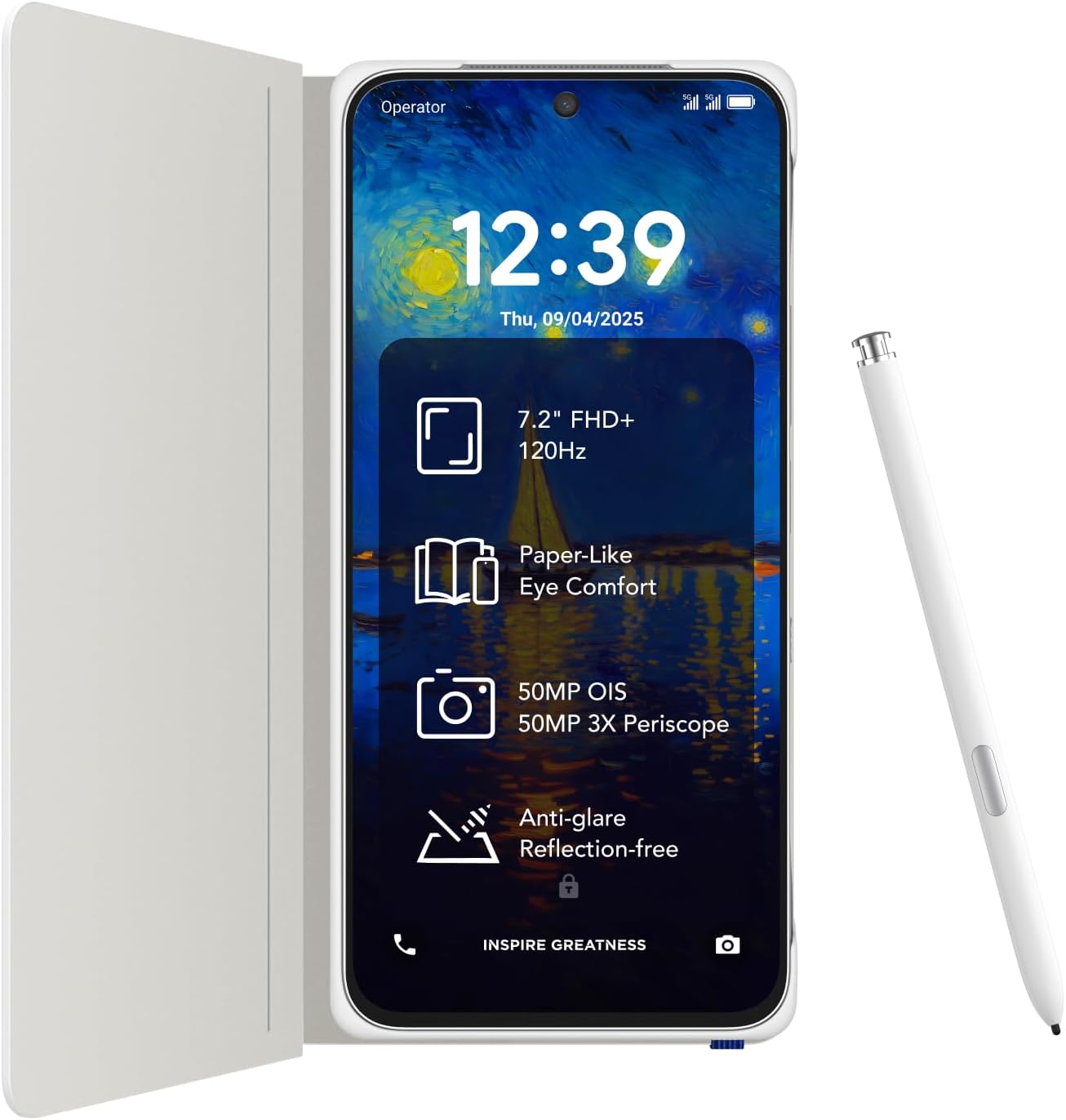
The NXTPAPER 60 Ultra is an Android 5G smartphone with a large 7.2" FHD+ display and an eye-care approach branded as NXTPAPER 4.0. The aim is a screen experience that’s easier on the eyes during reading, especially over longer sessions.
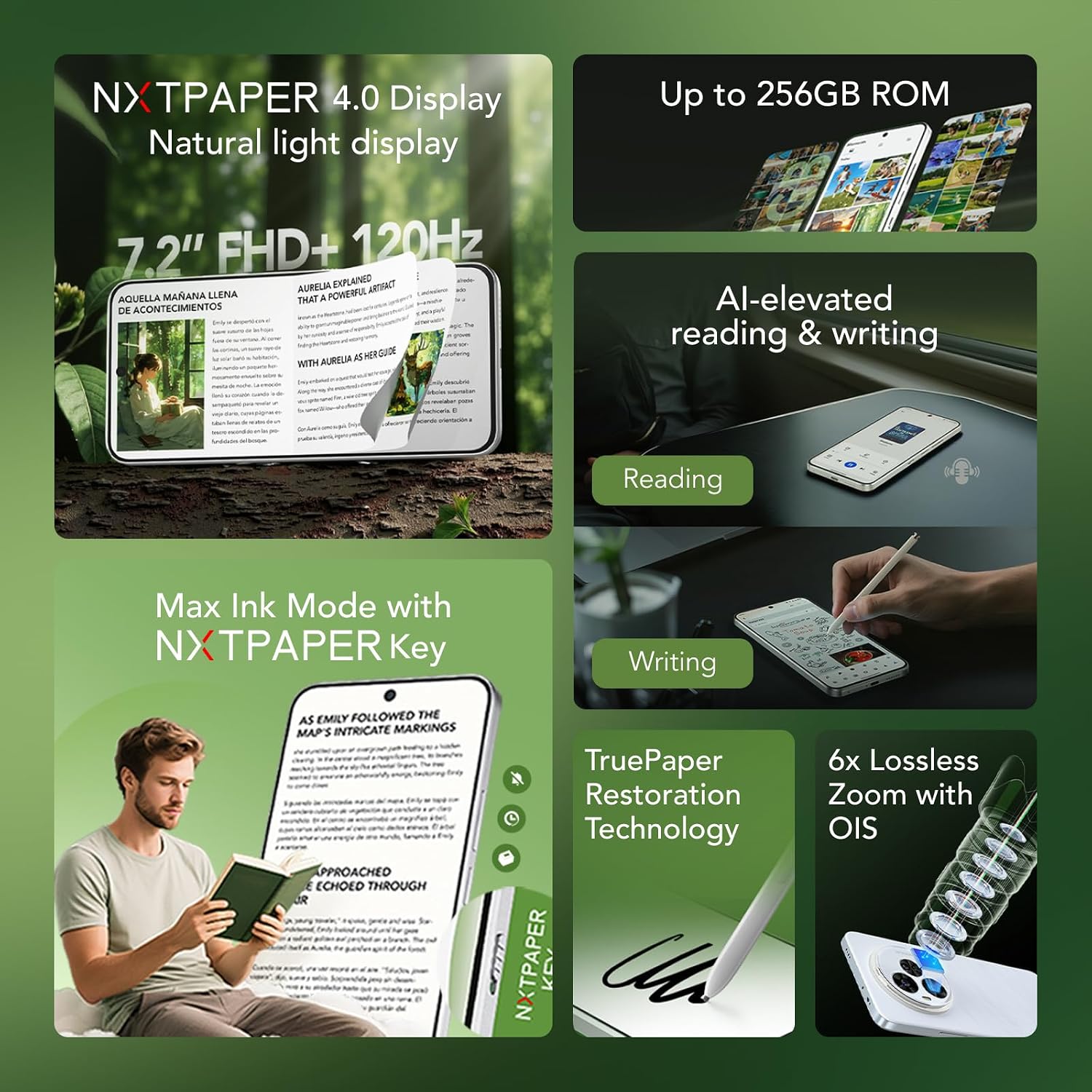
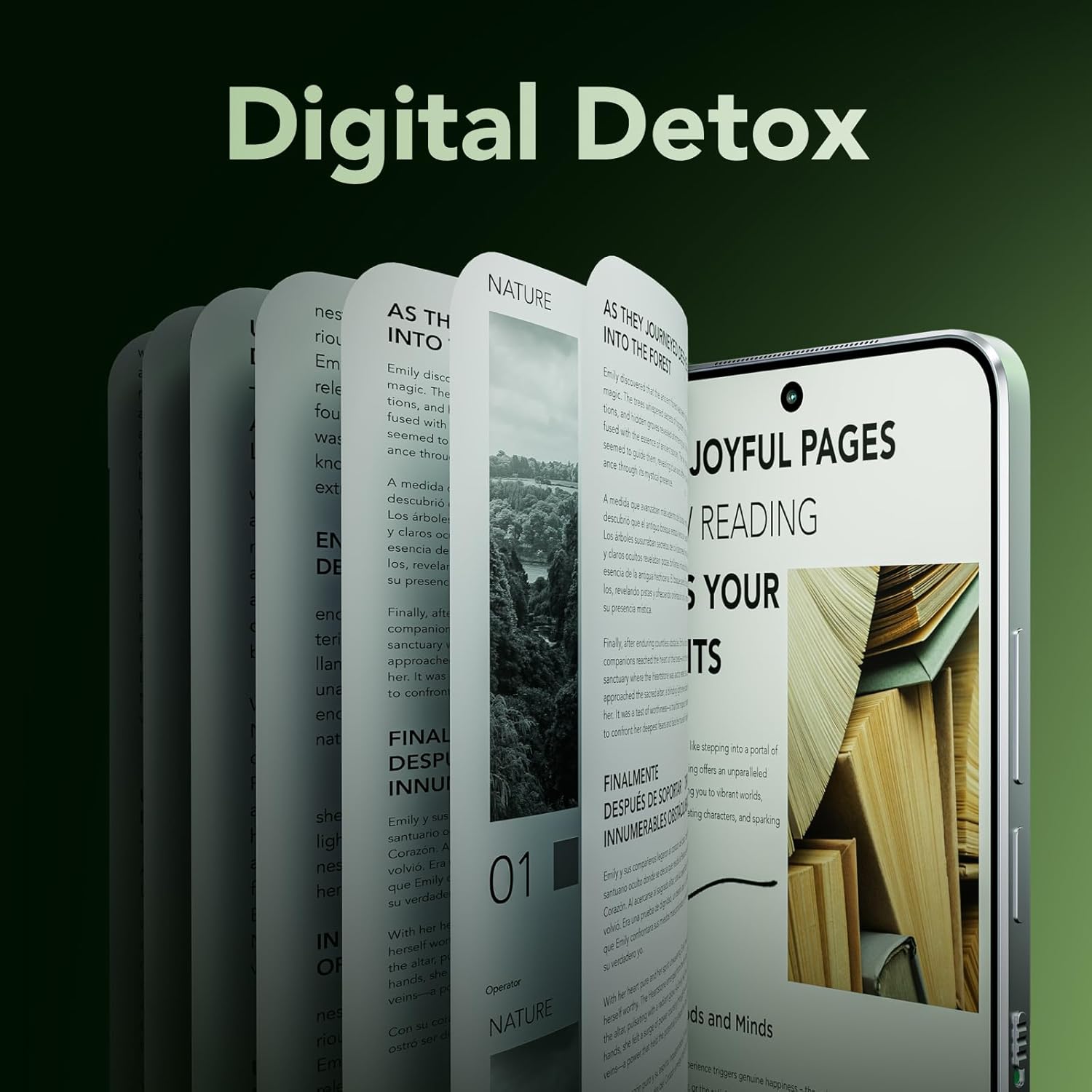
It also includes NXTPAPER Key with modes designed for different kinds of content. You can switch quickly into a reading-friendly “Max Ink Mode”, shift to an e-reader-like “Ink Paper Mode” for longer documents, or use “Color Paper Mode” for more visual content such as comics and magazines. The phone’s more creative side is covered too, with AI tools for converting handwriting into text and turning photos into note-style memories.
What to know about the eye-care display
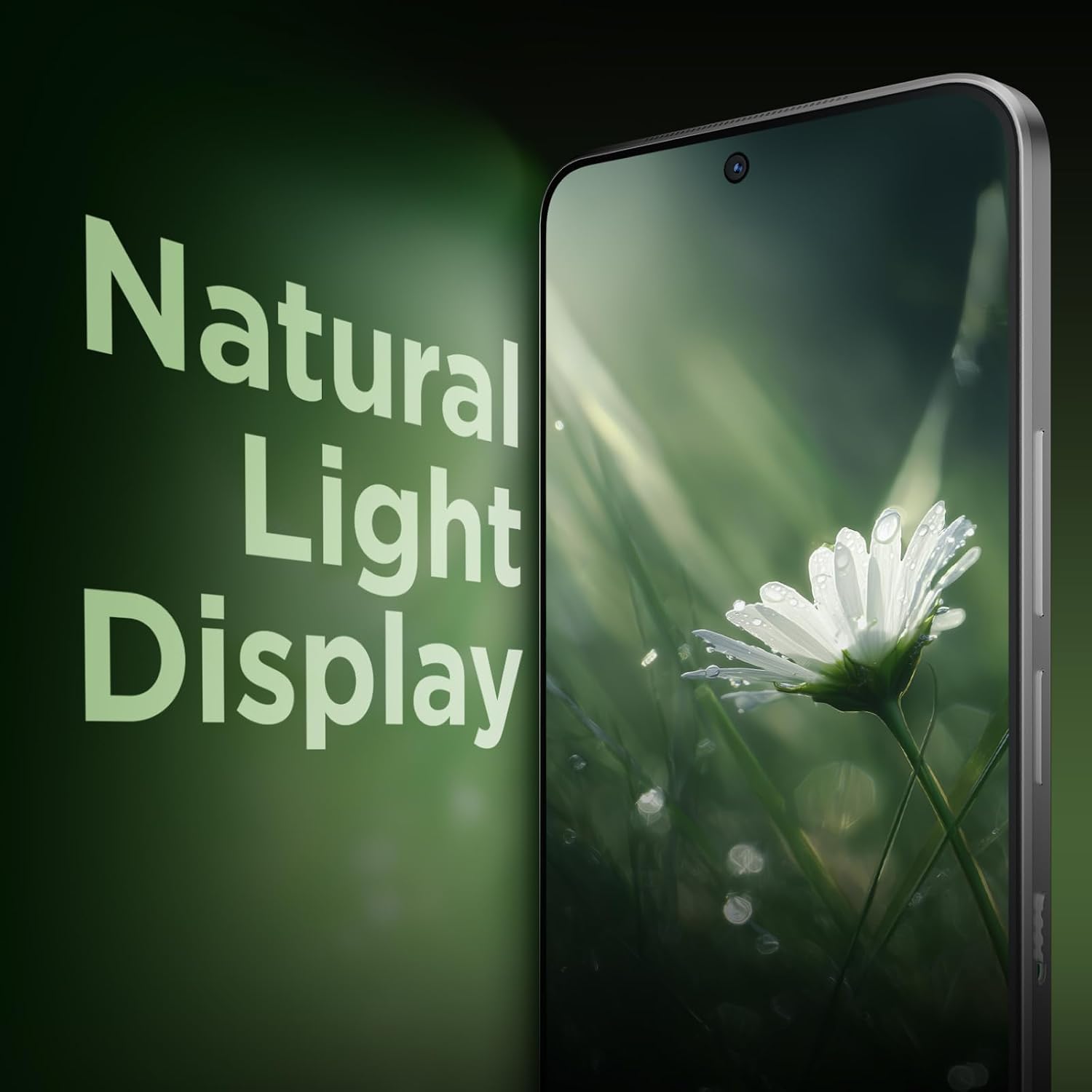
This is where the product’s personality shows. The NXTPAPER 4.0 display is described as simulating natural light, and it’s presented as a strain-free experience. The listing also states TÜV Rheinland certification for eye protection.
There are also figures you may care about if you’re specifically trying to reduce blue light exposure and screen irritation: the display is said to be TÜV and SGS certified to reduce blue light to 3.41%, eliminate flicker, and reduce glare by 90%.
A practical nuance though: “eye comfort” claims usually depend on your habits (brightness settings, room lighting, and how you read). It can still be worth taking your own screen sensitivity seriously—especially if you’re the kind of person who gets headaches from OLED-like brightness changes.
Key features you’ll actually use
NXTPAPER Key gives you a fast way to tailor the screen to what you’re doing, rather than treating the display as “one size fits all”. For example, if you’re reading a long article in the evening, switching into an ink-paper style can make the screen feel more like a dedicated reading device.
On top of the display-focused tools, the phone includes handwriting support and AI features: - Handwriting to Text, for converting handwritten notes into editable text - Easy Script, for turning handwriting into more polished writing - Memo Craft, which turns photos into meaningful notes
That’s a compelling combination for anyone who keeps meeting notes, writes shopping lists, or just prefers to capture thoughts by hand before organising them later.
Cameras and creative effects (and where it fits)
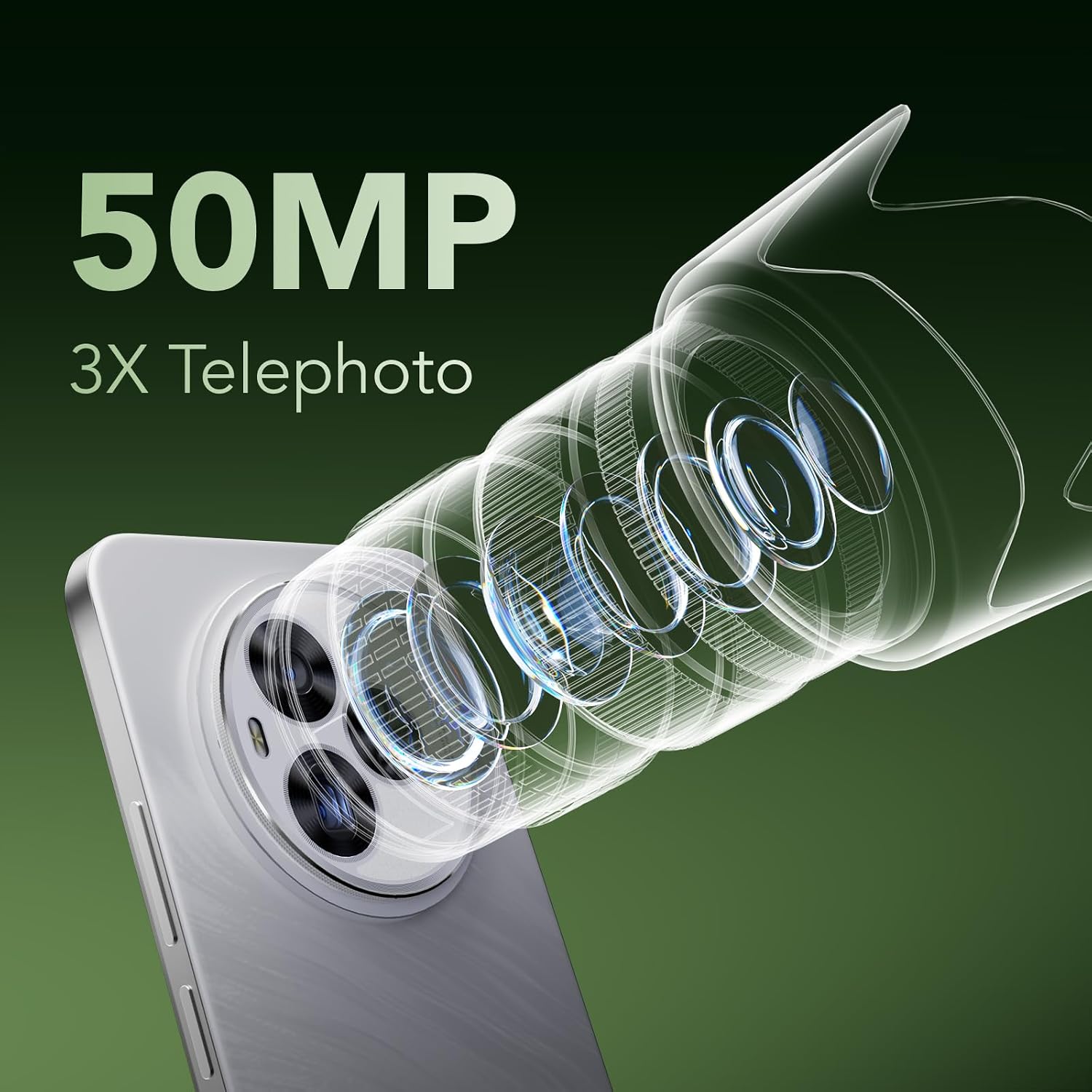
The NXTPAPER 60 Ultra uses a triple rear camera setup, with features positioned around zoom and stability. The listing mentions up to 6x lossless zoom, plus a 50MP main camera with OIS, dual OIS for reduced blur, and a 50MP periscope lens with 3X optical zoom. An 8MP ultra-wide lens is also included, and there’s a 32MP front camera.
For photo creativity, MuseFilm is included. It’s described as transforming shots with oil paint-style effects and artistic filters such as Mono, Art, and Film.
It’s worth tempering expectations slightly: “studio-grade effects” and “AI enhancements” sound promising, but results can vary based on the lighting and what you’re photographing. If you want consistent, natural-looking shots in mixed light, you’ll still need to check how the processing behaves in your typical conditions.
The essentials of performance and daily handling
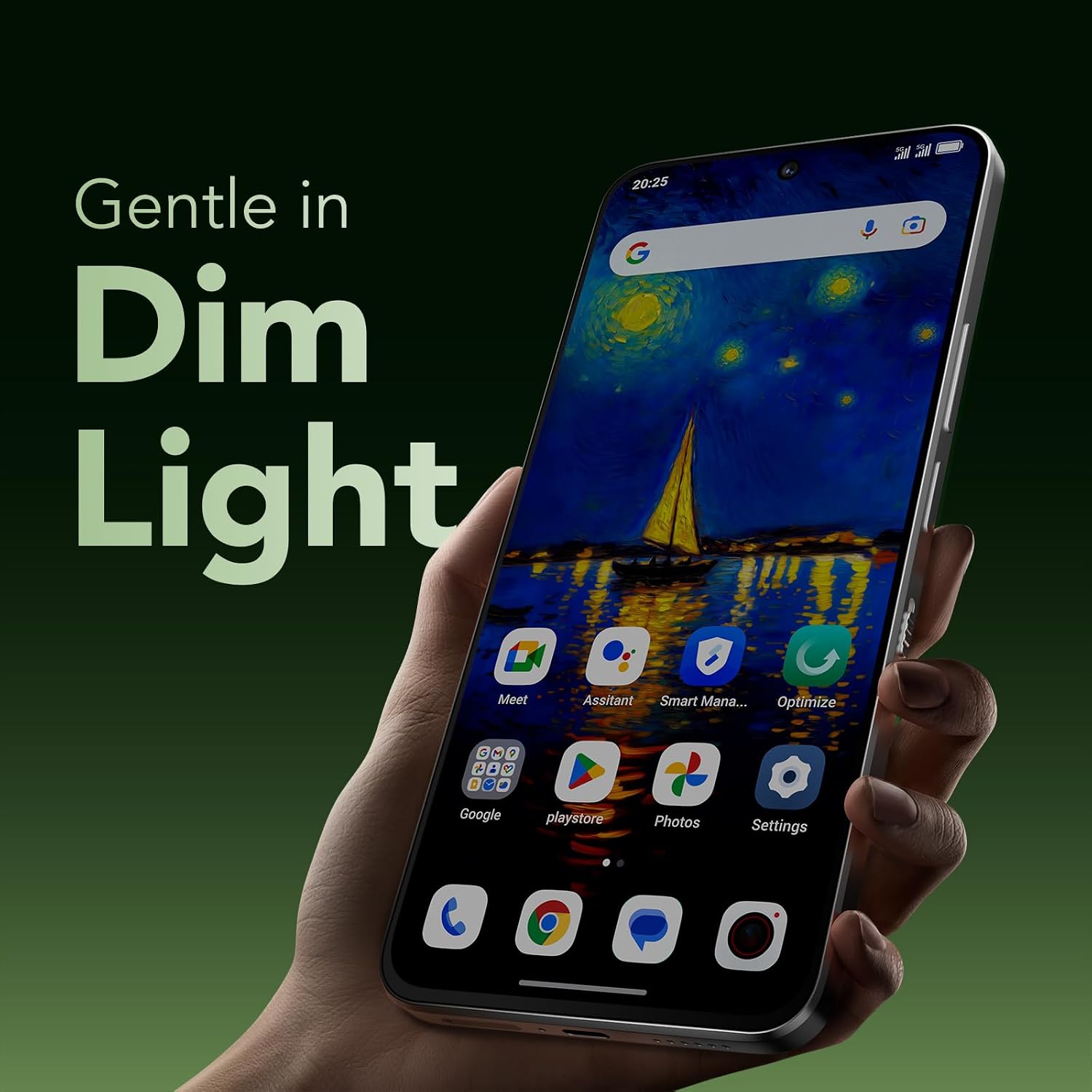
The listing highlights a comfortable grip thanks to the phone’s size and sleek design, including prolonged-use comfort. Combined with the eye-care modes, the overall direction is clear: this is meant to be a phone you can stare at for reading and productivity without the screen becoming the main problem.
The pack also mentions a flip cover and stylus. That matters because it nudges the device towards note-taking and use in a “phone-as-a-light-workstation” way, rather than being purely a camera-first handset.
What it’s best for (and what might not suit)
It makes sense if: - You read a lot on your phone and want the display tuned for eye comfort. - You take handwritten notes and want them turned into editable text. - You like a phone that supports creative photo looks (MuseFilm filters and effects).
You may want to skip it if: - You’re mainly after a plain, no-fuss smartphone experience rather than display modes and AI note tools. - You only care about basic messaging and calls, where paying for extra software and display tech may feel unnecessary. - You’re very sensitive to screen brightness changes—because even with certifications, personal comfort still depends on usage and settings.
Should you buy it?
The TCL NXTPAPER 60 Ultra 5G looks like a smart purchase if your everyday use involves reading, long documents, and note-taking, and you’d benefit from a display approach aimed at comfort. The NXTPAPER 4.0 certification claims, plus fast mode switching via NXTPAPER Key, are the sort of details that can genuinely change how a device feels day to day.
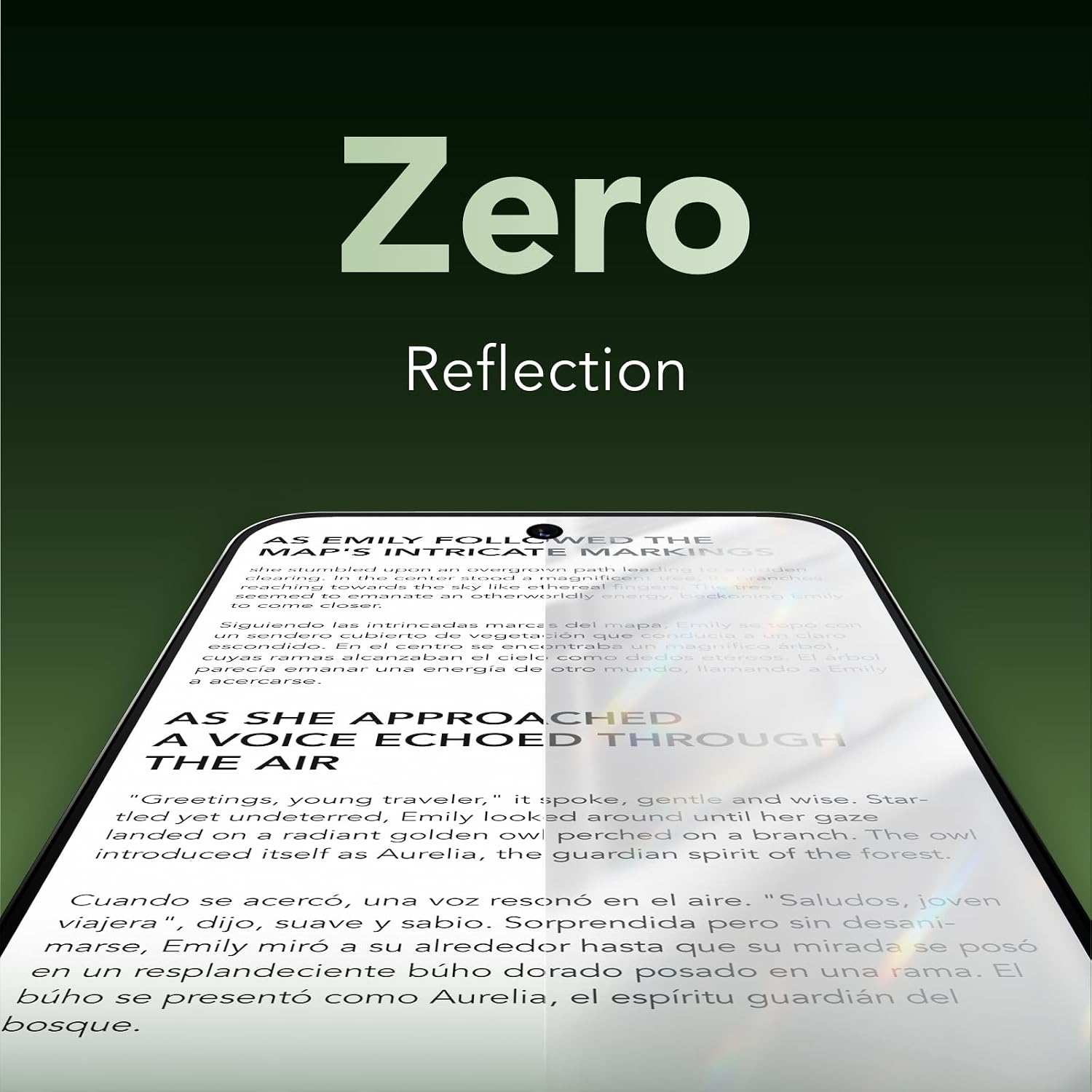
It’s less compelling if you’re buying purely for “general phone” use and don’t plan to lean on the eye-care modes, stylus workflows, or the camera/creative processing. In that situation, you might be paying for features you won’t use.
A good buying checklist before you commit: consider how often you read on your phone, whether handwriting-to-text and the stylus matter to you, and whether you’ll actually use creative camera effects beyond casual snaps.
Quick FAQ
Does the NXTPAPER 60 Ultra include eye protection certifications?
The listing states TÜV Rheinland certified eye protection, and it also mentions TÜV and SGS certifications relating to blue light reduction, flicker elimination, and glare reduction.
What is NXTPAPER Key used for?
NXTPAPER Key is described as a quick switch for reading-focused display modes like Max Ink Mode, Ink Paper Mode, and Color Paper Mode.
Can the phone convert handwriting into text?
Yes, the listing mentions Handwriting to Text, along with features like Easy Script and Memo Craft.
What camera features are highlighted?
The listing highlights a triple rear camera with up to 6x lossless zoom, plus a 50MP main camera with OIS, dual OIS, and a periscope lens for 3X optical zoom, alongside an ultra-wide lens.
Is it a good choice for casual smartphone users?
It may feel over-specced if you don’t read much or use note-taking tools—this handset appears designed for heavier screen-time and creative/productivity workflows.