

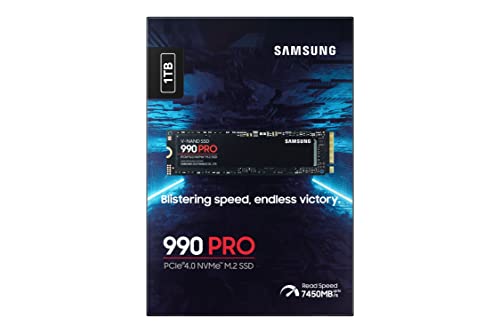
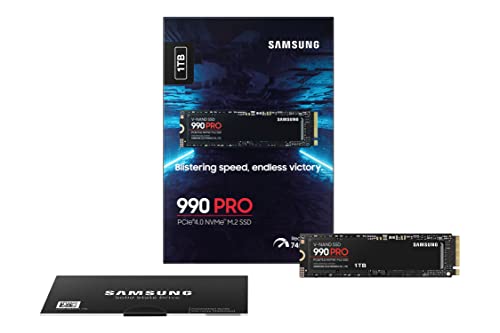

Samsung 990 PRO 1TB NVMe SSD (M.2 2280) review: speed meets reliability for demanding workloads
Reviews
Price
Product description
What this is and what it’s for
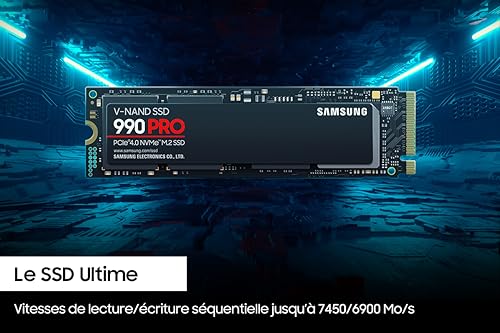
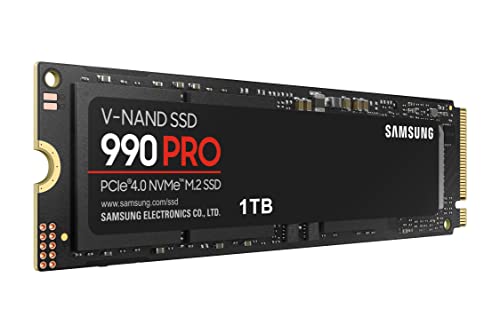
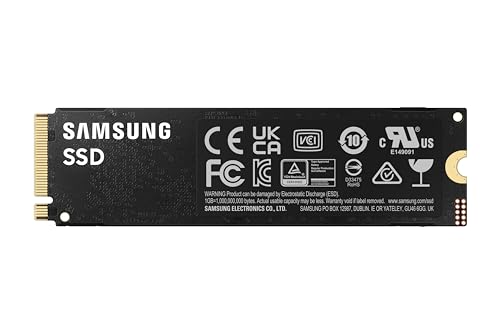
The Samsung 990 PRO is a high-performance NVMe SSD in the M.2 2280 form factor, designed for demanding tasks such as 4K video editing, 3D graphics work and high-end gaming. It’s a PCIe 4.0 drive, with the 1TB variant offering read speeds up to 7450 MB/s and writes up to 6900 MB/s on paper. The compact size and PCIe 4.0 bandwidth aim to reduce bottlenecks in capable systems, making it a candidate for fast laptops and desktop PCs that need quick load times and steady sustained performance.
Performance on paper
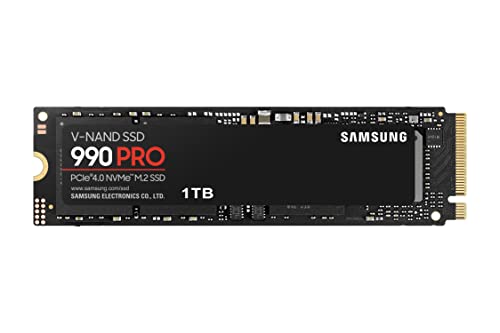
The stated speeds indicate strong sequential performance, which translates to faster boot times, shorter level loading and smoother large file transfers in practical use. However, real-world results depend on your system’s CPU, motherboard support for PCIe 4.0, and the endurance profile of the drive. The 1TB capacity sits in a common ceiling for many enthusiasts who want speed without paying the premium for larger capacities.
Thermals and reliability
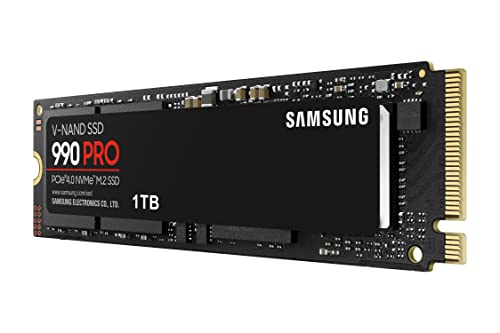
Samsung highlights a heat spreader and dynamic thermal guard to guard against overheating. In sustained heavy workloads, thermals matter because thermal throttling can throttle performance and extend the time to complete tasks. The claimed protection against overheating is welcome for long sessions, yet the extent of benefit depends on chassis airflow and ambient temperature. The drive is rated for up to 600 TB total bytes written (TBW), which provides a sense of durability for heavy use, but individual workloads vary and high-volume writes will reduce endurance over time.
Capacity, form factor and upgrade path
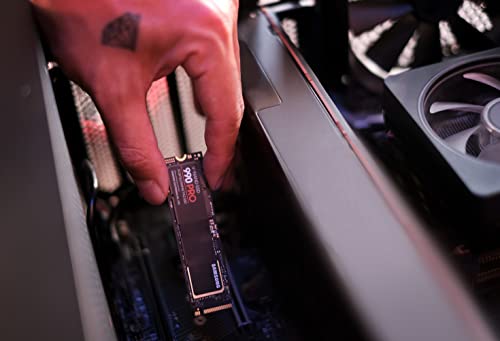
The 1TB drive uses the compact M.2 2280 form factor, popular in compact desktops and laptops. Samsung also markets larger capacities up to 2 TB, offering a scalable option if you need more headroom later. If you’re upgrading an existing system, you’ll want to confirm your motherboard or laptop supports PCIe 4.0 and M.2 NVMe drives, and that there’s space and a suitable slot for an NVMe SSD. A practical note: performance gains depend on the rest of the system, simply swapping drives doesn’t automatically double frame rates or render times.
Software and maintenance
Samsung Magician software is included to optimise performance and keep firmware up to date. Software can help manage over-provisioning, monitor health, and apply updates, which is useful for those who prefer a hands-on maintenance routine. It’s worth factoring in potential minor learning curve if you’re not familiar with drive management tools.
Who it’s for and who should think again
If you prioritise fast transfer speeds, low load times and a compact upgrade path for a capable PC or ultrabook, the 990 PRO 1TB fits as a solid mid-to-high tier option on paper. It’s not a magic bullet for all workloads: workloads with sustained, extreme write activity over many hours might push endurance considerations to the fore, and the actual speed uplift depends on other components in your build. For casual users or budget builders, there might be more cost-effective choices that still meet daily needs. If you require significantly more storage, you may prefer the 2 TB variant or other approaches to storage strategy.
Before you buy: what to check
- Ensure your system supports PCIe 4.0 and NVMe M.2 drives.
- Confirm the available M.2 slot bandwidth to avoid bottlenecks that would limit the drive’s speed.
- Check case airflow and cooling, as thermals influence sustained performance.
- Consider your total storage needs, if you plan heavy long-term writes, review the TBW and whether more capacity could be beneficial.
Quick comparison mindset
This SSD targets users who want a noticeable uplift in loading and transfer speeds without stepping into the very high-end price brackets or the largest capacities. If you already own a PCIe 3.0 system or a laptop with limited cooling, you may not realise the full potential yet. In that case, a PCIe 4.0 upgrade or a larger capacity model could offer more practical value depending on your workload and budget.
Practical usage example
Imagine editing 4K footage: importing raw files and scrubbing through timelines becomes smoother, with faster previews and quicker writes when exporting. In gaming, you’d see faster level loads in titles that stream assets from SSD cache. Real-world results vary, but the headline speeds give a sense of how responsiveness can improve when the rest of the system keeps up.
What stands out
- High sequential speeds on paper for the 1TB model, aiding load times and large transfers.
- Thermal protection features aimed at maintaining performance during long sessions.
- Software support via Samsung Magician for maintenance and updates.
What may not be as convincing
- Endurance (TBW) is important for heavy, continuous writing, real-world durability depends on use case.
- The speed advantage is meaningful when paired with a compatible PCIe 4.0 platform, on PCIe 3.0 systems the gains will be limited.
- The 1TB option provides less headroom for projects with large asset libraries, upgrade to 2 TB if you anticipate future storage needs.
Decision of purchase
Is it worth it?
It makes sense if you’re upgrading a system that can leverage PCIe 4.0 speeds and you need noticeably quicker load and transfer times for demanding tasks like 4K video editing or high-end gaming. If your workload involves substantial long-duration writes or you anticipate needing more storage space soon, you may want to consider a larger capacity model or a different balance of speed and capacity.
FAQ (approx. 3–5 questions)
- How much faster is it compared with a PCIe 3.0 drive? In practice, gains depend on the system, the listed speeds imply excellent peak performance, but real-world results depend on other components.
- Do I need extra cooling for the 990 PRO? The drive includes a heat spreader and dynamic thermal guard, which help safety under load, but overall thermals depend on chassis airflow.
- Can I use it in a laptop? If the laptop has an NVMe M.2 slot and supports PCIe 4.0, it should fit, ensure there’s space and appropriate thermal design.
- Will Magician software improve performance? It helps manage firmware updates and basic optimisations, but performance gains come from the hardware and system configuration.