

Senyoson Keyboard Case for iPad 9th/8th/7th Gen 10.2" — 7‑Colour Backlit, Detachable Keyboard & Pencil Holder
Product description
What this is
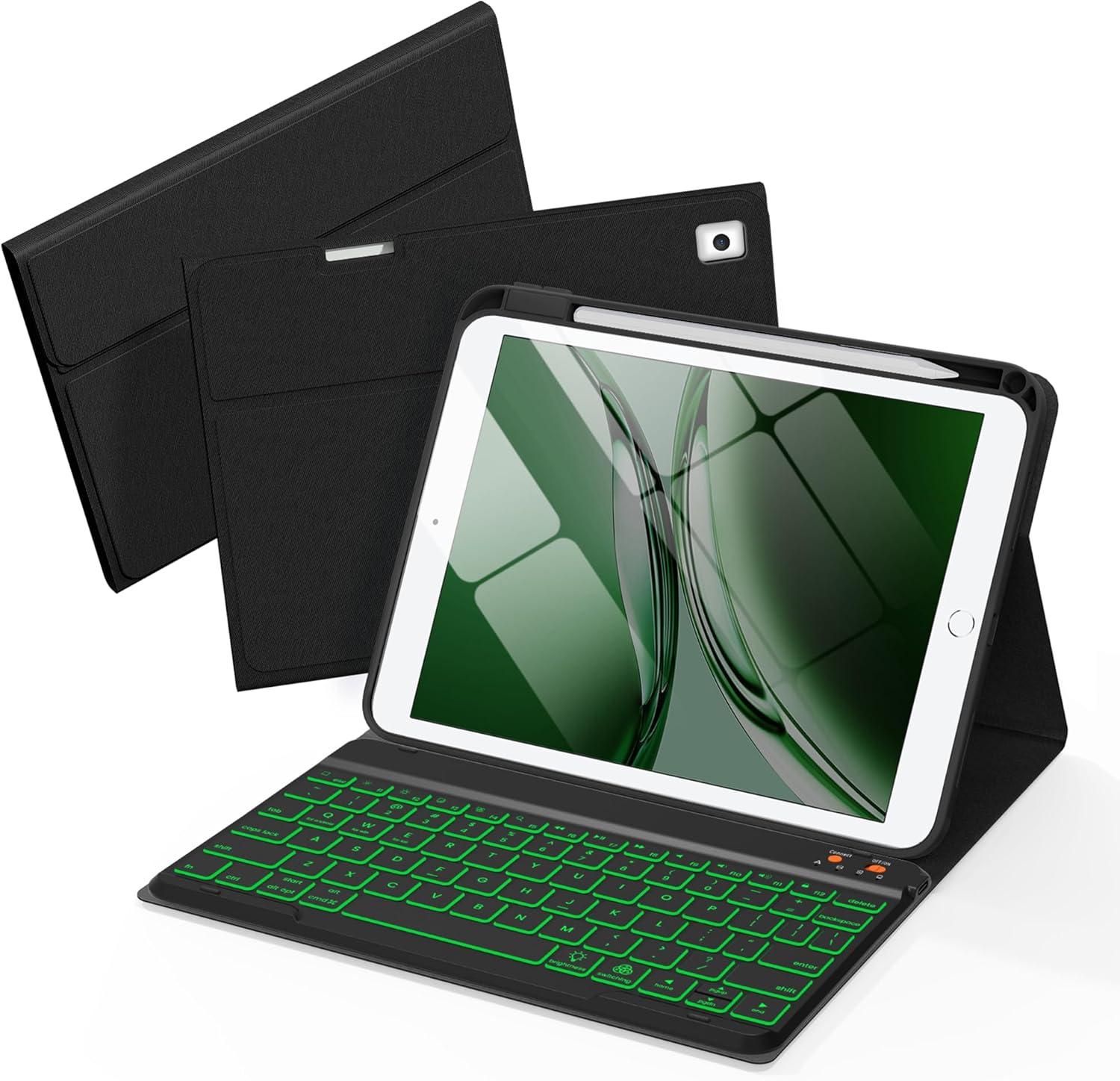
This is a protective keyboard case designed for certain 10.2" iPad models (including 9th, 8th and 7th generations) and also compatible with iPad Pro 10.5" and iPad Air 3rd Gen in the same size range. It combines a folio-style cover with a Bluetooth keyboard, a pencil holder and a magnetic detachable keyboard. If you value a single, integrated setup for typing, viewing, and note‑taking, this aims to cover that need without carrying separate accessories.
Compatibility and fit
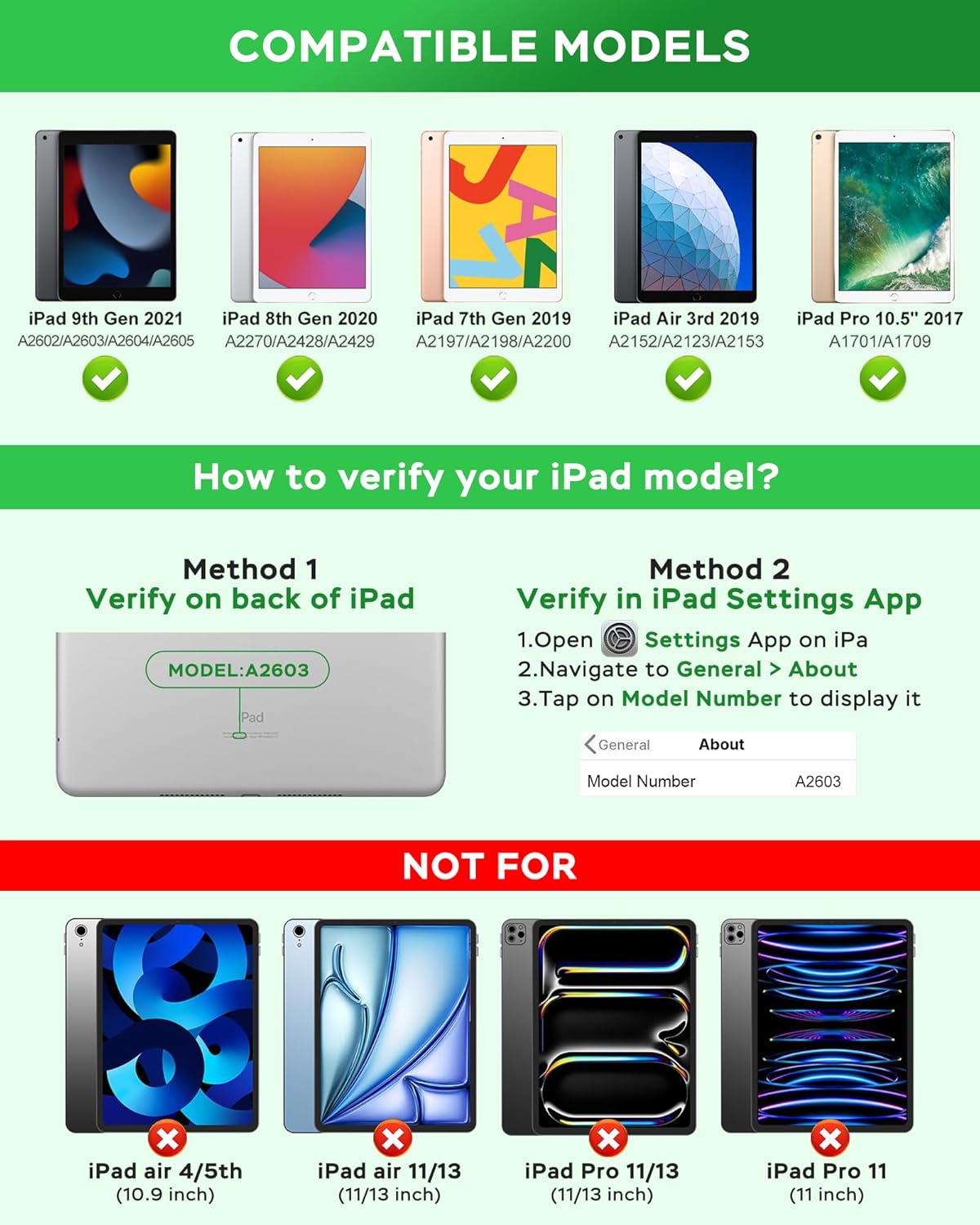
On the back of your tablet, check the model number starting with A to confirm compatibility. The case is marketed to fit several 10.2" iPad models, plus the 10.5" iPad Pro and 10.5" iPad Air variants in the same dimensional family. The housing is finished in PU with a TPU interior for impact protection and heat dissipation. Precise cutouts allow access to ports, sensors, speakers, microphone and camera.
Battery life and charging
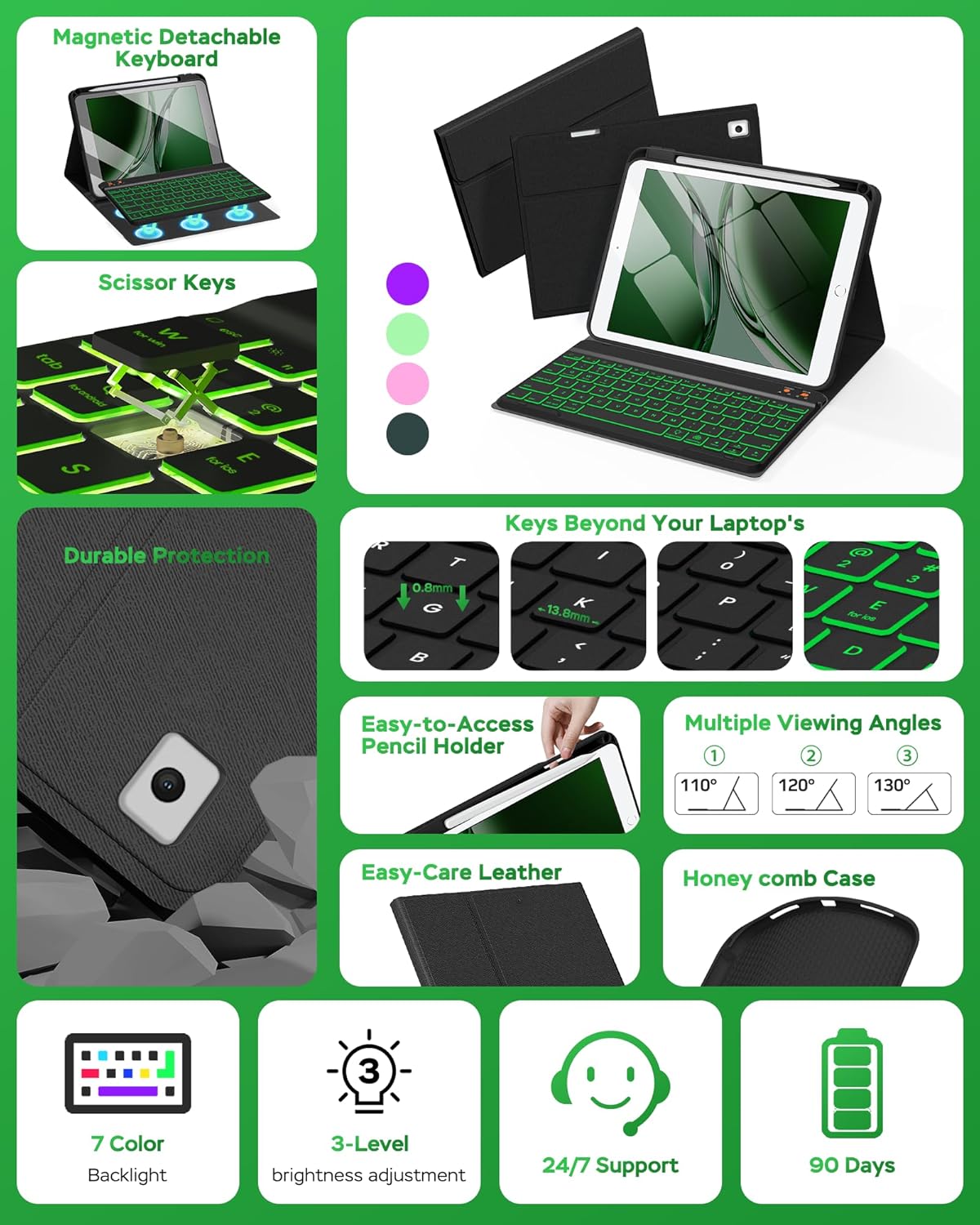
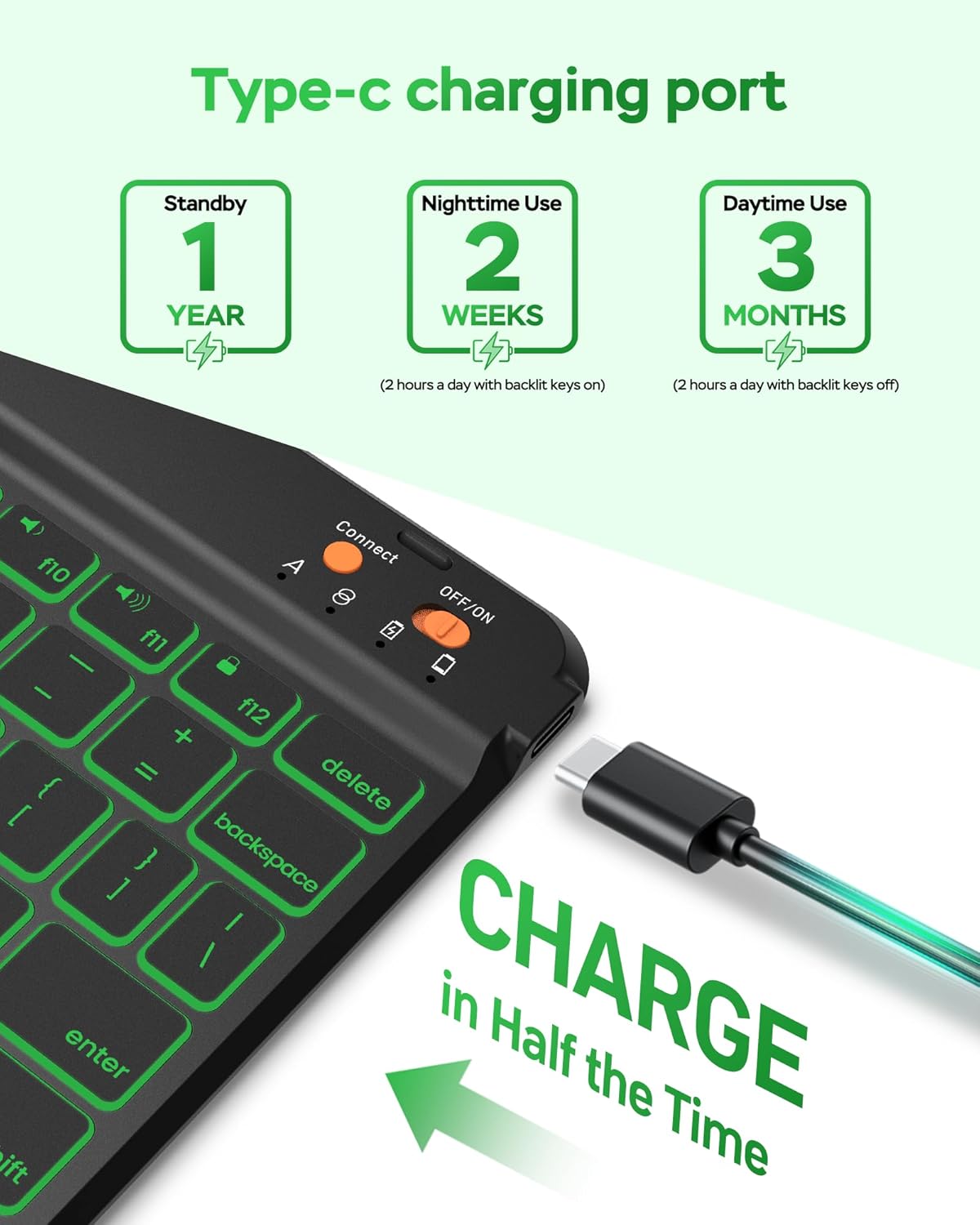
The built‑in keyboard runs off a 400mAh battery, designed to deliver extended use with energy‑saving operation. The manufacturer claims up to around 180 hours of use, and charging is via a Type‑C cable, with a full recharge expected in about 2 hours. Practically, real‑world duration will depend on backlight use and typing cadence.
Backlighting and typing experience
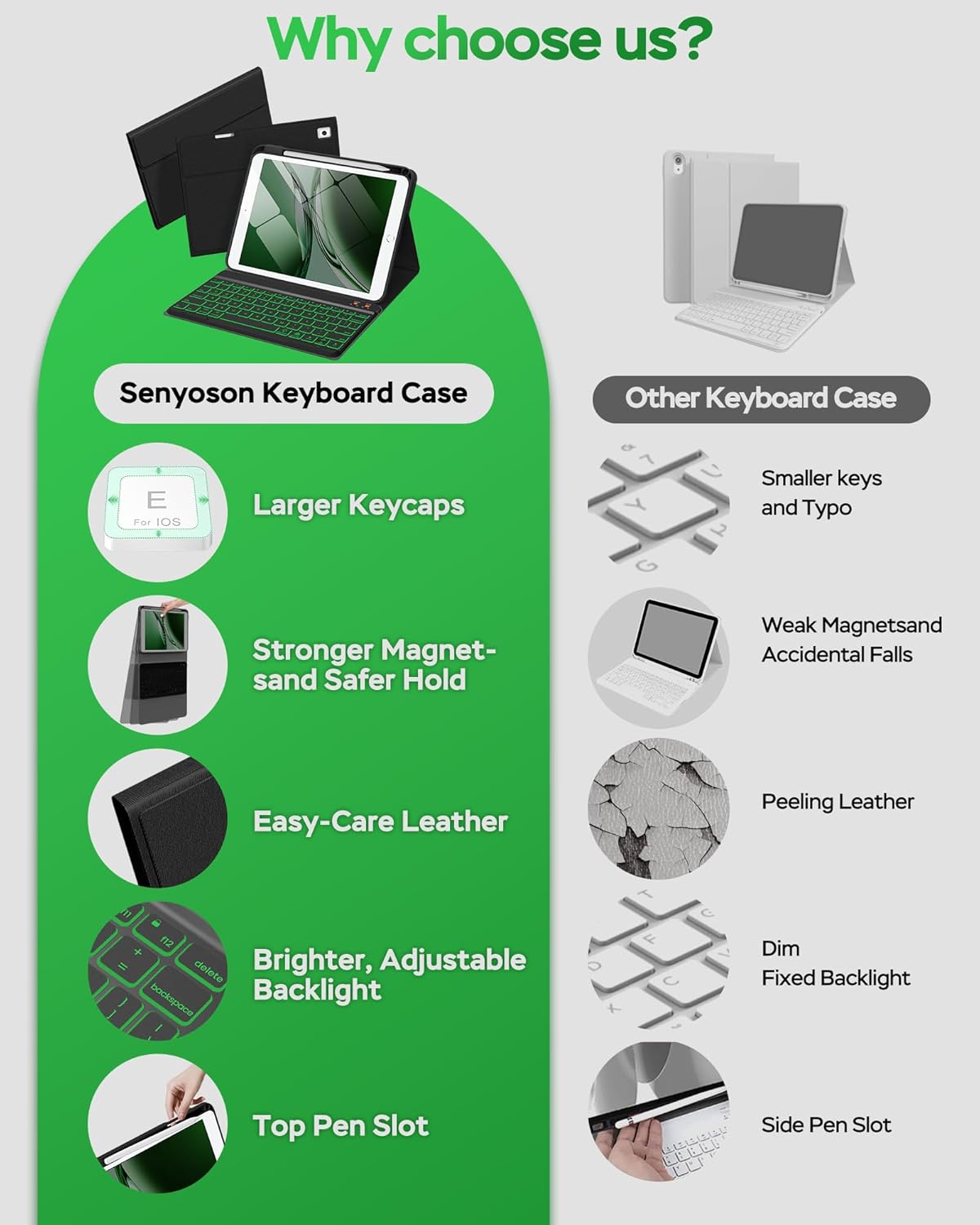
A key feature is the backlit keyboard with seven colours, which can help visibility in low light and add a bit of personal style. The keyboard uses mechanical scissor keys with a rebound feel intended to reduce noise and enhance comfort during longer sessions. If you type a lot after hours, this setup could be a meaningful upgrade over a non‑backlit option.
Viewing angles and portability
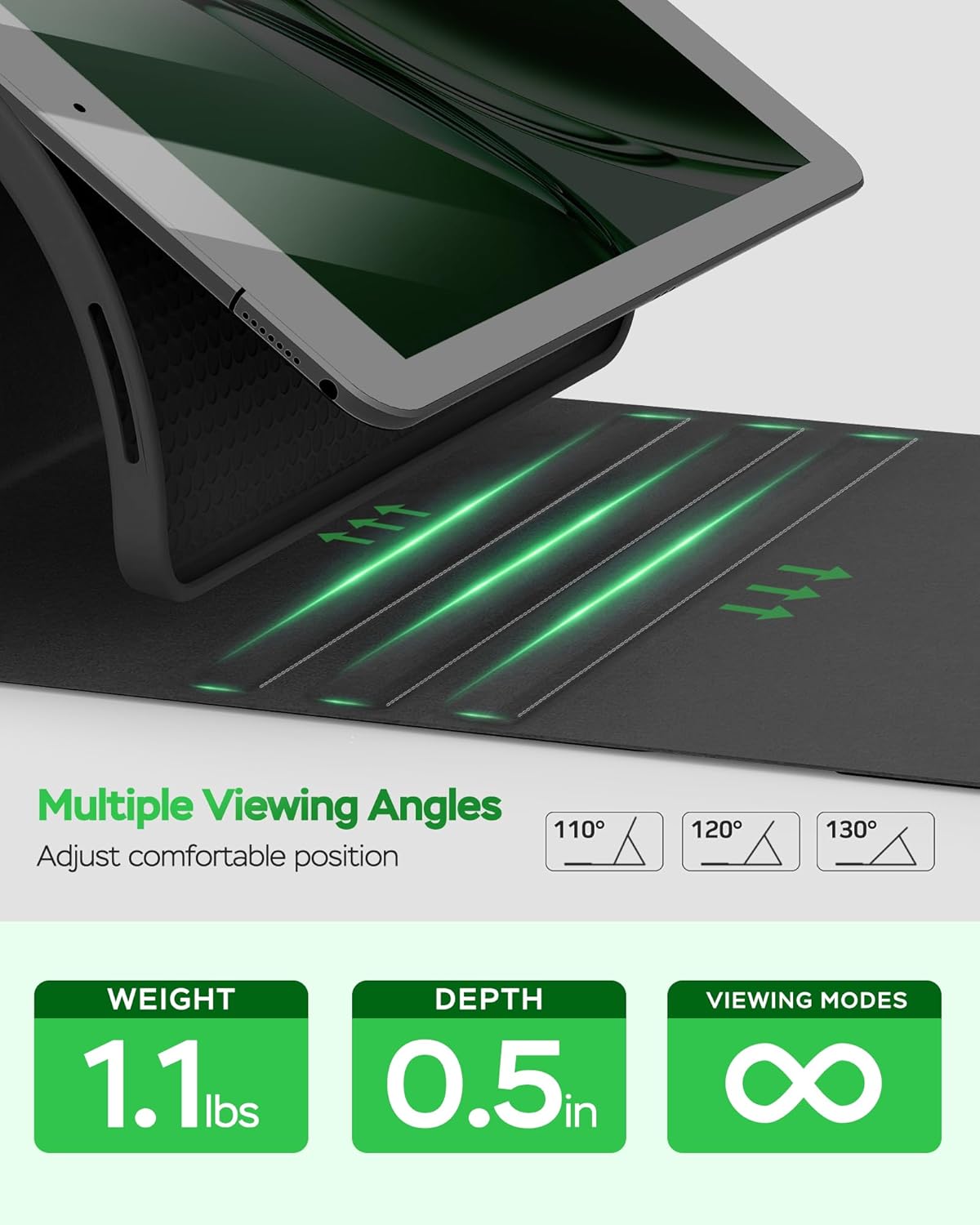
The case offers three grooves to adjust the viewing angle, allowing you to tailor the display for typing, reading or watching content. The design also includes a pencil holder and a slot, with a back cutout to ease stylus removal. The overall impression is of a fairly compact, all‑in‑one solution rather than a loose collection of accessories.
How it works in daily use
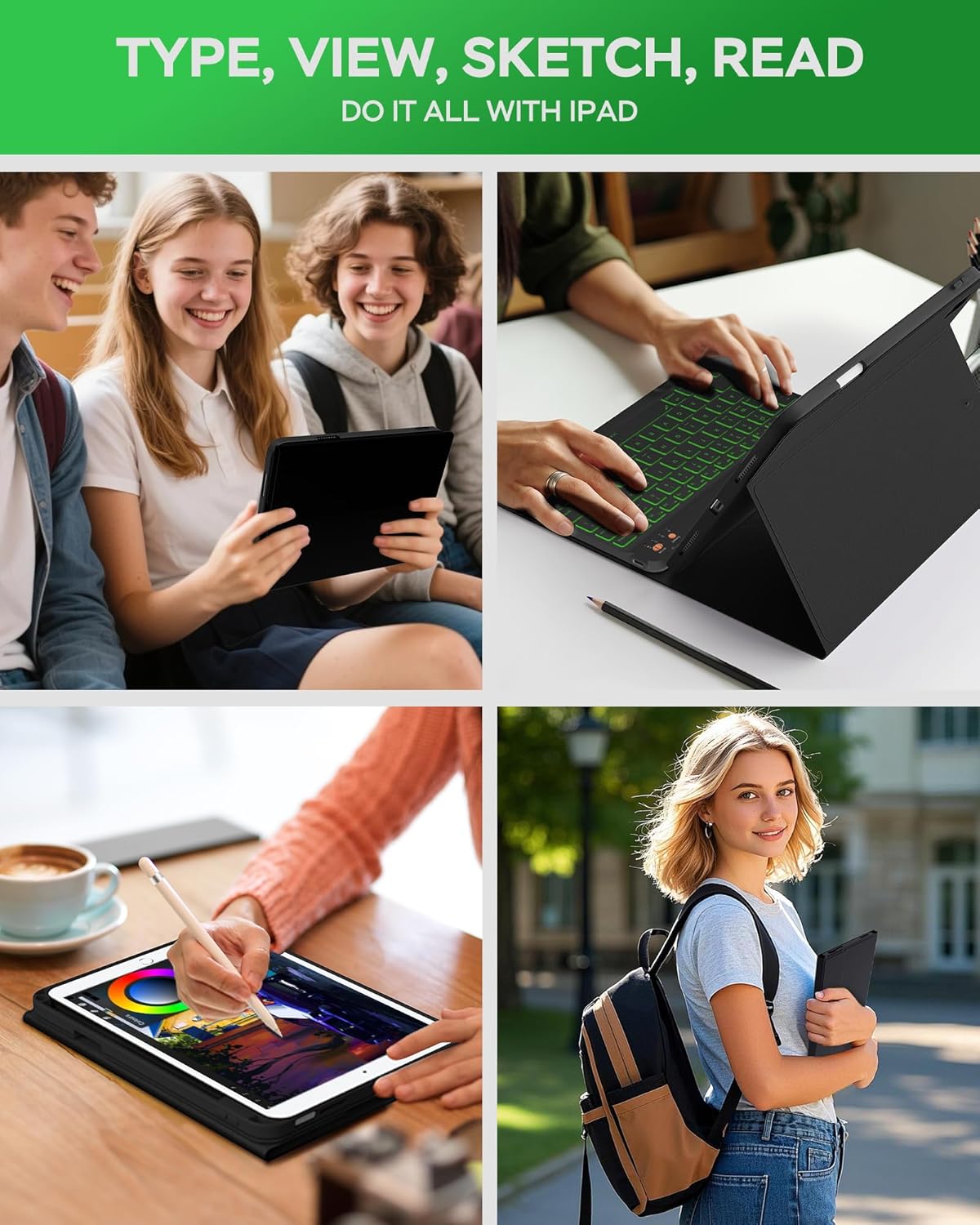
In practice, you’d typically use the keyboard for emails, documents and note‑taking in landscape mode, then detach when you want to pick up the tablet or use it for reading. The magnetic detachment is convenient for quick transitions. If you rely on a stylus for diagrams or precision tasks, the built‑in pencil holder is a nice touch, though you should keep in mind that the stylus is not included.
What stands out and what to watch
What stands out is the combination of a protective shell, a backlit keyboard, and a pencil holder in a single package, plus a modest battery claim that aims to reduce the need for frequent charging. A potential limitation is the reliance on Bluetooth, if you need ultra‑low latency or work in environments with heavy wireless interference, you may notice occasional delays. Also, the exact keyboard layout and key travel aren’t detailed, so if you’re accustomed to a specific hardware layout, there could be a short adjustment period.
Who it’s for
This is likely to appeal to students or professionals who want a ready‑to‑go typing setup on a 10.2" iPad without buying separate accessories. It’s a sensible choice if you value a compact, all‑in‑one case with adjustable viewing angles and a touch of backlighting for dim settings.
Who it isn’t for
If you require a dedicated, premium‑class keyboard with very low latency, or if you often work in extremely bright environments, this may not deliver the same level of polish as a high‑end standalone keyboard. Also, if you already own a stylus and want to avoid carrying it, consider whether you’ll actually use the built‑in holder.
Before you buy
Check your exact model number (A‑series) to confirm compatibility. Consider how much backlight matters to you and whether you’ll benefit from a detachable keyboard as opposed to a separate Bluetooth keyboard. If you prioritise battery life, the 180 hours figure is a useful benchmark, but activity like backlight usage will reduce that.
Practical example of use
Imagine you’re writing notes in a quiet library: you open the case, activate the backlit keyboard for comfortable typing, and switch to tablet mode for reading. When you need to move to a different table or stand, you detach the keyboard in seconds, slide the iPad into a bag, and carry on with your day. The pencil holder keeps your stylus within easy reach for quick sketches or annotations.
Tech specs
- Name: Senyoson Keyboard Case for iPad 10.2"/10.5" (9th, 8th, 7th Gen, iPad Pro 10.5", iPad Air 3rd Gen)
- Type: PU exterior with TPU interior, detachable magnetic keyboard
- Battery: 400mAh, up to ~180 hours use
- Charging: Type‑C cable, ~2 hours to full
- Backlighting: 7 colours
- Viewing angles: 3 grooves
- Pencil holder: yes, slot and back cutout for stylus removal
- Included in box: 1 x case, 1 x wireless BT keyboard, 1 x Type‑C charging cable, 1 x user manual
- Note: Tablet and pencil not included
What to know
If you prioritise a compact, multifunction case with backlit typing and a dedicated stylus holder, this model offers a balanced mix of features. If you need ultra‑thin lightness or a keyboard with per‑key high‑end travel, you might want to compare with other options in the same size family. Remember that software compatibility with keyboard shortcuts may vary by operating system and app.
Is it worth it?
You’ll like it if a ready‑made, all‑in‑one solution suits your workflow and you value the convenience of a backlit, detachable keyboard. It may not be the best choice if you want a premium keyboard experience or if you rely on non‑Bluetooth accessories. Consider your typical usage pattern, the importance of backlighting, and how often you’ll detach and reattach the keyboard when making a decision.